-
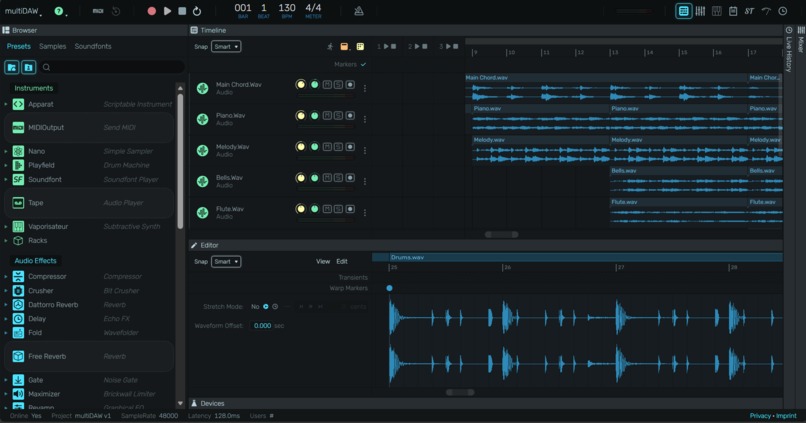
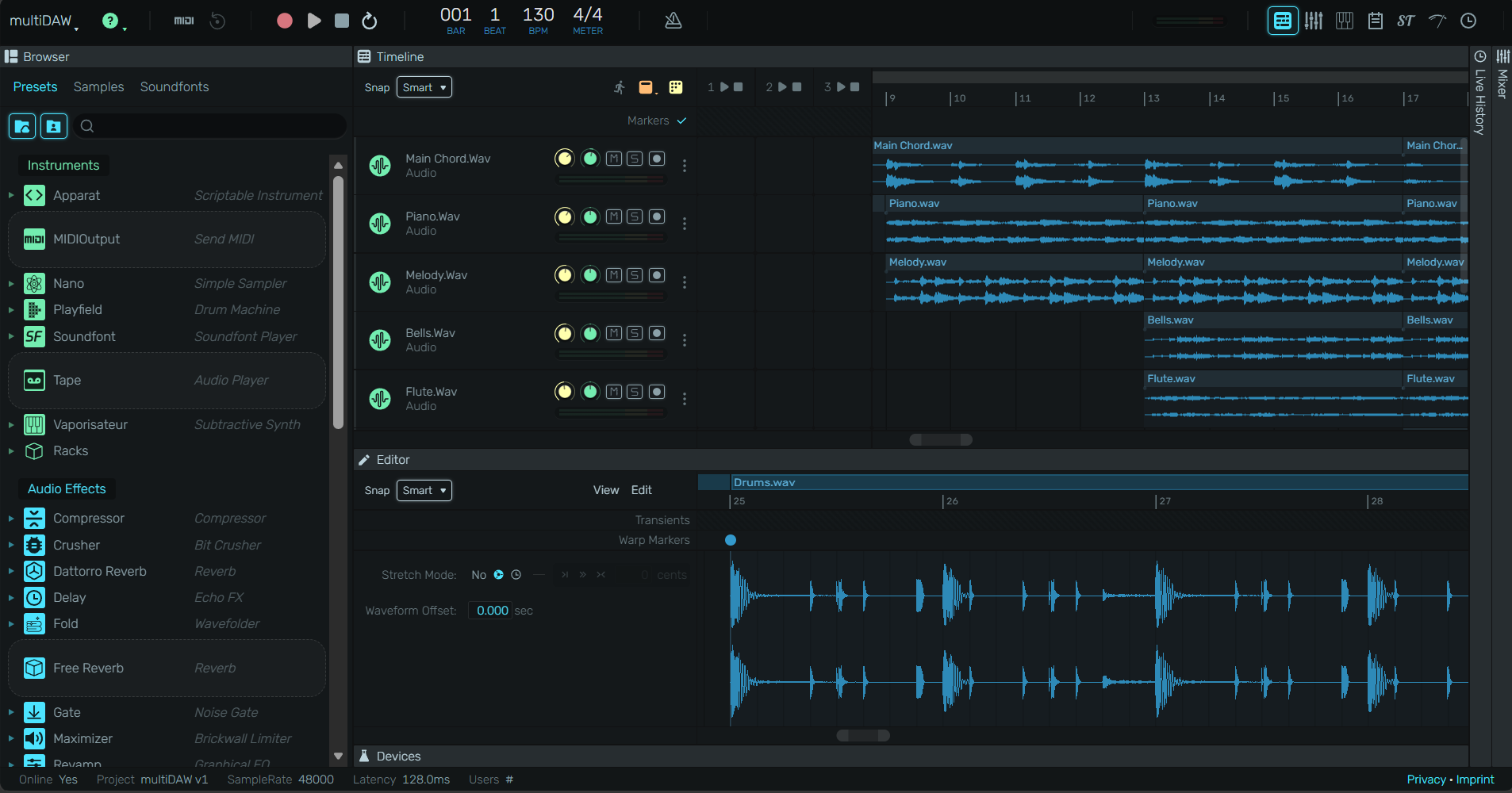
MultiDAW editor with in real-time cooperation
-
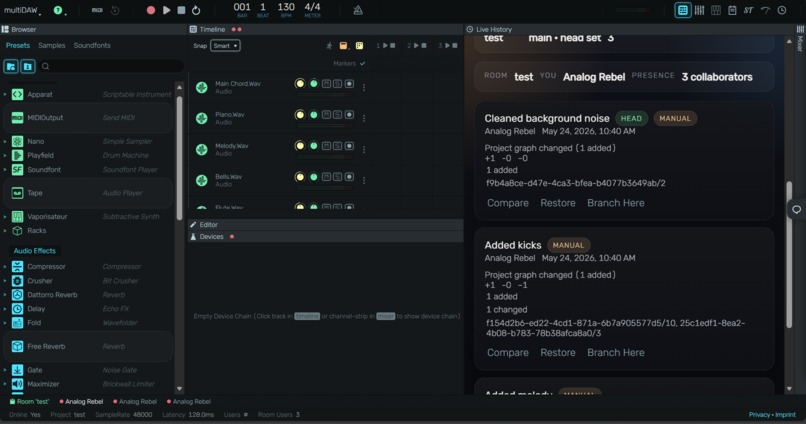
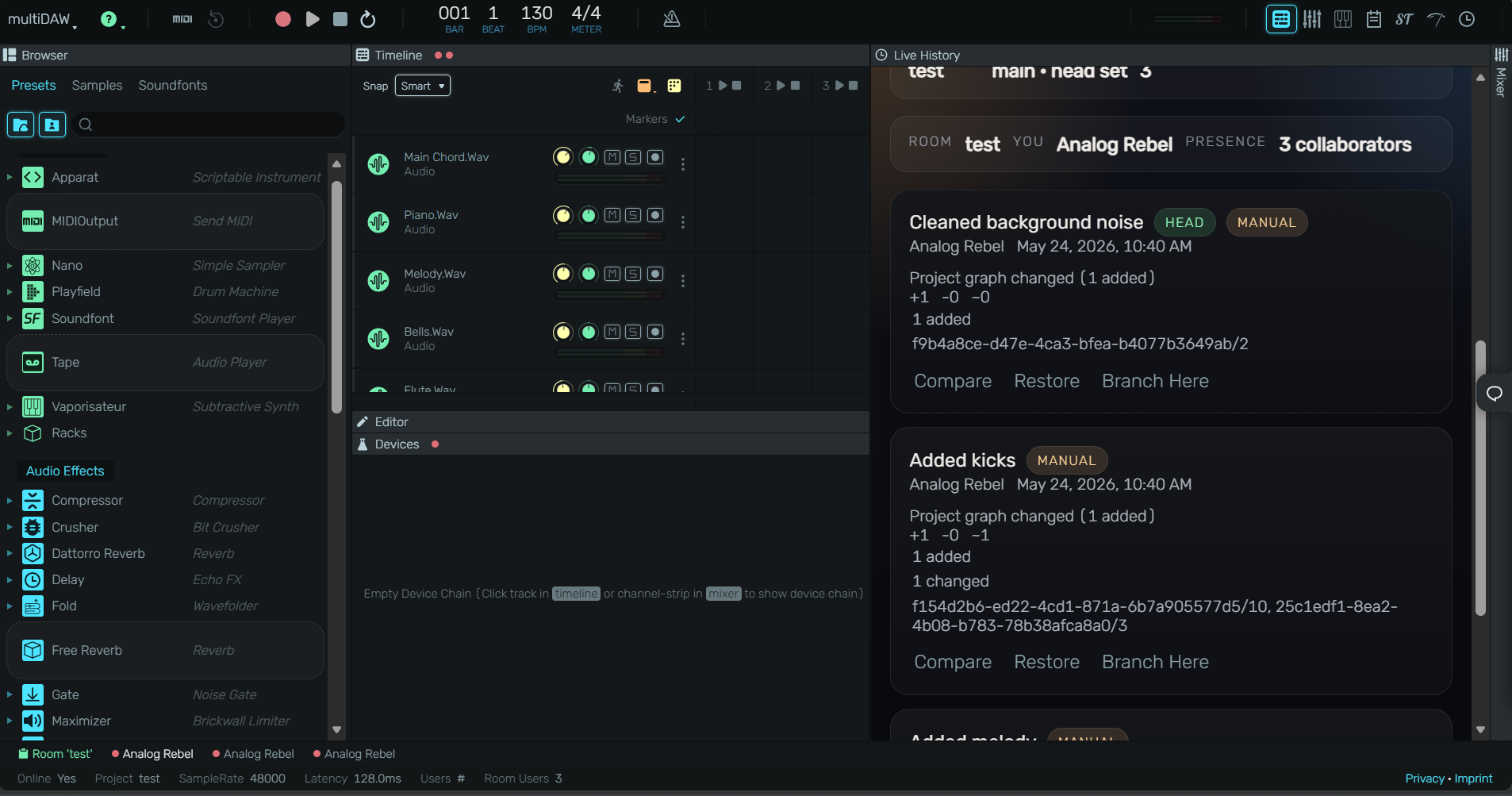
MultiDAW commit history of a project
-
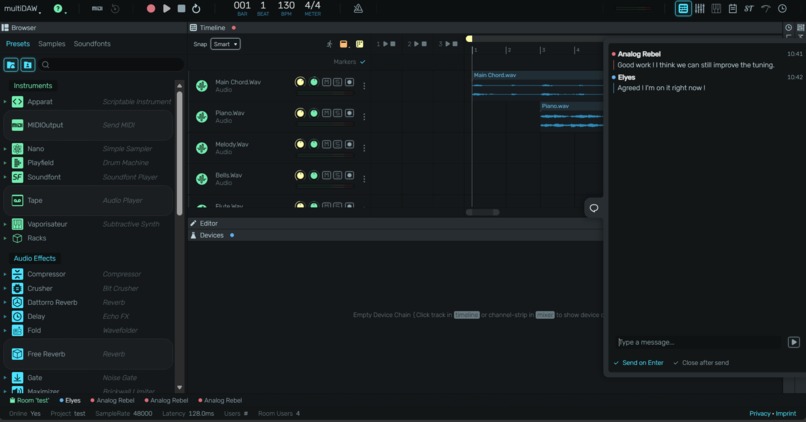
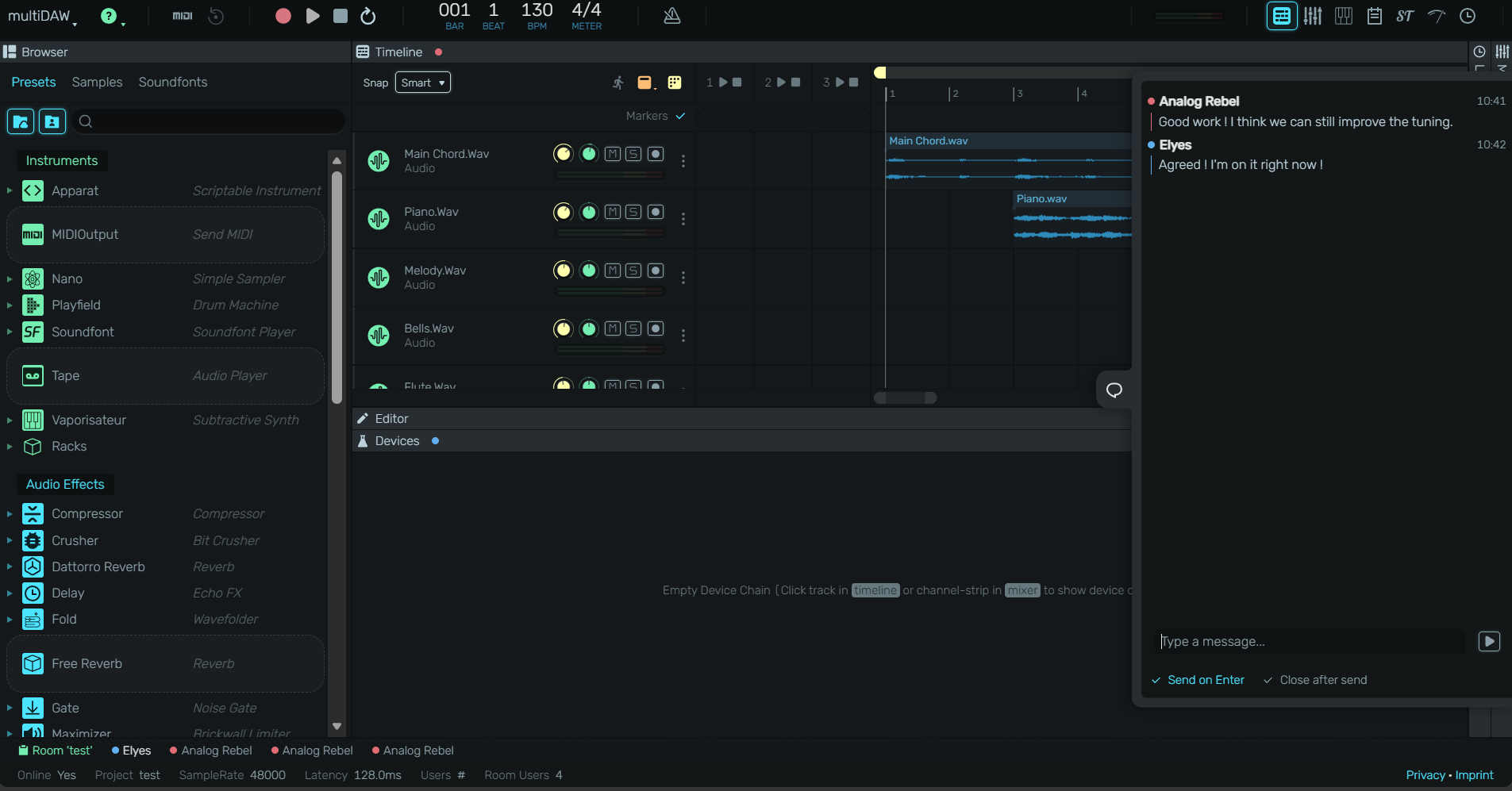
MultiDAW cooperative chat function
Inspiration
MultiDAW started from the idea of making a DAW feel more like a shared creative space than a single-user desktop app. We wanted musicians to be able to open a browser, join the same room, and create together in real time without dealing with heavy setup, installs, or platform barriers. The project was also inspired by the challenge of making browser-based audio feel responsive enough for serious music work.
What it does
MultiDAW is a collaborative browser-based digital audio workstation. It lets users create, edit, and play music in real time, while syncing room state through Yjs so multiple people can work together in the same session. It also includes browser-based audio processing, shared chat, soundfont loading, and a local development setup designed to make collaboration easier across devices and networks.
How we built it
We built MultiDAW as a TypeScript monorepo with a React frontend, a Vite development server, and a Node.js-backed collaboration stack. Real-time sync uses Yjs and WebSockets, while audio runs through the Web Audio API and AudioWorklets for low-latency playback. We also used browser storage for persistence and built asset loading flows for soundfonts and samples.
My collaboration-focused work was on the dev and networking side: I improved the local collaboration flow so the app can run across different machines and Wi-Fi networks without needing deployment, added automatic host/port selection for dev collaboration, wired the Vite/Yjs proxy setup, and fixed the chat and soundfont UX issues that were affecting live use.
Challenges we ran into
The biggest challenge was making real-time collaboration work reliably in local development across different networks. We also had to deal with fetch and sync issues, especially for assets and room state, which meant carefully aligning the frontend, proxy, and collaboration server setup.
Another challenge was audio UX: soundfont loading needed to feel visible and trustworthy, not like it was frozen at 0%. We also hit a chat duplication bug that came from overlapping update paths, so we had to clean that up to keep the room experience consistent.
Accomplishments that we're proud of
We’re proud that MultiDAW now feels like a real collaborative tool instead of just a local audio project. The browser-based audio engine works with live sync, room chat, and shared session state, and the dev setup is much easier to use for collaboration across devices.
I’m especially proud of the collaboration improvements I added: making local multi-device testing practical, fixing the chat duplication issue, and improving the soundfont loading feedback so the UI feels much more reliable.
What we learned
We learned how much of a collaborative music tool depends on infrastructure, not just UI. Real-time sync, network reachability, asset loading, and audio responsiveness all have to work together for the experience to feel good.
We also learned how important it is to separate the “creative” part of the app from the “collaboration” part in a way that judges and users can understand. The project is not only about audio production, but also about making shared music creation accessible and dependable in the browser.
What's next for MultiDAW
Next, we want to make collaboration even smoother and more powerful. That could include richer shared editing, better project persistence, more polished remote room setup, and more robust progress reporting for long-running asset loads.
We also want to continue improving the audio engine and workflow so MultiDAW feels closer to a complete modern DAW, while keeping the collaborative browser-first experience that makes it distinct.
Built With
- audioworklet
- jsx
- monorepo
- node.js
- opfs
- react
- typescript
- vite
- webaudioapi
- websockets
- yjs


Log in or sign up for Devpost to join the conversation.