-
-
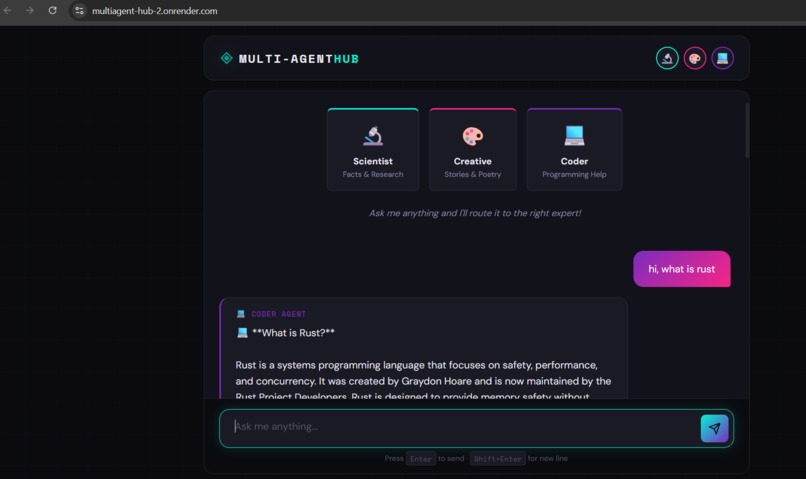
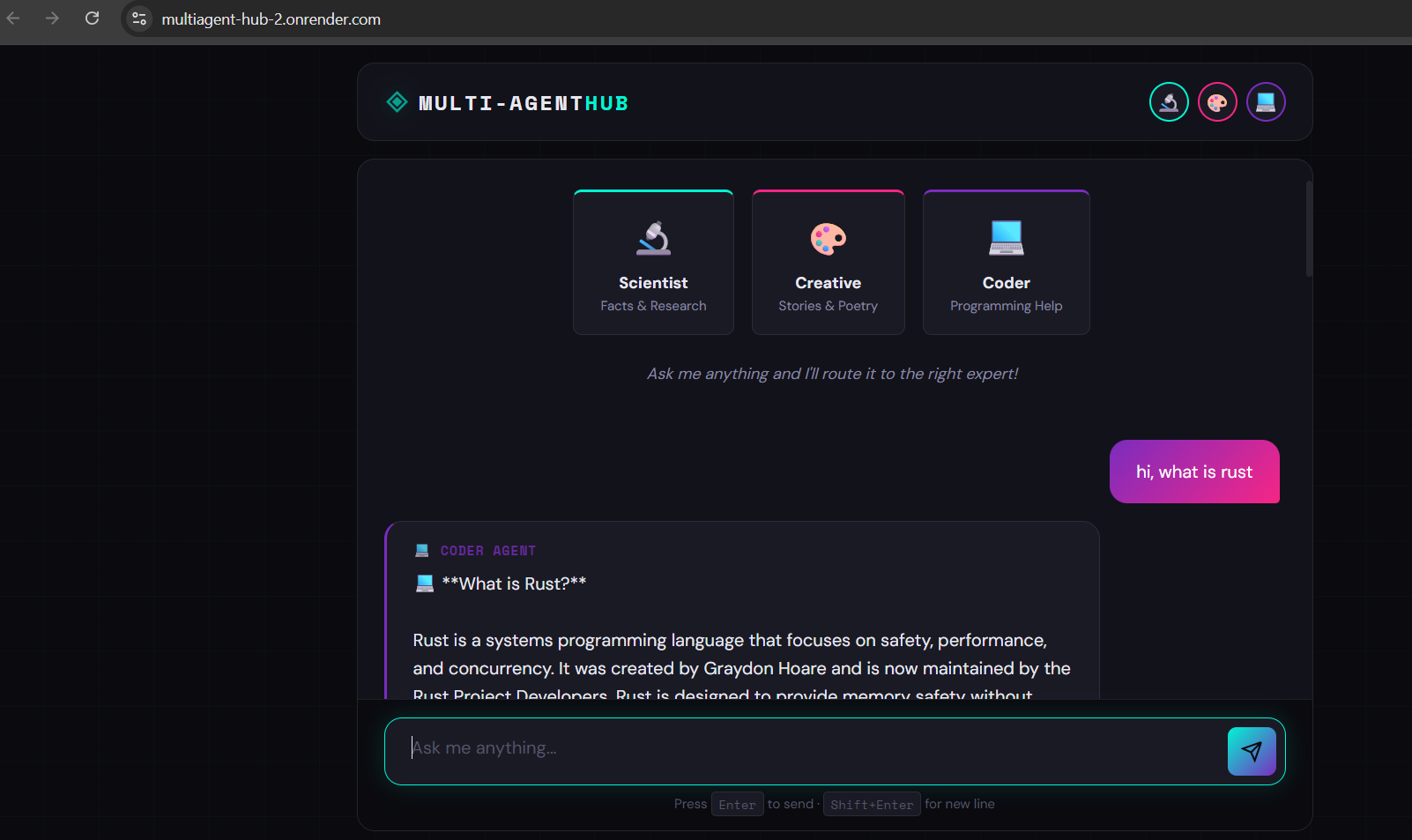
Frontend UI (HTML/Javascript/css)
-
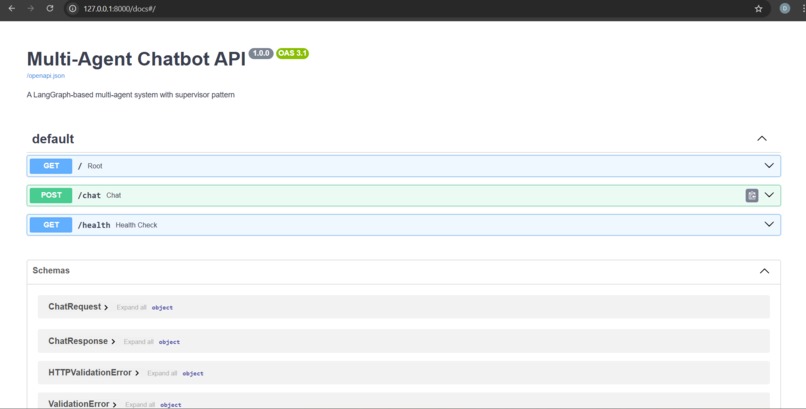
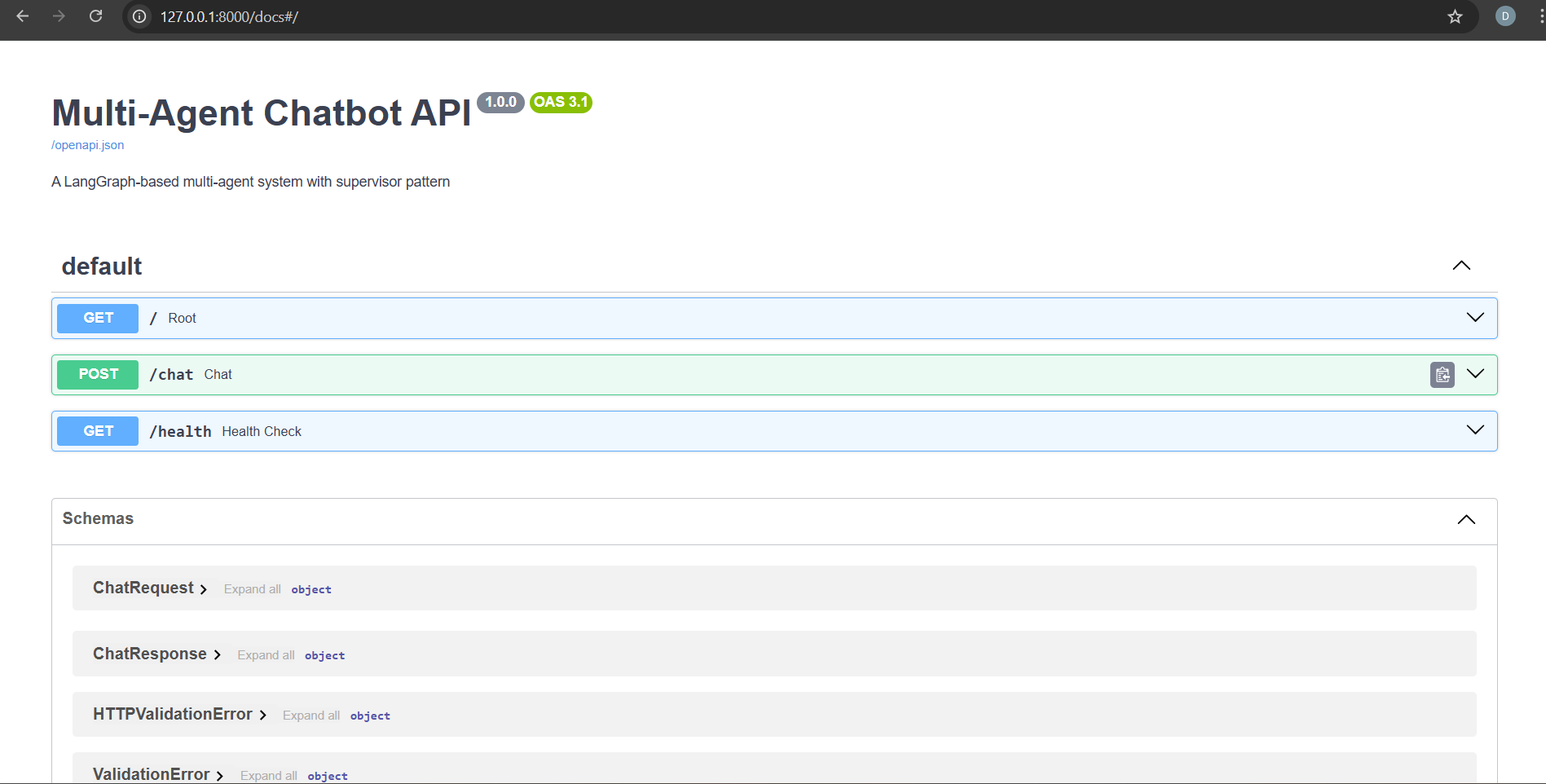
Multi Agent Chatbot API
-
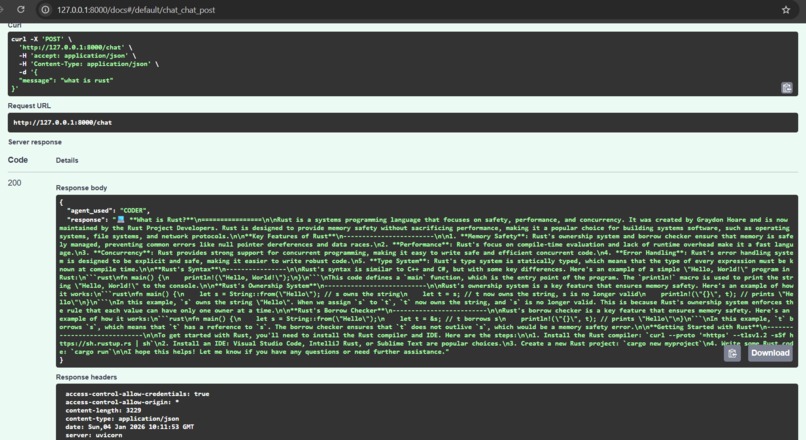
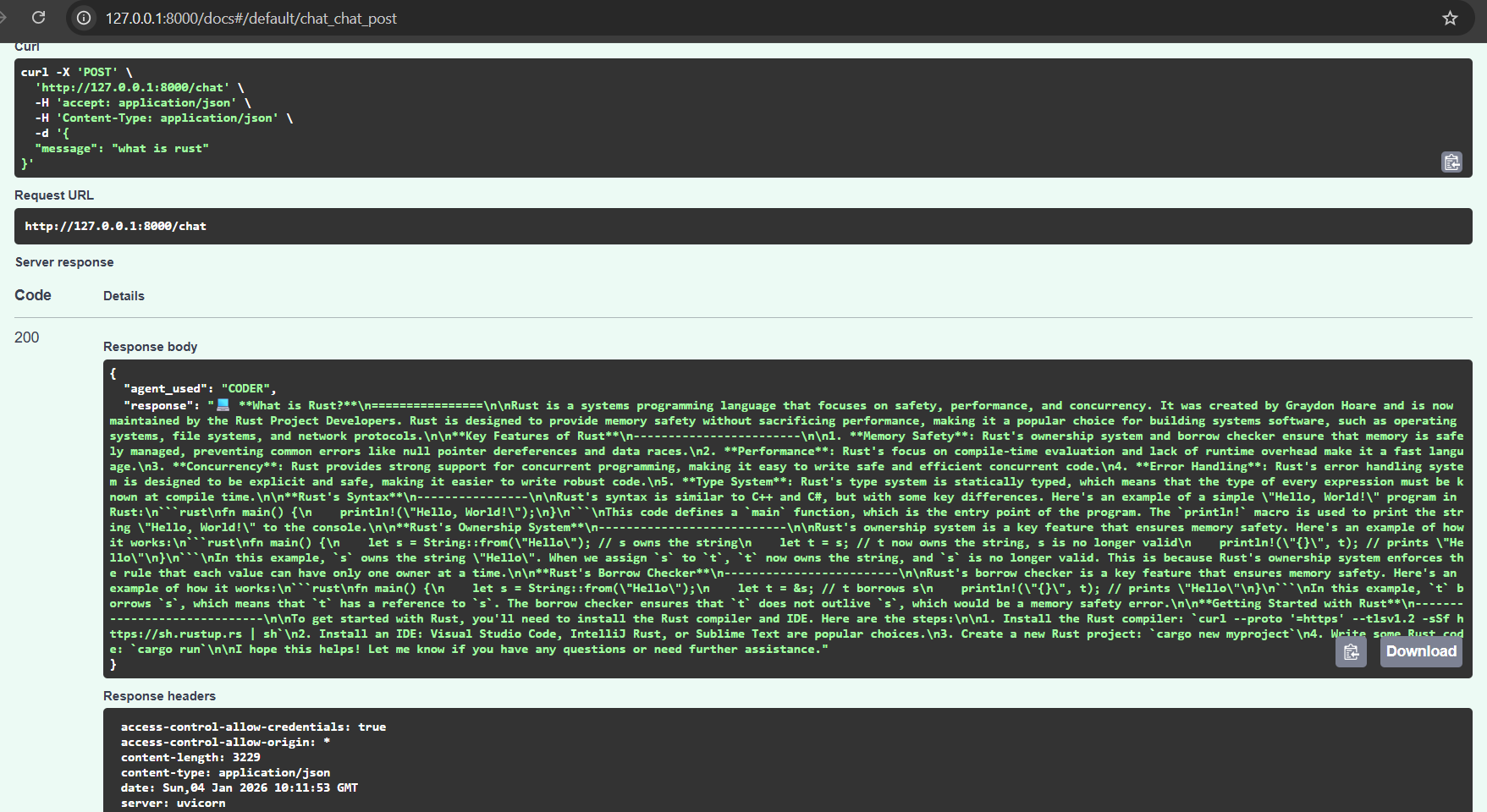
API Responses
Inspiration
As a beginner exploring Large Language Models (LLMs), I was intrigued by the idea of specialized AI agents. Instead of one model doing everything, I imagined a team where each member excels in their area. This concept reminded me of how humans work together. Scientists explain complex phenomena, poets create beauty with words, and developers translate logic into code. I aimed to build a system that mimics this division of labor to make interactions more accurate, creative, and useful.
It started as an idea of creating a structured, educational framework to learn about multi-agent systems using modern tools like LangGraph and LangChain.
How I Built It
*Tech Stack *
Backend: Python, FastAPI, LangChain, LangGraph
LLM Provider: Groq (free, ultra-fast inference with Llama 3.1)
Frontend: Vanilla HTML, CSS, JavaScript (lightweight and beginner-friendly)
Deployment: Render (for both backend and frontend)
Architecture
I used the Supervisor Pattern with LangGraph:
A supervisor agent directs incoming queries to the right specialist.
Three worker agents tackle specific tasks:
- Scientist: Answers factual and scientific questions
- Creative: Generates poetry, stories, and imaginative content
- Coder: Offers programming help with clear examples
The state flows through a directed graph:
START --> Supervisor Supervisor -->|SCIENTIST| Scientist Supervisor -->|CREATIVE| Creative Supervisor -->|CODER| Coder Scientist --> END Creative --> END Coder --> END
Key code snippest
'''def route_to_agent(state: AgentState) -> Literal["scientist", "creative", "coder"]: next_agent = state["next_agent"].upper() routing = { "SCIENTIST": "scientist", "CREATIVE": "creative", "CODER": "coder" } return routing[next_agent]'''
What I Learned
*LangGraph Fundamentals: *
I learned to model stateful workflows using graphs, where nodes represent agent actions and edges represent decision logic.
*LLM Prompt Engineering: *
Creating effective system prompts for each agent was essential.
*Dependency Management: *
Working through version conflicts between langchain, langgraph, and langchain-groq taught me the importance of isolating environments and ensuring compatible package versions.
*Deployment Best Practices: *
I secured API keys with environment variables and properly configured CORS for frontend-backend communication.
*Model Lifecycle Awareness: *
When Groq deprecated llama3-8b-8192, I learned to stay informed about provider changes and quickly switch to llama-3.1-8b-instant.
Challenges Faced
*Environment & Encoding Issues *
Problem: I encountered a UnicodeDecodeError when loading .env due to the Windows BOM (Byte Order Mark).
Solution: I used Python to create a clean UTF-8 .env file.
*LangChain Version Conflicts *
Problem: Langgraph required a newer version of langchain-core, but the lessons used older imports like langchain.prompts.
Solution: I upgraded to langchain>=1.2.0 and updated imports to langchain_core.prompts.
*Model Deprecation *
Problem: Groq decommissioned llama3-8b-8192 during development.
Solution: I switched to the recommended llama-3.1-8b-instant in all files.
*Frontend-Backend Integration *
Problem: The frontend worked locally but failed online due to hardcoded localhost:8000.
Solution: I made the backend URL configurable and updated it for production.
Outcome
Today, the project is a fully functional, free, and deployable multi-agent hub:
- Runs locally for development
- Deploys in minutes to Render
- Costs $0 (thanks to Groq’s free tier)
- Serves as an educational tool for anyone learning LangGraph
This journey turned me from a Python beginner into someone who can build, debug, and deploy a modern LLM application. And the best part? This is just the beginning; next, I plan to add memory, tools, and more agents!
Built With
- api
- css
- fastapi
- groq
- html
- httpx
- javascript
- langchain
- langgraph
- llama
- numpy
- pip
- python
- python-dotenv
- render
- scikit-learn

Log in or sign up for Devpost to join the conversation.