# Multi-Agent Academic Assistance Ecosystem
A multi-agent AI system that turns study material into structured notes, a scored interactive quiz, and a personalized revision plan - or answers direct questions about it - using specialized AI agents built with CrewAI.
What it does
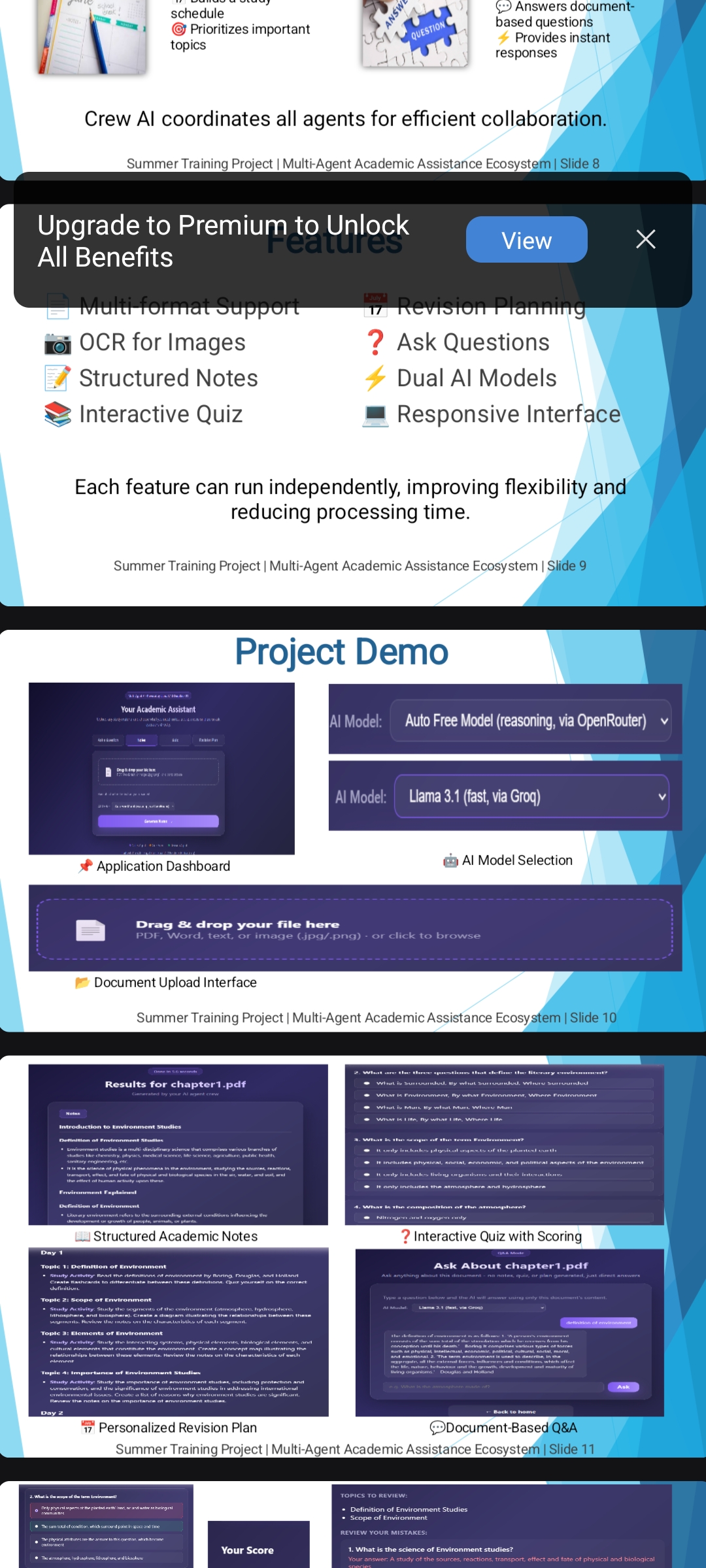
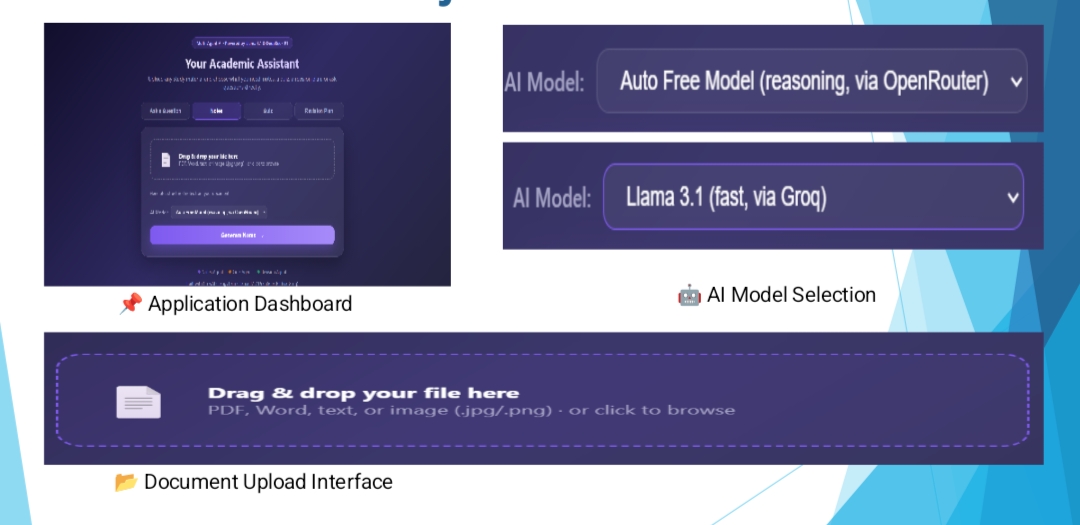
The homepage offers 4 independent options - pick one, upload a file, and go:
| Option | What happens |
|---|---|
| Notes | Generates clean, structured notes (headings + bold key terms) |
| Quiz | Generates an interactive multiple-choice quiz - click answers, submit, and see your score, percentage, and which topics to review |
| Revision Plan | Generates a 2-day study schedule (uses Notes + Quiz internally as input, even though only the plan is shown) |
| Ask a Question | Skips all agents - go straight to a chat where you can ask anything about the document |
Each option runs independently - you are not required to generate all of them together. A model dropdown (Llama 3.1 or DeepSeek R1) is also available on generation.
Supported file types
PDF (including scanned/image-based PDFs via automatic OCR), Word documents (.docx), plain text (.txt), and images (.jpg/.png, also via OCR).
Why "multi-agent" instead of one big prompt
Three specialized agents are defined using CrewAI, each with its own role, goal, and backstory:
| Agent | Role |
|---|---|
| Notes Agent | Academic Notes Writer - condenses material into structured notes |
| Quiz Agent | Quiz Creator - designs multiple-choice questions as structured JSON |
| Revision Planner | Study Coach - builds a schedule using the Notes and Quiz agents' own output as context |
A note on execution style: CrewAI's default agent execution uses a step-by-step "Thought / Action / Final Answer" reasoning loop (ReAct), intended for agents that call external tools. Since none of these agents use tools, each task is executed as a single direct prompt instead, for speed and reliability. The Agent/Task objects still define each role's identity, and the pipeline still runs Notes to Quiz to Revision Planner in order, passing real output between them.
Ask a Question is a separate, lighter-weight feature: a direct question-answering call using the document's text as context, rather than a full CrewAI Agent. It's a bonus addition beyond the original 3-agent scope.
Technology stack
- CrewAI - defines agent roles, goals, and the Notes to Quiz to Revision pipeline order
- LangChain - loads and chunks documents for the LLM
- Dual cloud LLM providers, selectable per request:
- Llama 3.1 via Groq (fast inference hardware)
- DeepSeek R1 via OpenRouter (Groq does not host DeepSeek)
Both providers expose an OpenAI-compatible API, so a single ChatOpenAI client is reused for both - just pointed at a different server address and API key depending on the selected model.
- Flask - web backend and routing
- Tesseract OCR + PyMuPDF - automatic text extraction for scanned PDFs and images
- python-markdown - renders notes/revision plan output with real headings and bold text
- json_repair - recovers usable data when the model's JSON output is slightly malformed
- HTML/CSS/JS - custom frontend (no frameworks), with drag-and-drop upload, an animated loading screen, an interactive scored quiz, and a chat-style Q&A interface
Project structure
academic-assistant/
|-- app.py                  # Flask routes: /, /process, /ask-upload, /ask
|-- .env                     # Stores GROQ_API_KEY and OPENROUTER_API_KEY (not shared)
|-- agents/
|   `-- crew.py               # Agent/Task definitions, dual-provider model routing
|-- utils/
|   `-- document_loader.py    # Multi-format loading + chunking + OCR fallback
|-- templates/
|   |-- index.html             # Homepage: 4 mode tabs + model dropdown
|   |-- results.html           # Notes/Quiz/Revision results + interactive quiz scoring
|   `-- ask.html                # Standalone Q&A chat page
|-- static/
|   |-- style.css               # Styling
|   `-- script.js                 # Dropzone, loading overlay, quiz scoring, Q&A chat
|-- uploads/                  # Uploaded files land here
`-- requirements.txt
How to run it
- Get a free Groq API key from console.groq.com (API Keys -> Create API Key)
- Get a free OpenRouter API key from openrouter.ai (Settings -> Keys -> Create Key)
- Create a
.envfile in the project root:GROQ_API_KEY=your_actual_groq_key_here OPENROUTER_API_KEY=your_actual_openrouter_key_here - Create and activate a virtual environment, then install dependencies:
python -m venv venv venv\Scripts\activate # Windows pip install -r requirements.txt - Run the app:
python app.py - Open your browser to
http://127.0.0.1:5000
Design decisions worth mentioning in a demo
- Dual-provider model selection - Llama and DeepSeek run on two different providers under the hood, but the app presents this as one simple dropdown; if a provider's free tier changes or a model is retired (this happened during development - Groq discontinued hosting DeepSeek entirely), only the routing table in
crew.pyneeds updating, not the rest of the app - OCR fallback - scanned PDFs and photographed notes are handled automatically; if normal text extraction returns nothing, the page/image is rendered and read with Tesseract OCR
- Structured quiz output - the Quiz Agent is instructed to return JSON (question, 4 options, correct answer index, topic), which the frontend uses to build a clickable quiz and calculate a real score, percentage, and per-topic weak areas
- Independent generation - each of the 4 homepage options runs only what's needed; choosing "Notes" alone doesn't also run the Quiz or Revision agents
- Friendly error handling - unsupported file types, unreadable files, and API errors show a clear message rather than a raw crash page
Future extension (per project scope)
This architecture is designed to extend into a Personalized AI Tutor Network - additional agents (e.g., a Socratic tutor agent, a weak-topic diagnostic agent that reads quiz results over time) could be added to the same pipeline without changing its core structure.
Built With
- css
- dockerfile
- html
- javascript
- python
