-
-
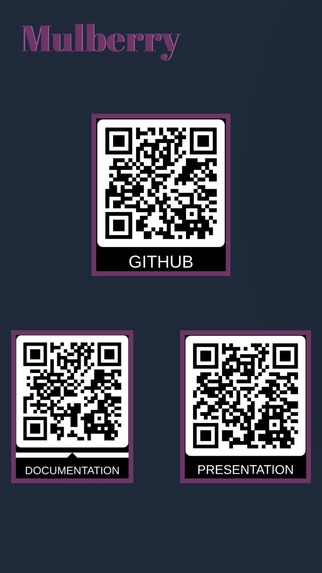
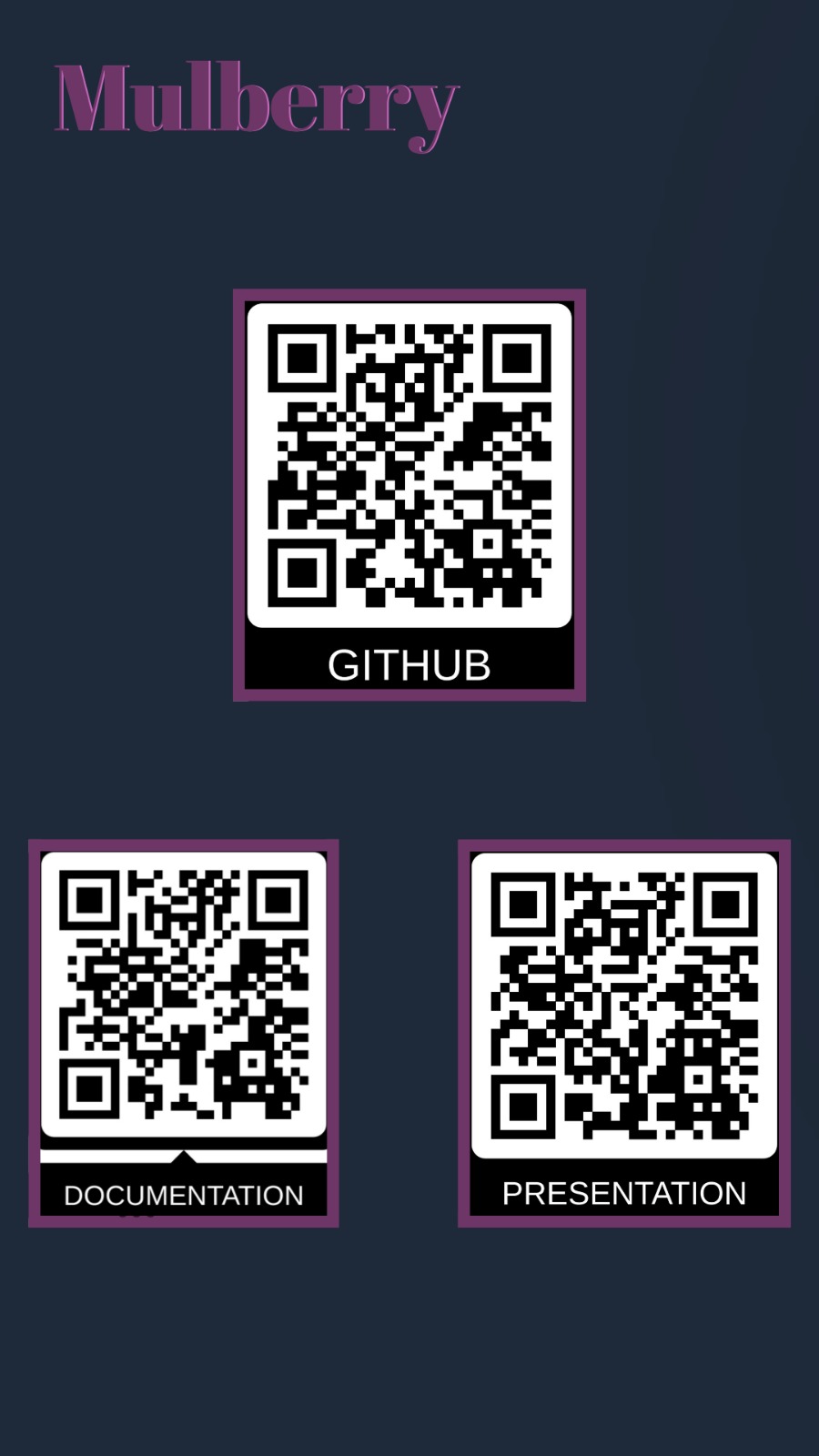
Here's the QR codes for our presentation, project documentation and Github link.
Inspiration
What it does
How we built it
Challenges we ran into
Accomplishments that we're proud of
What we learned
What's next for Mulberry ASL Translator
Inspiration
Mulberry was inspired by the communication gaps we see every day between Deaf / Hard-of-Hearing individuals and people who do not know ASL. Too often, accessibility is treated as an afterthought, and the responsibility to adapt falls on ASL users instead of technology. We wanted to build something practical, mobile, and respectful—an app that could help make everyday interactions more inclusive. As students interested in AI, mobile development, and accessibility, Mulberry felt like a meaningful way to apply our skills to a real-world problem.
What it does
Mulberry ASL Translator captures sign language through a mobile camera, processes hand shapes and motion, and translates ASL into readable text and spoken output. On the other side, it can take spoken or typed language and present a clear visual translation for ASL users. The app also supports multiple spoken languages, allowing users to switch languages easily depending on context. Mulberry is designed to support quick, two-way communication rather than replace professional interpreters.
How we built it
Mulberry was built as a mobile-first application using React Native with Expo. The frontend handles the user interface, camera input, language selection, and real-time feedback.
The backend is powered by Node.js and integrates several Google Cloud APIs, including:
- Speech-to-Text
- Text-to-Speech
- Translation API
For ASL recognition, we developed a custom computer vision pipeline using Python and PyTorch, inspired by tutorials from Nicholas Renotte. Video input is processed into gesture features, which are then passed through a trained model to produce translated text.
We used Astral UV to manage the Python environment and ensure consistent dependency handling across machines. Development followed an agile approach, with tasks split across frontend, backend, and AI components.
Challenges we ran into
One of our biggest challenges was network security. Managing API keys securely while still allowing teammates to run and test the project was more complicated than expected. We had to be careful not to expose private keys while still enabling smooth collaboration.
Implementing multilanguage support added another layer of complexity. Each additional language affected speech recognition, translation accuracy, and text-to-speech output, which required careful coordination between services.
Another major lesson was scope management. With so many exciting features possible, it was easy to overextend. We learned the importance of keeping the scope clear and prioritizing core functionality before adding enhancements.
Integrations took more time than anticipated, especially when connecting frontend camera input to backend AI services and cloud APIs. Small mismatches between systems often caused delays, requiring patience and detailed debugging.
Accomplishments that we're proud of
We are especially proud of our teamwork, how we divided and conquered, communicated clearly, and supported each other through issues. Each team member contributed meaningfully, from AI modeling to frontend design and backend integration.
We’re also proud of successfully building a full-stack mobile application using React Native and AI technologies, and of creating something that has the potential to positively impact accessibility and inclusion. Mulberry represents not just a technical achievement, but a project with purpose.
What we learned
Through this project, we learned how to:
- Work effectively as a team under time constraints
- Practice patience and problem-solving when things break
- Integrate AI and computer vision into a real application
- Implement agile methodology in a collaborative environment
What's next for Mulberry ASL Translator
Future Improvements
- Expand the ASL vocabulary and gesture dataset
- Improved text output from recognized signs
- Improve real-time recognition accuracy
- Add support for more spoken languages
- Implement reverse translation from speech to ASL animations
- Explore hardware integrations such as smart gloves
Mulberry is just the beginning, and we’re excited to continue improving it into a more powerful and accessible communication tool for the ASL community.
Built With
- canva
- frameworks
- google-cloud
- javascript
- json
- node.js
- python
- react
- speechapi
- translation
- translationapi
- visual-studio-code


Log in or sign up for Devpost to join the conversation.