-
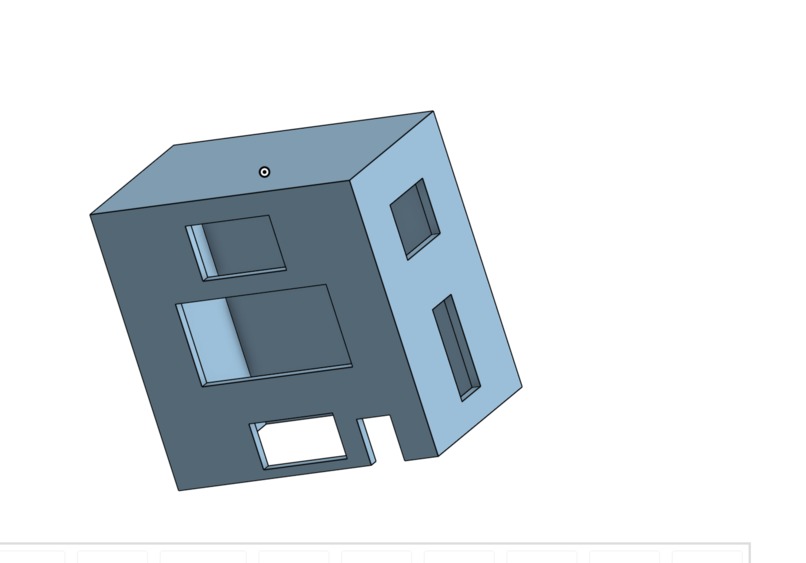
Our CAD design for the enclosure.
Inspiration
With the rise in neighborhood crime and house break-ins, we wanted to create something that protects households from these incidents.
What it does
The security system uses a laptop camera to detect unwanted human prescense, and also uses sensors to determine their distance from the camera, detect motion, and even record temperature as a secondary function. If the camera detects human prescence and the sensors detect irregular movements or patterns, it uses a buzzer to sound an alarm. The results are shown on the screen of the LCD, with temperature also shown on a 4-digit display.
How we built it
We used a raspberry pi pico to wire an ultrasonic sensor, a motion sensor, a temperature sensor, an LCD, and a 4-digit display. We also had to create a breadboard voltage divider to convert 5V currents from the ultrasonic sensor to 3.3V currents for the raspberry pi pico. We used vibecoding software such as Devin AI to display results on a browser dashboard and tested our code using the Thonny IDE python editor.
Challenges we ran into
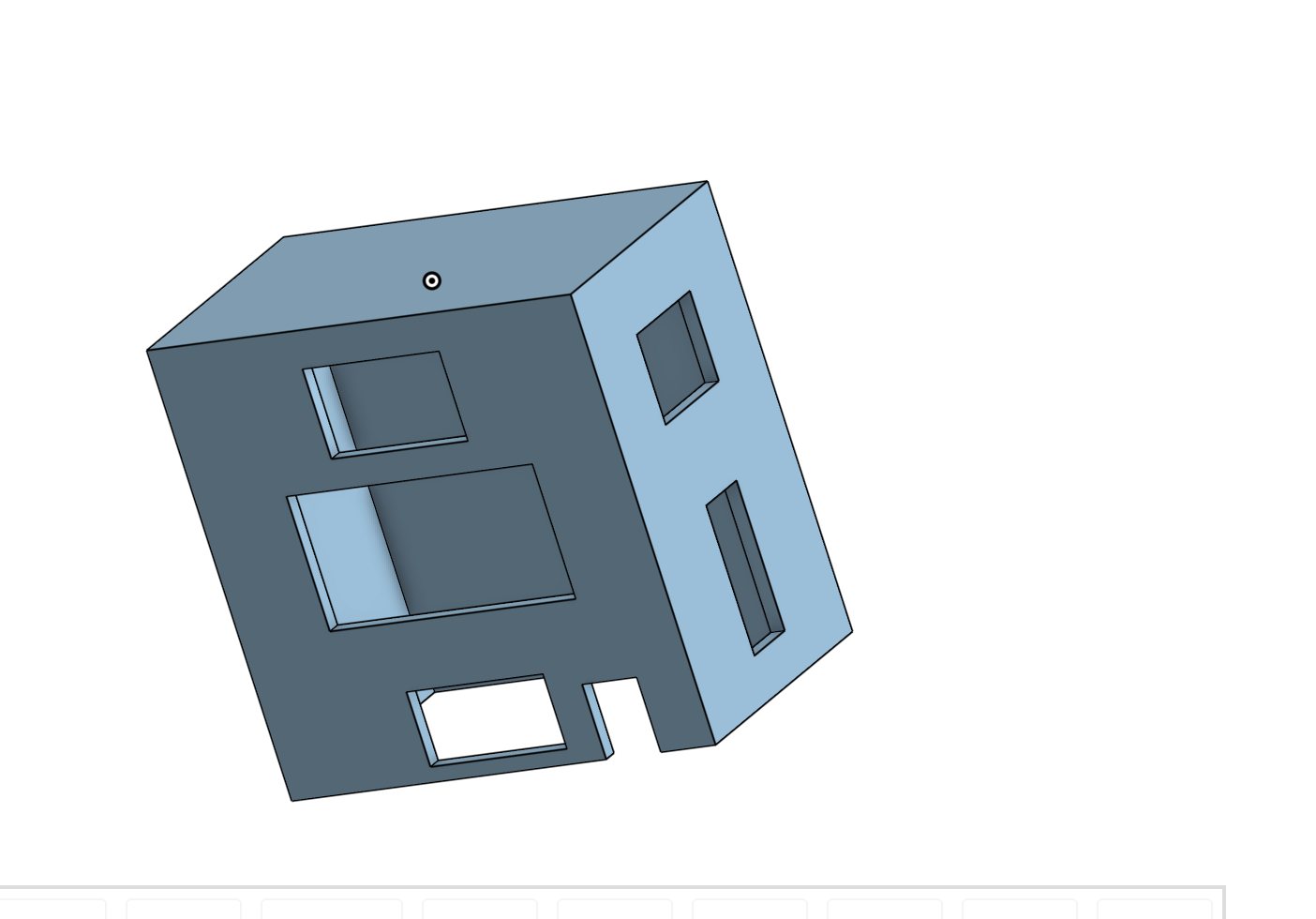
We ran into some issues in getting data to show up on the dashboard, LCD, and 4-digit display. We also wanted to add a 3D-printed enclosure to go on top of our device, however we were unable to print it due to time constraints. We used cardboard as a substitute.
Accomplishments that we're proud of
We were able to successfully wire all of our hardware together, and we got the the live camera to show on the browser dashboard.
What we learned
Overall, we learned a lot about how components are wired using a raspberry PI. We were able to learn about Ground Pins, the different types of Power pins, and also the various GPIO pins that were on the raspberry pi Pico. We were also able to create a voltage divider using a breadboard to reduce strong currents from the ultrasonic sensor that would otherwise damage the raspberry pi pico.
What's next for MSS Pheonix
Built With
- raspberrypipico

Log in or sign up for Devpost to join the conversation.