-
-
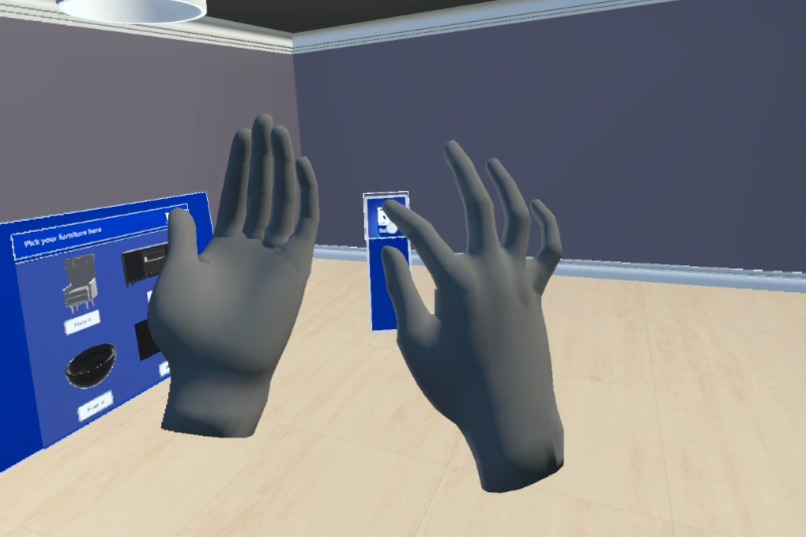
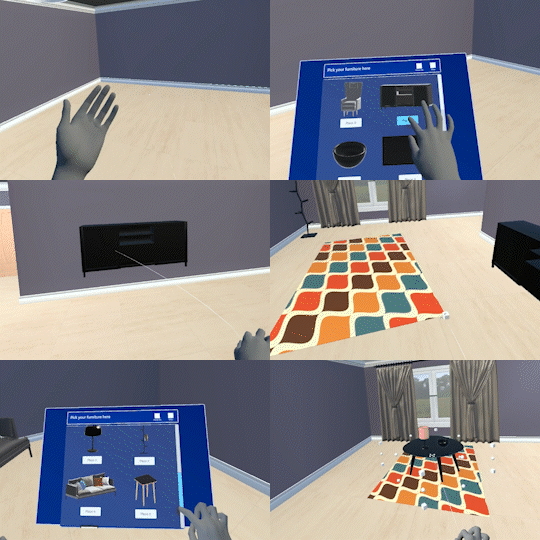
Toggle the furniture menu
-
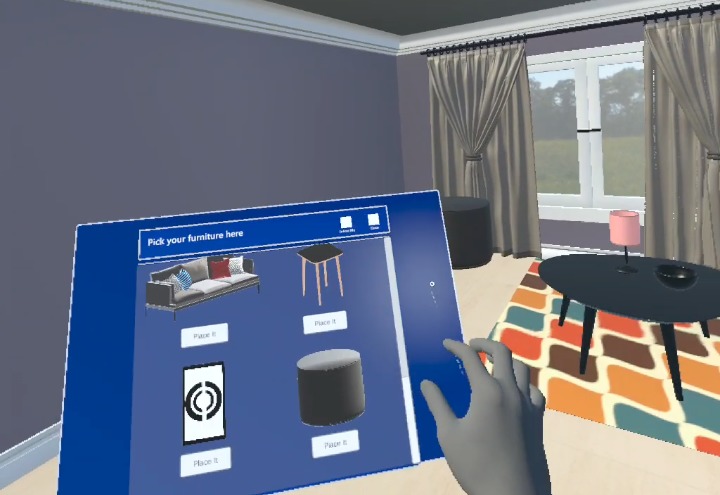
Furniture menu
-
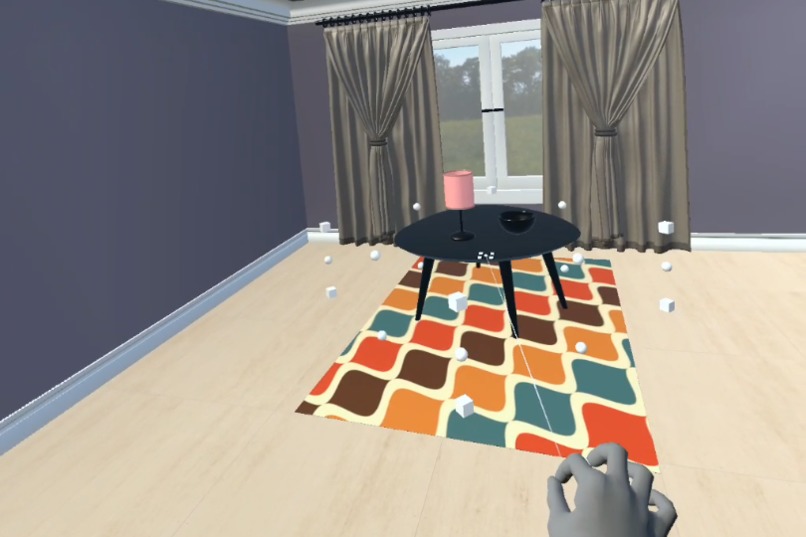
Relocate furniture

Inspiration
We were inspired by immersive experiences in VR and imagined an application that allows the player to design any room in a virtual space.
What it does
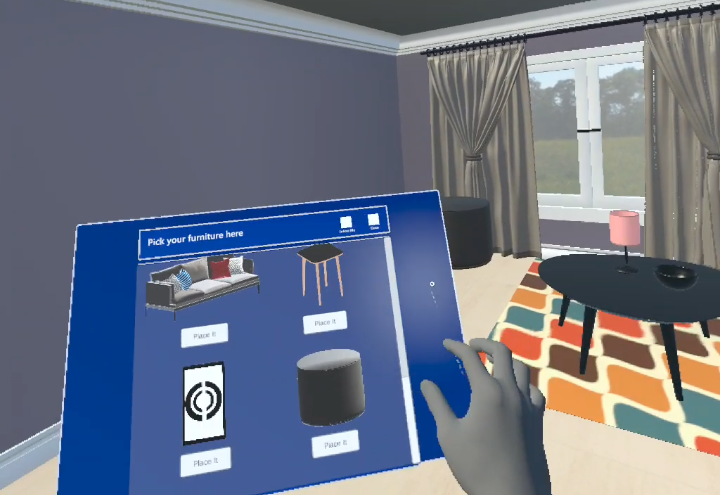
MRTK Room Designer is a virtual reality interior design app for Oculus Quest 2 built with Unity 2021 LTS, MRTK3, and Oculus Integration SDK 41. It allows a user to spawn, resize and relocate furniture items in a virtual room.
How MRTK3 is used
- The app is targeted for Meta Quest 2 using hand sensors (not the regular controllers).
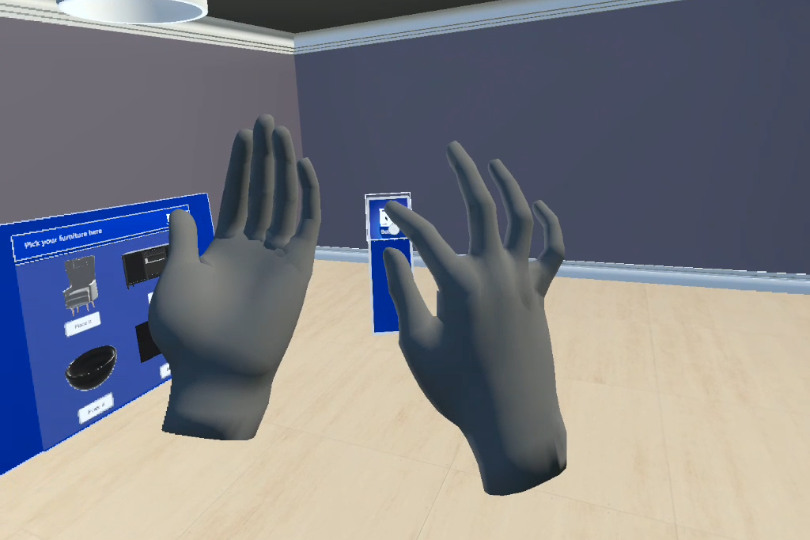
- Once the app is loaded and the hands are detected, the player can activate the furniture menu by facing their palms upward and shaking them.
- Once the furniture menu is toggled, a scrollable menu pops up and any furniture item can be spawned by clicking the 'Place it' button.
Challenges we ran into
- Working with different O/S (macOS vs Windows) made it difficult to share and collaborate on the project due to O/S compatibility issues.
- MRTK3 would not install properly in macOS so we had to start the project with the older versions (MRTK2.7.3.0 and Oculus Integration v35).
Accomplishments that we're proud of
We are very pleased to have a working app given that it was the first time either of us used MRTK and that one of the team members had no prior experience with Unity and 3D design.
What we learned
We learned how to setup MRTK in Unity and integrate it with Oculus Integration. We also learned how to use the MRTK menu system and bounds controller to manipulate objects.
What's next for MRTK Room Designer
We are hoping to include the following features in the near future:
- Removing furniture
- Resetting the room by removing all of the furniture
- Making a purchase
- More realistic room scenes and actually available furniture items
- More room layouts and furniture items with different colors
- Stock availability check based on the size of the furniture
- Saving the project so the user can continue working on it later


Log in or sign up for Devpost to join the conversation.