-
-
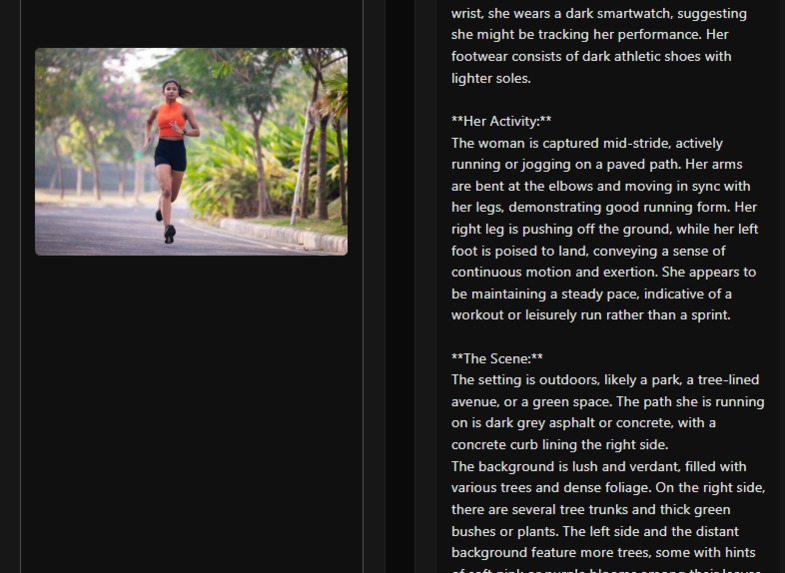
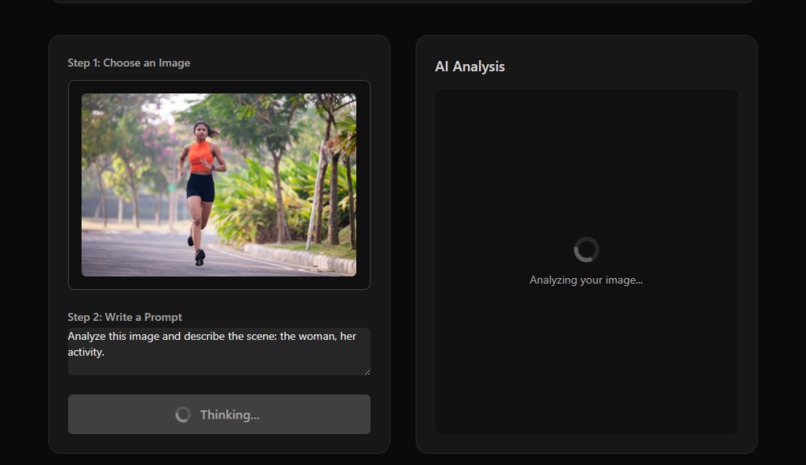
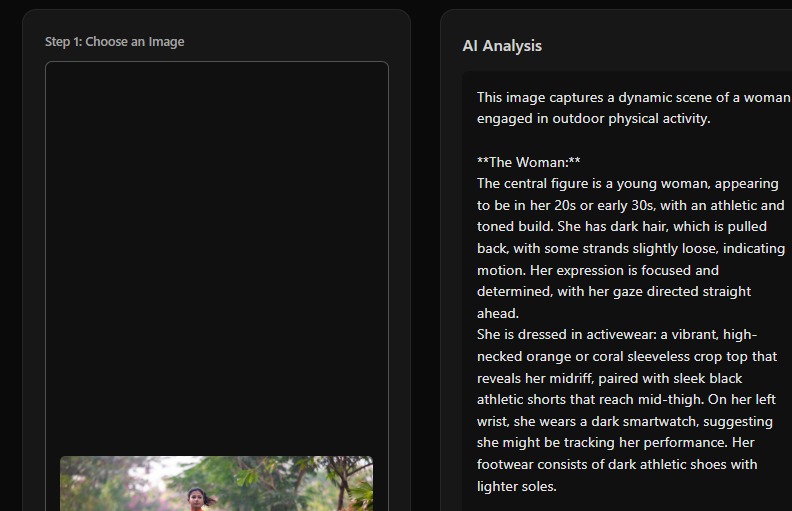
Welcome to MR LifeHub This tool helps you analyze your physical space, organize your tasks, and get helpful suggestions powered by AI.
-
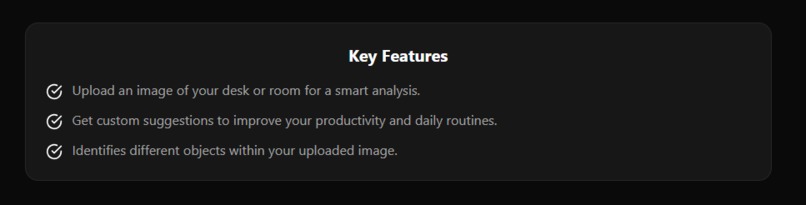
Key Features
-
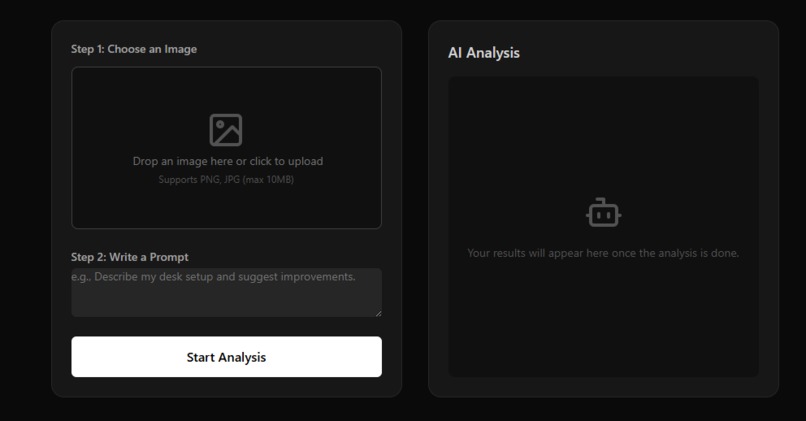
Choose an ImageAI Analysis
-
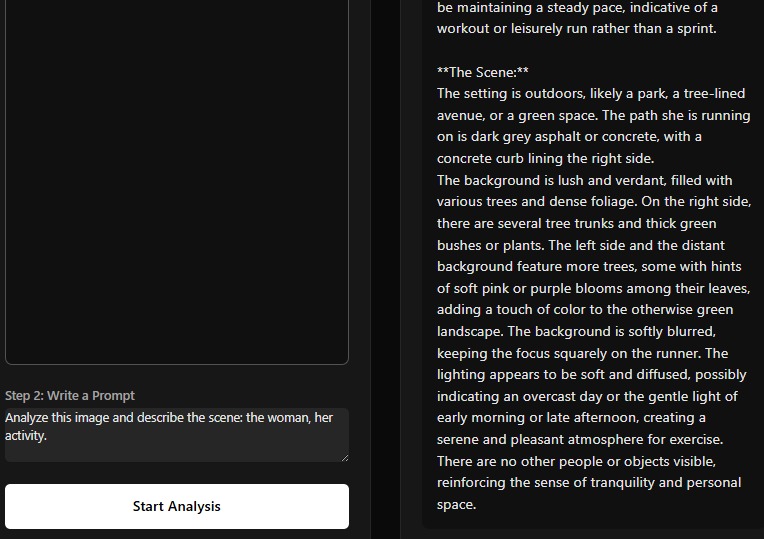
-
-
-

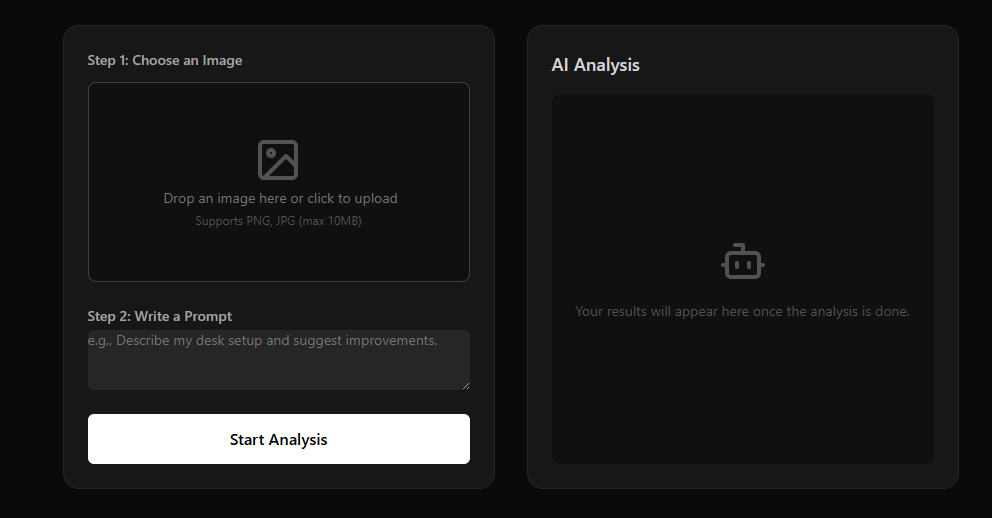

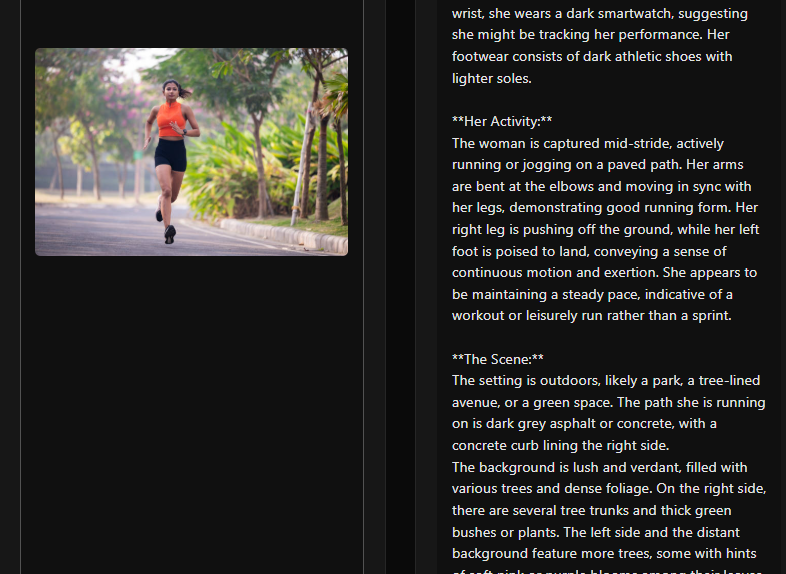
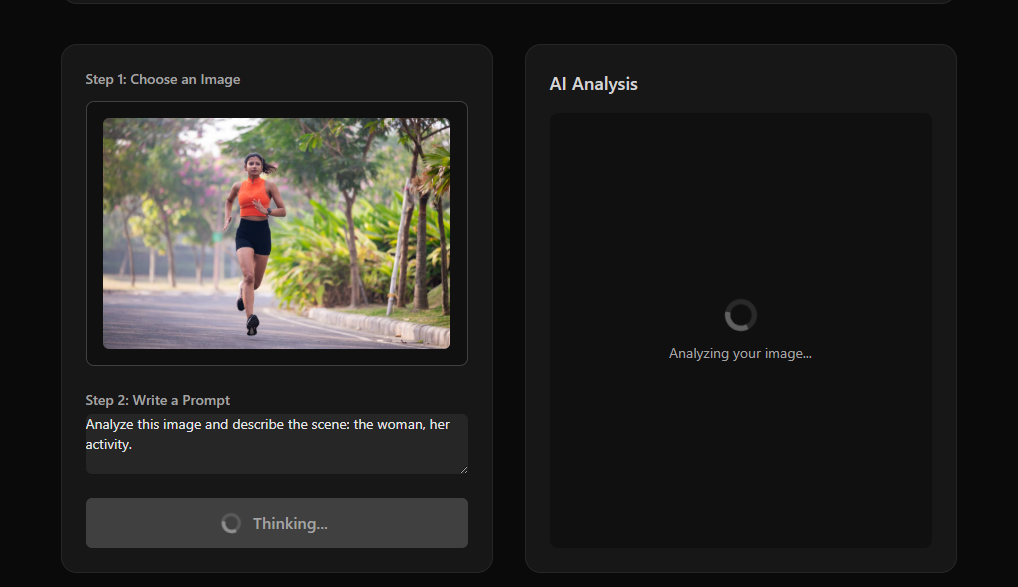
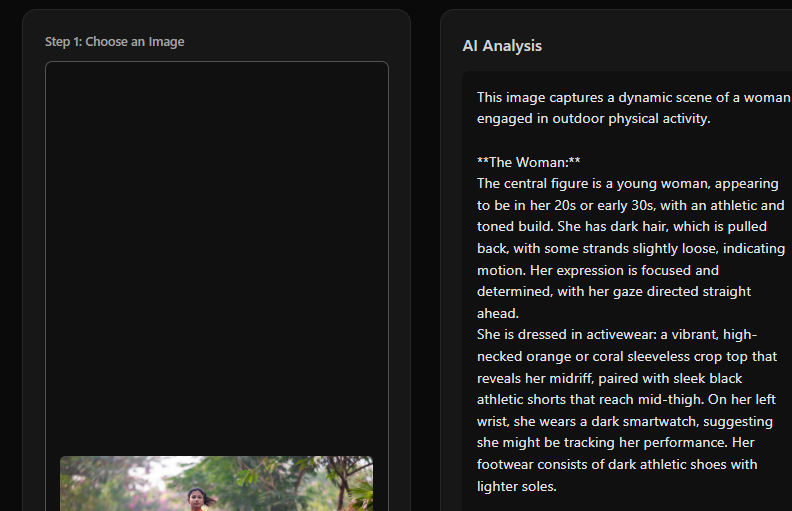
I’ve always believed that mixed reality can be useful beyond entertainment. When I saw how accurate passthrough on the Quest 3 had become, the idea was simple: what if my real desk could turn into a smart workspace with holographic tools? That thought became the foundation of MR LifeHub.
What the project does
MR LifeHub transforms a real room into a functional mixed-reality workspace. The app detects the user’s desk and anchors floating widgets—tasks, timers, notes, and quick actions. It also includes an AI-assisted Routine Trainer that gives real-time feedback on posture and simple daily activities.
How we built it
We started by implementing passthrough and plane detection so the app could understand physical surfaces. Next, we focused on a reliable hand-interaction system (pinch, tap, drag). After that, we designed the MR Desk widgets and anchored them using spatial anchors. For the Routine Trainer, we combined lightweight pose-estimation logic with rule-based feedback and an AI assistant for simple guidance.
What we learned
Consistency in MR experiences depends heavily on latency and smooth hand interactions.
Scene understanding requires careful tuning across different lighting conditions.
UI placement in MR matters more than traditional 2D design—clarity and stability are everything.
Performance optimization is essential to keep 60 FPS on Quest hardware.
Challenges
Making desk detection stable across different room setups.
Avoiding accidental gesture triggers while keeping interactions responsive.
Ensuring anchored widgets stay visually stable during movement.
Maintaining performance while running passthrough, gestures, and UI simultaneously.
Designing posture-feedback markers that feel natural in mixed reality.
What’s next
Customizable layouts for the MR desk
Better posture-feedback accuracy
User-created routines
Cloud sync and personal productivity profiles
More widgets and productivity tools


Log in or sign up for Devpost to join the conversation.