-
-
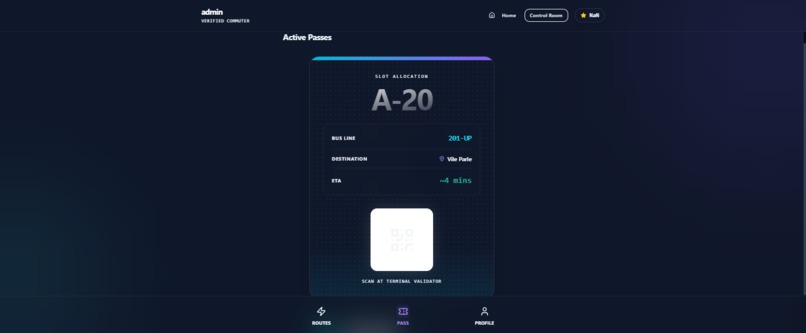
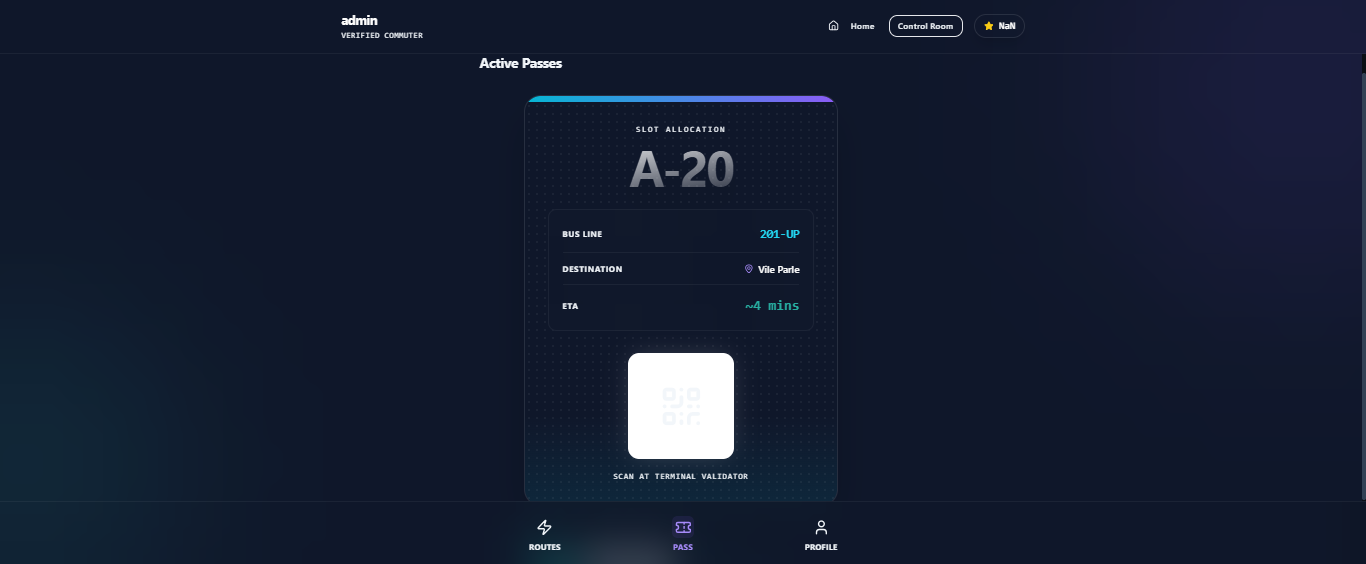
booking pass
-
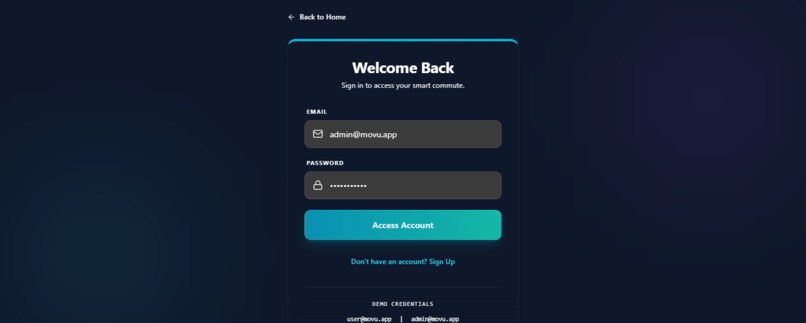
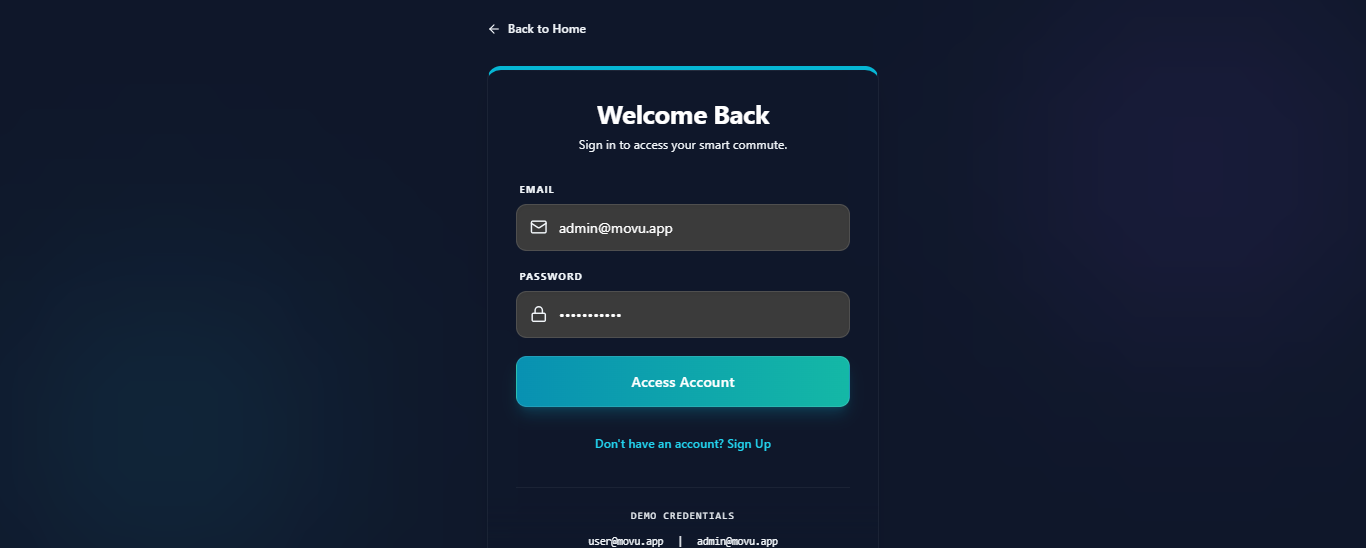
user authentication
-
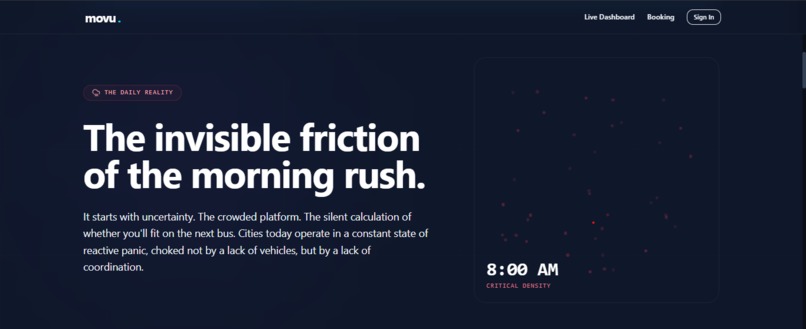
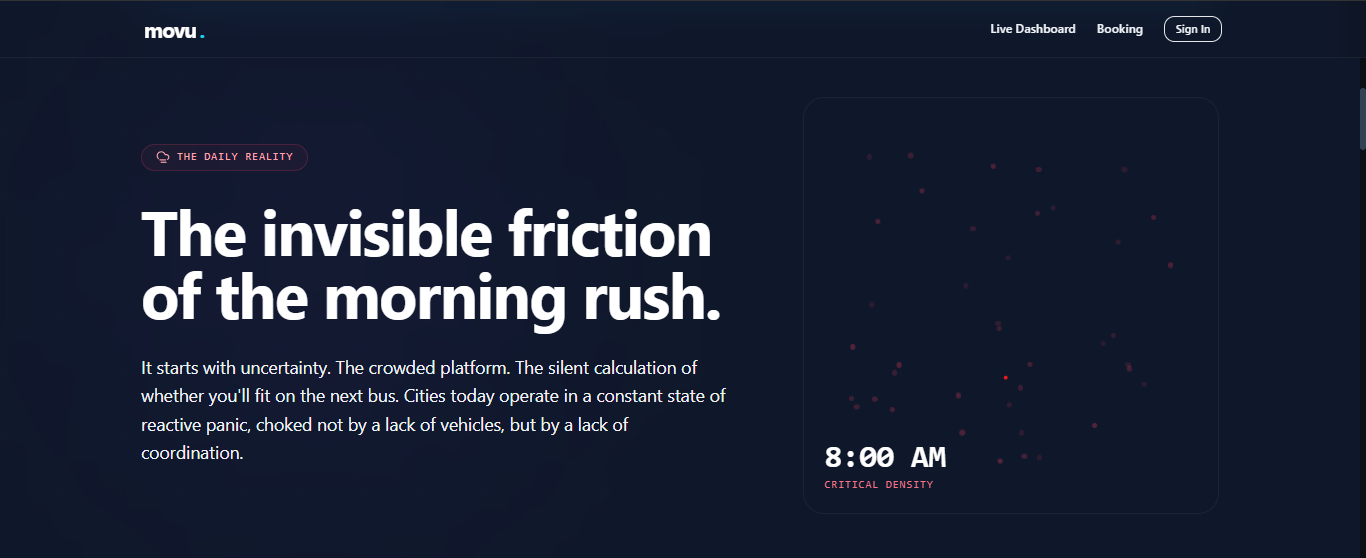
problem identified
-
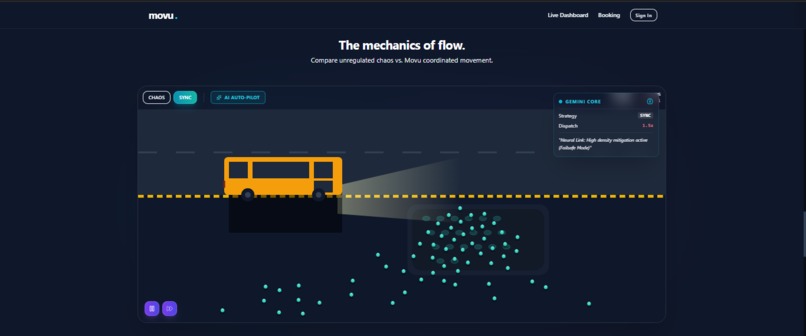
city stands visulization
-
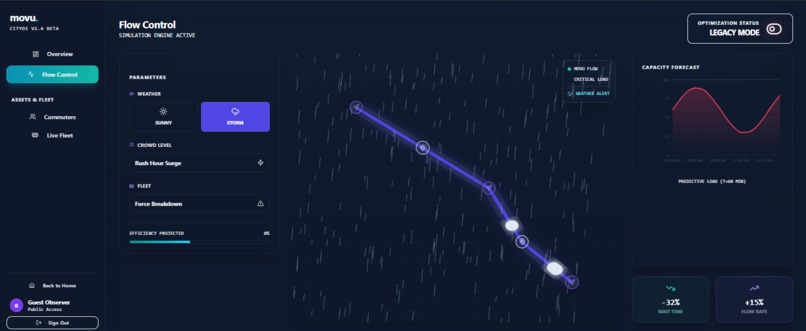
city flow visualization
Movu: The Operating System for Urban Flow
About the Project
Movu is a futuristic civic-tech application designed to solve one of the most stressful aspects of urban living: the chaotic "last-mile" queue at public transit terminals. In dense metropolises, the efficiency of a transit network often collapses at the boarding point. Bus bunching, stampedes, and anxiety-inducing physical queues are the norm. Movu proposes a digital layer over this physical chaos. It replaces the "survival of the fittest" boarding process with a deterministic, gamified Virtual Queuing System.
The platform consists of two interfaces:
The Commuter App: Allows users to book specific "boarding slots" (e.g., Slot A-1), earn sustainability points, and receive live, AI-generated travel advice.
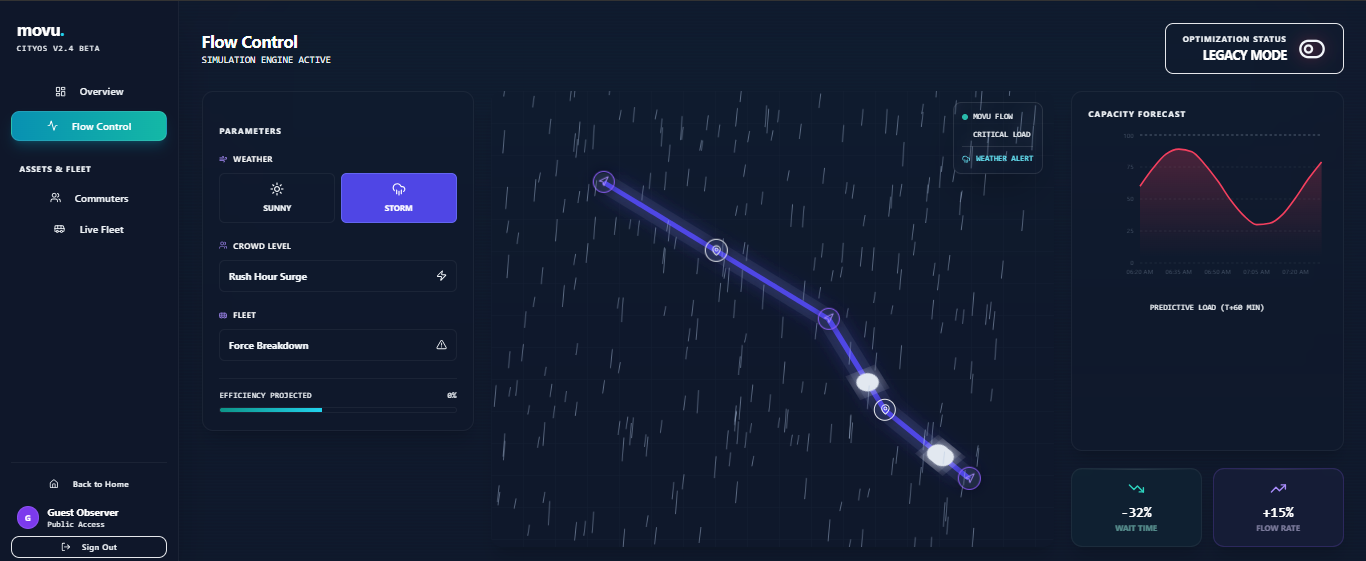
The CityOS Dashboard: A "God-view" for transit operators featuring a live agent-based crowd simulation, fleet tracking, and real-time density heatmaps.
Inspiration
The inspiration came from the daily struggle of the Mumbai local train and bus network—specifically the "Andheri to Bandra" corridor. I realized that the problem wasn't just a lack of vehicles, but a lack of information and coordination. I was also inspired by Nudge Theory in behavioural economics. If we can't build more roads, can we smooth the demand curve? Movu uses dynamic incentives (points, badges) to encourage users to travel 10 minutes earlier or later, flattening the peak rush. Visually, I wanted to break away from the sterile, boring look of government apps. I aimed for a "Cyberpunk / Sci-Fi" aesthetic, treating the city as a living organism that can be optimized.
How I Built It
Movu is built as a high-performance Single Page Application (SPA).
Frontend Core: Built with React 19 and TypeScript for type safety. The UI is styled with Tailwind CSS, using a custom "Midnight" color palette to achieve the dark-mode dashboard aesthetic.
Animations: I used Framer Motion for complex layout transitions (like the ticket flipping and route expansion) and purely CSS-based animations for ambient effects (glows, pulses).
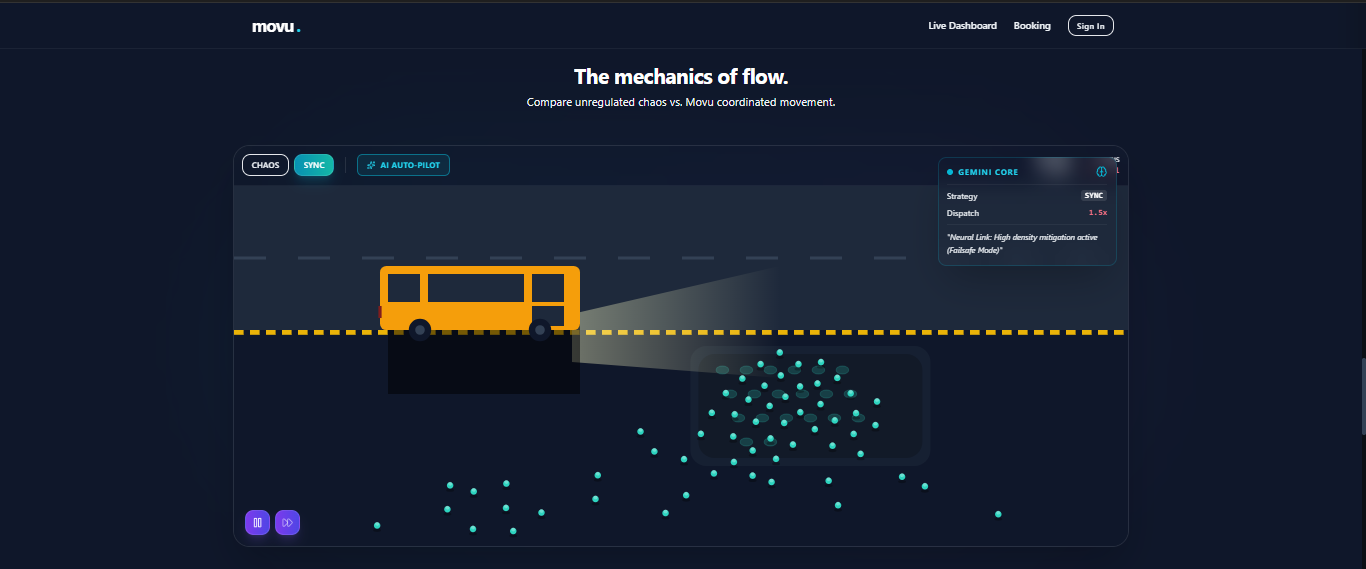
The Crowd Simulation: The "Flow Control" view utilizes a custom HTML5 Canvas engine. I implemented a Boids-like flocking algorithm where hundreds of "agents" (dots) react to forces: This allows us to visually demonstrate the difference between "Chaos Mode" (standard queuing) and "Sync Mode" (Movu's virtual slots).
AI Integration (@google/genai): This is the brain of the operation. Gemini 1.5 Flash is used to generate "Live City Alerts." It takes structured JSON data (Weather: Storm, Density: Critical) and converts it into natural, urgent, human-readable notifications for commuters. Function Calling: I used Gemini's tool capabilities to act as a "Traffic Controller." The app feeds simulation metrics (flow rate, wait time) to Gemini, and the model decides which parameters to tweak (e.g., dispatch speed, rerouting bias) to optimize flow.
Challenges
The "Race Condition" of Reality Simulating a live transit network in a browser is difficult. Synchronizing the visual "agents" on the canvas with the React state and the Recharts data visualization required careful management of requestAnimationFrame loops and useEffect hooks to prevent memory leaks and stuttering.
Hallucinations vs. Heuristics When using GenAI to control simulation parameters, the model would sometimes return unsafe values (e.g., setting bus speed to 100x). I had to implement a strict schema using Gemini's responseSchema (or function calling definitions) and add a validation layer to ensure the AI's decisions remained within the laws of physics defined in the simulation.
API Quota Management During development, the high frequency of simulation ticks quickly hit API rate limits (429). I built a robust resilience layer that seamlessly switches the app from "Neural Link" mode (Live AI) to "Failsafe Mode" (Offline Heuristics) so the user experience never breaks, even if the API is unreachable.
What I Learned
Building Movu taught me that perceived latency is more important than actual latency. By using optimistic UI updates (booking a ticket happens instantly visually, while the backend processes in the background), the app feels incredibly snappy. I also learned that AI is a powerful backend logic controller, not just a chatbot. Using Gemini to make "strategic decisions" based on numerical data opened my eyes to a new class of applications where LLMs act as the operating system logic layer rather than just the interface.
Built With
- animations
- auth
- css
- css3-frameworks:-react-19-ai-&-llm:-google-gemini-api-(gemini-1.5-flash)-via-google-genai-sdk-backend-&-database:-supabase-(postgresql
- edge-functions)-styling:-tailwind-css-libraries:-framer-motion-(animations)
- google-gemini-api
- html5
- open-meteo-forecast
- postgresql
- react
- recharts-(data-visualization)
- tailwind

Log in or sign up for Devpost to join the conversation.