-
-
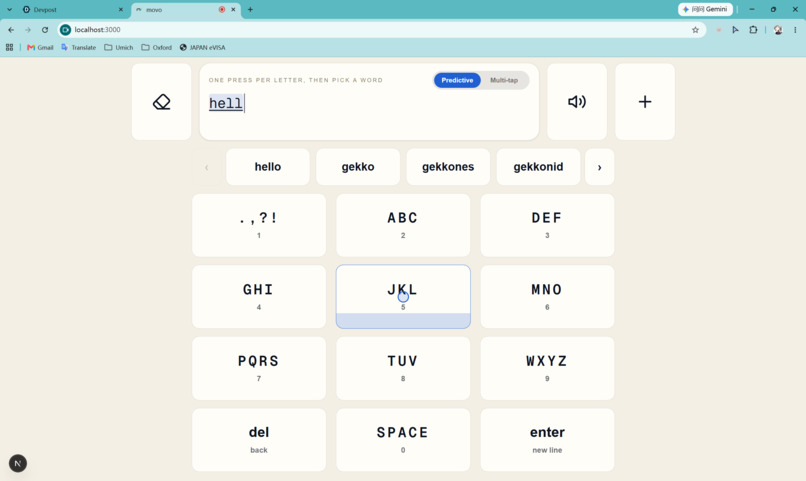
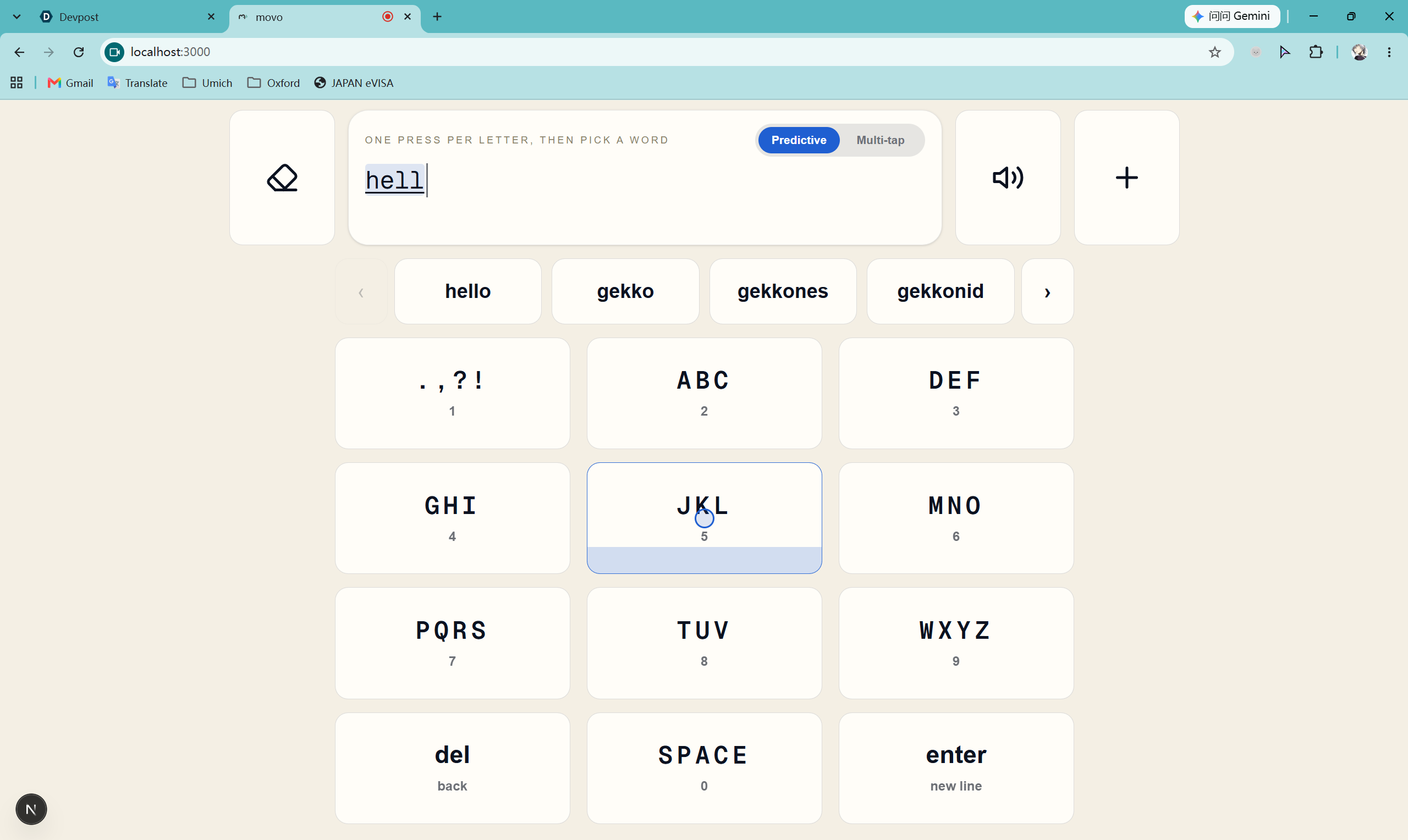
Main keyboard page
-
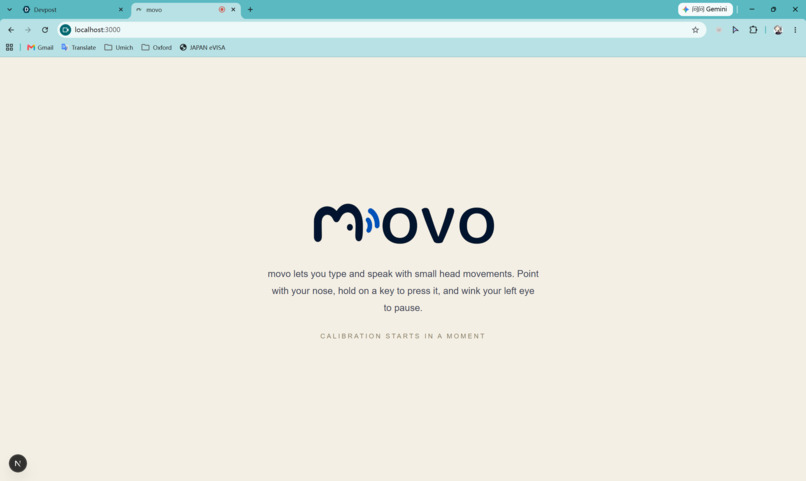
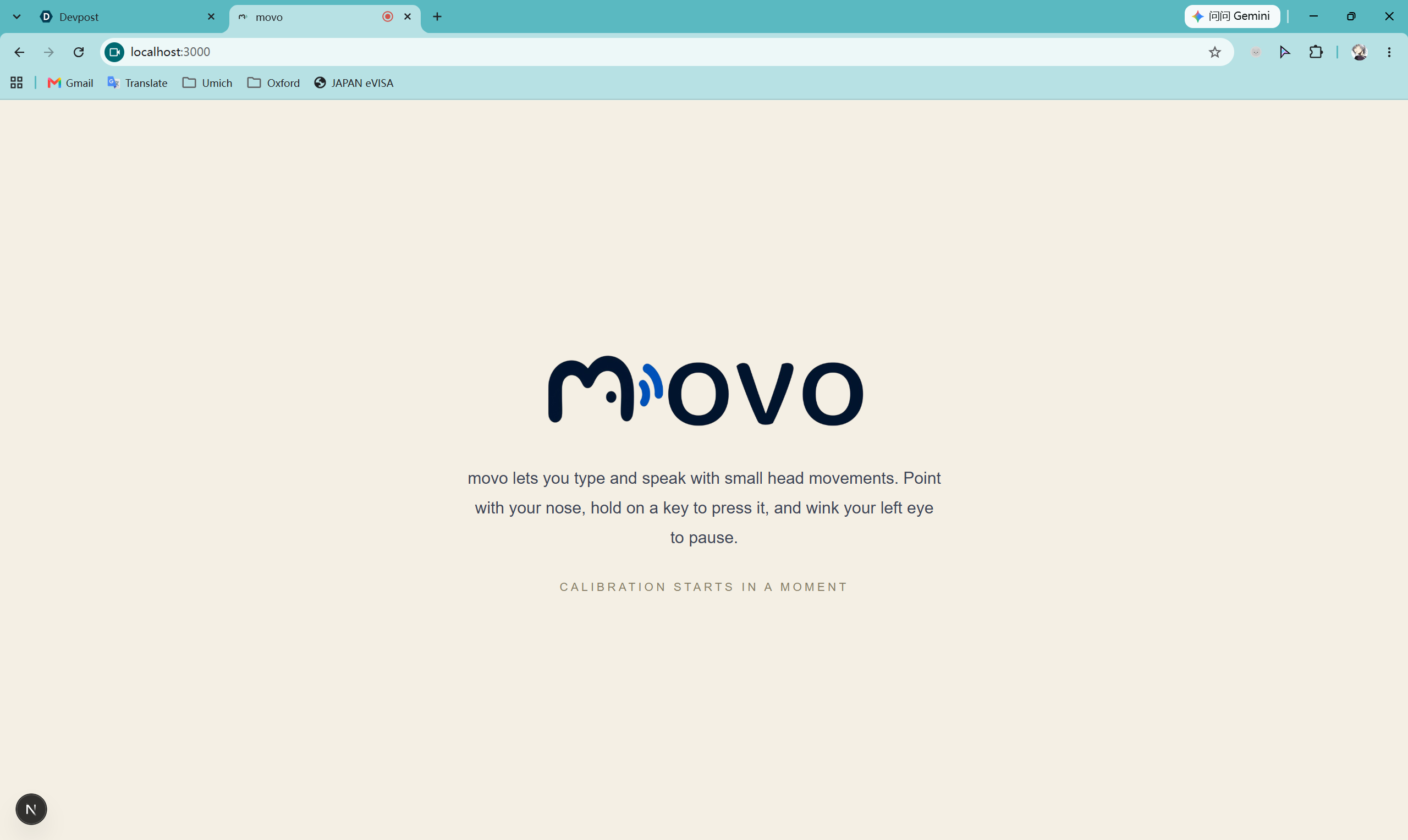
Title page
-
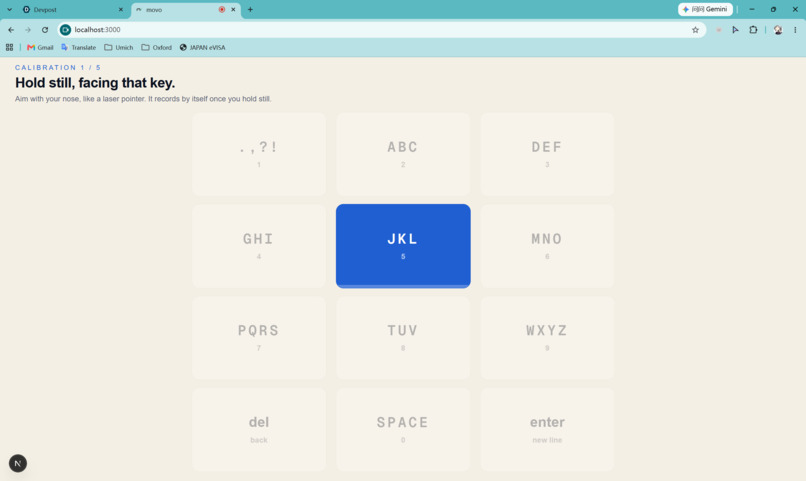
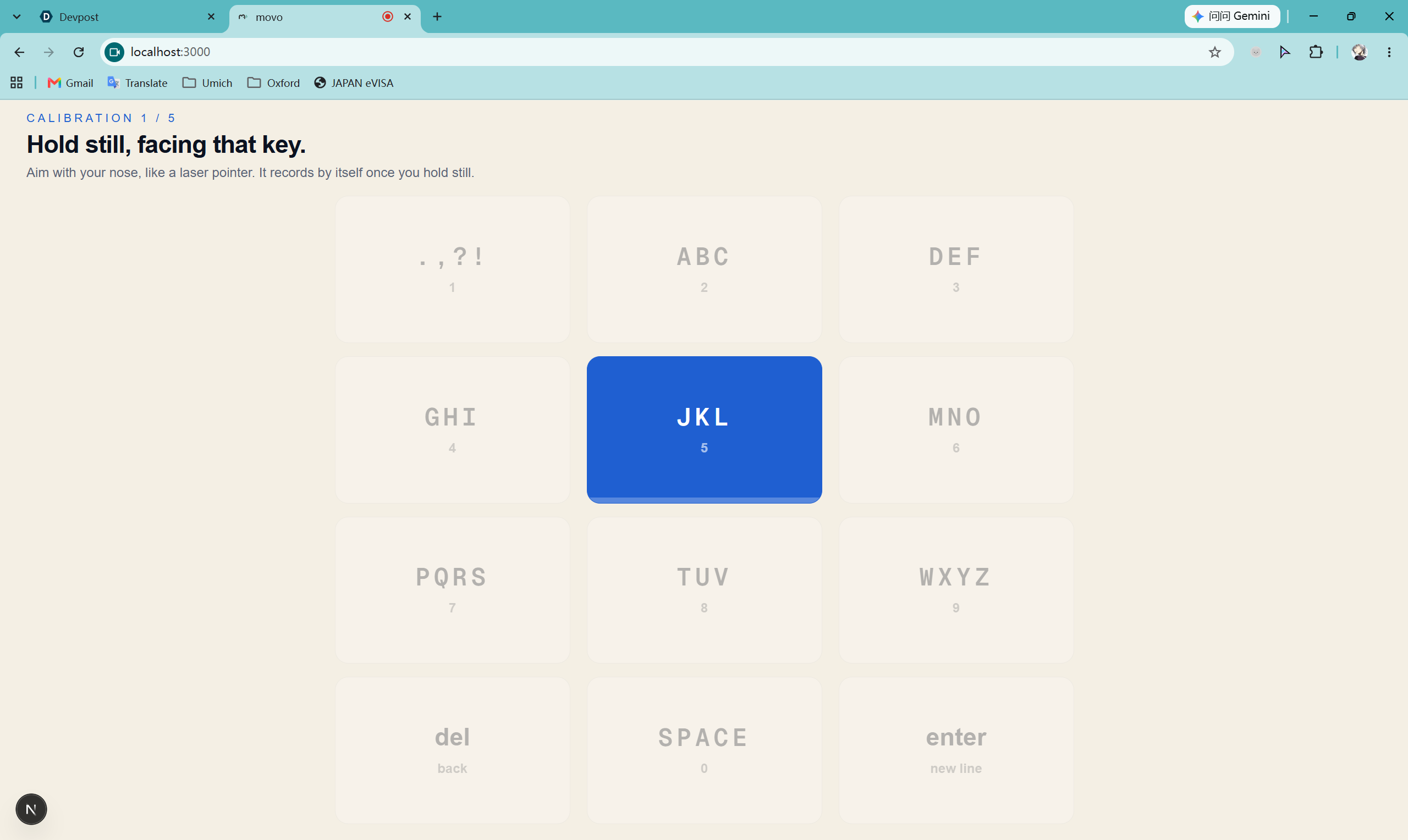
Key position calibration
-
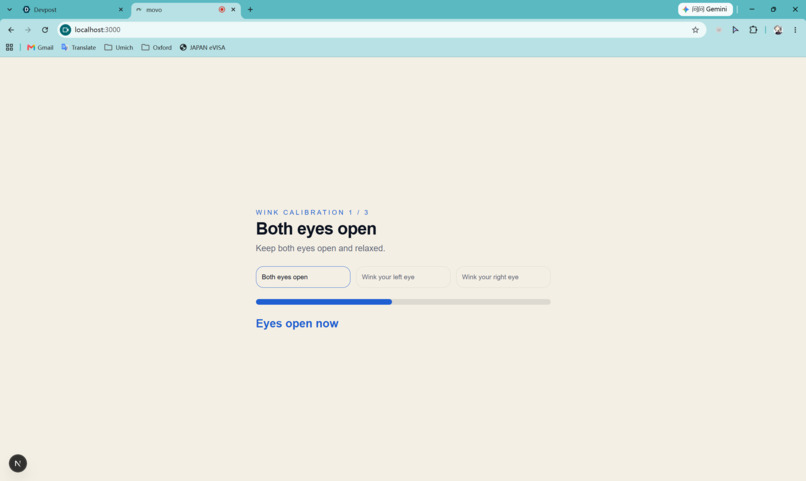
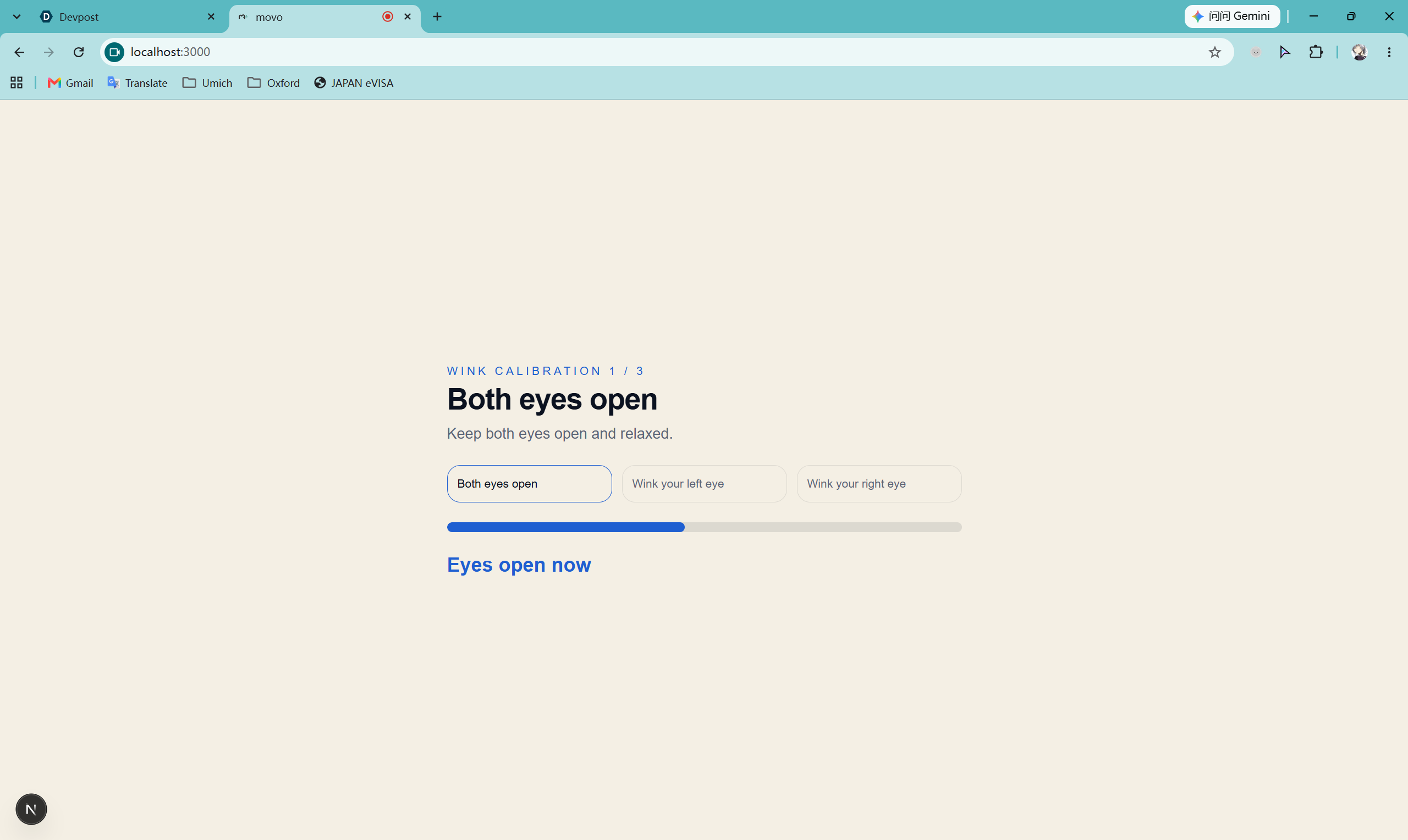
Winking calibration
movo
Type and speak with small head movements, in your own voice.
A hands-free, personalized AAC keyboard that runs in the browser with just a webcam.
Why movo
People who can't speak or use their hands, for example after a stroke, or living with ALS, cerebral palsy or a spinal cord injury, often rely on AAC (augmentative and alternative communication) systems to talk. Many of these systems are expensive, need dedicated hardware, and speak in the same flat, generic voice for everyone.
movo is a more personal AAC system. You point with your nose, hold on a key to press it, and wink to control the app, with no hands, no special hardware and no clicking. What you type is read aloud in a voice you choose, including a clone of your own voice or a loved one's. The keyboard learns the words that matter to you, and adjusts to how much you're able to move.
Features
Hands-free control
- Head pointer. Your nose is the cursor. Tracking runs from an ordinary webcam.
- Point and hold to press. Rest the pointer on a button for about a second; a fill bar shows the press coming.
- Snapping buttons. The pointer automatically snaps to whichever button it's over to allow for more stable button selection.
- Left wink pauses and resumes the keyboard. Right wink switches between the two typing modes.
- Fully hands-free calibration. A comprehensive calibration process leading to a smoother experience.
Typing
- T9 keypad. A 3×4 phone-style layout with large keys.
- Predictive mode. Press each letter's key once and pick the word you meant from a suggestion row. Arrows flip through pages for more suggestions.
- Multi-tap mode. For exact spelling: keep pointing at a key to cycle through its letters (
a → b → c → 2). - Consecutive typing. Keep pointing at a key and it presses again every 0.9s.
- Adaptive delete. Holding delete removes one character, then speeds up the longer you hold, and after a few seconds deletes whole words.
- Text box tools beside the box:
- Eraser clears everything.
- Speaker reads the text aloud.
- Plus adds the last word you typed to your personal vocabulary.
- Scrolling text box. Point at the top or bottom strip of the text box and hold to scroll through longer messages.
Personalization (Settings)
Pause with a left wink, then point at Settings. Patient options are point-and-hold, caretaker options are ordinary mouse clicks.
| Section | Patient (point and hold) | Caretaker (mouse) |
|---|---|---|
| Voices | Choose the speaking voice | Add a voice from an audio file |
| Vocabularies | Add personal words | View, add, respell and delete personal words |
| Others | Pointer sensitivity (0.5× to 1.5×), recalibrate | Switch to eye tracking* |
* Eye tracking mode is a placeholder for future work and isn't fully implemented yet. It's there so movo can later support people who use a dedicated hardware eye tracker, for whom eye tracking may work better than head movement.
Settings and personal words are saved in the browser, so they're still there next time.
Getting started screens
- A short intro screen fades straight into calibration. The camera loads in the background while it's showing.
- A one-time tutorial on first reaching the keyboard covers the pointer, winks, the text box buttons and Settings.
Built for the problem: design choices
26 small keys are hard to hit and tiring to reach
A full QWERTY keyboard packs 26+ small keys across the screen. Webcam head tracking isn't pixel-precise, and every trip across the screen is a real head movement for someone with limited mobility.
Our solution: a T9 keypad with 12 large keys in a compact grid, so targets are big and close together. T9 is ambiguous (2-2-3 could be bad, cad or ace), so suggestions come from a ~476,000-word bank, ranked so common words come first. For words that aren't in any word bank, multi-tap mode spells letter by letter. A right wink switches between the two.
AAC voices sound flat and impersonal
AAC users often say their system reads their words plainly, with no emotion, in a voice that isn't theirs.
Our solution: swappable, cloneable voices. A caretaker uploads a short recording, of the user's own voice from before they lost speech or of a family member, and movo clones it with ElevenLabs. Everything typed is then read aloud in that voice, with natural expression.
The words that matter most are often the ones no dictionary has
Names of loved ones, pets, places and in-jokes usually aren't in any word list. Typing them letter by letter every time is slow and frustrating, especially for words someone uses every day.
Our solution: a personal vocabulary. These words are always suggested first in predictive mode. The user can add a word themselves with the plus button right after spelling it, and caretakers can manage the full list from Settings.
People move their heads very differently
Some people prefer a calm, precise pointer. Others can only turn their head a little, so a low-sensitivity pointer can't even reach the edges of the screen.
Our solution: adjustable pointer sensitivity from 0.5× to 1.5×, chosen hands-free in Settings and remembered between sessions.
How it works
| Part | Technology |
|---|---|
| Head and face tracking | Google MediaPipe Face Landmarker (@mediapipe/tasks-vision), in the browser |
| Text to speech and voice cloning | ElevenLabs API (eleven_multilingual_v2, instant voice cloning) |
| App | Next.js 16, React 19, TypeScript, Tailwind CSS 4 |
| Eye tracking (placeholder) | WebGazer.js, standing in until hardware eye trackers are supported |
Head pointer
- MediaPipe finds 478 face landmarks in every webcam frame, on the GPU, falling back to the CPU if needed.
- movo estimates head turn and tilt from the nose tip's position relative to the outer eye corners, measured relative to the distance between the eyes. That keeps it stable when you lean in or move sideways.
- A short calibration (5 keys) fits a per-user mapping from head pose to screen position. A One Euro filter smooths the pointer while you're still and keeps it responsive when you move.
Winks
- Each frame, movo measures how open each eye is (eye aspect ratio) and compares the two eyes with each other.
- Per-user thresholds come from the wink calibration. Without calibration, a 30% difference counts.
Speech
- Text is sent to a small Next.js API route (
movo/app/api/voice), which calls ElevenLabs with the selected voice and streams back the audio. - Voice uploads go through the same route to ElevenLabs' voice cloning.
Word bank
- The 10,000 most common English words (Google Web Trillion Word Corpus) are ranked first, then the ~466,000-word dwyl/english-words list for coverage.
- Personal words always rank above both.
Privacy
- Video is processed entirely in the browser and never uploaded.
- Only the text being spoken, and any voice recordings a caretaker uploads, are sent to ElevenLabs.
- Settings and personal words are stored in the browser's local storage.
Run it locally
Requirements: Node.js 20+, a webcam, a recent Chrome or Edge, and an ElevenLabs API key for speech.
cd movo
npm install
Create movo/.env with your key:
ELEVENLABS_API_KEY=your_key_here
Then start the app:
npm run dev
Open http://localhost:3000 and allow camera access.
Tips for good tracking
- Sit about an arm's length from the screen.
- Light your face from the front, not from behind.
- Keep the webcam roughly at eye level.
- If the pointer drifts, pause and recalibrate from Settings → Others.
Project structure
movo/
├── app/
│   ├── page.tsx              # Entry point
│   └── api/voice/route.ts    # ElevenLabs speech + voice cloning
├── components/
│   ├── gaze-keyboard.tsx     # Screens, keyboard, calibration, settings
│   └── vocabulary.tsx        # Personal vocabulary page
├── lib/
│   ├── head.ts               # MediaPipe head pose, smoothing, wink detection
│   ├── keyboard.ts           # Keypad layout, snapping, deletion helpers
│   ├── t9.ts                 # Word bank, suggestions, personal vocabulary
│   ├── voice.tsx             # Voice list, selection, upload
│   ├── speech.ts             # Read-aloud hook
│   └── webgazer.ts           # Placeholder eye-tracking mode
└── public/
    ├── t9/                   # Word lists (+ licence)
    └── webgazer/             # WebGazer bundle (+ licence)
Limitations and next steps
- Desktop only: built and tested on laptops and desktops with Chrome. Mobile isn't supported yet.
- English only: the word bank is English.
- Stays inside movo: you can't type into other apps or websites yet. A browser extension or desktop app would let movo type anywhere.
Credits and licences
- MediaPipe (Apache 2.0) for face landmark tracking.
- ElevenLabs for speech and voice cloning.
- Full word bank from dwyl/english-words (Unlicense).
- Common-word list derived from the Google Web Trillion Word Corpus. It's licensed for research and educational use; see
movo/public/t9/LICENSE.md. - WebGazer.js (GPLv3 / LGPLv3) for the placeholder eye-tracking mode; see
movo/public/webgazer/LICENSE.md.
Team
movo is built by Shrenik Patel, Yifei Peng and Jiahui Zhu.
Built With
- elevenlab
- javascript
- media-pipe
- typescript


Log in or sign up for Devpost to join the conversation.