-
-
App Store icon
-
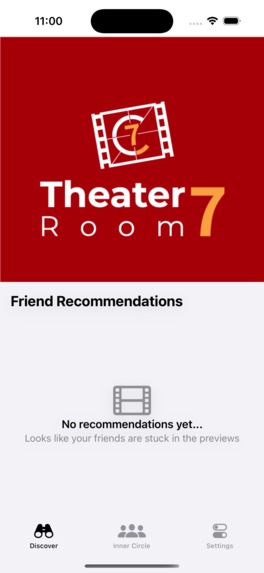
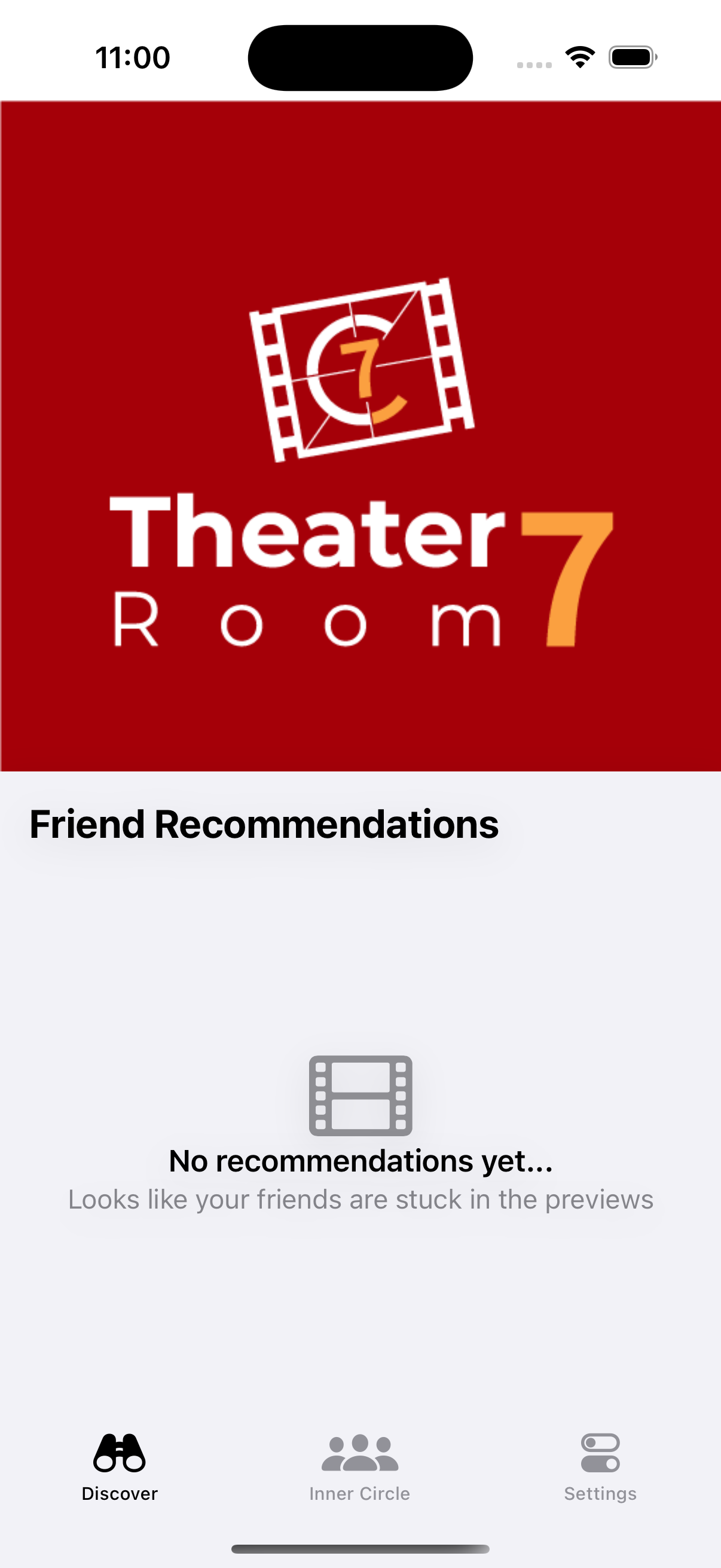
Device Screenshot of opening page
-
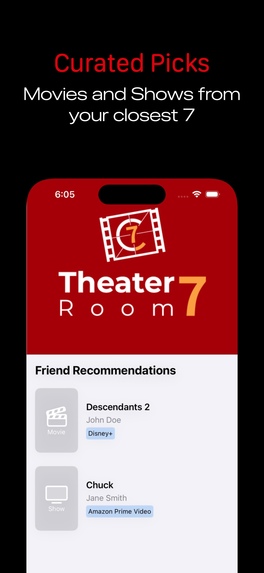
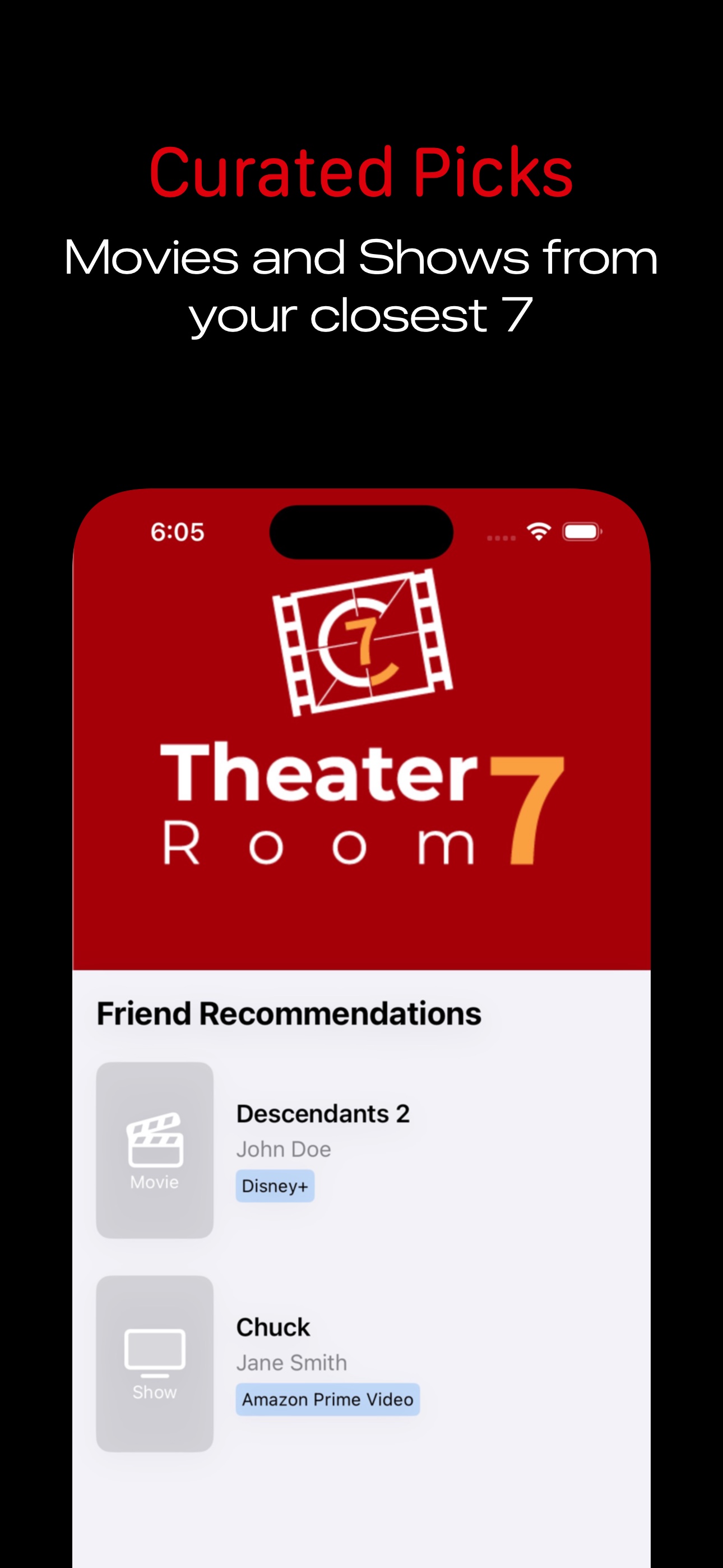
App Store Promo 1 - Curated Picks
-
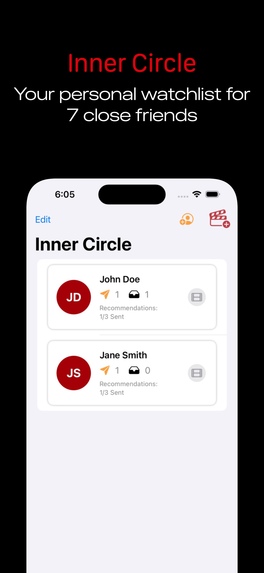
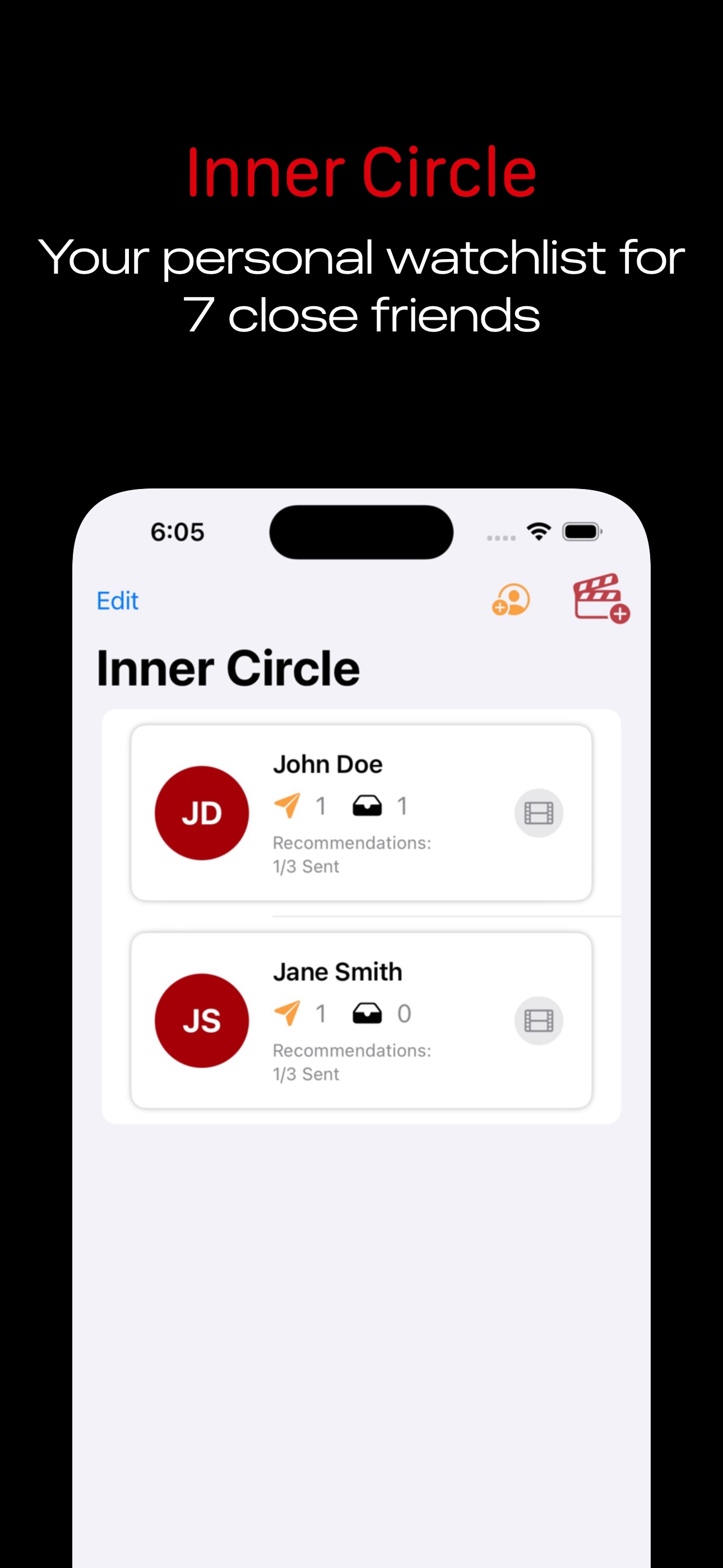
App Store Promo 2 - Inner Circle
-
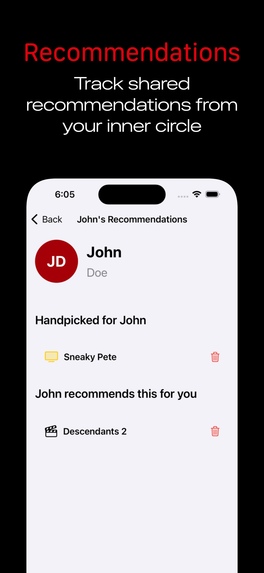
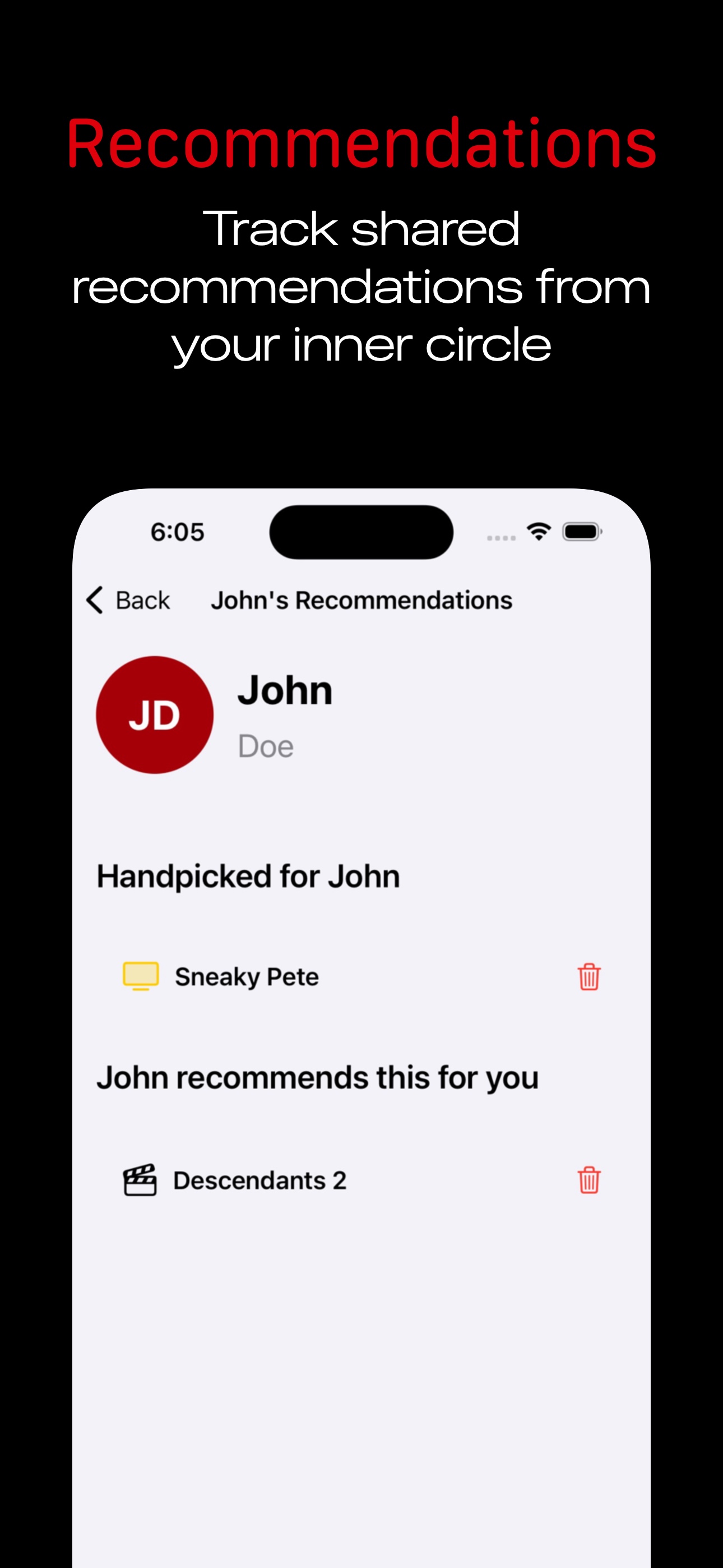
App Store Promo 3 - Recommendations
-
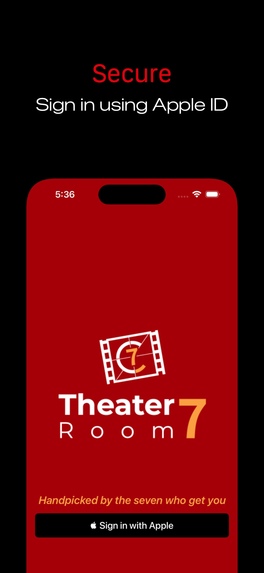
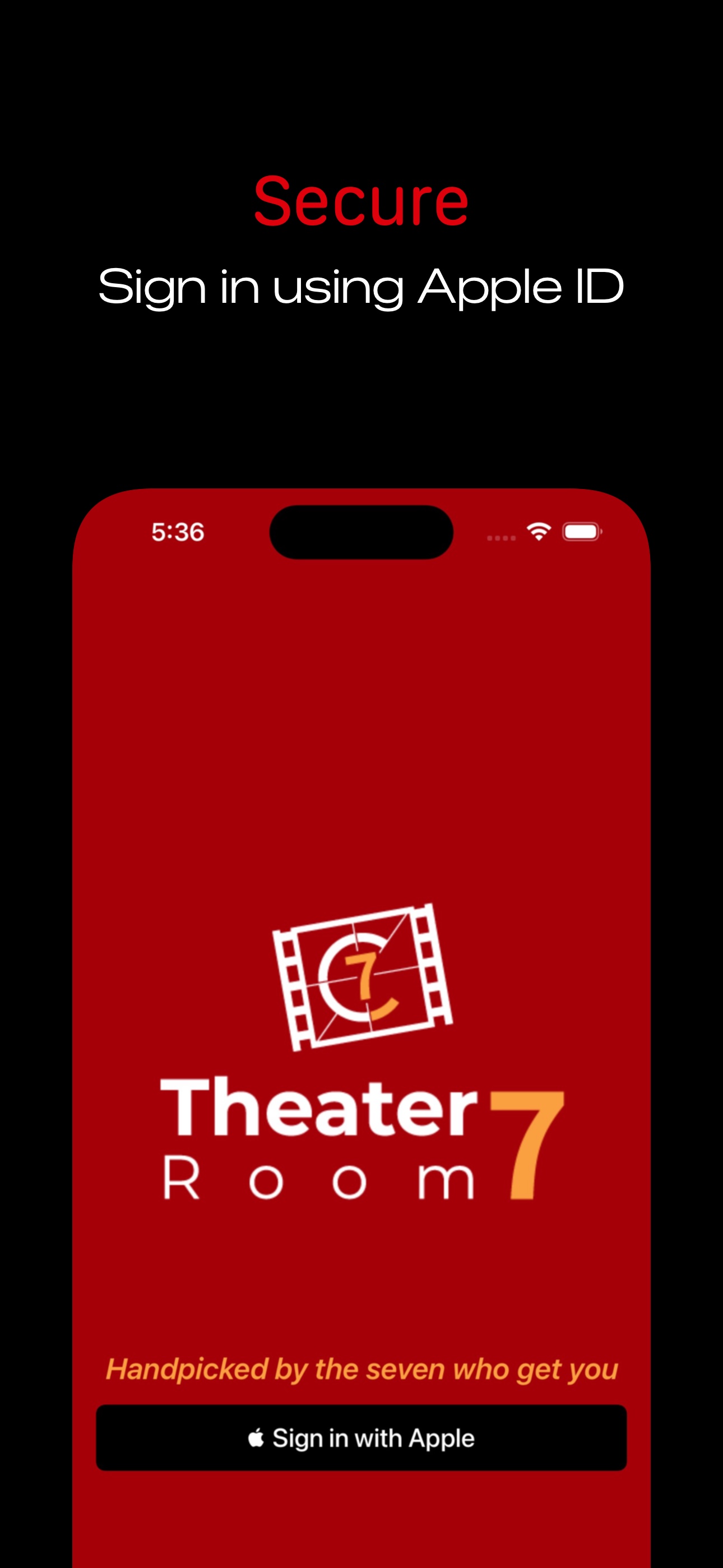
App Store Promo 4 - Sign in with Apple
-
Logo and Icon
-
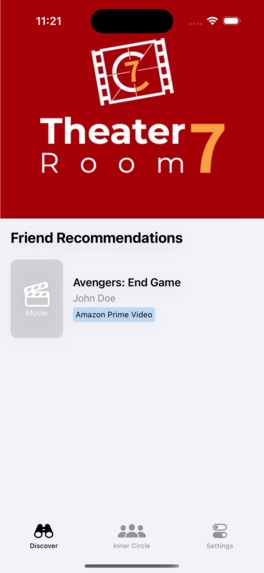
Device Screenshot Discover page, no bezels
-
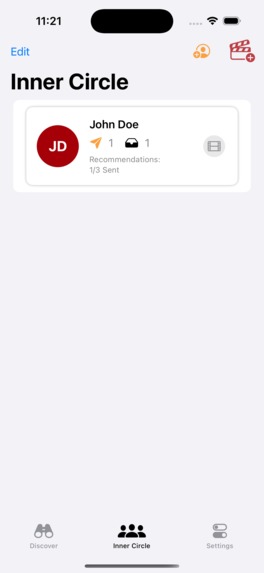
Device Screenshot Friends page, no bezels
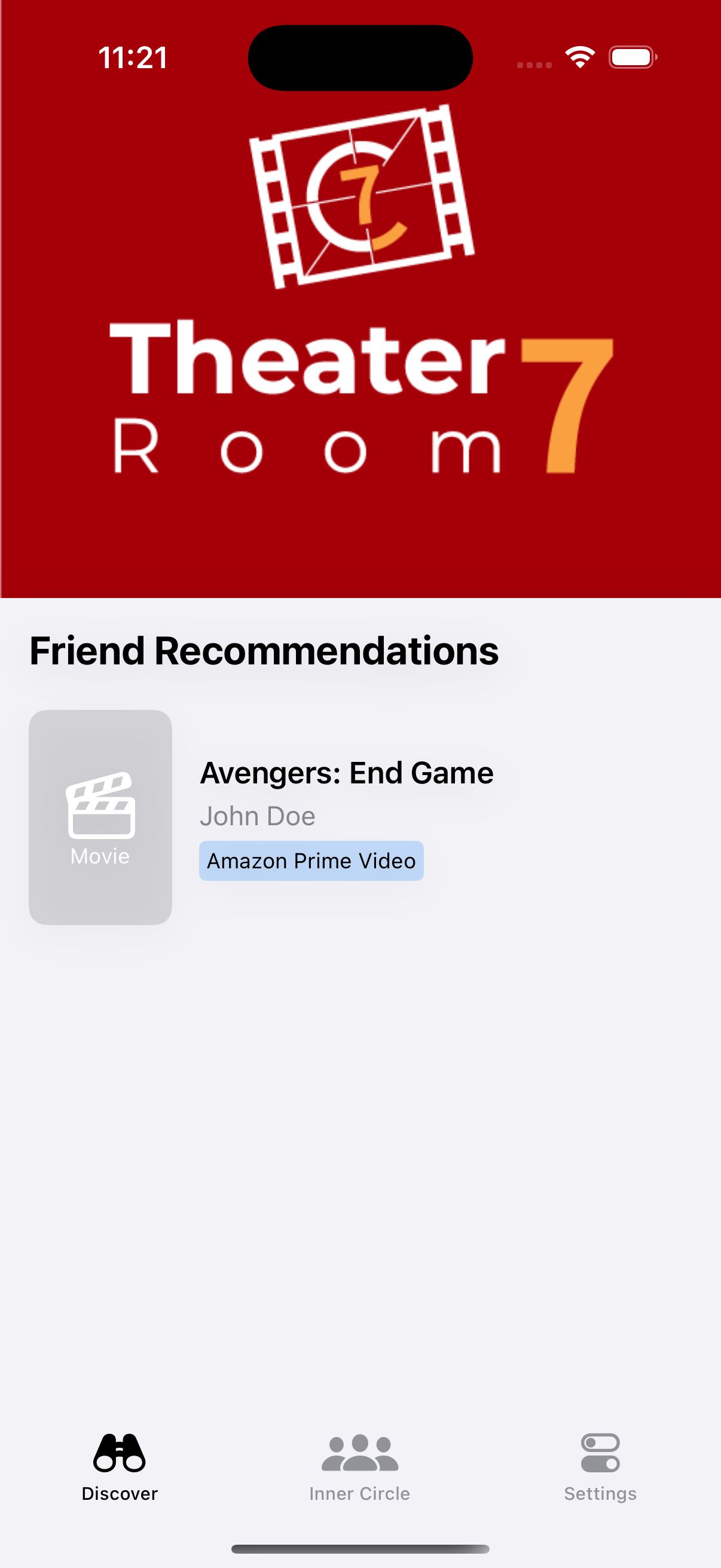
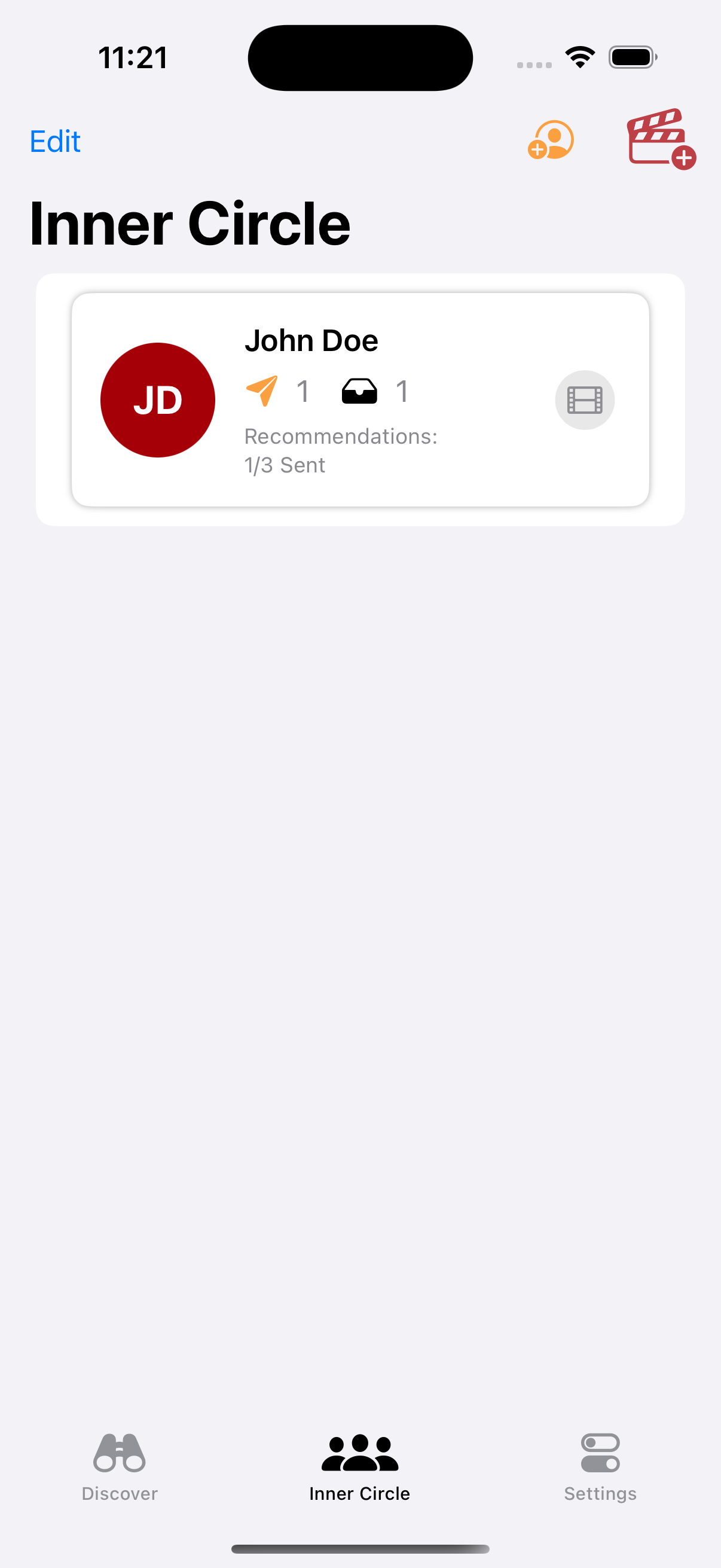
Inspiration
For years, my friends and I have shared personalized movie and show recommendations based on our deep understanding of each other's tastes. With so many streaming services today, these suggestions often get lost in the noise.
One day, a friend and I shared recommendations with each other. We were both extremely excited about them, knowing what we both like, but then realized we didn't have the appropriate streaming services at the time. I asked if he was putting it "on the list", and he said certainly. But we both admitted to each other that none of us actually had "the list", and it was all put to memory. I decided enough was enough, and that it was time to digitize this experience, to help us keep track of recommendations and spend more time enjoying great content.
A quick look in the App Store reveals that there are a lot of movie recommendation apps. One thing I wanted my app to be was more personal, with only recommendations from those that are dear and near. I will admit I was inspirited by some nostalgia with the Myspace "top 8". This influenced my decision to cap friends at 7.
Regarding the name, I wanted it to be unique, but also partly familiar, at the possible cost of ASO. I opted to keep the name by itself, and ASO terms in the subtitle. The name "Theater Room 7" was chosen because of movie theaters many times naming their room after a number. Although this app tailors to both movies and shows, I felt the old-timey cinematic feel can provide a nice user experience. I want the user to feel like they enter their own theater room when they open the app, to watch a movie picked by someone from their chosen 7 friends.
What it does
This app allows you to track recommendations to and from your closest 7 friends. This initial MVP cut is limited to a manual process of adding/removing friends and recommendations.
How we built it
Tools and Resources:
- Xcode as my primary tool
- Google, Youtube, and AI tools for learning and implementing (ChatGPT, Claude, and Gemini)
- Cursor AI tool for implementation support (listed separate since it is an IDE vs web tool)
- Figma for mockups and initial designs
- Miro.com for Discovery Tree creation (used their charting tools)
- Fiverr.com for Designer hire, used for icon and logo
- Google Sites for website
- SquareSpace for domain
- Iubenda for Privacy Policy / Terms of Service
- RevenueCat for Paywall (required)
- Screenshot Studio for Screenshots
- GitHub for source control and GitHub Desktop for source control UI
Initial Planning:
Discovery Tree was made to provide an overall vision of the project. Aside being a cool concept (taken from Jon Reid’s TDD SwiftUI streams), I felt it was needed because of my tendency to change course with "shiny object syndrome". I wanted to be flexible but also have certain milestones in place.
Phase 1: Local Core Data Setup
I decided to start with Core Data to get the ball rolling. I felt that the persistency of Core Data would be adequate in getting the concept working of storing and saving off friends and recommendations, creating inverse relationships in Core Data. In this phase I also added a lot of search and sorting functionality, such as sorting by media streaming and seeing if a movie being recommended already existed.
Phase 2: Authentication
This part was a bit more tricky. Using Sign in with Apple was not incredibly difficult. Rather, the challenge was making sure I knew what user was currently logged in and making sure that it aligned up with the current app state.
Phase 3: Firestore Database
This part was the most technically challenging of all. As I have not touched Firestore since Pre-Covid, I essentially did not remember much of it. I spent the most tutorial, google searching, and AI questioning time in this phase because of my unfamiliarity. I managed to get a database connected to the app with read/write capabilities.
Phase 4: MVP
This was the hardest phase, as I approached the deadline and realized I was having too many runtime issues. Improper synching between Core Data entities and data saved in Fire Store was causing problems that I could not fix in time. Eventually, I had to strip out all of the Fire store functionality. Additionally, because I had intertwined too much of the features together, I ended up stripping some of my original Core Data features as well, like the searching options.
Phase 5: The second 90%
Once I had an MVP, I went to work with the “second 90%” as it is often said. I used Screenshot Studio to help create the screenshots. Google sites was used for a quick website design, and the domain purchased on Squarespace since I already had an account. I approached a designer on Fiverr that provided a great logo and icon, and then I used Iubenda to create some of the legal documentation involved. App Store Connect was also an adventure - my app was rejected twice for incorrect meta data setup.
Challenges we ran into
Architecture This was challenging! While learning the different code implementations was great, I ended up mixing different architecture patterns that really cost me. Some files used dependency injection heavily while others used singletons. As I added more and more features, I did not keep in mind architecture and really mixed things around. Refactoring to a better architecture was also off the table because of time, so I left it in knowing it's a bit of a weight.
Testing I did not test the system as a whole properly. I would test the feature I was implementing and then maybe a few things, but I did not practice the entire flow, such as deleting account, deleting and creating new friends, etc. This left some undiscovered bugs until later on in the process which only slowed thing down.
Firebase Using Firebase Firestore was a bit more of a learning curve for me than I thought. Although I could read/write to the database, I was having issues syncing and having things cause issues in the app as well as the server. I knew I was in a bad position when I accidentally created an infinite loop that used up my entire day's write usage for free Firestore database. I knew at that point I had messed up by not taking the time to set up the emulator for testing. In the end, I removed everything Firebase.
App Store Connect I was surprised at how I could have had so many issues, but as it turns out, I skipped a few steps that costed me dearly (2 app rejections). I had forgotten to set up localization for the subscriptions and didn't realize that the IAP needed to have its own review. Although this was in some documentation, I believe the rush of trying to get it squared away at the last minute did not let me really do it well.
Social Media/Some Imposter Syndrome Although at the beginning I had a great start, as it got tougher, I got some imposter syndrome with wanting to reveal how frustrating or how stuck I could get in scenarios. It was hard to admit that I wasn't getting as much progress. However, reflecting on it the past few days, I wish I had been a little more open. I think the vulnerability would have actually helped me a lot more than keeping it to myself.
Feature / MVP decisions Deciding what features to keep or not keep and what to do for MVP was its own challenge. I felt that the features I had to cut out for MVP made my app "worse". But ultimately seeing the other users post about shipping their apps made me really realize I really needed to cut things out of the code and get something minimal going.
Accomplishments that we're proud of
Learning New SDKs and APIs
This project allowed me to get my hands dirty with SDKs and APIs such as Sign in with Apple, Revenue Cat SDK, Firebase, and CoreData. I felt like working with all of these really enhanced my iOS experience, even if some of the things I learned did not make it into the MVP app.
Cutting things out for an MVP
This may sound weird, but swallowing my pride and removing more than 50% of my code to get MVP. I am actually pretty stubborn and am a bit of a perfectionist - so having to get rid of things to get to MPV was actually pretty hard. In my head I had promised the Imposter syndrome kicked in heavily as I felt my app wasn't "good enough" for a pay wall. But ultimately seeing many apps move forward, I decided to swallow some pride and go for the initial cut, even if it only a tiny piece of my entire vision.
Finishing a Product
As I explained what I had to do for this contest to a coworker, he was impressed at how much I had learned and what I had to do. I believe this rubbed off on me because then I realized how much I had actually done. I ended up doing a lot for this project such as learning new SDKs, creating a website, creating a paywall, working with a designer for quick logo turnaround, getting through App Store Connect, and sharing thoughts on social media. Overall I am super proud that I was able to accomplish and finish a project. Creating an app that makes money was one of my goals for this year, so I am extra happy to be working on one of my actual yearly goals.
What we learned
Feedback and iterations over just planning
Although I had great initial plan, I should have gotten more feedback and more testing involved much earlier on. Although this is my product, there is nothing keeping me from getting some additional help and insight from other iOS developers.
Proper Testing
Testing in the end really hurt me as I discovered bugs that should have been addressed or at least noted long before. In the future I will want to make sure I have a system or plan in place to conduct proper testing to eliminate as many surprises as possible.
Better embracing Build in Public
Although I used the "buildinpublic" hashtag, I don't think I actually gave the community the opportunity to provide insight or help guide decisions as much as I could have. There was a mix of pride and imposter syndrome - pride in wanting to do things on my own, and imposter syndrome in thinking I'll look a bit foolish. However looking back, I can see how this actually really cost me. I think being more open in the community and really trying to work on something with people would have been extremely more beneficial.
What's next for Theater Room 7
Apart from UI enhancements, I am not 100% sure to be honest. The user connectivity will be the BIGGEST feature, but because of its complexity, not sure if it is the next one just yet.
A few other features that might come in first with less overhead are search API for movie/show info, ability to export fun graphics with recommendation lists, and a widget for recommendations.

Log in or sign up for Devpost to join the conversation.