-
-
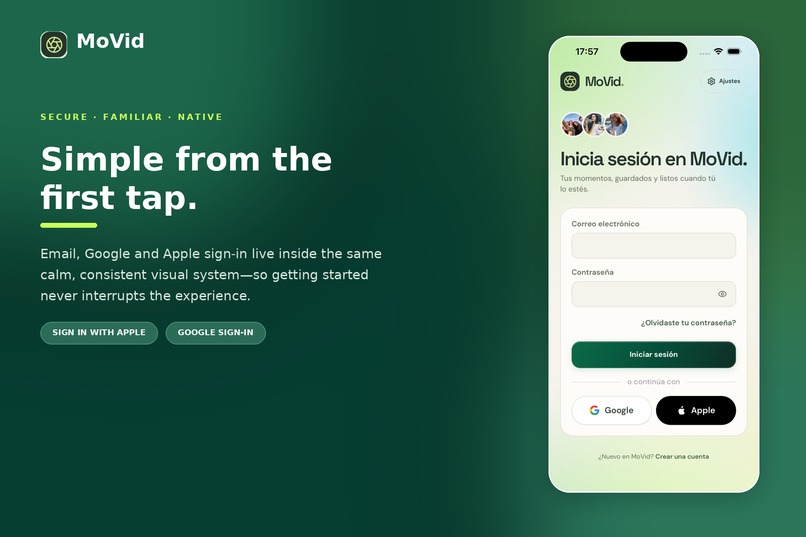
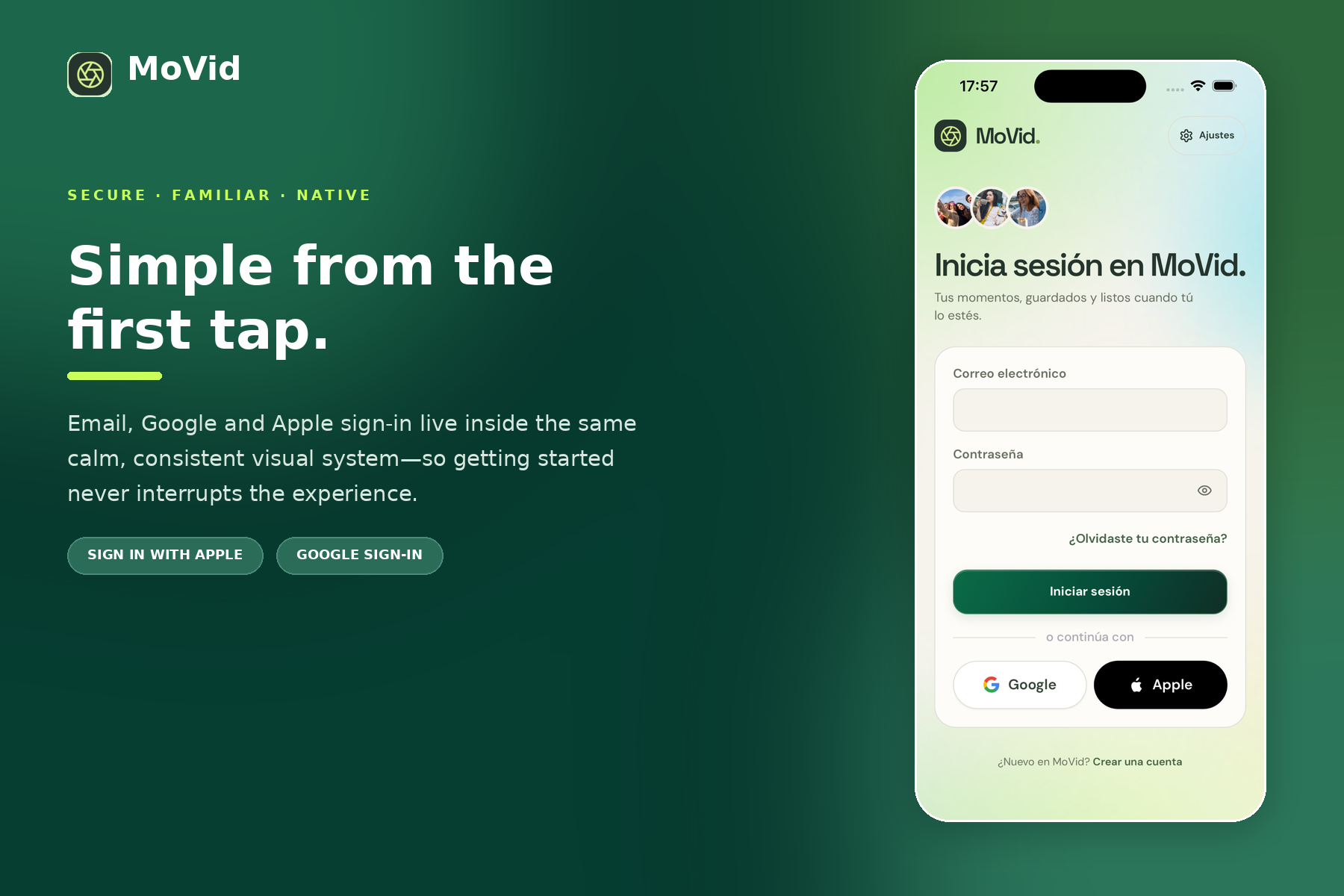
A secure and familiar start with email, Google and Sign in with Apple.
-
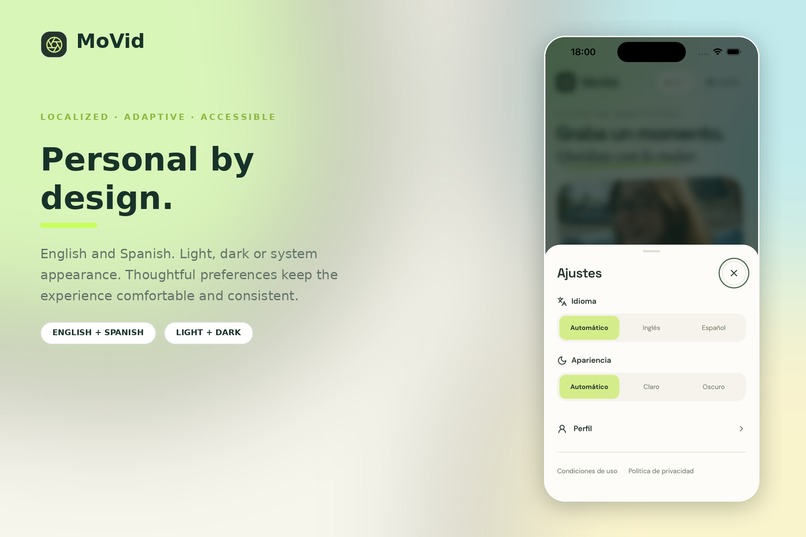
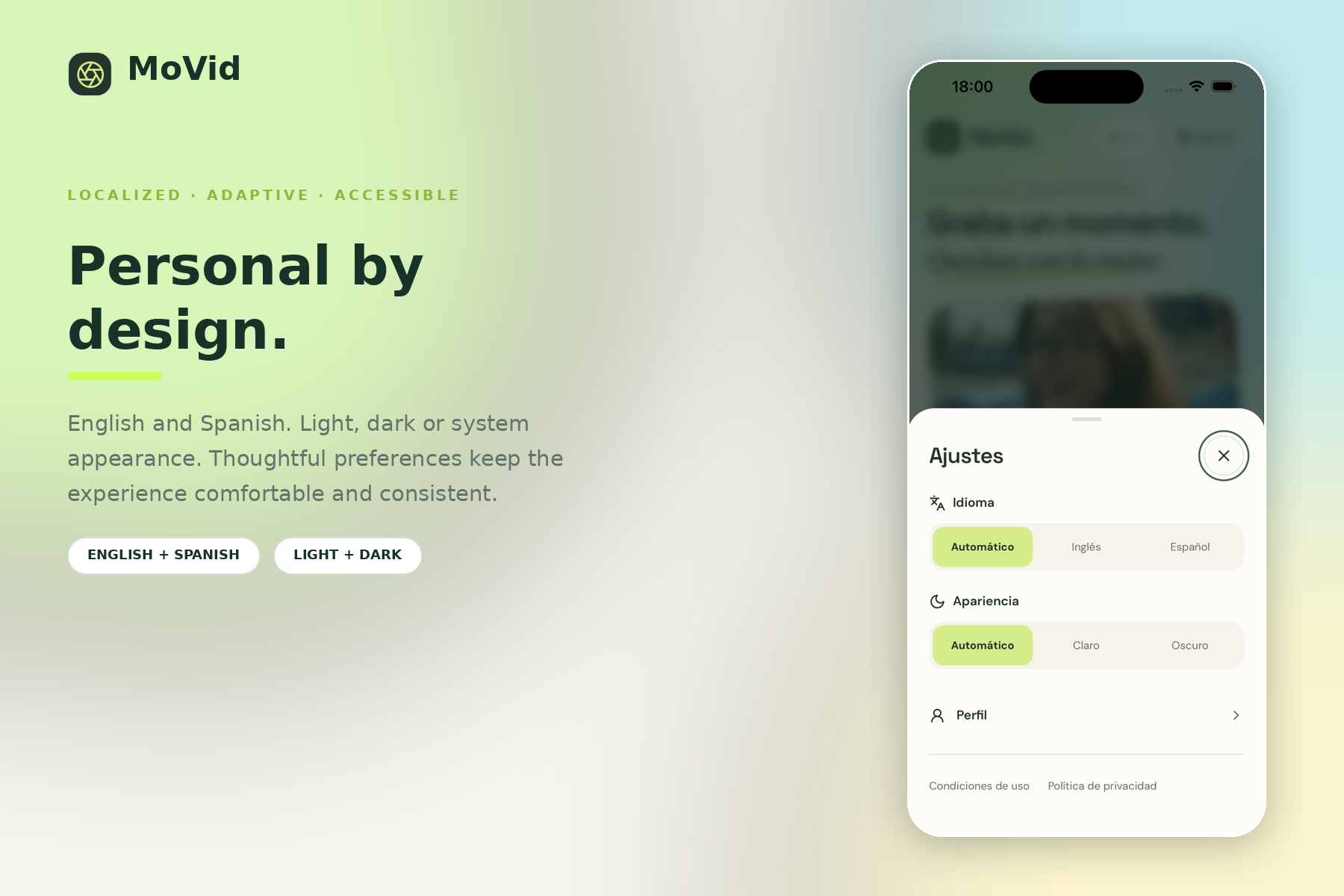
A localized, accessible experience with English, Spanish, light, dark and system appearance modes.
-
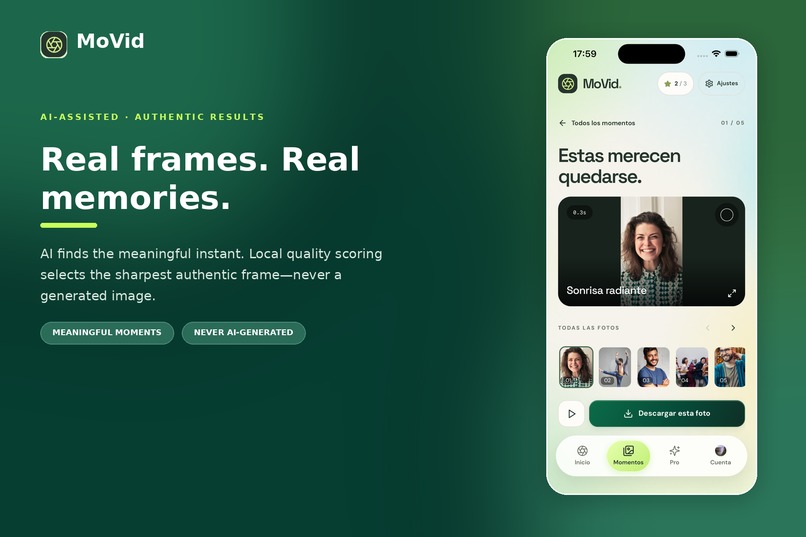
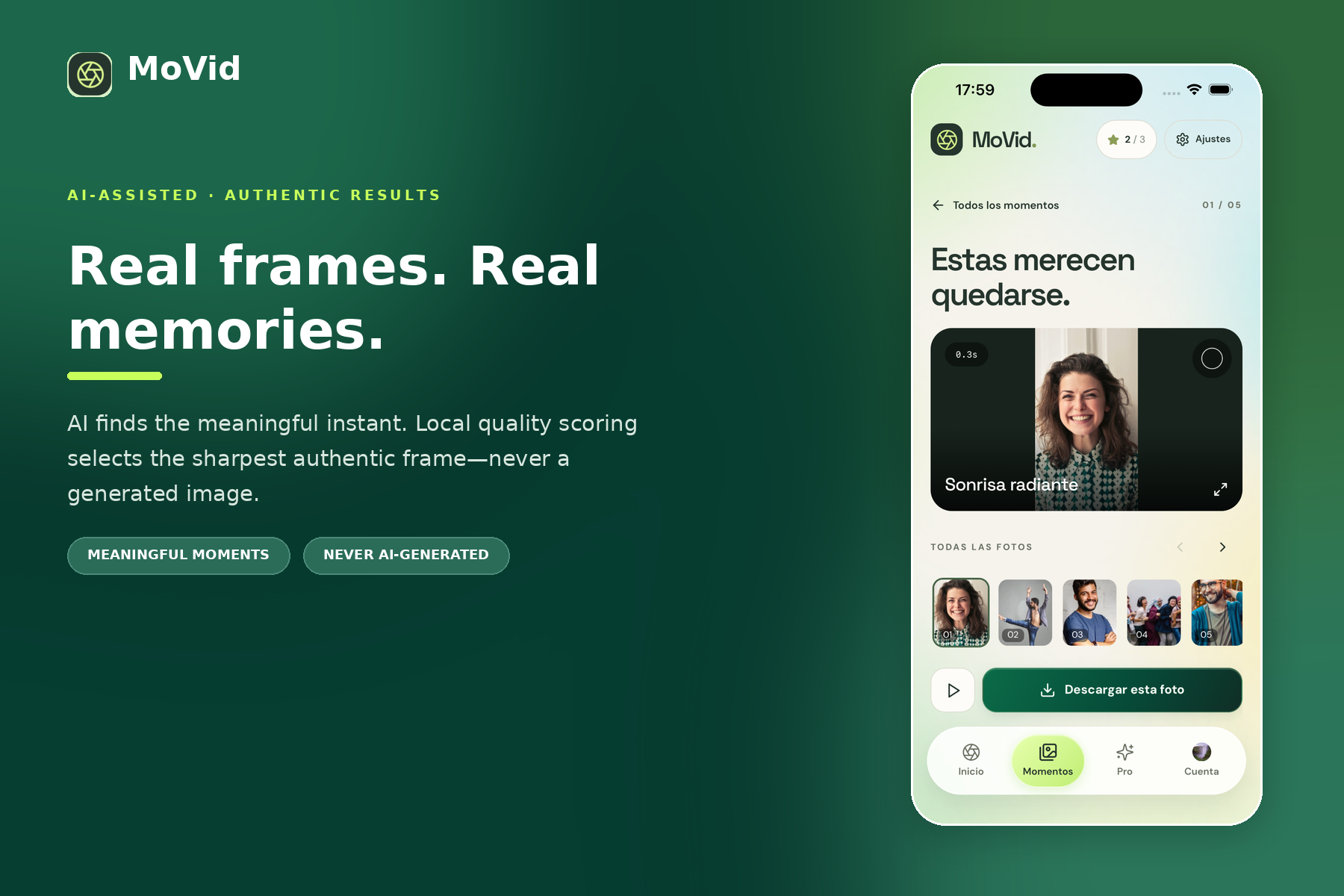
AI identifies meaningful moments while local processing selects the sharpest authentic frame.
-
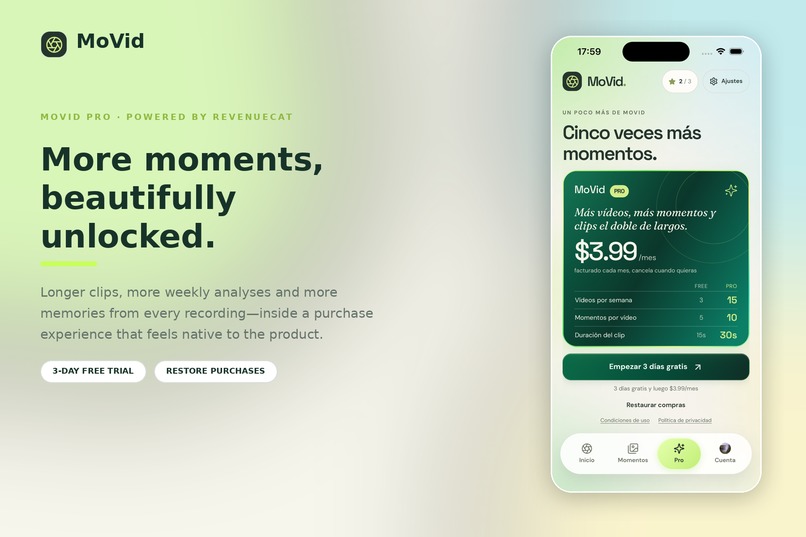
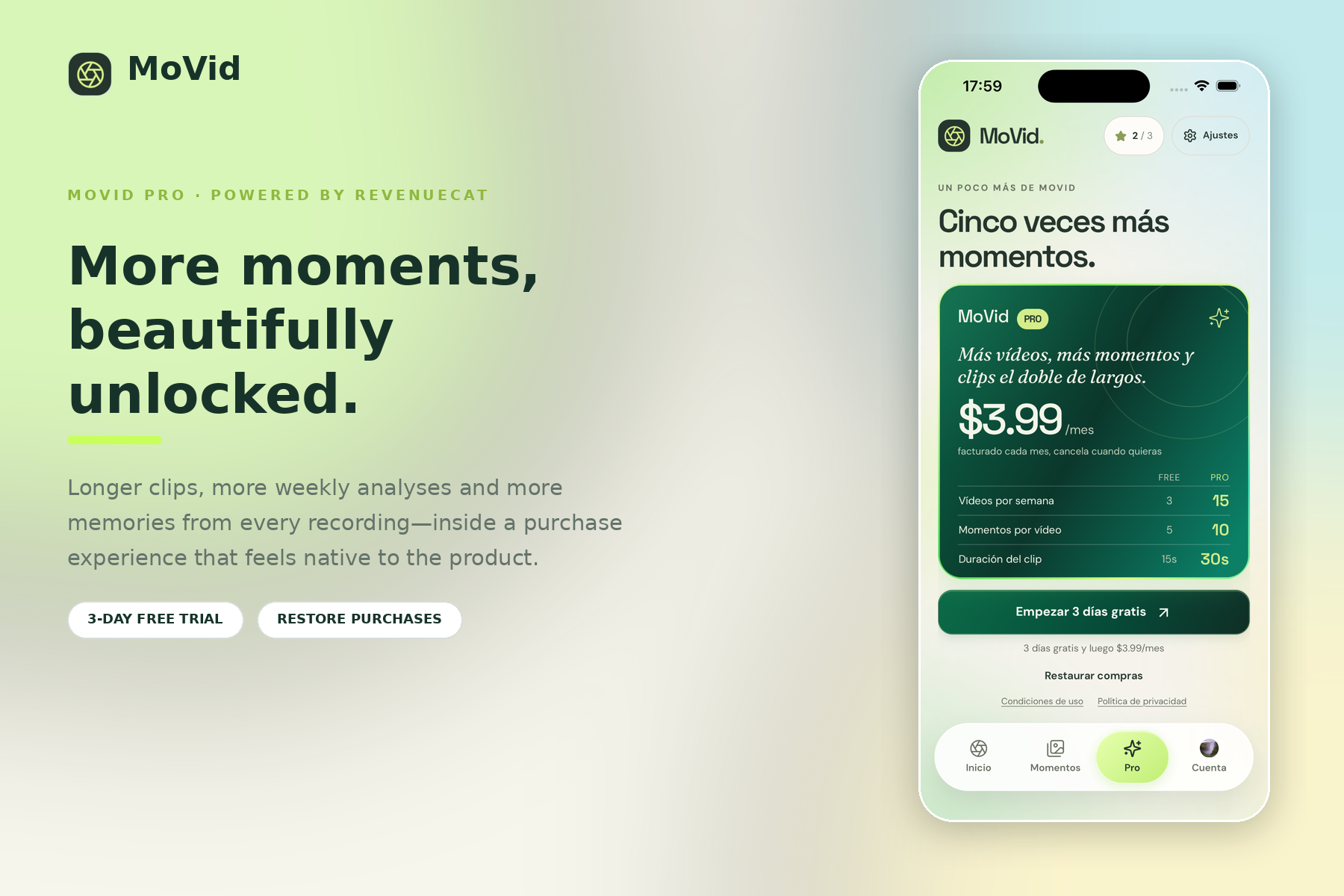
MoVid Pro unlocks longer clips, more analyses and more moments, powered by RevenueCat.
-
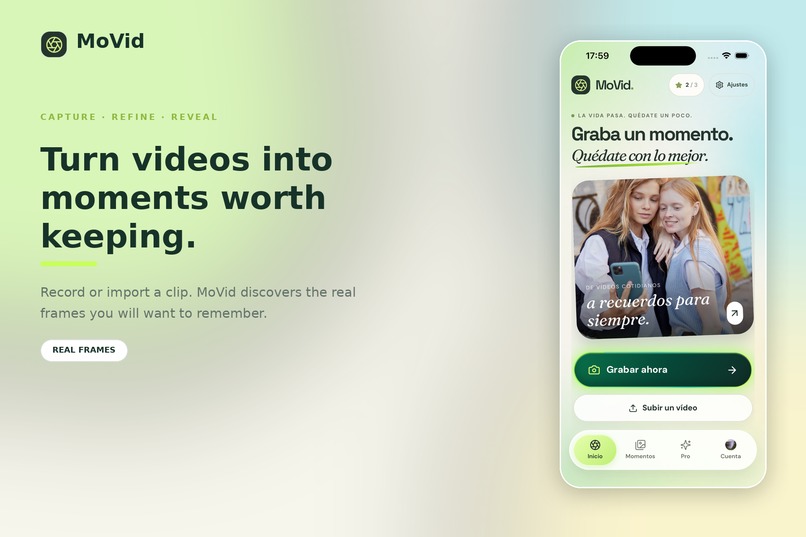
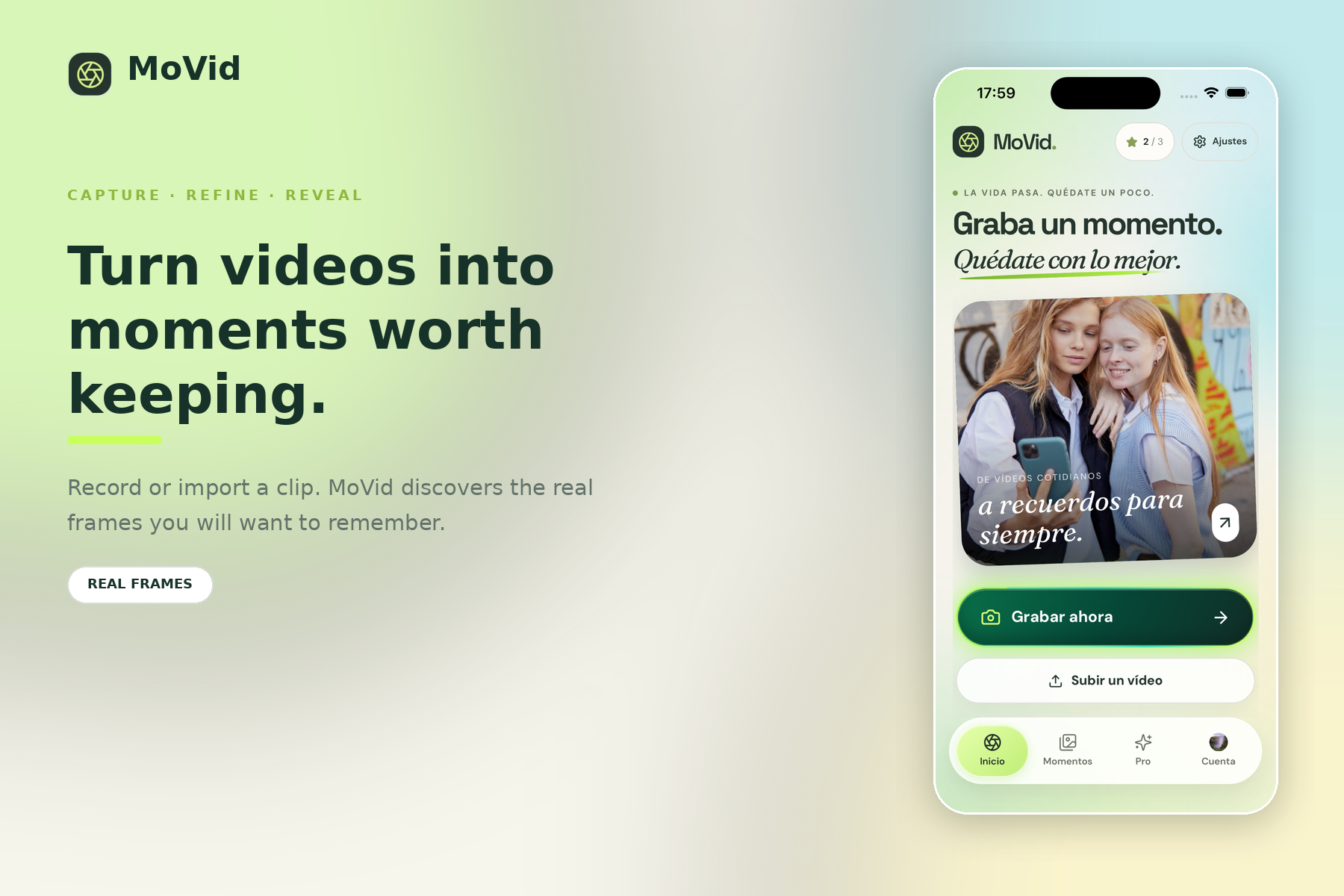
Capture or import a video and let MoVid uncover the real frames worth keeping.
-
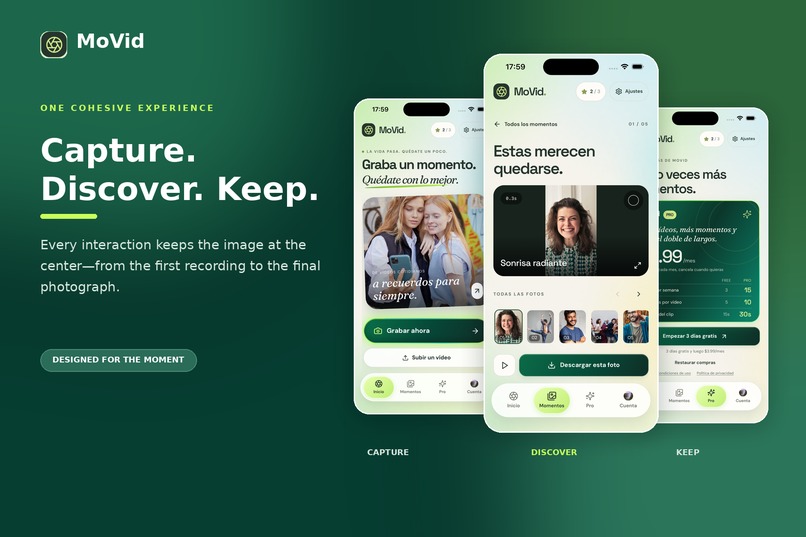
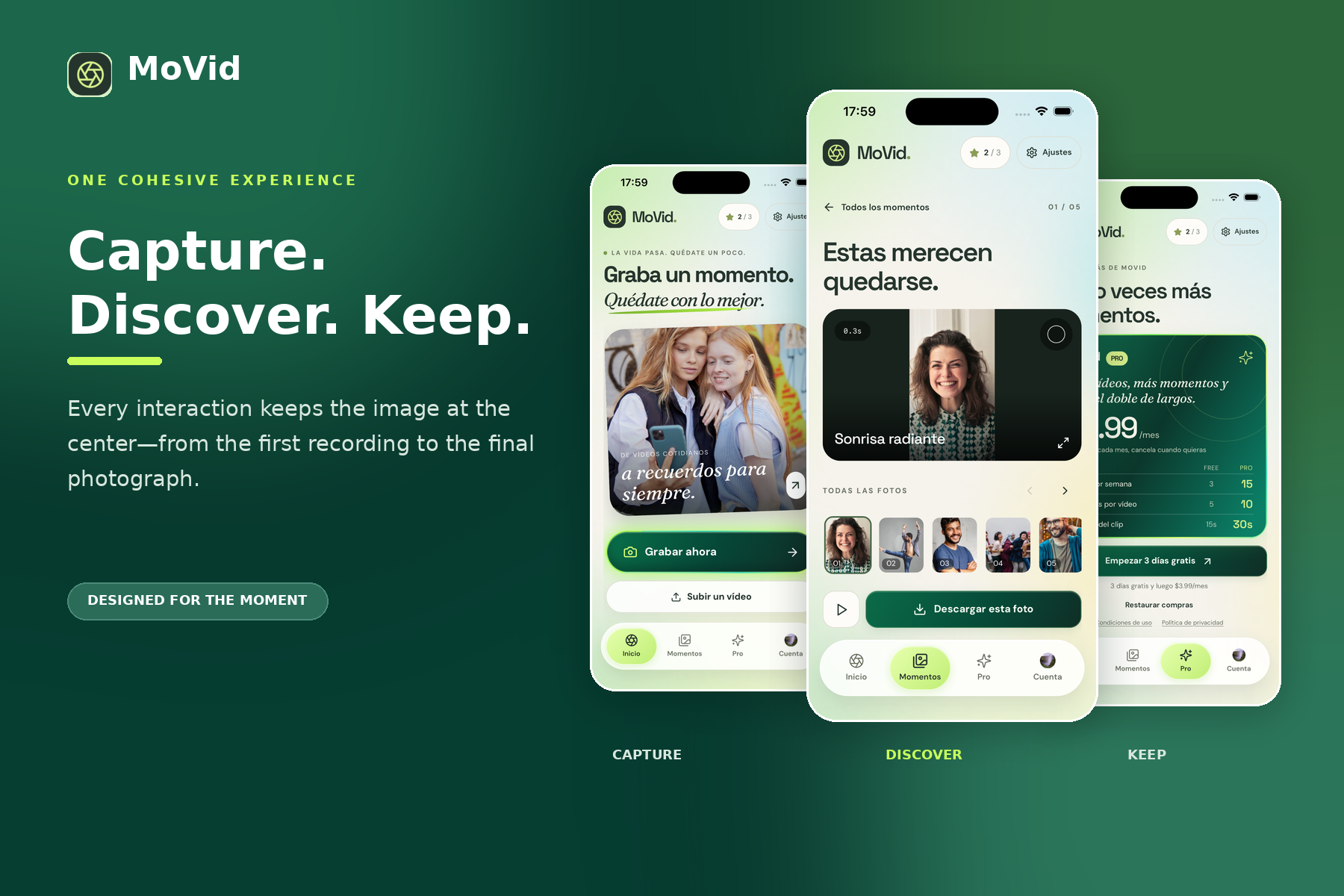
One cohesive creative flow: capture a video, discover its best moments and keep the photographs that matter.
Inspiration
The idea for MoVid began with my grandmother.
She often recorded videos of family moments because video was the easiest way for her to capture everything as it happened. However, she also wanted to keep photographs from those recordings: a smile, a family embrace or a special expression that lasted only a fraction of a second.
She would ask me to help her find and save those moments as photos. Doing it manually meant pausing the video repeatedly, moving frame by frame and trying to capture an image that was not blurred. The perfect moment was often hidden between hundreds of frames.
That simple problem inspired MoVid: an application that helps anyone transform a video into real photographs worth keeping, without needing editing experience or spending time searching frame by frame.
What it does
MoVid is an iOS application that transforms short videos into a curated collection of high-resolution photographs.
Users can:
- Record a video directly or import one from their photo library.
- Trim the exact section they want to analyse using a touch-optimized video editor.
- Let AI identify the most meaningful and visually interesting moments.
- Automatically select the sharpest and best-exposed real frame around each selected moment.
- Preview, select, download and share the resulting photographs.
- Revisit previous collections through a private Moments library.
MoVid does not generate artificial images. Every result is an authentic frame extracted from the user's original video. AI identifies which moments matter, while local image-quality processing determines which exact frame represents each moment best.
A design built around the moment
MoVid follows a simple creative rhythm: capture, refine, reveal.
The interface uses an editorial, image-first visual system with tactile controls, subtle depth, fluid transitions and purposeful animations. Every screen is designed to keep the user's videos and photographs at the center of the experience.
Animations are not included simply as decoration. They preserve context, communicate changes of state and make a technically complex process feel understandable and enjoyable.
Design highlights
MoVid's most distinctive design details can be experienced throughout the complete creative flow:
- Animated transitions connect capture, editing, analysis and results without making the user feel that they are moving through disconnected screens.
- The touch-based video trimmer provides direct and precise control over the section being analysed.
- The analysis sequence communicates progress while creating anticipation for the final reveal.
- Image-focused result cards allow moments to take visual priority over interface elements.
- Preview, multi-selection and download interactions remain fluid and intuitive.
- Native haptic feedback reinforces important actions.
- The MoVid Pro screen uses subtle animated gradients and depth to present the subscription as part of the product experience.
- Light and dark modes preserve the same visual identity.
- The complete interface is available in English and Spanish.
- Reduced-motion support and accessible labels are included without compromising the visual design.
Together, these elements turn video processing into a focused and emotionally engaging experience.
How I built it
MoVid combines a web-based product interface with native iOS capabilities through Next.js, React, TypeScript and Capacitor.
The analysis workflow samples selected frames and sends them to a server-side OpenAI vision process. Once the most promising moments have been identified, MoVid evaluates nearby frames locally to find the sharpest and best-exposed version.
This hybrid approach keeps every exported image authentic while producing better results than selecting a single frame directly from an AI-provided timestamp. AI determines which moment matters, while the local quality process determines which exact frame best represents it.
Firebase powers authentication, private user data and temporary media storage. Stored media is automatically removed after 30 days, and only sampled frames—not the complete video—are sent for AI analysis.
RevenueCat powers MoVid Pro. The active Pro entitlement controls premium access, localized App Store pricing is displayed inside the application, and purchase and restore operations update the interface immediately. A protected Firebase webhook keeps subscription status synchronized without allowing the client to grant itself premium access.
Challenges
The largest challenge was connecting AI interpretation with frame-level image quality. The most meaningful instant in a video is not always represented by its sharpest frame.
I solved this by separating the process into two stages: AI identifies the important moment, and a local quality pass searches the surrounding frames for the best final image.
Another challenge was creating a consistent experience across a web-based interface and the native iOS environment. Safe areas, the keyboard, status bar, camera, photo library, authentication, subscriptions and haptic feedback all had to feel like parts of one cohesive product.
Designing the analysis experience was also critical. AI processing takes time, so the interface needed to communicate progress clearly while maintaining anticipation and keeping the user engaged.
Accomplishments
I am especially proud that MoVid turns a complex workflow—video sampling, AI analysis, local frame evaluation, cloud storage and subscription management—into a focused experience that requires only a few intuitive actions.
The application supports real App Store subscriptions, secure RevenueCat entitlement synchronization, Sign in with Apple, multilingual content, accessibility preferences and a complete light and dark visual system.
Most importantly, the resulting photographs remain genuine memories taken directly from the user's video.
What I learned
Building MoVid taught me that good product design can hide technical complexity without hiding progress. Users do not need to understand every technical stage, but they should always understand what is happening and feel in control.
I also learned how much small native details—haptics, safe-area spacing, responsive touch targets, smooth transitions and correctly localized pricing—contribute to making an application feel polished and trustworthy.
What's next
The next major step is to bring MoVid to Android, making the experience available to a much wider audience while preserving the same visual quality and simplicity of the iOS version.
I also plan to improve moment detection for different types of recordings, including sports, pets, children, celebrations and group videos. Future versions will introduce smarter collection organization, favorites and search, additional export and sharing options, and new ways to compare nearby frames before saving a photograph.
I would also like to move more of the analysis process onto the device where possible, improving speed and privacy while continuing to ensure that every result remains a real frame from the user's original video.
Built With
- applesignin
- appstoreconnect
- capacitor
- cloudfunctions
- cloudstorage
- firebase
- firebaseauth
- firestore
- framermotion
- googlesignin
- ios
- next.js
- openaiapi
- react
- revenuecat
- storekit
- tailwindcss
- typescript
- vercel
- xcode


Log in or sign up for Devpost to join the conversation.