
Inspiration
I built this for one child in my family. Screen time was a nightly argument, and the tools I tried were all the same shape: a timer that takes something away. I wanted the opposite — screen time as something a kid earns, sees the price of, and chooses how to spend.
What it does
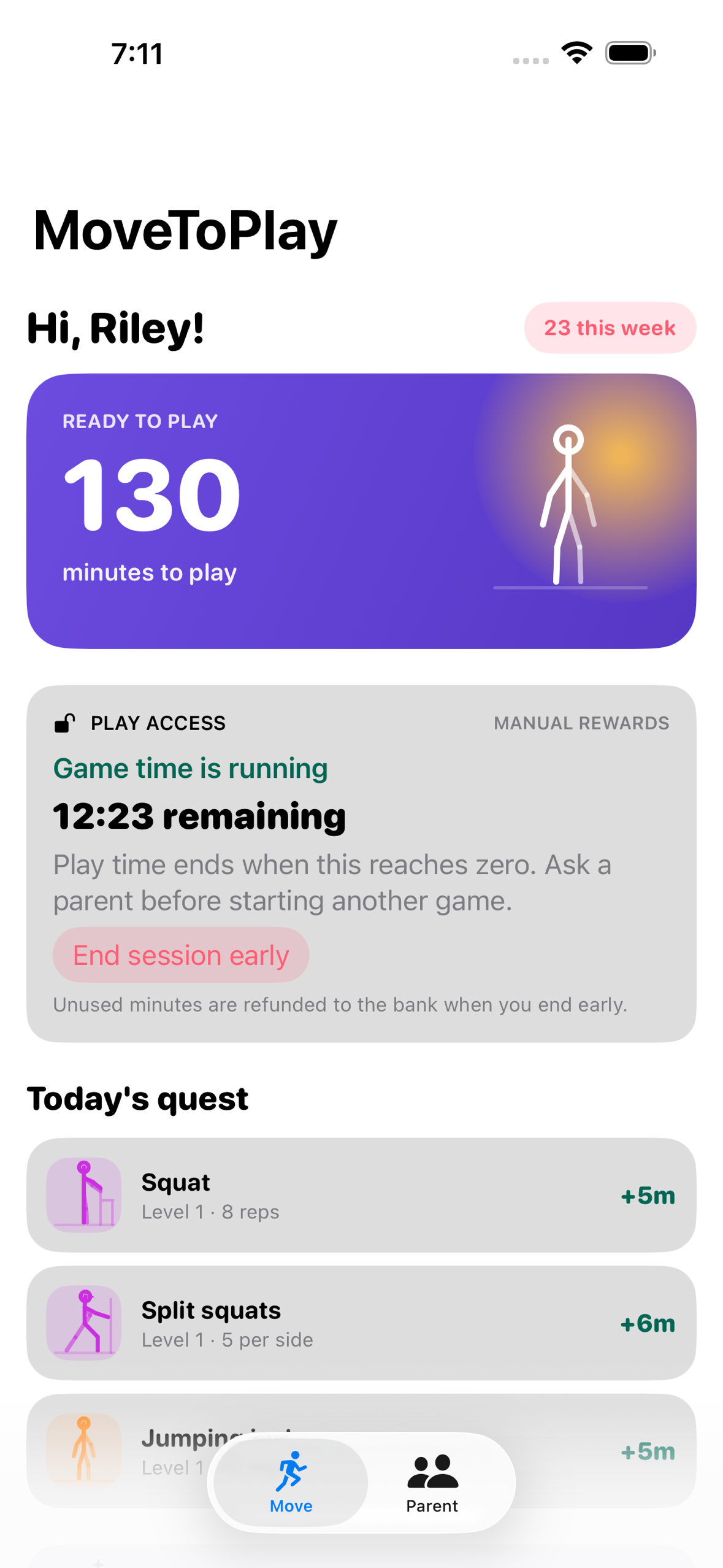
MoveToPlay turns screen time into a currency a child earns with their body.
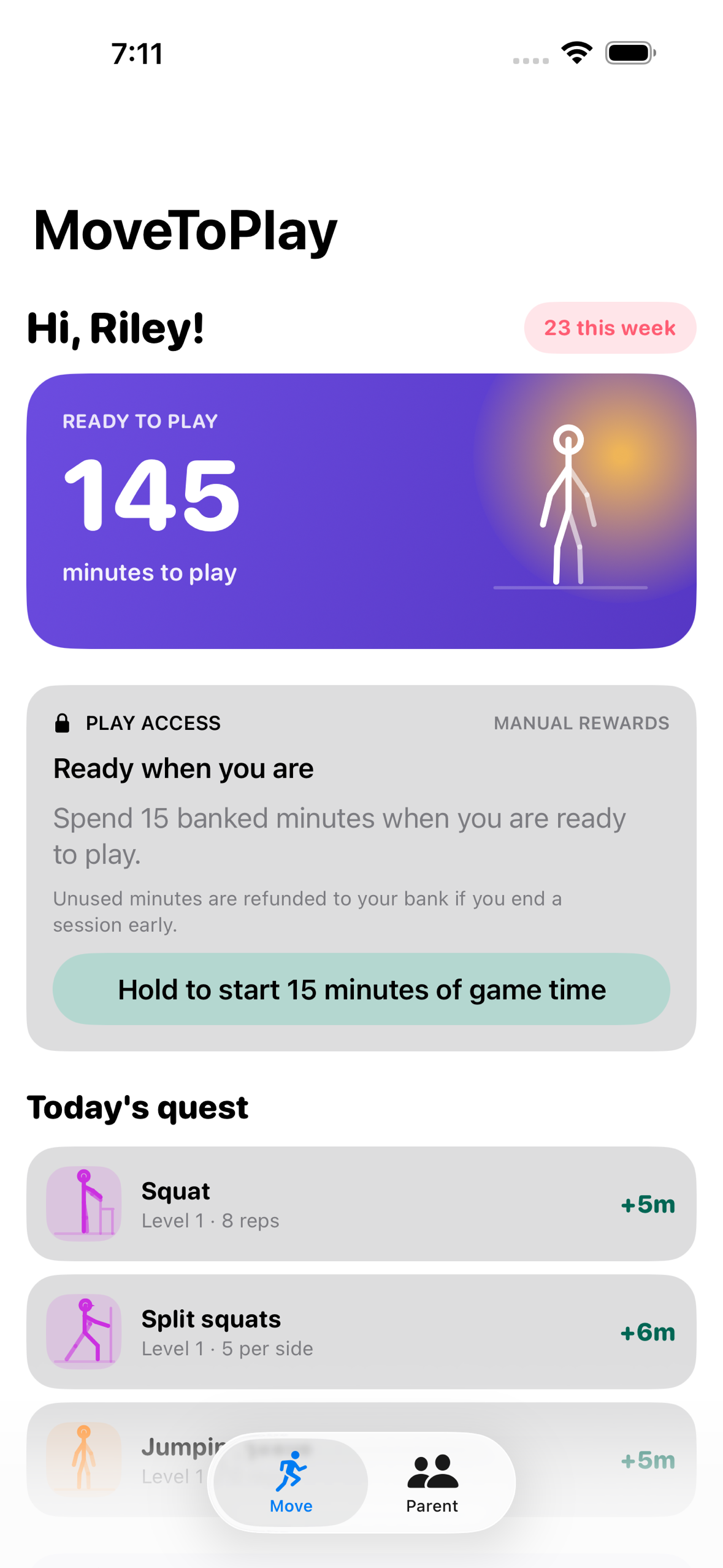
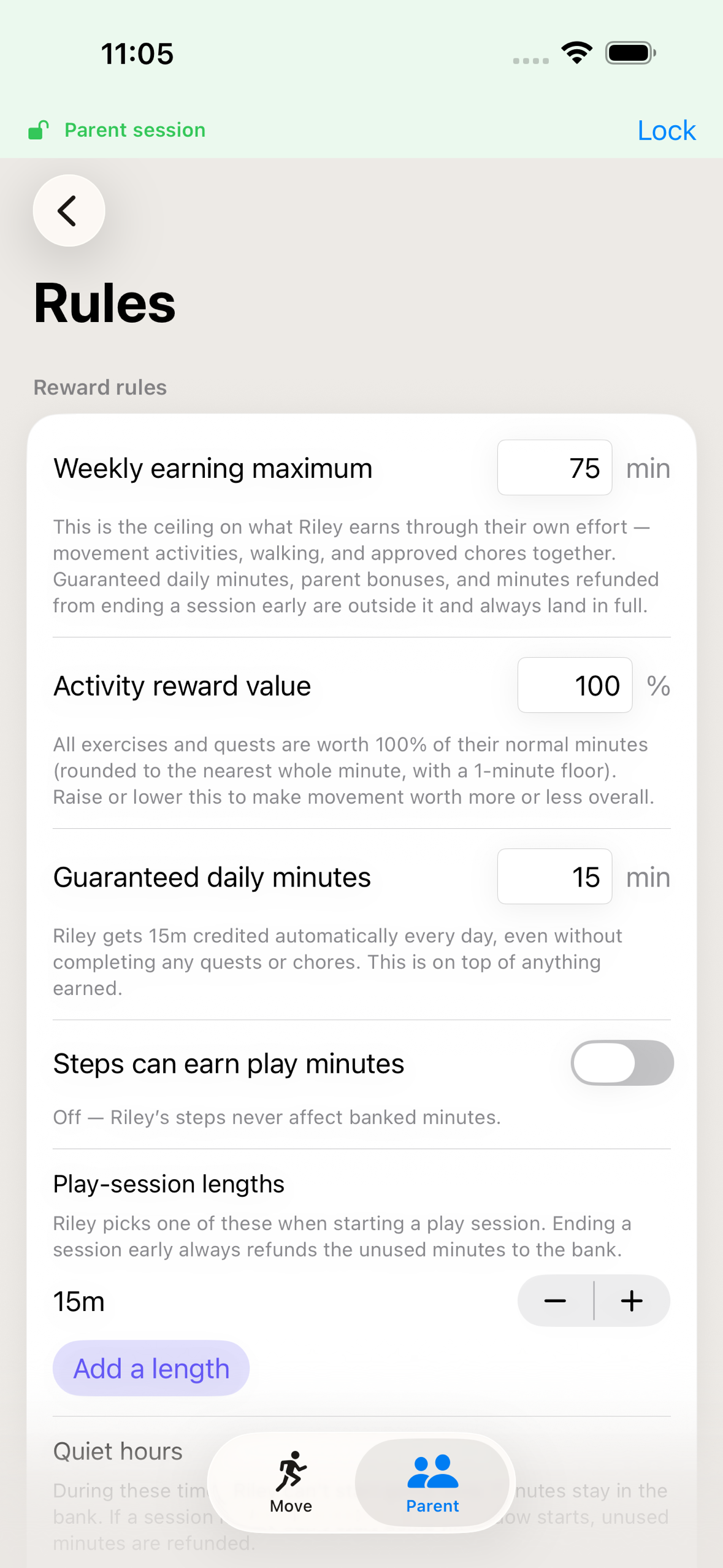
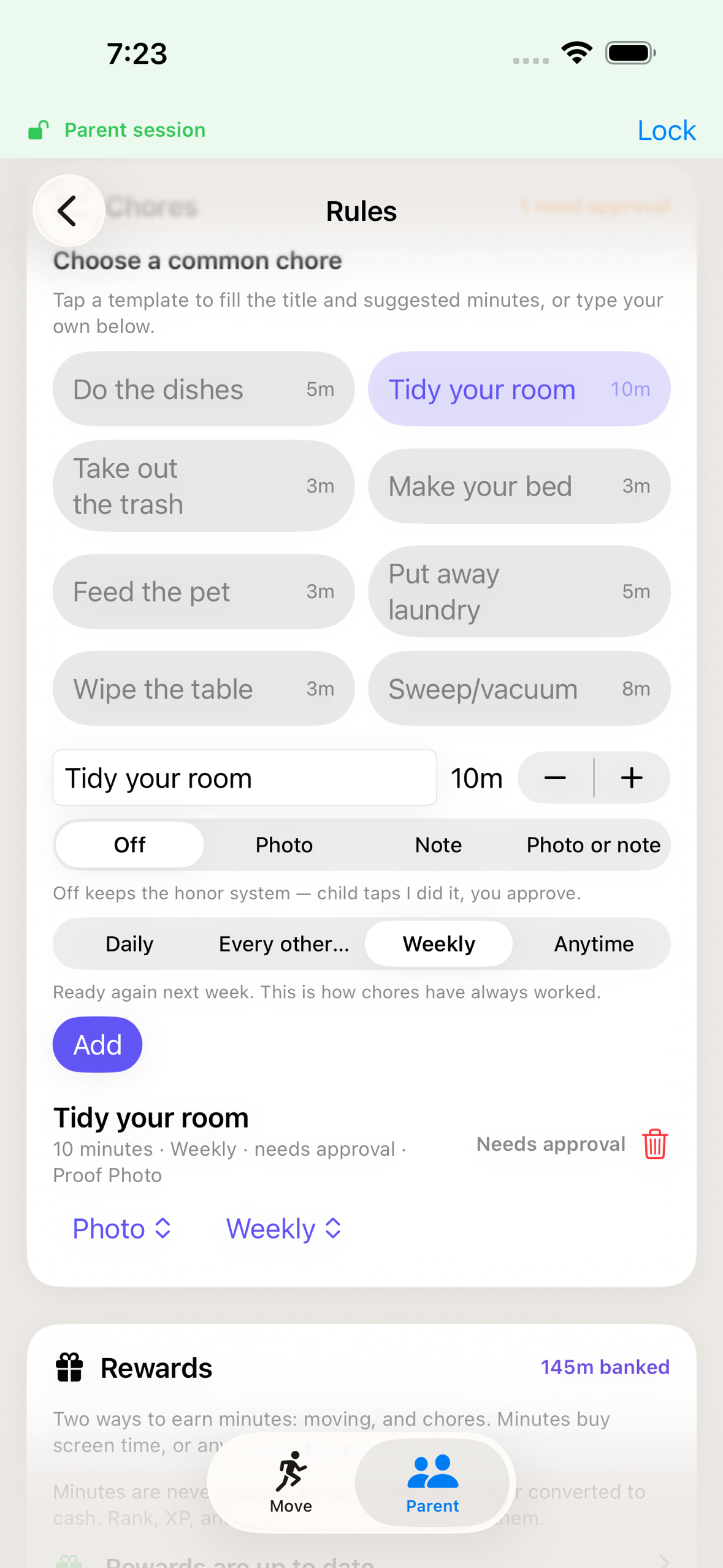
Kid-scaled workouts — strength, balance, cardio, recovery — plus walking and chores a parent approves all pay minutes into a bank. Banked minutes never expire: no midnight wipe, no weekly reset. A weekly ceiling caps how many new minutes effort can add, so a determined child can't earn past the limit a parent meant to hold, and a parent can set a guaranteed daily amount that arrives whether or not anything is earned.
To play, the child spends minutes on a timed session covering the apps the parent chose, for a length the parent offered. Until that session starts, Family Controls holds those apps closed at the OS level — not a reminder a child can dismiss. Stop early and the unused minutes go back in the bank.
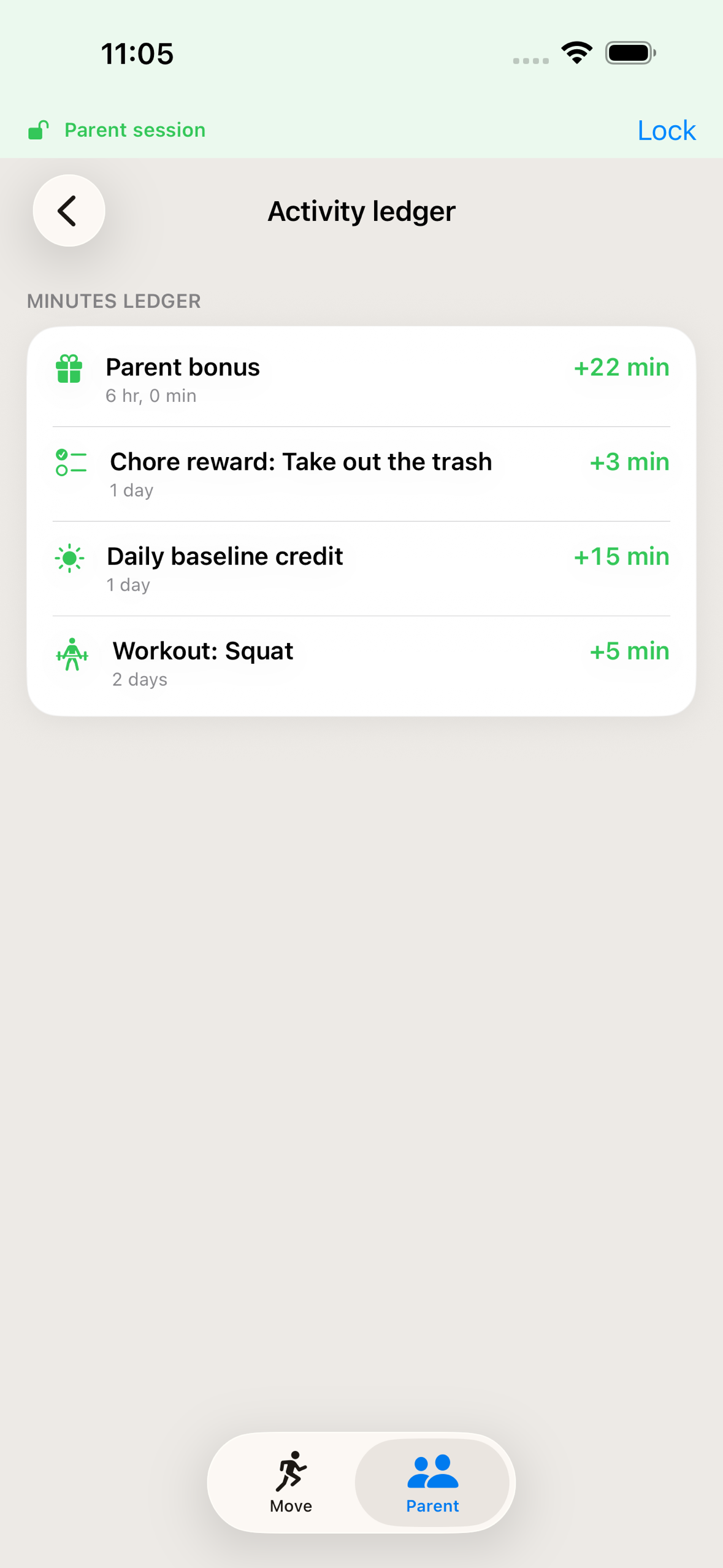
The parent side is a code-protected dashboard: what each chore pays, what activities are worth, the weekly ceiling, which apps a session unlocks, and a ledger of every minute in and out. Siblings each get their own bank, quests and history.
On the App Store since 10 August 2026.
Design
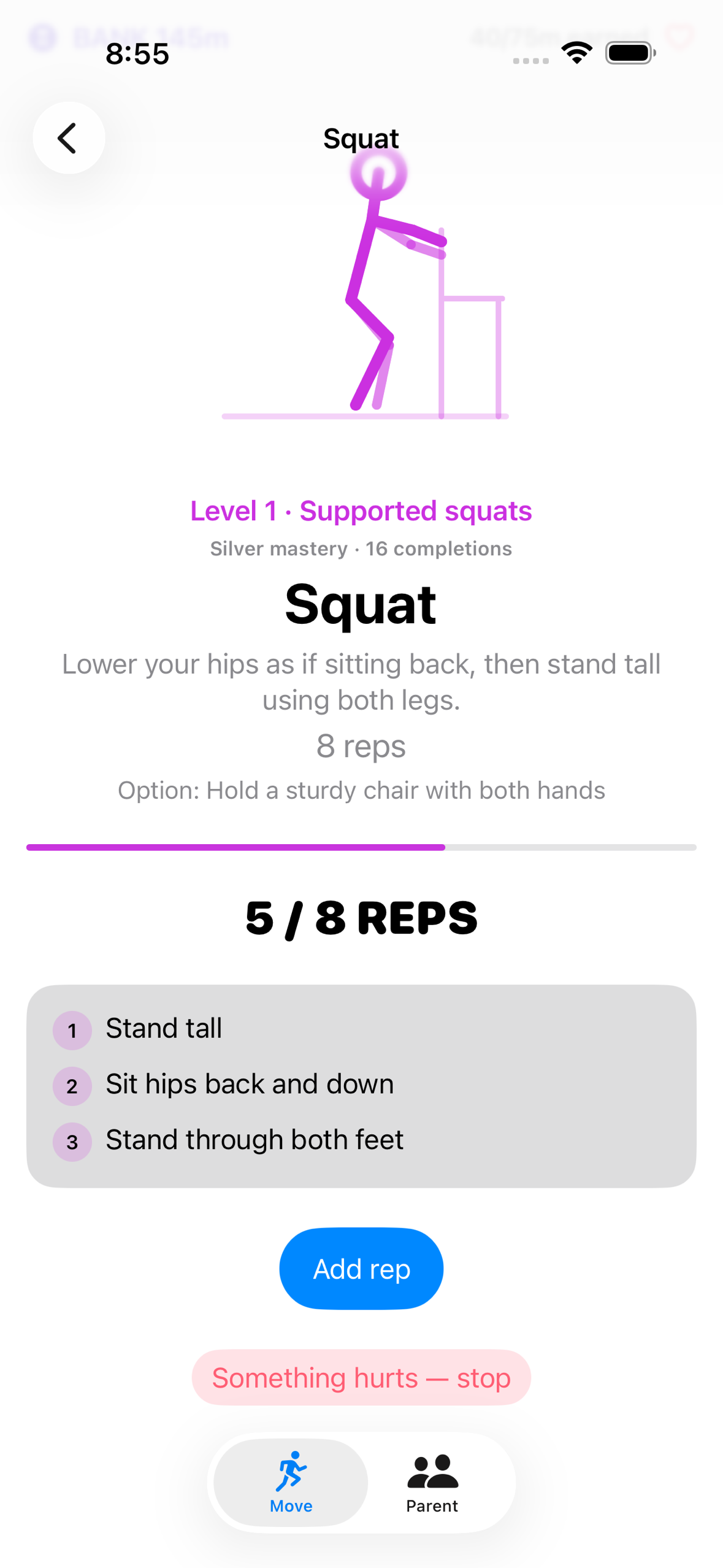
95 exercises are drawn as vector animations in SwiftUI Canvas, five difficulty levels each, from a single shared module — so the same movement, in the same palette, plays identically on iPhone and on Apple Watch. No video files, no stock loops, and a deliberate token palette rather than system defaults, so the app looks intentional in light and dark.
The child's screens change tone with their age band. Younger kids get a mascot-forward, celebratory layout; older kids get a sleeker training-log framing. Same tokens, same characters — one system that grows up with them.
Calm Mode strips the celebration effects for a child who finds them too much, and Reduce Motion does the same automatically.
Instructions, animation and rep counting all run natively on Apple Watch, so a quest can be finished without picking up a phone. The point is to get a child off a screen, not hand them another one.
How I built it
Native Swift and SwiftUI, with a native watchOS app. Family Controls and ManagedSettings hold the shields; a DeviceActivityMonitor extension closes the session when time is up. CloudKit syncs the family, a home-screen widget shows the bank, and a Live Activity shows the countdown. StoreKit 2 handles purchases and the RevenueCat SDK powers the Lifetime purchase. Premium access is read from the device's current App Store entitlements at launch and on foreground rather than cached, so a paying family keeps access offline.
Challenges I ran into
The hard problem was never workout tracking. It was: who is allowed to unlock the lock?
The app shipped telling a parent who forgot their code to delete and reinstall. That was wrong — the code lives in the Keychain and survives a reinstall — so the only recovery on offer didn't work. A real user found it and reported it through in-app support. The fix meant accepting that on a child's own phone, the passcode and Face ID belong to the child, so code reset now refuses them on any device that is actively enforcing shields. That deliberately leaves the one-phone family without self-service recovery today, which is the next thing I'm building: a one-time recovery credential issued when the code is first set.

Log in or sign up for Devpost to join the conversation.