-
-
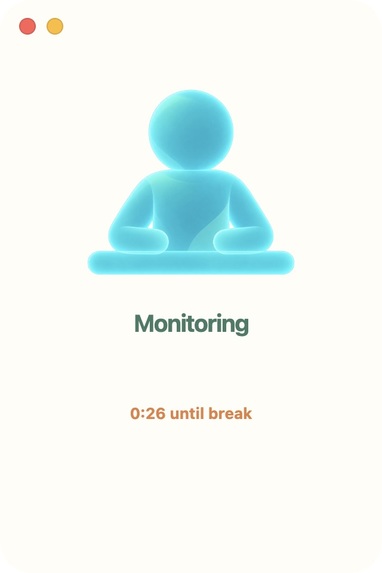
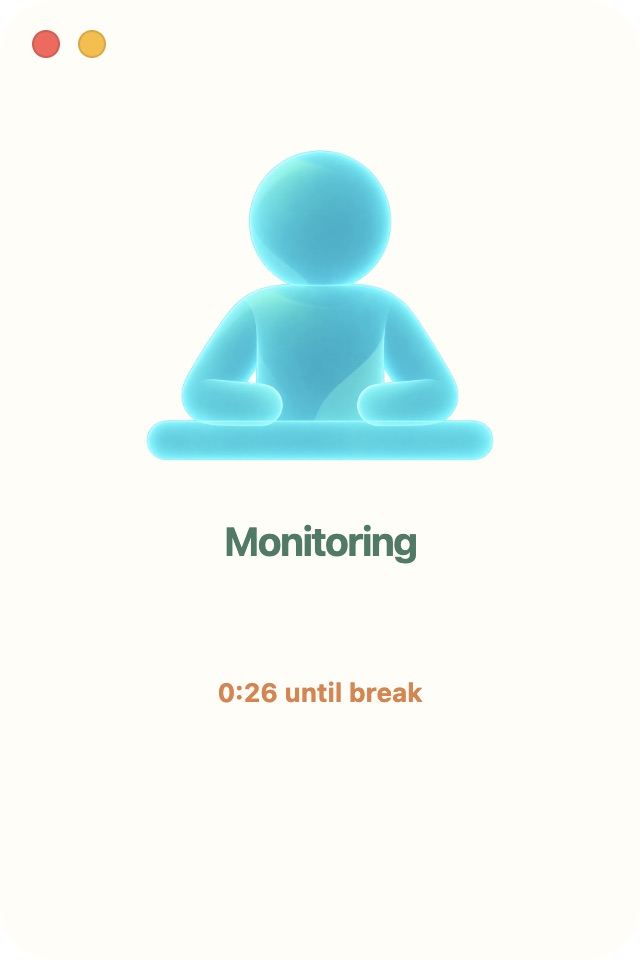
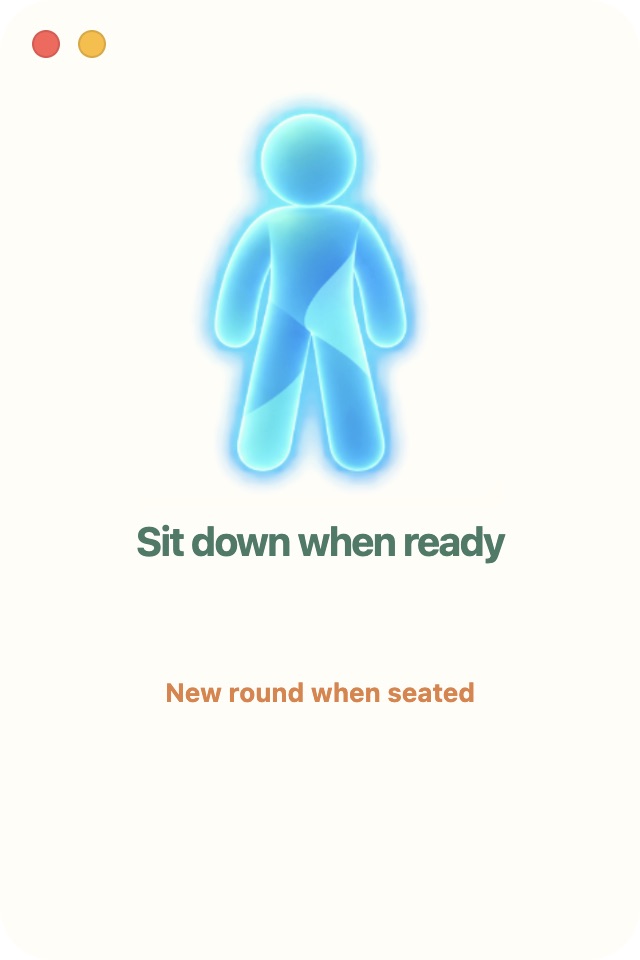
A quiet desktop companion with a live seated-reminder countdown.
-
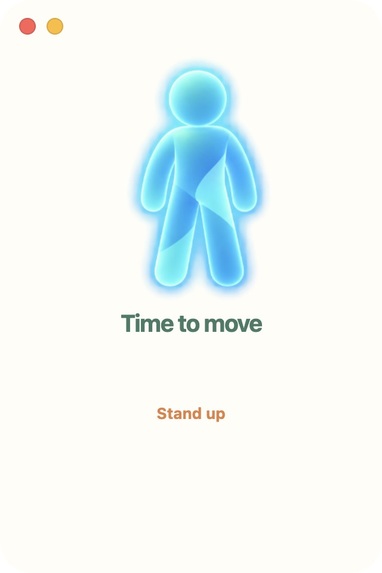
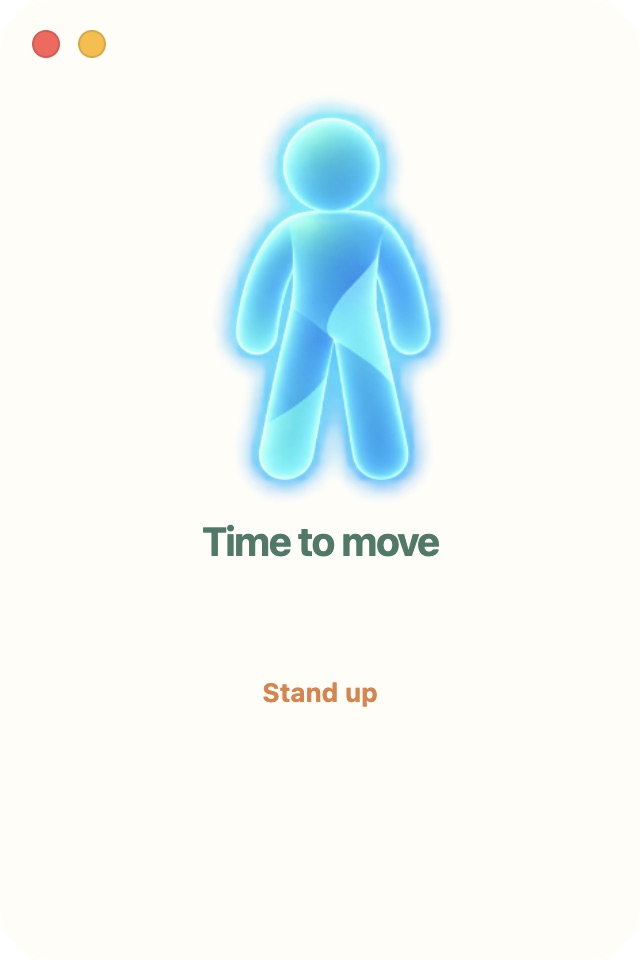
Time to move: stand up before the guided routine begins.
-
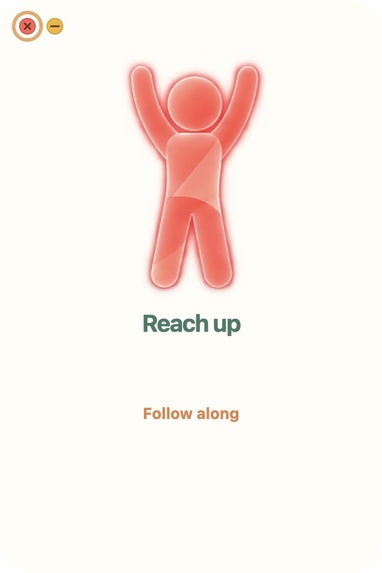
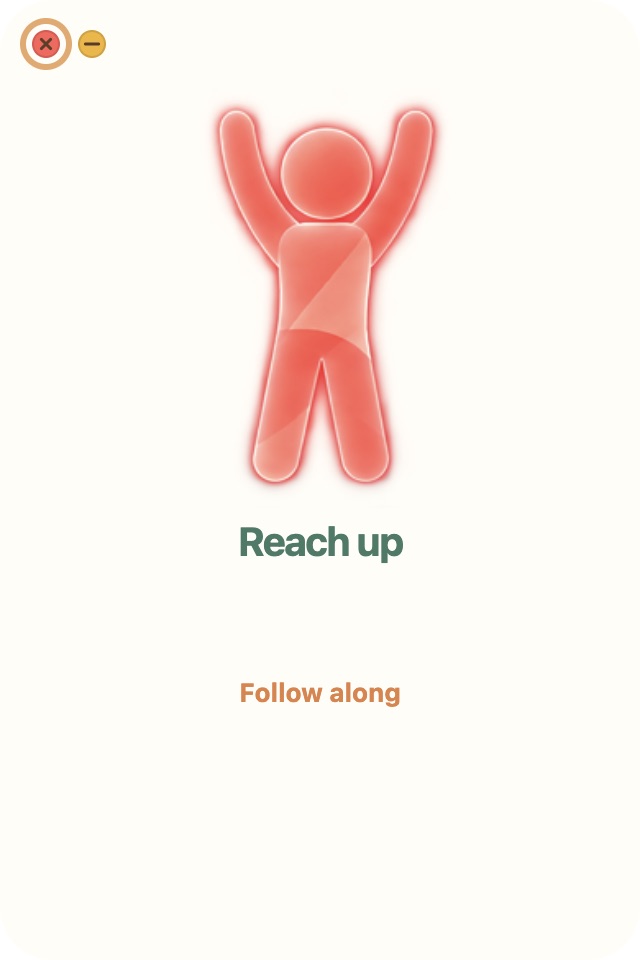
Follow the animated cue to reach overhead.
-
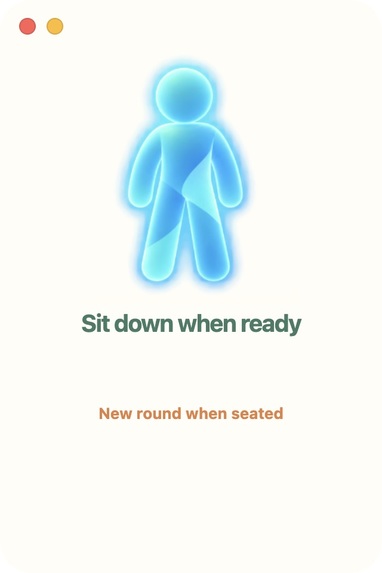
After the routine, sit down when ready to begin a fresh cycle.
-
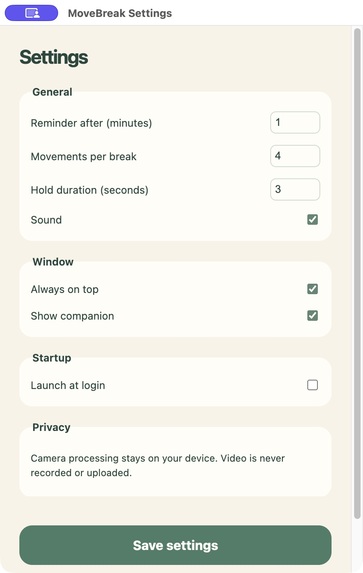
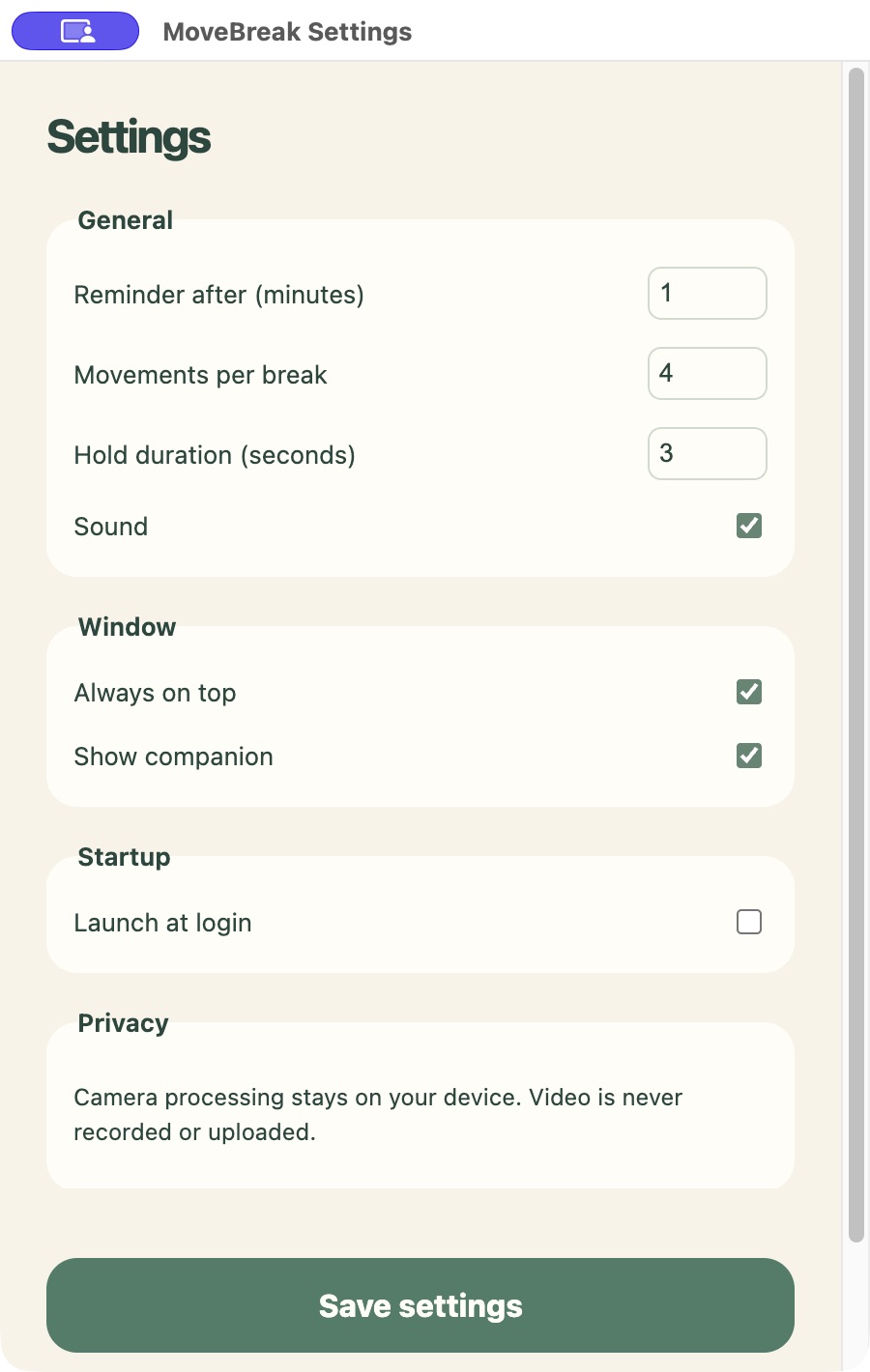
Configure reminders, movements, sound, and window behavior in a separate Settings window.
Inspiration
Desk reminders are easy to dismiss without leaving the chair. I wanted a small desktop companion that makes physical movement the way to complete a break.
What it does
MoveBreak monitors a seated reference at the user's desk using local camera-based pose detection. Small hand and head movements do not restart the reminder. After a configurable period, it prompts the user to stand and waits for a stable rise before starting a guided routine:
Overhead Reach Side Bend Left Side Bend Right Torso Rotation, in both directions
Animated cues demonstrate each movement. A green highlight and an audible cue confirm a rough pose match. Valid hold time accumulates, while brief mismatch or unreliable tracking pauses progress. Completed steps advance automatically. After the routine, MoveBreak waits for the user to sit near the original reference before starting a fresh monitoring cycle.
The experience is deliberately small: a companion window for daily use, a macOS menu-bar entry for quick controls, and a separate Settings window with an explicit Save action. The webcam preview stays hidden in normal use and can be enabled for development.
How I built it
The app uses TypeScript, Vite, native HTML/CSS, and Electron. Browser MediaDevices supplies camera frames to a bundled MediaPipe Pose Landmarker. Small heuristic state machines interpret shoulder, wrist, torso, and orientation signals; no custom model was trained.
The movement characters use predefined frame animations rather than real-time motion mirroring. Web Audio synthesizes reminder, match, hold, transition, completion, and new-cycle sounds.
Camera frames and pose processing stay on the device. Video and pose history are not saved. Only local preferences persist. There is no backend, cloud inference, account system, or analytics.
Devpost Learn Skill Pack and Codex
I already use plan-first and spec-driven development. For this project, I used the Devpost Learn Skill Pack to compare its scope → PRD → specification workflow with my existing process and practice keeping an AI-assisted project shippable.
Codex helped implement small slices, write regression tests, and iterate from concrete user feedback. The planning documents record the final product direction. The implementation checklist separates mechanical checks from experience checkpoints.
Challenges
Desk occlusion and camera framing made precise seated classification impractical. The implementation instead keeps a stable user-specific reference and uses normalized, multi-frame rise and return signals.
A live pose-mirrored avatar introduced too much rig complexity. Replacing it with four predefined movement cues made the guidance clearer and reduced scope.
Another issue appeared when verification worked with the debug preview visible but stalled in normal mode. The latest fix separates fresh camera-frame processing from preview visibility and pauses progress on frozen frames. Final real-camera acceptance of this fix is still pending.
Accomplishments
The project now has a packaged macOS desktop companion, menu-bar controls, dedicated Settings, local pose verification, animated movement cues, matched feedback, and audio.
The current automated suite passes 37 tests across six files. Installation, tests, and desktop build also passed from a separate clean clone. Native smoke checks covered local camera/model loading, Settings access, window dragging/hiding, and continued inference while the companion was hidden. These checks do not establish final real-camera reliability.
What I learned
The largest simplification came from deciding which parts needed to be accurate and which needed to be understandable. Coarse movement verification and a short guided routine fit the product better than precise posture analysis or a complex mirrored avatar. The structured planning documents made product changes explicit, while hands-on feedback revealed issues synthetic landmark tests could not prove away.
Try it locally
Tested locally on macOS Apple Silicon. Install Node.js 22.12+ LTS and pnpm 10, then run: pnpm install --frozen-lockfile pnpm test pnpm desktop:package
Open release/MoveBreak-darwin-arm64/MoveBreak.app. Enable camera permission, begin seated with a stationary front camera, then enable demo mode in Settings → Developer and Save. Demo mode uses a five-second reminder with the same verification logic. Follow the stand prompt, complete the four movements, and sit again.
The default reminder is 25 minutes with three-second holds. The local app is unsigned and unnotarized; other operating systems and Intel macOS have not been tested. Lighting and landmark visibility affect matching. This is coarse movement verification, not exercise-form scoring or medical analysis.
Current draft status
Target repository: https://github.com/weihong363/move-break
Current source and planning documents are available in the public repository. Runtime screenshots have been prepared; the required demo video is pending. Five consecutive human-followed routines with debug off, final audio/menu interactions, and actual login-session startup remain acceptance checks.
Artwork provenance
All artwork, including the character references and application icon, was generated by the participant using ChatGPT. The participant confirms permission to use and distribute it. The movement frames and native icons were prepared from these assets. No video audio was sampled; product cues are synthesized locally.
Built With
- codex
- css3
- electron
- html5
- mediapipe
- typescript
- vite


Log in or sign up for Devpost to join the conversation.