-
-
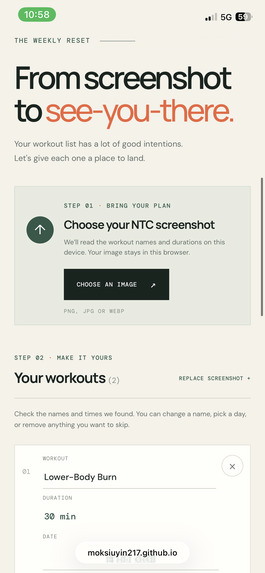
Input
-
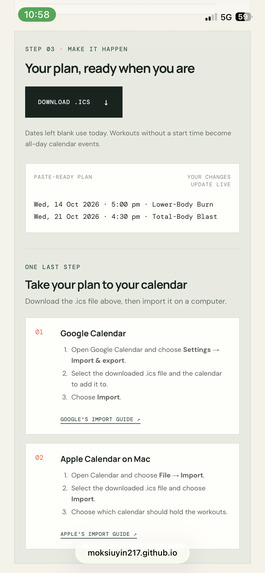
Output
-
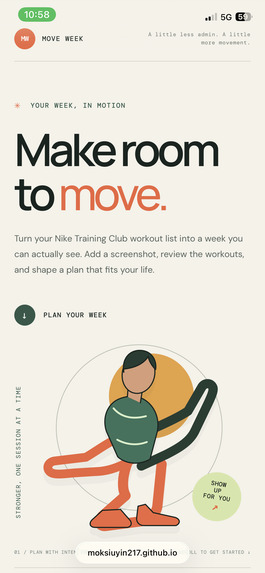
Home
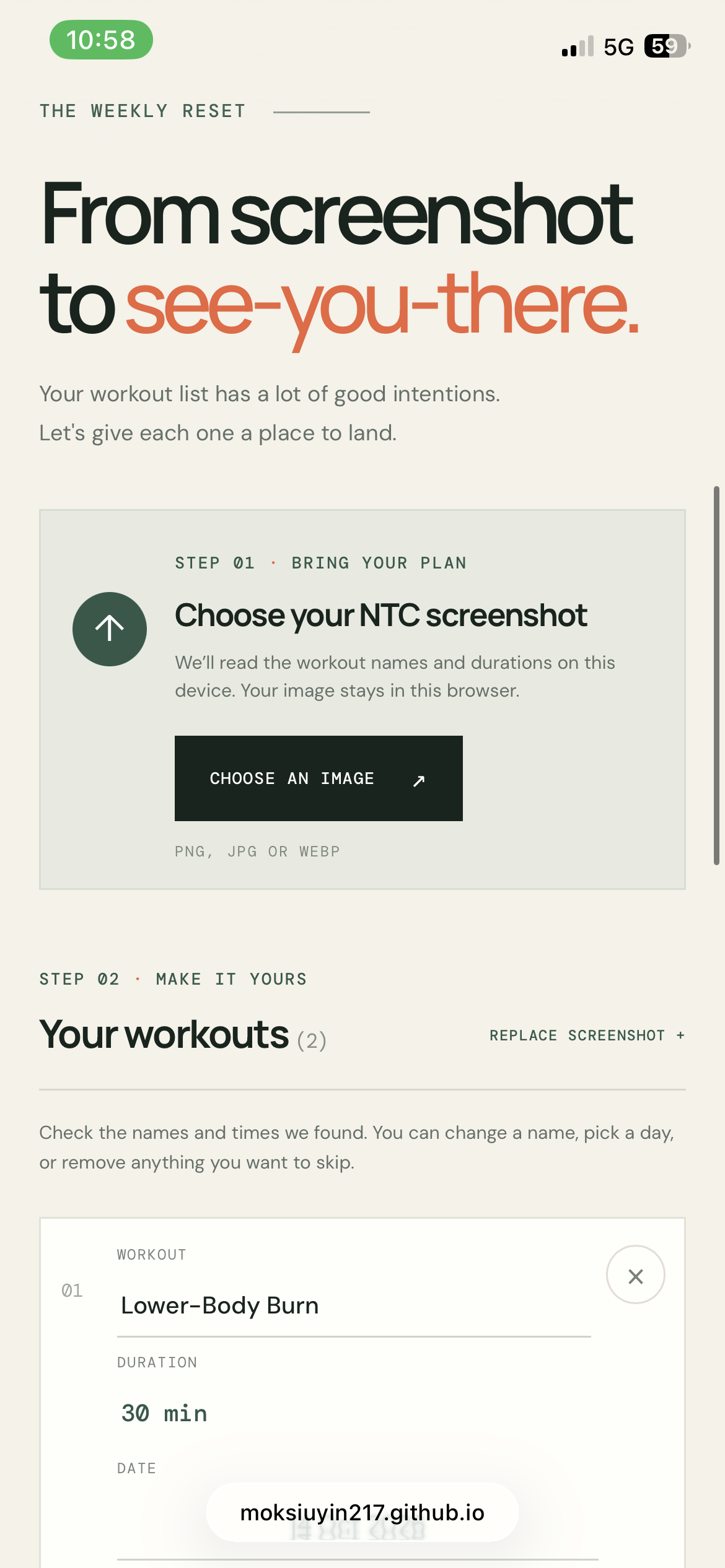
Inspiration
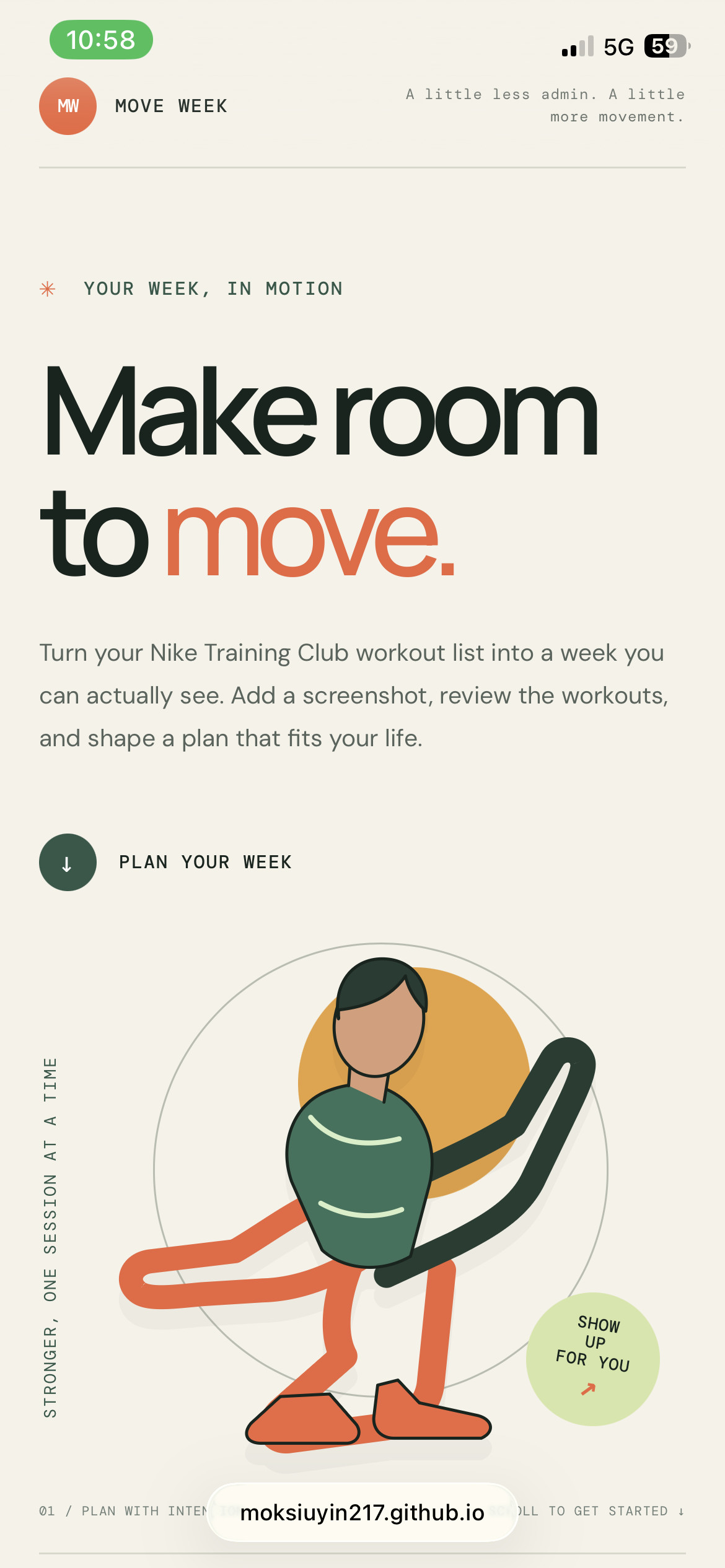
I plan my workouts for the week and keep my daily plans organised in Notion. But adding workouts from a screenshot meant typing their names in one by one. I wanted to see if I could make that routine quicker—and learn how to build and publish a website along the way.
What it does
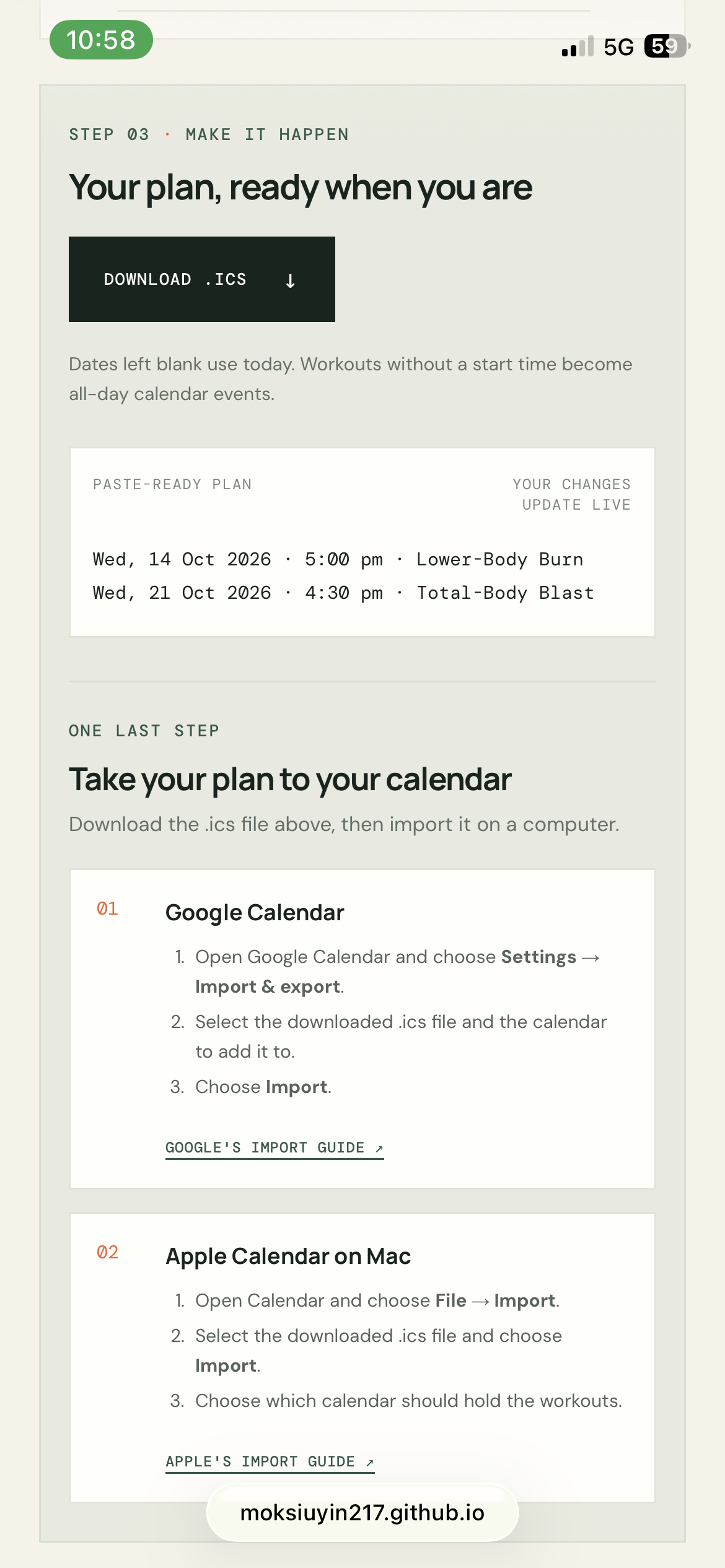
Move Week turns a workout screenshot into a weekly plan. It reads workout names and durations, then lets me review and edit them, remove workouts, and choose dates and times. If I leave the date blank, it uses today; if I leave the time blank, it creates an all-day entry.
The app generates text I can copy into Notion or another app, and an .ics calendar file that I can import into Google Calendar.
How we built it
I built Move Week as a static website using HTML, CSS, and JavaScript. Tesseract.js reads the screenshot in the browser, and GitHub Pages hosts the site so people can open it with a public link.
I used a plan-first workflow: define the project’s scope, write a product requirements document, create a technical plan, and then build the app in small steps. That helped me keep the first version focused on the screenshot-to-plan flow.
Challenges we ran into
The biggest challenge was turning OCR text into the right workout names and durations. Text recognition can make mistakes, and the app also needs to work out which duration belongs to which workout. I addressed this by making the extracted workouts editable, so people can review and correct them before creating a plan.
I also had to decide how much to include in the first version. Direct Notion integration and automatic scheduling would add complexity, so I kept the outputs simple: copyable text and a downloadable calendar file.
Accomplishments that we're proud of
I’m proud that Move Week works as a complete flow: a screenshot becomes a reviewed workout list, then a dated plan and calendar file. The app is published online, and I also checked that the scheduling controls fit and work in a mobile-sized browser.
I’m especially proud that I built something connected to a real routine I wanted to improve, while learning how the pieces of a website fit together.
What we learned
I learned how HTML, CSS, and JavaScript work together to make a website, how browser-based OCR can read text from an image, and how GitHub Pages can publish a site people can open.
I also learned that breaking a project into smaller steps makes it easier to make decisions, catch problems, and work with a coding agent.
What's next for Move Week
Next, I’d like to explore sending plans directly to Notion and adding optional scheduling rules. I’m also interested in bringing Nike Run Club runs into the app. Those ideas are outside the first version, which focuses on turning a workout screenshot into a plan I can use.

Log in or sign up for Devpost to join the conversation.