-
mouse tester online
Inspiration
Mouse issues are deceptively hard to diagnose. When a mouse starts double-clicking, missing clicks, or the scroll wheel begins “jumping,” you often end up guessing—changing settings, swapping USB ports, reinstalling drivers—without a quick way to confirm what’s actually happening. I wanted a simple, browser-based tool that makes mouse input visible and easy to verify in seconds.
What it does
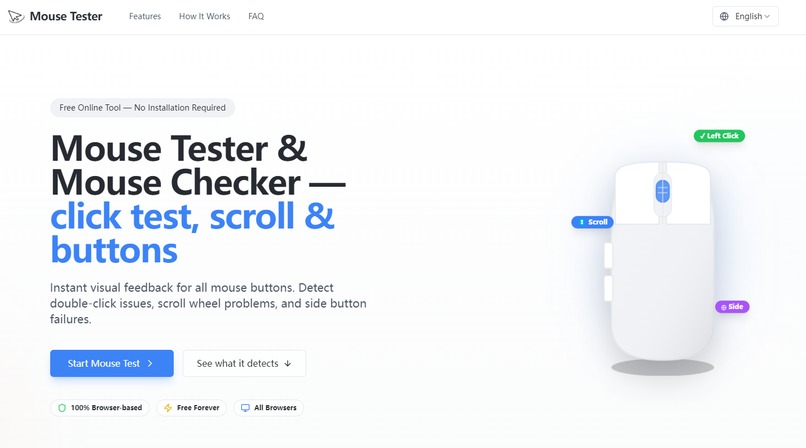
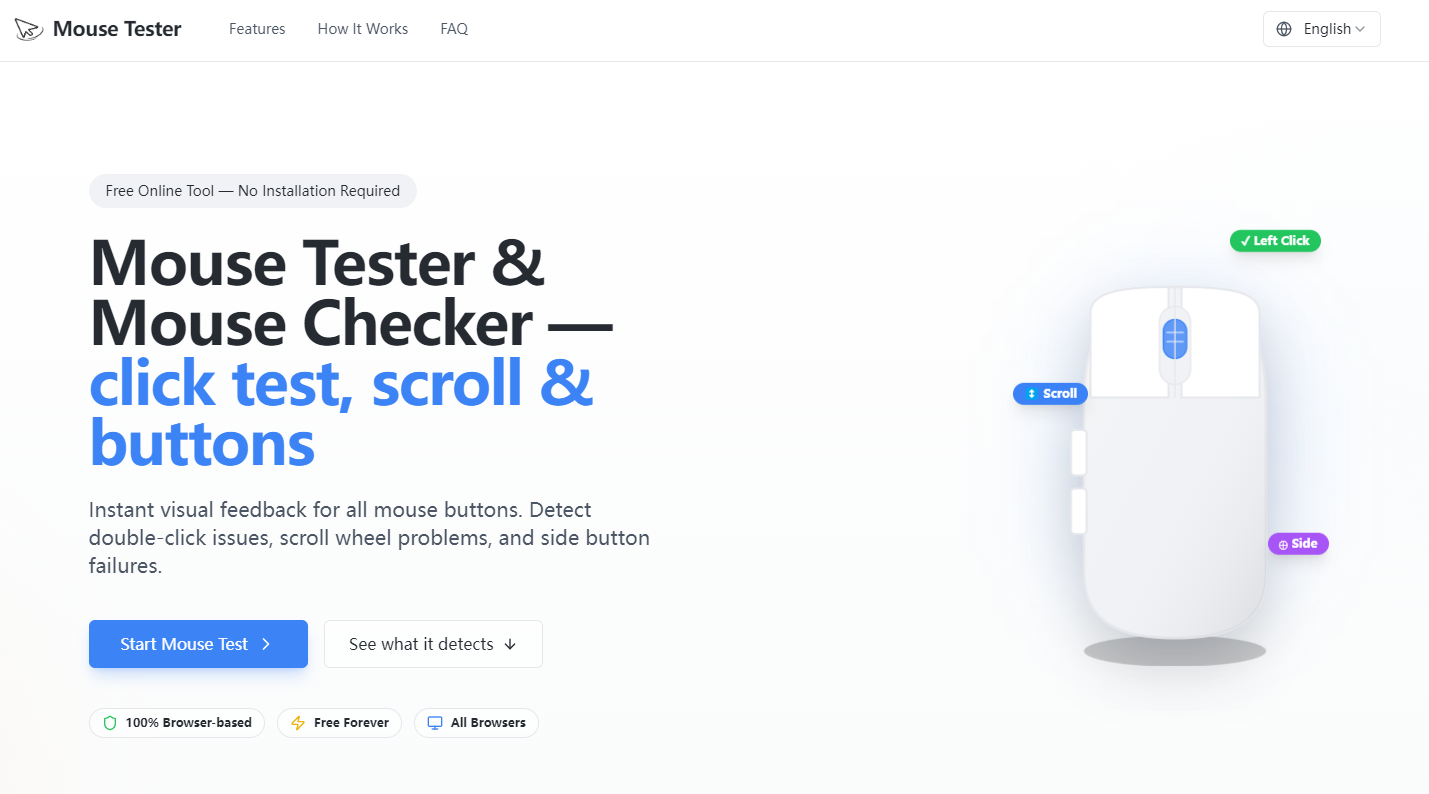
Mouse Tester is an online mouse diagnostic tool that provides:
- A visual button map for Left / Right / Middle / Side buttons
- Double-click issue detection to spot unintended rapid repeats
- Scroll wheel direction & jump checks to catch erratic scrolling behavior
- A lightweight event log so you can see what the browser is receiving in real time
How I built it
Mouse Tester is built as a fast, static web app:
- Next.js (static export) + React + TypeScript
- Tailwind CSS + shadcn/ui for a clean, accessible UI
- Core detection uses standard browser mouse and wheel events, turning raw events into simple visual feedback and practical diagnostics.
Challenges I ran into
- Browser/OS differences: Mouse buttons and wheel behavior can be exposed differently across browsers and operating systems, especially for side buttons and wheel deltas.
- Avoiding false positives: Double-click and scroll “jump” detection needs to be helpful without overreacting to normal input variance.
- UX balance: The tool had to feel immediate and simple—useful for non-technical users—while still surfacing enough detail to be meaningful.
Accomplishments that I'm proud of
- A UI that lets you confirm button and scroll behavior instantly with minimal instructions.
- Practical diagnostics focused on the most common real-world issues (double-clicking and scroll wheel jumping).
- A lightweight, no-backend deployment that stays fast and easy to maintain.
What I learned
- Input diagnostics is as much about communication as measurement—users need clear, actionable signals, not raw event noise.
- Small UX decisions (labels, timing displays, visual highlighting) dramatically improve usability and trust.
- Building for reliability means planning for edge cases across different mice, OS settings, and browsers.
What's next for Mouse Tester
- Add more guided checks (e.g., drag/hold stability) while keeping the experience simple.
- Expand dedicated test pages (click test, double-click test, scroll wheel test) and troubleshooting guides for common issues.
- Improve clarity of results with better explanations and optional advanced detail for power users.
Built With
- next.js
- react
- typescript


Log in or sign up for Devpost to join the conversation.