-
-
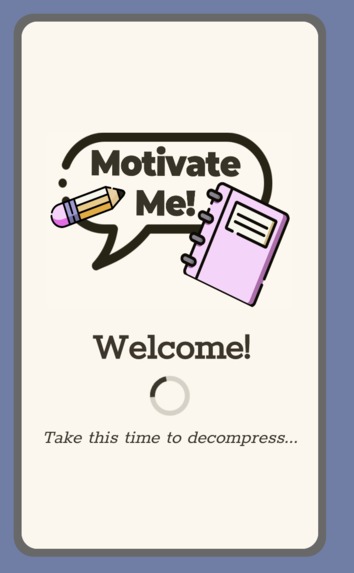
Welcome Screen: first thing seen when app opens
-
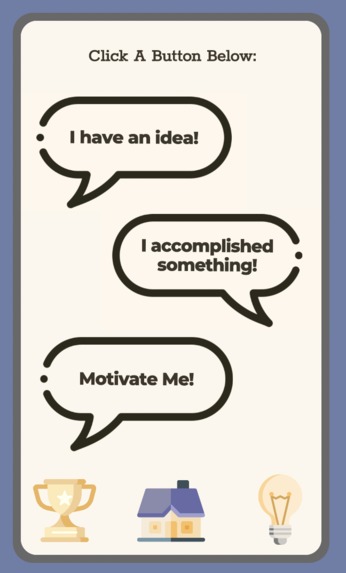
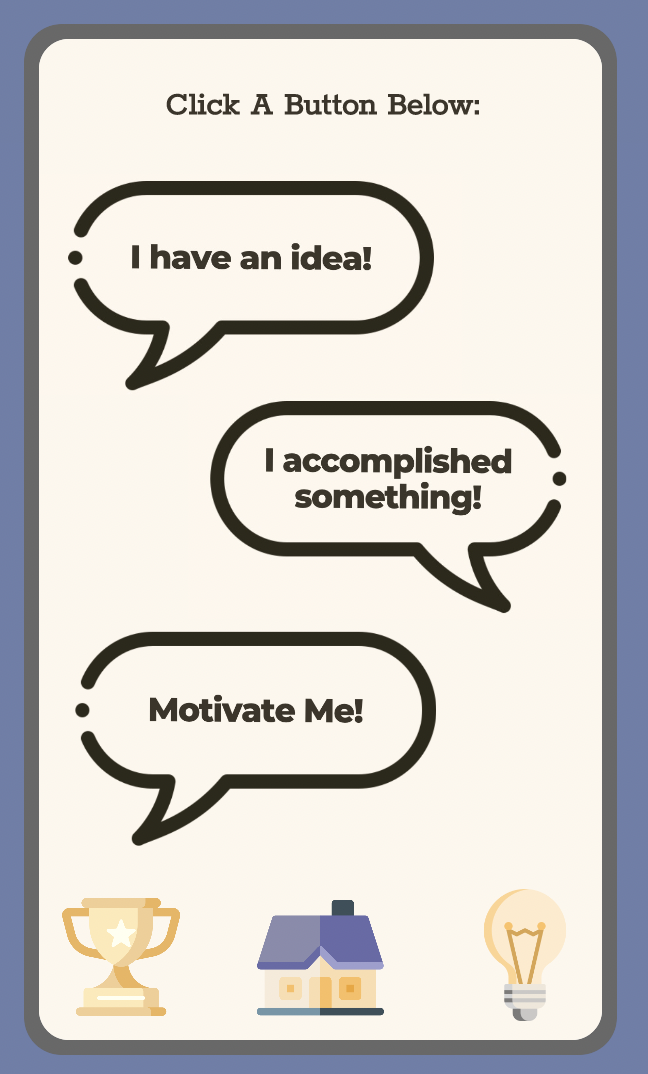
Home Screen: Main screen to go through app functions
-
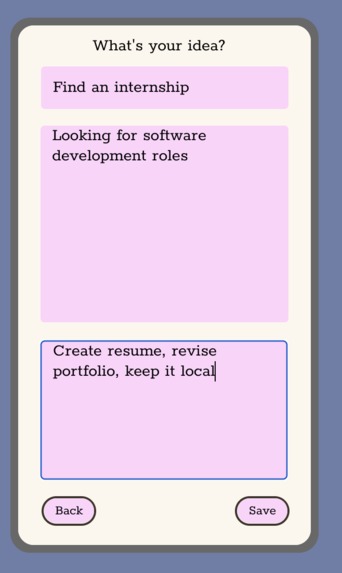
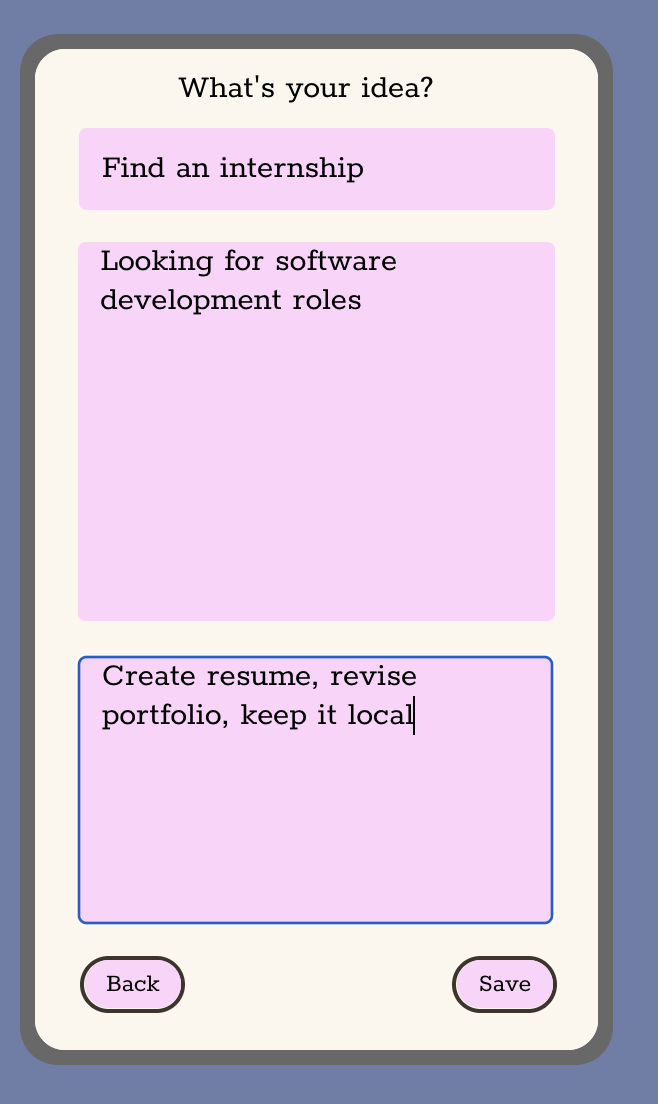
Add An Idea: where the user inputs an idea (title, description, notes)
-
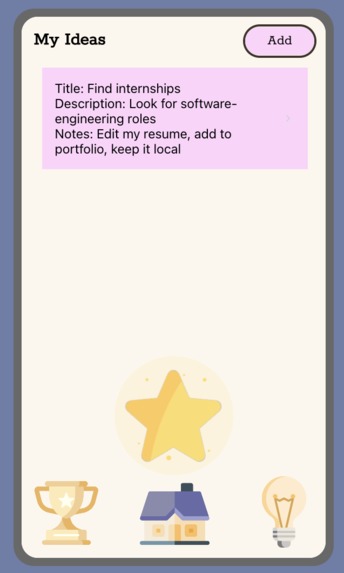
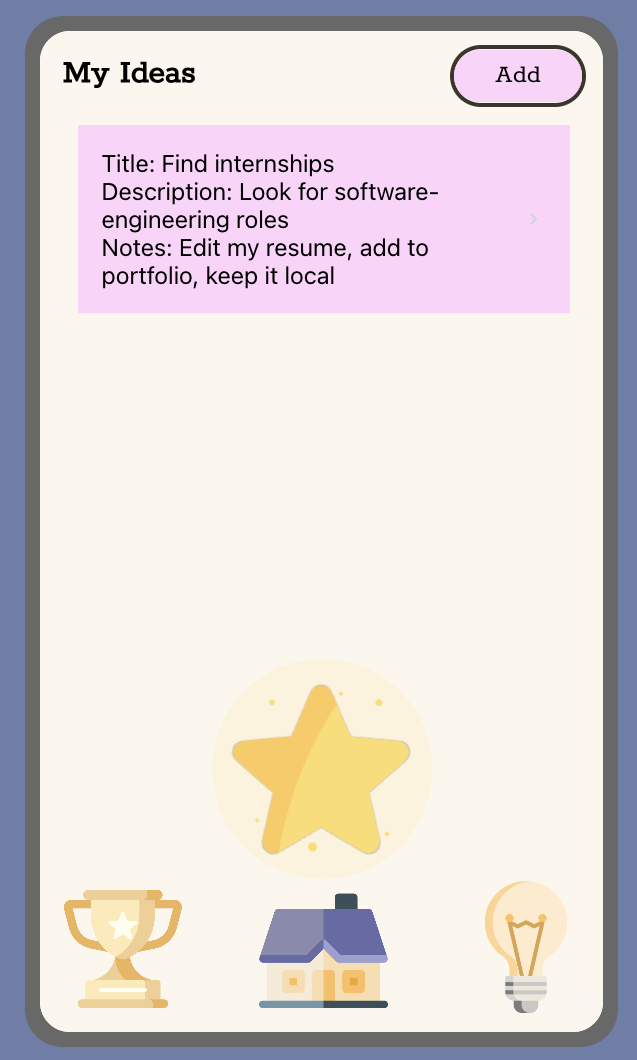
My Ideas Screen: shows all of the user's current ideas
-
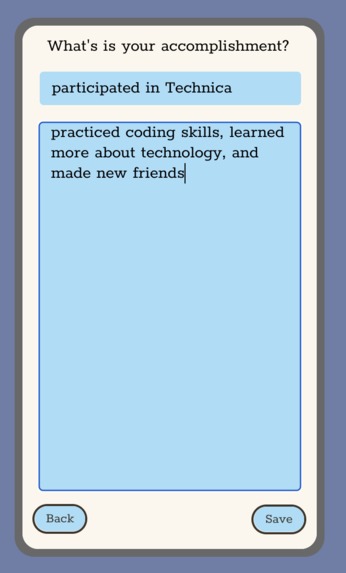
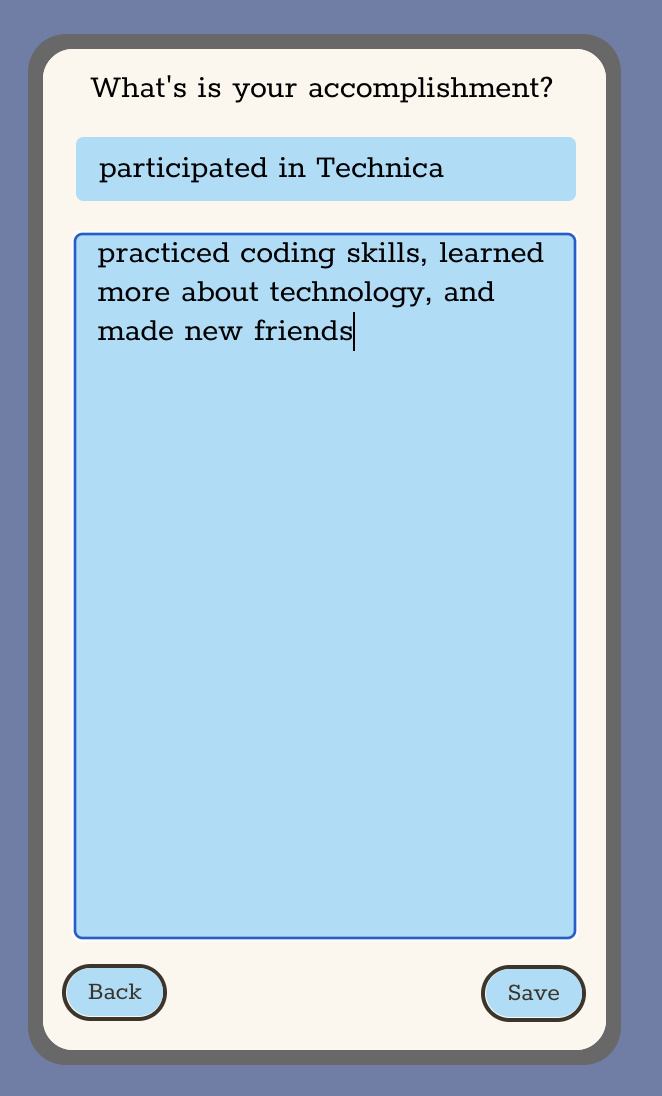
Add An Accomplishment: where the user inputs an accomplishment (title, description)
-
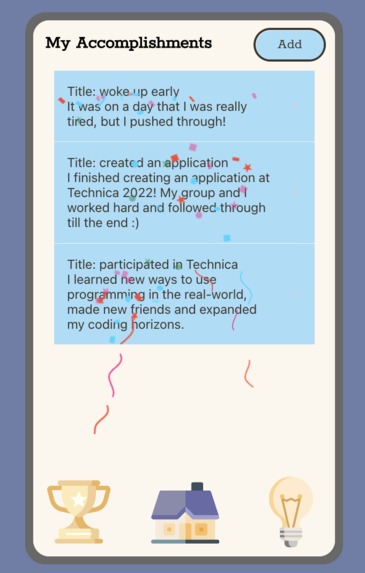
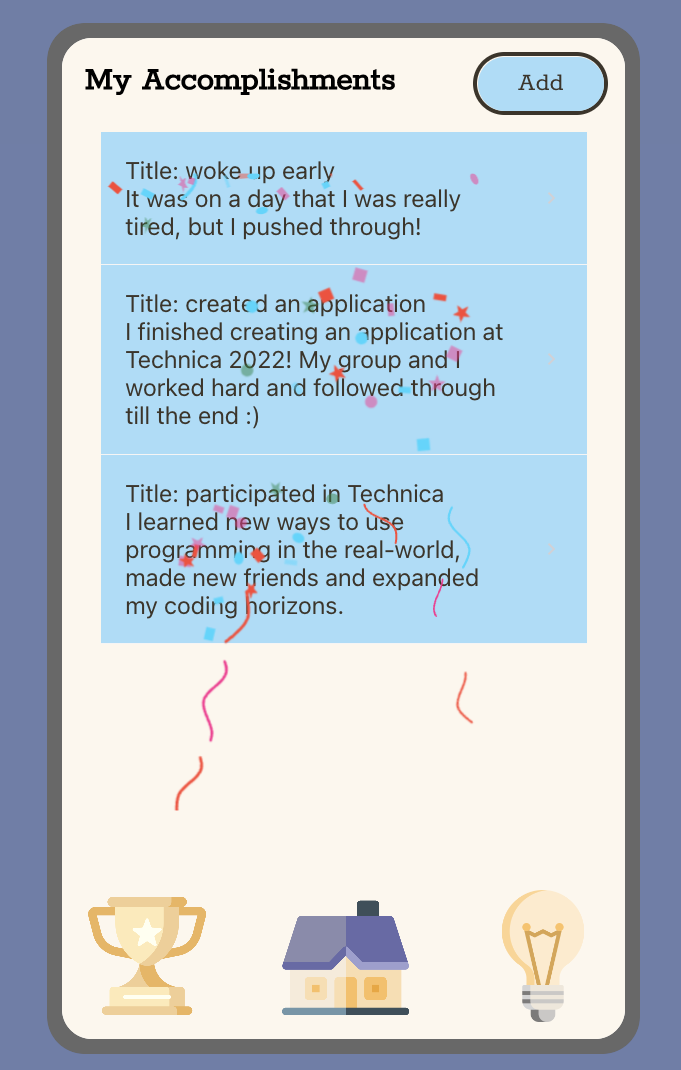
My Accomplishments Screen: shows all of the user's accomplishments
-
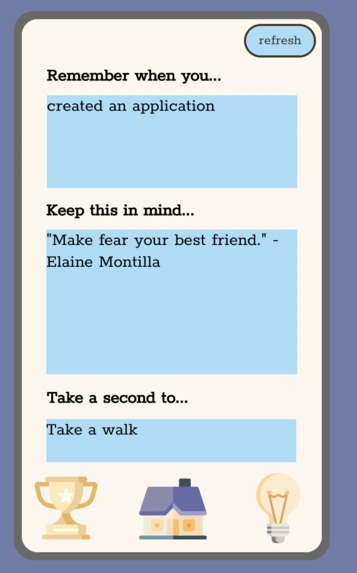
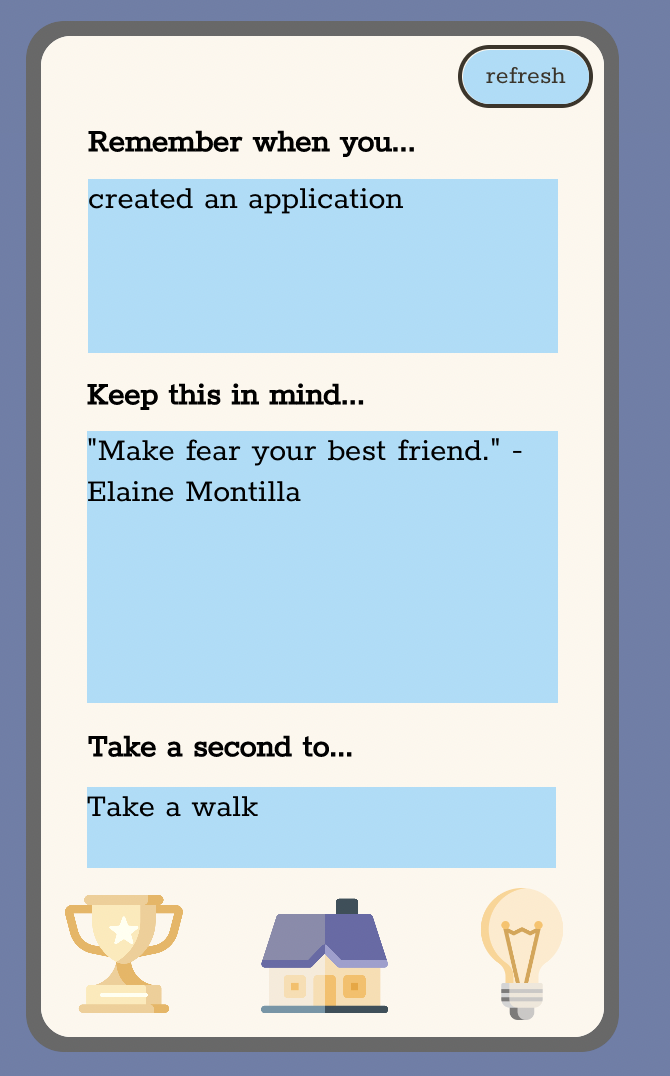
Motivate Me Screen: motivates the user by telling them about a previous accomplishment, citing a quote, and recommending an activity.

Inspiration
Technica 2022 started off with an inspirational talk from Pearson CTO Elaine Montilla. She spoke of innovation, change, and growth in times of setbacks. One of Montilla's pieces of advice resonated with our team: create a list of achievements to look back on whenever you feel down or that you are not enough. This advice truly hit home with our group, as we realized we do feel the need for some sort of tool to combat imposter syndrome.
For these reasons and our own personal journeys, we decided to develop Motivate Me! to help others who are in the same position as us combat their self-doubt and creative blockage.
What it does
Motivate Me! provides users with three key actions:
- A user can add to a list of their ideas, ranging from simple "lightbulb moments" to full-blown conceptualizations. The user can save their idea's name, description and any further notes they wish to add.
- A user can add to a list of their accomplishments, ranging from their seemingly unimportant moments to their life-changing occasions. The user can save their accomplishments with a title and description.
- The star of the show - the Motivate Me! generator. When this button is clicked, it gives the user three inspirational reminders to get them back on track and creating again. This includes a random accomplishment retrieved from their saved accomplishment list, an inspirational quote, and a suggested mindfulness activity. The user may also refresh the reminders generated if they are unhappy with the outcomes.
How we built it
After attending one of Technica 2022's workshops, we were inspired to utilize the online Thunkable tool to create an application of our own. This platform allowed us to implement our idea by designing UI with block-style code. Additionally, we designed graphics using online tools such as Canva, Flaticon, LottieFiles, and Coolors.
Challenges we ran into
At first, we did not understand how to create object-oriented code since we came in with no prior knowledge of Thunkable. We came in with experience in object-oriented coding languages so we attempted to use the same strategies and mindset in a different coding environment. However, we learned how to quickly pivot in order to adapt to Thunkable's coding platform. We found ways to think outside the box using online resources and open communication with one another. Eventually, we were able to reframe our mindset and work towards our end goal.
Accomplishments that we're proud of
This was our first official project outside of a classroom environment and we are beyond proud of seeing it through to the end. When we first came into Technica, we were quite overwhelmed by the volume of information that we had to absorb. But, by choosing one avenue to pursue and setting clear goals for this hackathon, we were able to create a finished pilot product that we are genuinely proud of.
What we learned
Through the creation of Motivate Me!, we learned a lot about UI/UX as all four of us had no prior experience creating a GUI. This was also our first app development project, and we gained knowledge on ways to apply our previous learnings to a new platform. Finally, we strengthened our teamwork, communication and problem-solving skills as a group.
What's next
We would love to launch our app to the general public, targeting college students and older high school students who most commonly face imposter syndrome. One update that we would hope to implement within our app is the addition of checkboxes with idea list items so that users can mark an idea as finished. This would allow users to move their ideas to the accomplishment list, as once again feel the satisfaction of success. Finally, we would like to customize and improve our user interface by venturing to other tools that would give us increased designing capabilities.
Built With
- thunkable



Log in or sign up for Devpost to join the conversation.