Inspiration
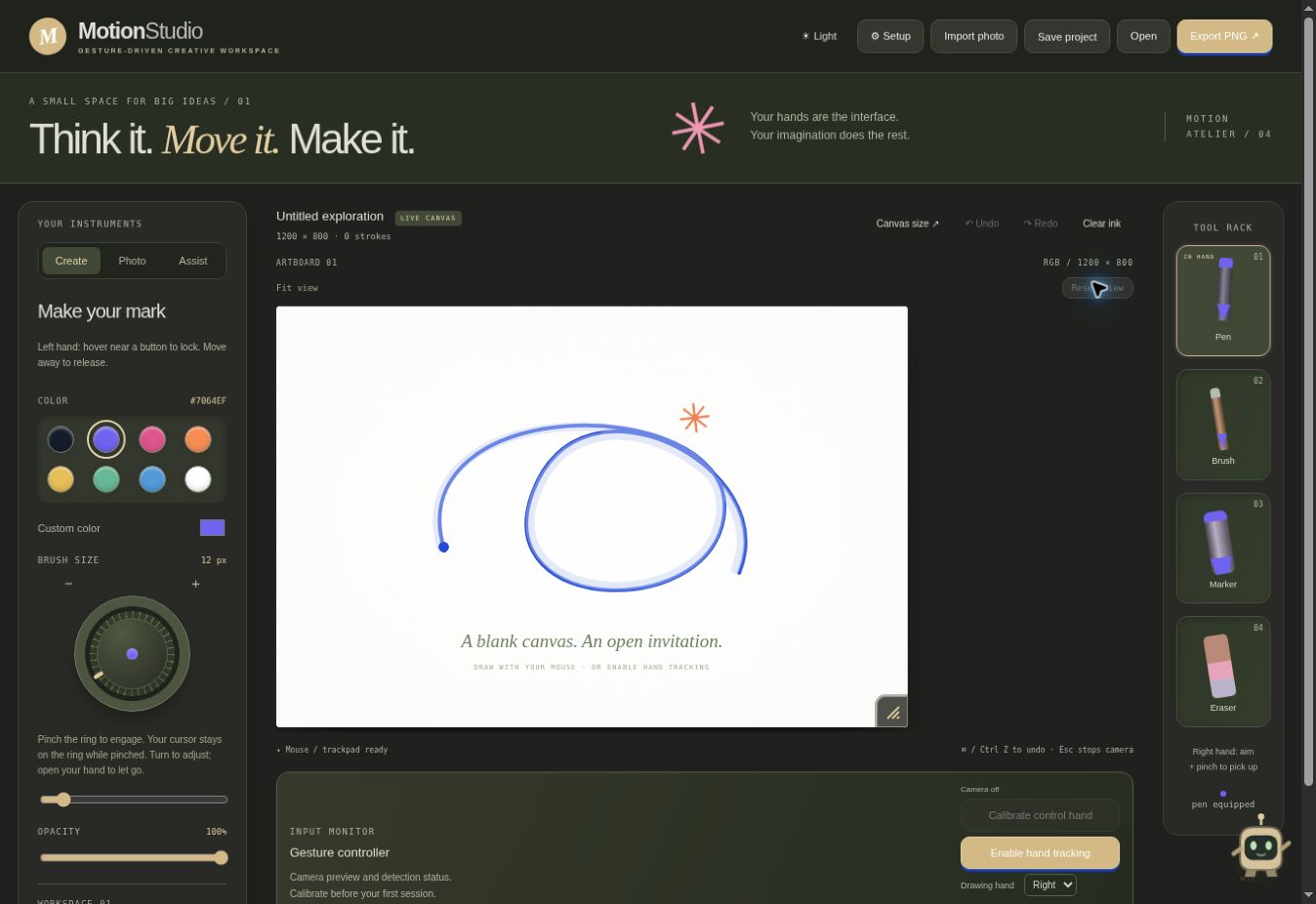
We wanted digital drawing to feel more direct and expressive. Even a quick sketch can involve switching between menus, shortcuts, and tools. MotionStudio explores a different approach: move your hand to draw, pinch to select a pen, and speak to change a setting—all using a webcam and a browser.
Our goal was to build a creative workspace that makes sketching, annotating, and explaining ideas feel interactive and approachable.
What it does
MotionStudio combines gesture-controlled drawing with focused AI assistance.
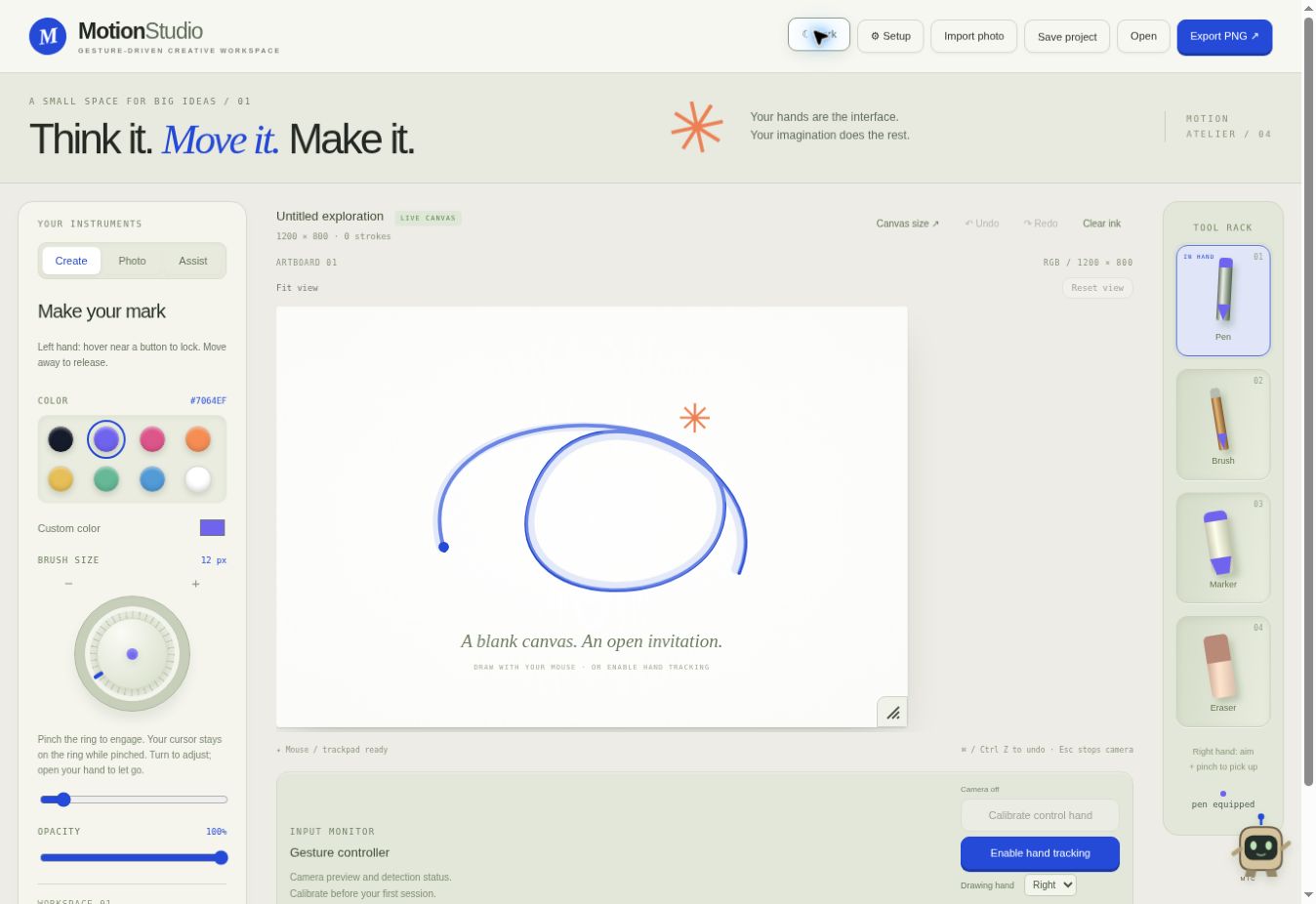
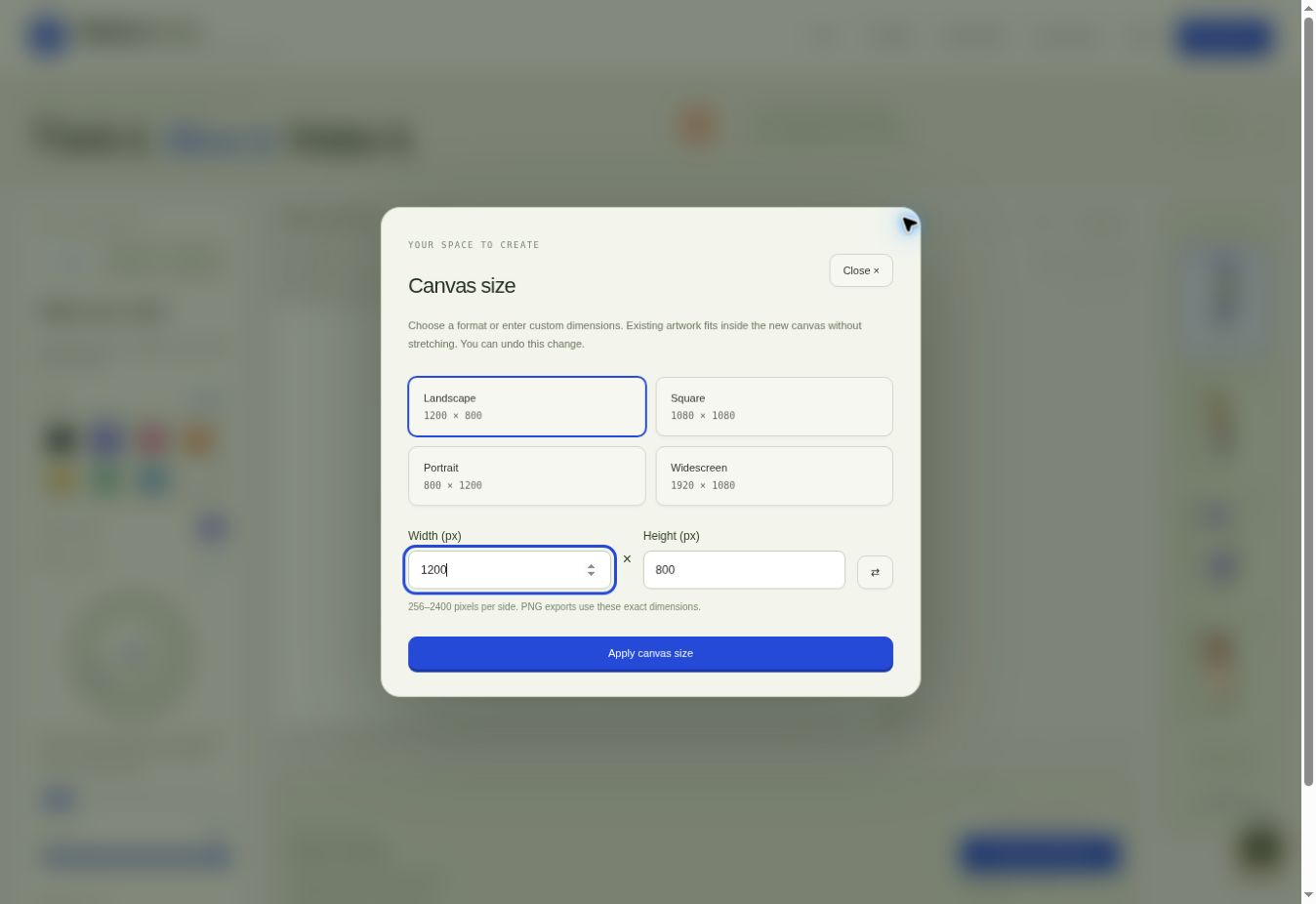
Users can draw with webcam-tracked hand gestures or a mouse, select pens and brushes, adjust brush size with a virtual wheel, and annotate imported photos. The workspace includes customizable canvas dimensions, light and dark themes, project saving, and PNG export. A corner handle enlarges the canvas view without changing export resolution.
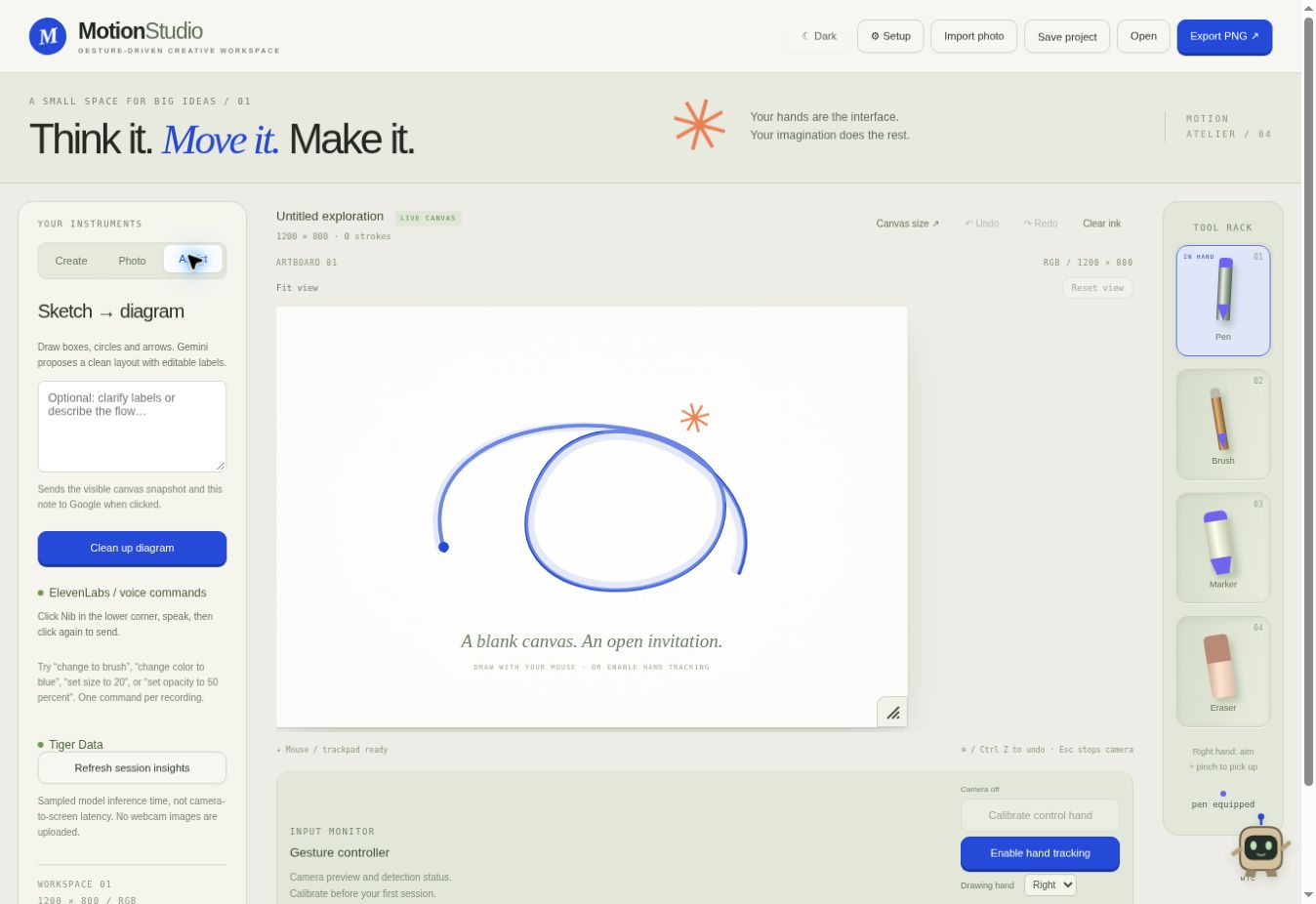
Gemini proposes editable diagrams from rough sketches, with a preview before changes are applied. ElevenLabs transcribes spoken commands such as “change to brush” or “change color to blue.” Nib, a small animated companion, provides feedback during voice interaction.
Tiger Data supports session insights into drawing activity, tracking interruptions, and sampled hand-tracking inference time.
How we built it
We built the frontend with React, TypeScript, Vite, and the HTML Canvas API. MediaPipe runs hand tracking in the browser and provides the landmarks used to control cursor movement and recognize pinches.
To improve stability, we added motion smoothing, configurable cursor reach, pinch calibration, and separate thresholds for pinching and releasing. The left-hand cursor can lock onto nearby buttons, while the brush-size wheel captures the control cursor during adjustment.
A Node.js and Express backend connects to Gemini, ElevenLabs, and PostgreSQL/TimescaleDB through Tiger Data. Provider credentials remain on the backend. AI-generated diagram geometry is validated, and voice transcripts are mapped to a limited set of supported commands.
The frontend is hosted on Vercel and the backend on Render.
Challenges we ran into
Making gesture controls predictable was one of our biggest challenges. Small tracking movements could cause jitter, accidental selections, or difficulty reaching the edges of the screen. We worked on smoothing, button snapping, calibration, and increased cursor reach to improve control.
We also had to coordinate competing interactions: drawing on the canvas, selecting tools, switching panels, and turning the brush wheel.
Another challenge was turning AI responses into reliable application actions. Diagram validation and a reviewable preview help keep generated changes bounded and understandable. Deploying the frontend and backend separately also required careful configuration of API URLs, allowed origins, and environment variables.
Accomplishments we're proud of
We brought gesture drawing, voice commands, and AI-assisted diagramming into one workspace while retaining familiar mouse controls.
We are particularly proud of the interaction details: pinching to pick up a tool, holding the brush wheel while adjusting it, and seeing Nib react to voice input. Users can also save, resize, and export their work, giving the prototype practical uses beyond a short demonstration.
What we learned
We learned that a gesture interface needs more than accurate hand detection. It needs clear feedback, stable movement, and predictable rules for when an action begins and ends.
We also learned to give each AI integration a focused role. Gemini interprets sketch structure, ElevenLabs transcribes commands, and the application validates how those results affect the canvas.
Finally, we learned that deployment configuration is part of the product: features must work outside the development environment to be useful.
What's next for MotionStudio
We want to test the controls with more users, cameras, and lighting conditions, improve diagram editing, and add autosave.
We also see potential in classroom demonstrations, visual brainstorming, and photo annotation. A future mobile version would prioritize touch-based sketching and presentation support, with gesture controls evaluated separately for smaller screens.
Built With
- camera
- handtracking
- html
- javascript
- mediapipe
- render
- tigerdata
- typescript
- vercel

Log in or sign up for Devpost to join the conversation.