🪩 Project Name: musicgrab
Tagline: “Turn raw clips into cinematic stories.” Your creative universe for YouTube editing.
💡 Inspiration
Every YouTube creator dreams of cinematic storytelling — but most lack access to powerful, intuitive editing tools. Traditional software is complex, expensive, or requires steep learning curves. We wanted to bridge that gap — by building MotionLab, a browser-based effects studio that empowers creators to visually enhance their content with motion graphics, transitions, color filters, and overlays — all in real time.
We were inspired by tools like CapCut, After Effects, and Canva, but wanted something lightweight, modern, and fully web-based, built with React, TypeScript, and ShadCN UI.
⚙️ What it does
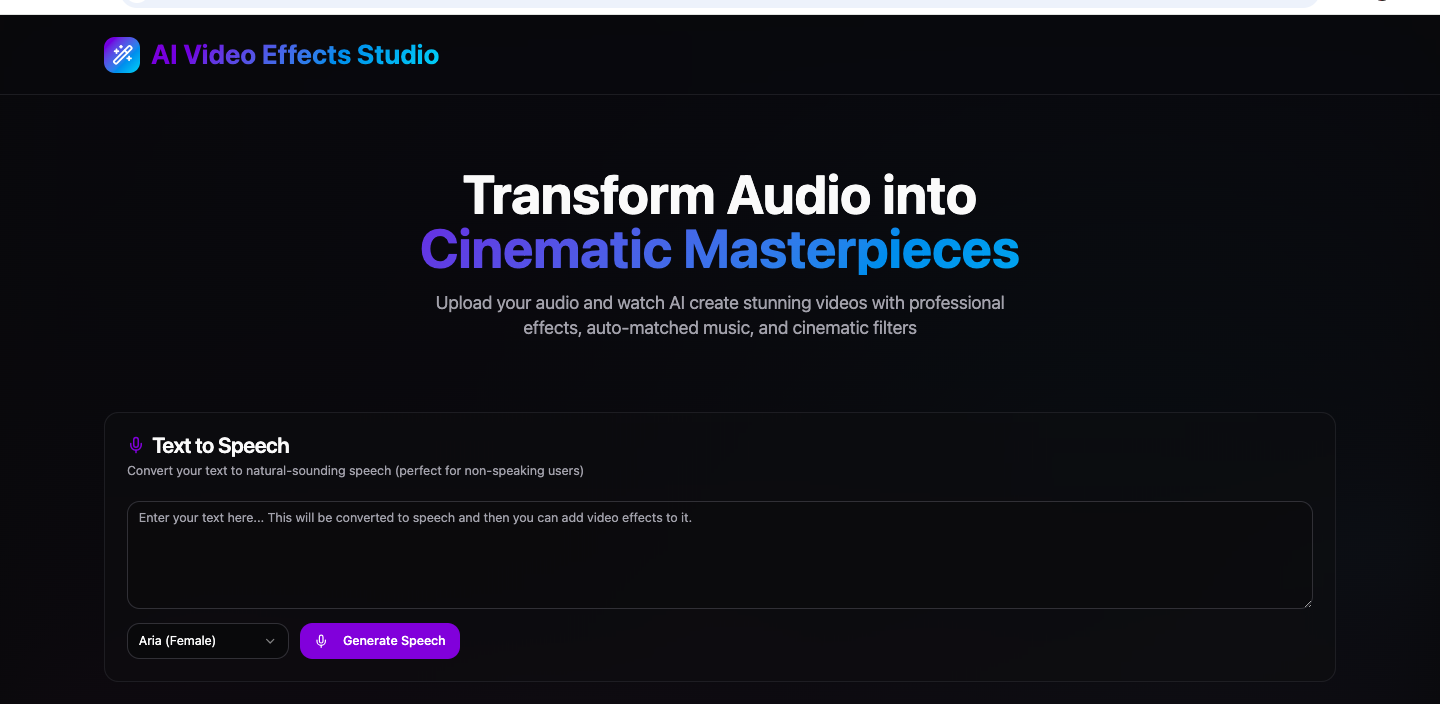
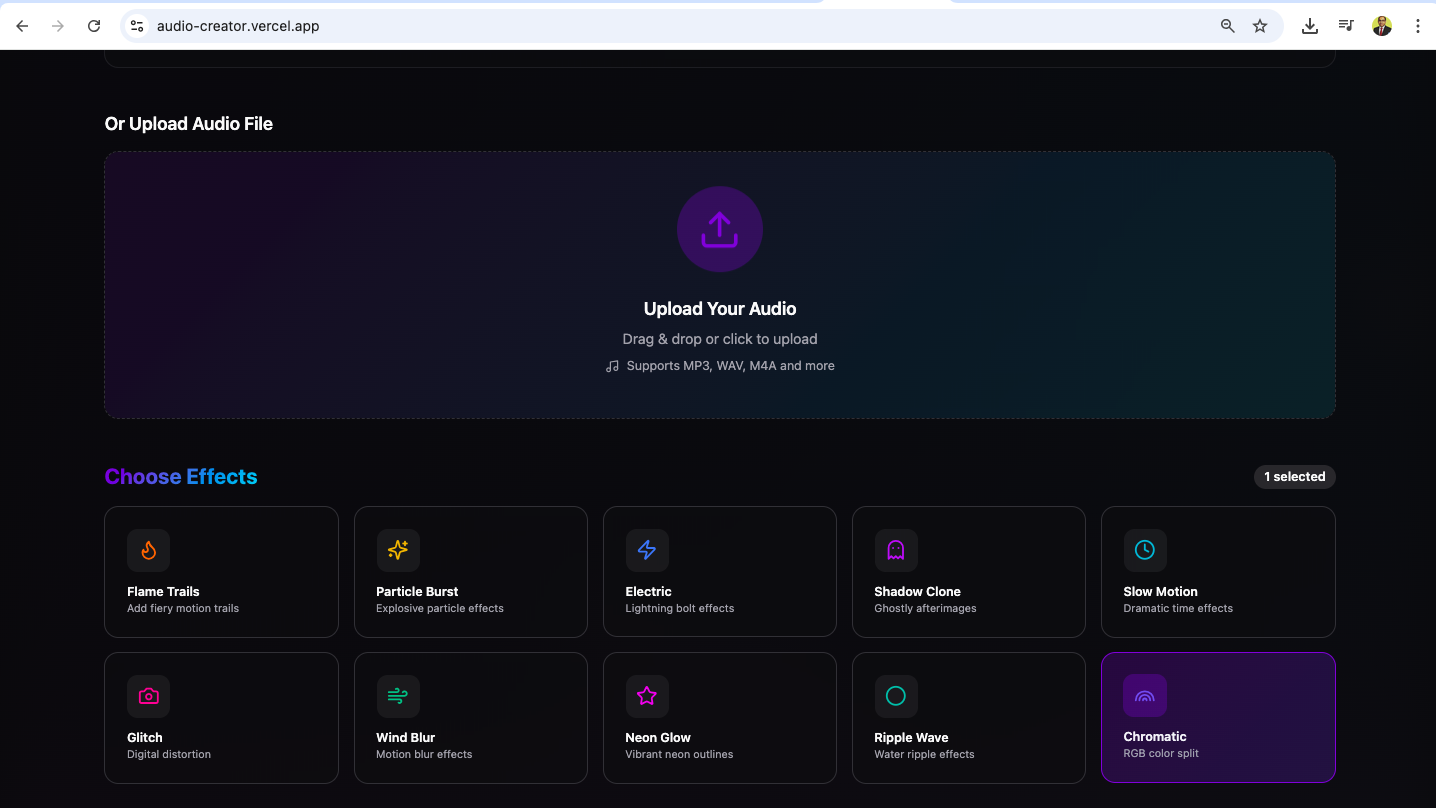
musicgrab is a web-based video enhancement studio for YouTube creators. It allows users to:
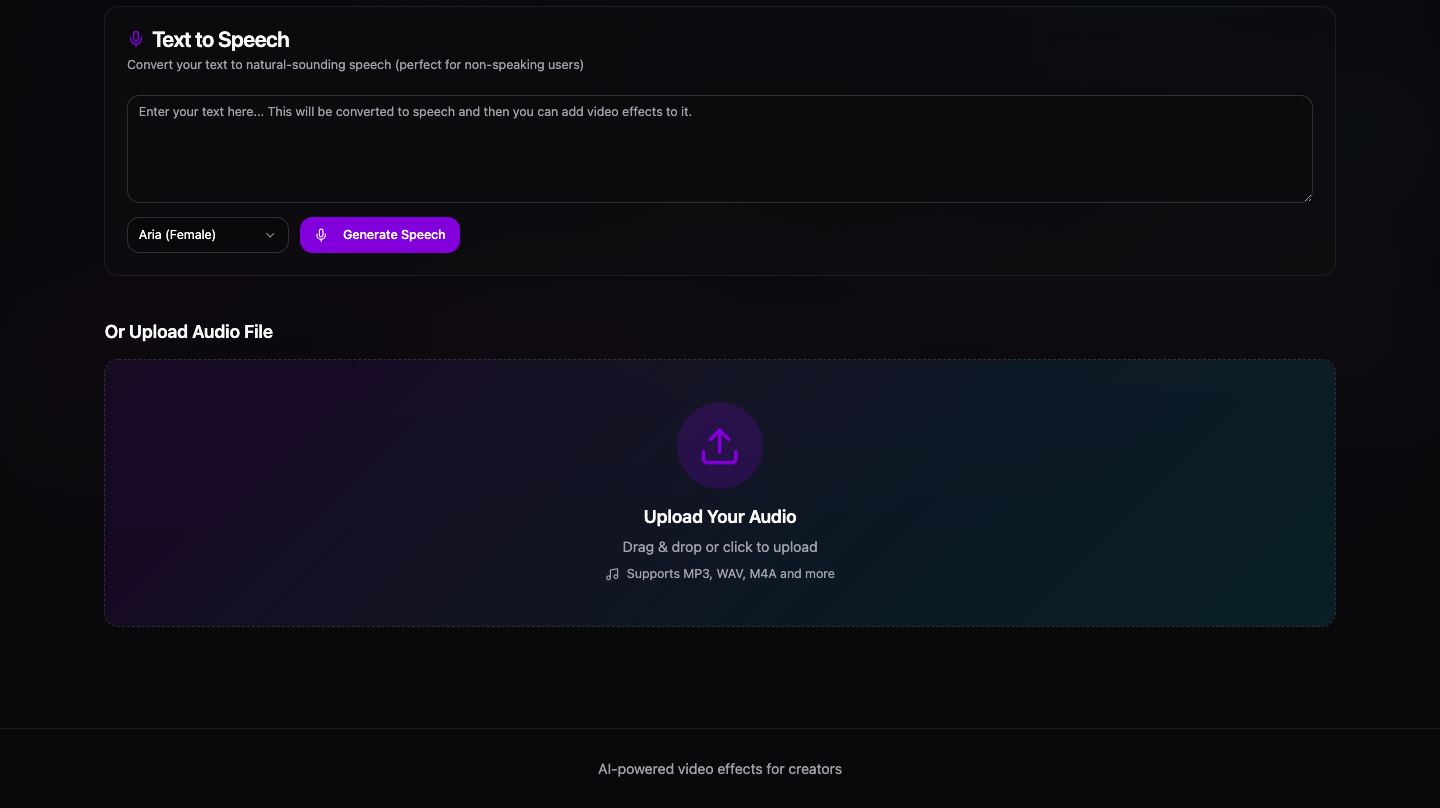
- 🎬 Upload or drag-and-drop their raw video clips.
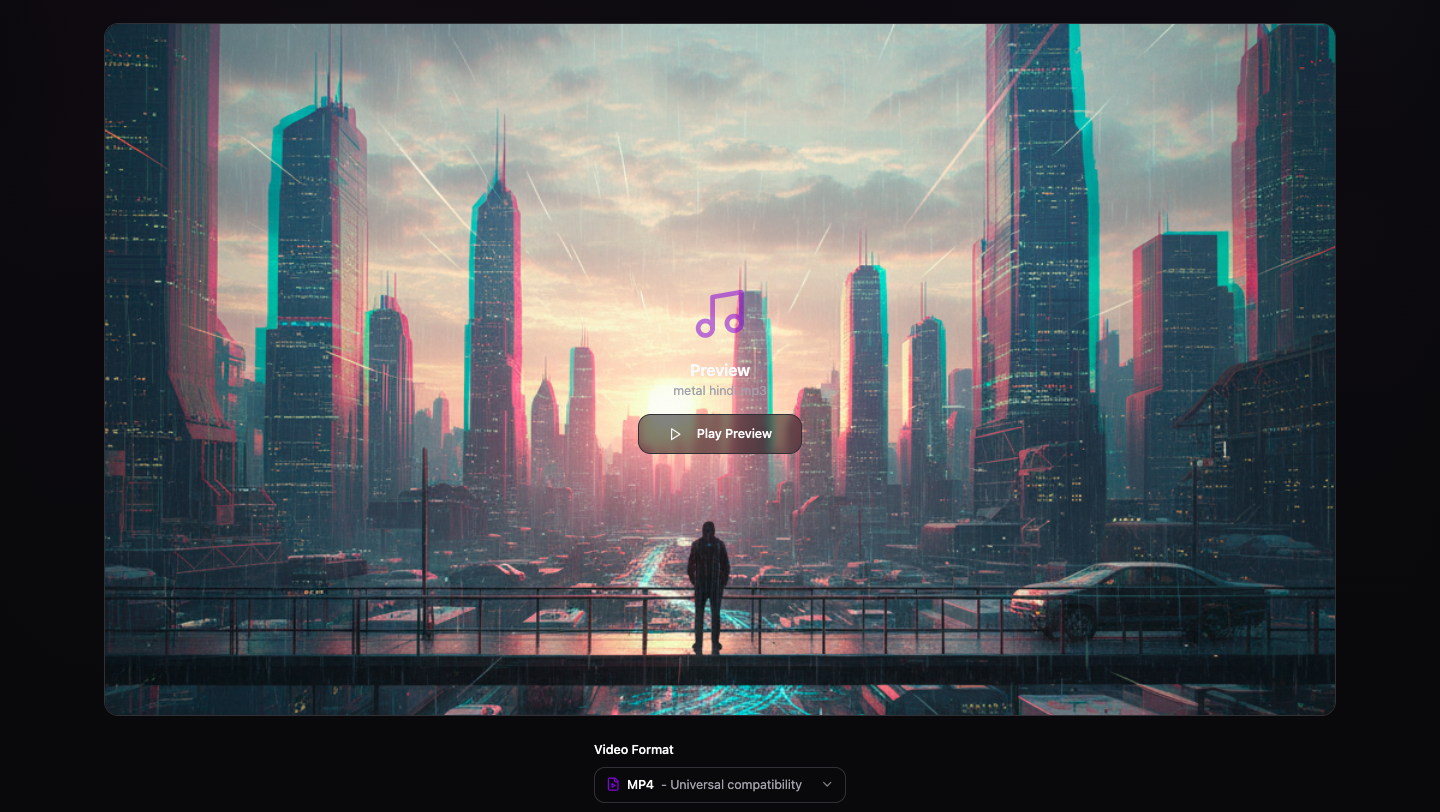
- ✨ Apply cinematic filters, transitions, and motion effects in real-time.
- 🎨 Add text overlays, lower-thirds, and animated captions.
- 🎧 Sync audio effects or background music automatically.
- 🧠 Get AI-based suggestions for effects or styles matching the video mood.
- 💾 Export edited clips optimized for YouTube (1080p/60fps) instantly.
Essentially, it helps creators transform basic footage into professional-quality videos — all from a browser.
🏗️ How we built it
We built musicgrab using a clean, modular setup:
- ⚡ Vite + React + TypeScript — for fast development and type-safe UI logic.
- 🎨 Tailwind CSS + ShadCN UI + Radix Primitives — for beautiful, responsive, and accessible components.
- 🧩 Lucide Icons, React-Resizable-Panels, and Embla Carousel — for layout control and interactive UI.
- 🔄 TanStack React Query — for efficient state management and async API handling.
- 🧱 Zod + React Hook Form — for form validation and smooth input control.
- 🎬 (Planned) Integration with FFmpeg.wasm for real-time browser-based video processing.
We focused on keeping everything lightweight, modular, and visually stunning, inspired by modern design systems like Notion and Framer.
🚧 Challenges we ran into
- Real-time video rendering in the browser — achieving smooth playback and preview with applied filters without heavy lag.
- Balancing UI complexity and simplicity — keeping the interface sleek yet powerful for creators.
- Cross-browser performance — optimizing rendering consistency between Chrome, Safari, and Edge.
- State management for nested components (e.g., multi-panel editors, sliders, filters).
- Integration of WebAssembly (FFmpeg) — for video processing inside the browser, without server load.
These challenges pushed us to dig deeper into performance tuning, modular design, and efficient event handling in React.
🏆 Accomplishments that we’re proud of
- Built a high-performance, responsive UI entirely from scratch using React + ShadCN UI.
- Created modular video effect panels that can easily be extended or customized.
- Designed an intuitive user experience for creators — minimal clicks, maximum creativity.
- Optimized Vite build for both dev and production environments (
vite build+vite preview). - Laid the groundwork for AI-based video effect recommendations using metadata.
📚 What we learned
- How to design video-related workflows within the browser using React’s event system.
- The power of ShadCN + Radix primitives in building accessible, aesthetic interfaces quickly.
- Managing asynchronous workflows with React Query and TypeScript generics.
- The value of maintaining a clear UI/UX design hierarchy to handle user interactions effectively.
- How frontend performance tuning (lazy loading, code splitting, and state isolation) can drastically improve user experience in video apps.
🚀 What’s next for musicgrab
- 🤖 AI-powered cinematic recommendations — detect video tone and suggest matching filters/effects.
- 🧩 FFmpeg + WebGL integration for real-time transitions and rendering.
- 📦 Template marketplace — creators can share and reuse transition packs and overlays.
- 🧠 Speech-to-caption generation — auto-generate YouTube captions synced with the timeline.
- ☁️ Cloud export & collaboration — let users store and share projects seamlessly.
💻 Electron desktop version — to take MotionLab offline for heavy projects.
**Note:**
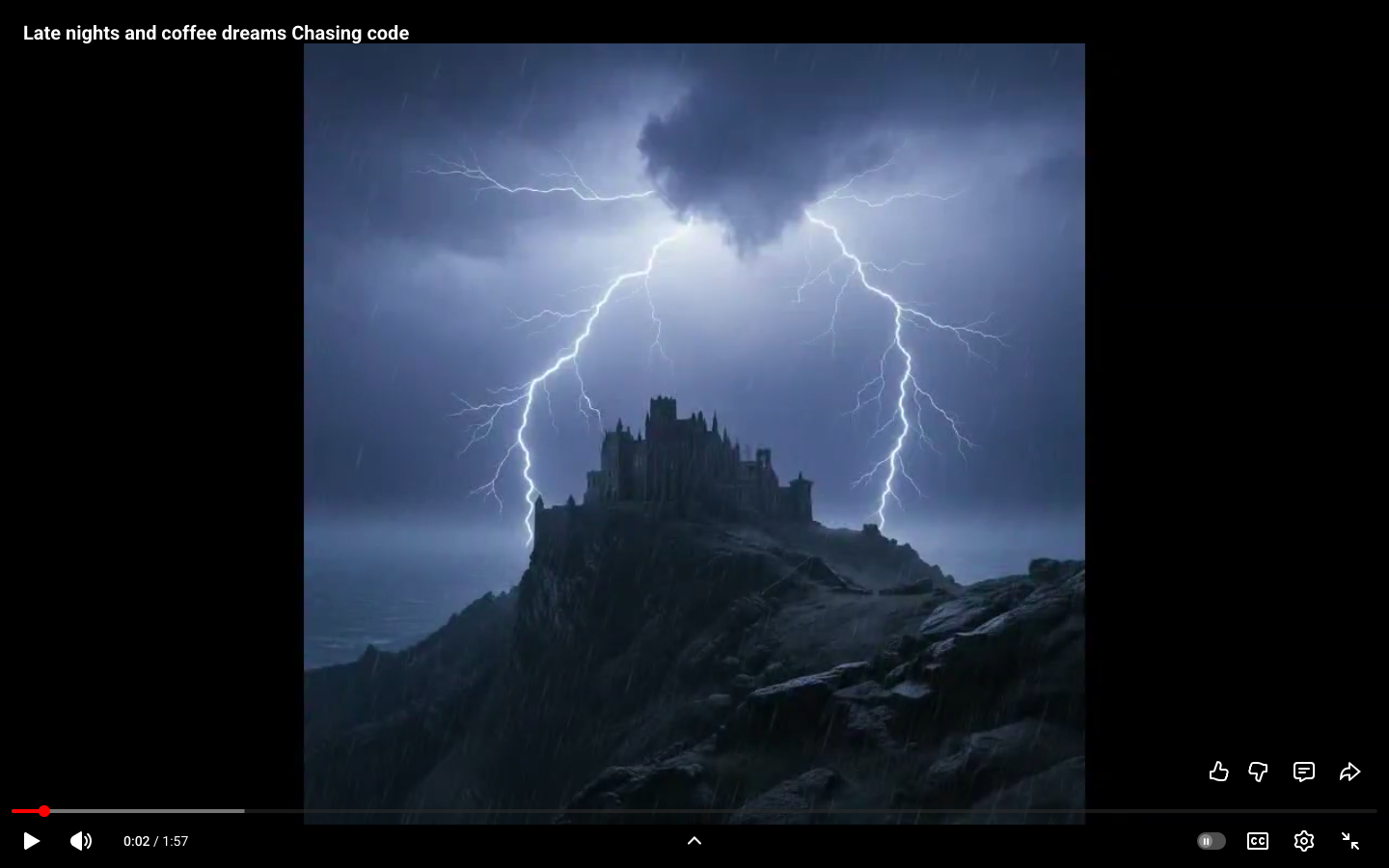
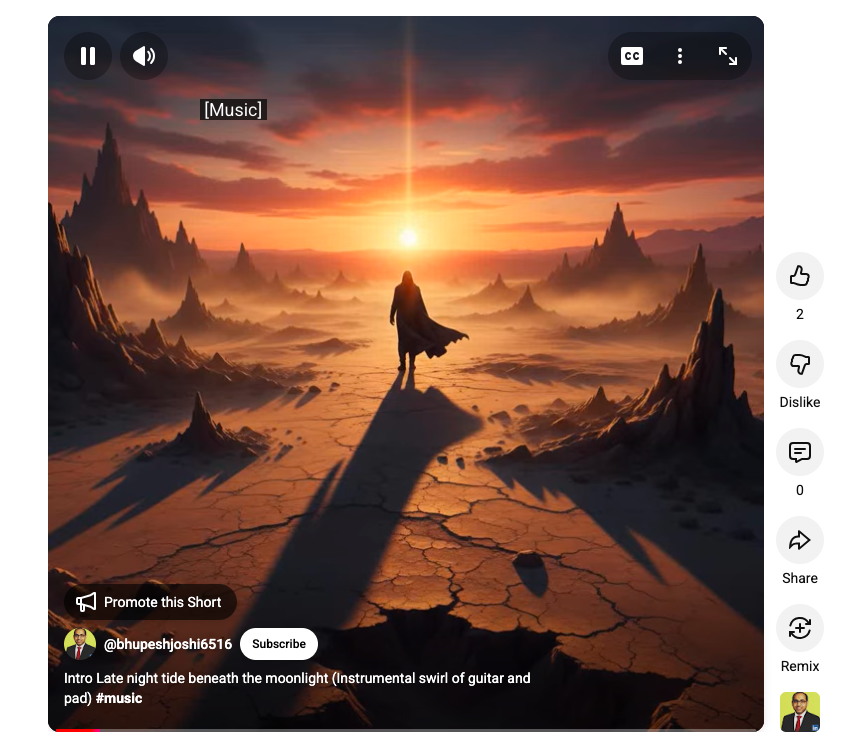
Wait for video generation and using this web based software provides you videos for youtube shorts / youtube video and you just need to keem some patience, because it's a free youtube community building software.
This work is licensed under the Creative Commons Attribution 4.0 International License. To view a copy of this license, visit http://creativecommons.org/licenses/by/4.0/.
Built With
- 18
- ai-based
- authority
- autoprefixer
- built
- carousel
- cinematic
- class
- css
- cva)
- date-fns
- embla
- eslint
- ffmpeg.wasm
- firebase
- form
- hook
- icons
- lucide
- merge
- postcss
- query
- radix
- react
- react-resizable-panels
- recommendation
- shadcn
- sonner
- supabase
- tailwind
- tanstack
- typescript
- ui
- variance
- vite
- with
- zod

Log in or sign up for Devpost to join the conversation.