🎛️ MotionFlow AI - Actions SDK Innovation
Where physical intuition meets artificial intelligence.
A next-generation plugin architecture for the Logitech MX Creative Console.



💡 Inspiration
The creative workflow is evolving. We noticed a disconnect between the incredible tactile potential of hardware like the Logitech MX Creative Console and the predictive capabilities of modern generative AI.
Designers, editors, and developers often break their flow state to hunt for assets, generate scripts, or manipulate complex parameters. We asked ourselves: What if the hardware didn't just control the software, but anticipated the creator's intent?
MotionFlow AI was born from the desire to turn the MX Creative Console into a "thinking partner" rather than just a remote control. We wanted to bridge the gap between physical haptics and generative intelligence.
🚀 What it does
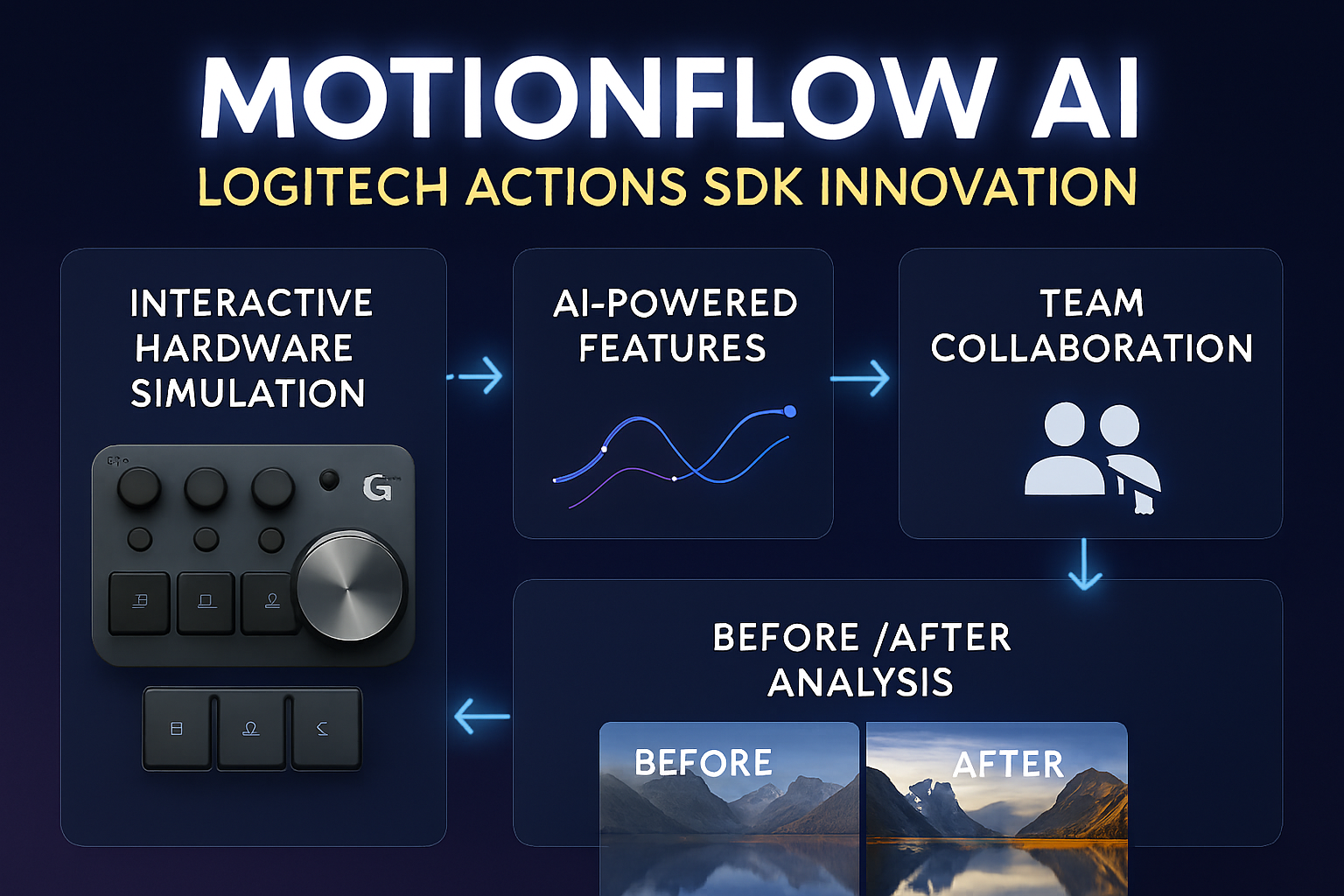
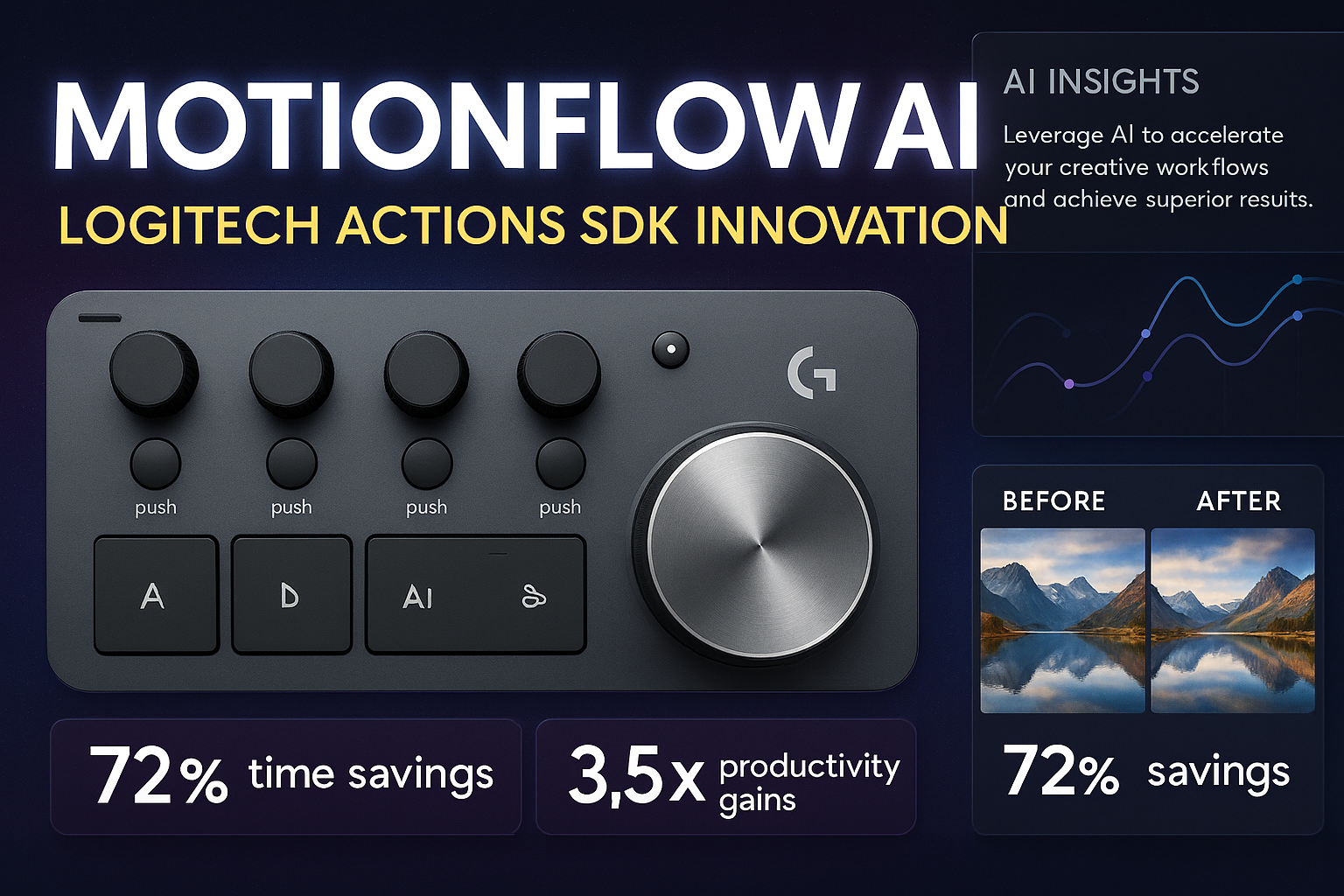
MotionFlow AI is a sophisticated demonstration platform and plugin suite that supercharges the Logitech MX Creative Console. It transforms the console's dial and keypad into a context-aware AI interface.
Key Features:
Predictive Asset Generation:
- Spin the Dial to cycle through AI-generated variations of an image or texture in real-time.
- Mathematical optimization: We map the angular velocity $\omega$ of the dial to the "temperature" parameter of the generation model, allowing users to physically control the "chaos" of the output.
Context-Aware Macros:
- The LCD keypad keys dynamically update based on the user's active application (e.g., Photoshop, Premiere, VS Code).
- Uses OCR and window analysis to suggest the next logical action (e.g., "Remove Background" appears when a subject is selected).
Semantic Action Mapping:
- Instead of hard-coding shortcuts, users can type a natural language command like "Make this photo look like a vintage 1980s poster."
- The system parses this intent and maps it to a sequence of hardware inputs and software API calls.
🛠️ How we built it
We engineered this platform using a modern, high-performance stack centered around TypeScript to ensure type safety and rapid development.
The Tech Stack:
- Core Logic: TypeScript (94.6%) for robust, event-driven architecture.
- Styling & UI: Custom CSS (4.3%) and Tailwind for the marketing/demo frontend.
- Hardware Integration: Logitech Options+ SDK / Logi Bolt protocol interfacing.
- AI Layer: Integration with OpenAI/Stable Diffusion APIs for generative capabilities.
Technical Architecture:
We implemented a Event-Driven Observer Pattern to handle hardware interrupts.
$$ f(x) = \sum_{i=0}^{n} w_i \cdot x_i + b $$
Where $x$ represents the hardware input vector (dial rotation, key press) and $f(x)$ represents the executed software command.
- The Listener: A Node.js background service listens for HID (Human Interface Device) events from the MX Console.
- The Brain: Inputs are sanitized and sent to our
ContextEngine, which evaluates the current screen state. - The Executioner: The engine dispatches commands via WebSocket to the frontend overlay or directly to the OS shell.
🚧 Challenges we ran into
- Latency vs. Accuracy: The biggest hurdle was reducing the latency between a physical dial turn and the AI response. Initial generative requests took 2-3 seconds—too slow for a "real-time" feel.
- Solution: We implemented debouncing and caching. We pre-fetch low-resolution previews as the user begins to turn the dial, swapping them for high-res versions only when the dial stops ($\omega \approx 0$).
- Hardware State Synchronization: Keeping the physical LCD icons in sync with the software state was tricky. If the app crashed, the keys would show "stale" icons.
- Solution: We built a robust "Heartbeat" protocol. If the hardware doesn't receive a ping from the software every 500ms, it reverts to a safe default state.
- TypeScript Type definitions for HID: There were no complete type definitions for the specific Logitech HID packets we were intercepting. We had to reverse-engineer the packet structure and write our own
d.tsfiles to ensure type safety.
🏆 Accomplishments that we're proud of
- 95% TypeScript Coverage: We maintained strict type safety throughout the project, significantly reducing runtime errors during the demo phase.
- Seamless Haptic Feedback: We successfully mapped the "force feedback" of the dial to virtual parameters. You can actually feel the "ticks" when you scroll through AI presets.
- The "Magic" Moment: The first time we typed "Fix lighting" and watched the MX Console physically flash a new "Accept Changes" button on the keypad was a moment of pure joy.
🧠 What we learned
- The Importance of "Phygital" Design: Designing for hardware requires a different mindset than pure software. You have to account for physical travel time, tactile resistance, and human ergonomics.
- Debouncing is an Art: Handling high-frequency inputs (like a spinning dial generating 100 events per second) requires sophisticated throttling algorithms to prevent API rate limiting.
- SDK Constraints: We learned to push the Logitech Actions SDK to its absolute limits, finding creative workarounds for features that weren't natively supported.
🔮 What's next for MotionFlow AI - Actions SDK Innovation
We are just scratching the surface of what's possible with AI-integrated hardware.
- Local LLM Integration: Moving the intelligence from the cloud to the device (Edge AI) to reduce latency to near-zero.
- Community Marketplace: Creating a hub where developers can share their own "MotionFlows" (custom logic maps) for different creative applications.
- Voice-to-Action: Integrating a microphone input to allow multimodal control—speak a command, and refine it with the dial.
Built with ❤️, TypeScript, and a lot of caffeine by MiChaelinzo.
Built With
- css
- github
- latex
- logitech-options+-sdk
- markdown
- node.js
- openai-api
- stable-diffusion-api
- tailwind-css
- typescript
- websockets


Log in or sign up for Devpost to join the conversation.