-
-
Features
-
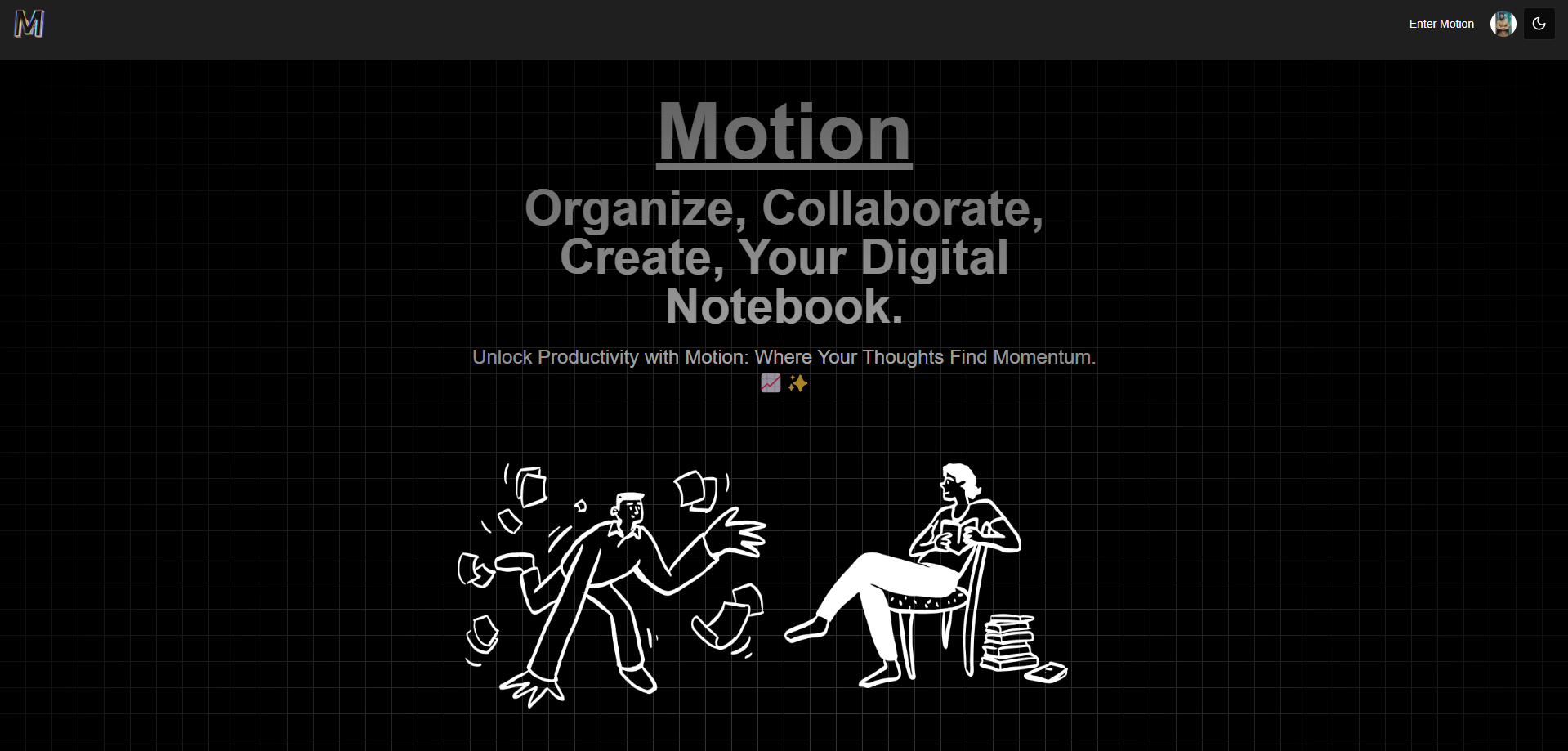
Landing Page
-
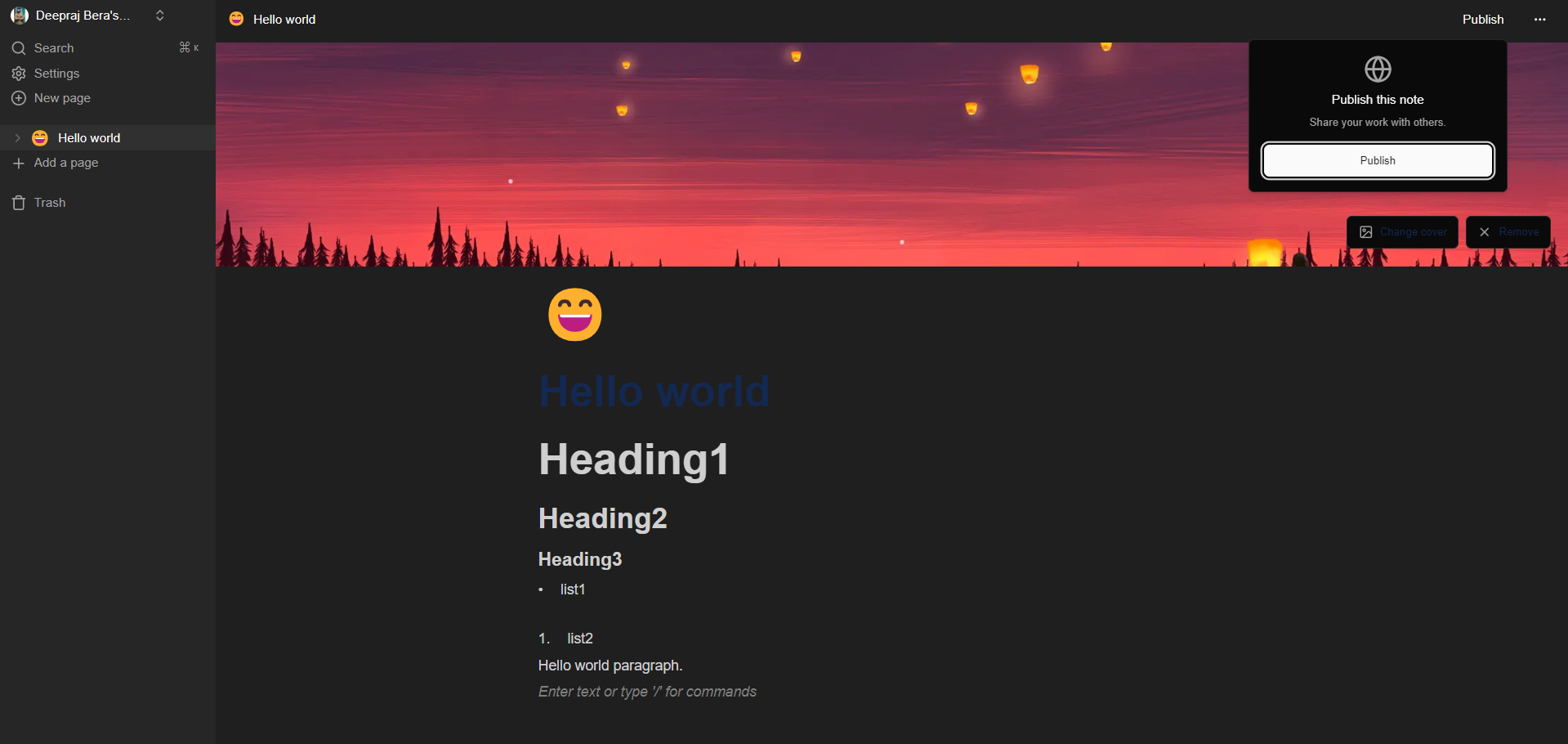
Dashboard
Inspiration
Motion was inspired by the need for a comprehensive note-taking and organization tool that seamlessly integrates with users' existing workflows. The aim was to create a platform that simplifies the process of capturing, organizing, and sharing ideas across various domains, catering to the needs of students, professionals, and creatives alike.
What it does
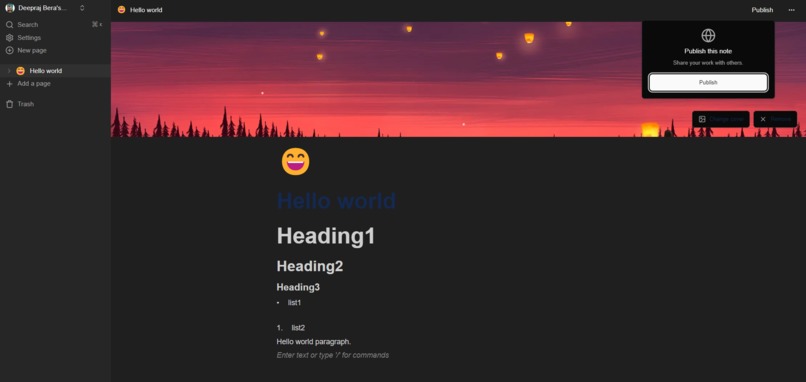
Motion revolutionizes note-taking and organization by offering a dynamic web application where users can create unlimited pages, customize them with personalized titles and cover pages, and organize content hierarchically using nested pages. It features intelligent search functionality, theme customization, file upload capabilities, and real-time database sync, ensuring a seamless and efficient workflow. Users can also publish selected notes to the web for broader accessibility.
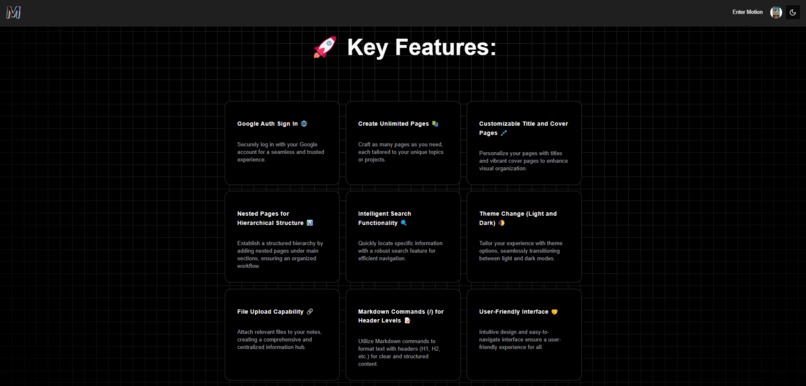
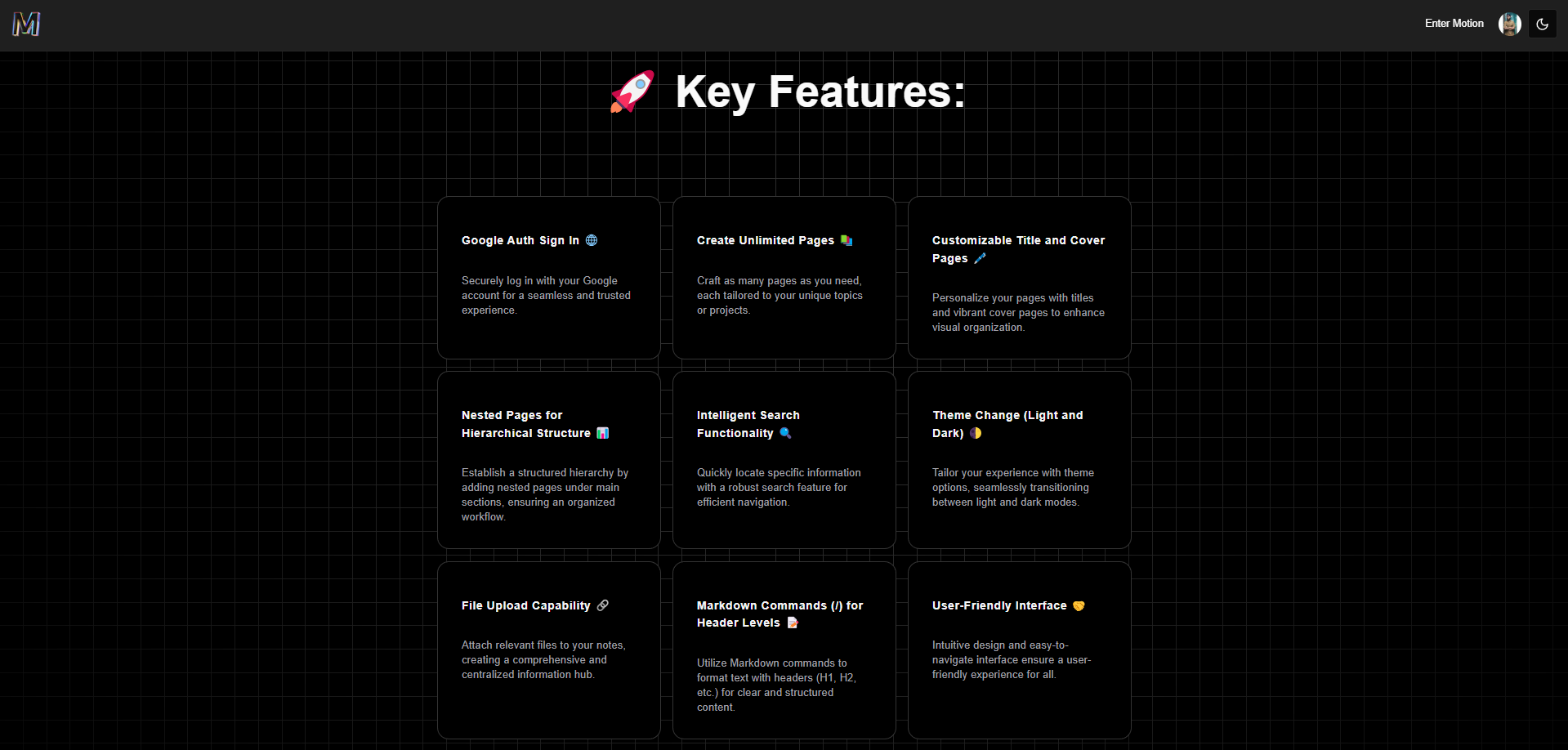
Key Features: 🚀
Google Auth Sign In 🌐:
- Securely log in with your Google account for a seamless and trusted experience.
Create Unlimited Pages 📚:
- Craft as many pages as you need, each tailored to your unique topics or projects.
Customizable Title and Cover Pages 🖋️:
- Personalize your pages with titles and vibrant cover pages to enhance visual organization.
Nested Pages for Hierarchical Structure 📊:
- Establish a structured hierarchy by adding nested pages under main sections, ensuring an organized workflow.
Intelligent Search Functionality 🔍:
- Quickly locate specific information with a robust search feature for efficient navigation.
Theme Change (Light and Dark) 🌓:
- Tailor your experience with theme options, seamlessly transitioning between light and dark modes.
File Upload Capability 📎:
- Attach relevant files to your notes, creating a comprehensive and centralized information hub.
Markdown Commands (/) for Header Levels 📝:
- Utilize Markdown commands to format text with headers (H1, H2, etc.) for clear and structured content.
Collapsing Sidebar for Enhanced Focus 🧘:
- Maximize screen real estate and minimize distractions with a collapsing sidebar feature.
User-Friendly Interface 🤝:
- Intuitive design and easy-to-navigate interface ensure a user-friendly experience for all.
Real-time Database Sync 🔄:
- Experience seamless collaboration and updates with real-time synchronization across devices.
Publish Notes to the Web 🌐:
- Share your insights and knowledge by easily publishing selected notes to the web for broader accessibility.
Page Deletion and Recovery from Trash 🗑️:
- Maintain control over your content by securely deleting pages and having the ability to recover them from the trash when needed.
How we built it
Motion was built using modern web development technologies. The frontend utilizes Next.js for server-side rendering, React for building user interfaces, and Tailwind CSS for styling. Google authentication was implemented for seamless user sign-in. The backend is powered by a Node.js server, with MongoDB serving as the database. Real-time synchronization across devices is achieved through Convex, a real-time database service. Clerk was integrated for user authentication management.
Challenges we ran into
- Implementing real-time database synchronization across devices posed challenges in ensuring data consistency and handling concurrent updates.
- Designing an intuitive and user-friendly interface while accommodating a wide range of features required careful planning and iteration.
- Integrating various third-party services, such as Google authentication and Clerk for user management, presented configuration and compatibility challenges.
Accomplishments that we're proud of
- Developing a feature-rich note-taking application with seamless Google authentication and real-time synchronization capabilities.
- Creating an intuitive and visually appealing user interface that enhances productivity and user experience.
- Overcoming technical challenges and implementing robust solutions to ensure the reliability and scalability of the platform.
What we learned
- Deepened understanding of real-time database synchronization techniques and strategies for handling concurrent updates.
- Enhanced proficiency in frontend and backend development technologies, including Next.js, React, Node.js, MongoDB, and Convex.
- Gained insights into user authentication and management systems, such as Google authentication and Clerk.
What's next for Motion
- Enhancing collaboration features to facilitate real-time editing and commenting on shared notes.
- Implementing advanced search capabilities, including natural language processing and keyword tagging.
- Introducing additional customization options for themes and page layouts to cater to diverse user preferences.
- Integrating productivity tools such as task management and calendar functionalities to create a comprehensive productivity suite within Motion.
Built With
- aceternity
- convex
- nextjs
- node.js

Log in or sign up for Devpost to join the conversation.