Inspiration
Most hands-free interfaces ship with a fixed gesture vocabulary: nod for yes, swipe left to dismiss. That design assumes a body. If you can't make the gesture the system expects, or can't make it the same way twice, you're locked out of the thing that was supposedly built for you.
We wanted to invert that: not "here are our gestures, learn them," but show us two movements you can do comfortably, and those become the controls.
Then we pointed it at a problem Virginia Tech students actually have. Campus accessibility information exists, but it's scattered, and it describes buildings as designed rather than as they are today. A building with an elevator is not accessible on the day that elevator is broken.
Motion Bridge is our attempt at making campus navigation assume less about who's using it.
What it does
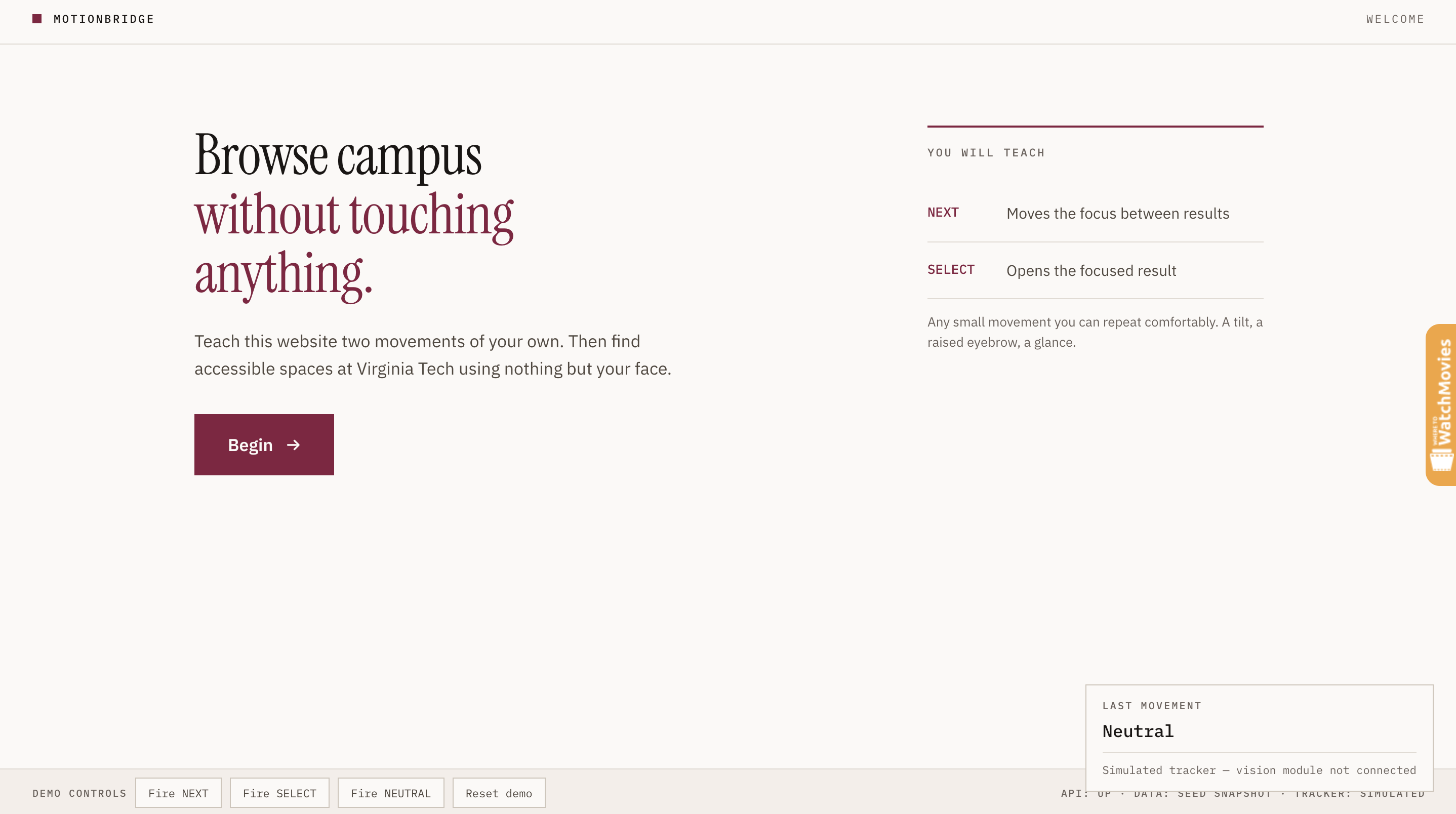
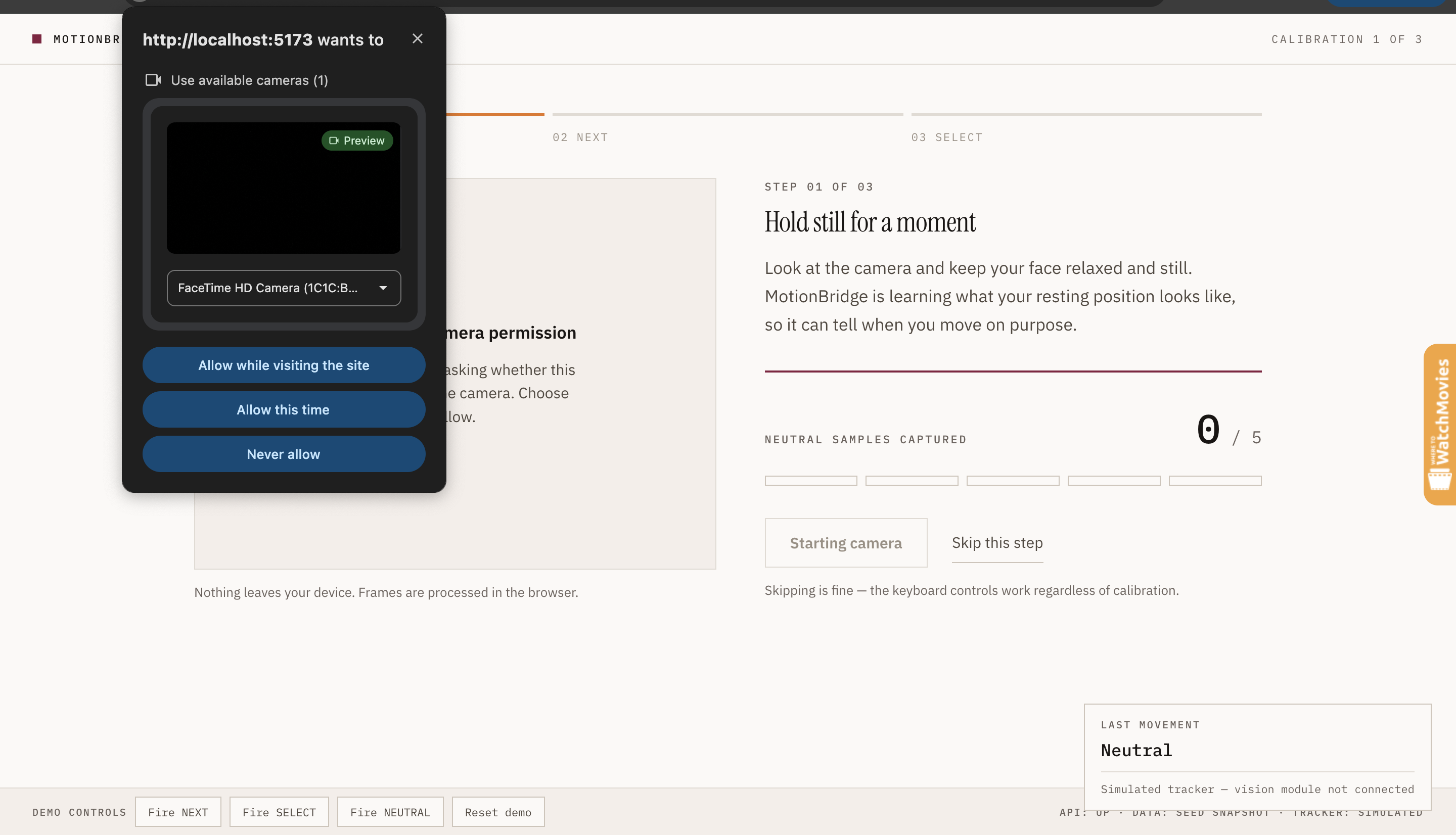
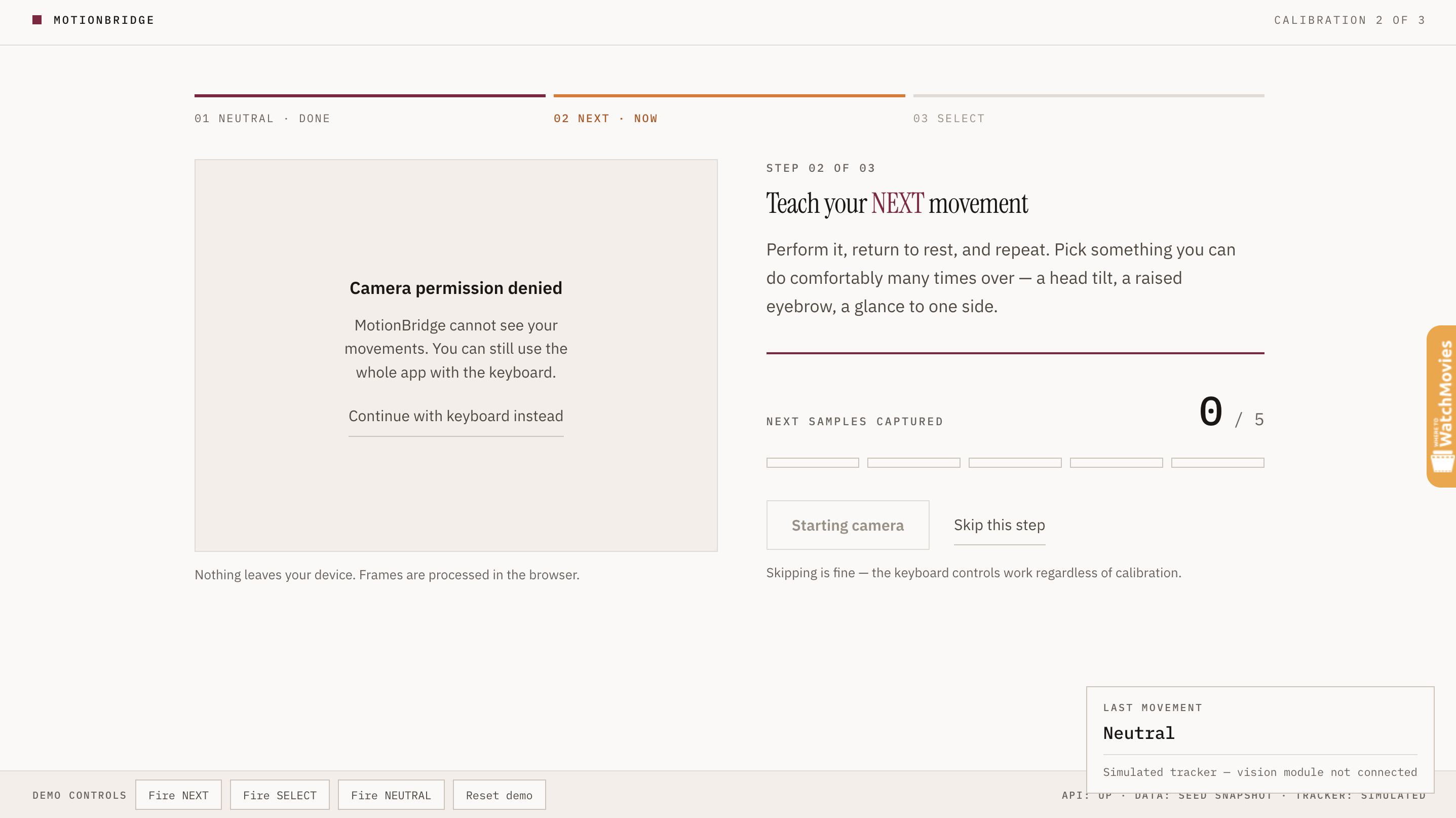
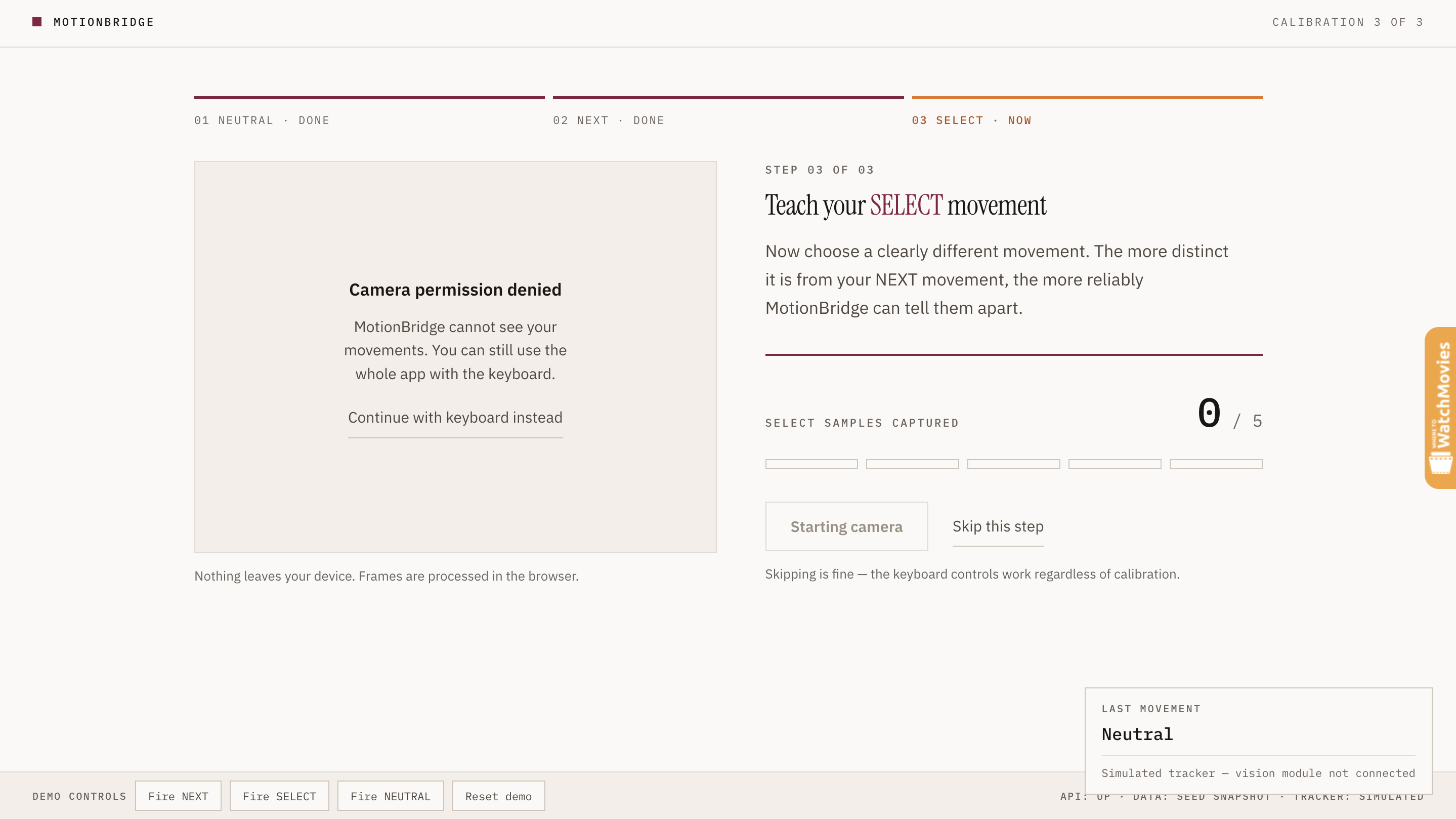
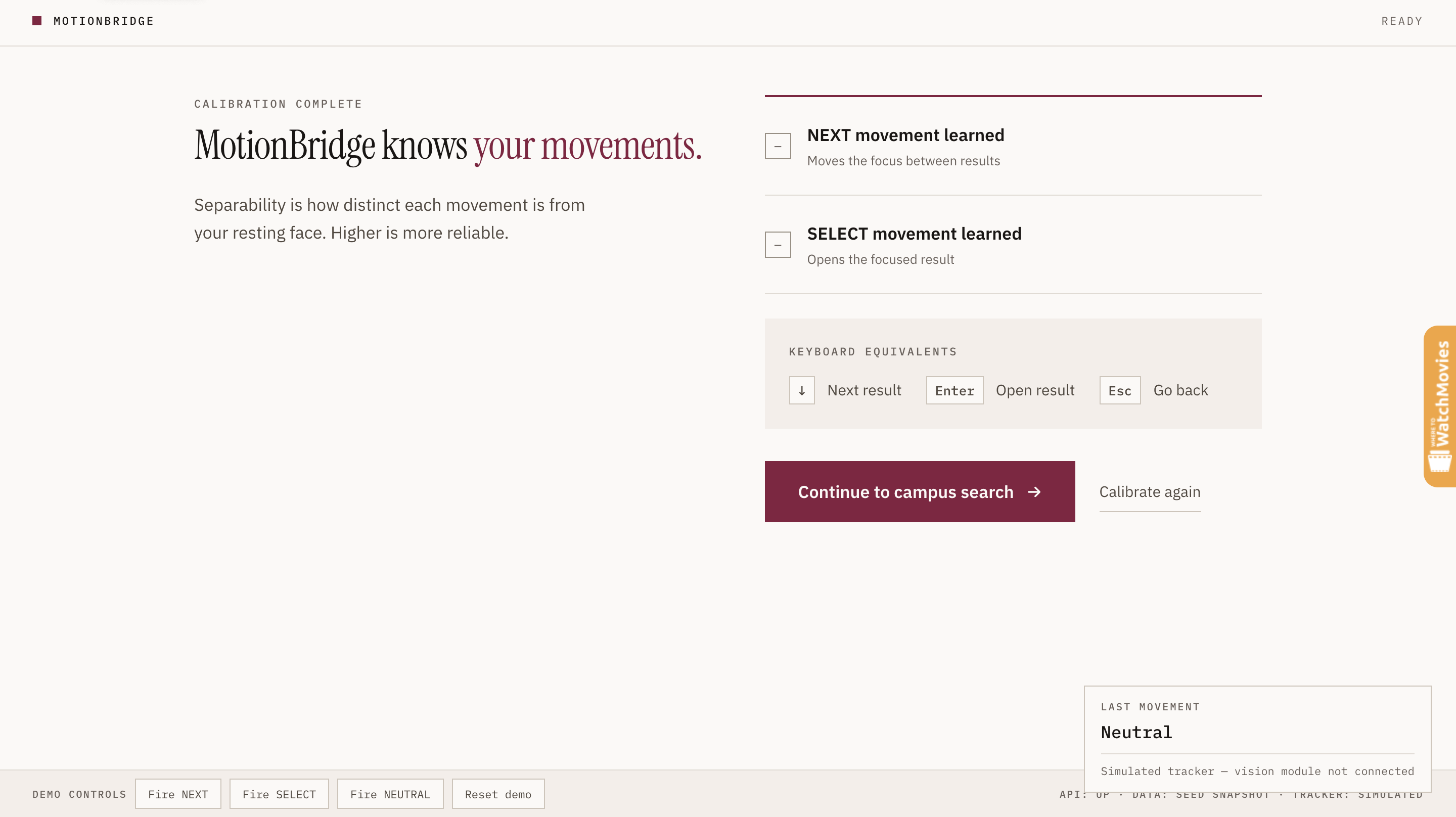
Motion Bridge spends about a minute learning your face at rest, then learning two movements you choose — a head tilt, a raised eyebrow, a glance to one side. It measures how distinguishable those two movements are from your neutral face and from each other, and shows you that score before you continue.
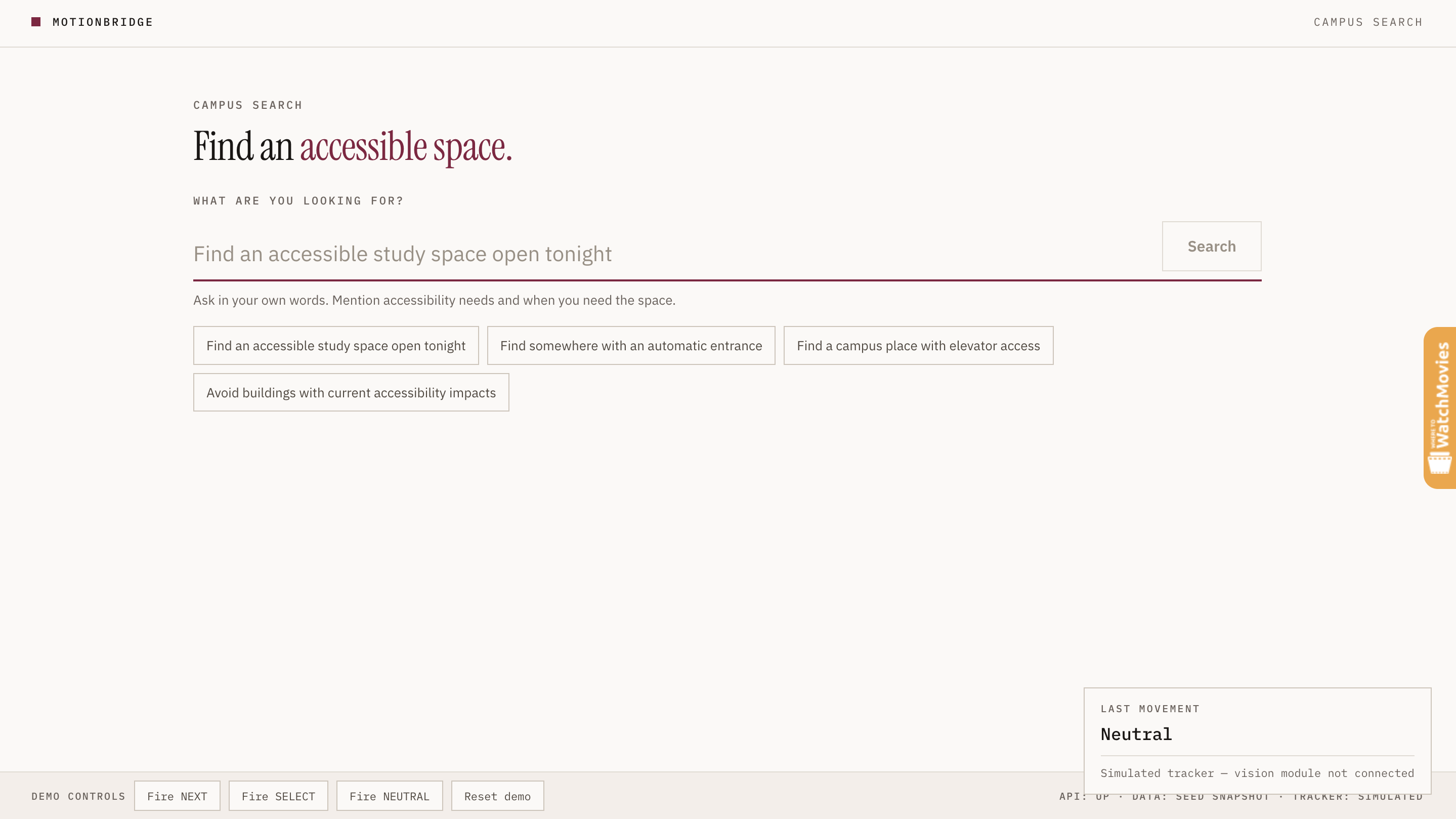
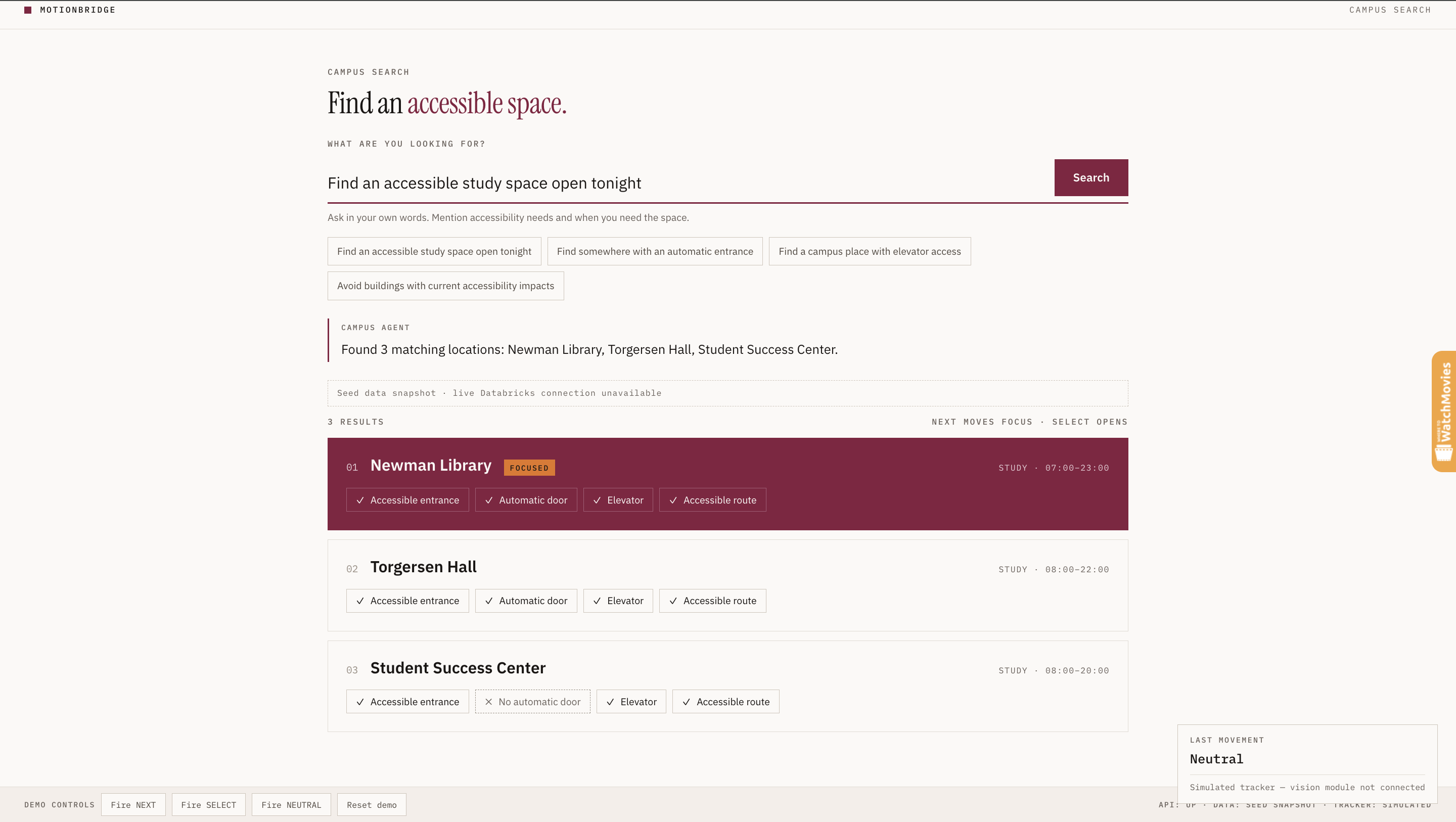
After that, you can ask the campus agent a question in plain language, like "find an accessible study space open tonight" — and it returns Virginia Tech locations with:
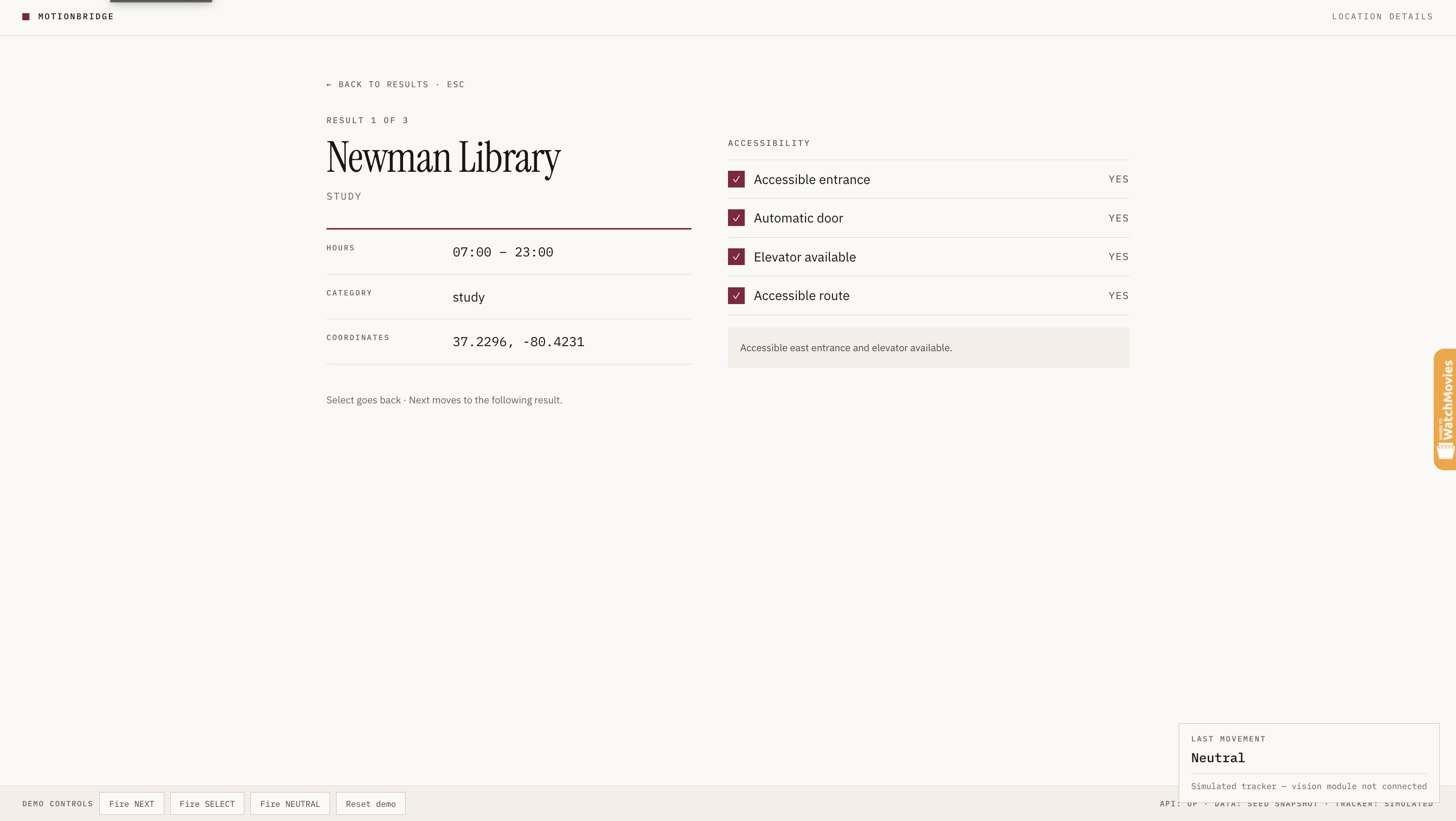
• Accessible entrances, automatic doors, elevators, step-free routes • Active impacts — the elevator outage, the sidewalk closure, the construction that makes a nominally accessible building unusable this week
Your first movement moves the focus between results. Your second opens one. You never touch anything.
Every gesture also has a keyboard equivalent, and the whole product works with the camera switched off.
How we built it • MediaPipe Face Landmarker – Runs in the browser to extract blendshape scores plus head yaw, pitch and roll into a compact feature vector. Frames never leave the device. • Calibration engine – Collects a neutral baseline and gesture samples, builds a prototype for each, and classifies by nearest-prototype distance. No model training required, so it stays personal to one user. • Cooldown + return-to-neutral logic – Stops one held pose from firing repeatedly. • Databricks – Stores campus locations, accessible entrances, elevators and active impacts. • Constraint parser – Turns a natural-language query into structured constraints, which fill known SQL templates rather than letting a model write SQL freehand. • Transparent ranking – Scores results on accessible entrance, automatic door, no active impact, and elevator when asked for. No mystery number. • Express backend – A validated /api/agent endpoint, a health check, and a centralized error handler, so the frontend always gets a stable error shape. • React + TypeScript frontend – A framework-free state machine owns screens, focus, and gesture routing, so gesture handling lives in exactly one place and can be tested without a browser.
Challenges we ran into
• Gestures firing where they shouldn't. During calibration, the user performs NEXT and SELECT to teach them — routing those to navigation would skip people through their own setup. We only accept navigation gestures on screens where navigation is meaningful, and ignore them for half a second after any screen change or while a query is in flight. • Showing focus from across a room. A judging table is three metres away, and a colored border doesn't survive that distance. The focused result inverts to a solid maroon fill and carries a "Focused" tag, so state is never colour-dependent. • Building in parallel without blocking each other. The frontend was built against mocks and a simulated tracker from day one, so it demos and passes tests with no backend or vision module attached. • Being honest about data provenance. When live data is unavailable, the system falls back to a committed snapshot — and the UI labels it as such, rather than presenting stale data as live.
Accomplishments that we're proud of
• Calibration that adapts to the person instead of the other way round • A separability score that honestly reports how well calibration worked, instead of pretending every calibration succeeds • Impact warnings — the difference between a directory and something actually useful • A fully keyboard-operable interface with screen-reader announcements, a proper listbox pattern, and no information conveyed by colour alone
What we learned
Accessibility work rewards narrowing. Two reliable personalized commands beat ten unreliable ones, and a small clean dataset beats a large unverified one.
We also learned how much of "accessible" is temporal. Static building data is the easy half — what changed today is the half that decides whether someone can actually get in.
What's next for Motion Bridge
• More campus data sources and live impact feeds • A saved calibration profile so returning users skip setup • Wider evaluation with real users — we tested this on ourselves, and personalized input needs testing with the people it's actually for
Built With
- databricks
- express.js
- mediapipe
- node.js
- react
- sql
- typescript
- vite

Log in or sign up for Devpost to join the conversation.