-
-
-
-
-
-
icon

Inspiration
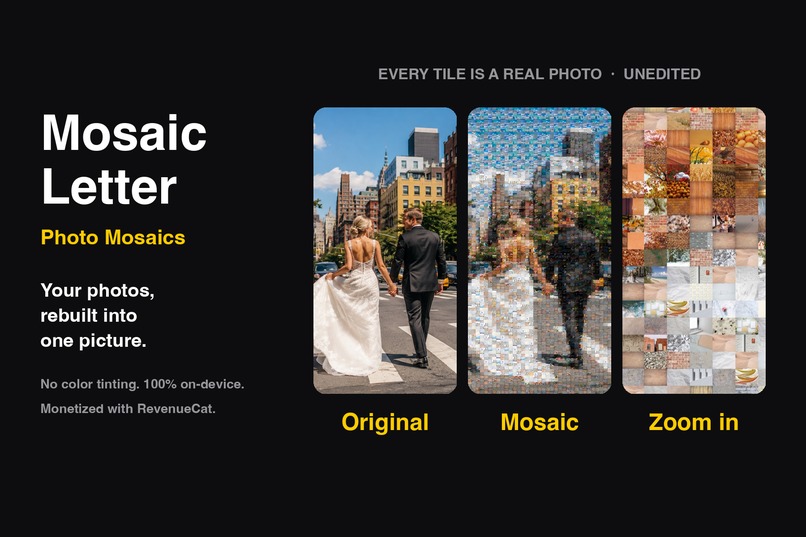
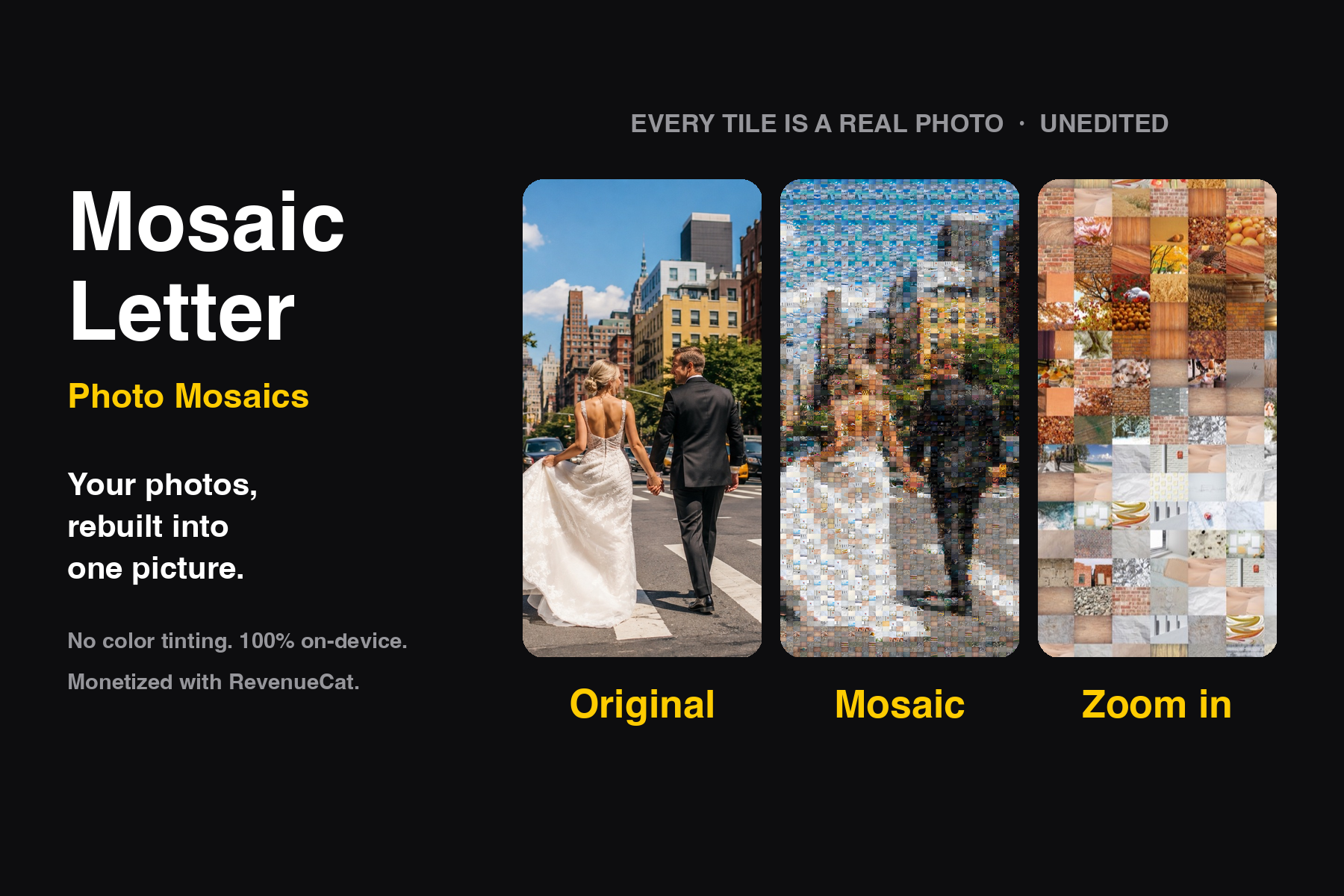
Every photo-mosaic app I tried cheated. To make the tiles match the target image, they paint a translucent color layer over each photo, or slice one photo into dozens of fragments to fill space. Zoom in and it falls apart: the faces are tinted green, the sky is a crop of somebody's sleeve. The result is a picture about your photos, not a picture made of them.
That ruins the one thing the object is for. A mosaic of a wedding day is a gift because the guest can walk up to it and find the shot they took. If the tile is tinted or sliced, there is nothing to find.
So I set one hard constraint and built the whole app around it: no photo is ever recolored, filtered, or cut into pieces. The only transforms allowed are a center crop to normalize aspect ratio and a ±90° rotation to fit a portrait photo into a landscape cell.
What it does
- Pick a target image — the picture you want to recreate.
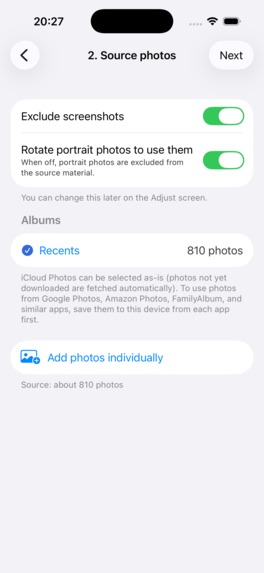
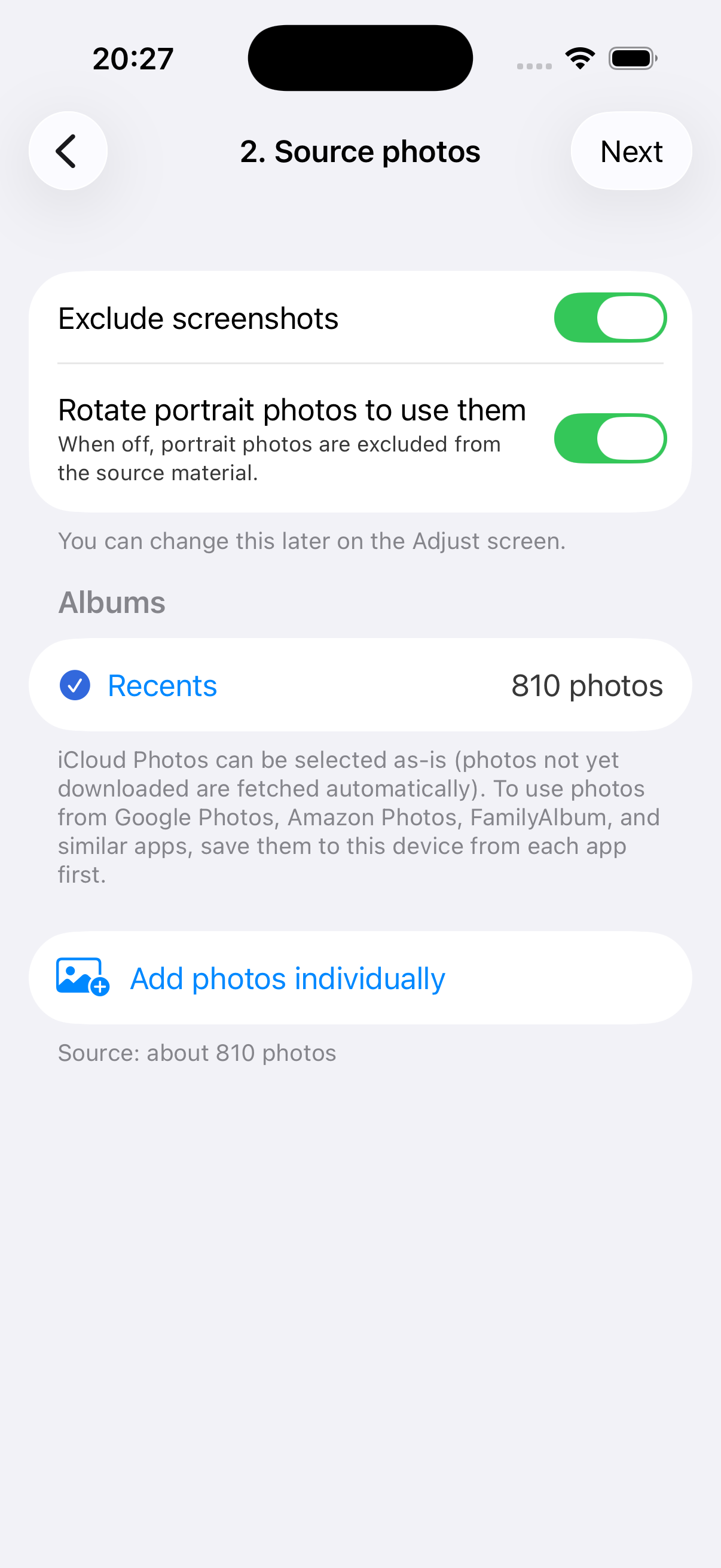
- Pick source albums — any number of albums, with manual add/exclude for individual photos.
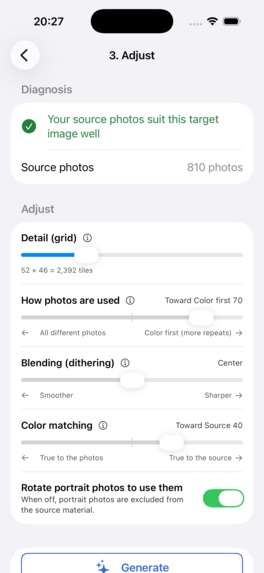
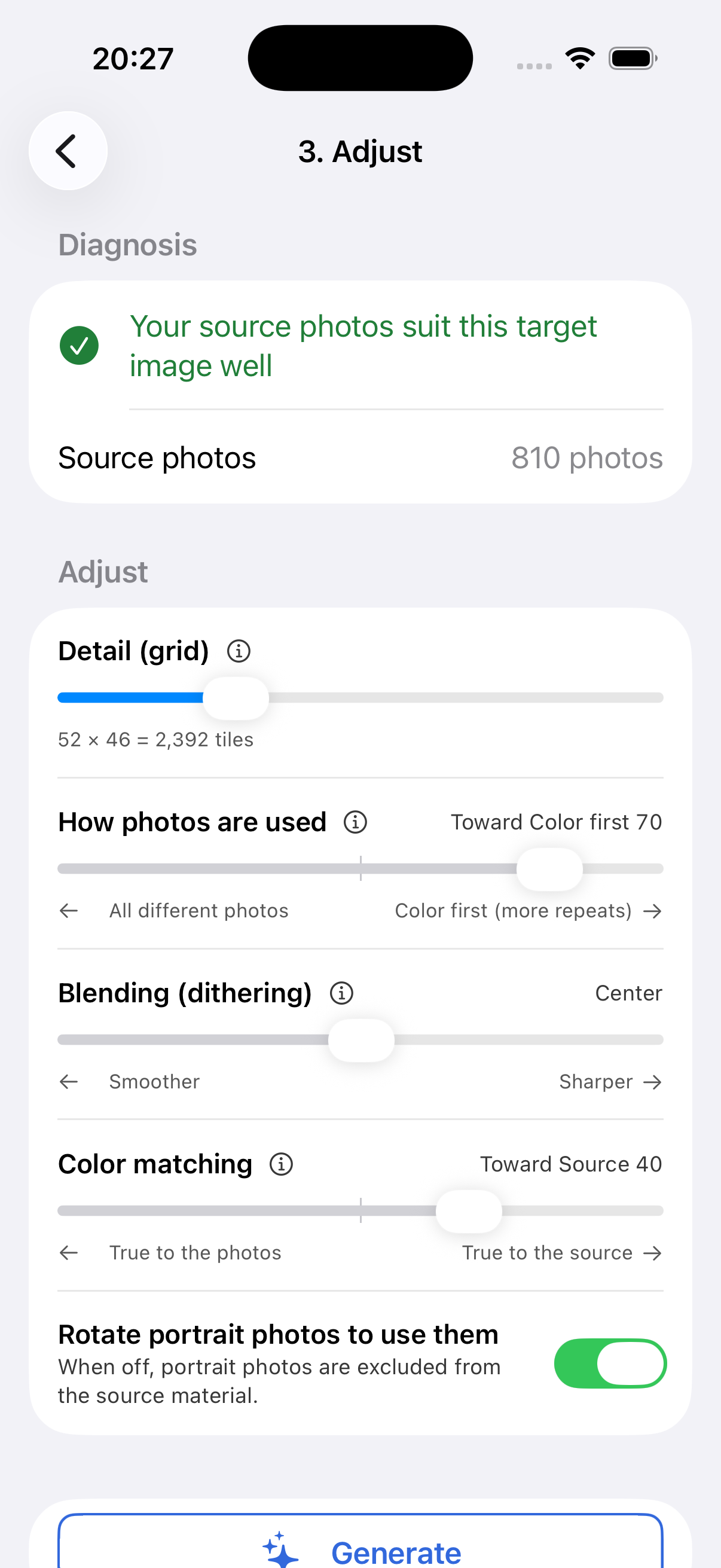
- Check coverage before building — the app compares the color distribution of your selected photos against the target and warns you up front ("not enough blues"), with a shortcut to add more photos. No build-and-retry loop.
- Tune and generate — a single slider trades off use as many different photos as possible vs. prioritize color accuracy. Identical photos are kept a minimum number of cells apart so the same shot never clusters into a visible blotch.
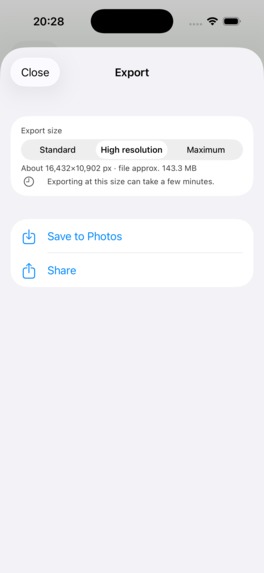
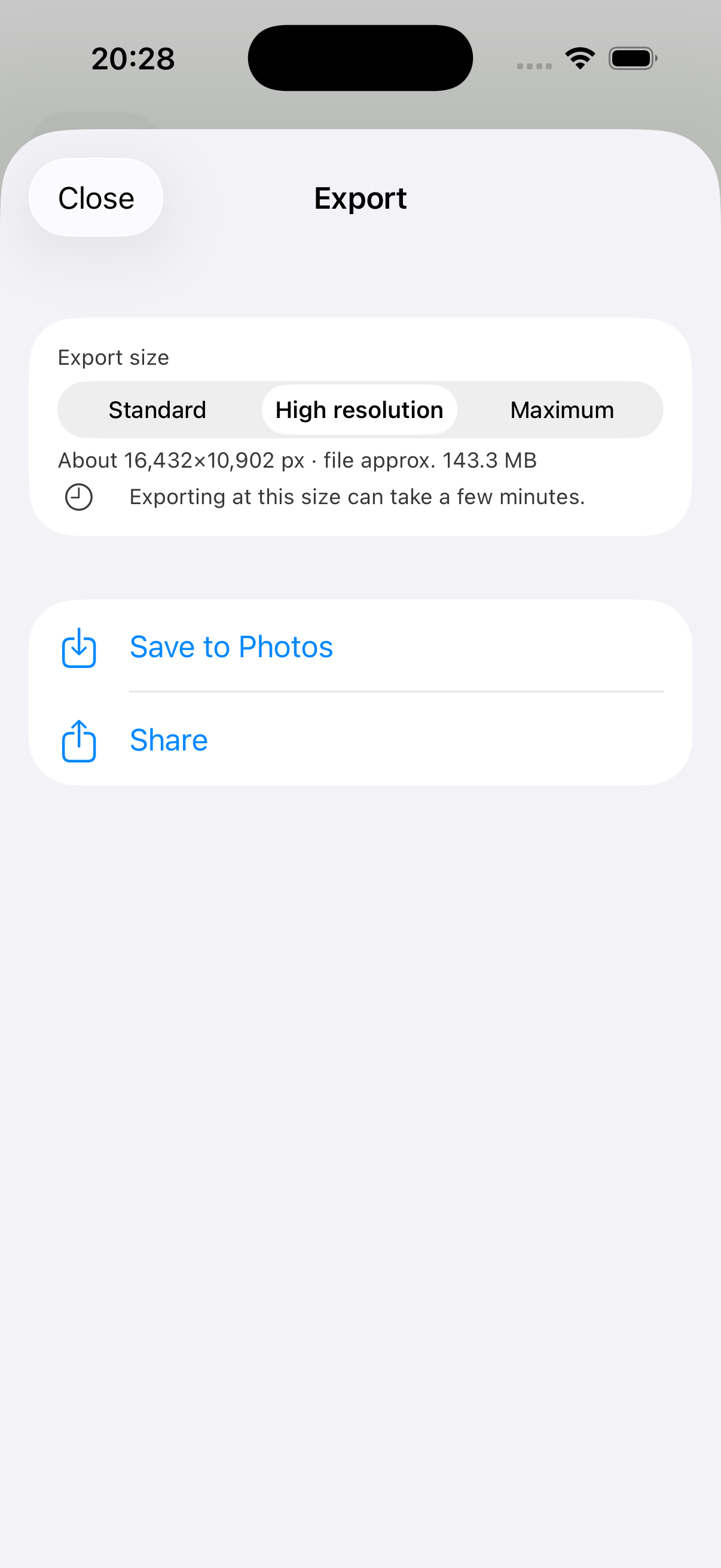
- Export — save, share, or print. Everything is generated on device; nothing is uploaded and no account is required.
Free: unlimited generating and previewing, export at 2048 px with a watermark. Pro (one-time purchase, no subscription): high-resolution and print-size export, no watermark.
How we built it
- SwiftUI, iOS 17+,
@Observablefor state, xcodegen for the project file. The only third-party dependency in the whole app is the RevenueCat SDK. - Matching runs in CIE Lab, not RGB. Each candidate tile is reduced to a 3×3 grid of sub-cell Lab means, so a tile is matched on its internal structure (light at the top, dark at the bottom), not just its average color. This is what lets an unmodified photo sit convincingly in a cell.
- Assignment is a serpentine scan with error diffusion. The residual color error from each placed tile is pushed onto its not-yet-filled neighbors (diffusion factor 0.2), which recovers gradients that a per-cell nearest-neighbor search flattens out. Reuse is controlled by a distance-aware repetition penalty rather than a hard ban, so a small album degrades gracefully instead of failing.
- Coverage analysis runs before generation, over the same Lab features, so the warning the user sees is computed from exactly what the engine will use.
- The engine has no image I/O.
MosaicEngine,CoverageAnalyzer, and the model types are pure logic with unit tests; rendering and the photo library live behind separate services. - Parameters were validated in a Python PoC first (~500 tiles, repeated runs) before any of it was written in Swift. The defaults in the shipped app are the ones that won there.
- Monetization is RevenueCat: a lifetime entitlement (
mosaicletter_pro) gated on one product, with prices read from the store at runtime — never hardcoded in the UI. - Shipped in 8 languages (ja/en/zh-Hans/ko/hi/es/ar/pt-BR), including RTL layout for Arabic.
Challenges we ran into
- The no-editing constraint removes the easy fix. With tinting allowed, any album can hit any target. Without it, the app can genuinely fail — so the failure had to be moved before the build, into an honest coverage diagnosis, rather than surfacing as a bad result 90 seconds later.
- Repetition vs. accuracy is a real trade-off, not a bug. Hard-banning reuse wrecks the image on small albums; unrestricted reuse produces visible clumps. The minimum-distance penalty plus a user-facing slider was the only version that behaved on both a 60-photo album and a 3,000-photo one.
- Memory. Compositing a print-size mosaic from thousands of full-resolution assets will kill the app if it is done naively. Tiles are analyzed at a small fixed size and only re-fetched at full resolution during the render pass, tile by tile.
- Arabic RTL flipped the wizard's navigation and the photo grid's column order, which invalidated the coordinate-based screenshot automation and had to be handled per-language.
Accomplishments that we're proud of
Zoom all the way into a finished mosaic and it is still photography. Not one pixel of any tile was altered. Holding that line through matching, assignment, and export — and still producing an image that reads correctly from a distance — is the whole product.
What we learned
Constraints that look like handicaps are what make the output worth having. Also: validating algorithm parameters in a throwaway Python script before writing Swift saved far more time than it cost. And that a diagnosis shown before an expensive operation is worth more to a user than any amount of speed in the operation itself.
What's next for Mosaic Letter
- Shape and letter targets (mosaics that spell a name, not just recreate a photo)
- iPad-first editing for large print layouts
- A physical print path, so the file becomes an object on a wall

Log in or sign up for Devpost to join the conversation.