-
-
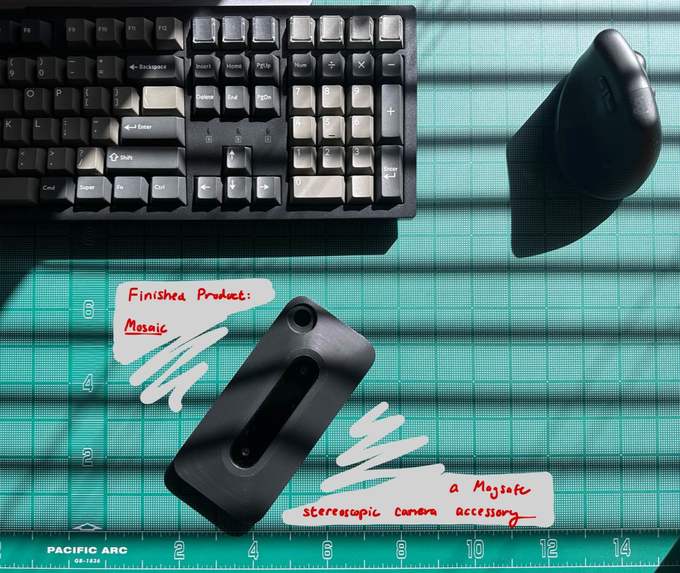
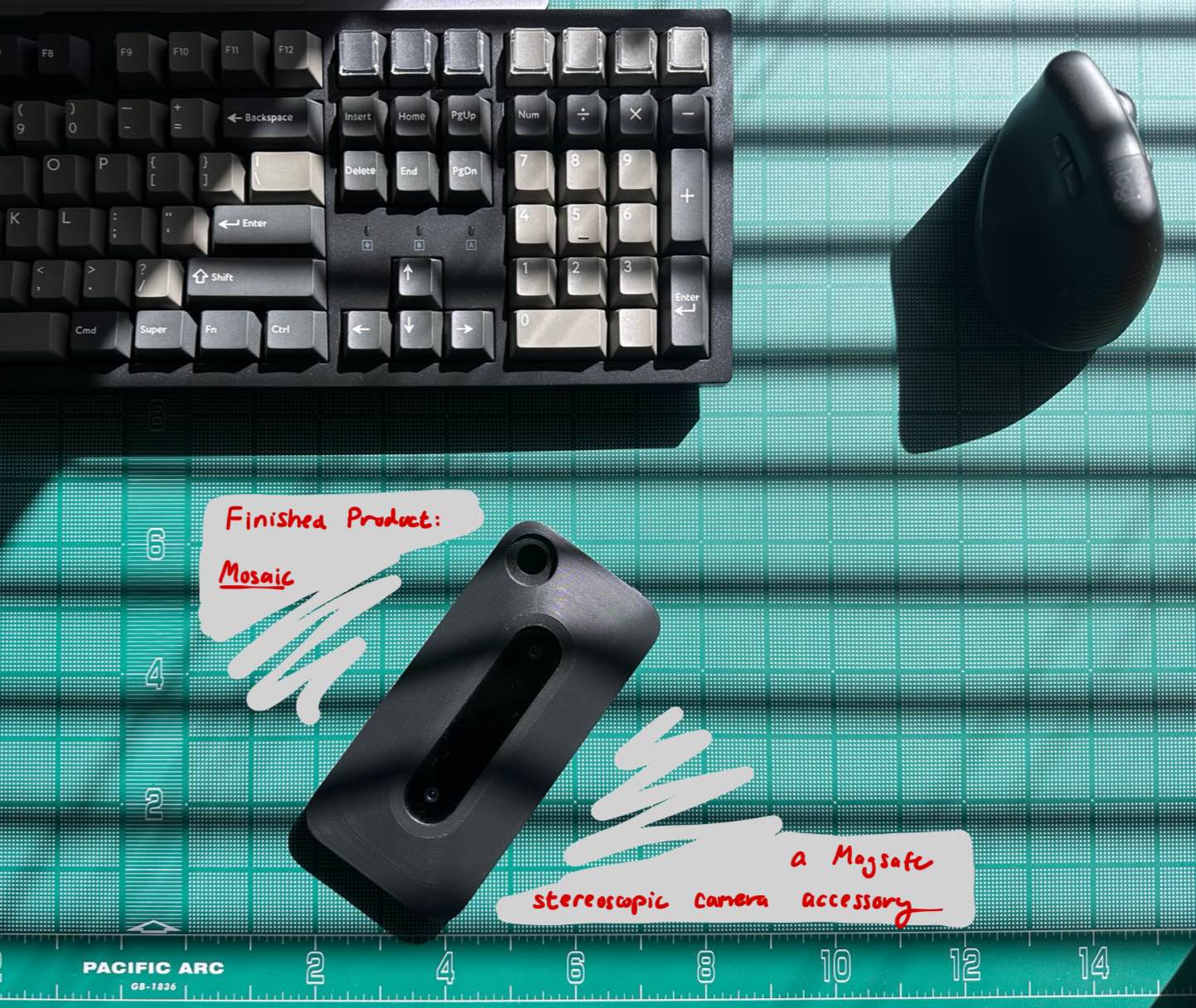
Mosaic, a MagSafe 3D (stereoscopic) camera accessory
-
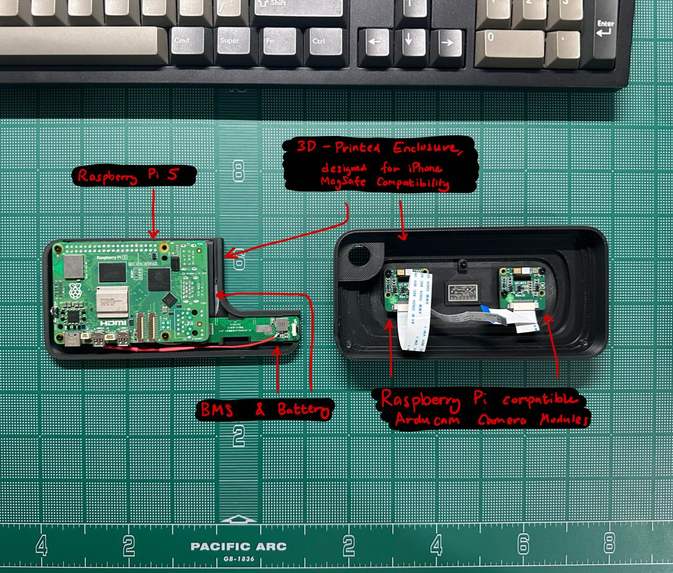
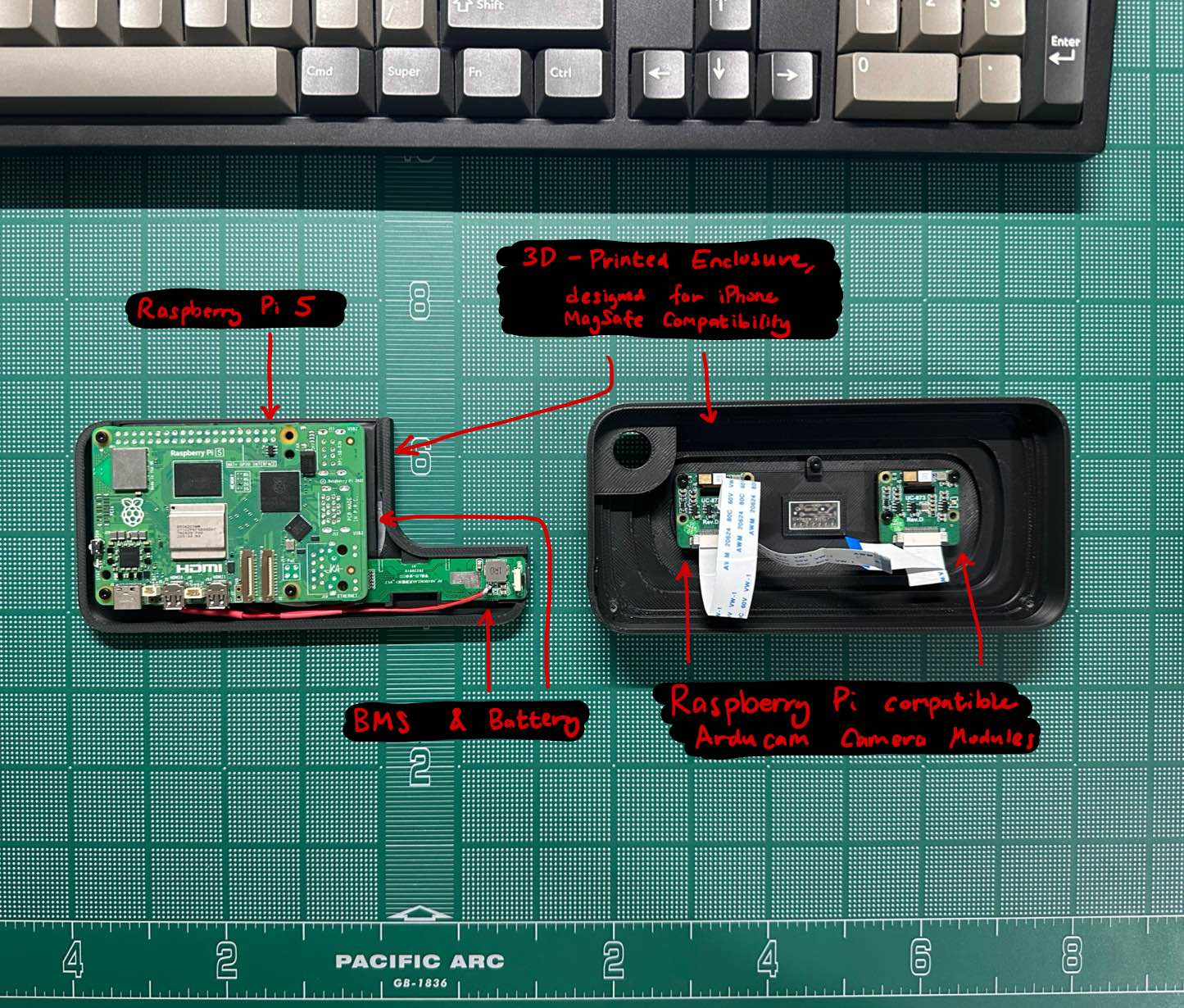
Mosaic product breakdown
-
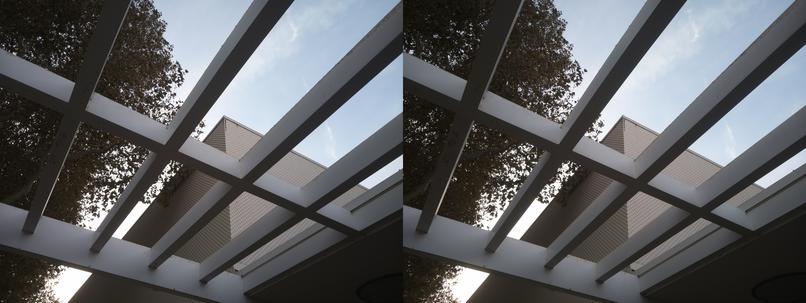
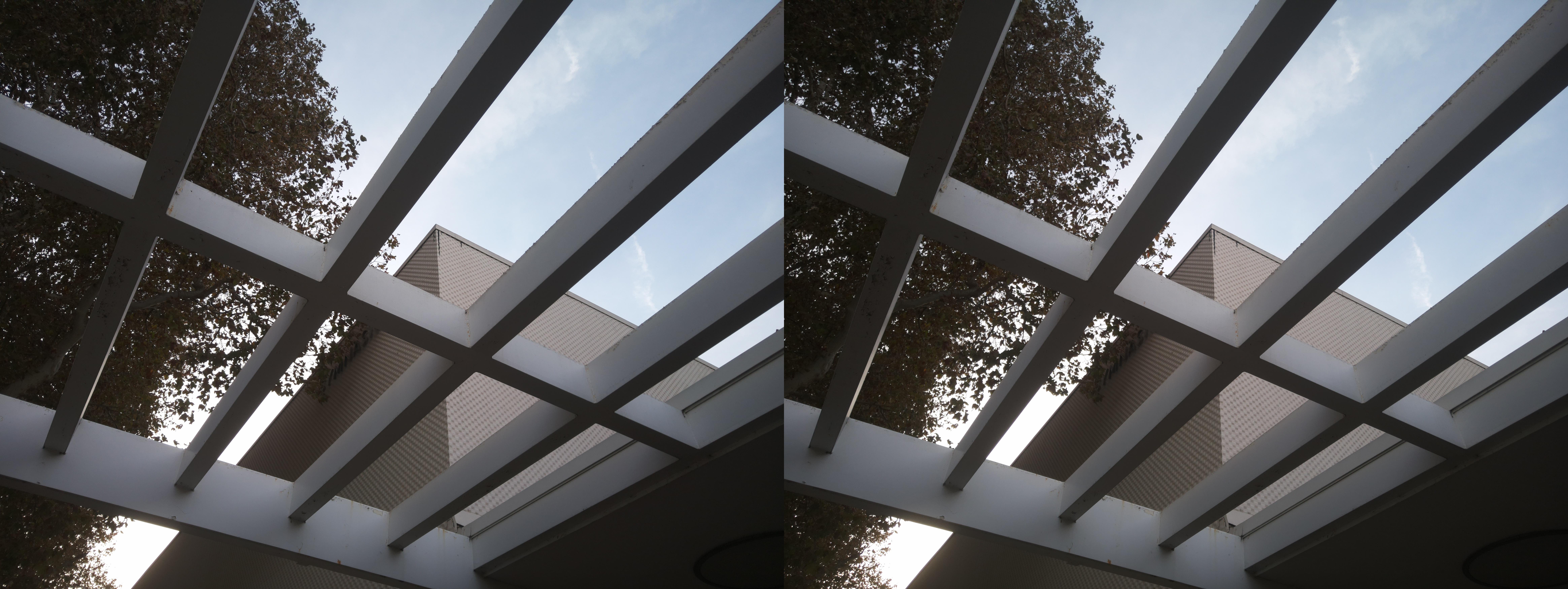
An example of the image file that gets saved when you take a picture with the Mosaic camera
-
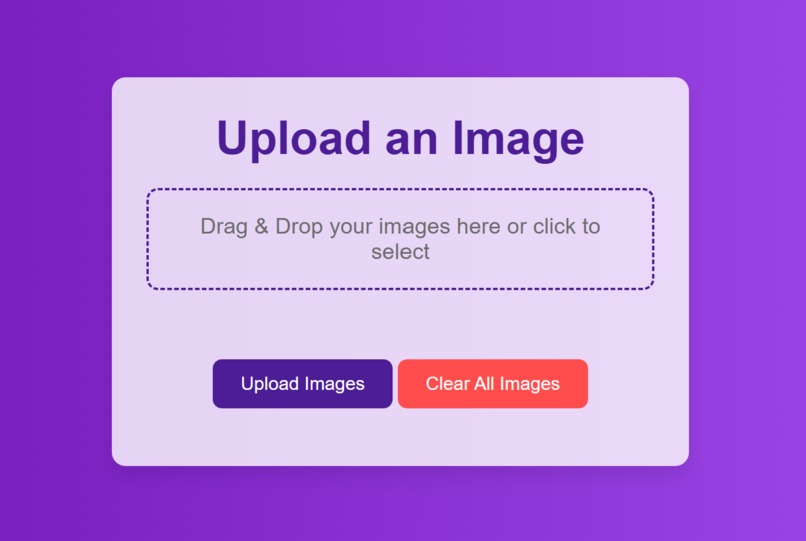
Upload your image website!
-
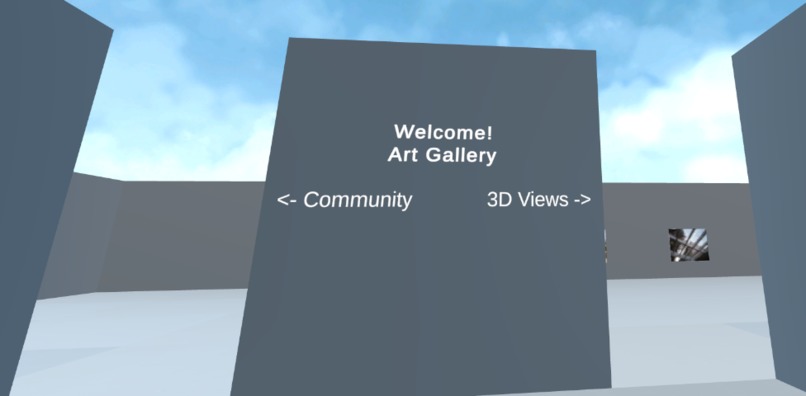
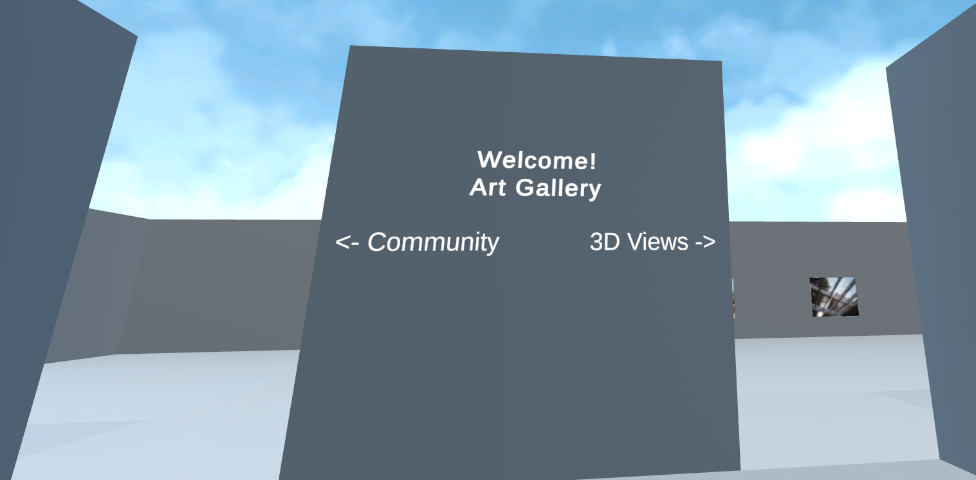
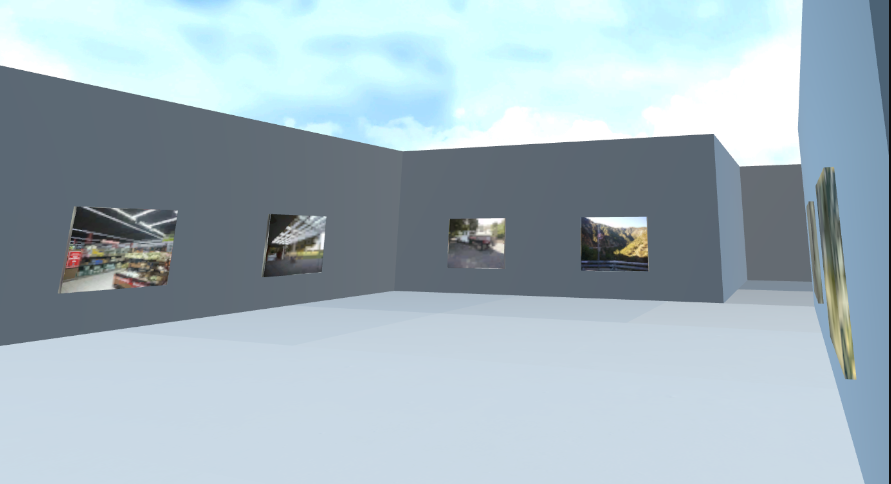
Welcome to the open-air Mosaic gallery
-
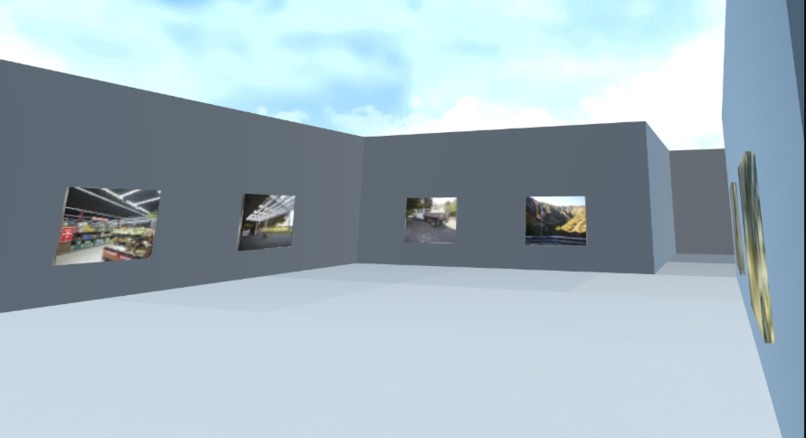
A sample image from the 3D views exhibit
-
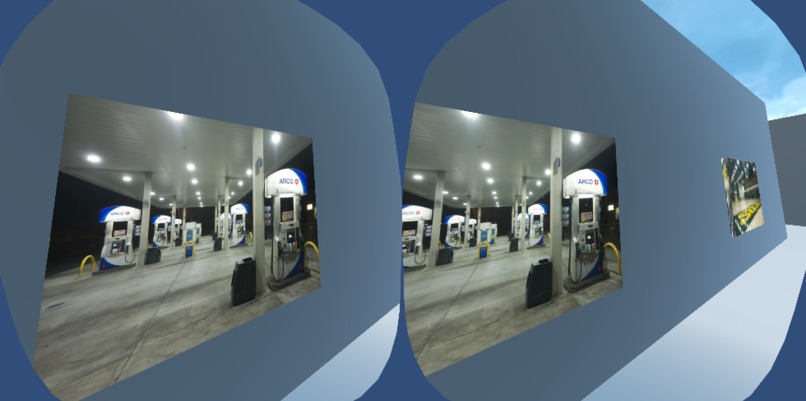
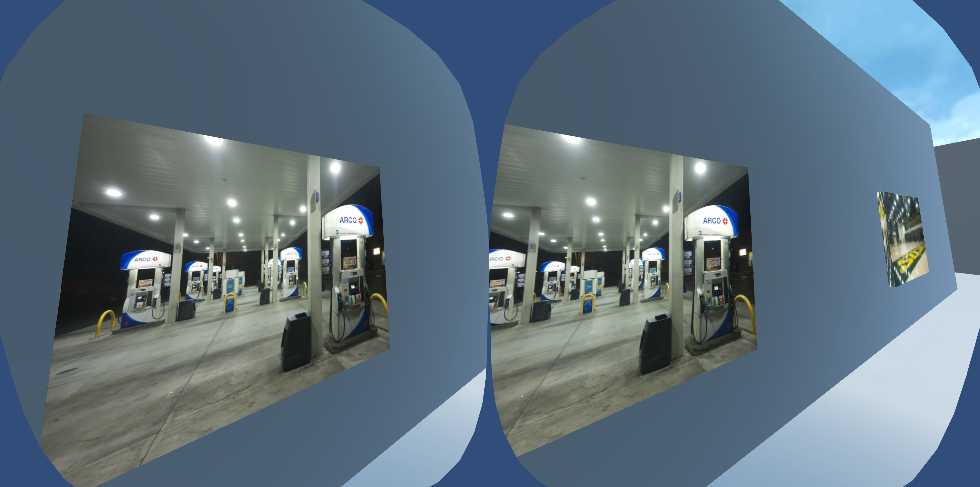
What is being displayed to the headset during the experience. The gas station images are slightly different between the left and right eyes
-
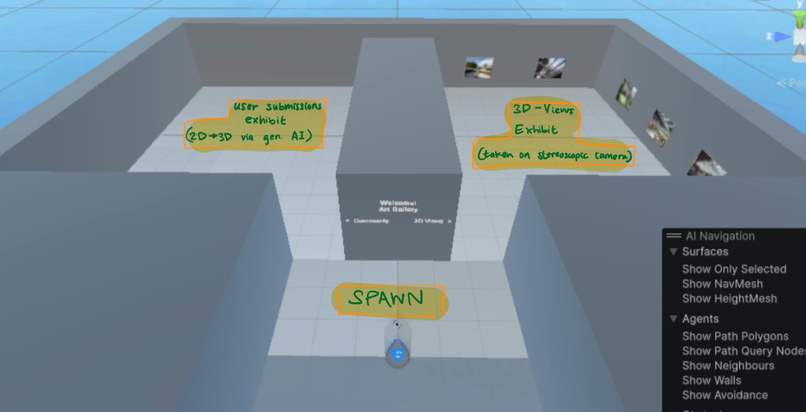
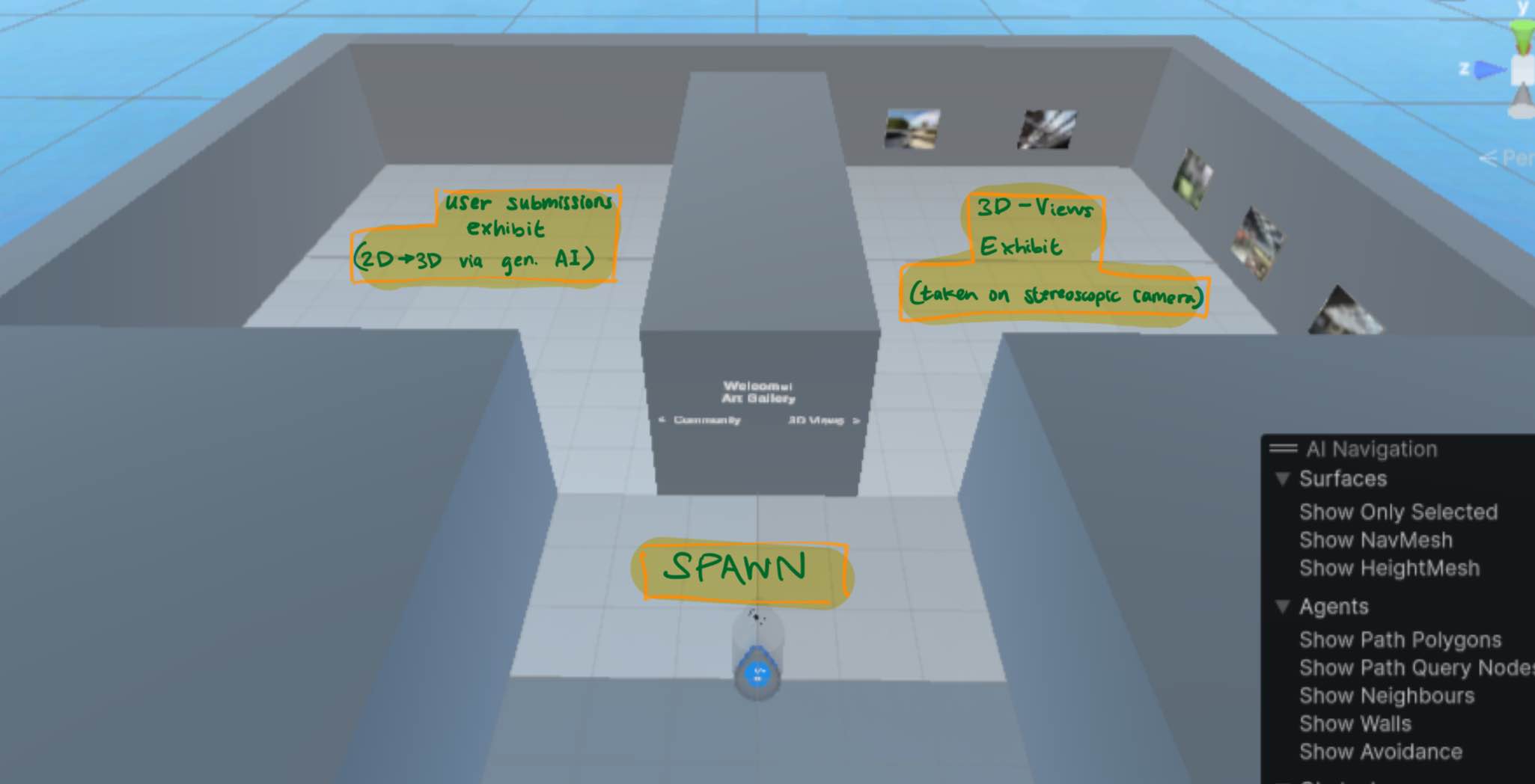
Map of the photo gallery

Inspiration
Chris built a Stereoscopic Camera using Raspberry Pi parts and 3D printed components which would allow you to capture cool pictures in 3D and gave the idea to make a gallery where these images can be displayed.
What it does
We've crafted a Meta Quest 3 VR art gallery with two exhibits. The first exhibit shows 3D pictures taken on a hobby Raspberry Pi stereoscopic camera. The second exhibit hosts user-submitted 2D photos which were turned into 3D images using generative AI. You're able to upload your own photos on a website; that website gives those photos to a backend server that adds depth and uploads to Unity for the user to experience.
How we built it
To make the website, we had to find a free server we could use to have a website even run, and have lots of backend code in order to actually take the photo and upload it onto Unity. This required us to transcribe the photo into a string, and then reformat that photo in order to show them in Unity. To make the gallery environment we used Unity's VR development tool. The 3D image effect was achieved by creating a custom Unity shader to display different left/right stereoscopic images to each eye in the Meta Quest headset.
Challenges we ran into
When making the website there was errors in being able to have multiple images, errors in the frontend where the transitions wouldn't work, or images were to big, and a big one was simply the fact it wasn't sending the right information backend.
Accomplishments that we're proud of
Website, getting VR to show the photos via custom Unity shader, adding the generative 3D element to the 2D photos.
What we learned
How to use Unity more, how to use backend/frontend coding, how to build a website from scratch, how to make images appear 3d.
What's next for Mosaic
If we had more time we would definitely make the gallery more interactive, maybe some sort of way to interact with the pictures. Would also be even cooler if the website could be turned into a mobile app. We would also add more decoration and environment to the gallery..


Log in or sign up for Devpost to join the conversation.