-
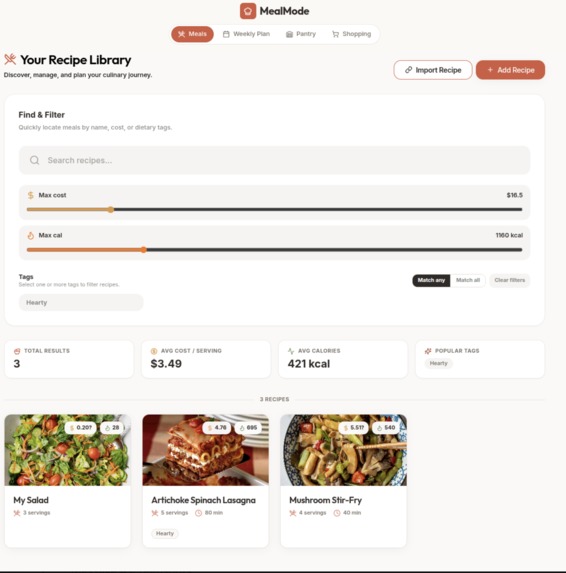
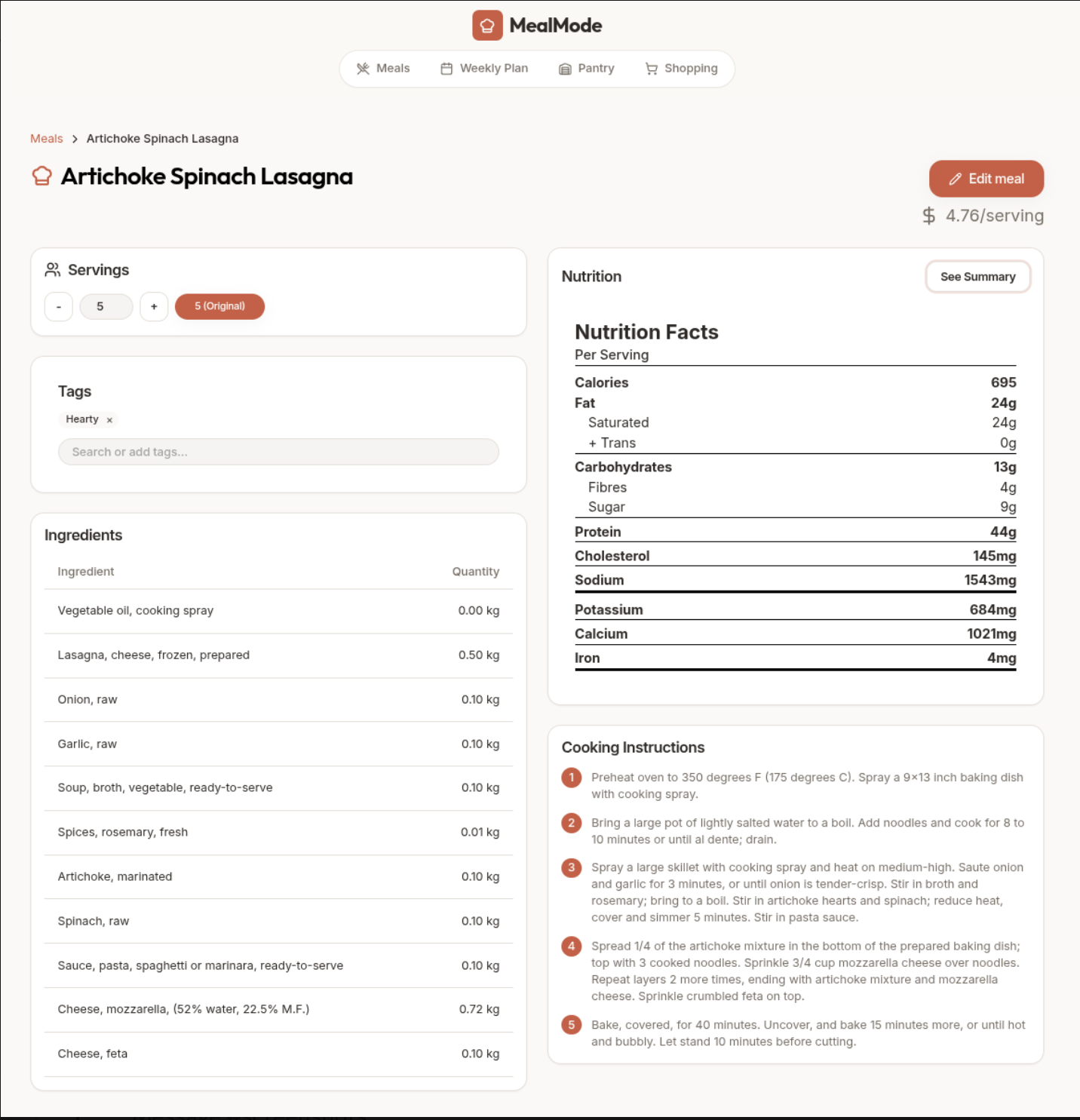
Meal Page
-
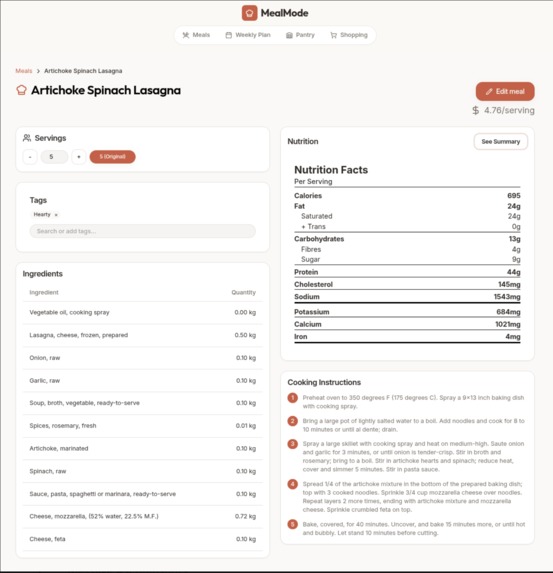
Meal Recipe Details
-
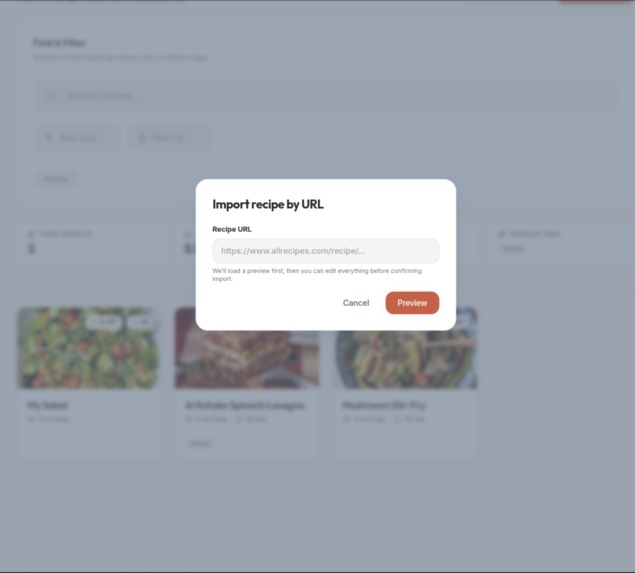
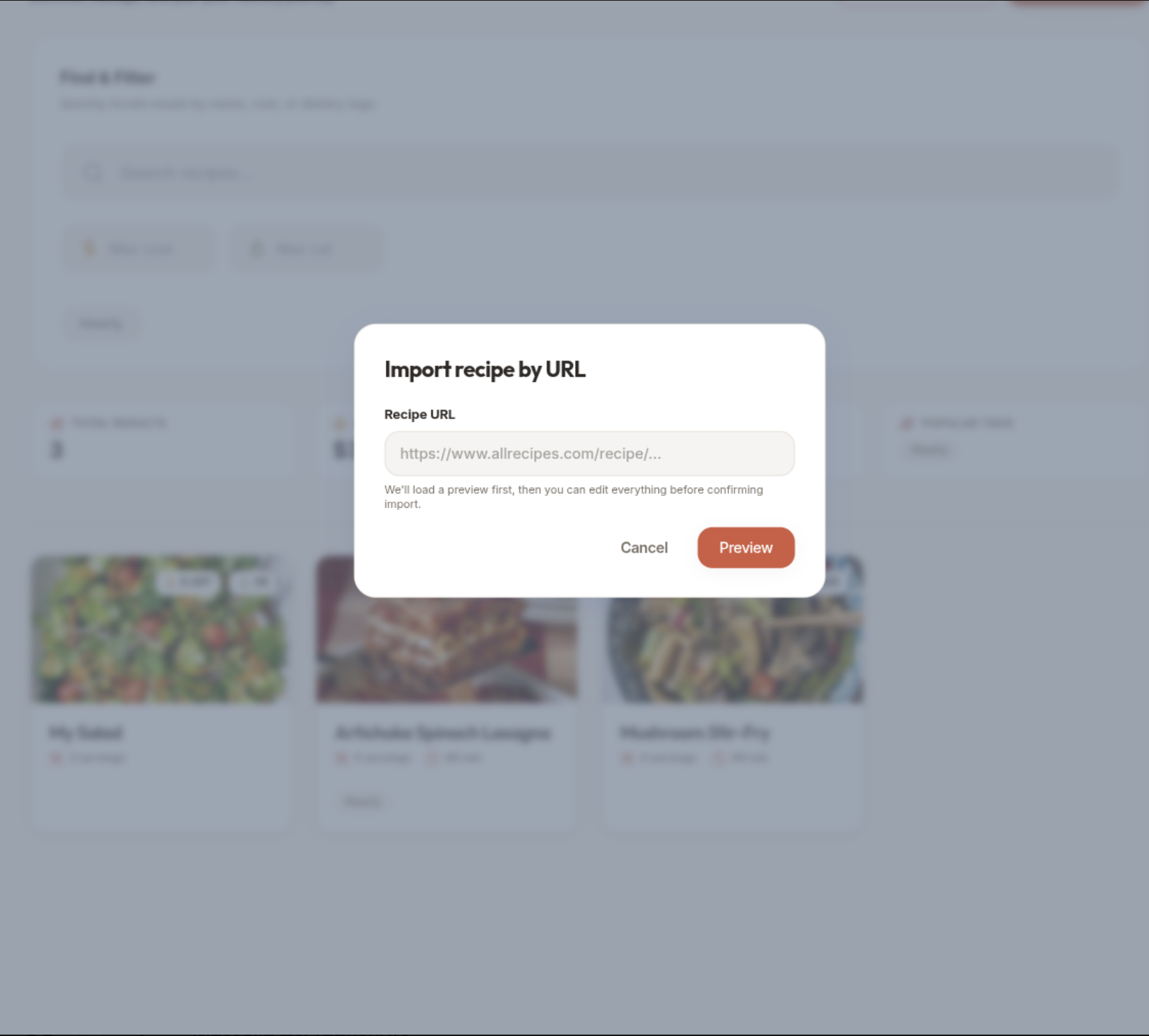
Import Recipe
-
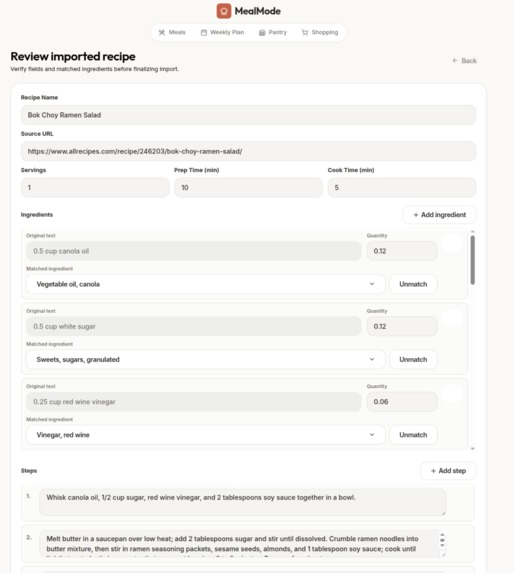
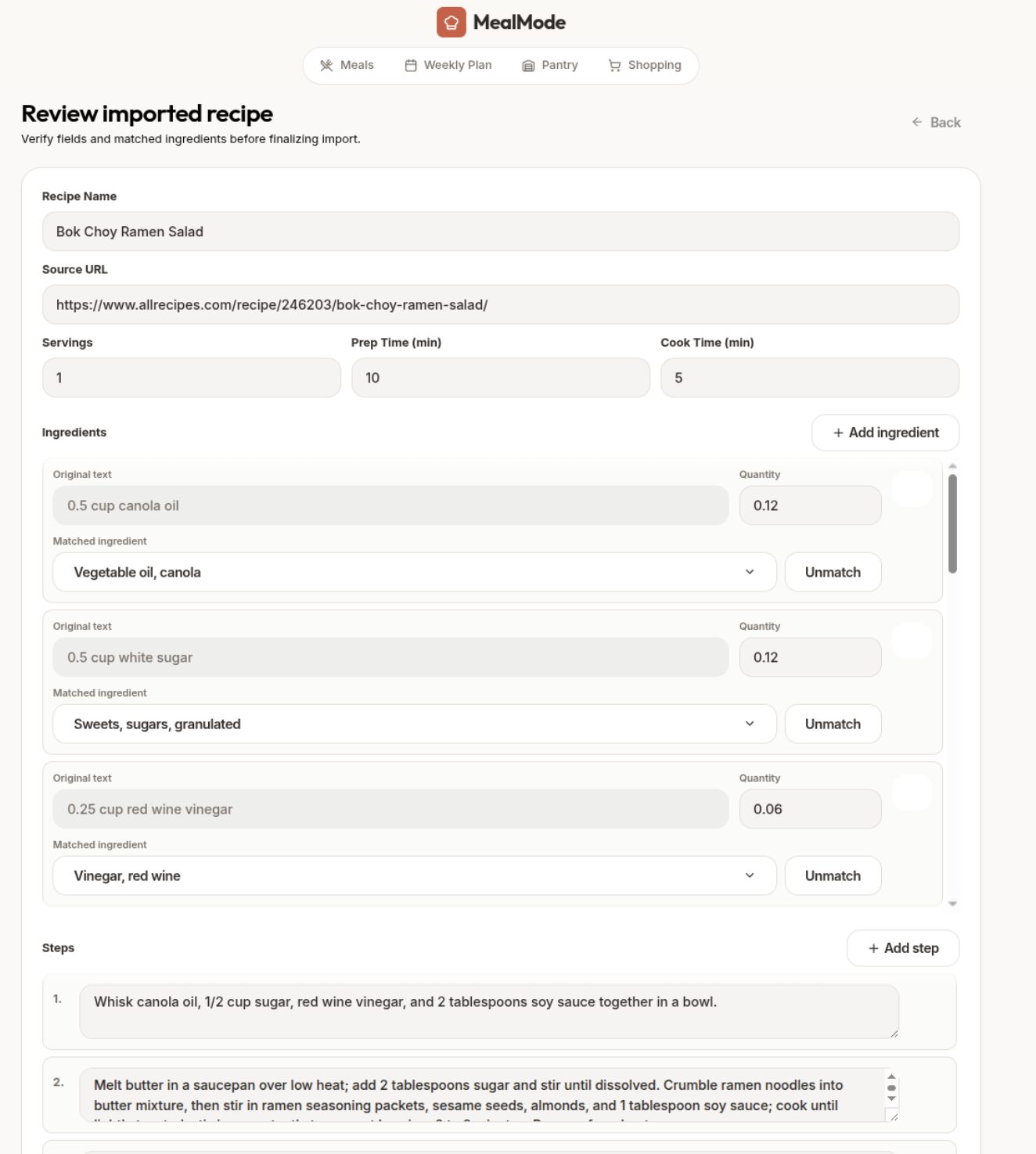
Review Import
-
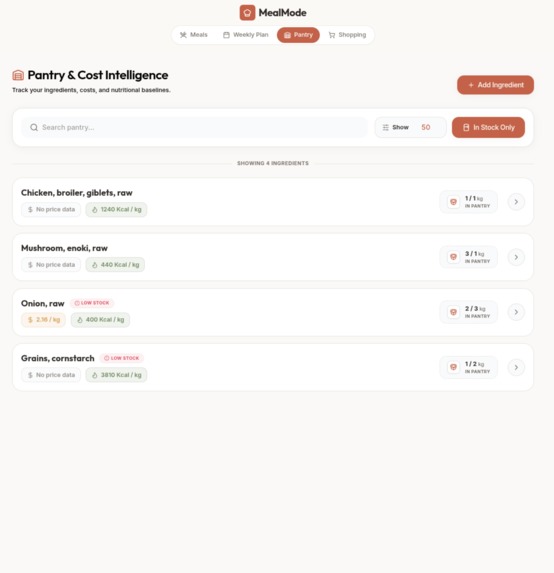
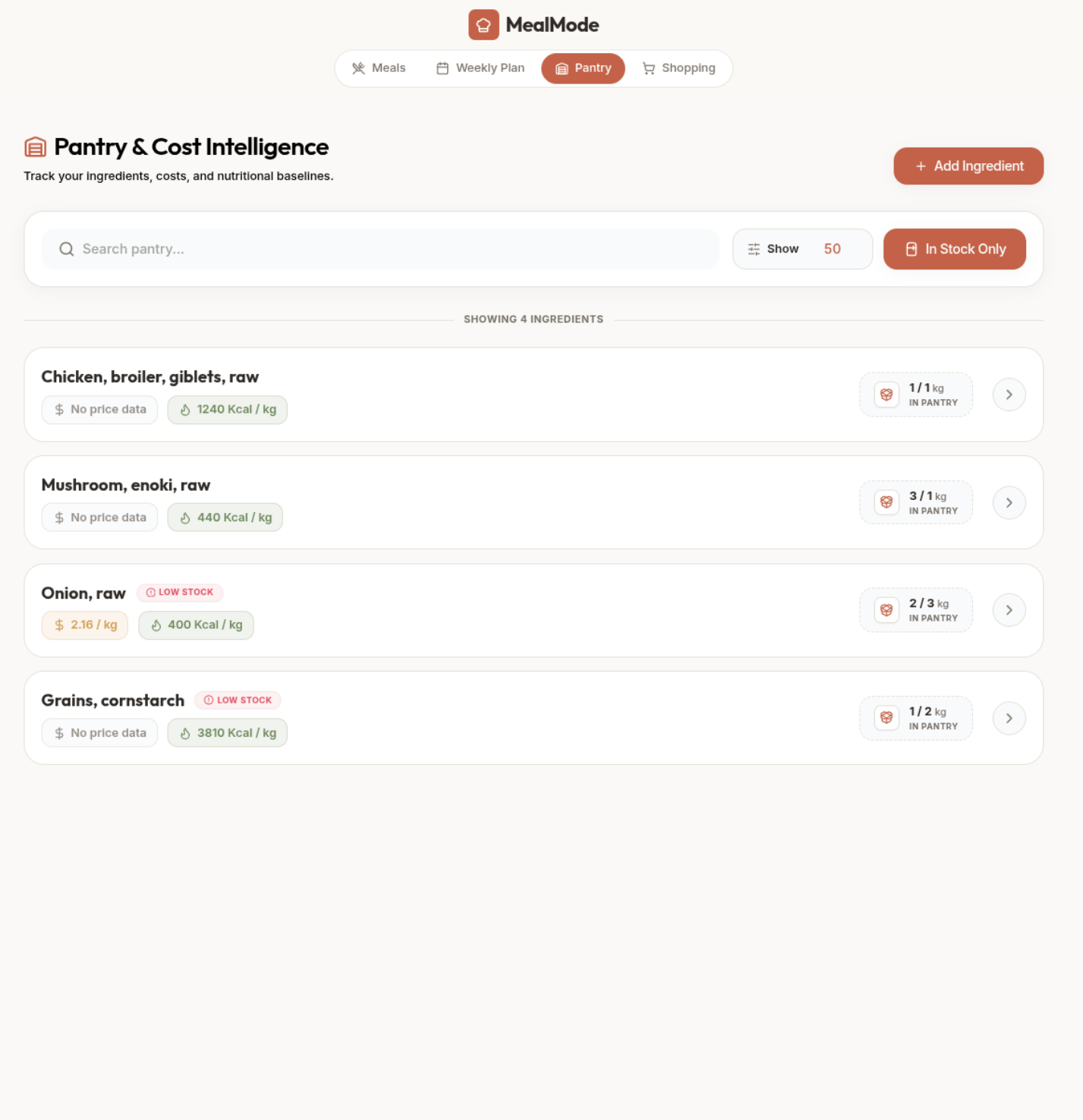
Pantry Ingredients
-
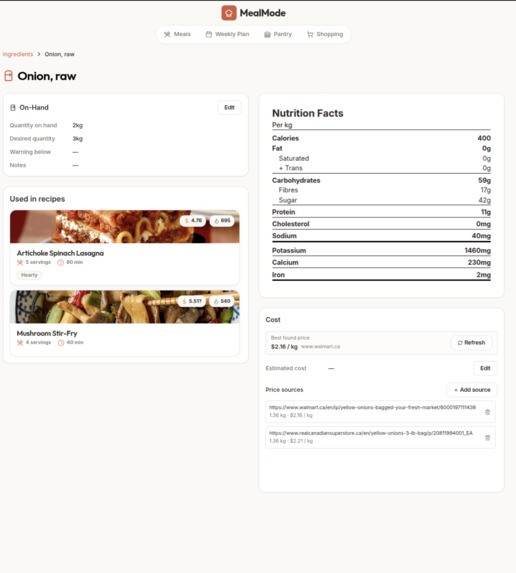
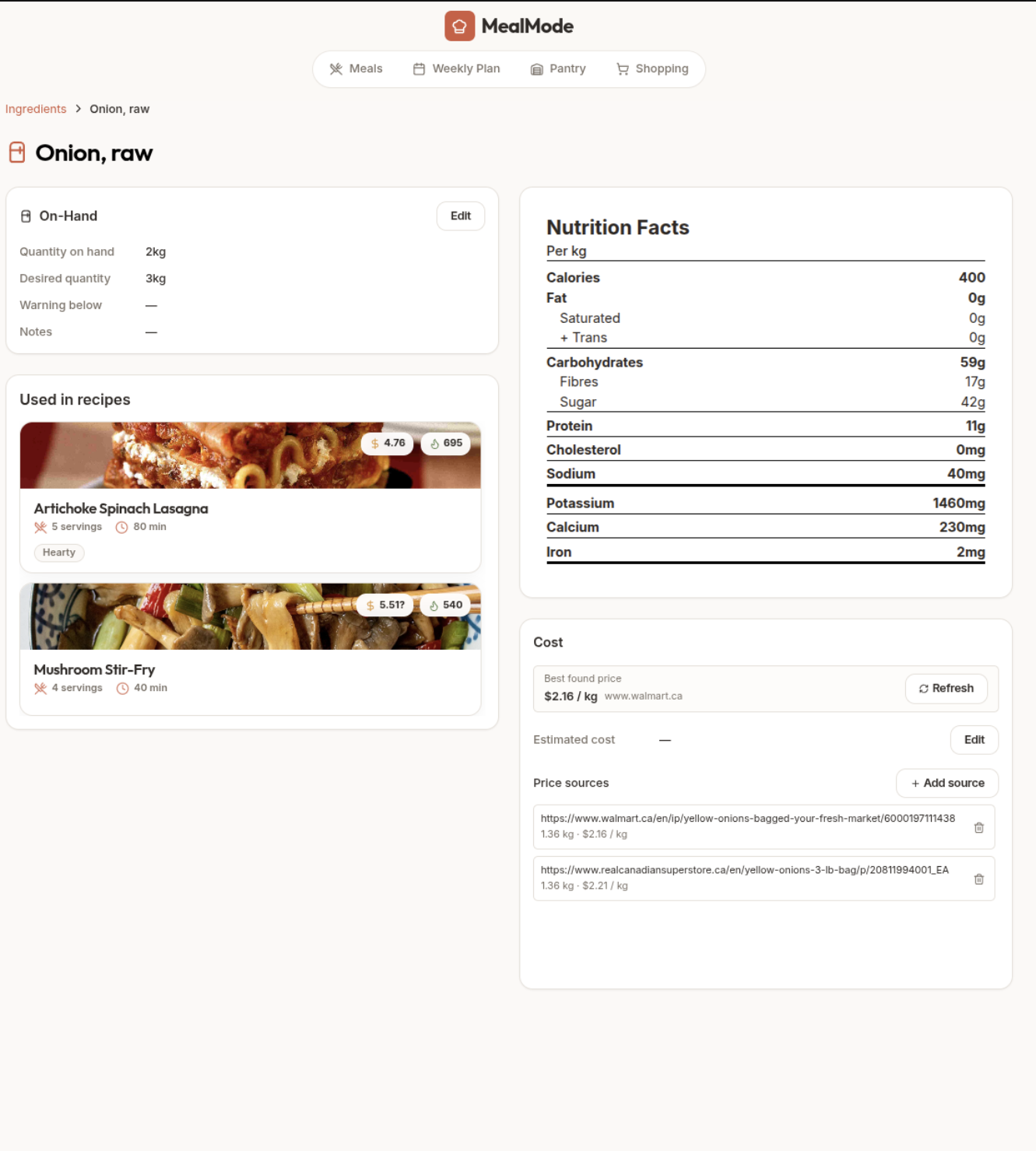
Ingredient Details with Price Match
-
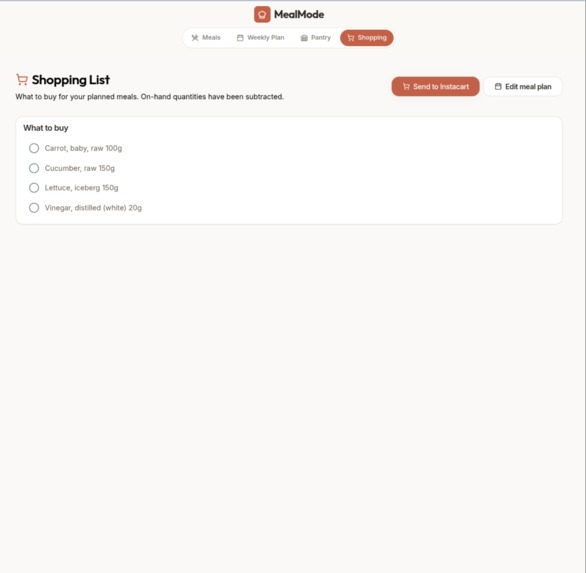
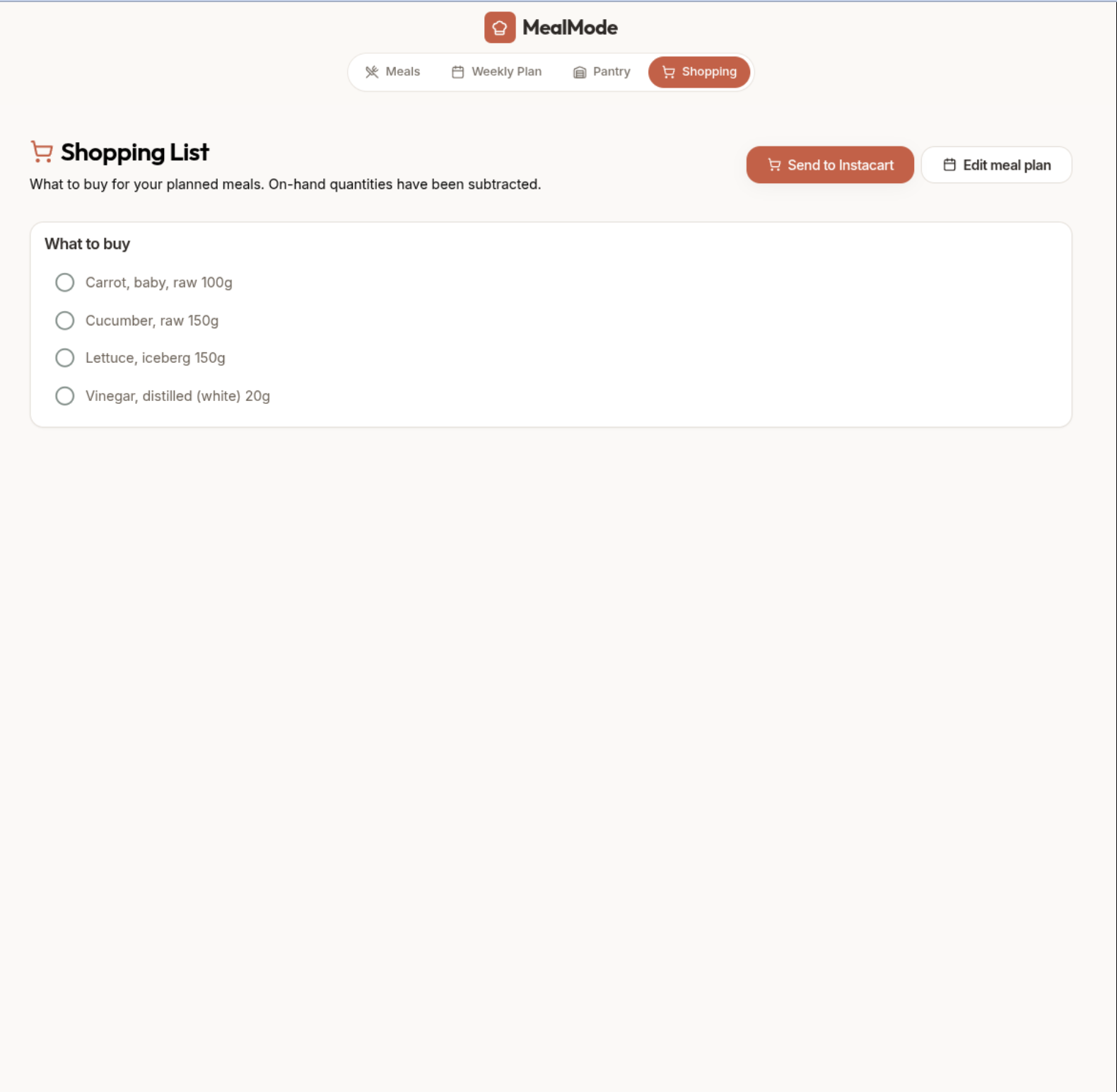
Shopping List
About the Project
Inspiration
MealMode started from a practical pain point: planning meals, tracking pantry inventory, and shopping were all happening in separate places. We wanted one flow that answers three questions quickly:
- What should we cook this week?
- What do we already have?
- What do we still need to buy?
We also wanted importing recipes to be less manual, so we built a URL-based recipe import flow that can pre-fill ingredients and steps, then let users verify everything before saving.
What We Built
MealMode is a full-stack meal planning app with:
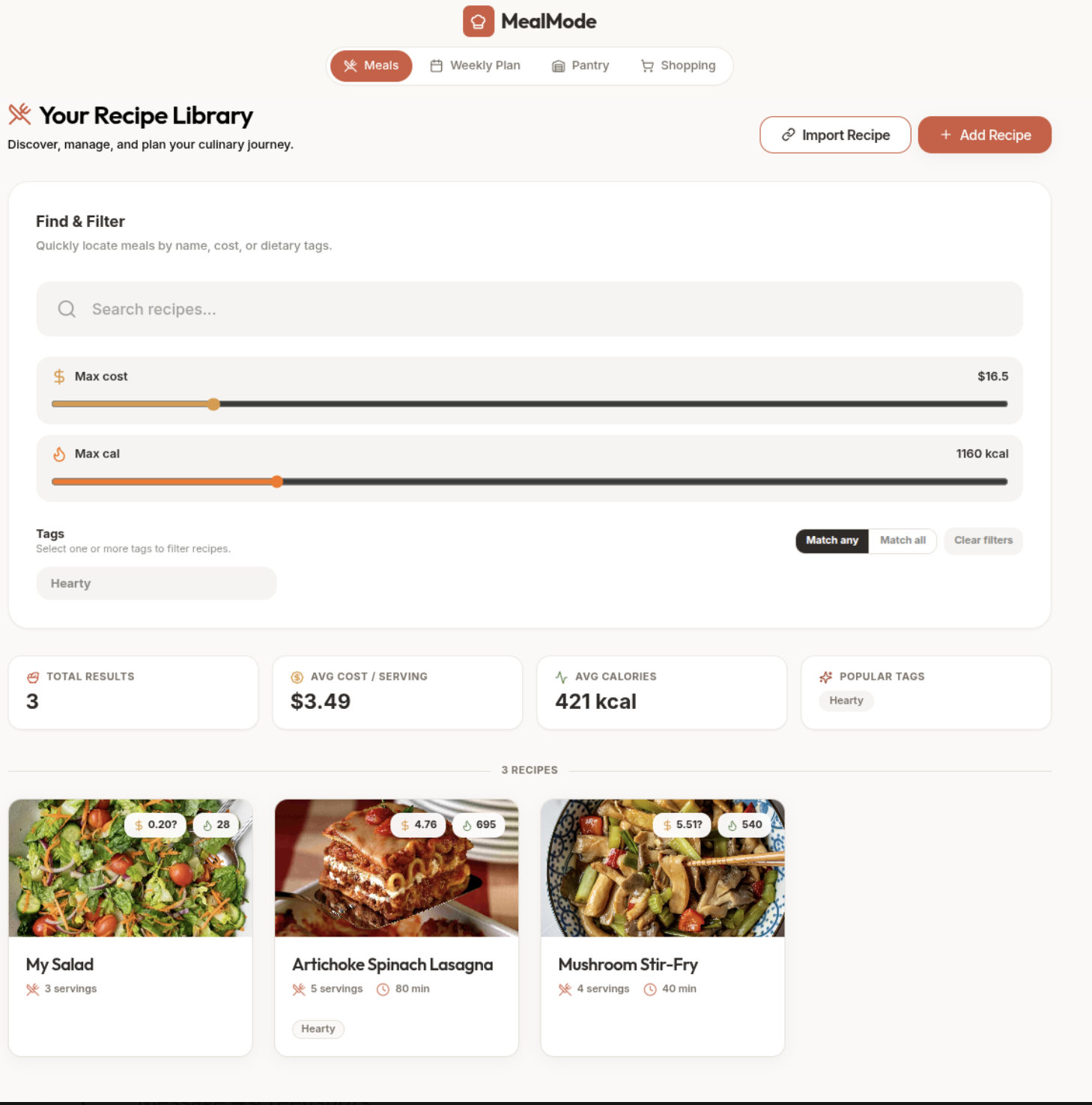
- A recipe library (create, browse, filter by tags, cost, and calories)
- A weekly planner (assign meals by day and slot)
- Pantry/inventory tracking (on-hand quantities and ingredient management)
- Auto-generated shopping lists (subtracting what’s already in stock)
- Recipe URL import with a review-and-confirm workflow
- Ingredient cost intelligence using scraped price sources + manual fallback pricing
How We Built It
- Frontend: React + TypeScript + Vite, React Router, React Query, Tailwind CSS
- Backend: Django + Django REST Framework + django-filter + drf-spectacular
- Data/API workflow: OpenAPI schema generation + typed API client generation (Orval)
- Parsing/import pipeline:
requests+ BeautifulSoup for JSON-LD recipe extraction - Ingredient matching: NLTK tokenization/POS tagging + weighted overlap scoring
- Infra: Docker Compose with Postgres, backend service, and Caddy-served frontend
A key architectural decision was splitting recipe import into stages:
- Extract recipe schema from URL
- Attempt ingredient matching and quantity normalization
- Save as a confirmable draft
- Let user edit/resolve mismatches
- Confirm and persist as a real recipe (transactionally)
Challenges We Faced
- Messy web recipe formats: Not every site has clean schema markup; JSON-LD structures vary a lot.
- Ingredient matching ambiguity: “1 cup chopped onion” vs “onion” required normalization, token weighting, and confidence scoring.
- Unit conversion tradeoffs: Converting cups/tbsp/pieces to base units is approximate without density-specific metadata.
- Data consistency during import: We had to handle add/edit/delete on draft ingredients and steps before final confirmation.
- State synchronization: Keeping planner, recipes, pantry, and shopping list in sync required careful query invalidation and optimistic UI updates.
What We Learned
- Designing a human-in-the-loop import system is more reliable than trying to fully automate messy real-world recipe data.
- Typed API contracts significantly reduce frontend/backend drift and speed up iteration.
- Meal planning is not just CRUD; once costs, nutrition, pantry stock, and scheduling intersect, modeling decisions matter a lot.
- Good UX for confirmation/review screens is essential when confidence-based automation is involved.
What’s Next
- Better ingredient matching using embeddings/semantic search
- More accurate unit conversions with ingredient-specific density tables
- Smarter planning suggestions based on budget/nutrition goals
- Real checkout integrations (instead of demo handoff flow)
- Collaborative household planning and shared pantry support

Log in or sign up for Devpost to join the conversation.