-
-
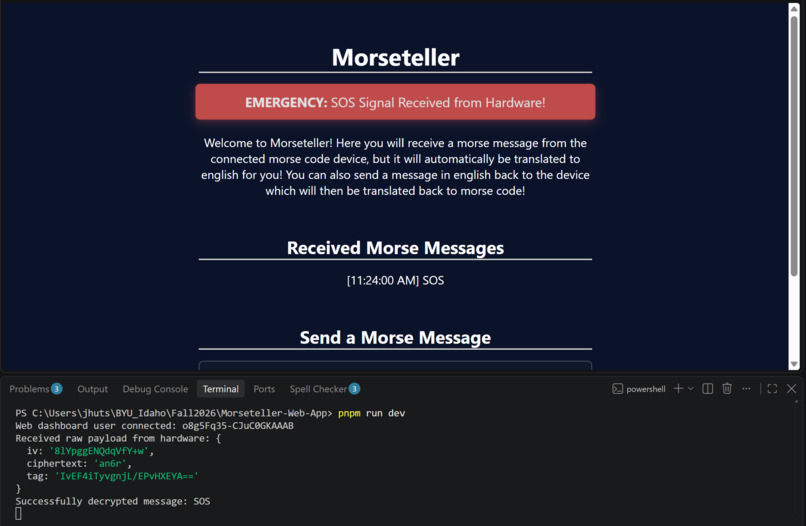
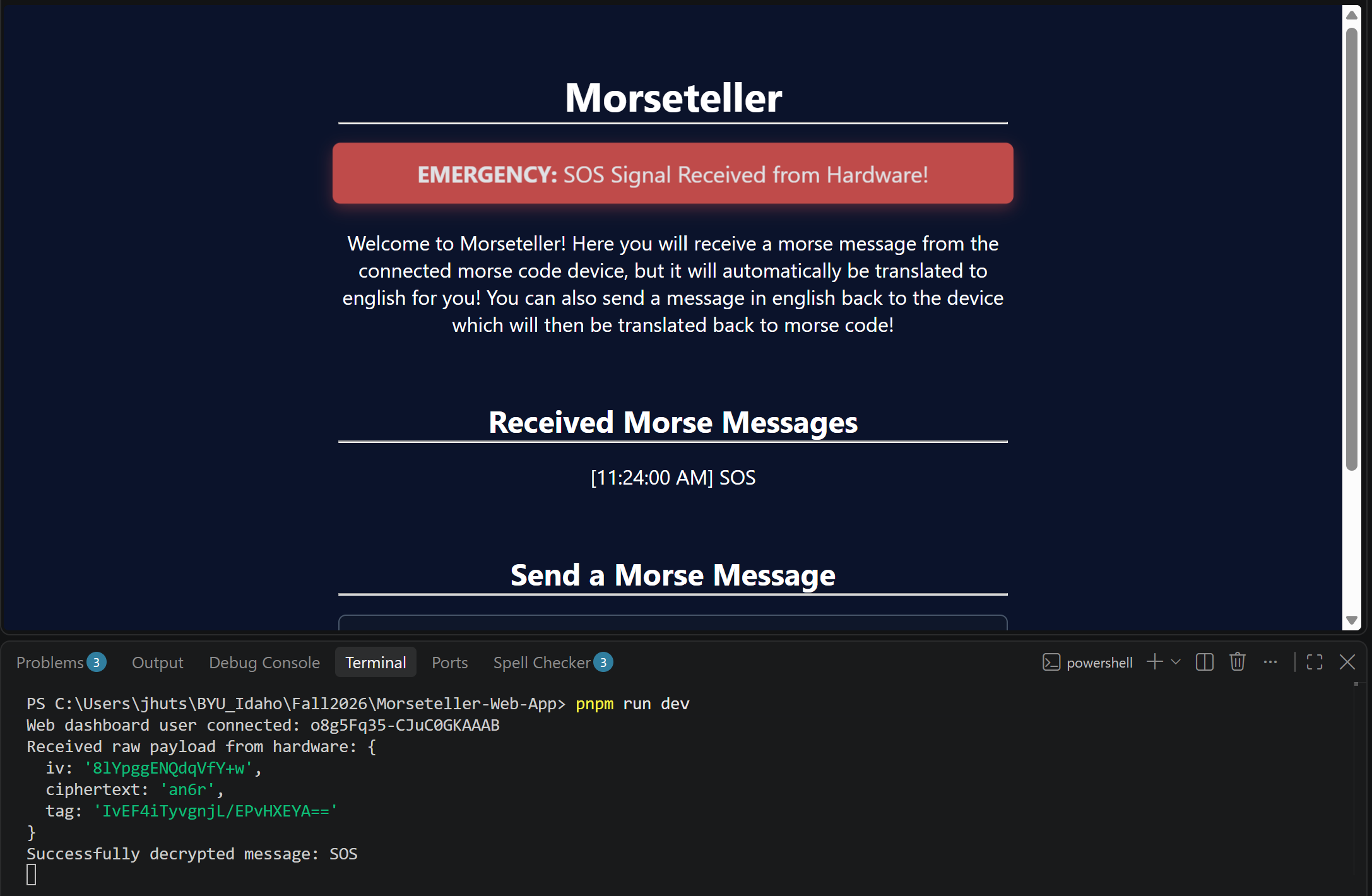
Sending an SOS from the device to your computer will activate an emergency mode.
-
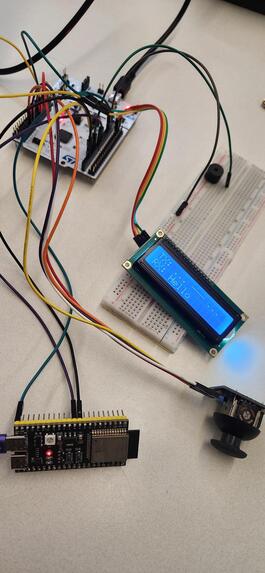
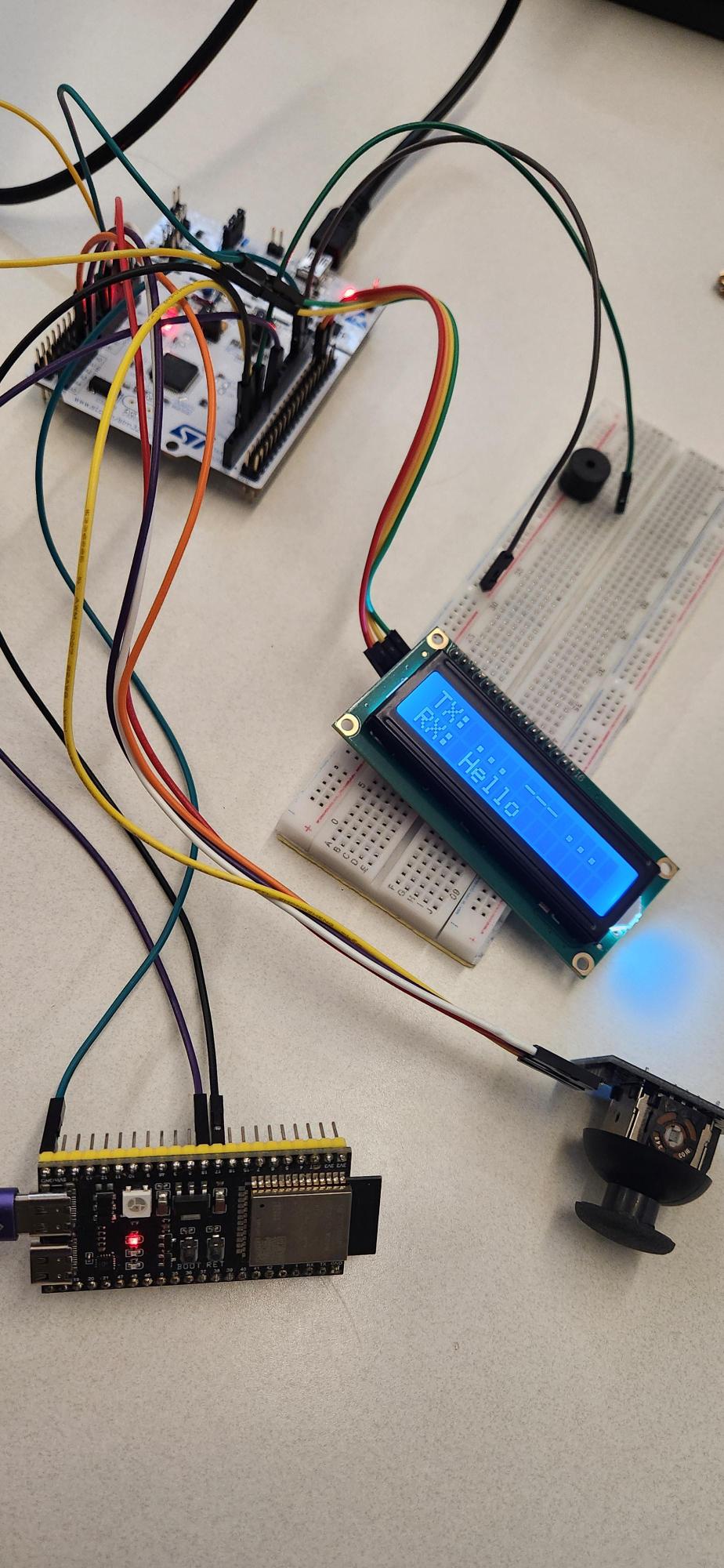
Messages typed (Tx) by joystick will display on LCD in Morse Code above the received message (Rx).
Inspiration
We wanted to challenge our abilities and do something we had never done before.
What it does
The joystick sends a Morse code signals based on the joystick direction, which is displayed on the LCD in the "TX" section. When committed, the message is translated into ASCII, encrypted, then sent to the web application. The web application uses a shared key with the device that will automatically decrypt the message and display it in ASCII. It can send messages to the device, which are displayed on the "RX" line. If the morse communicator sends "SOS", the web application will go into emergency mode, signifying the person is in danger.
How we built it
- The Web Application: The Web Application was designed in ExpressJS. The Application uses a EJS template engine to display content to the user. Additionally, it uses a web socket to connect to the device to send a receive messages. While utilizing MVC structure, the application has middleware that encrypts and decrypts messages and handles all routing requests and responses. We utilized AI to help us with encryption and decryption and when handling the web socket connection.
- Morse Communicator: Gemini AI assisted in planning the layout and configuring the pins in the STMCubeMX tool. We used C language coding involving callbacks for reading the x and y directions of the joystick. This also involved ADC conversion to pinpoint the direction of the joystick. We also used UARTS to transmit between the STM board and the ESP32-S3. Gemini AI gave us a base for I2C1 to transmit to the LCD display. Gemini AI built the encoder and decoder for messages and the Morse translator.
Challenges we ran into
We had a lack of experience in the following areas, making these difficult for us to accomplish:
- LCD
- Encryption/Decryption
- ESP32-S3 Microcontroller
- Connecting hardware to software through wifi connection.
Accomplishments that we're proud of
We were able to overcome every challenge we faced:
- Encrypting/decrypting on hardware and software
- Connecting hardware to software through wifi
- Problem solving team meetings
- Came together and communicated early on to avoid miscommunication
What we learned
- Encryption
- LCD communication
- Web socket usage
- Effective vs. ineffective methods of research
Test Plan
- Dots (move joystick left) then commit (move joystick up) then read on web application
- Dashes (move joystick right) then commit then read on web application
- Different combinations of dots and dashes then commit then read on web application
- Different combinations of dots and dashes and spaces (move joystick down) then commit then read on web application
- Different combinations of dots and dashes then testing the backspace (click the joystick) then commit then read on web application
- Test the SOS feature by sending " . . . - - - . . ." to the web application to see it enter emergency mode
- Sending different ASCII characters from the web application to the hardware to display on the LCD
What's next for MoresTellar
- Custom PCB to minimize hardware
- Publicly available Web Application
Built With
- c
- hardware
- javascript
- nucleo
