Inspiration
I look after a handful of servers — app backends, a home NAS, the odd Raspberry Pi — and I reach for them from wherever I am: the Mac at a desk, the iPad on the sofa, the phone when something pages me at dinner. Every SSH client I tried made me choose. The good-looking ones wanted an account and synced my hosts through their servers. The private ones looked like 2012 and didn't sync at all. None of them felt like it belonged on an Apple device.
The thing that bothered me most was the account. An SSH client is a list of the machines you can get into. I didn't want that list, or my keys, sitting in someone else's database so I could have sync. Apple already gives every user an encrypted private database and a Keychain that syncs end-to-end. So Moray was built on one rule: your servers are yours — hosts sync through your own iCloud, private keys never leave the Keychain, and there is no Moray account and no Moray server anywhere in the path.
What it does
Moray is an SSH, SFTP and terminal client, native on iPhone, iPad and Mac.
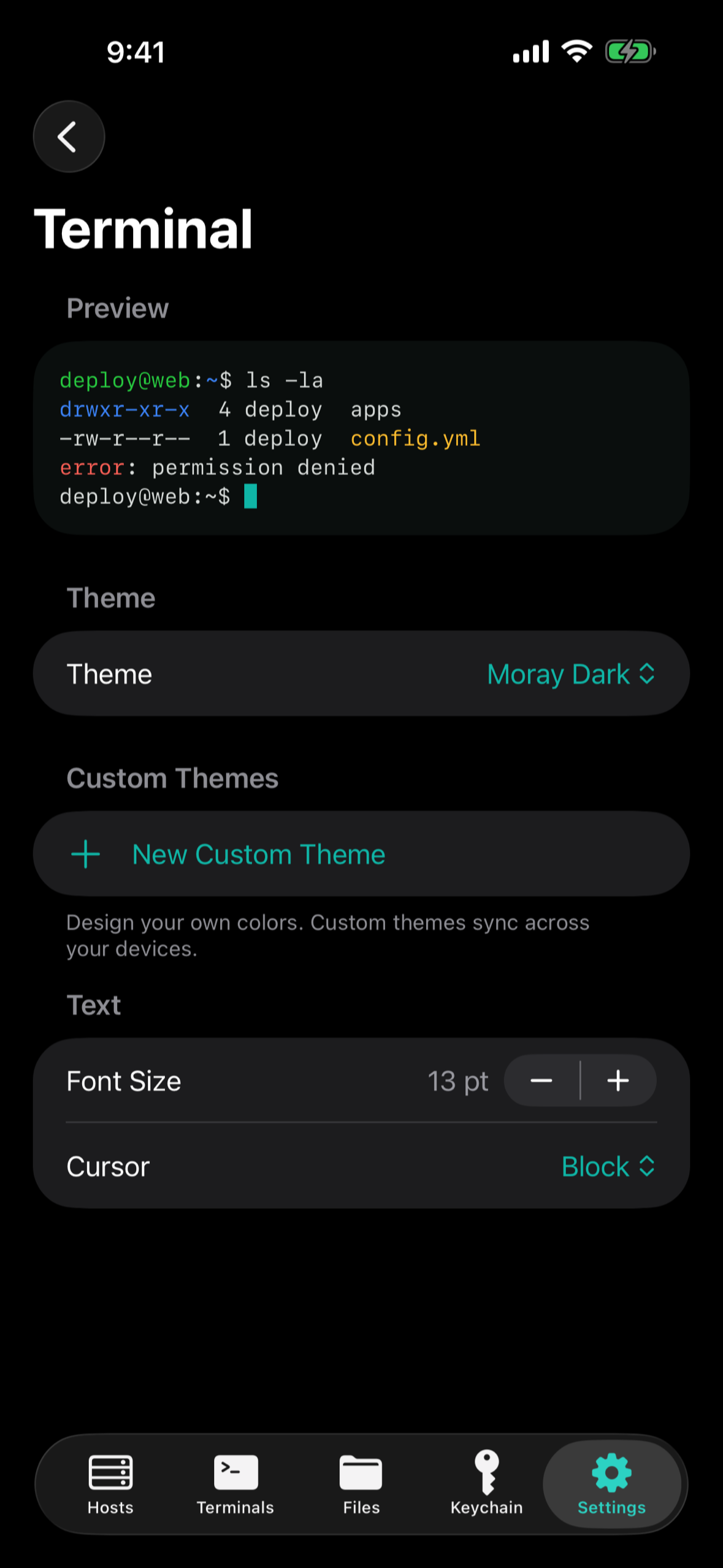
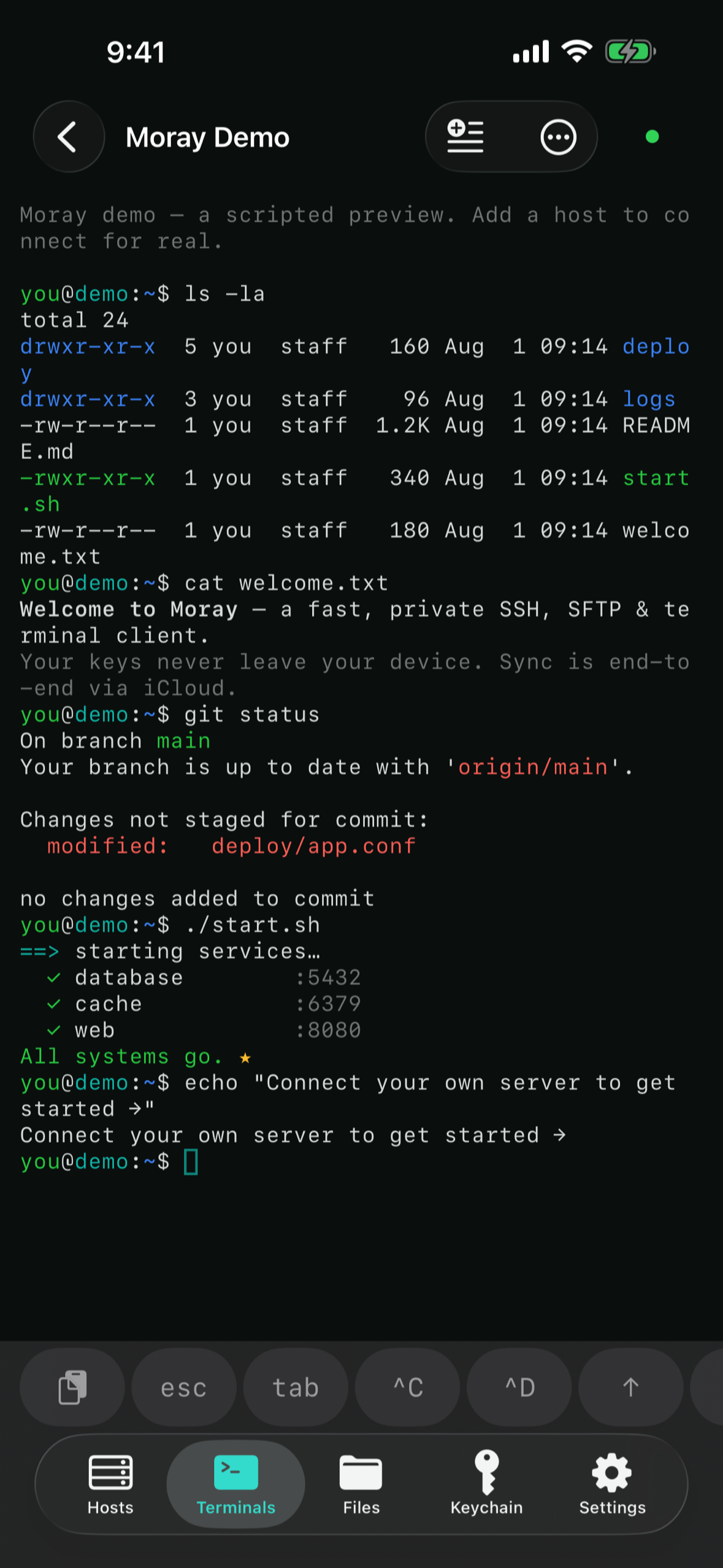
- A real terminal. Full xterm emulation, tabs, a smart key row with sticky Ctrl and Alt, scrollback search, custom themes, and command history per server — reconstructed from what you typed, with anything entered at a password prompt kept out of it.
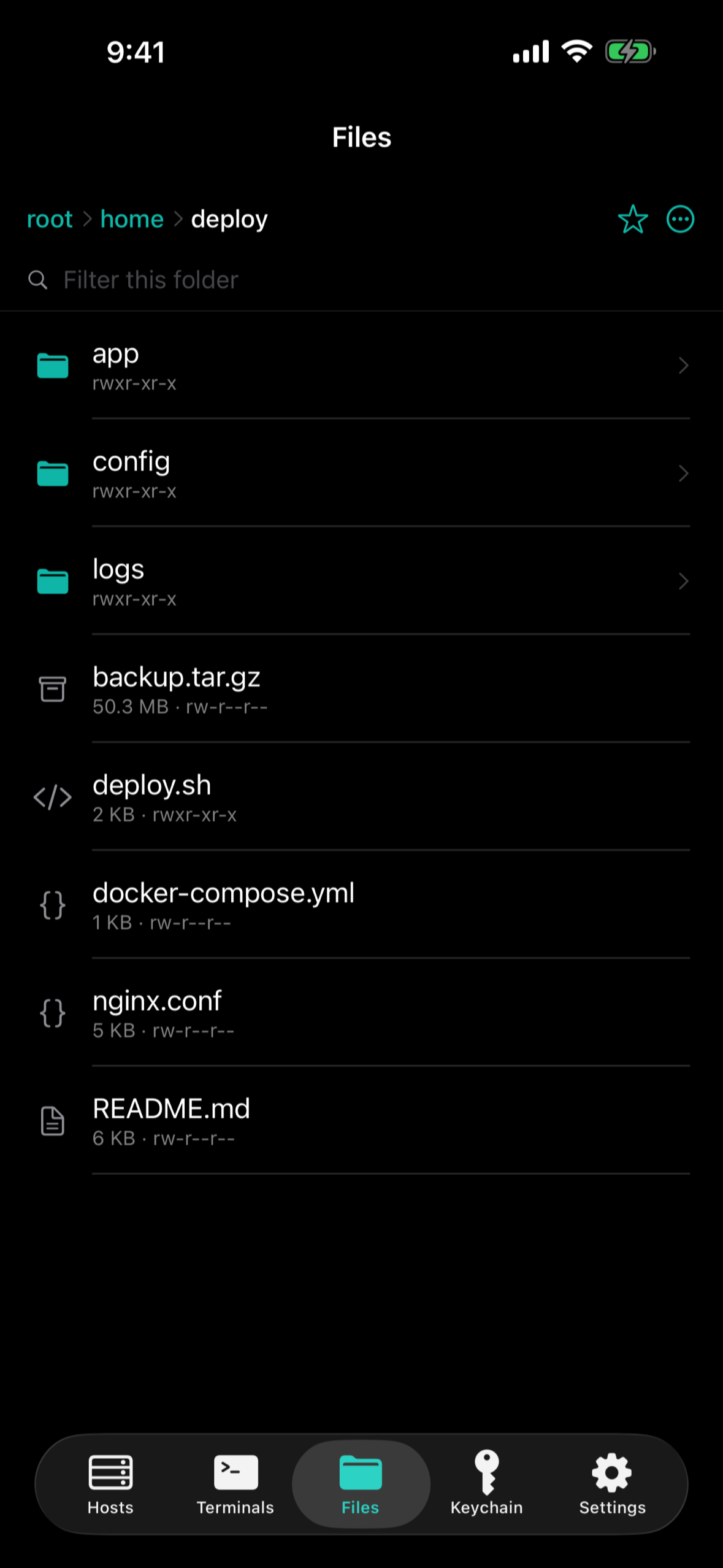
- A dual-pane file manager over SFTP: drag between two servers or between a server and Finder, Quick Look, an in-app code editor with syntax highlighting, and servers mounted straight into the Files app on iPhone and iPad.
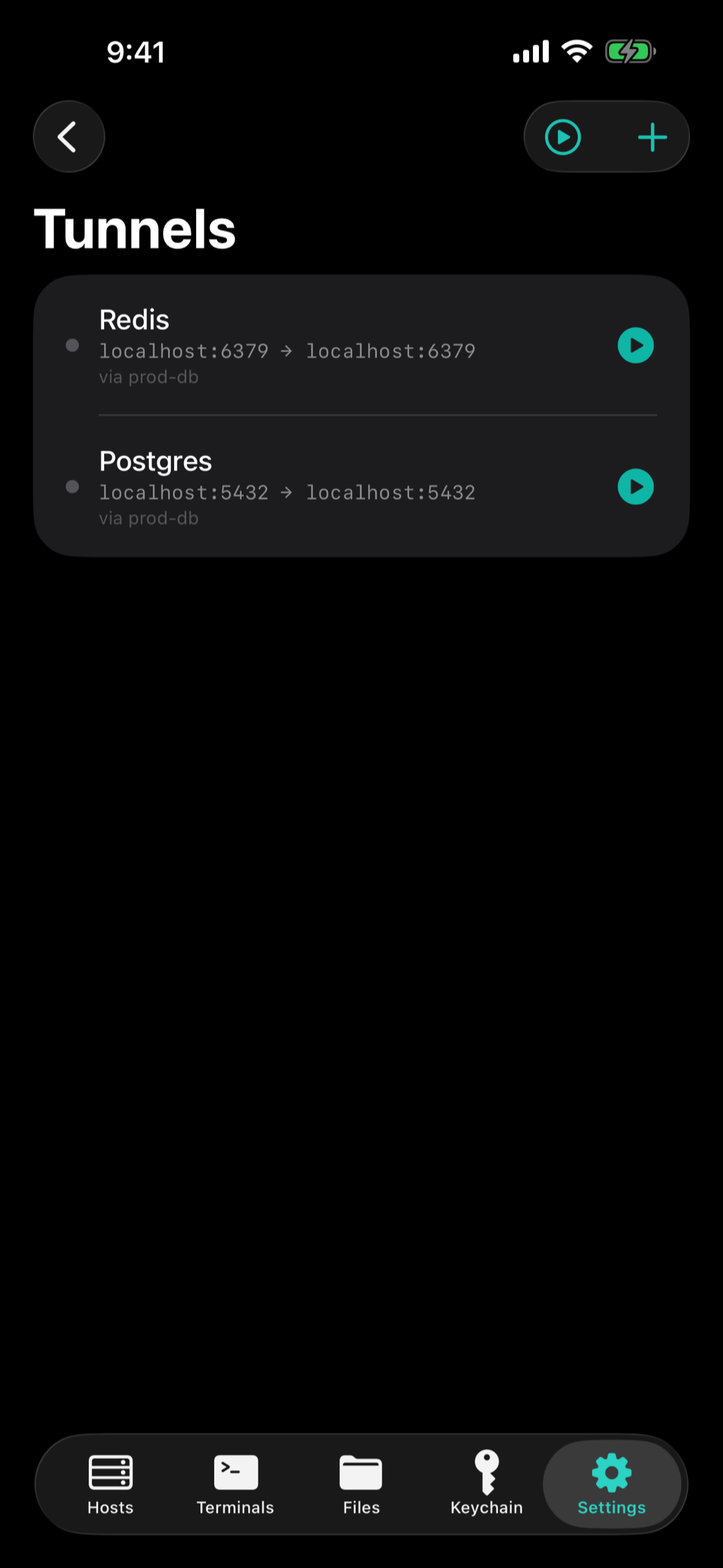
- Tunnels — port forwarding with a Live Activity, imported from your existing
~/.ssh/config. - Jump hosts, agent auth, host-key pinning — the things a real SSH workflow needs.
- Connections that come back. A dead network is noticed in about a minute instead of hanging forever, and a session that was working reconnects on its own.
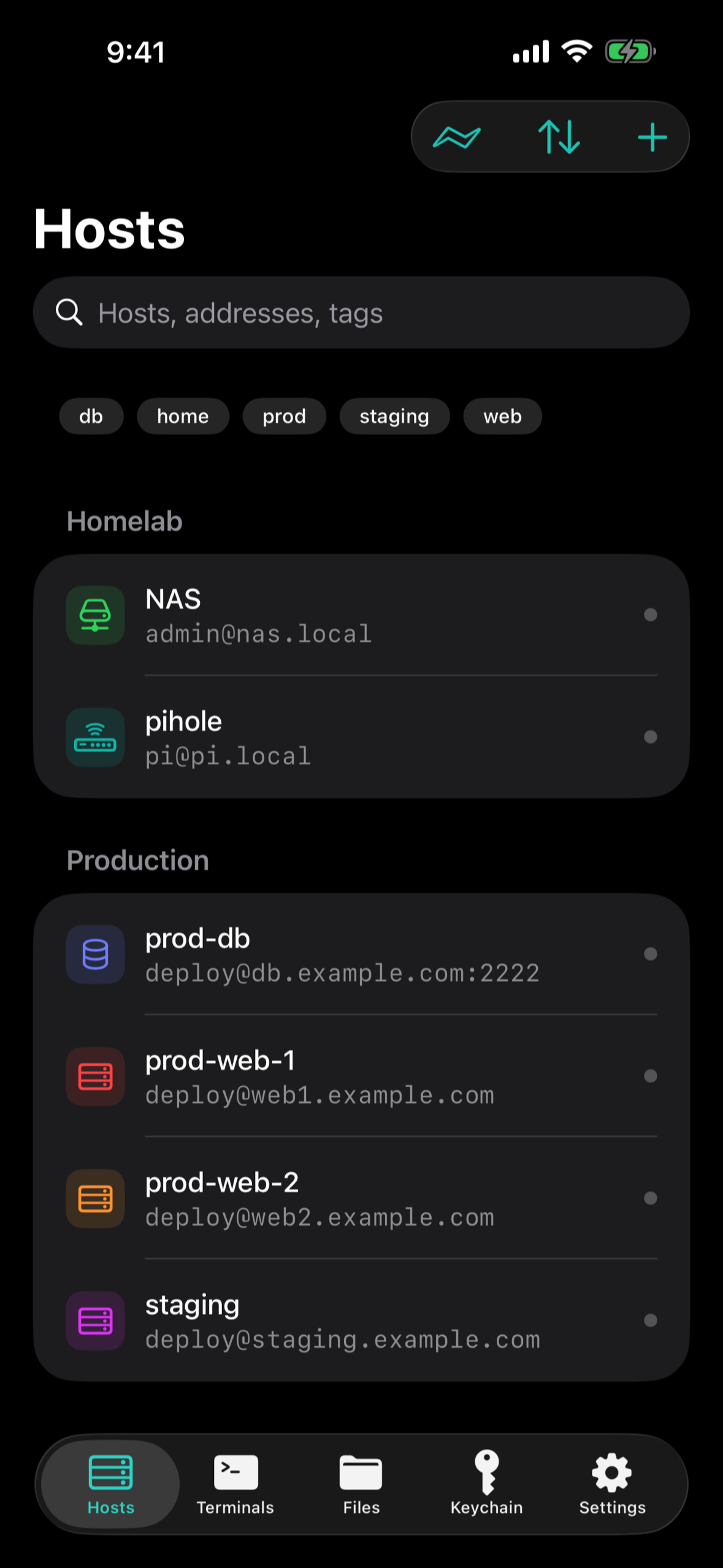
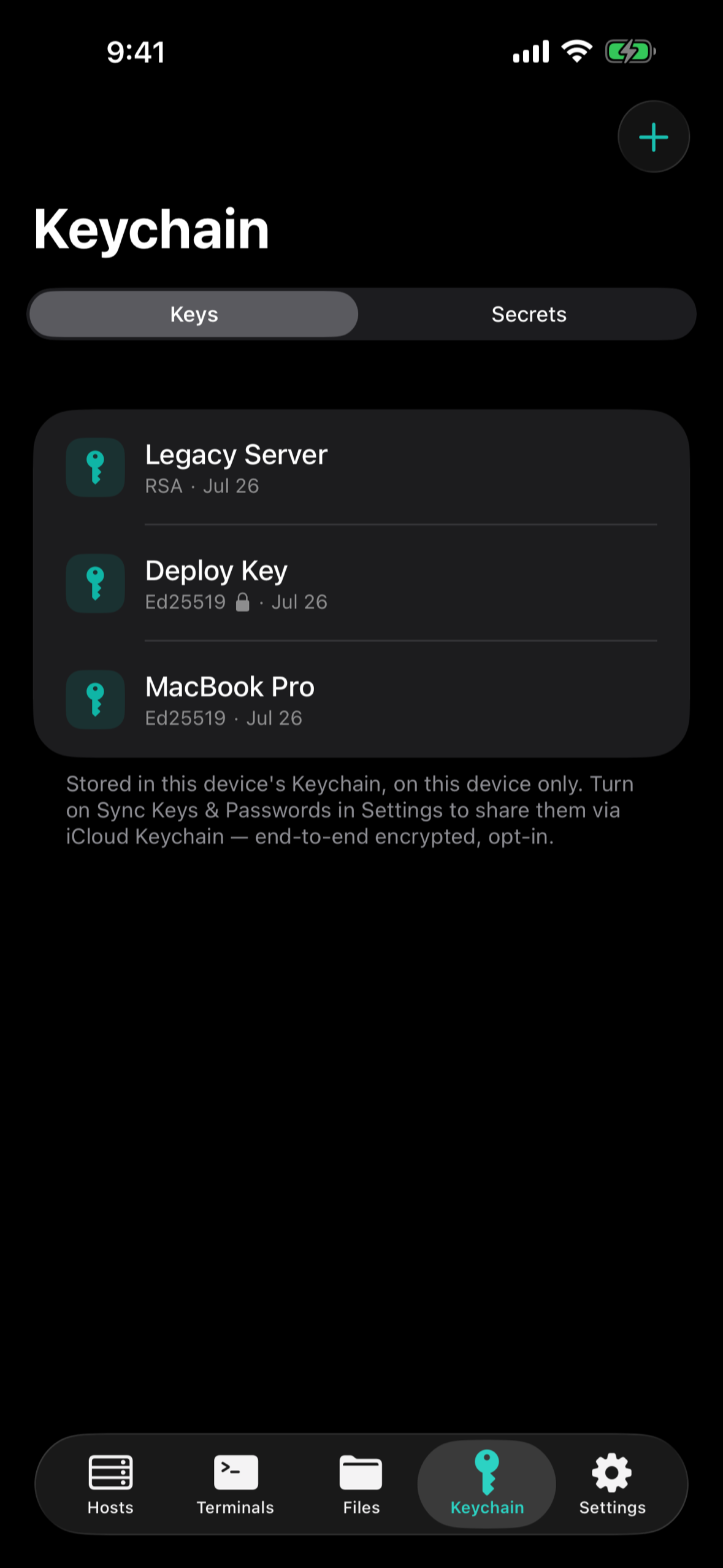
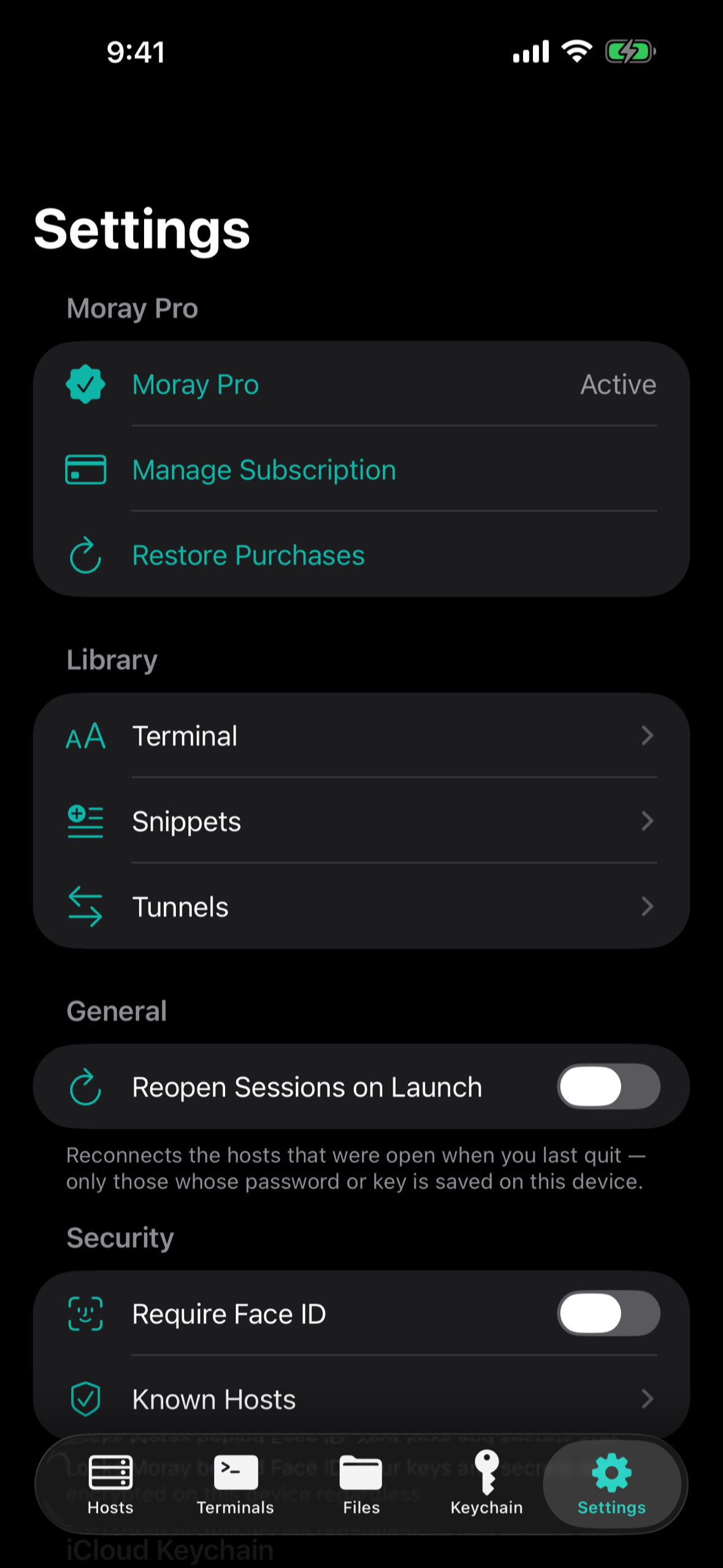
- It stays private. Hosts, groups, snippets and known host keys sync through your private CloudKit database. Private keys and passwords stay in the Keychain, gated by Face ID or Touch ID.
- On the Mac, a local terminal too — in the direct-download build, because the App Store sandbox can't host a working local shell (more on that below).
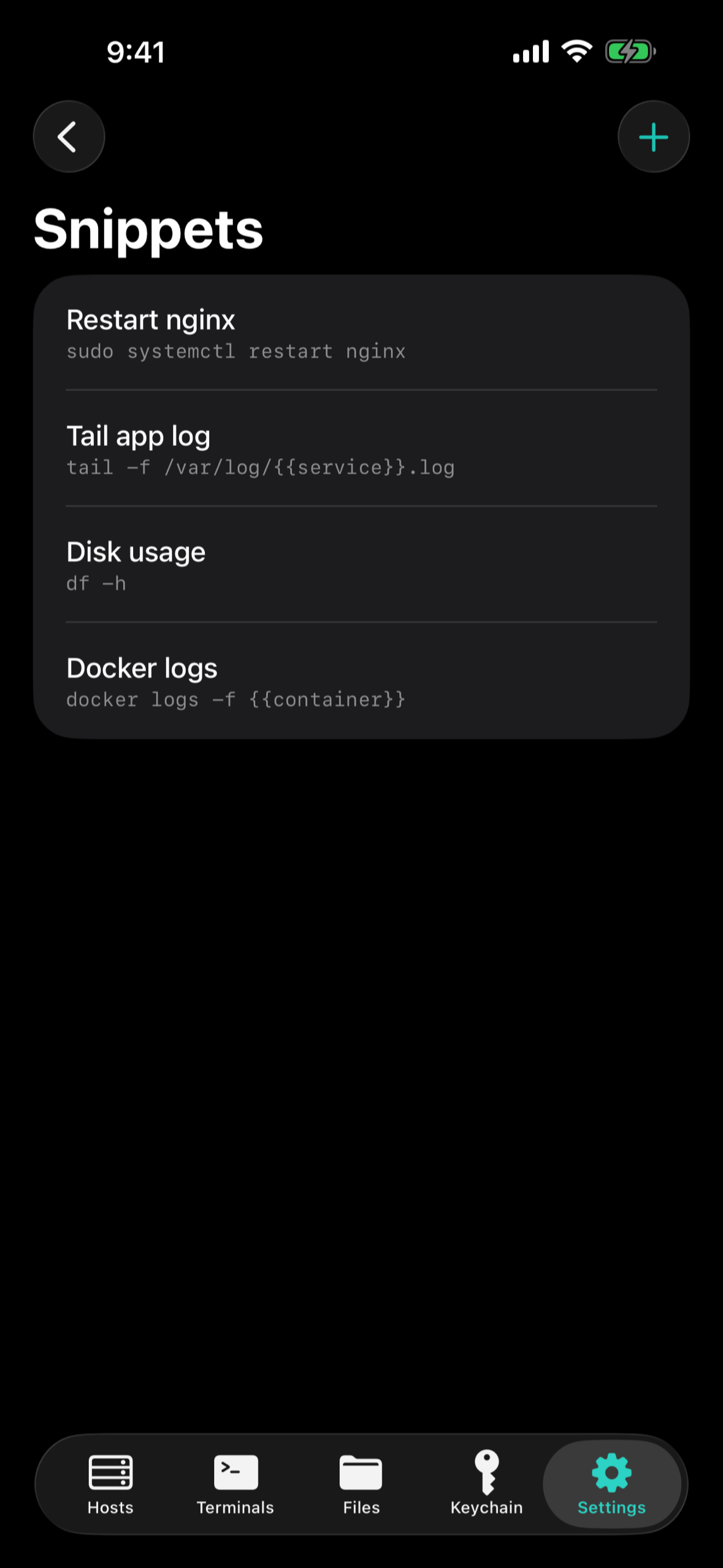
Pricing: the terminal, SFTP, keys and host organisation are free forever. Moray Pro ($0.99/month, $7.99/year, or $24.99 once for lifetime) adds iCloud sync, tunnels, jump hosts, SSH agent auth, custom themes, unlimited snippets and widgets.
How I built it
Swift 6 and SwiftUI throughout, on an iOS/macOS 26 floor, with the app target kept thin and the logic in a Swift package split three ways: MorayCore (models and pure logic — everything testable lives here), MorayDesign (the design system) and MorayTerminalKit (the SSH, SFTP and tunnel engines on SwiftNIO SSH and SwiftTerm).
RevenueCat runs the business, across two stores and no server of mine. Moray sells through
the App Store with StoreKit, and through its own website for the Mac direct download — Stripe
checkout via RevenueCat Web Purchase Links, with Stripe Managed Payments as merchant of
record so VAT and sales tax are filed for me. One Moray Pro entitlement covers both. The hard
part was making a purchase follow the person rather than the install without building an
account system: a paying customer gets a stable RevenueCat app user id, stored in the iCloud
Keychain in an access group both builds share. Every copy of Moray on every device the person
owns finds it and logs in as it; RevenueCat aliases the original anonymous customer onto it, so the
purchase comes along. An App Store subscriber who installs the Mac download just has Pro. For a
device the Keychain doesn't reach there's Sign in with Apple on the web — and because the native
capability isn't available to Developer ID apps, the identity token is verified on the device
against Apple's published keys, audience and a one-time nonce, so the web page in between is
trusted with nothing. Offline, a verified entitlement survives a 14-day grace window, so a paying
customer on a plane never loses what they paid for.
The engines are tested against a real SSH server. The live test suites start macOS's own
sshd unprivileged on a loopback port and drive real terminal, SFTP and tunnel sessions against
it — shell exit codes, host-key changes on reconnect, upload and download integrity, interrupted
folder copies, a tunnel carrying traffic — and can kill connections the way a dead network does.
Every engine bug in the release notes was reproduced by a live test before it was fixed. In total
about 430 tests: 407 in the package, the rest app and UI tests.
Twelve days from first commit to the App Store — July 21 to August 2 — then two months of releases.
Challenges I ran into
A paste that arrived out of order. Bracketed paste is three writes to the terminal: a start
marker, the text, an end marker. Each was sent from its own task, and tasks aren't ordered — so
now and then the end marker overtook the text and the shell was left with a stray ~. Every write
now goes through one serial chain.
The sandbox and the local shell. A Mac App Store app can't give a shell its own controlling terminal — the sandbox denies it — so job control is off and the shell stops driving the line discipline: every keystroke echoed twice, pastes arrived as literal escape codes. Rather than ship a terminal that misbehaves, Moray ships two builds: the App Store one, which explains this and points to the download, and a notarized direct download with the local terminal, updated through Sparkle. That split is what forced the cross-store purchase design above.
Keys that could vanish. Moving a key between device-only and iCloud Keychain storage used to delete the old item and then add the new one. When the add failed — a locked keychain, iCloud refusing a synchronizable item — the only copy of a private key was gone. Keychain writes now update in place, or add first and only then remove the twin.
Knowing when a connection is dead. A phone that walks out of Wi-Fi leaves a TCP connection half-open, and SSH will wait on it forever. A keepalive that opens a channel would run a forced-command account's command every time. The fix lives at the socket: tighter TCP keepalive and Darwin's retransmit timeout on every connection, so the kernel reports a dead link in about a minute, and the session reconnects if — and only if — another try could help.
Host keys under iCloud sync. CloudKit can't enforce uniqueness, so two devices that each trusted a server end up with two rows for it. Moray holds the server to the key trusted first, tidies exact duplicates, and keeps a conflicting row as evidence rather than silently picking one.
Accomplishments I'm proud of
That there is no Moray server. Sync is the user's iCloud; purchases are RevenueCat; the one web page in the sign-in flow is plumbing that can't vouch for anyone. There is nothing of mine to breach.
That saving a file can't destroy it. Saves go to a temporary file beside the original and are swapped in only when complete, keeping the file's permissions — with exceptions for symlinks and files owned by other users, where a swap would change what the file is.
And that it feels native on all three platforms: menus and shortcuts on the Mac, a key row on the iPhone, a two-pane workspace on iPad, from one SwiftUI codebase.
What I learned
That the interesting engineering in a client like this is in the failure paths: the dead network,
the half-finished save, the interrupted transfer, the out-of-order write. Writing the live test
first, against a real sshd, and watching it fail on the old code is the only way I trust a fix.
And that monetisation is architecture. Selling in two places without an account forced a clear answer to "who owns this purchase?" — and RevenueCat's identity model (anonymous customers, aliasing, one entitlement over many stores) is what made a serverless answer possible.
What's next
Finder support for mounted servers on the Mac, Mosh for flaky mobile links, and — now that web checkout is live — a proper web funnel for the direct download.

Log in or sign up for Devpost to join the conversation.