-
-
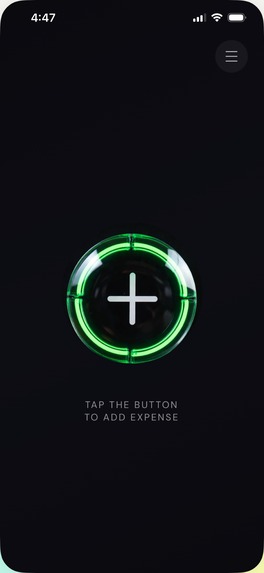
Home
-
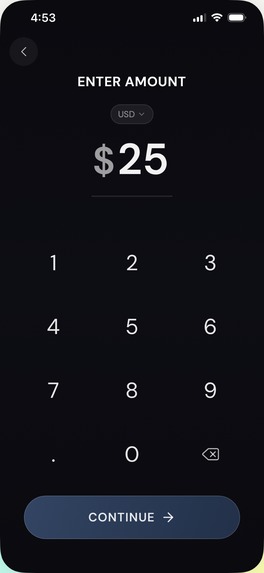
Amount
-
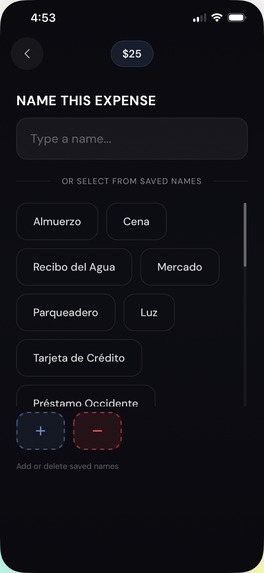
Name
-
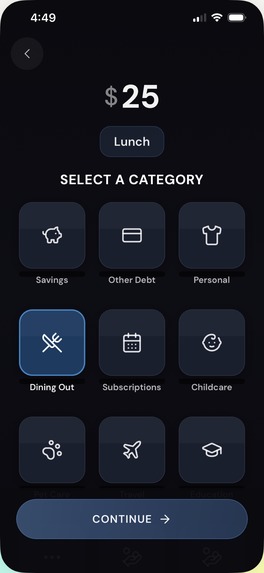
Category
-
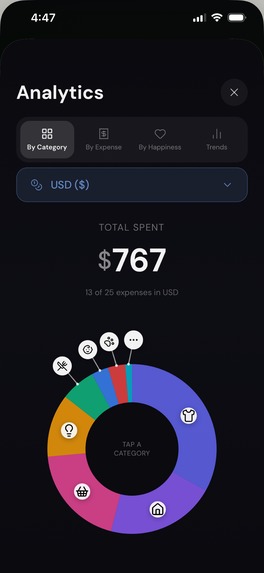
Analytics
-
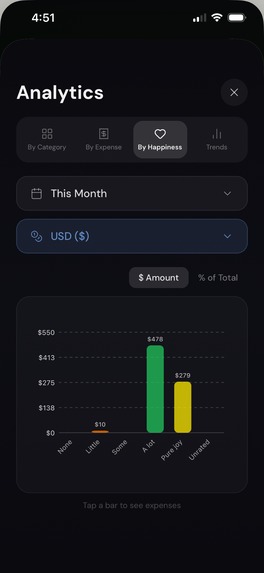
Analytics
-
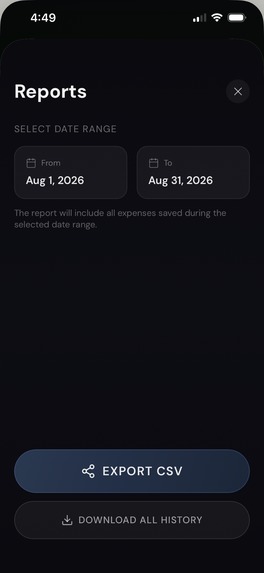
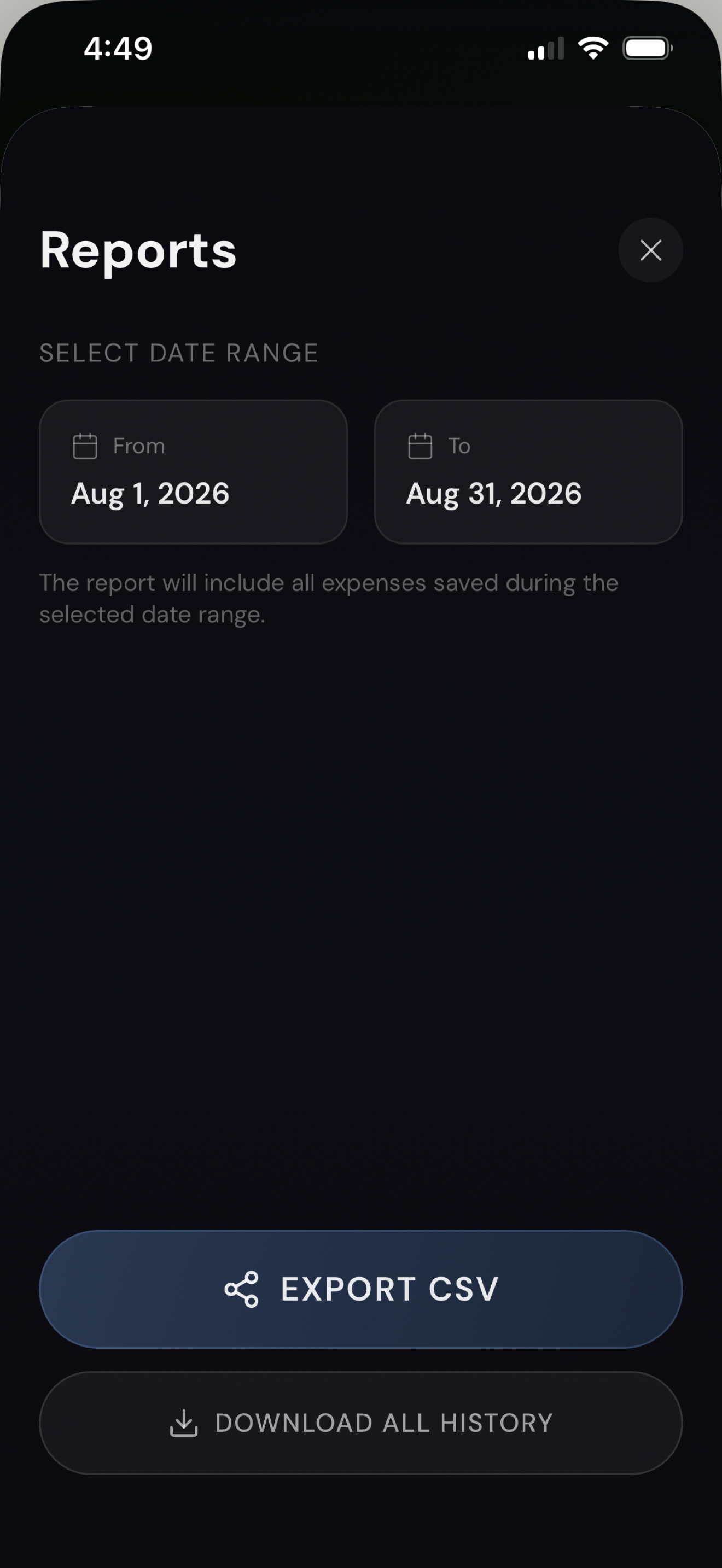
Reports
-
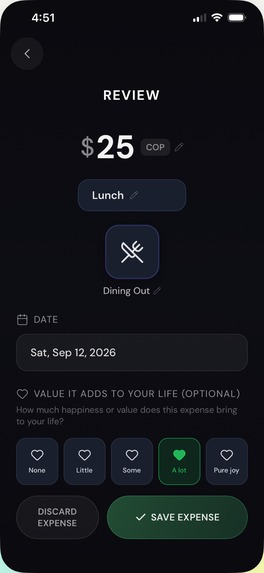
Review
-
Review
-
Icon
Inspiration
I built Mora because I needed it.
Since coding is not a blocker any more, I started thinking about the things that I would like to build that would be useful for myself, that would solve a problem that I had. Knowing where my money goes is one of them. I had tried some apps, but they felt more complicated than the problem they were solving. Too many screens, too many steps, too much to learn before I could log a single expense. And I didn't want my spending sitting on someone else's server.
I wanted something intuitive. Open it, log the expense in a few seconds, get on with my day.
Those two things turned out to be the whole product: make it fast enough that you actually do it, and keep the data on the phone where it belongs.
What it does
Mora is a private, local-first expense tracker for iPhone.
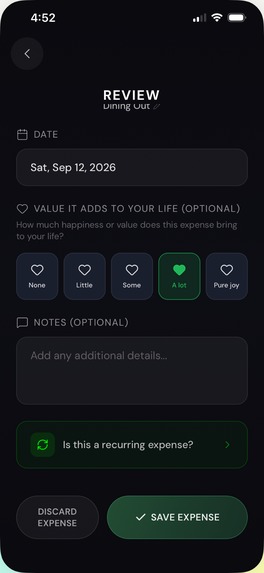
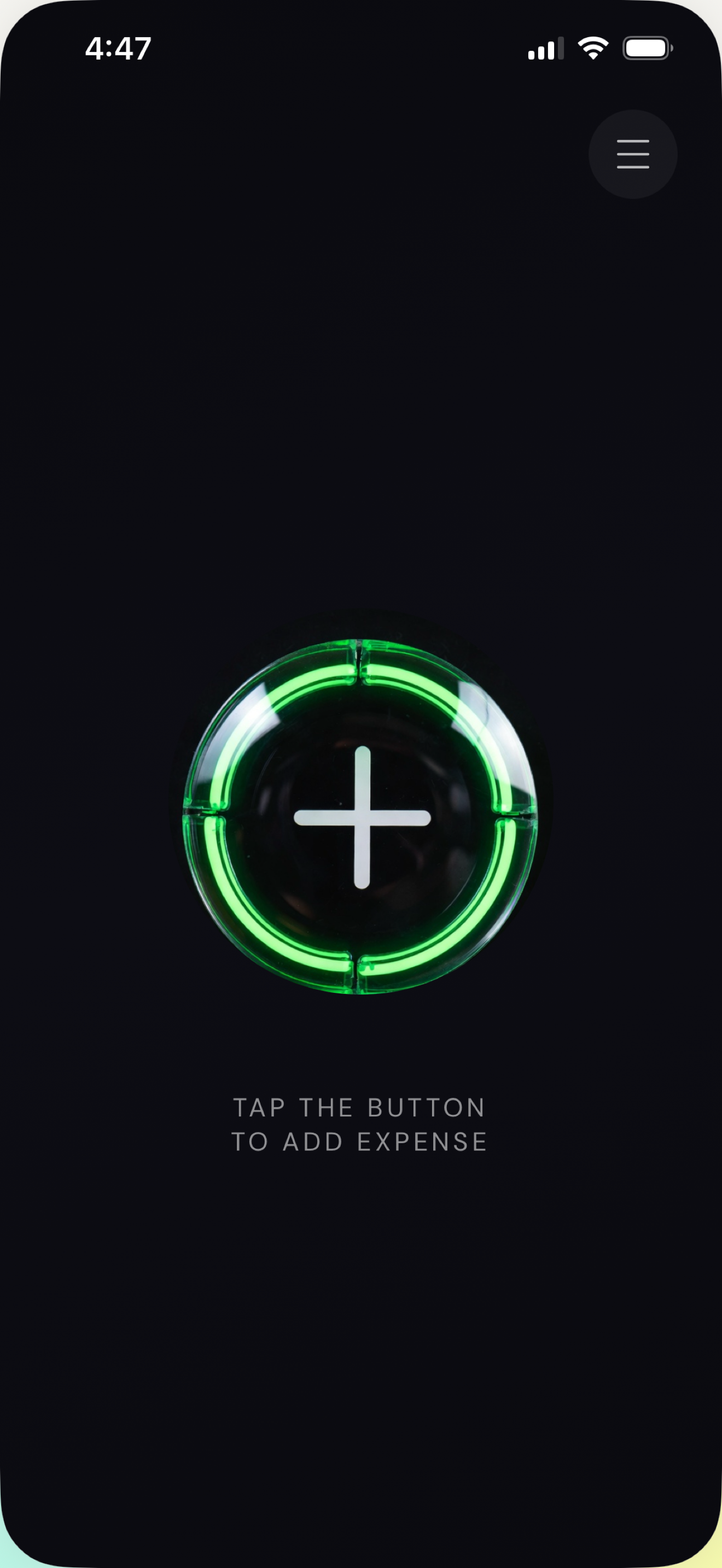
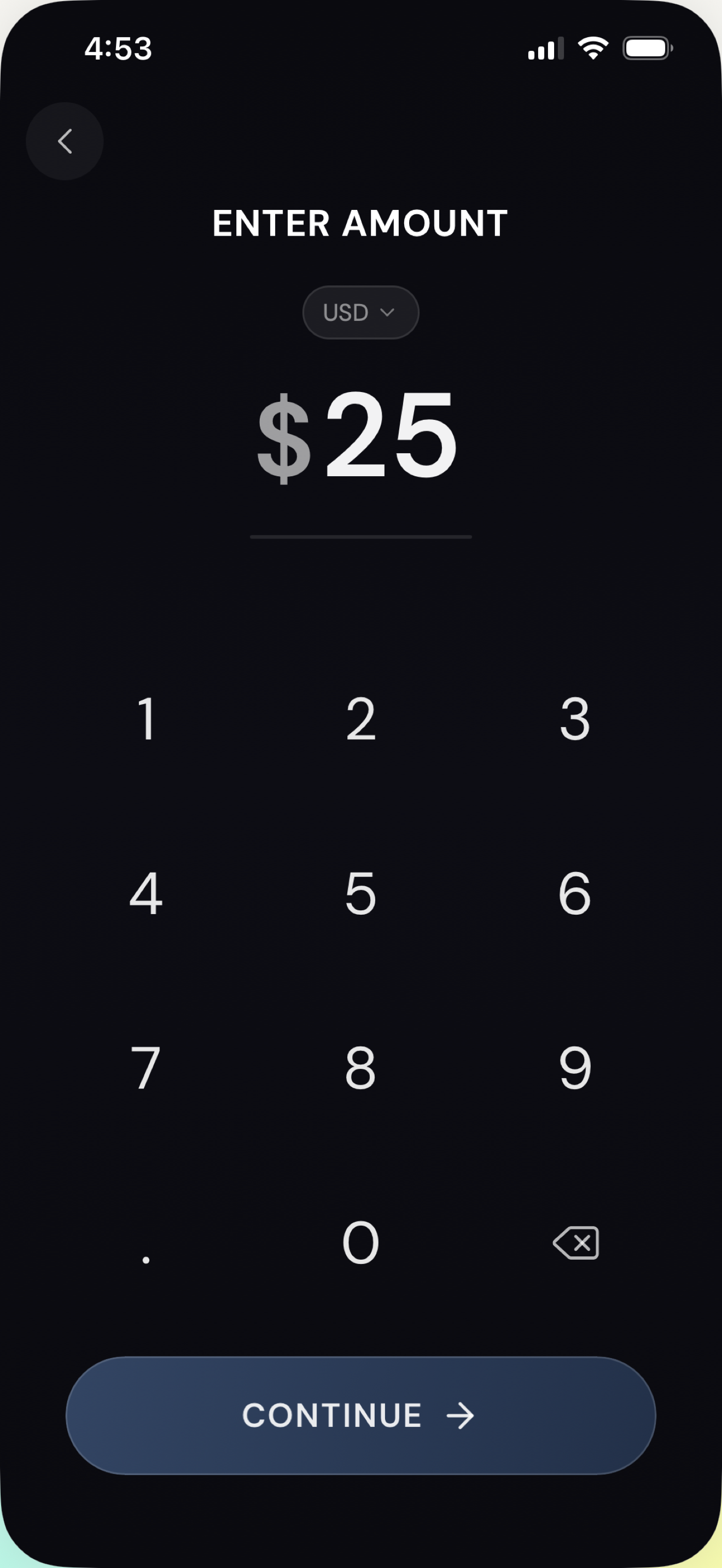
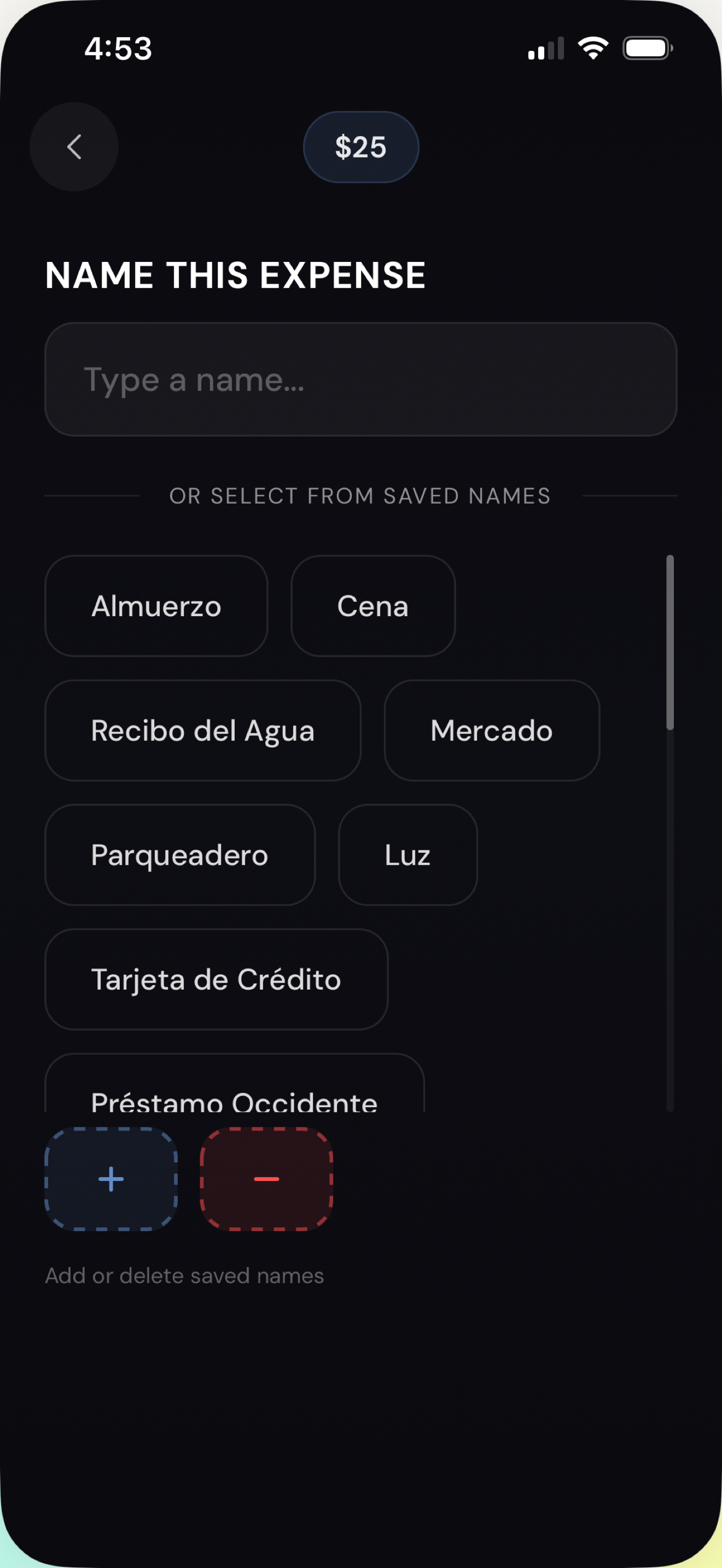
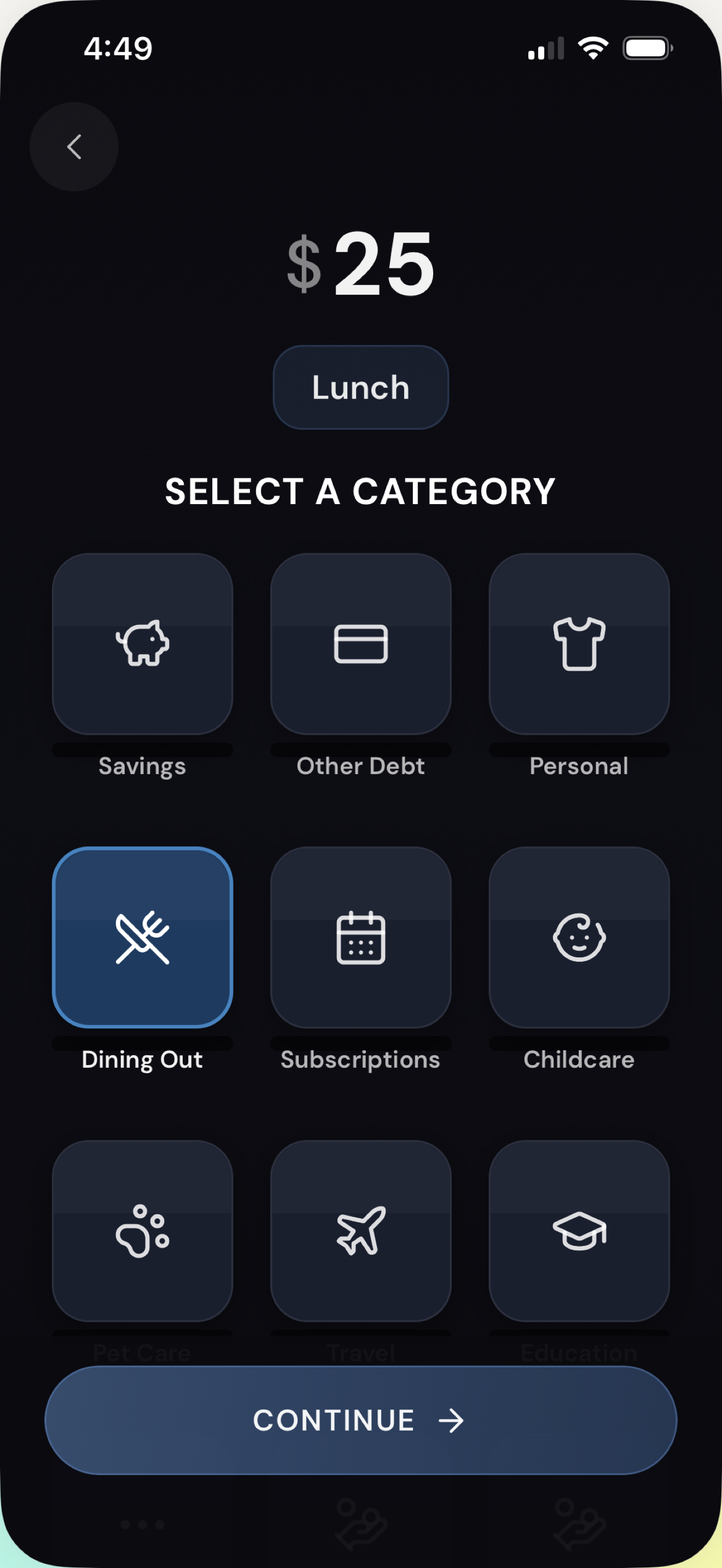
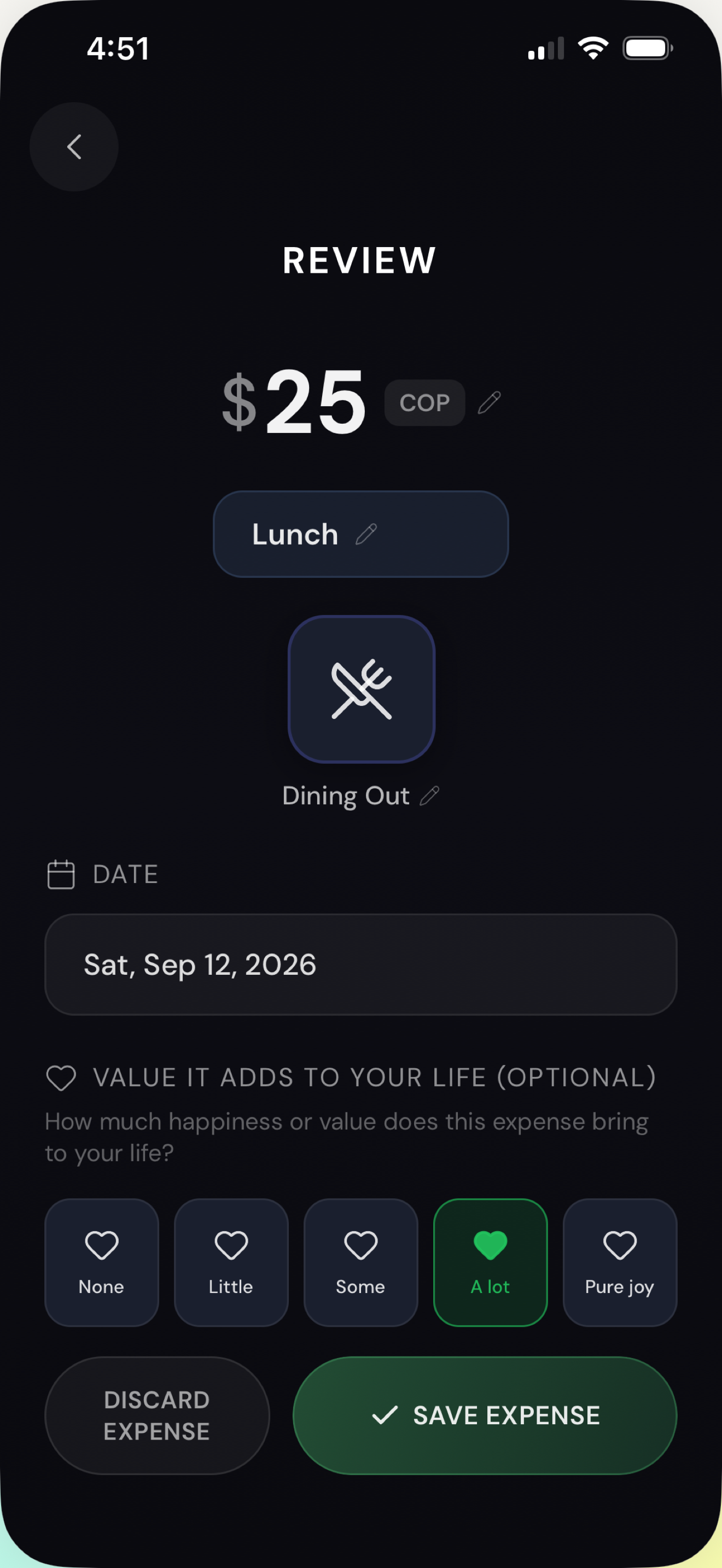
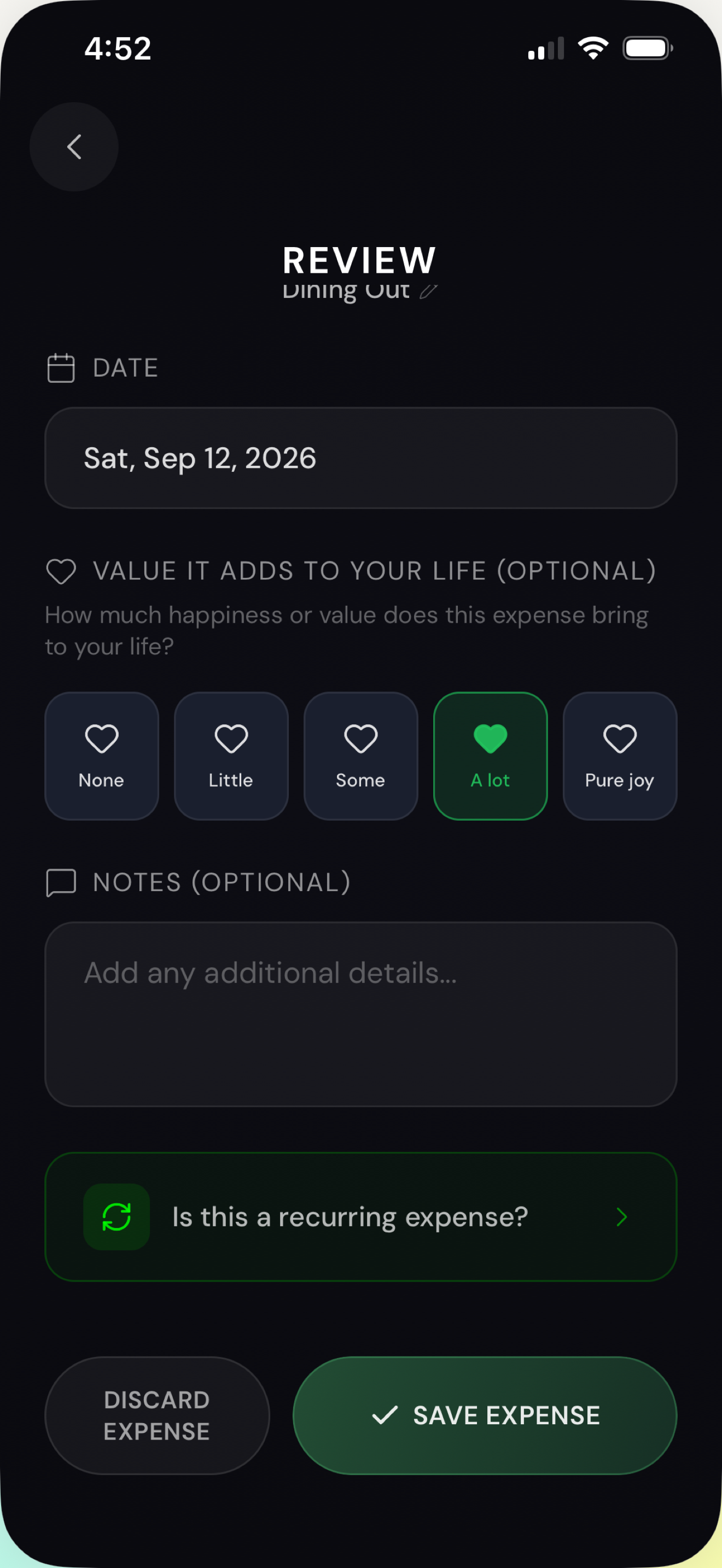
You log an expense in a few taps: amount, name, category, and optionally a note. Everything saves to your device. There are no accounts, no sign-up, no email. Mora has no server processing your expense data, which means I can't see your spending, because I never receive it.
It supports 130+ currencies and is fully localized in 8 languages: English, Spanish, French, German, Portuguese, Chinese, Russian, and Japanese. You can set recurring expenses for rent and subscriptions, set budgets per category, and export your entire history to CSV at any time.
The happiness score
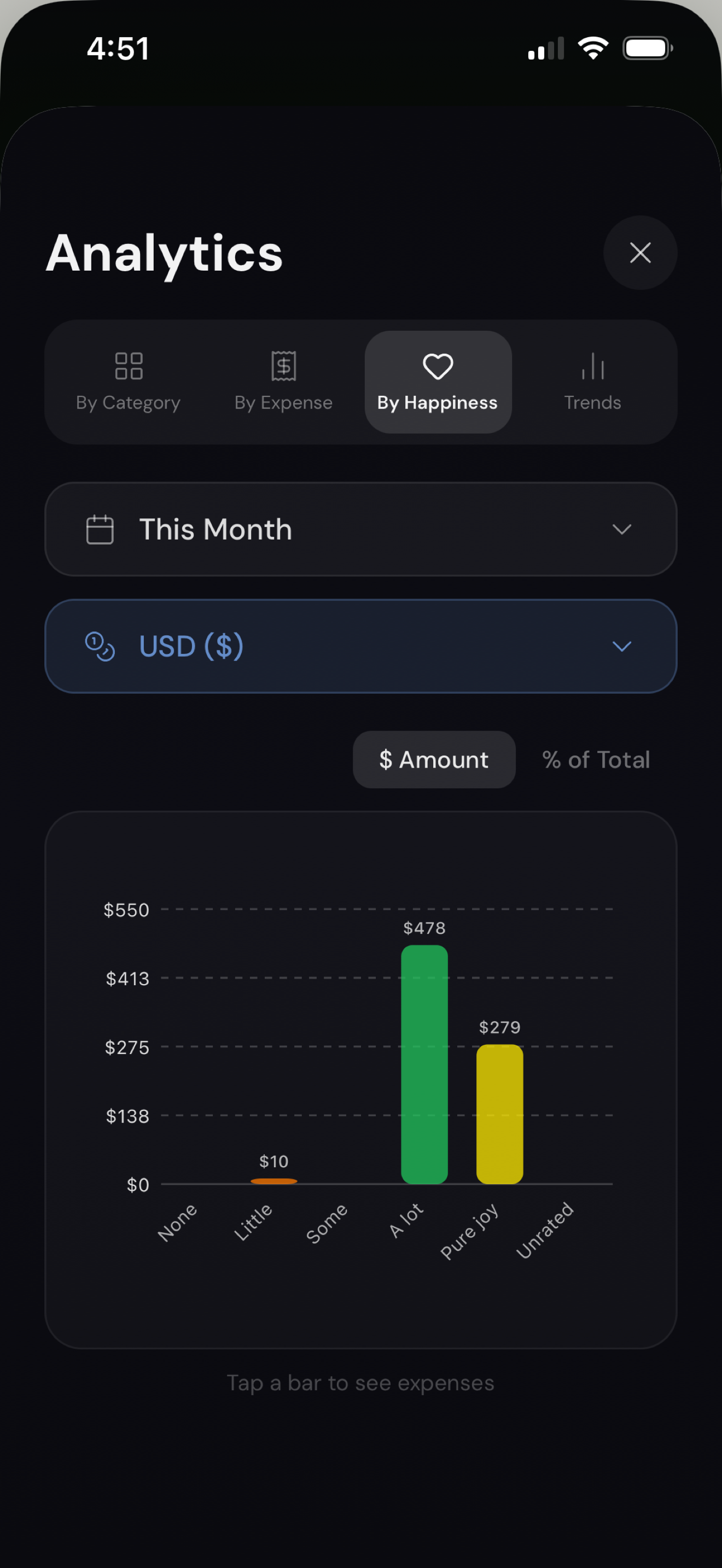
There's one field in Mora that I haven´t seen in other expense trackers. When you log an expense, you can rate how happy it made you.
I added it because tracking what you spend only tells you half of what you need to know. The other half is whether it was worth it. Most spending apps show you categories and totals, which tells you that you spent a lot on food, or a lot on transport. It doesn't tell you which of those purchases actually added value to your life.
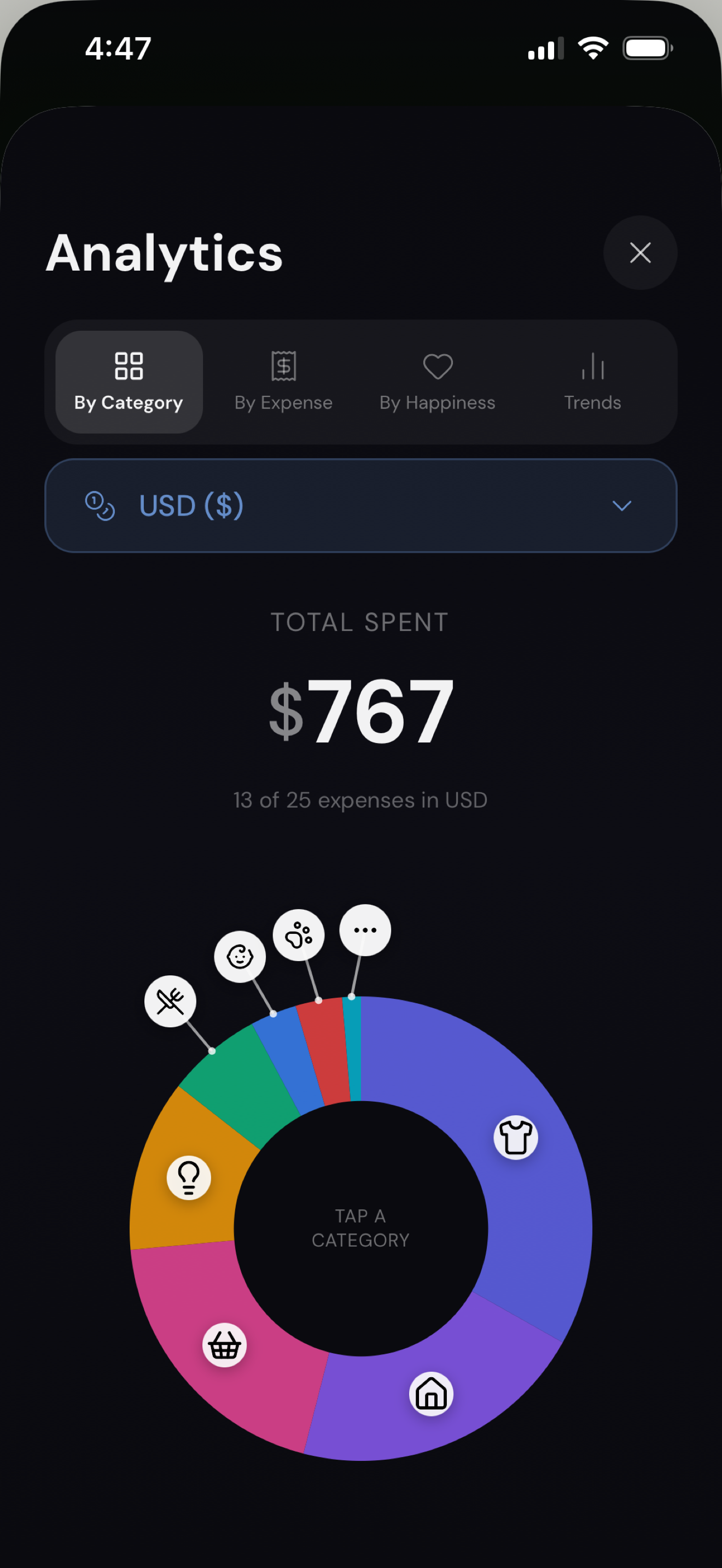
When you look back over a few months with that rating attached, patterns show up that aren't obvious in the moment. Things you spend on constantly that you don't actually enjoy. Things that cost almost nothing and consistently made your day better. You can't see either of those in a pie chart of categories.
It's optional, and it takes one tap. But it's a feature I love.
How I built it
I built it using Vibecode.dev - React Native and Expo, targeting iOS.
Expenses live in local device storage. Analytics, search, filtering, budgets, and CSV export all run on-device with no network connection. The app works completely offline.
The only outbound network call in the entire app is a subscription check that returns whether you're on the free or paid tier, tied to an anonymous device identifier. No expense data, no name, no email.
I'm doing this as a solo founder alongside a full-time job, so most of the engineering decisions came down to what I could build well and maintain alone rather than what would look most impressive.
Challenges I ran into
Cutting a feature I was very excited about.
Mora originally had AI receipt scanning and voice expense entry. You point your camera at a receipt, and it extracts the amount, merchant, and category. It worked.
But to keep the privacy promise, I couldn't route those calls through my own servers, so users had to bring their own OpenAI API key. Which meant: create an OpenAI account, add a payment method, generate a key, and paste it into a third-party expense app. That was adding more complexity to the app and I wanted to keep things simple for the MVP.
Discovering the app was asking for permissions it never used.
When I audited the build, iOS was declaring eleven permission strings: camera, microphone, photo library, contacts, calendar, reminders, location, and motion.
Mora is an expense tracker. It has no business asking for any of those.
They came from libraries installed during development that nothing in my code actually imported. It turns out the framework links native modules based on what's installed, not what you use. So an unused camera library still pulls camera frameworks into the binary and declares the permission. I removed every one of them. The idea is that the shipped app declares zero permission strings. It asks your phone for nothing.
Accomplishments that we're proud of
Shipping an app that requests zero permissions. Not "minimal permissions" or "only what we need". No camera, no microphone, no photos, no contacts, no location. For an app whose entire pitch is privacy, being able to prove that rather than assert it is the thing I'm most proud of.
Full localization in 8 languages and support for 130+ currencies. Most solo projects ship English-only and add languages later. Mora will launch usable in English, Spanish, French, German, Portuguese, Chinese, Russian, and Japanese from day one, because I want this to be an international app.
Cutting a feature I'd already built. Removing the AI receipt scanning and voice expense entry was the hardest product decision I made but I feel proud now because I'm being loyal to keeping the app as simple as possible and as private as possible, all while keepintg it useful.
Also, I’m proud it works offline, completely. No connection, no degraded mode, no "some features unavailable." Everything the app does, it does on your phone.
What I learned
A privacy claim isn't something you write on a landing page. It's something the binary has to be able to prove.
The other lesson is that removing things is underrated. Mora is more loyal to the privacy and simplicity principles without the AI features I removed.
What's next
App Store submission.
After that, I want to see whether people actually use it before adding anything. The temptation is always to keep adding features to make it stand out. I'd rather find out what's genuinely missing than guess.
Built With
- astro
- expo.io
- ios
- react-native
- revenuecat
- tailwind
- typescript
- vercel

Log in or sign up for Devpost to join the conversation.