Inspiration
Moov started from a problem I was dealing with myself.
I spend a large part of my day sitting in front of a computer, and over time I developed serious lower-back pain. The pain became bad enough that I spent a lot of money visiting a specialist and looking for ways to feel better.
One lesson became very clear: waiting until the pain becomes serious is expensive and frustrating. Small movement breaks during the day can make a real difference, but it is very easy to ignore a normal reminder and keep working.
That experience inspired me to build Moov.
What it does
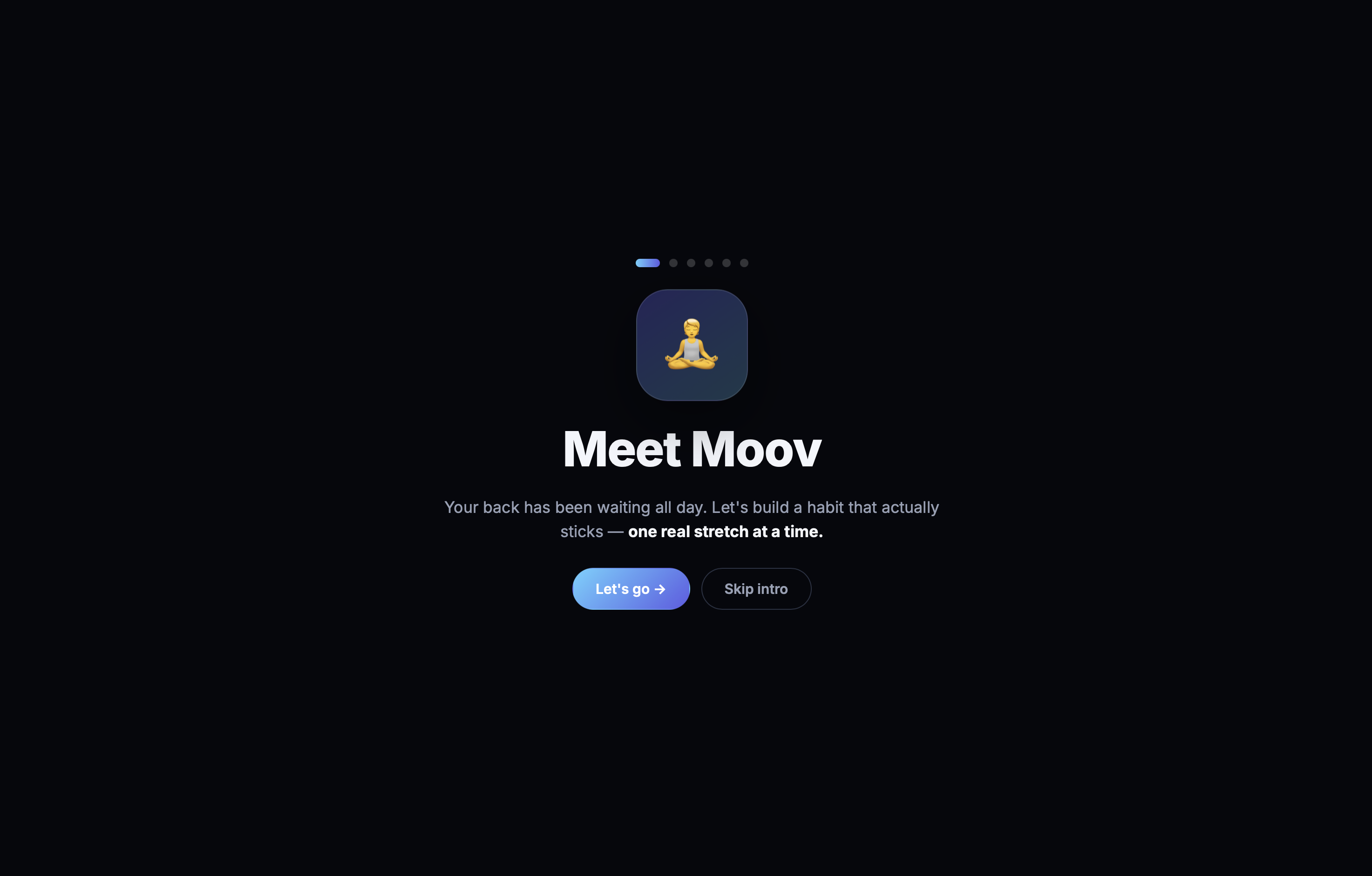
Moov helps people who sit for long periods protect their backs.
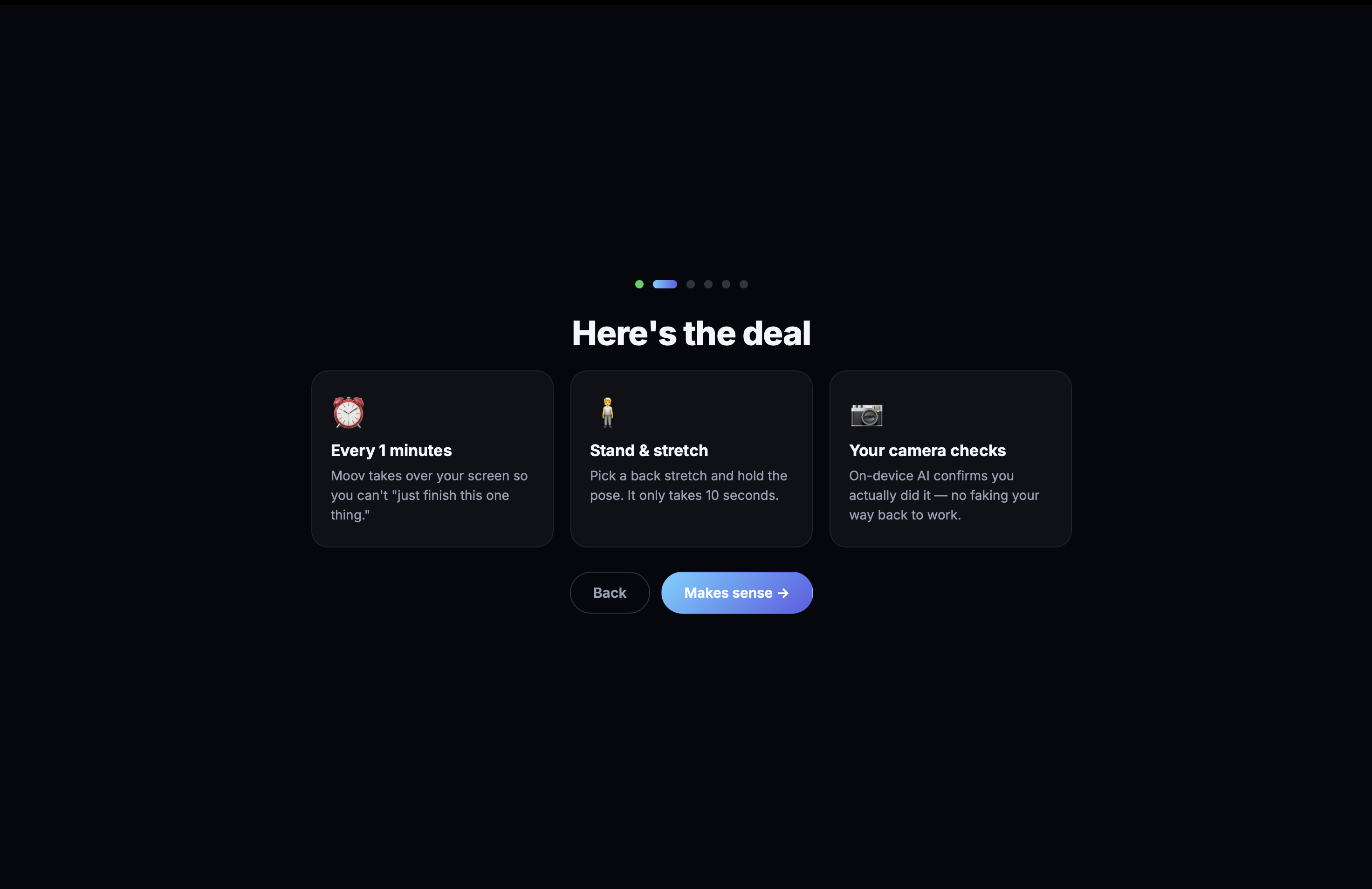
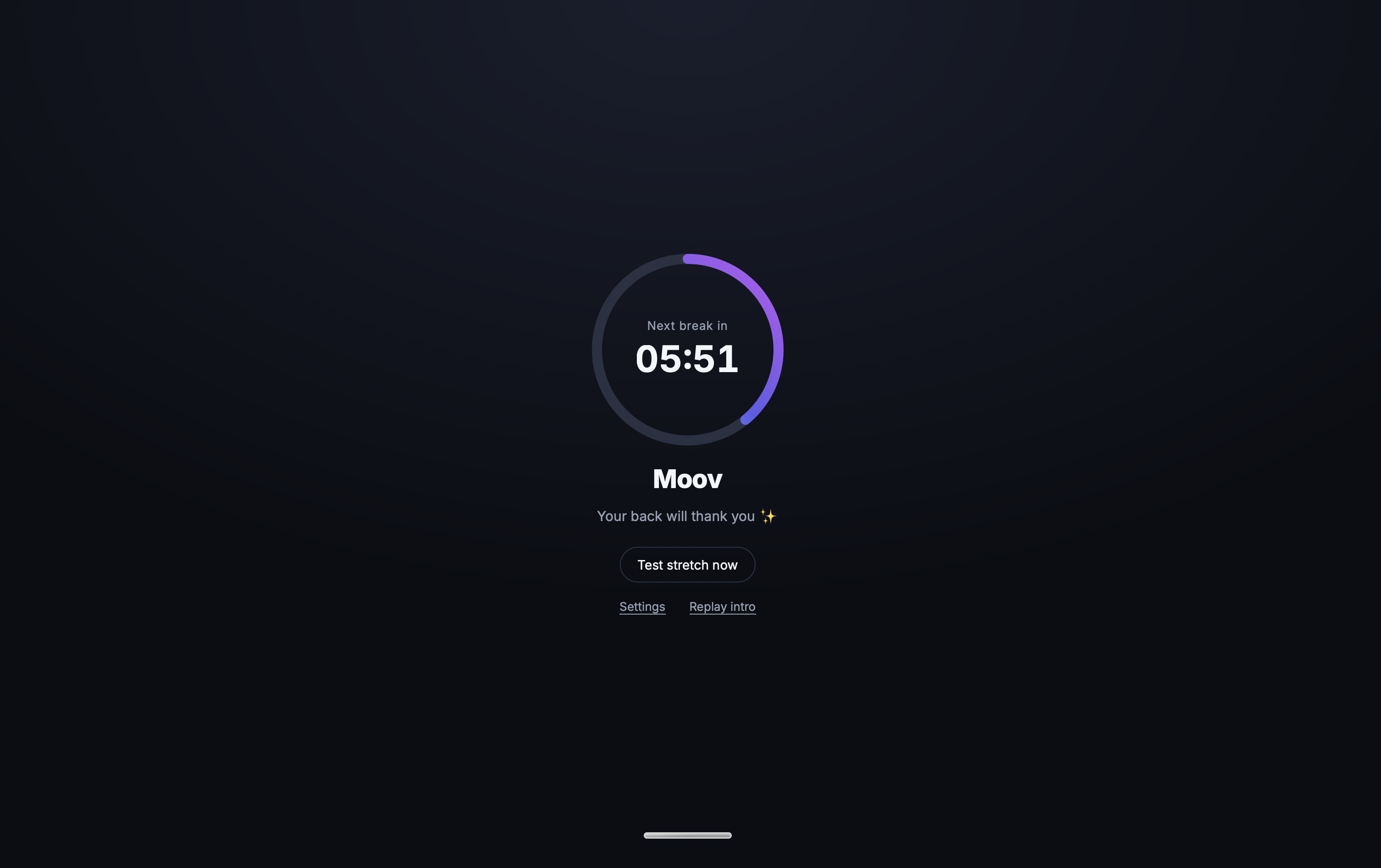
Every 30 minutes, Moov pauses the computer and asks the user to stand up and complete a quick stretch. Instead of showing a reminder that can simply be dismissed, Moov makes sure the user actually takes the break.
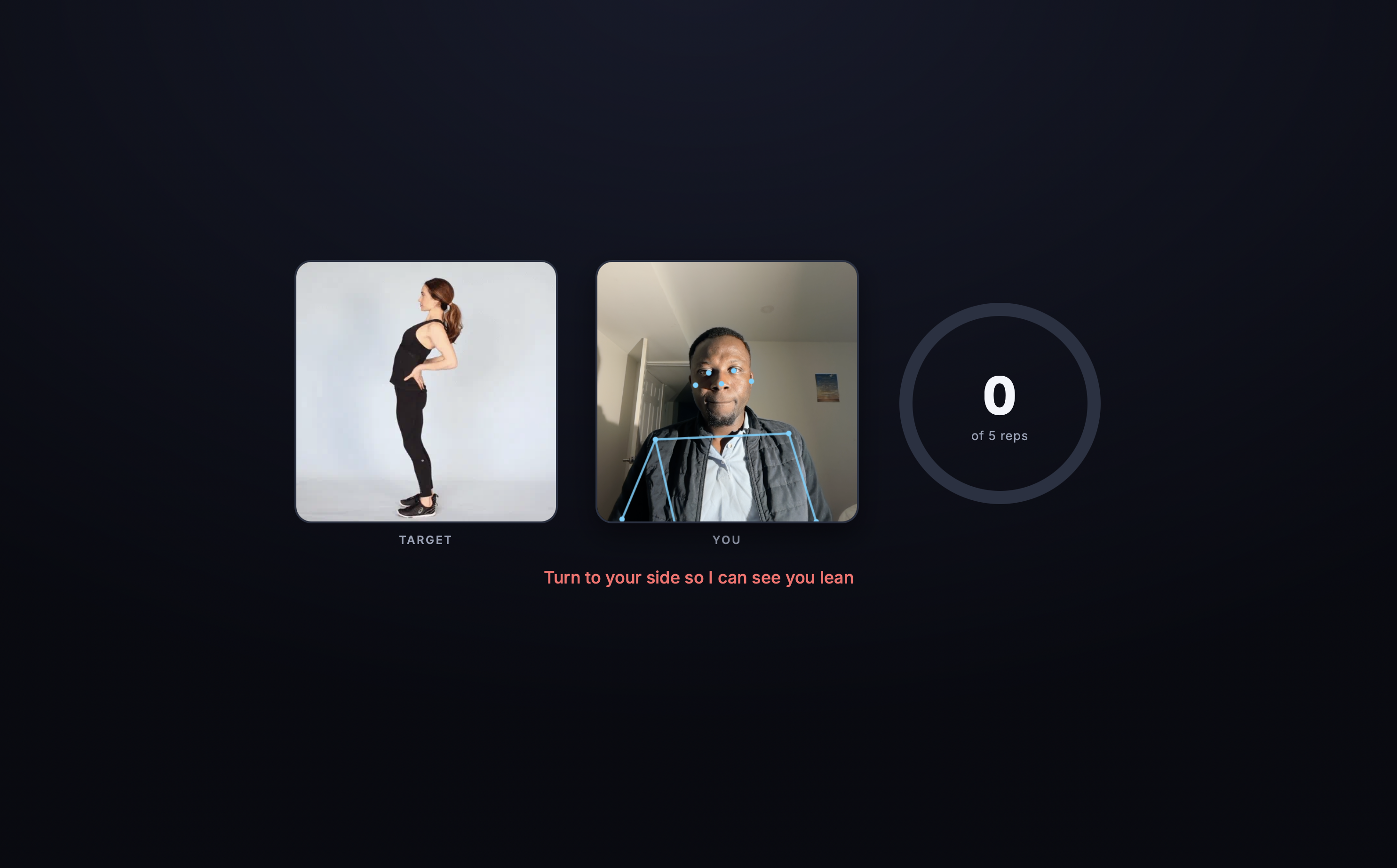
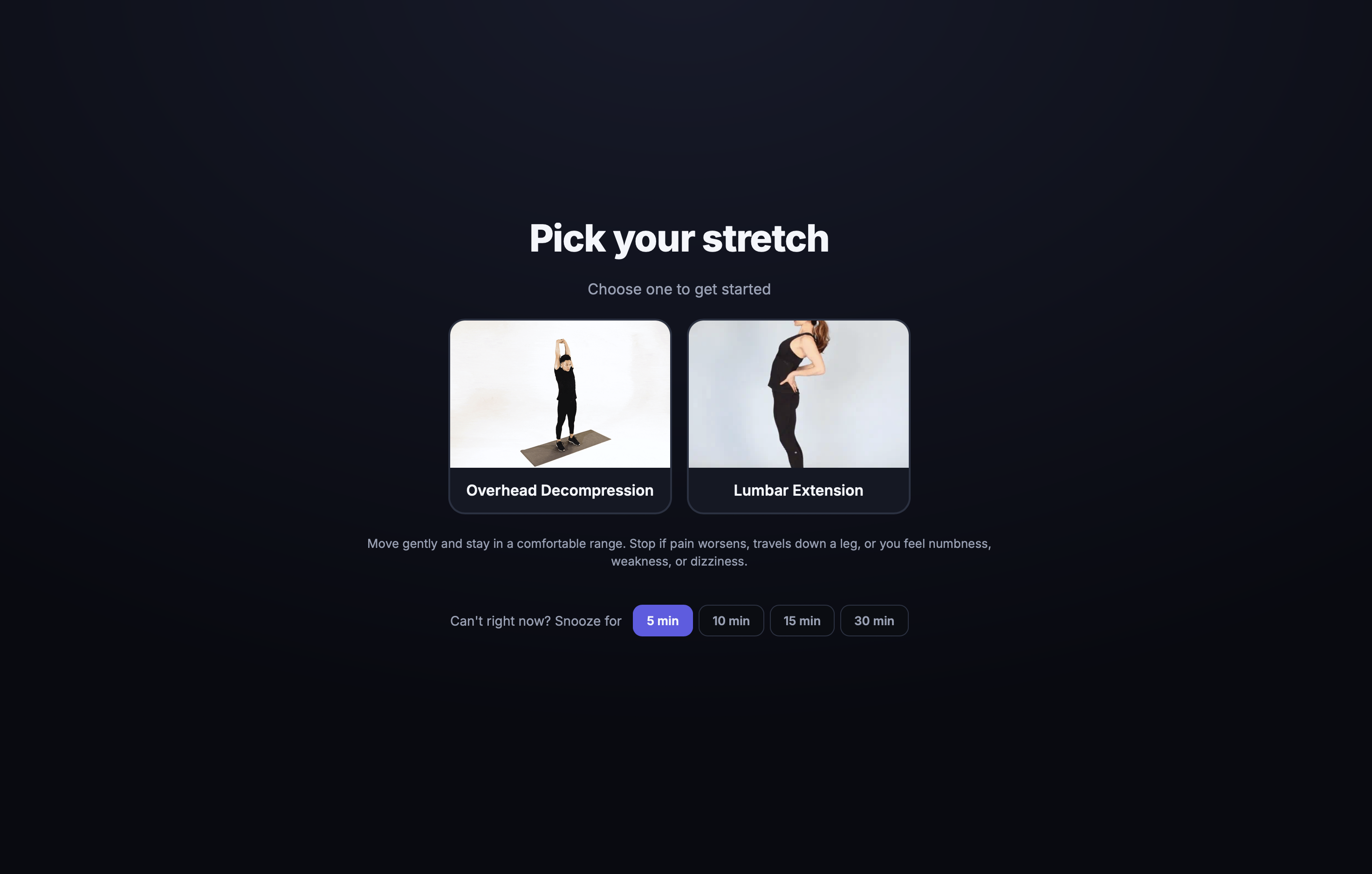
The user chooses a stretch, steps back from the computer, and holds the position for 10 seconds. Moov checks the movement through the webcam and only finishes the break when the stretch has been completed correctly.
The goal is simple: help desk workers build a healthy habit before back pain becomes a bigger and more expensive problem.
How I built it
I built Moov as a lightweight desktop application using Tauri, Rust, JavaScript, HTML, CSS, and Vite.
The desktop part controls the break timer, system tray, full-screen window, and the moment when the user can return to work.
For movement checking, Moov uses the webcam and TensorFlow.js. Everything runs directly on the user’s device.
The break experience has four steps:
- Moov tells the user it is time to stand up.
- The user chooses a stretch.
- Moov checks that the stretch is being held.
- After 10 successful seconds, Moov releases the screen and lets the user continue working.
I also added a backup timed stretch so that a user is never locked out if the camera is unavailable or movement checking cannot load.
Challenges I faced
One of the biggest challenges was finding the right balance between being helpful and being annoying.
A simple notification is easy to ignore, but blocking the screen can feel too aggressive if the experience is not designed carefully. I worked on making the break short, clear, encouraging, and easy to understand.
Another challenge was checking body movement accurately through a webcam. People have different body sizes, camera positions, room lighting, and distances from the screen. I had to adjust how the app recognizes a valid stretch and make sure the timer pauses when the user leaves the position.
I also had to make sure the app could safely recover when camera access was denied or the movement model failed to load.
What I learned
Building Moov taught me that technology can be most useful when it helps people take small actions in the real world.
I learned how to combine a desktop application, webcam input, movement recognition, timers, and full-screen window controls into one simple experience.
I also learned that health reminders need more than good intentions. They need to appear at the right time, be easy to follow, and create enough accountability for users to actually act.
What’s next for Moov
Next, I would like to add more stretches for the neck, shoulders, wrists, and legs.
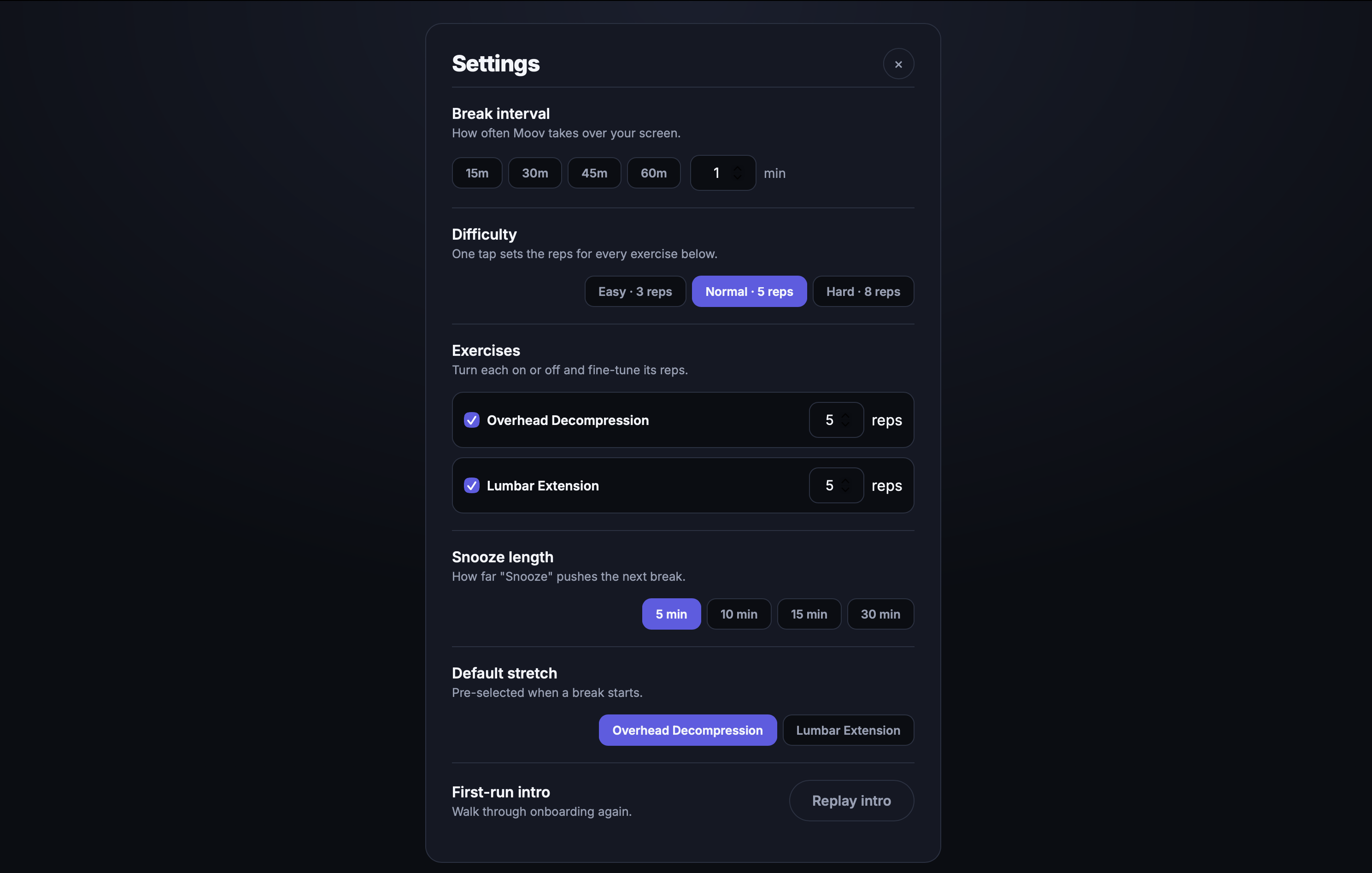
I also want to let users choose their break schedule, follow their stretching progress, and receive suggestions based on how long they have been sitting.
The long-term vision is for Moov to become a simple daily movement companion for developers, remote workers, students, gamers, and anyone who spends many hours sitting in front of a screen.
Built With
- codex
- css3
- html5
- javascript
- openai-responses-api
- openai-vision-api
- rust
- tauri
- tensorflow.js

Log in or sign up for Devpost to join the conversation.