-
-
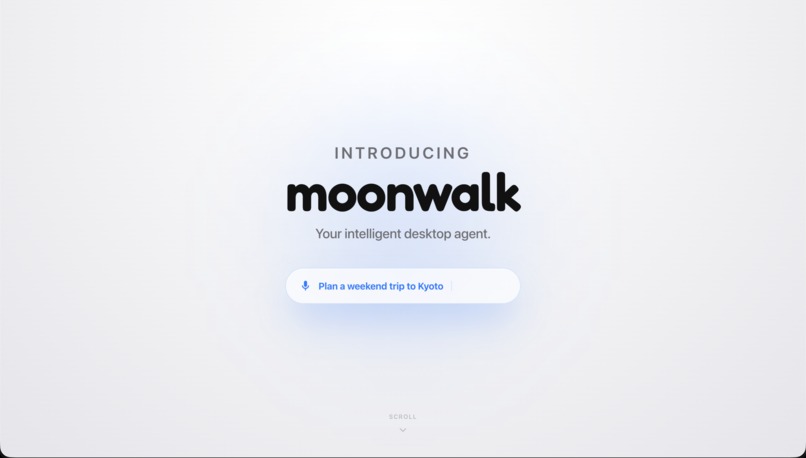
Introducing Moonwalk
-
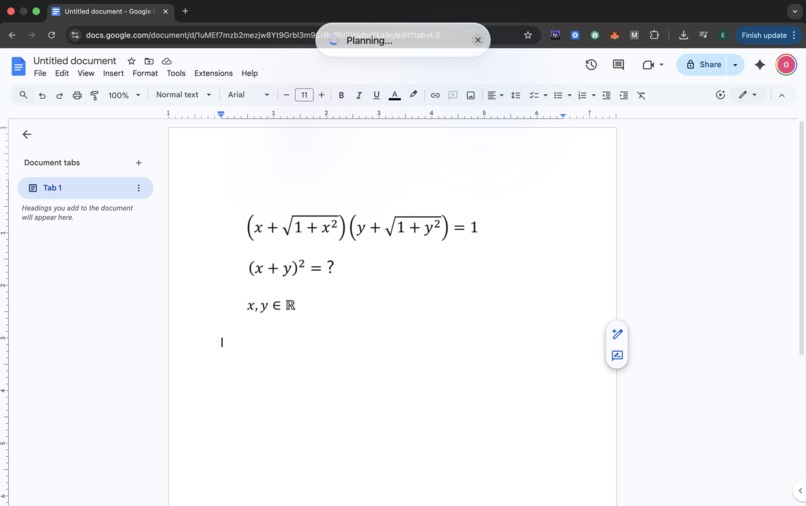
Moonwalk in Action
-
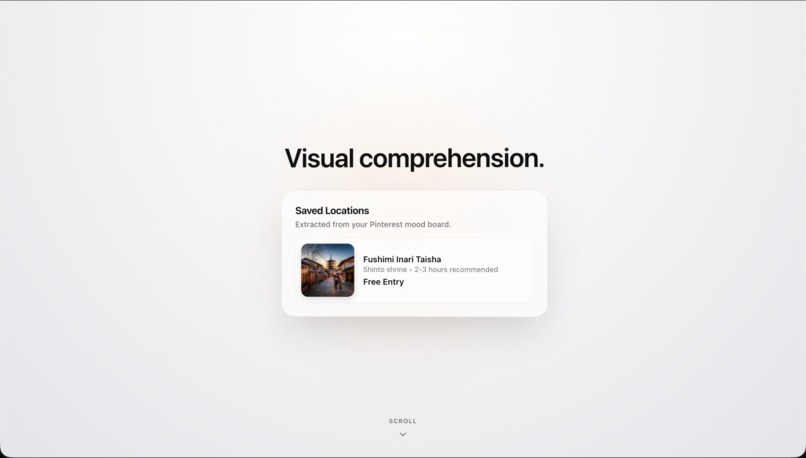
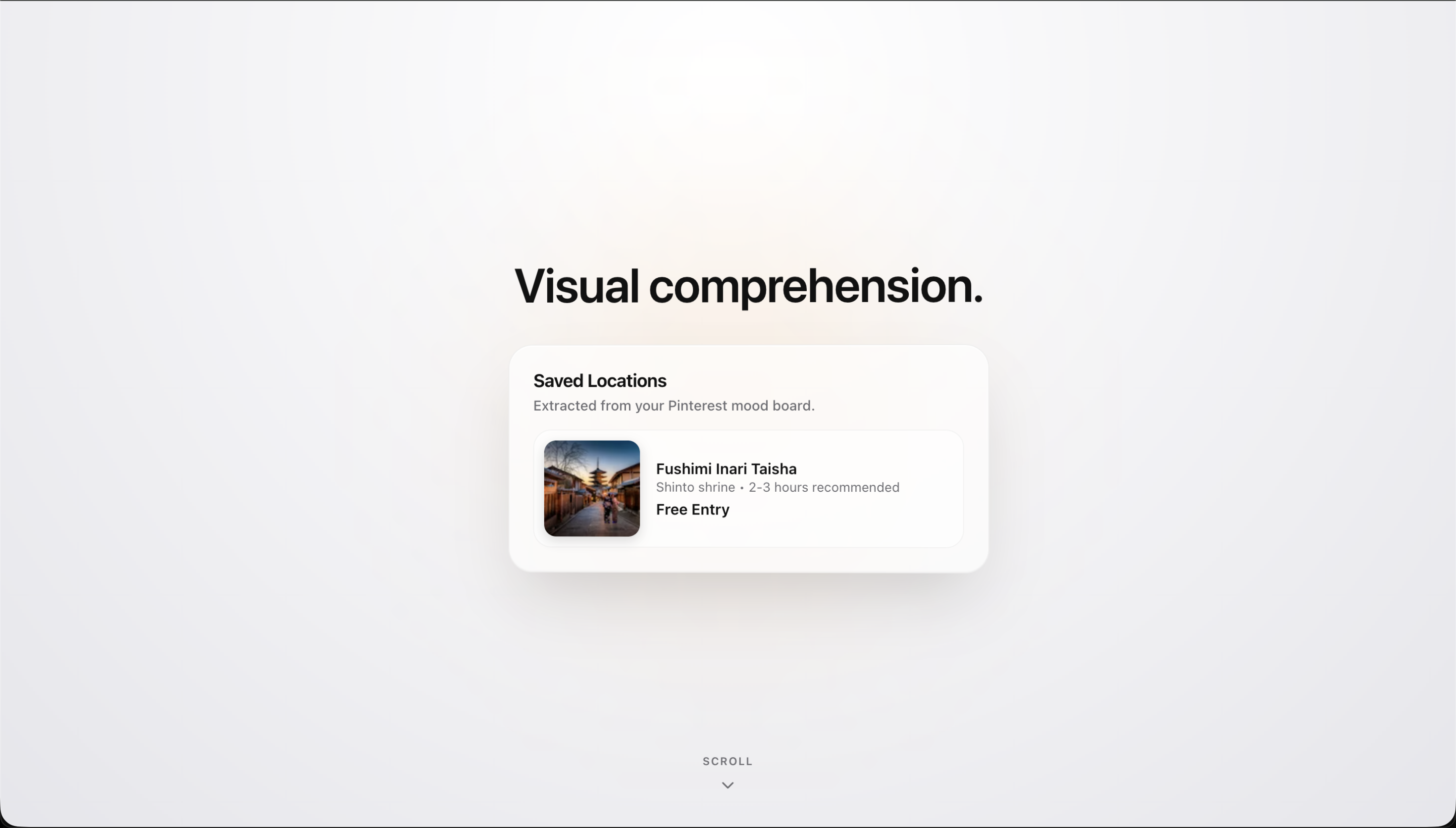
Moonwalk Visual Comprehension (+ Memory Ability)
-
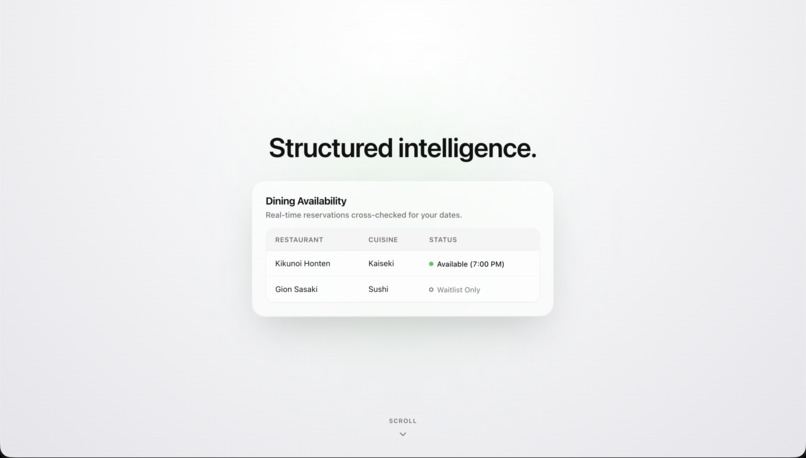
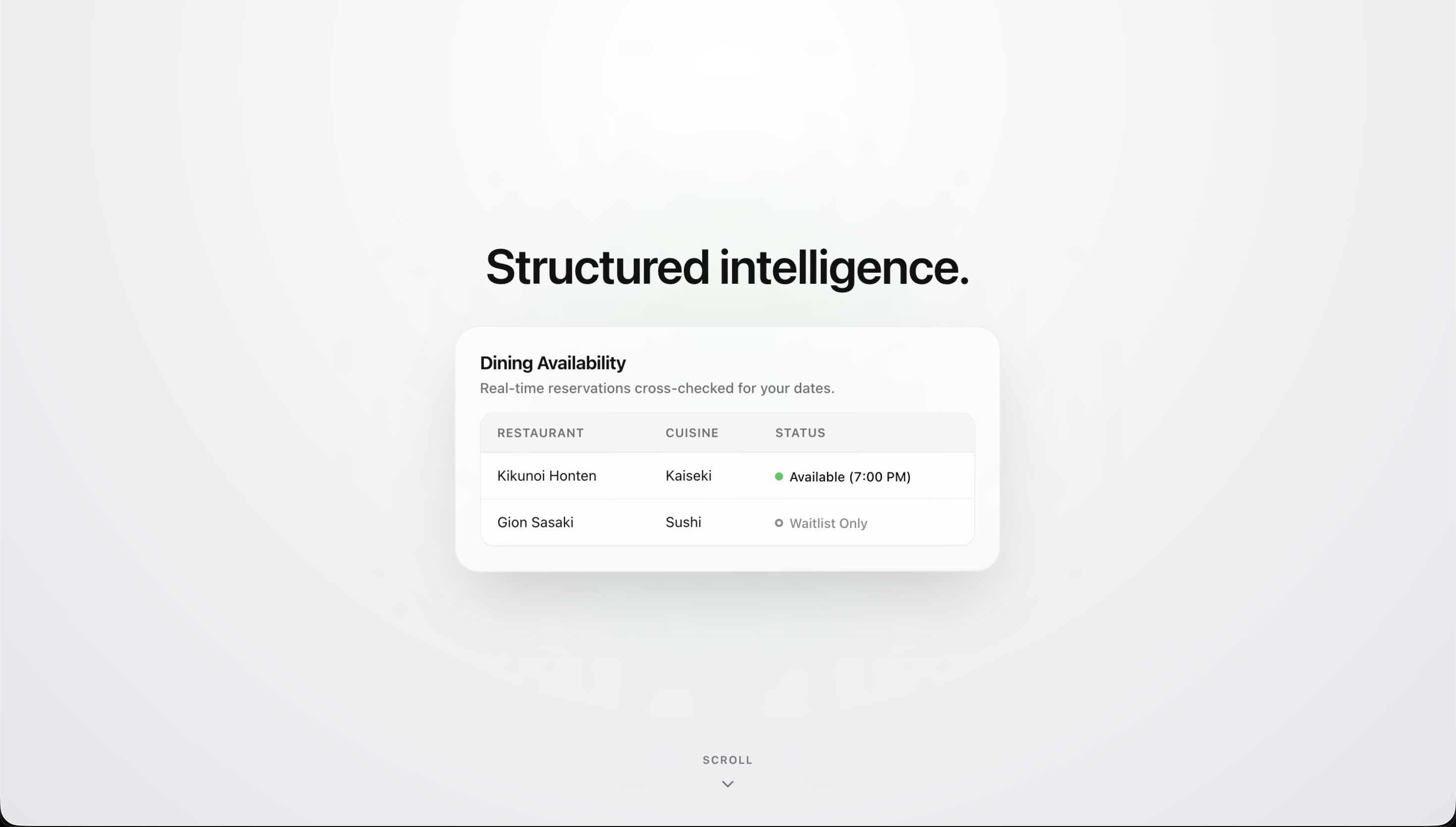
Showcase of Moonwalk Modal UI (Moonwalk can decide to use any of the 5 available modals to represent information)
-
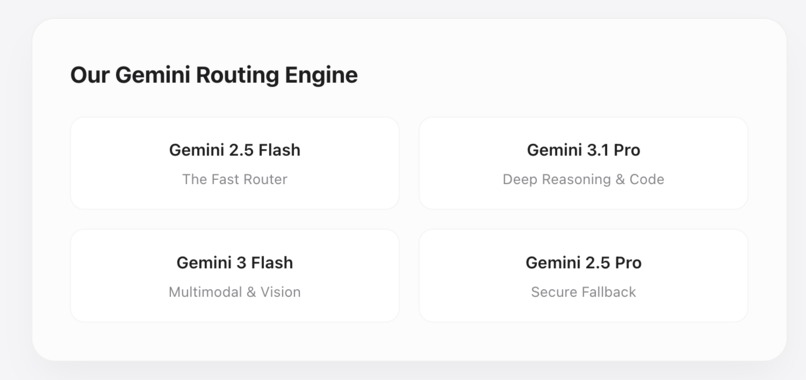
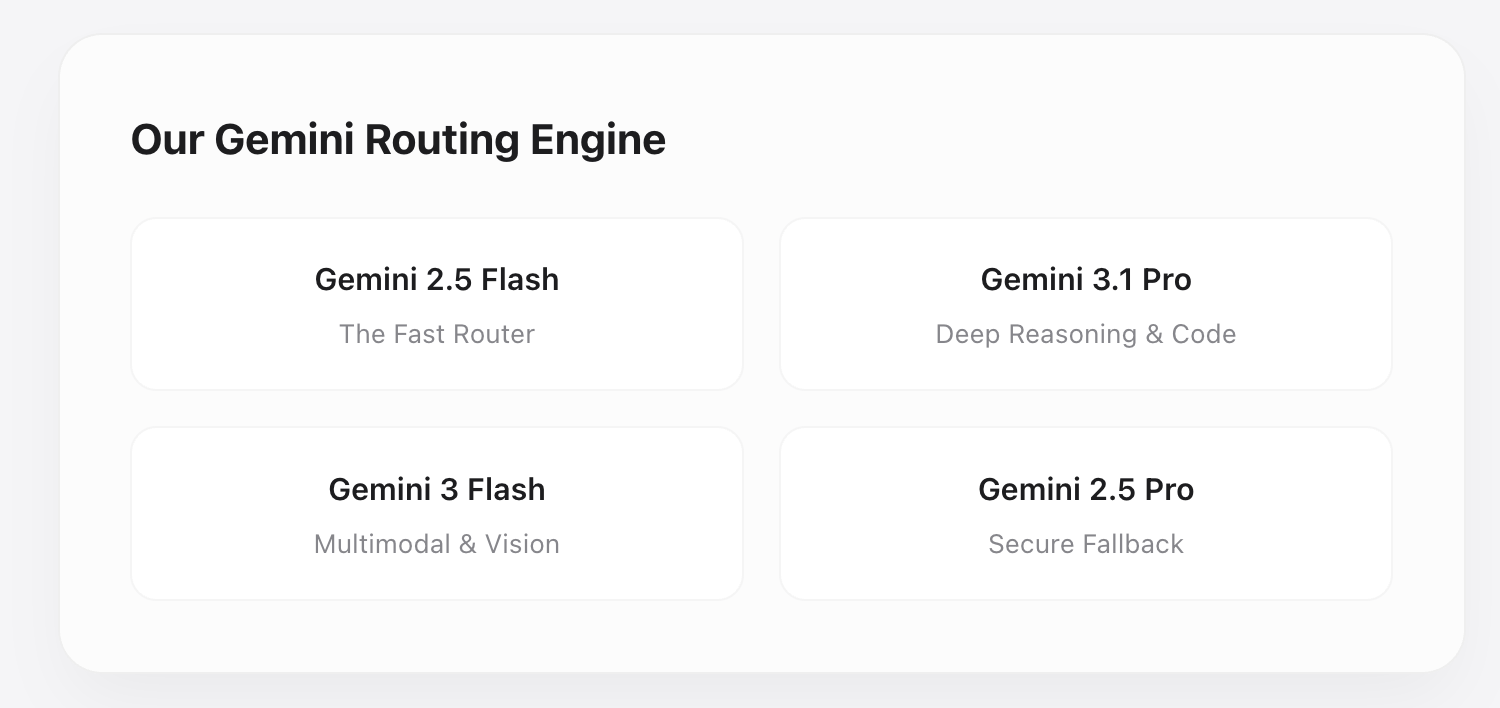
Our Routing Engine
-
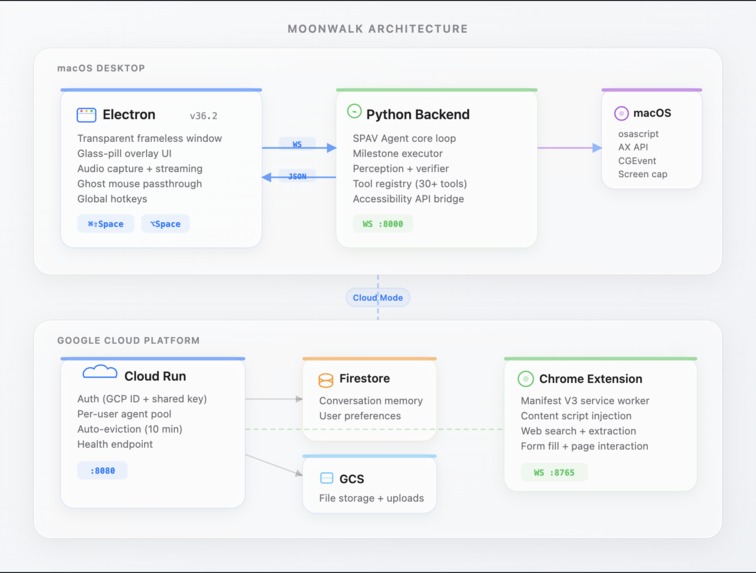
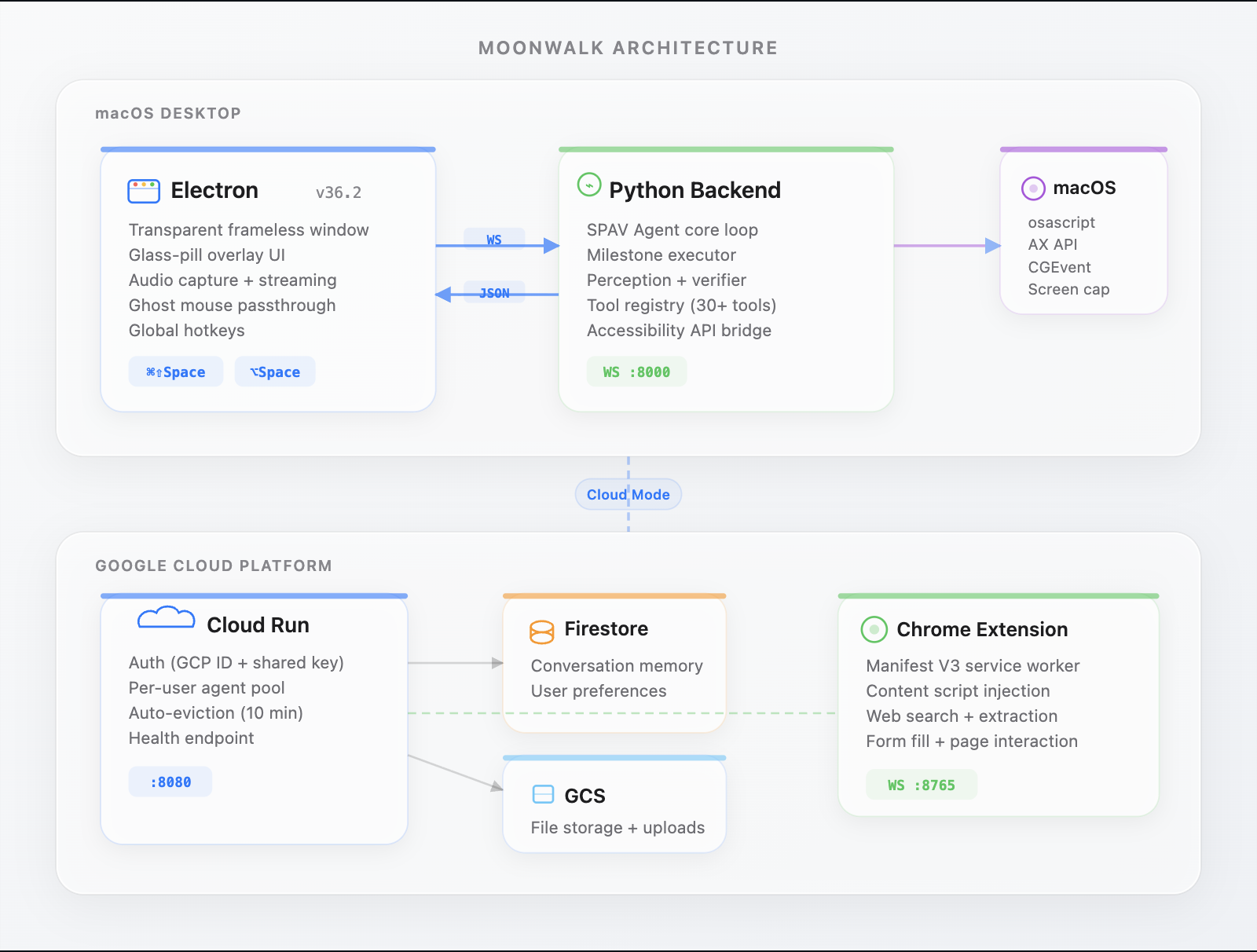
Our Architecture
Inspiration
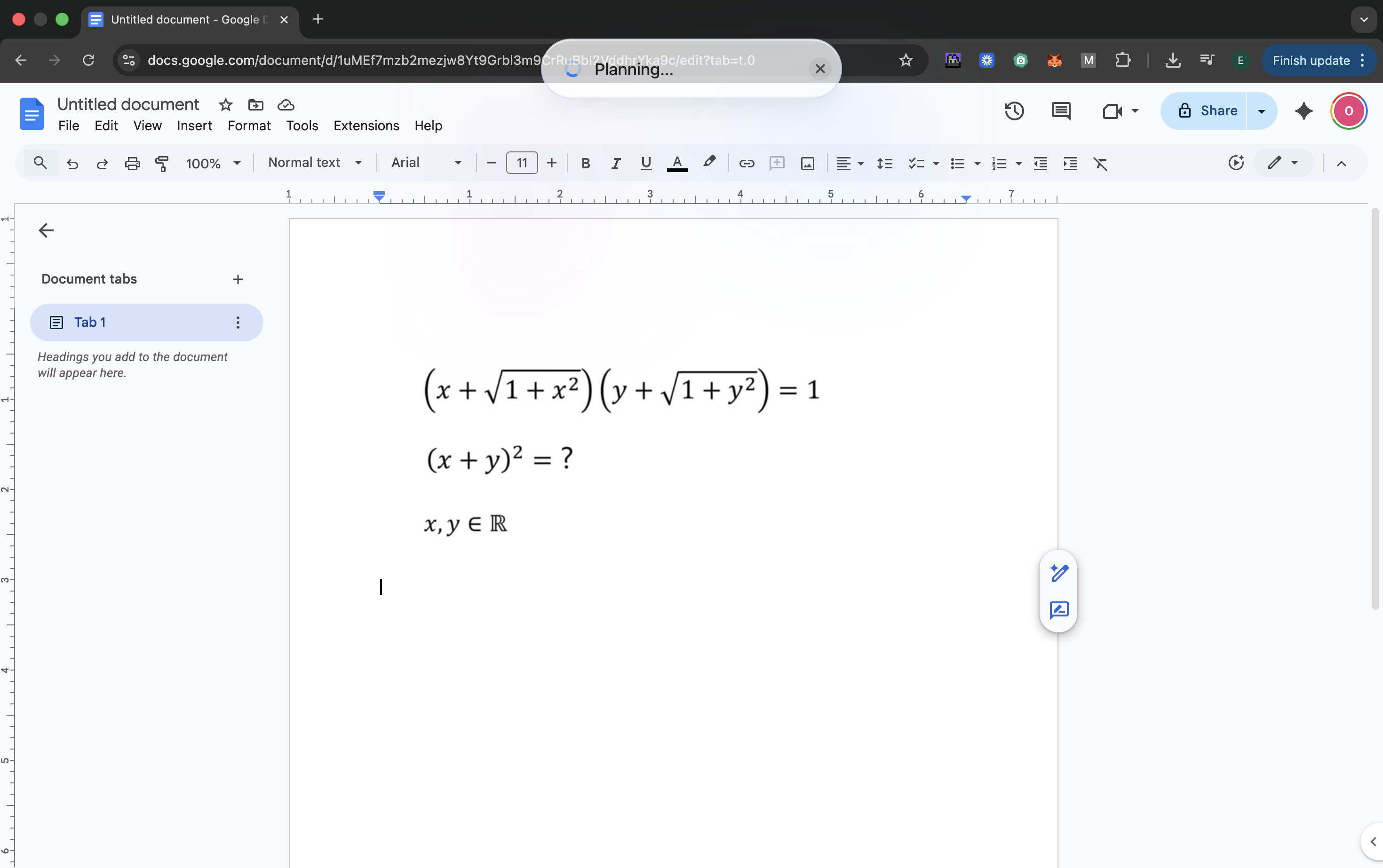
Assistants are present within every part of our day to day. Making tasks feel approachable and less daunting, while improving our performance in all aspects, whether its creative or problem solving. We took inspiration from a recent hype around a new kind of assistant which lives on your computer and is able to perform tasks for you intelligently called Openclaw. We realised that Openclaw uses an architecture similar to coding agents from antigravity, inspiring us to redesign their approach to assistants by humanising the experience. In Antigravity, Gemini 3 flash's multimodal capabilities are utilised during the Broswer Live Test for a fast low latency experience. In our experience using Antigravity this has been one of the core features which set its experience apart from other Assistant based IDEs, the ability to view where and what the assistant is clicking, doing and analysing.
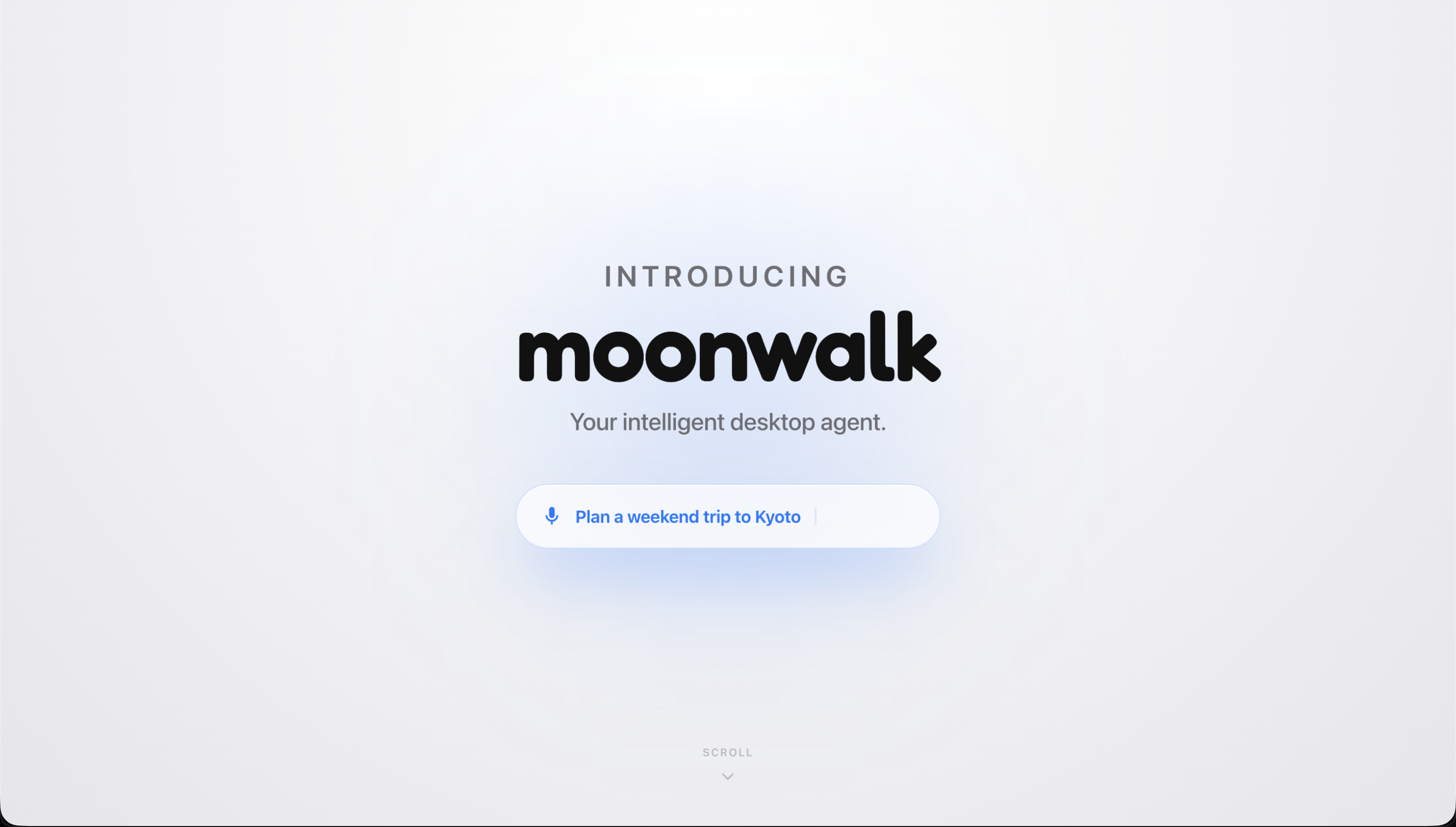
We imagined a fully conversational agent with personality and intelligence, capable of helping you do any task. Whether its helping a user stuck on a hard math problem, or booking them a ticket to Rome. Moonwalk makes every interaction with your computer feel like there's nothing holding you back. (Get it, no gravity forces, antigravity....)
What it does
Picture this: you're working, and instead of opening another window, you just say "Hey Moonwalk". A tiny, transparent glass pill pops up. You don't type; you just talk to it. Say you need a flight to Rome, or you need to pull specific data from a messy spreadsheet. You just ask, and Moonwalk takes over your mouse and keyboard to sort it out. It’s totally hands free. But the part I love the most is that it actually learns about you. It remembers your preferences, your past chats, and random things you’ve asked it to store. You can literally say, "Hey, text my mum that shopping list I mentioned yesterday," and it just knows what to do, opens your messages, and sends it. It feels like a real assistant sitting next to you.
How we built it
If you look under the hood, the stack is a mix of Electron, Python, and a whole lot of Gemini. We used the Google GenAI SDK to wire up our core reasoning loop.For the "brain", we’re using a mix of models. I set up Gemini 2.5 Flash as our ultra fast router for simple tasks, and if things get complicated, it automatically upgrades the task to Gemini 3.1 Pro. To make it feel like magic, we built the UI as a transparent Electron app so it never blocks your screen. We took inspiration from Antigravity and crafted a bespoke Chrome Extension so the agent can properly read and interact with the DOM behind the scenes. For memory, we dump everything into Google Cloud buckets and Firestore. That means your agent's brain is backed up, and we can eventually let you access it from your phone.
Challenges we ran into
Even as a duo, building this was incredibly hard.
The Doom Loop: On day one, our agent would just confidently click the wrong button 50 times in a row. We had to build a "Verify" step into the core loop so it actually checks if a click worked before moving on. We also slapped a hard 50 action limit on it so it doesn't accidentally take over your computer forever whilst you aren't looking.
Latency vs. Accuracy: Taking full desktop screenshots and running them through a vision model for every single mouse movement was painfully slow. We ended up having to write a tiered system. Now, we pull fast OS data via AppleScript in milliseconds, and we only trigger a heavy Gemini Vision call when the agent gets genuinely confused by a weird interface.
Cloud LLM vs. Local Mouse: Running the heavy reasoning on Google Cloud is great, but getting a cloud server to move a physical mouse on a local Mac was a routing nightmare. We ended up splitting the toolset. "Cloud Safe" tools (like web searching) run on GCP, whilst "Mac Only" commands (like clicking and typing) get tunnelled securely back to the local Electron client on your machine.
Accomplishments that we're proud of
It feels native: If you ask me what I'm most proud of, it's getting this out of the browser. Making it feel like a proper, native macOS feature is a massive win
Our Agent Computer Interface: Instead of telling the AI to "move mouse to X, Y", we gave it massive compound tools. It can just say "search, read, and extract", and our system handles the messy micro clicks. It makes the agent more reliable and waste less tokens calling sub-tools one by one.
The UI transitions: Getting a transparent window to smoothly transition from listening, to thinking, to doing without glitching over your full screen apps was a massive headache, but it looks very smooth
What we learned
The DOM is a disaster: We had to throw out a lot of assumptions. The code of modern web apps is an absolute shambles. Relying purely on HTML text to navigate a page is a lost cause. You absolutely need visual reasoning combined with the DOM to get anywhere reliably.
Force the AI to plan: We learnt very quickly that if you force the LLM to write down a step by step plan before it's allowed to click anything, hallucinations drop to almost zero.
What's next for Moonwalk
To me, this isn't just a weekend hackathon project. I see huge potential here for accessibility, helping people who genuinely struggle with standard OS navigation.
Next up, we need to get this working on Windows. I also really want to add multi agent workflows like having one agent read a massive PDF in the background whilst another one helps you draft an email about it in real time.
Hackathon Mandatory Checklist Reference
Just to tick the boxes for the judges, here is the technical breakdown of what we used: Google Tech Used: Gemini 3.1 Pro, Gemini 3 Flash, Gemini 2.5 Flash, Gemini 2.5 Pro, Google GenAI SDK, Google Cloud Run, Google Firestore, Google Cloud Storage. Multimodal Elements: Audio input (Wake word + Voice Streaming), Visual understanding (Screenshot + DOM structural analysis).
Our repository includes deployment scripts to automate the Cloud Run and Firestore deployment. As can be seen by the link we sent in devpost. We also have the blog links within the devpost submission and have deployed the site after learning a cool and nifty way to host on google cloud for downloads while keeping the full site within the same bucket.
Built With
- appletoolkit
- chromeextension
- electron
- gcp
- gemini
- gemini3
- googleworkspace
- javascript
- python
- react


Log in or sign up for Devpost to join the conversation.