-
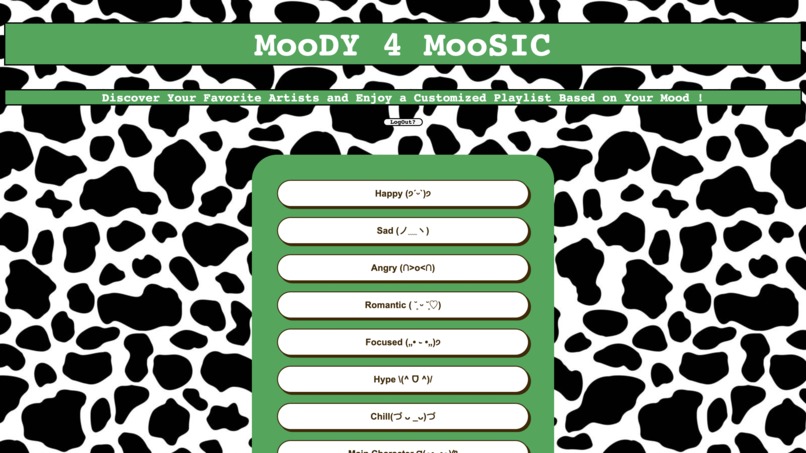
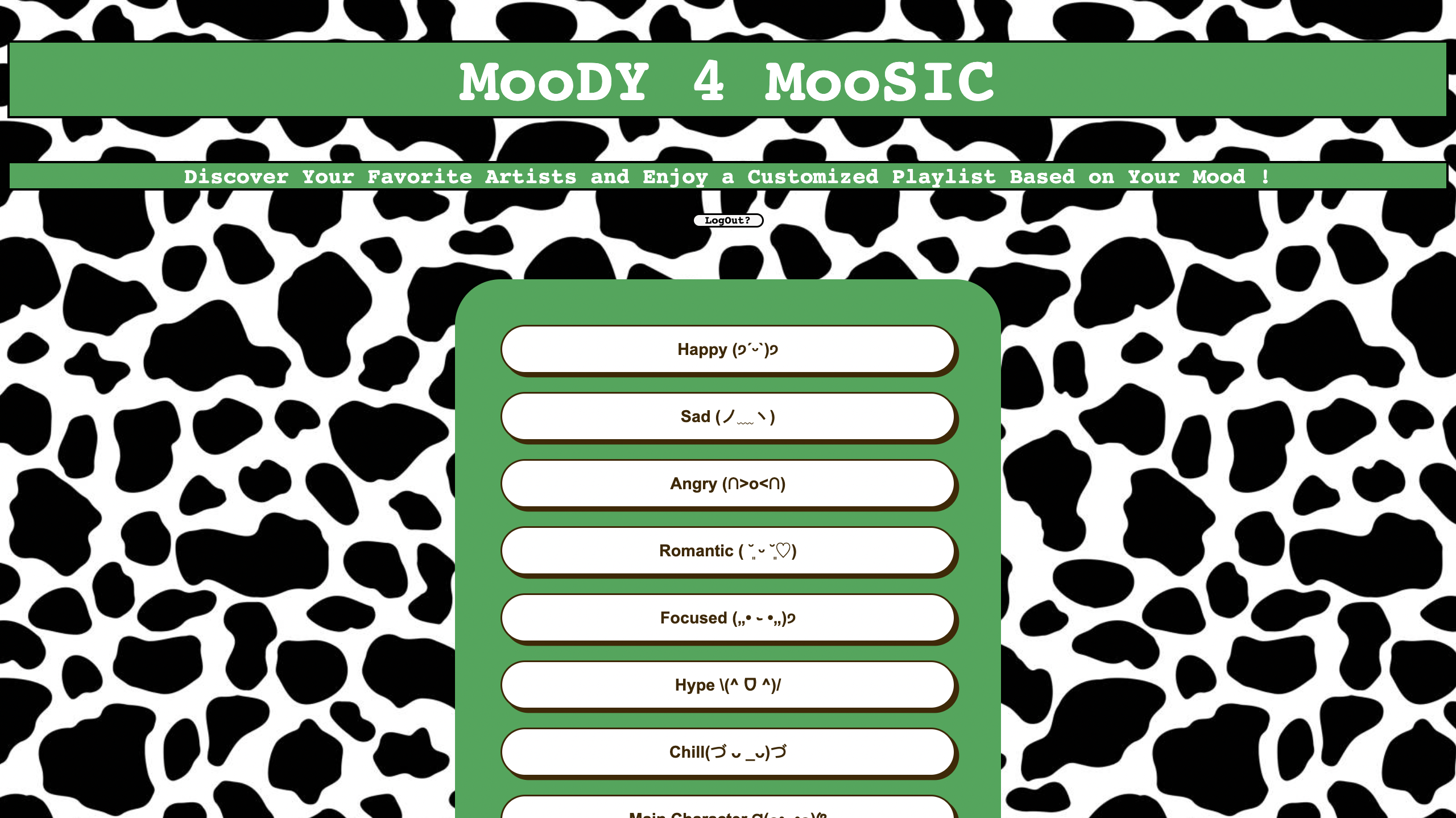
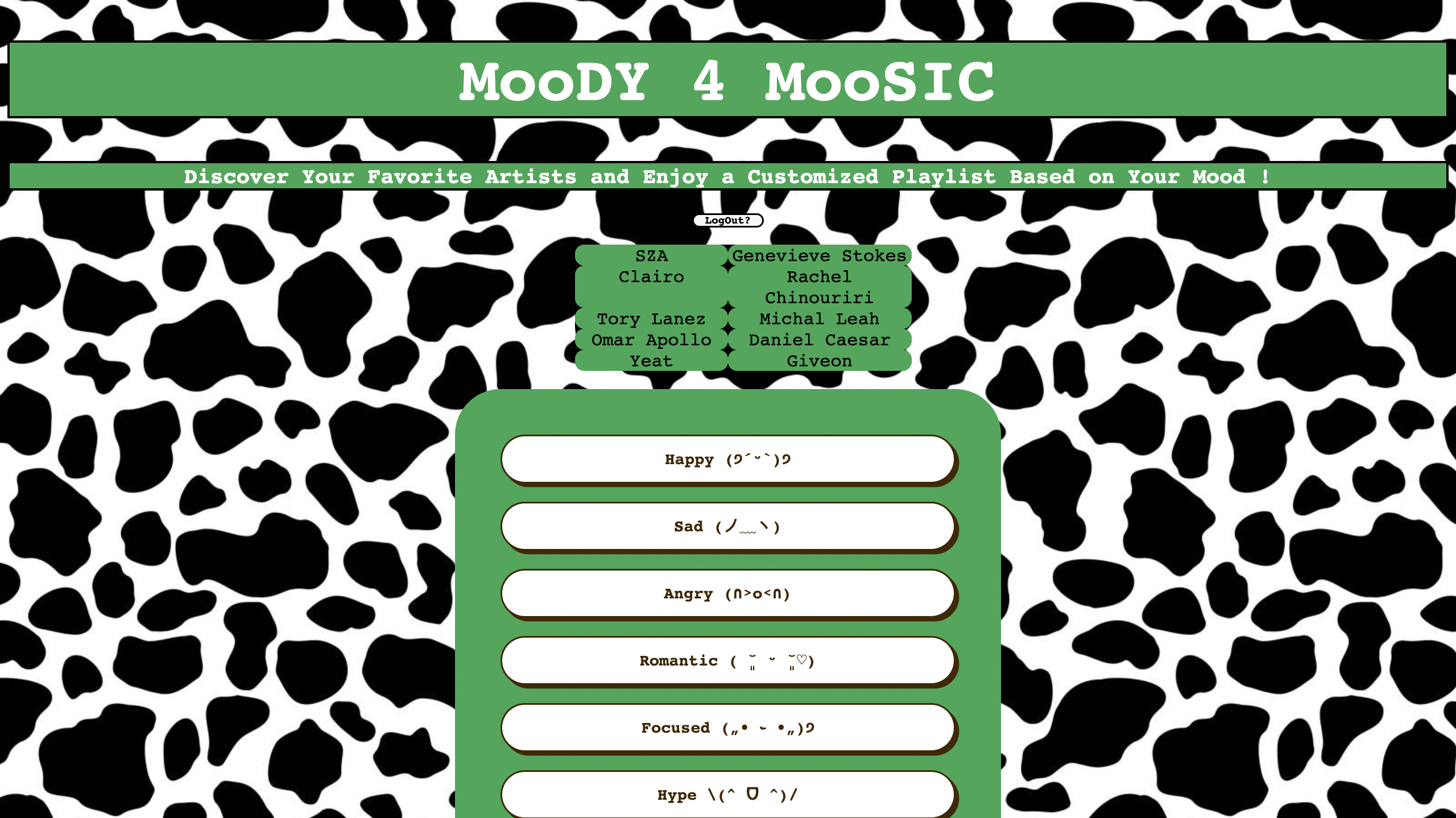
homepage
-
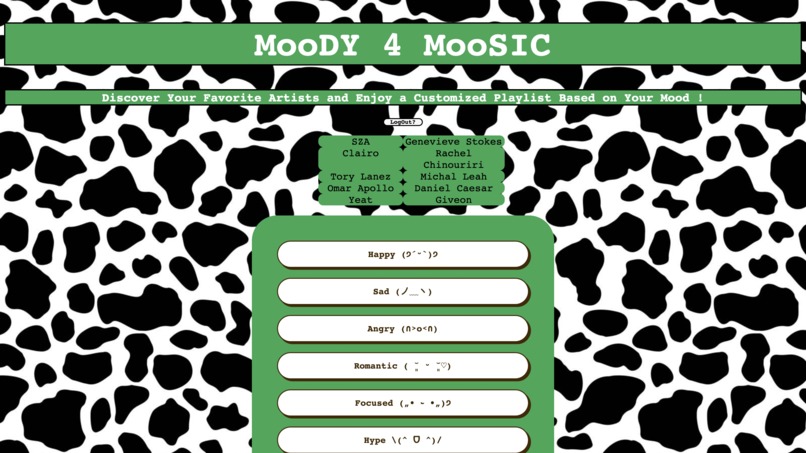
confirmation page featuring top 10 artists
-
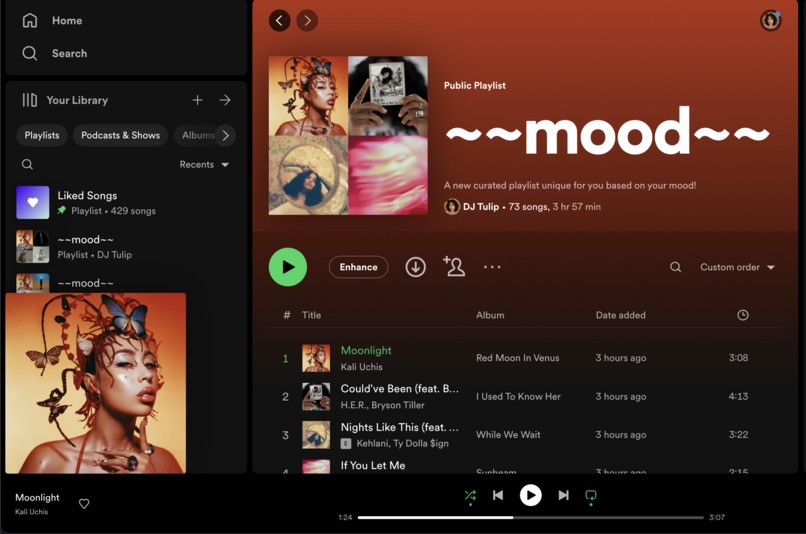
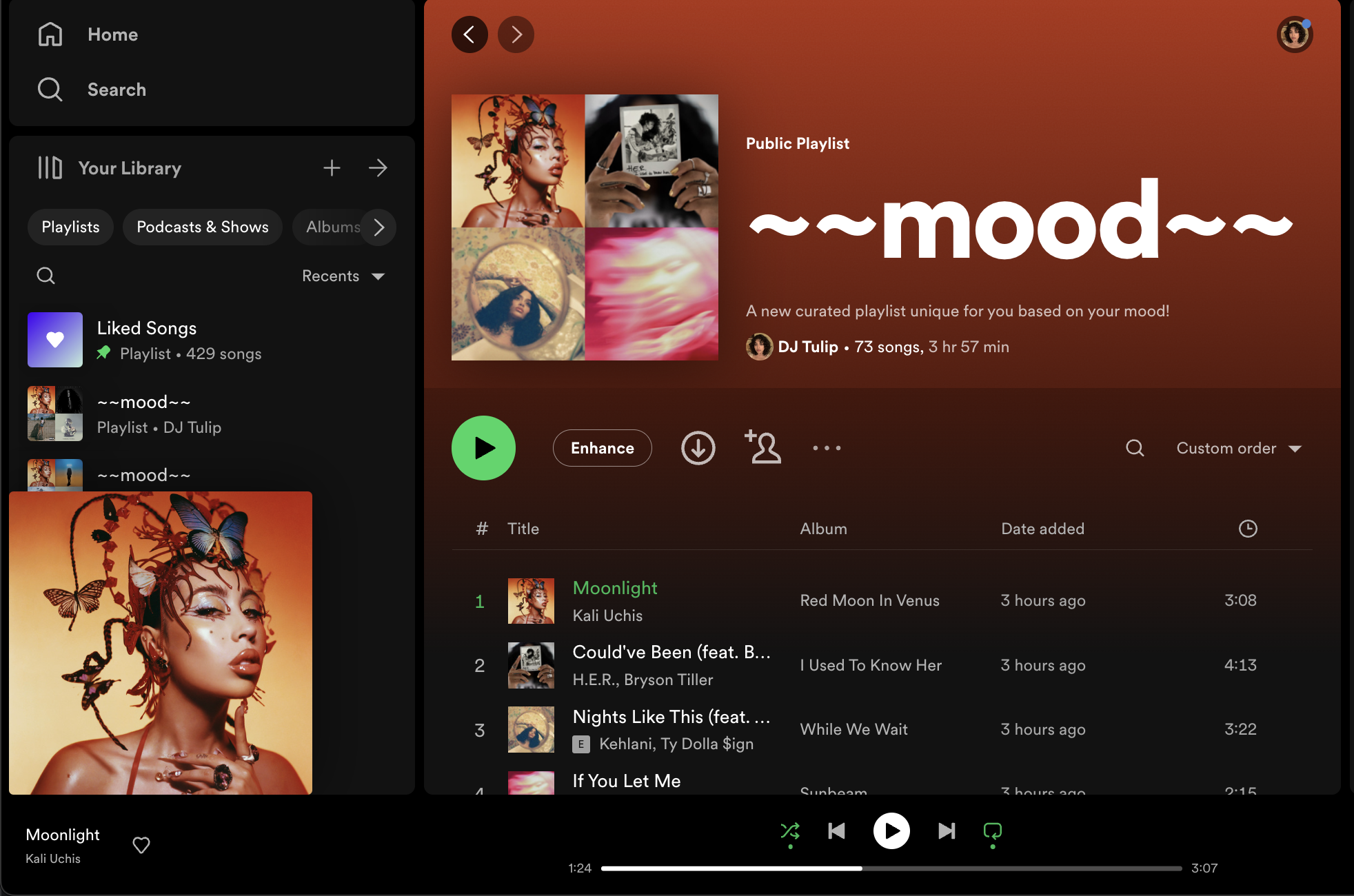
spotify playlist created by our program
Inspiration
On the first night of VenusHacks 2023, we as the MooDY 4 MooSIC team brainstormed the direction of our project. While using the given themes for guidance, we considered helping people with menstrual cycles at first by creating an educational diet website. We also considered, similarly, making a website for healthy recipes. Then we finally decided to go in a completely different, but final direction: create a website that generates personalized Spotify playlists, but more specifically based on someone's mood combined with their taste in music.
How the program works
The graphical user interface of the program was designed using HTML code, carefully designed to catch the user's attention. It used Spotify's green color scheme as well as a cow print background, inspired from the title of the product. On their screen, the user would first see a page to log into their Spotify account, where they can grant the program access to their library of top streamed artists. After this, the user would see on their screen the various buttons representing possible moods. These moods were determined from researching about Spotify's dictionary of genres, ranging from "singer-songwriter" to "house" to "reggae." These genres were categorized in MooDY 4 MooSIC as different moods, such as "happy" and "main character," to provide a variety of interesting options for the user. These categories would be keywords to eventually use for determining the final playlist, as well as become an initial filter for the user's top artists. The only top artists used to make the music recommendations would be the top artists with genres that the user's mood matched with.
After the user would click on one of these buttons, they would immediately see a list of their top ten artists. The term "top artists" refer to the user's most listened to artists. MooDY 4 MooSIC then uses the user's top ten artists to find related artists. The Spotify API determines "related artists" based on an artist ID, as provided by the backend. The user's chosen mood will then be sent from the frontend to the backend, and is used to query related artists to only include genres matching their mood's keyword. With these filtered artists, MooDY 4 MooSIC randomly selects one song from each artist, and these songs are added to a new playlist. This completed playlist is immediately synchronized into the user's Spotify account.
Challenges
As a group, all of our members had very little experience with hackathons, and as such, we expected a lot of difficulties when creating our own website. We had to learn how to use Flask and Javascript to connect the frontend and backend code, yet none of our members were proficient in its use. Additionally, since the backend functionality of our website relied on the Spotify API, we had to familiarize ourselves with calling the API using JSON format. This was very difficult, as the documentation online was only provided in Javascript, yet our group was only familiar with Python. Since the entirety of our group had also only taken lower-division computing courses, we were unsure as to how to efficiently divide up the roles. However, from this hackathon, we matured greatly and were able to effectively work together as a team to connect a website using Flask, HTML, Javascript, and Python.
Reflection
As this was a project that would take a lot of effort to complete in 36 hours maximum, we learned that it is possible to create a useful tool quickly. Now we can use this program to create fun and unique playlists, and more quickly than manually searching for and adding music ourselves.
Built With
- css
- flask
- html
- javascript
- python
- spotifyapi
- vscode


Log in or sign up for Devpost to join the conversation.