-
-
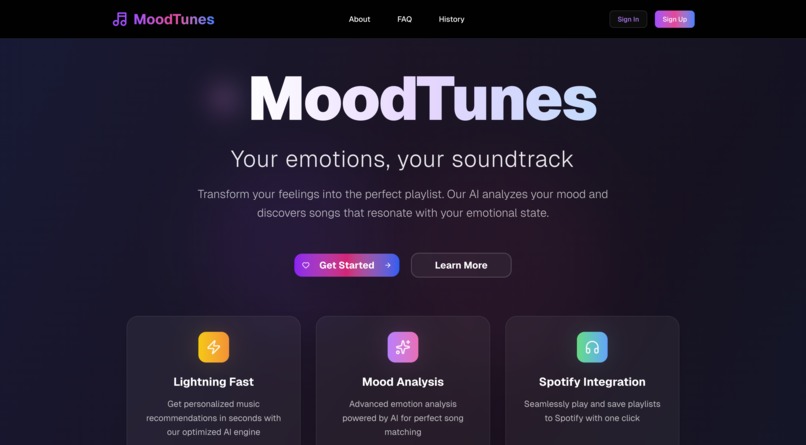
Landing Page
-
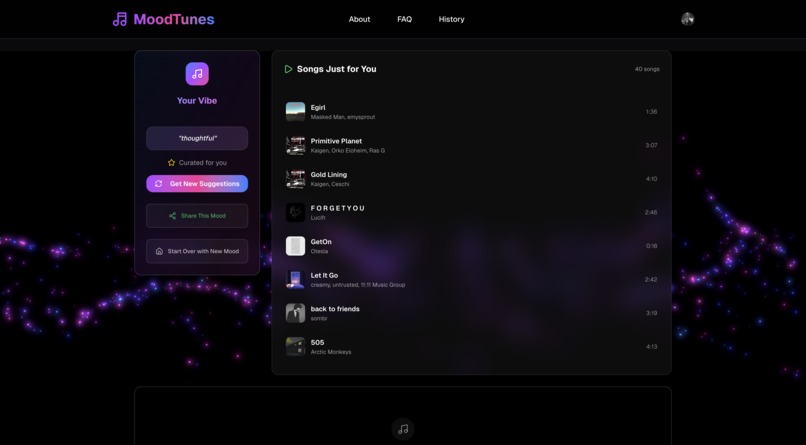
Suggestions Page
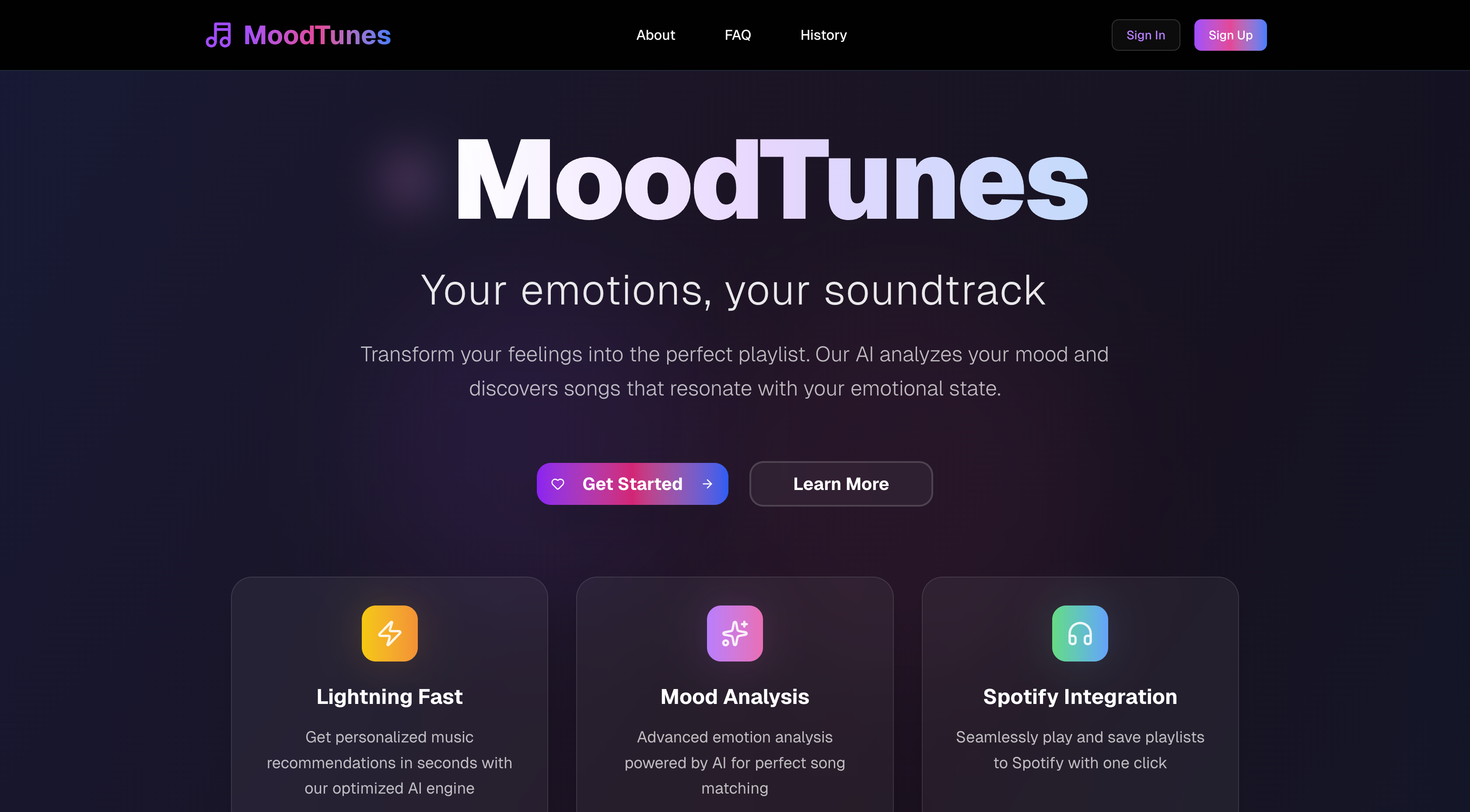
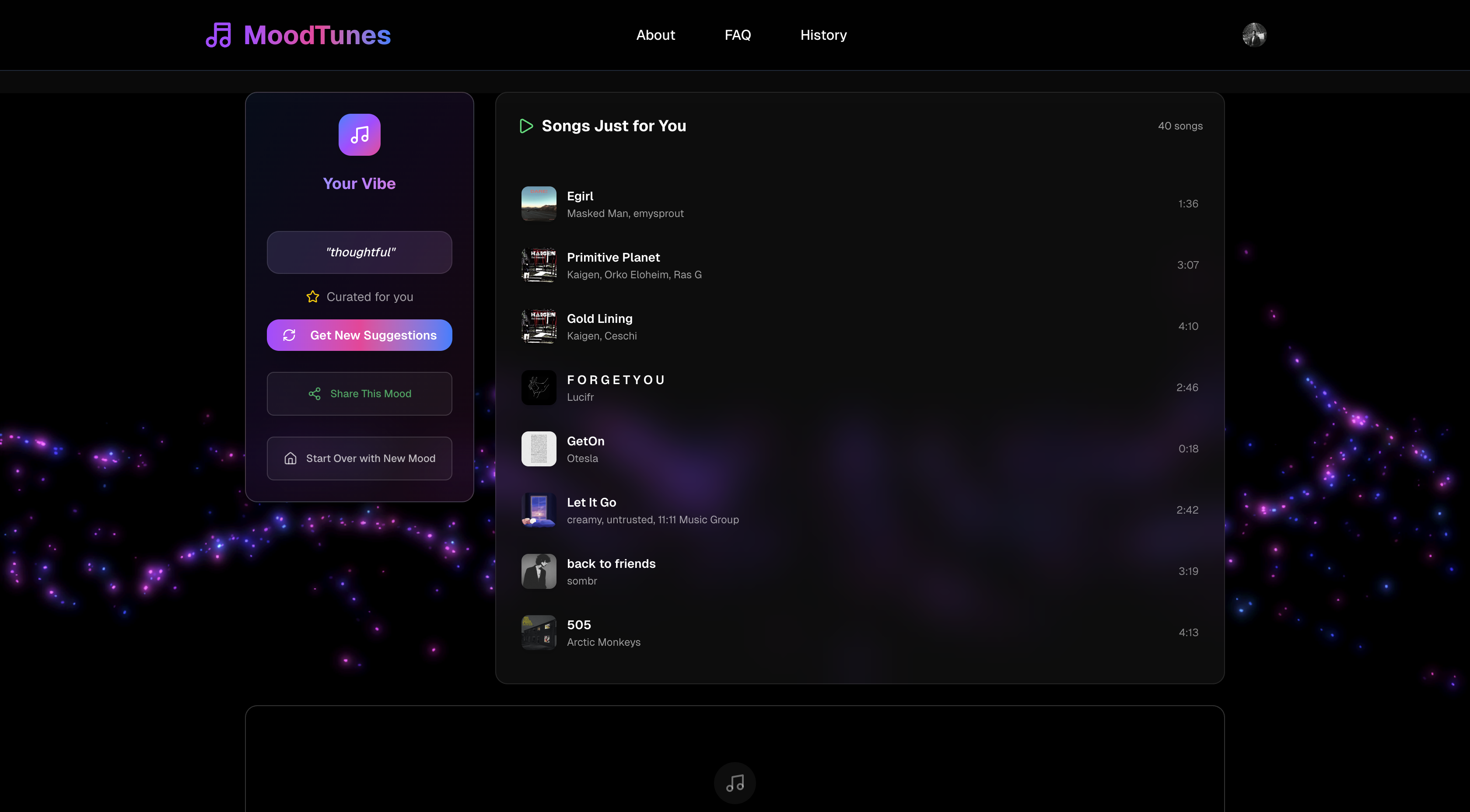
MoodTunes: Your Emotions, Your Music
The Idea
I've always found that I can process my emotions better through music. Whether I am feeling good, bad, or need some energy, there's a song out there for it. I wanted to create a playful, interactive tool that converts your emotions into a customized playlist. That's the overall idea behind MoodTunes.
How I Built It
I developed MoodTunes independently, but I did have an amazing coding buddy: an AI tool named Kiro.
- I began with a clean boilerplate using Next.js and Tailwind CSS.
- The core of the project is the Spotify Web API, which allows me to fetch songs and build playlists.
- I employed a mood analysis tool to determine how to express an individual's emotions in terms of music such as energy, positivity, and tempo.
- Clerk manages user logins, and Framer Motion provides all the smooth animations.
- Kiro was a lifesaver. I utilized it to get the groundwork for the project established, and "vibe coded" after that, rapidly building on features such as the Spotify plugin and the animations.
What I Learned
Through this project, I learned so much about integrating emotion analysis with musical data to produce insightful recommendations. I also learned how amazing it is to work with an AI teammate like Kiro—it accelerated the development process so much and made it so much more collaborative than being solely in code. And naturally, I learned a great deal about working with the particular issues of the Spotify API, such as rate limits and using its various endpoints.
Biggest Challenges
- Translating emotions: The most difficult aspect was determining how to convert a general text input such as "feeling a bit blue" into the appropriate musical parameters. It involved a lot of experimenting and trial and error.
- Spotify API: Ensuring the recommendations were always new and varied while working with API constraints was a continuous challenge. When one of the crucial recommendation endpoints was deprecated last year, I had to get creative and figure out a new way to get it to work.
- Finishing touches: I had limited time, so striking the balance between the core functionality and being polished and user-friendly was an actual balancing act.
- Flying solo: Handling the front and back end individually was a large task, but doing it with the support of Kiro made it significantly easier.


Log in or sign up for Devpost to join the conversation.