-
-
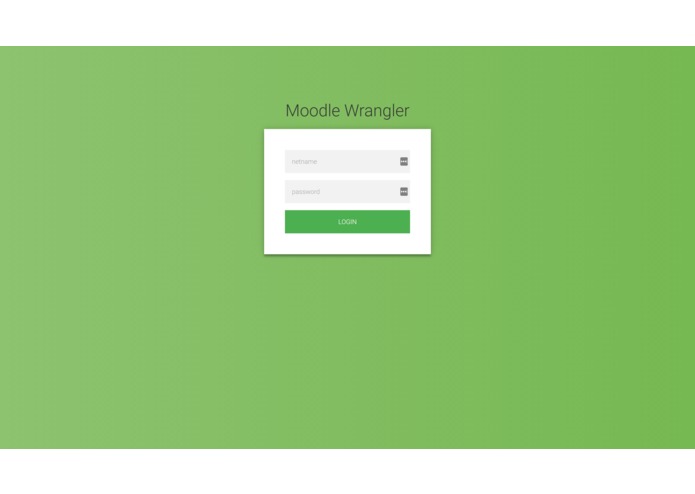
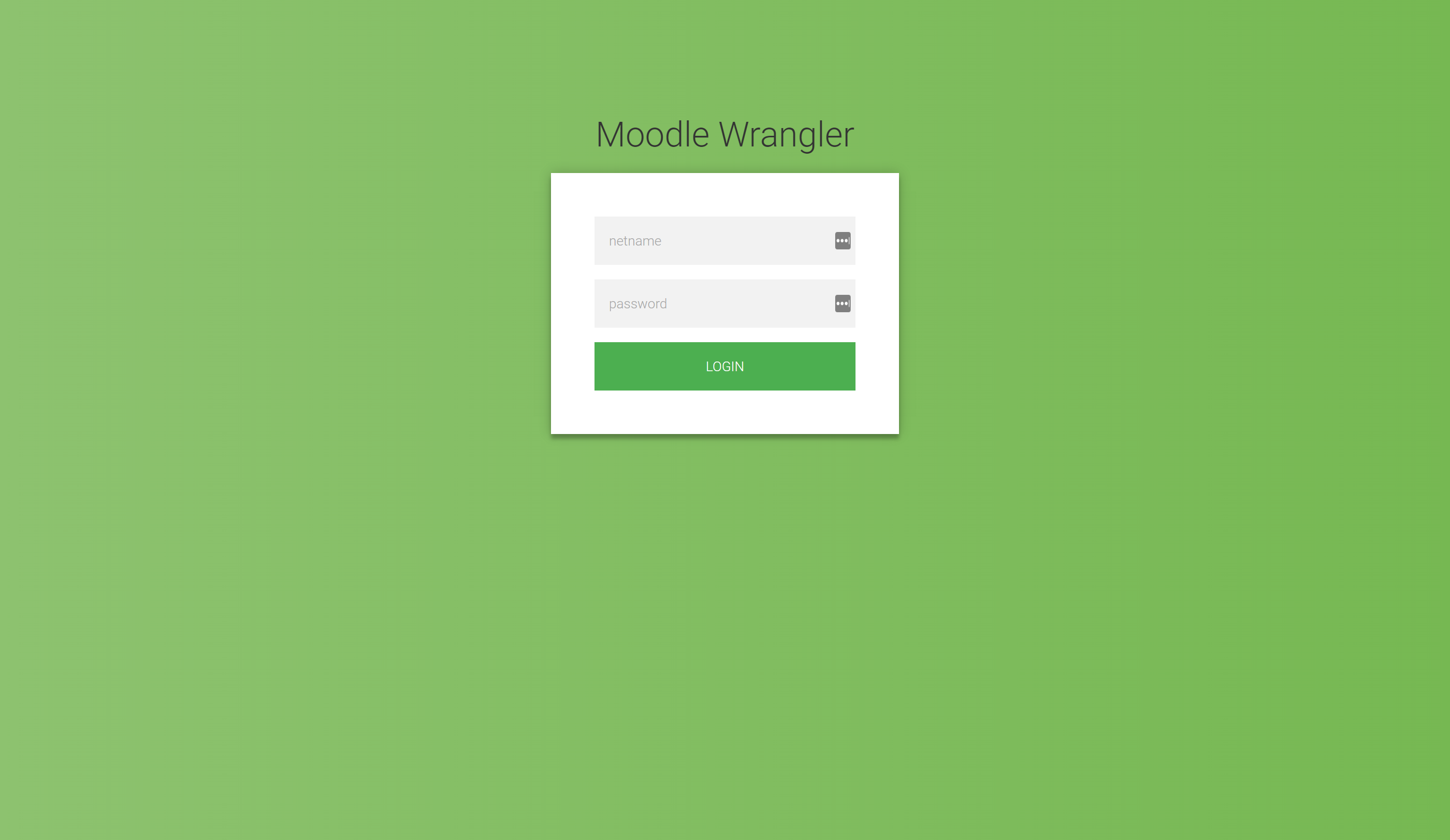
Credential entry and download
Inspiration
Too much time has been wasted on downloading individual course documents from Moodle.
What it does
Using your MyConcordia credentials, batch downloads all your Moodle documents and organizes them by course folder.
How I built it
Python 3.5 and Django using PyCharm 2016.3.2 by JetBrains
Challenges I ran into
Dynamically loaded pages (JavaScript) required a workaround to ensure all loaded content was scraped. OneDrive upload script worked in command line, but was broken in the web browser. Identifying relevant course documents (.pdf, .docs, .pptx, .txt) and handling parse errors.
Accomplishments that I'm proud of
I learnt Python and Django in one sitting and managed to make a program that will benefit Concordia students immediately and in the future (with upgrades). I created a web browser UI in an attempto make the tool accessible for all students, and not just developers.
What I learned
I learned that there are many powerful python libraries that are useful in automation and web crawling. Python development is much quicker than languages like Java, C++, etc. and a single developer can accomplish more tasks.
What's next for MoodleWrangler
Download individual course folders. Organize document hierarchy by upload date (as it is in Moodle). Google Drive, and Dropbox integration. Run MoodleWrangler as a cloud storage integration to sync with Moodle courses. Support for multiple University moodles.


Log in or sign up for Devpost to join the conversation.