-
-
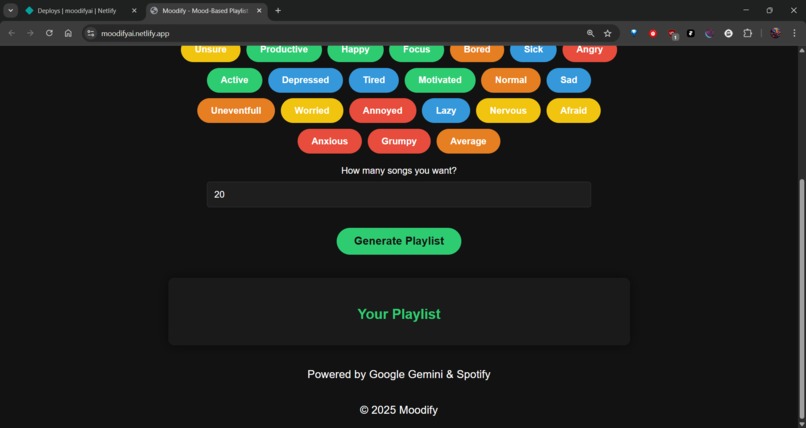
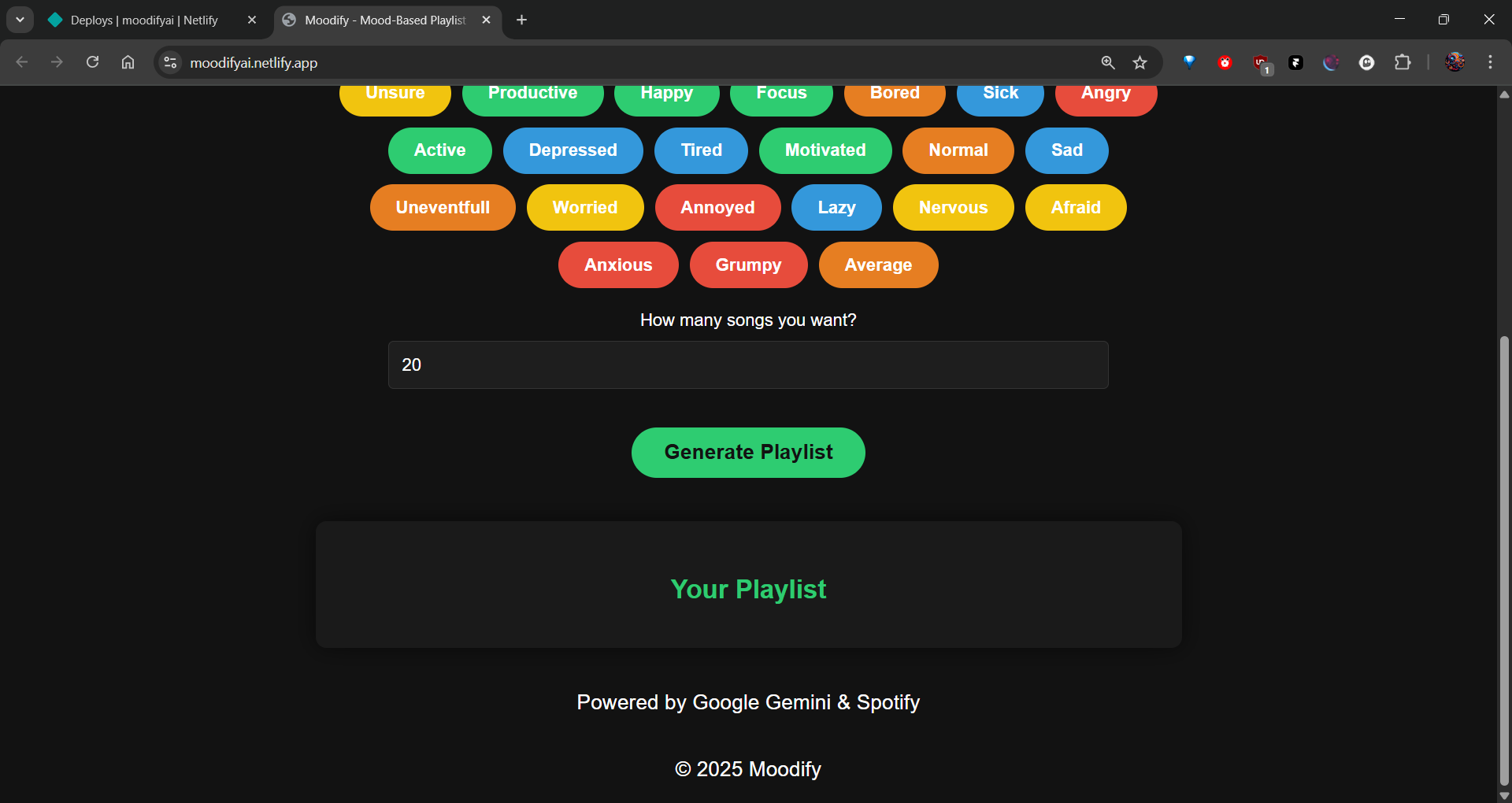
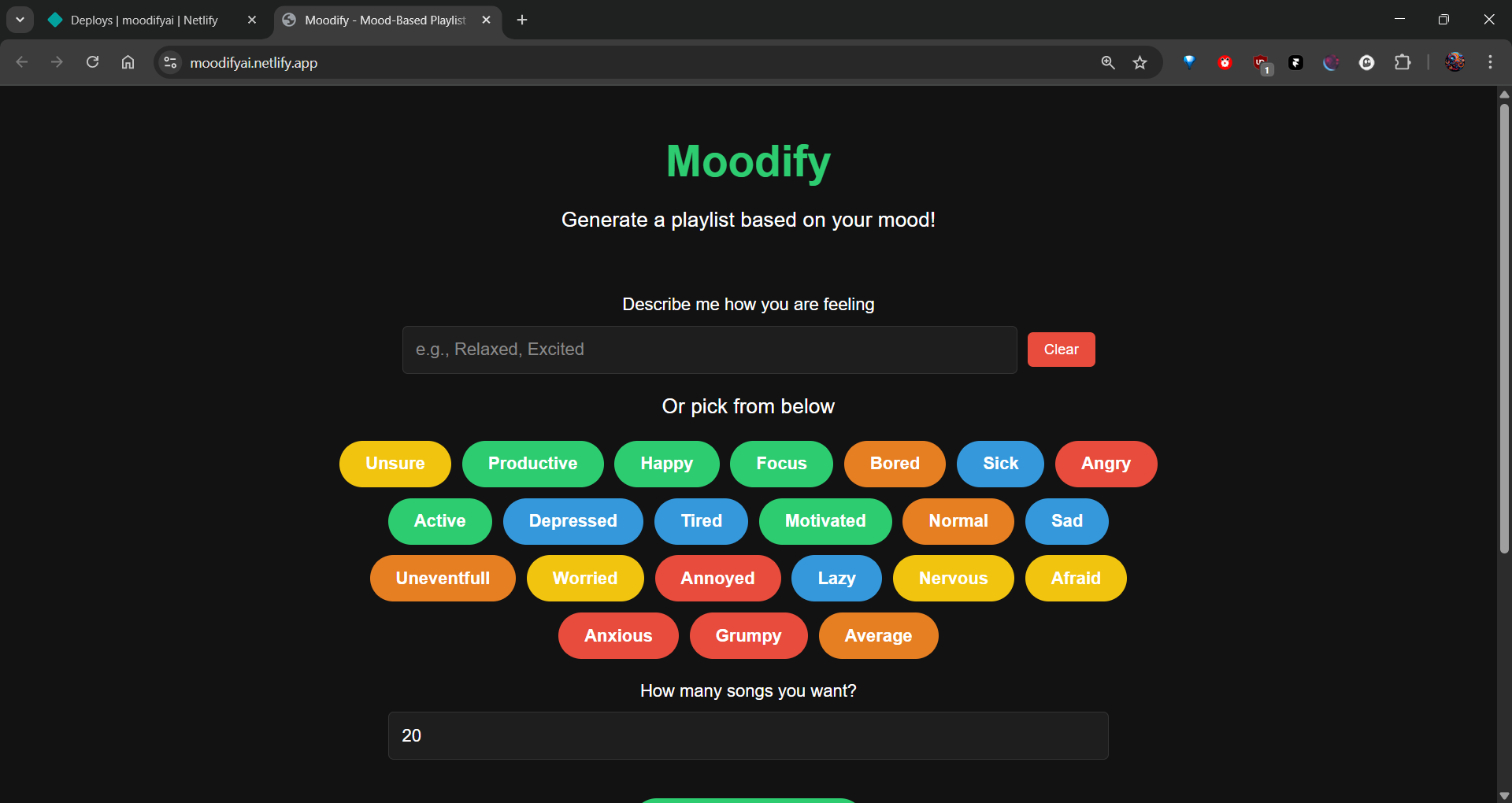
Home Page 2
-
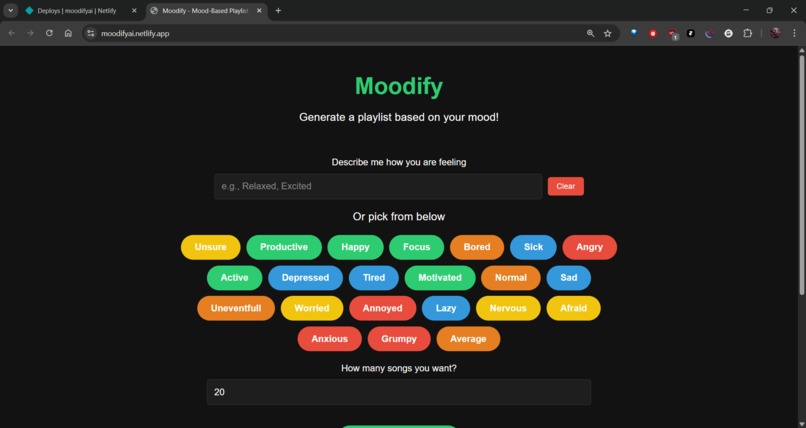
Home Page 1
-
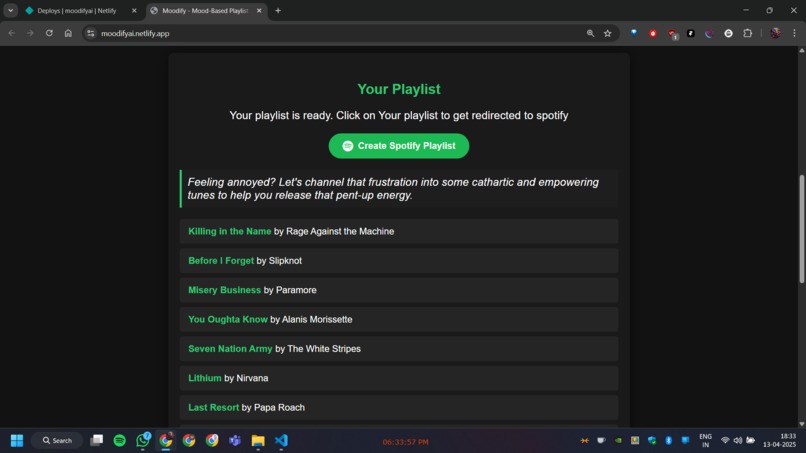
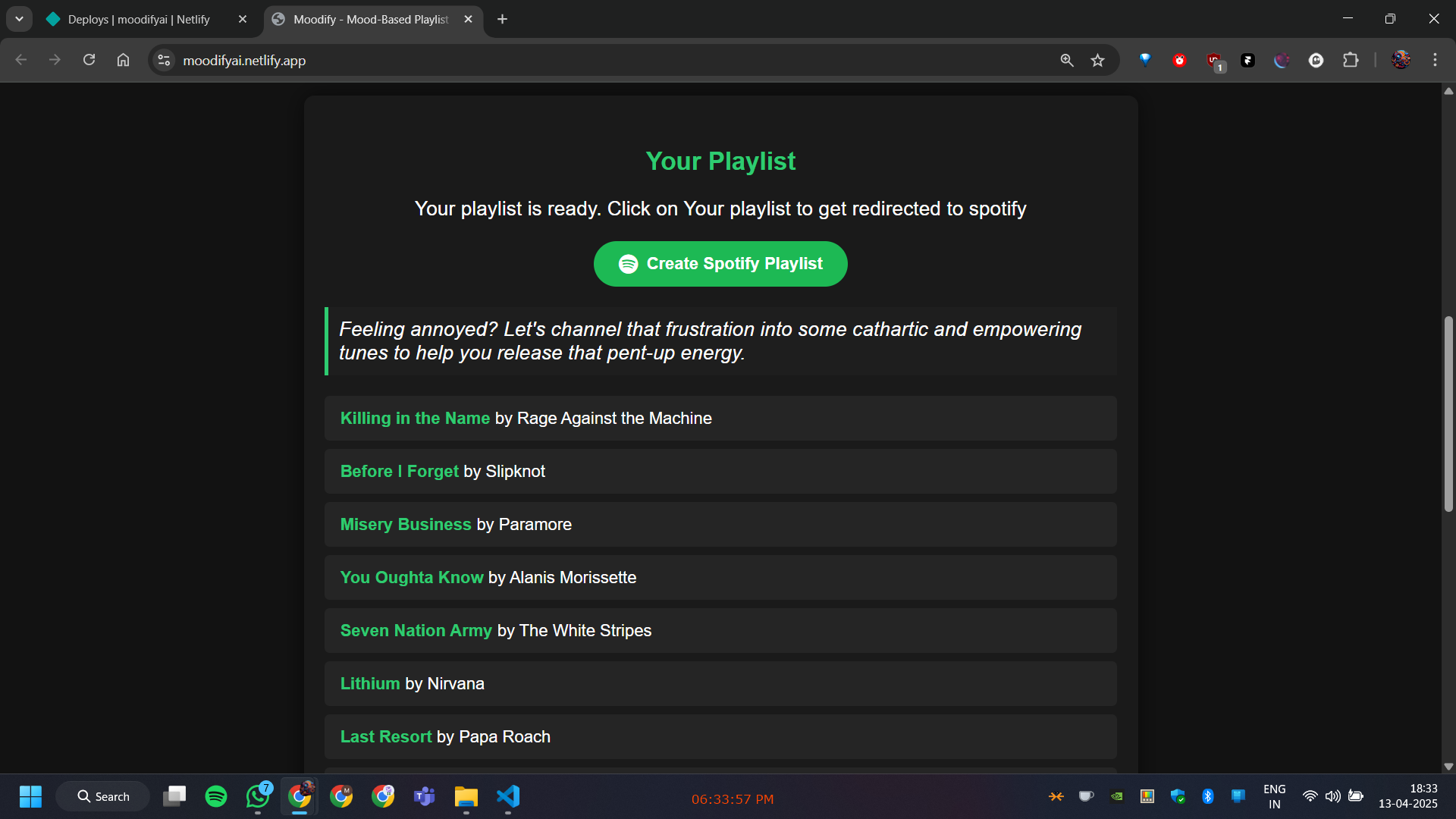
List of songs Generated
-
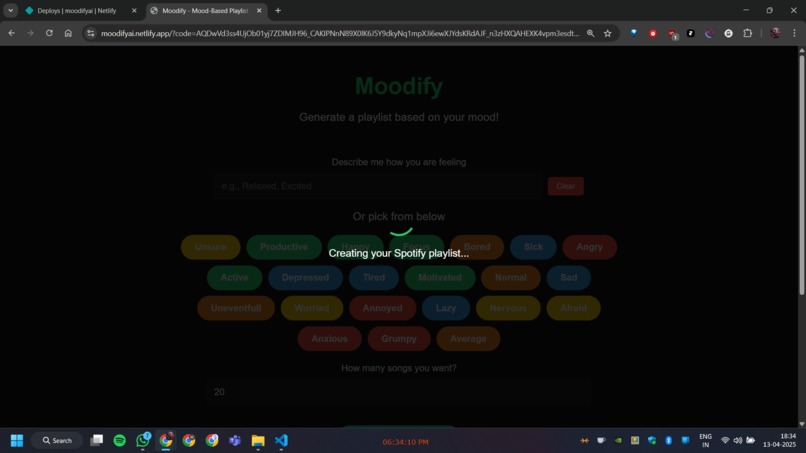
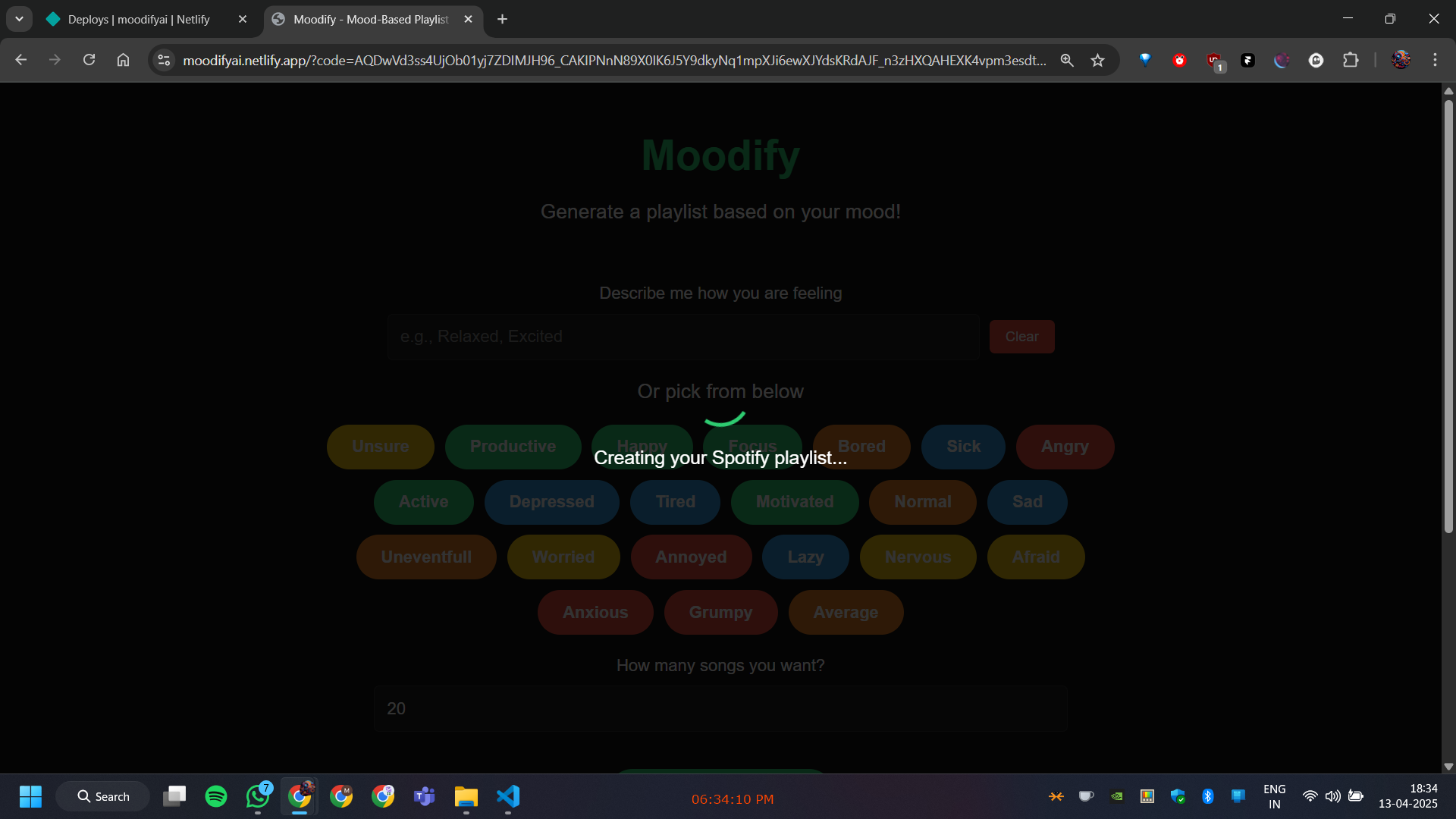
Loader
-
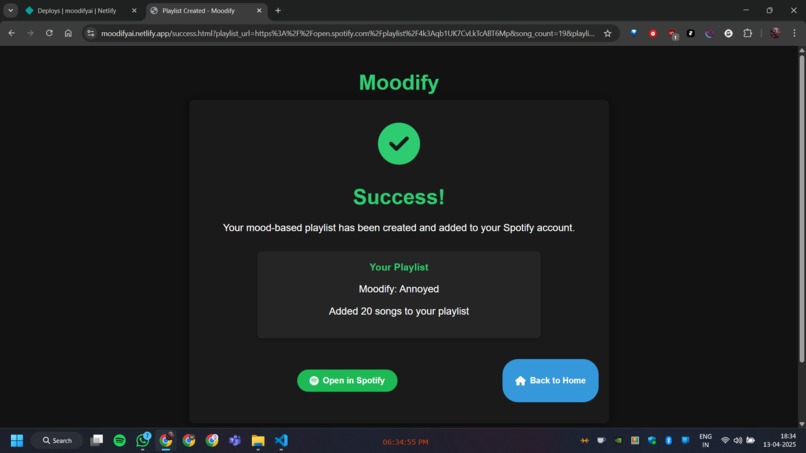
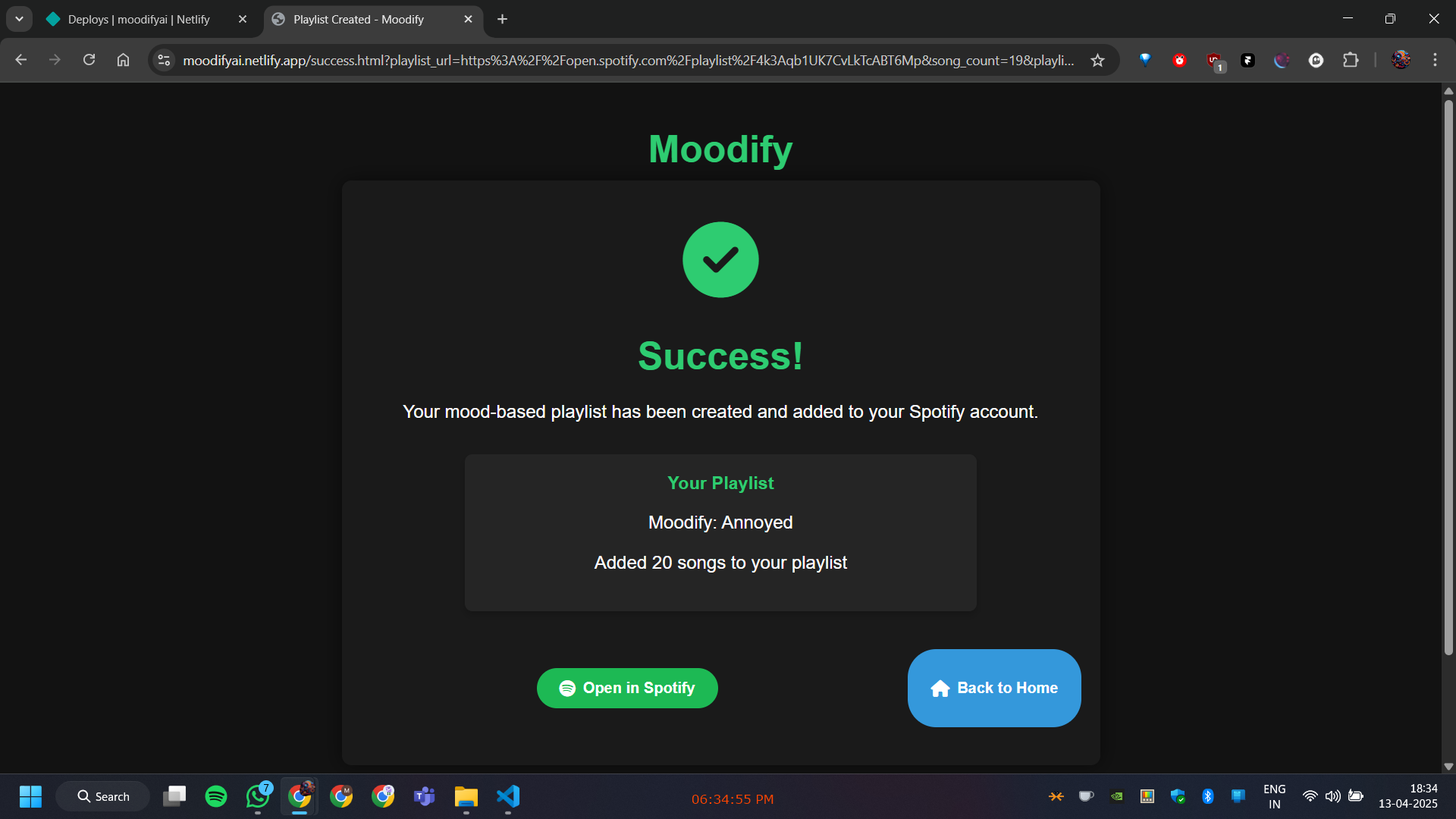
Success Page
Inspiration
The inspiration for MoodifyAI came from MLH's Hacker Guide documentation, which emphasized the importance of creating technology that positively impacts people's daily lives. Music has always been a powerful tool for emotional expression and regulation, yet finding the right songs to match our moods can be challenging. This observation, combined with the emerging capabilities of AI in understanding human emotions, sparked the idea for a tool that could bridge this gap.
What it does
MoodifyAI is an intelligent web application that creates personalized Spotify playlists based on users' emotional states. Users can either select from predefined mood options or describe their feelings in natural language. The application then:
- Analyzes the emotional context using Google's Gemini AI
- Generates a curated list of songs that resonate with the user's mood
- Creates a custom Spotify playlist
- Automatically adds the selected songs to the user's Spotify account
The application ensures a seamless experience from mood input to playlist creation, making it easier for users to find music that matches their emotional state.
How I built it
MoodifyAI is built using a modern tech stack:
- Frontend: HTML5, CSS3, and vanilla JavaScript for a lightweight, responsive interface
- Google's Gemini AI API for natural language processing and emotional context analysis
- Spotify Web API for music search and playlist management
- OAuth 2.0 for secure user authentication
- Custom algorithms for mapping emotional contexts to musical attributes
We implemented a client-side architecture that maintains security while handling sensitive API interactions and user authentication flows.
Challenges I ran into
Backend Architecture: Operating without a traditional backend server presented unique challenges for API key security and state management.
API Integration Complexity:
- Gemini AI: Rate limiting and response formatting required careful handling
- Spotify API: Managing OAuth flows and token refreshing on the client side
Security Considerations: Protecting API keys and handling user authentication securely in a client-side application required innovative solutions.
Spotify Development Mode: Working within Spotify's API restrictions for development apps limited our ability to test with a broader user base.
Accomplishments that I am proud of
- Created a seamless user experience from mood input to playlist creation
- Successfully integrated two complex APIs (Gemini AI and Spotify)
- Implemented robust error handling and user feedback mechanisms
- Developed an intuitive UI that makes emotional expression natural and engaging
- Built a scalable solution that can evolve with user needs
What I learned
- OAuth 2.0 implementation and best practices
- API integration and error handling strategies
- Client-side security considerations
- The importance of user feedback in refining AI-generated content
- Managing API rate limits and optimization techniques
- The complexities of emotion-to-music mapping
What's next for MoodifyAI
Enhanced Security:
- Implementing a backend server for secure API key management
- Adding additional layers of data protection
Performance Optimization:
- Faster response times through caching mechanisms
- Improved song matching algorithms
Feature Enhancements:
- Animated UI elements reflecting user emotions
- Integration with more music streaming platforms
- Support for collaborative playlists
- Inclusion of recently released songs in recommendations
Public Availability:
- Completing Spotify's app review process
- Scaling infrastructure for public access
- Implementing user analytics for better recommendations
UI/UX Improvements:
- Dynamic emotion-based animations
- More intuitive mood selection interface
- Enhanced playlist customization options


Log in or sign up for Devpost to join the conversation.