-
-
Home
-
Sentiment Feedback
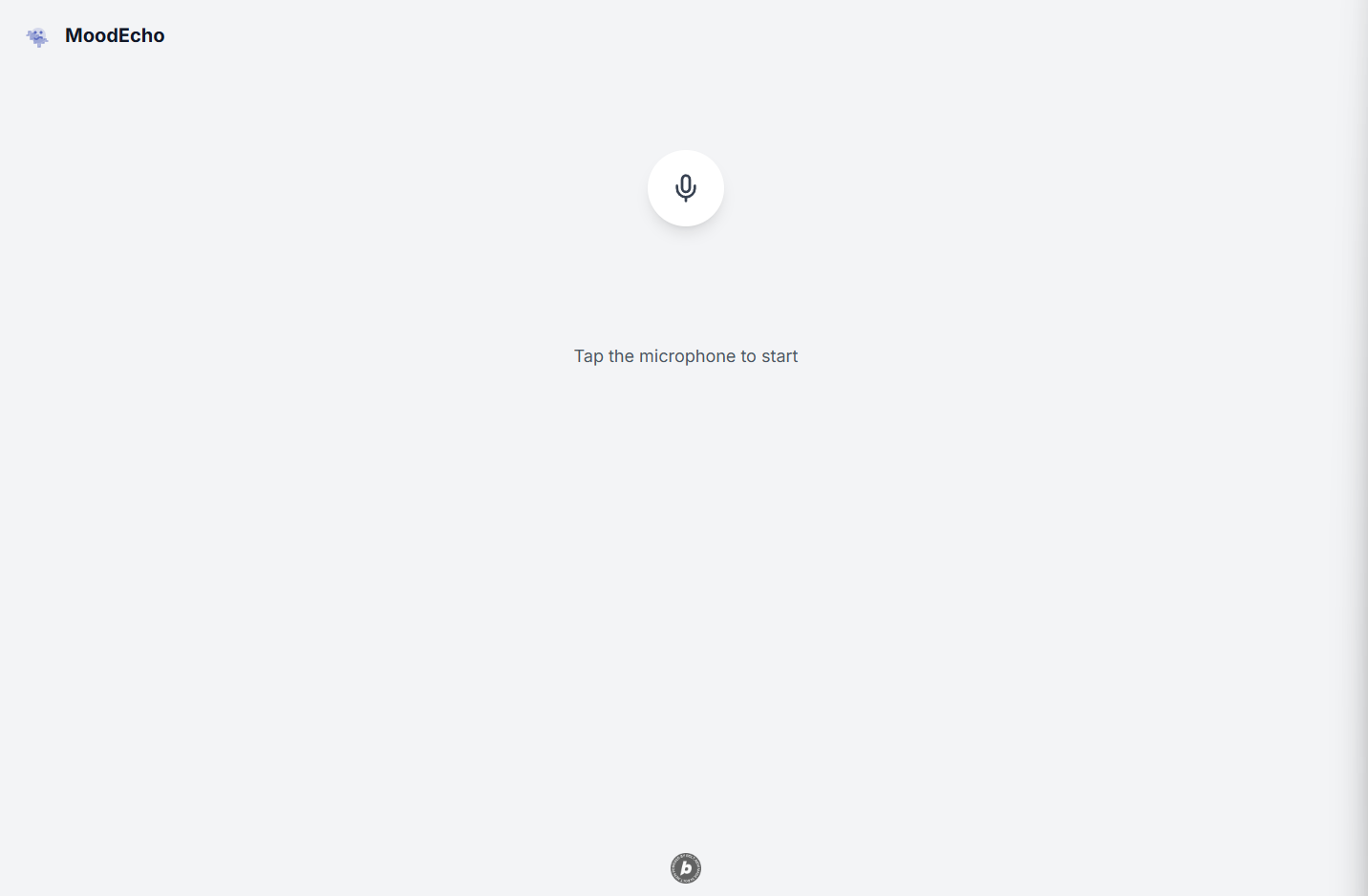
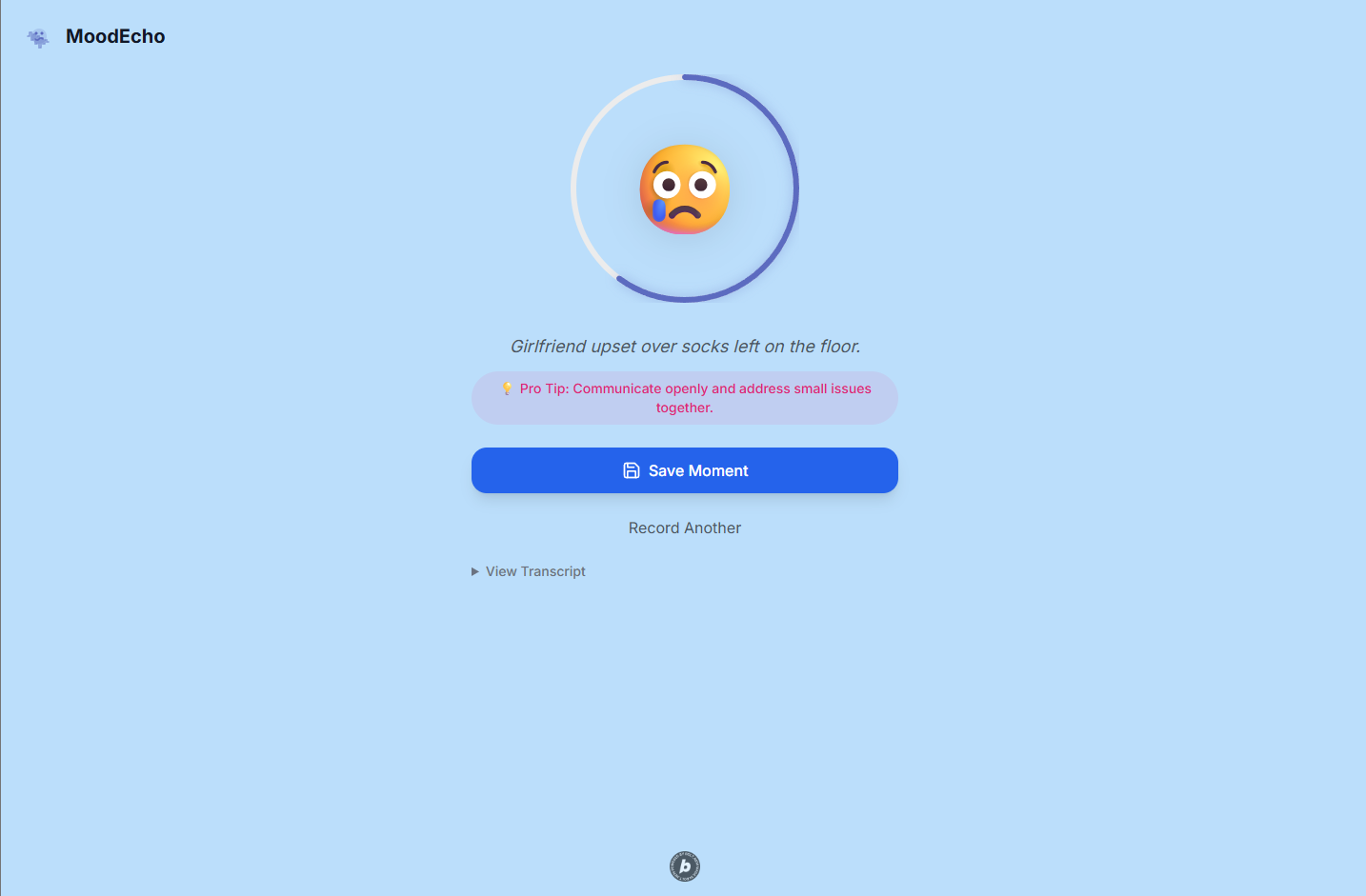
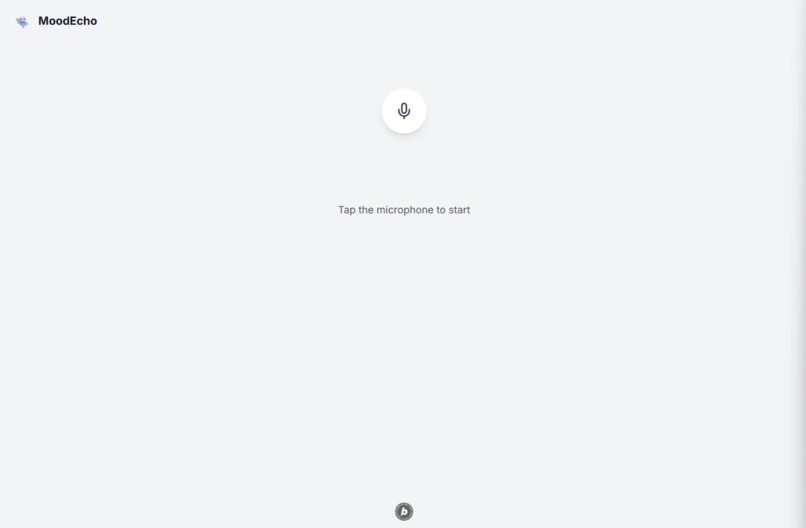
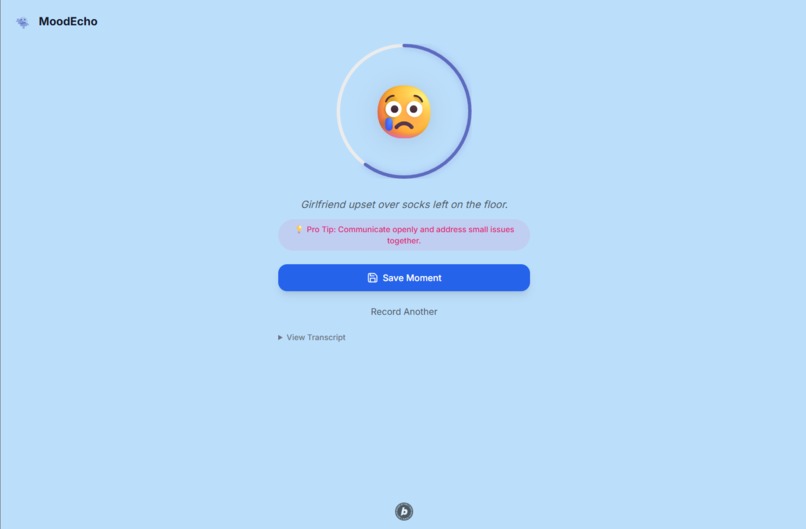
MoodEcho - Voice Mood Analysis
An AI-powered voice mood analysis application that helps you understand your emotional state through speech
About the Project
What Inspired This Project
In our fast-paced digital world, we often lose touch with our emotional well-being. I was inspired to create MoodEcho after realizing how difficult it can be to articulate our feelings, especially during stressful times. The idea came from observing how our voice naturally carries emotional undertones - the subtle changes in tone, pace, and inflection that reveal our true state of mind.
I wanted to build something that could bridge the gap between technology and emotional intelligence, making it easier for people to understand and track their moods without the friction of typing or complex interfaces. Just speak, and let AI do the rest.
What I Learned
Building MoodEcho was an incredible learning journey that pushed me to explore several cutting-edge technologies:
AI Integration: Working with multiple AI APIs taught me the importance of prompt engineering and handling asynchronous AI responses. I learned how to craft system prompts that produce consistent, structured outputs from OpenAI's GPT-4.
Audio Processing: Implementing real-time audio recording in the browser was more complex than expected. I discovered the intricacies of the MediaRecorder API, audio formats, and cross-browser compatibility issues.
Edge Functions: Using Supabase Edge Functions introduced me to serverless architecture and the challenges of handling multipart form data in a Deno environment.
User Experience Design: Creating an intuitive interface for something as abstract as "mood analysis" required careful consideration of visual feedback, loading states, and error handling.
API Integration Patterns: I learned valuable lessons about error handling, timeout management, and graceful degradation when working with external APIs.
How I Built This Project
1. Foundation & Planning
- Started with a React + TypeScript + Vite setup for modern development experience
- Chose Tailwind CSS for rapid, consistent styling
- Designed the user flow: Record → Analyze → Display → Save
2. Frontend Development
- Built a custom audio recording hook (
useAudioRecording) with proper cleanup and error handling - Created reusable components like
RadialProgressfor mood intensity visualization - Implemented state management for the complex recording/analysis flow
- Added smooth animations and transitions for a polished user experience
3. Backend Architecture
- Developed a Supabase Edge Function to handle the AI pipeline
- Integrated ElevenLabs Speech-to-Text API for accurate transcription
- Connected OpenAI GPT-4 for mood analysis with structured JSON responses
- Implemented proper CORS handling and error management
4. AI Pipeline Design
- Audio File → ElevenLabs Transcription → OpenAI Analysis → Structured Response
- Crafted specific prompts to ensure consistent mood categorization and helpful advice
- Added validation and fallback mechanisms for AI responses
5. Polish & Production
- Added local storage for saving mood moments
- Implemented toast notifications and loading states
- Created responsive design that works across devices
- Added accessibility features and proper ARIA labels
Challenges I Faced
Audio Format Compatibility: Different browsers handle audio recording differently. I had to experiment with various MIME types and recording parameters to ensure consistent quality across platforms.
API Integration Complexity: The ElevenLabs API documentation wasn't immediately clear about the exact FormData structure required. I spent considerable time debugging the multipart form data format, learning that parameter names and file handling needed to be precise.
Edge Function Debugging: Debugging serverless functions is inherently more challenging than traditional server development. I had to implement comprehensive logging and error handling to troubleshoot issues in production.
State Management: Managing the complex state transitions (idle → recording → analyzing → results → error) while maintaining a smooth user experience required careful planning and testing.
AI Response Consistency: Getting consistent, well-formatted responses from OpenAI required iterative prompt engineering and robust JSON parsing with fallback mechanisms.
Real-time Feedback: Implementing the recording timer and visual feedback while maintaining performance was trickier than expected, especially ensuring smooth animations during state transitions.
Key Technical Decisions
- Supabase over traditional backend: Chose Supabase Edge Functions for their simplicity and built-in CORS handling
- Local storage over database: For MVP, local storage provides immediate functionality without user accounts
- Component composition: Built reusable components that could be easily tested and maintained
- TypeScript throughout: Ensured type safety across the entire application, especially for AI response handling
What's Next
- User authentication and cloud storage for mood history
- Advanced analytics and mood trends over time
- Integration with calendar apps for context-aware insights
- Mobile app version with native audio recording
- Group mood analysis for teams and families


Log in or sign up for Devpost to join the conversation.