-
-
moodly logo
-
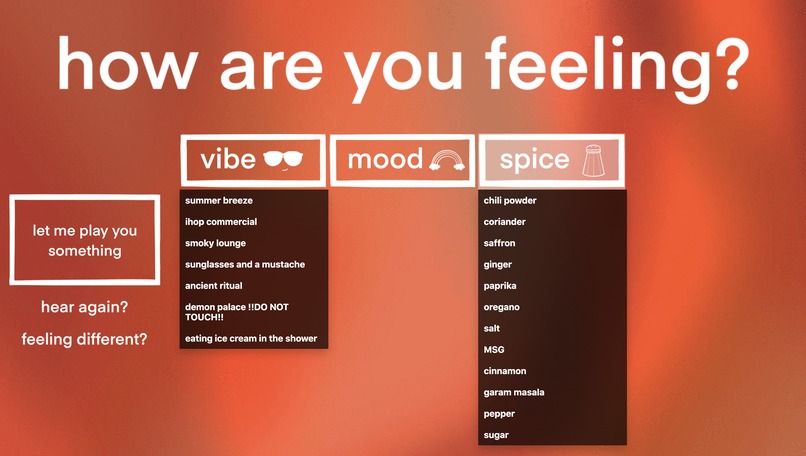
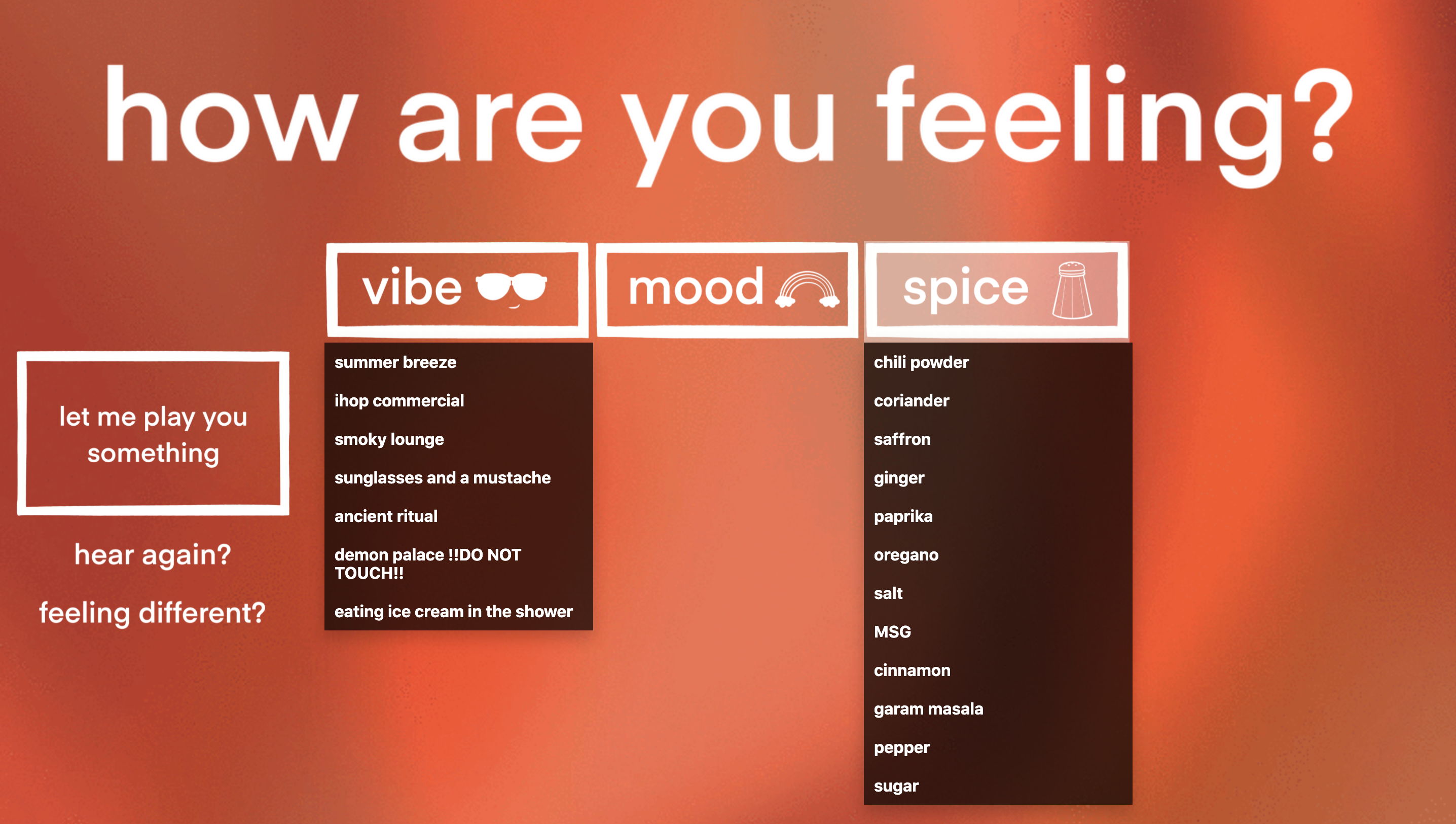
homepage / selection screen (two drop downs open) [orange]
-
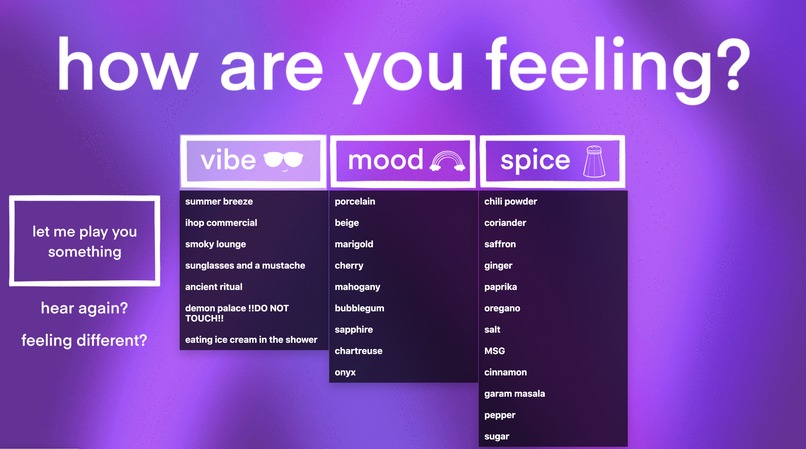
homepage / selection screen (all drop downs open) [purple]
-
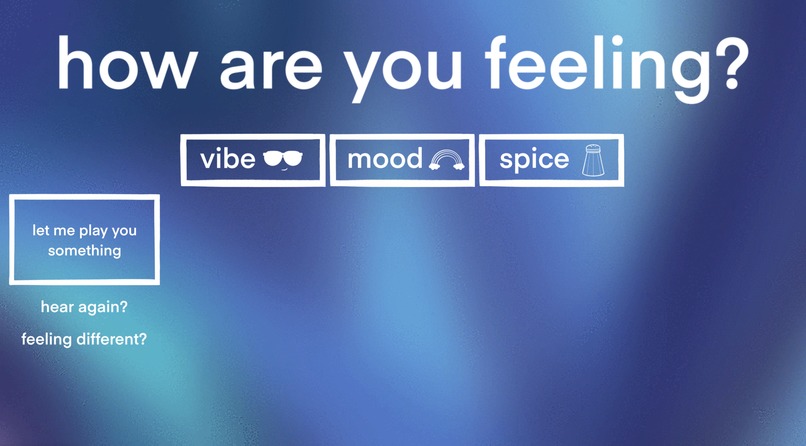
homepage / selection screen (no drop downs open) [blue]


Inspiration
Our team is particularly musically-inclined, so we wanted to make an app that would allow us to connect our interest in music with our interest in computer science. Additionally, services like Spotify are known for having playlists based on different situations and moods, and we wondered if we could do the opposite; instead of finding songs that are associated with a specific mood, what if we actually made the songs?
What it does
Moodly is a Python3 based web application that creates a personalized audio snippet using a synthesizer and chord progression generator based on three user-selected modifiers: the mood, the vibe, and the spice.
How we built it
Backend: We wrote four python scripts: one to create the synthesizer/audio engine, one to create the chord progressions by procedurally and randomly generating chord classes based on three types of modifiers, one to combine the two scripts and create audio data (a wav file) from theoretical musical data (array of chord objects), and a final python to script to connect the frontend with the backend (mapping buttons to trigger functions, etc).
Frontend: The frontend was coded entirely with HTML, CSS, and Javascript, heavily focusing on tags and dropdown menus. The user can click on each of the three modifier buttons and select an option from the dropdown. Once all three options are chosen, they can press “let me play you something” to generate a unique chord progression based on their answers and play a .wav file created from the python script. The user also has the option to hear the tune again if they wish, and they can also click “feeling different?” to change their answers and generate a new tune.
Design: The background images and buttons on this single-page web application were hand drawn in Procreate, with a minimalist style that ensures the site is pleasant to look at and not complicated to navigate. The color changing background is a repeating gif made from multiple drawings, and fades between different colors of the rainbow, subtly representing the variety of colors associated with moods.
Challenges we ran into
-Not only did we have to build a synthesizer, but we had to figure out how to configure our progression generator to feed our synthesizer the correct data types.
-Converting a theoretical note and object classes into literal sound
-Loading the final WAV files into the web app dynamically proved challenging due to structural differences between the scipy function used to generate the file and the django setup.
Accomplishments that we're proud of
-Creation of a matrix-based voice leading algorithm
-Managing to make our website look like our hand-drafted design, even though some aspects were more difficult this way
What we learned
-How to create a functional webpage with HTML and CSS
-Development of a dynamic webapp using django & python
-Development of a relatively sophisticated synthesizer
-Development of complex music creation algorithms
What's next for Mood.ly Procedural Music Generator
Next steps involve smoothing out kinks in the connection between the back-end and the front end. As is, we can generate chord progressions fairly well, but actually presenting those chord progressions to the user presents a challenge. This may involve redesigning some of the methods we use to save the wav file, as we ran into some compatibility issues that proved challenging.

Log in or sign up for Devpost to join the conversation.