-
-
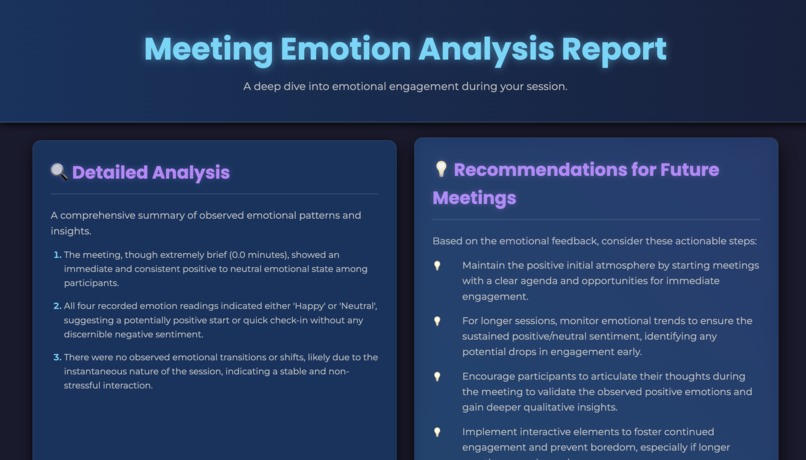
Meeting report
-
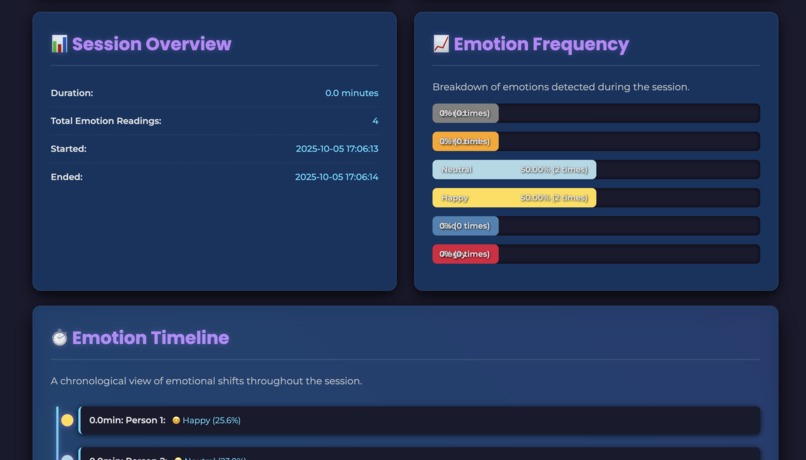
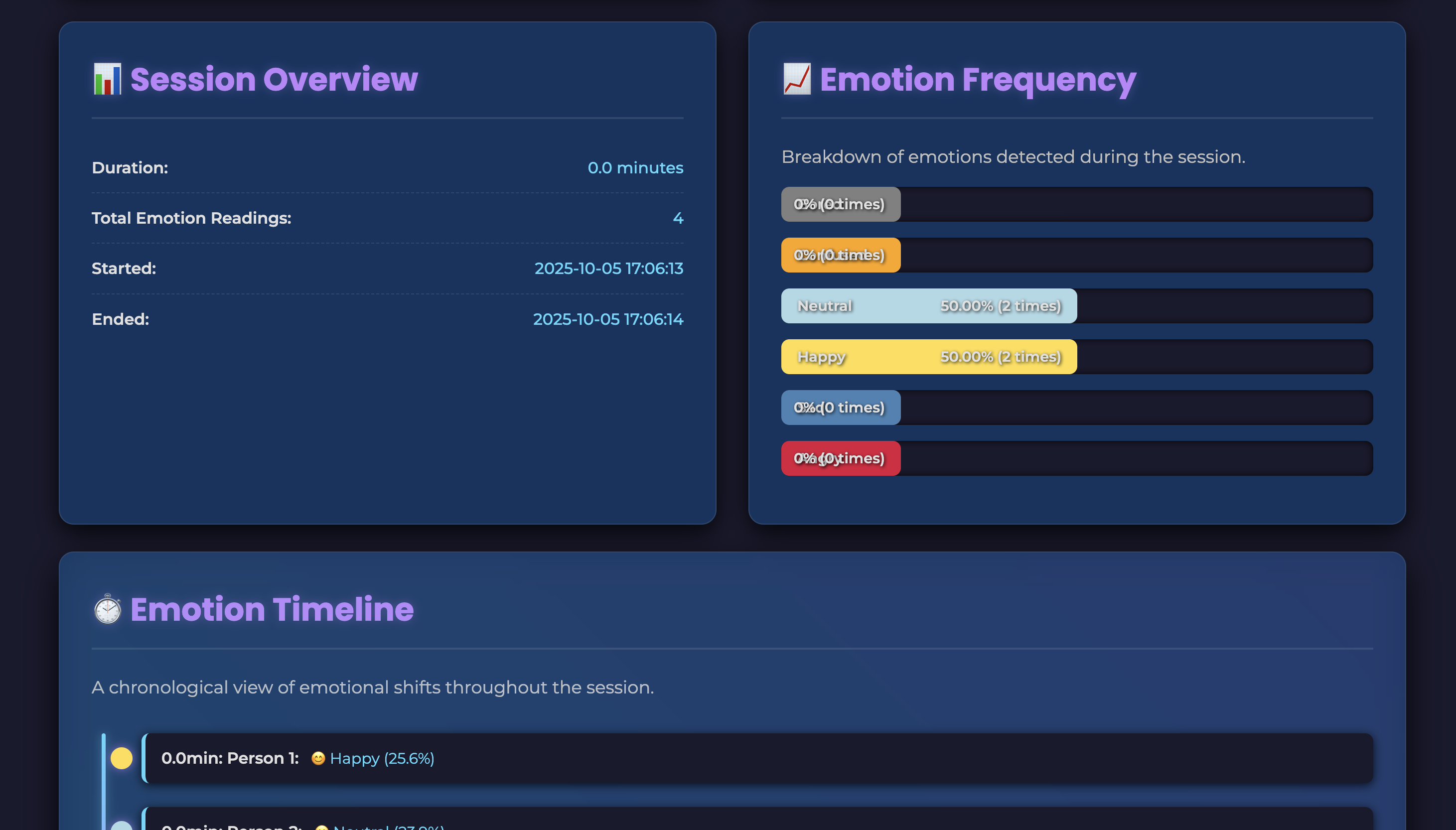
Meeting Statistics
-
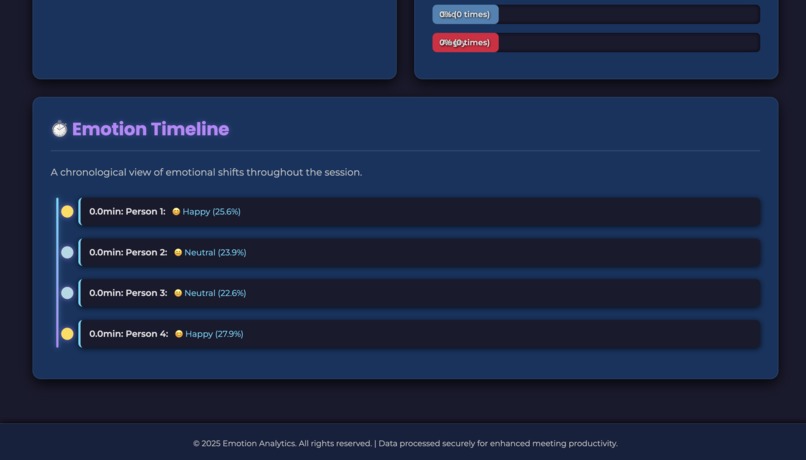
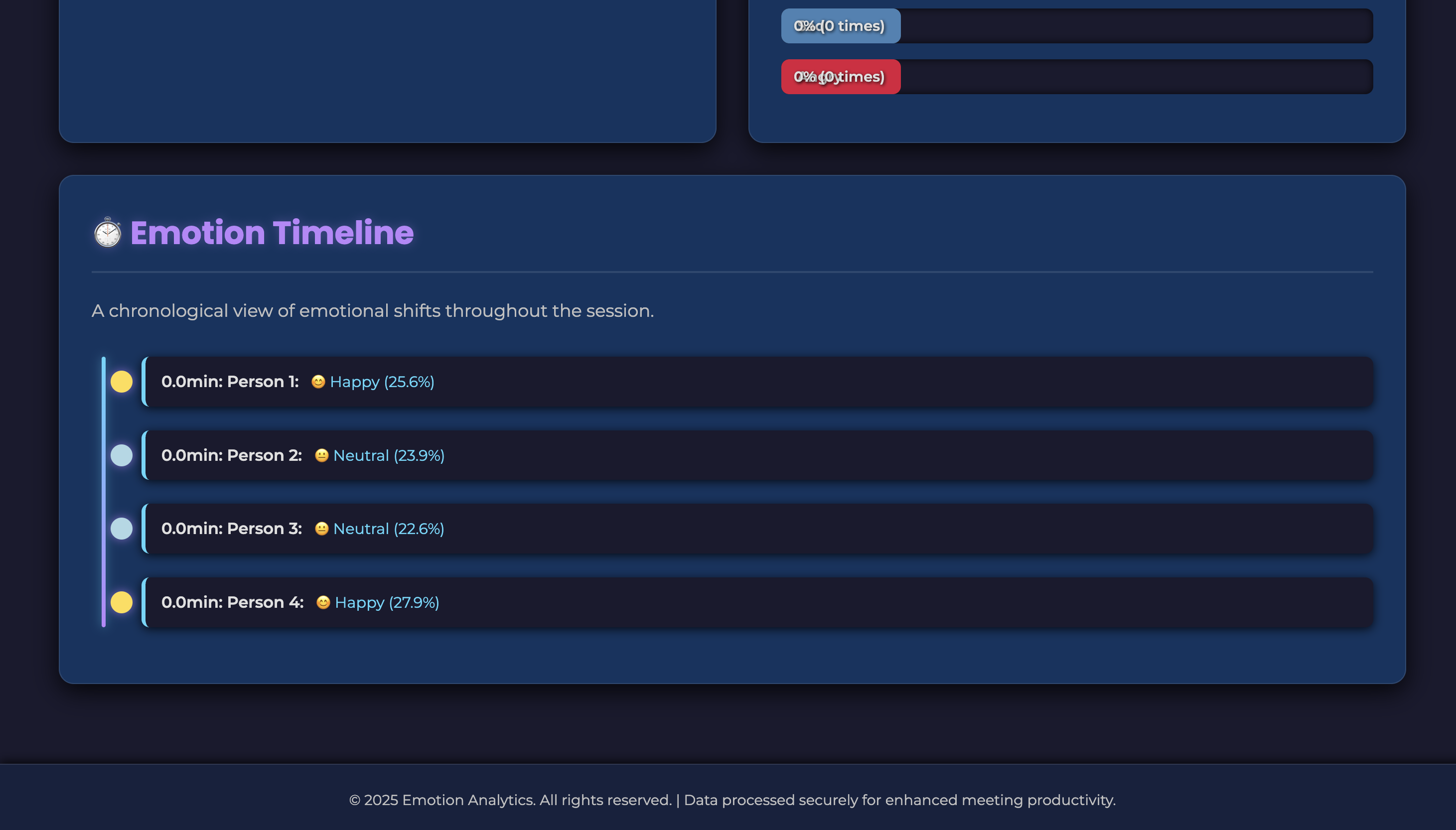
Meeting Timeline
MoodLink
“Linking people through emotional awareness.”
💡 Inspiration
We wanted to bridge the gap between individuals with lower emotional intelligence (EQ) and those they interact with online. Many people struggle to read facial cues during virtual conversations. MoodLink allows them to stay emotionally connected and aware of how those they converse with.
⚙️ What It Does
MoodLink is a Chrome extension that analyzes the facial expressions of the person you’re meeting with online.
- Currently supports one-on-one meetings as well as meetings with multiple individuals.
- Uses a trained machine learning model to detect emotional states such as happy, sad, confused, bored, or neutral.
- While the extension is toggled on, it provides real-time mood updates every 3 seconds.
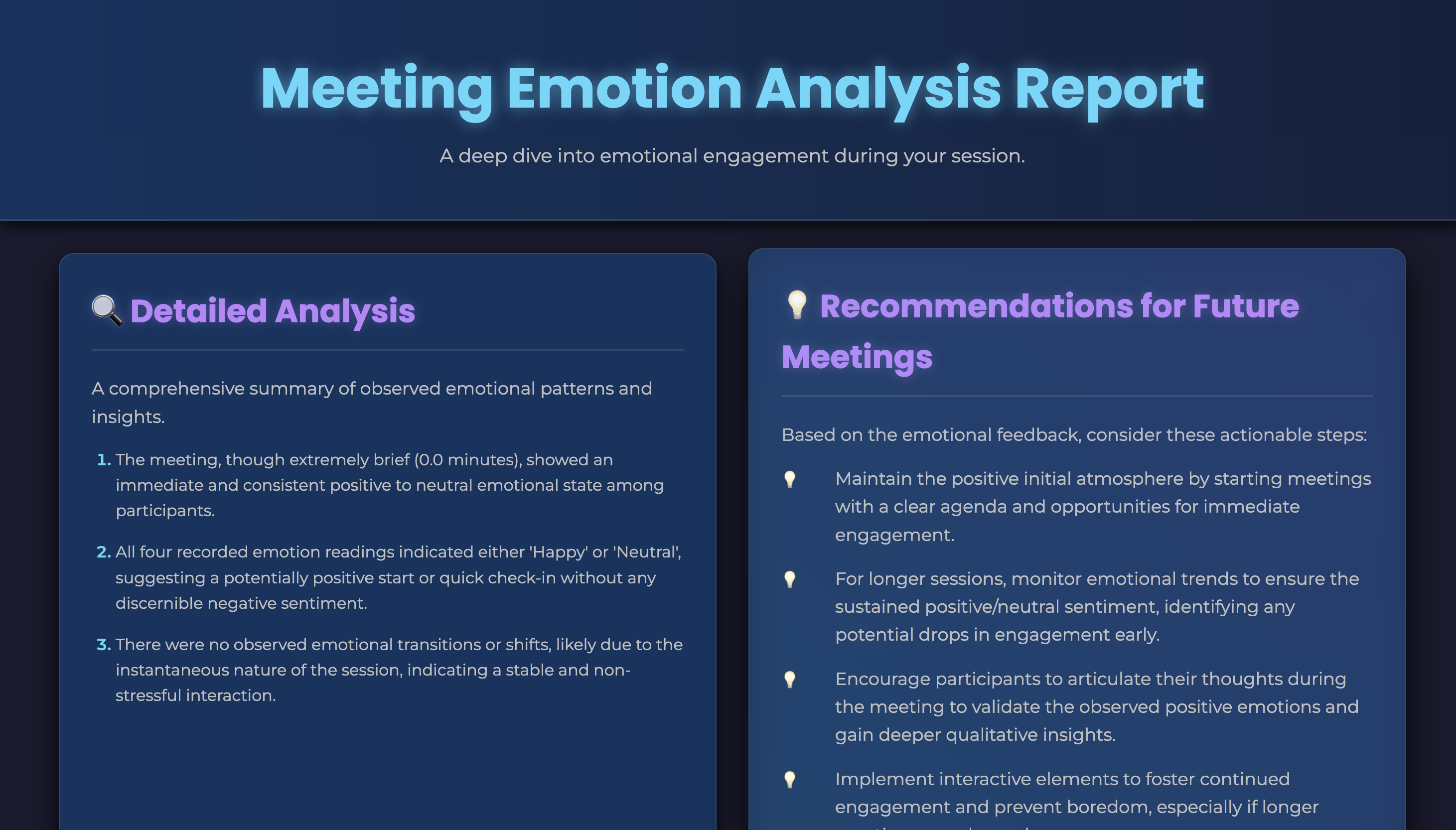
- When toggled off, it generates a summary report via Gemini, showing the proportions of different moods observed during the session.
🛠️ How We Built It
- The frontend is built with JavaScript for the GUI and background scripts.
- The backend, powered by Django, handles the analysis workflow.
- Screenshots from meetings are captured, cropped, and sanitized using OpenCV, then sent via an API call to a TensorFlow model (done via teachable machine) that classifies the mood.
- The extension is packaged and managed through manifest.json for smooth integration in Chrome.
- Called Gemini via another API call to convert a table of the stored mood information into easily digestible text for the viewer to review.
🚧 Challenges We Ran Into
- Integrating the frontend and backend for seamless communication.
- Developing a functional and reliable ML model with limited time and data.
- Ensuring state persistence when switching browser tabs.
🏆 Accomplishments We’re Proud Of
- Creating a working machine learning model capable of classifying emotions.
- Successfully building and deploying a functional Chrome extension, despite limited frontend experience.
📚 What We Learned
- How to design and train a simple machine learning model.
- The fundamentals of building a Chrome extension.
- Creating usable UI elements and managing frontend-backend communication.
- Making functional API calls with Django.
🚀 What’s Next for MoodLink
The path forward for this is to be able to personalize the extension a bit more by adding names and other elements that humanize the people on the other side of the screen as opposed to just metrics. This would likely appeal to users more and enable improved perception and interaction with the provided data. Additionally, making a separate model for speech mannerisms would also be an addition we could strive to achieve.
Built With
- django
- gemini
- javascript
- opencv
- tensorflow

Log in or sign up for Devpost to join the conversation.