-
-
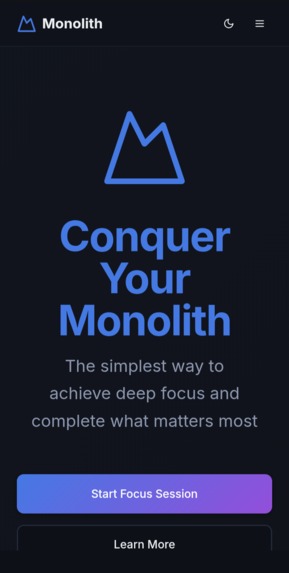
Interface of app
-
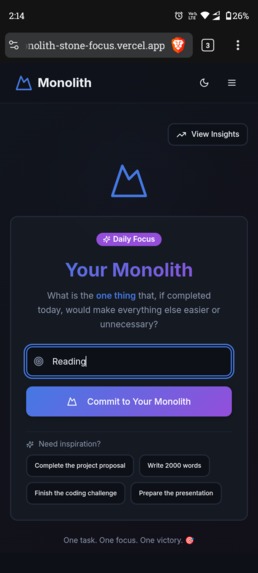
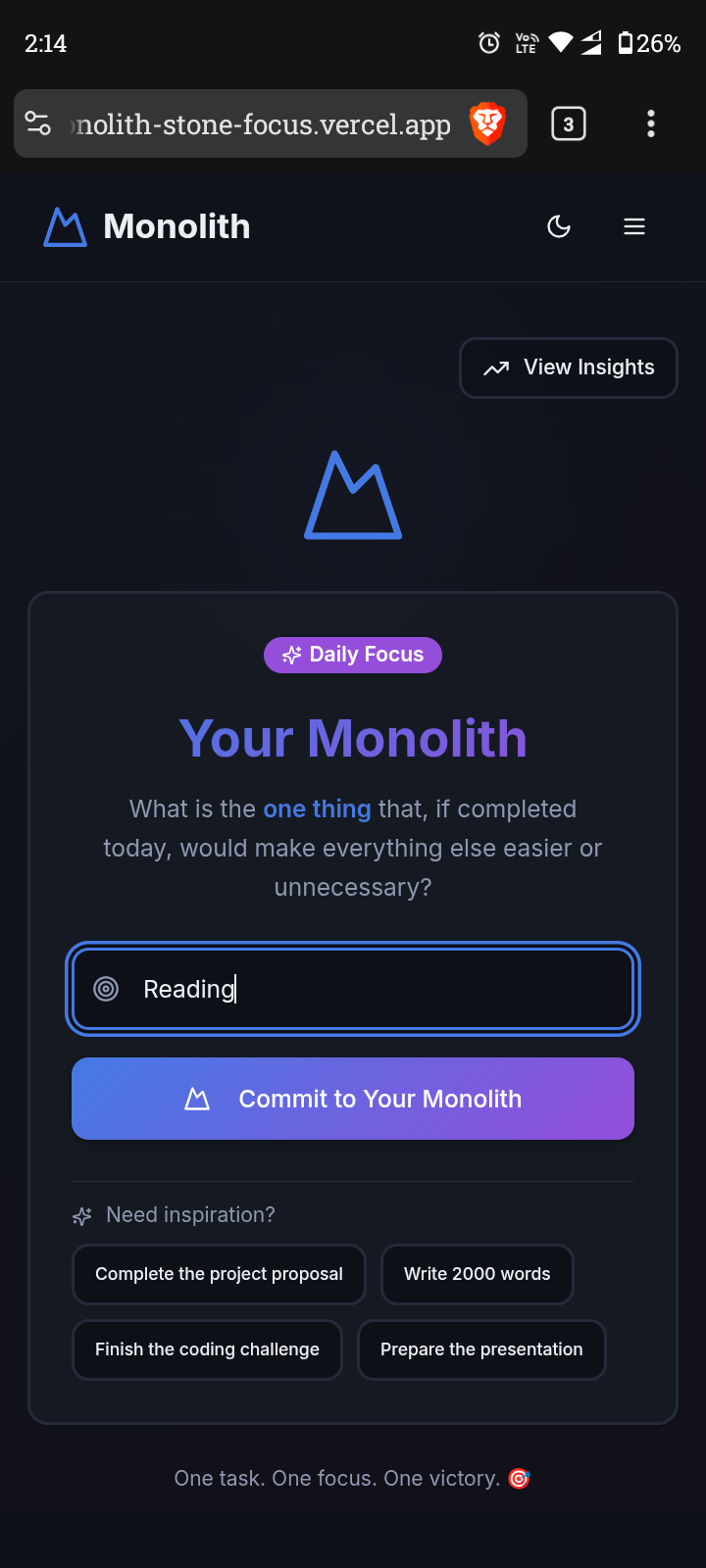
insert your monolith
-
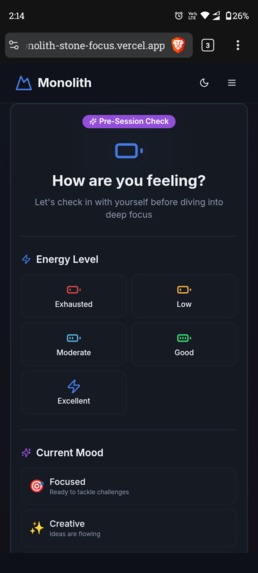
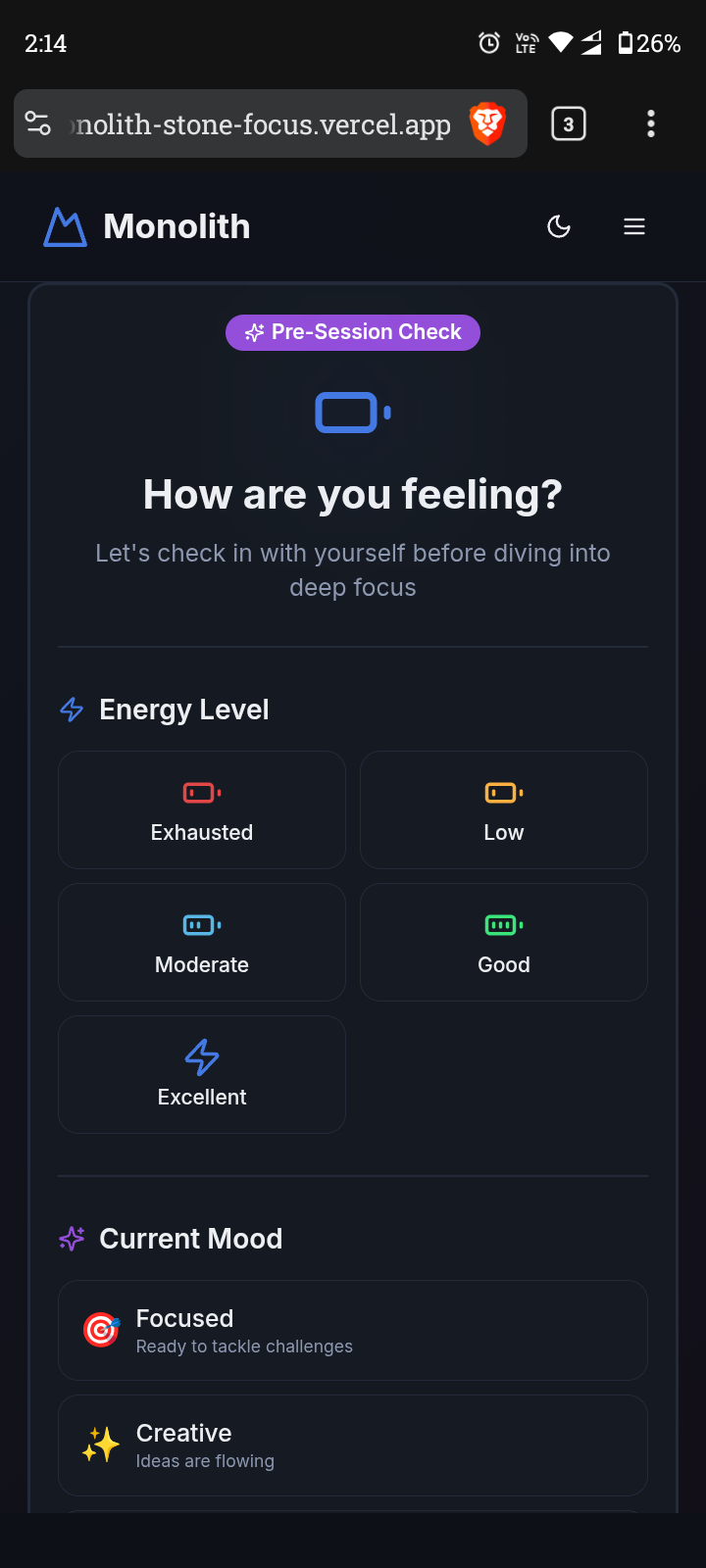
add your mood and energy levels
-
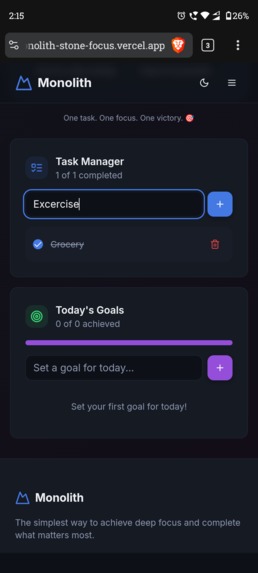
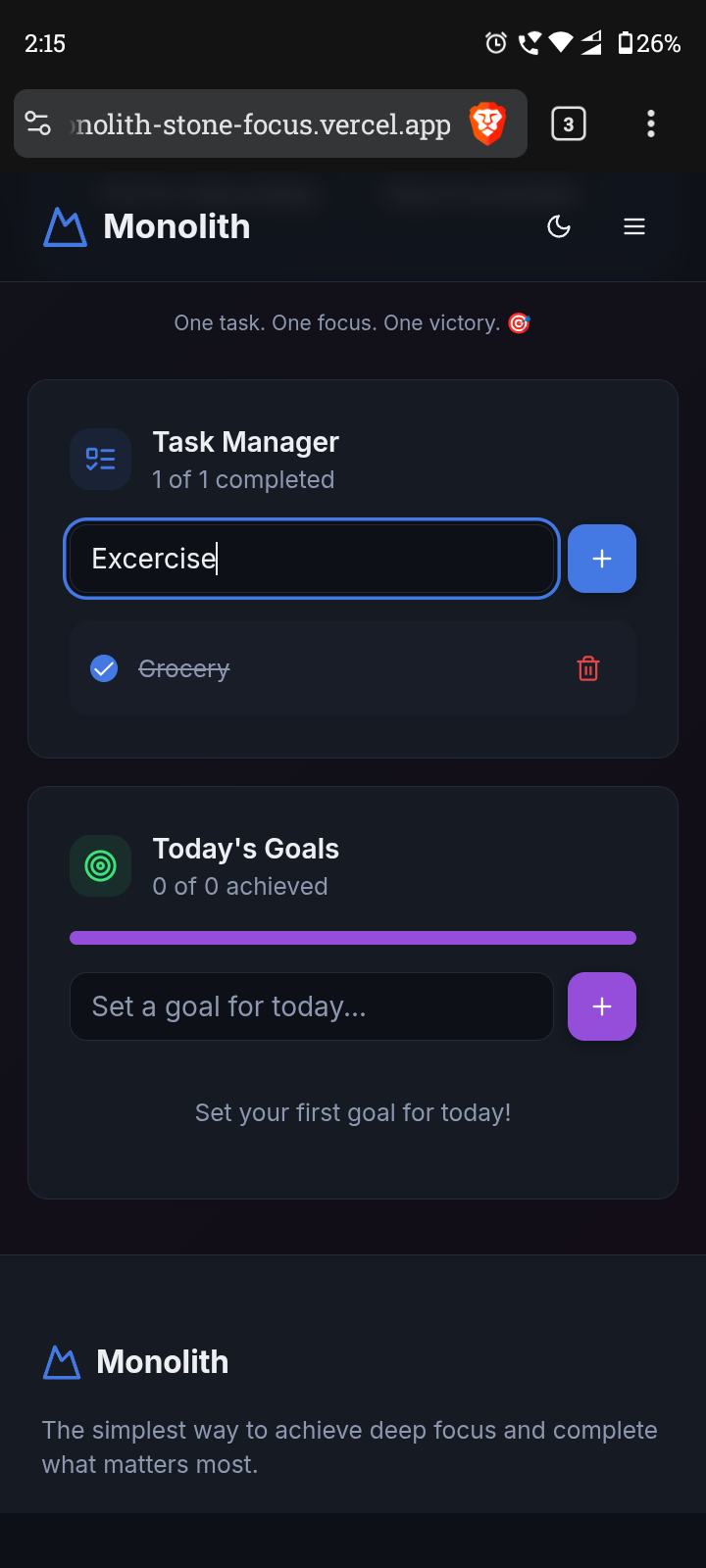
inbuilt to-do list
-
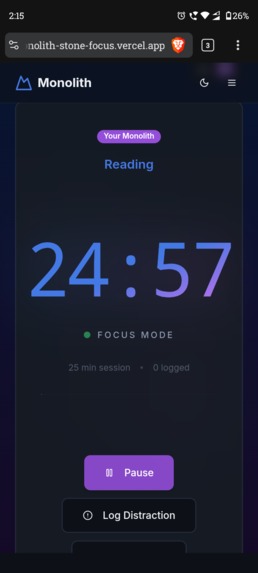
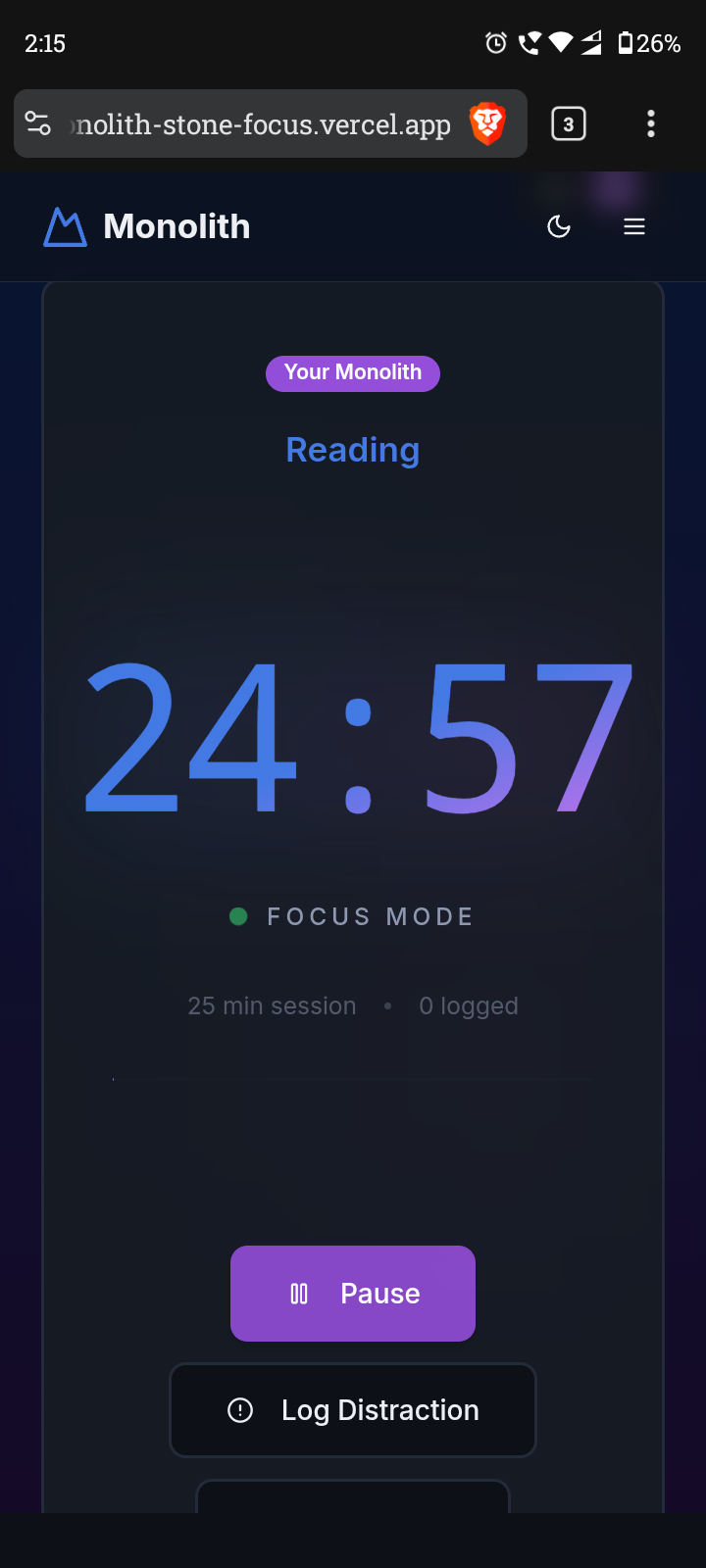
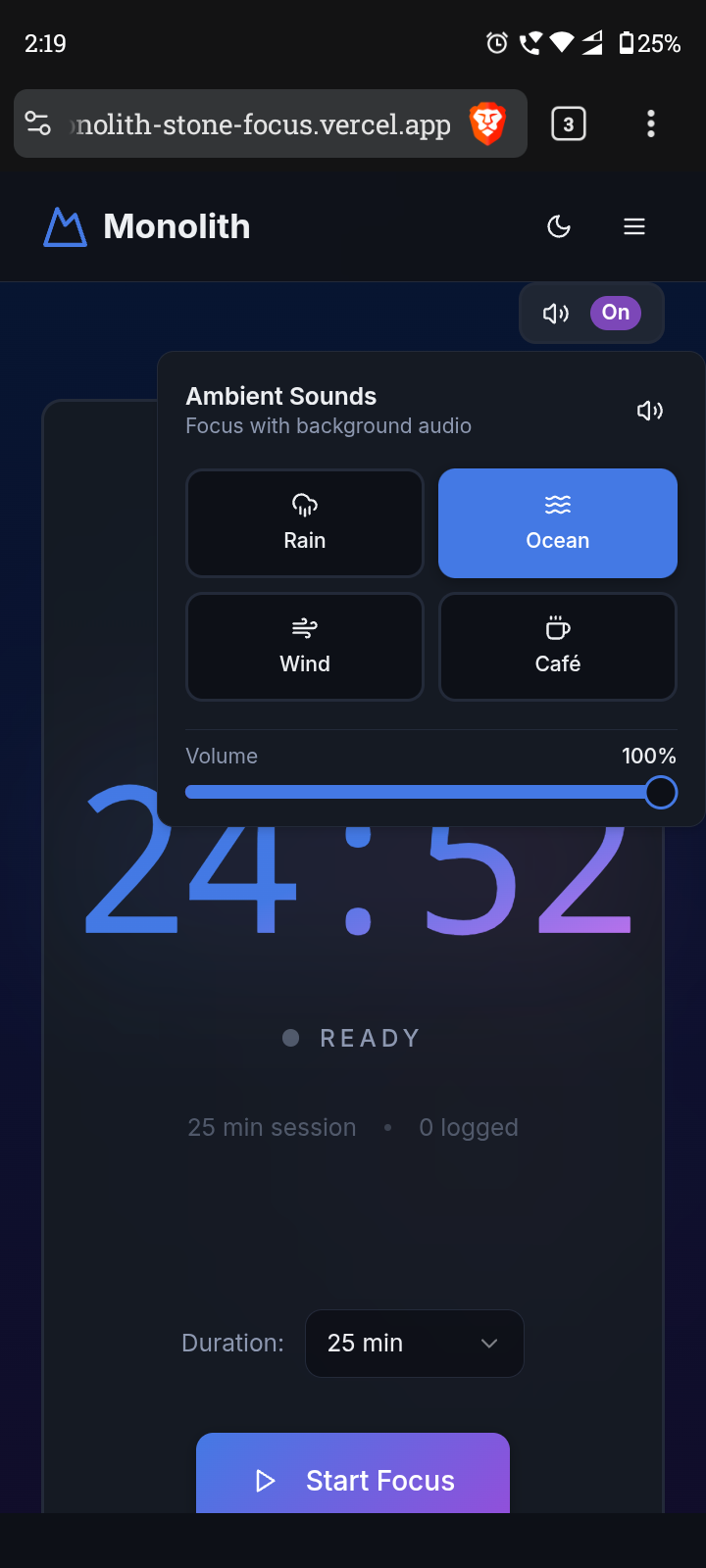
Timer
-
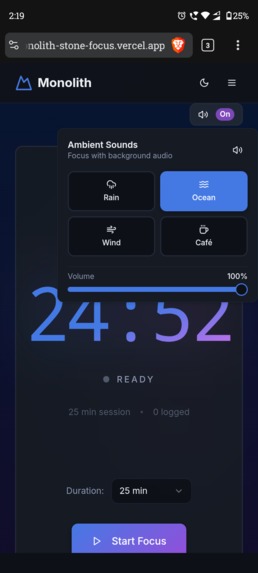
Lofi music
-
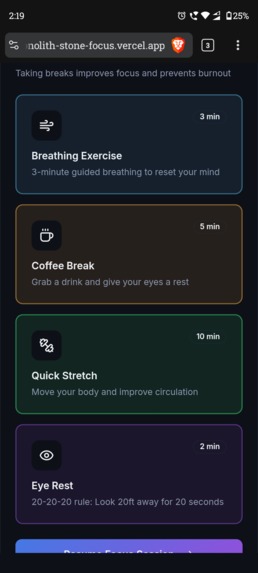
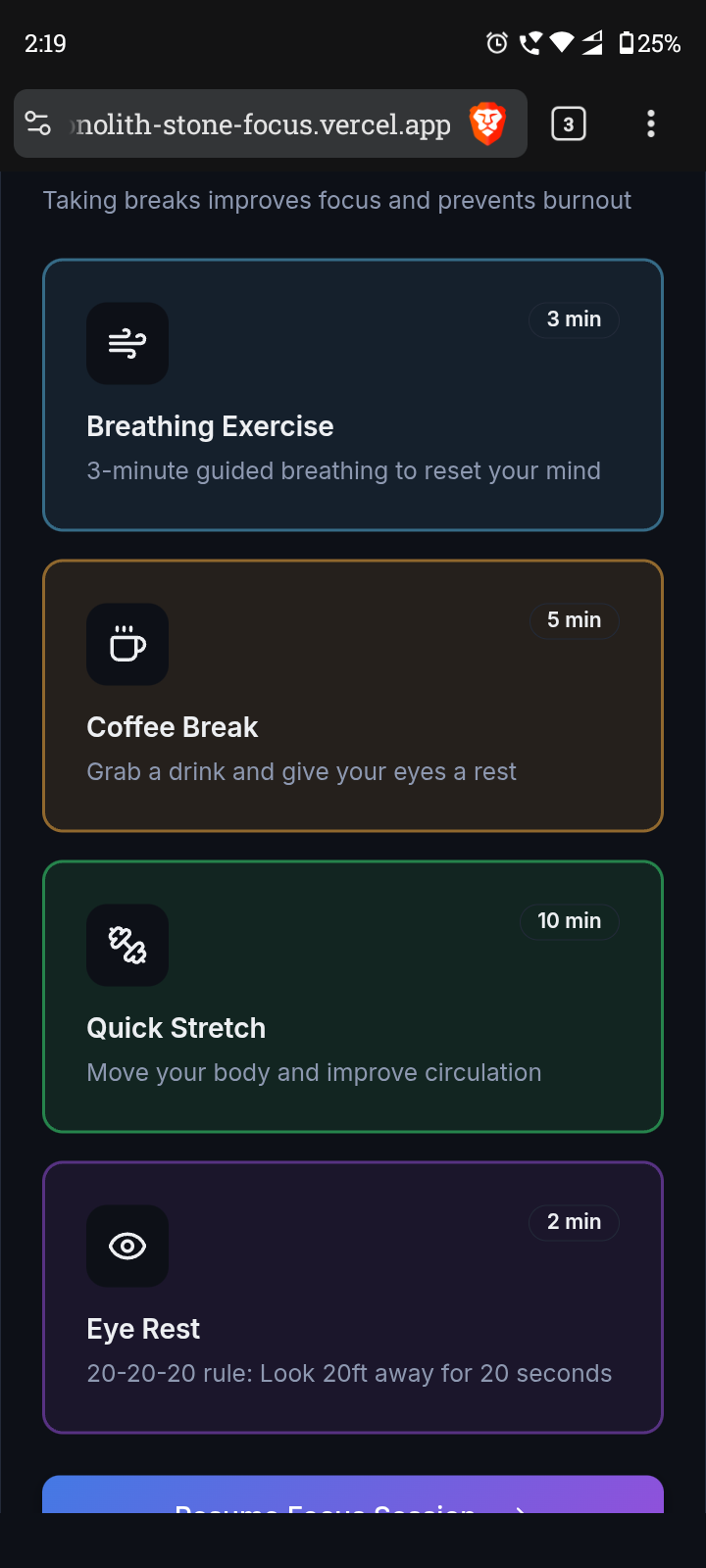
Break Options
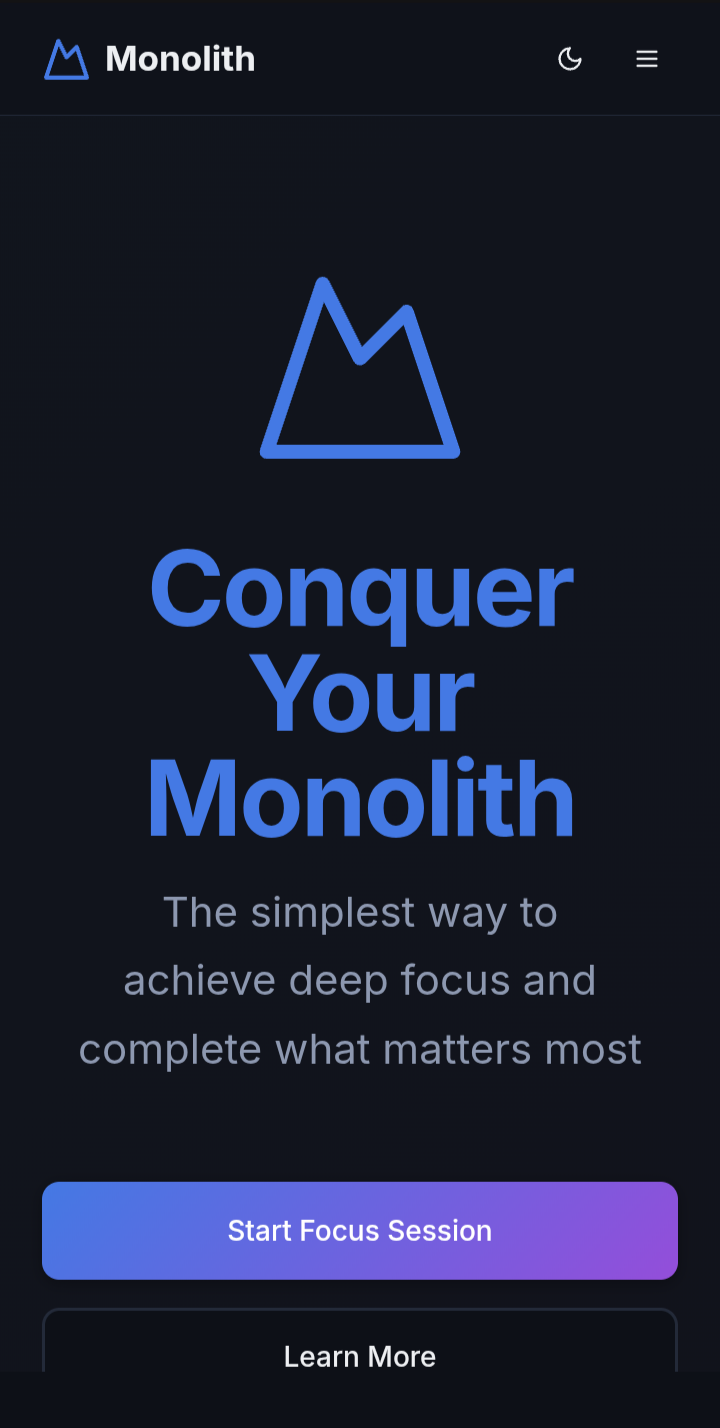
Monolith Focus App
A minimalist productivity application that helps you conquer your single most important task each day - your "Monolith."
🎯 What is Monolith?
Monolith is built on the principle that true productivity comes from deep focus on one critical task at a time. Instead of juggling multiple priorities, commit to your most important task and see it through to completion.
✨ Features
Core Functionality
- Single Task Commitment: Commit to one crucial task per session.
- Focus Timer: Flexible timer (15-90 minutes) with pause/resume functionality.
- Distraction Tracking: Log and categorize distractions (Work, Social, Personal, Entertainment, Email, Other) during focus sessions.
- Victory Celebration: Celebrate task completion with streak tracking.
Enhanced Experience
- Pre-Session Check-in: Start each session by logging your energy level and mood.
- Post-Session Reflection: End with a gratitude moment to reflect on your progress.
- Flexible Breaks: Take a break with options like a guided breathing exercise, a coffee break, or a quick stretch.
- Ambient Sounds: Focus with background sounds including Rain, Ocean, Wind, and Café.
- Task & Goal Management: Keep track of secondary tasks and daily goals alongside your Monolith.
- Keyboard Shortcuts:
Space: Play/Pause timerD: Log distractionB: Take a breakEsc: Close dialogs
- Theme Support: Light and dark mode with system preference detection.
- Interactive Onboarding: A quick tutorial for first-time users.
- Settings Management: Customize timer defaults, sound preferences, and theme.
Data & Privacy
- Local Storage: All data is stored locally on your device.
- Export History: Download your focus history as JSON.
- Data Management: Clear your history and reset your streak when needed.
🚀 Tech Stack
- Next.js & React with TypeScript
- Tailwind CSS for styling
- shadcn/ui for beautiful, accessible UI components
- Framer Motion for smooth animations
- Lucide React for icons
- next-themes for theme management
🛠️ Getting Started
Prerequisites
- Node.js (v18 or higher recommended)
- npm or yarn
Installation
# Clone the repository
git clone https://github.com/Not-Just-Pratul/Monolith---Stone-focus-app
# Navigate to the project directory
cd <YOUR_PROJECT_NAME>

# Install dependencies
npm install

# Start the development server
npm run dev
The app will be available at http://localhost:3000
Build for Production
npm run build
📱 Usage
- Start Your Day: Open the app and enter your most important task.
- Check-in: Log your energy and mood.
- Set Your Timer: Choose your focus duration.
- Focus: Work on your Monolith task without interruptions.
- Track Distractions: If distracted, log it with a category.
- Take Breaks: Use the optional break features when needed.
- Celebrate: Complete your task and view your growing streak.
⌨️ Keyboard Shortcuts
Space- Play/Pause timerD- Log distractionB- Take a breakEsc- Close dialogs
🎨 Customization
Visit the Settings page to customize:
- Default timer duration
- Auto-start timer preference
- Sound effects (on/off)
- Theme (light/dark/system)
- Export or clear your data
📝 License
This project is open source and available under the MIT License.
🤝 Contributing
Contributions, issues, and feature requests are welcome!

Log in or sign up for Devpost to join the conversation.