-
-
Loader
-
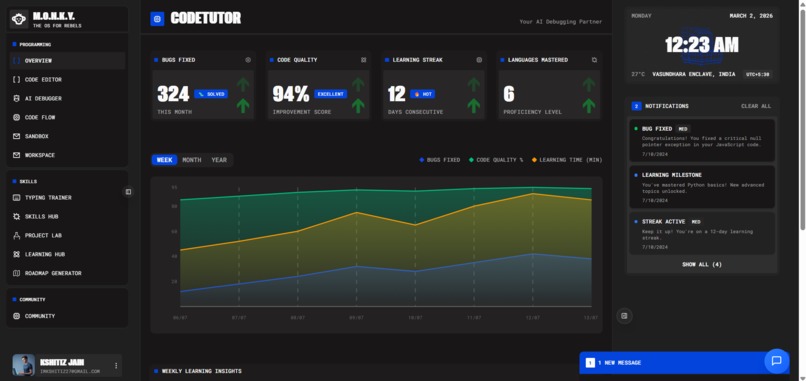
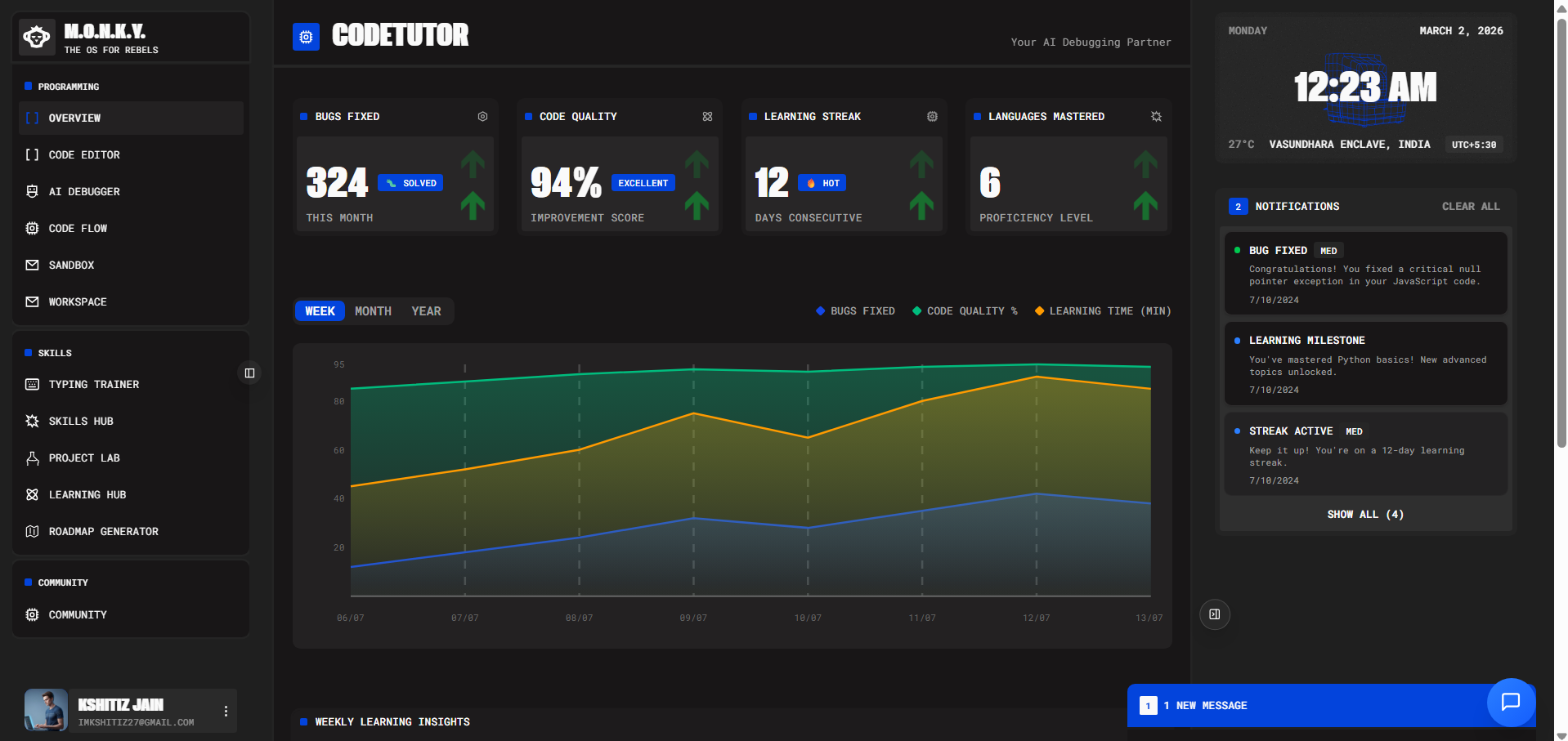
Dashboard
-
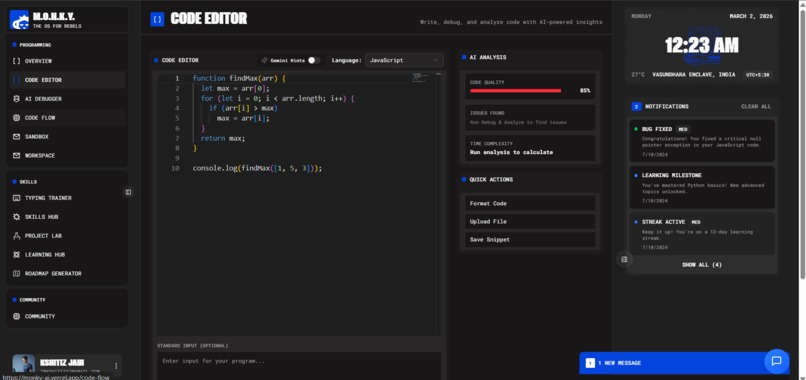
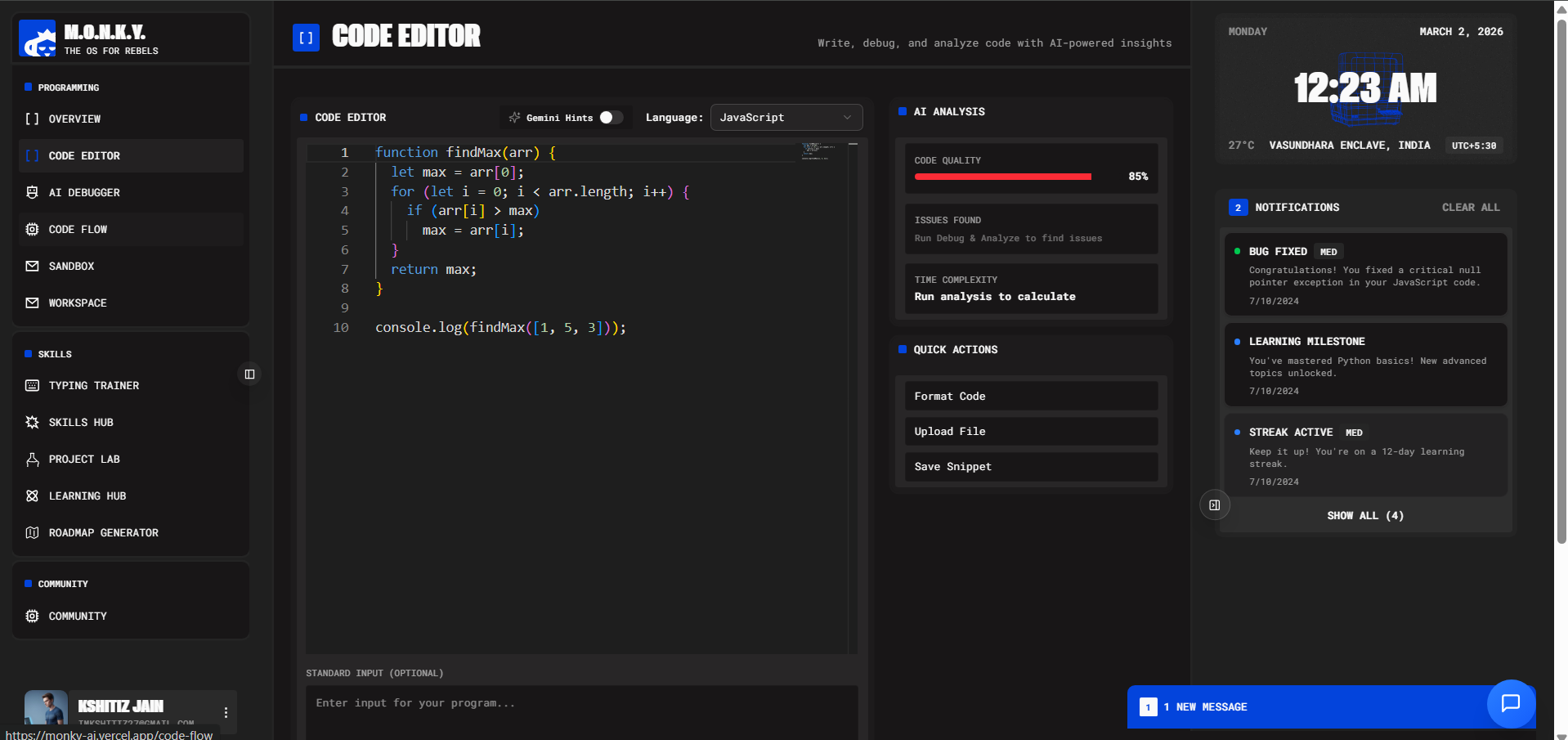
Code Editor
-
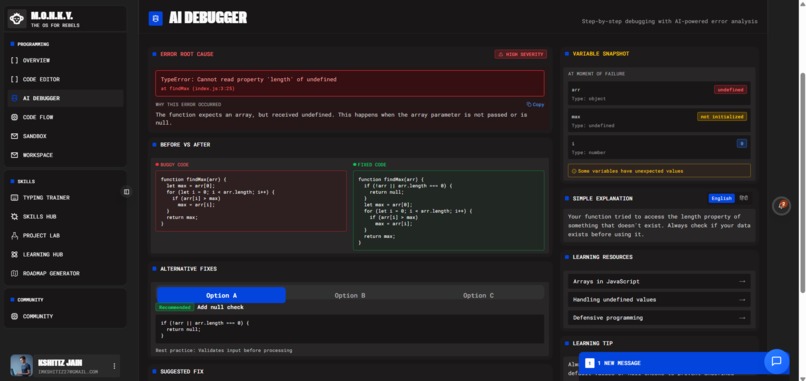
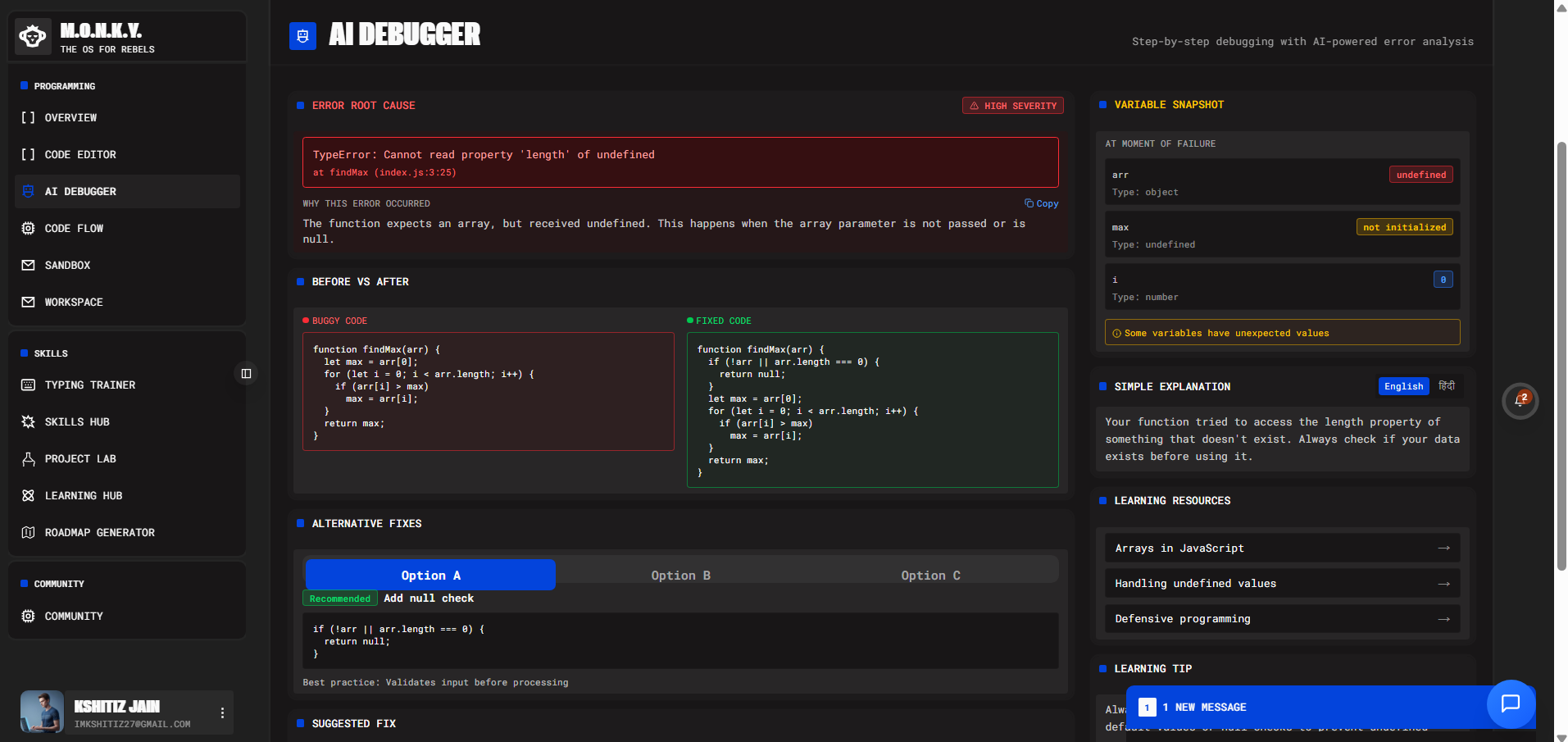
AI Debugger
-
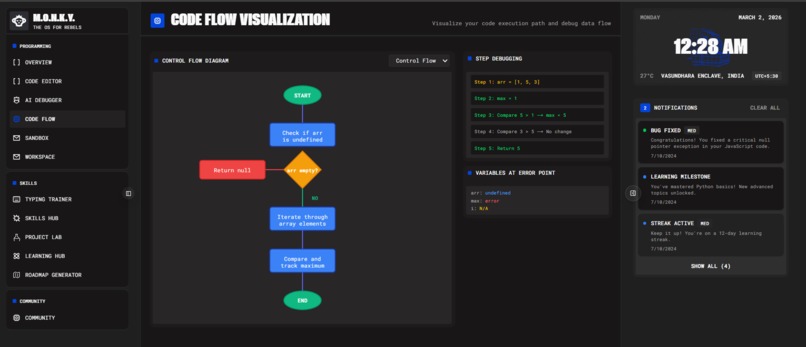
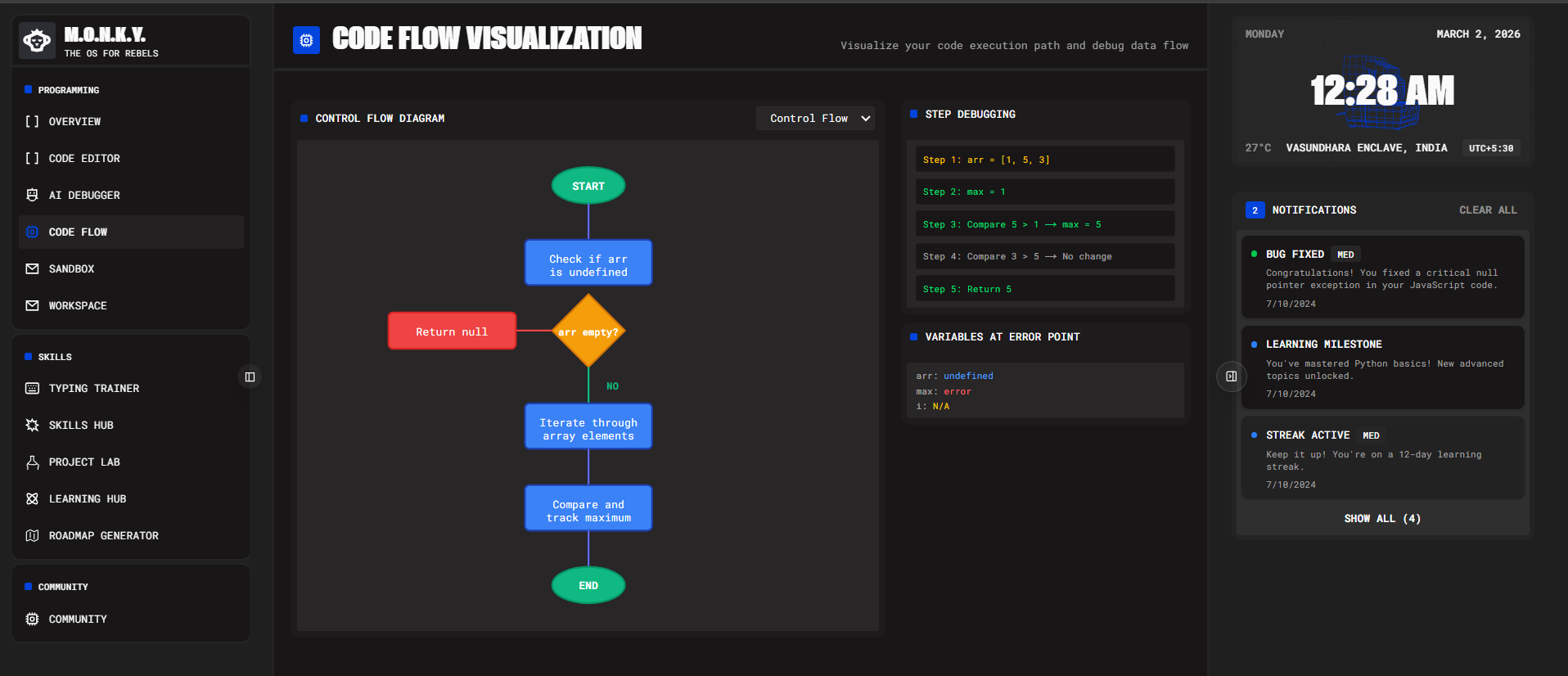
Code Flow Visualizer - Give code to AI Debugger and simultaneously - You could see the Code Flow
-
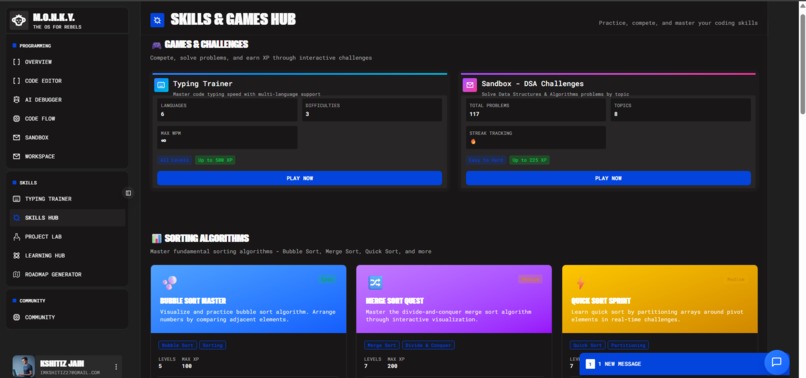
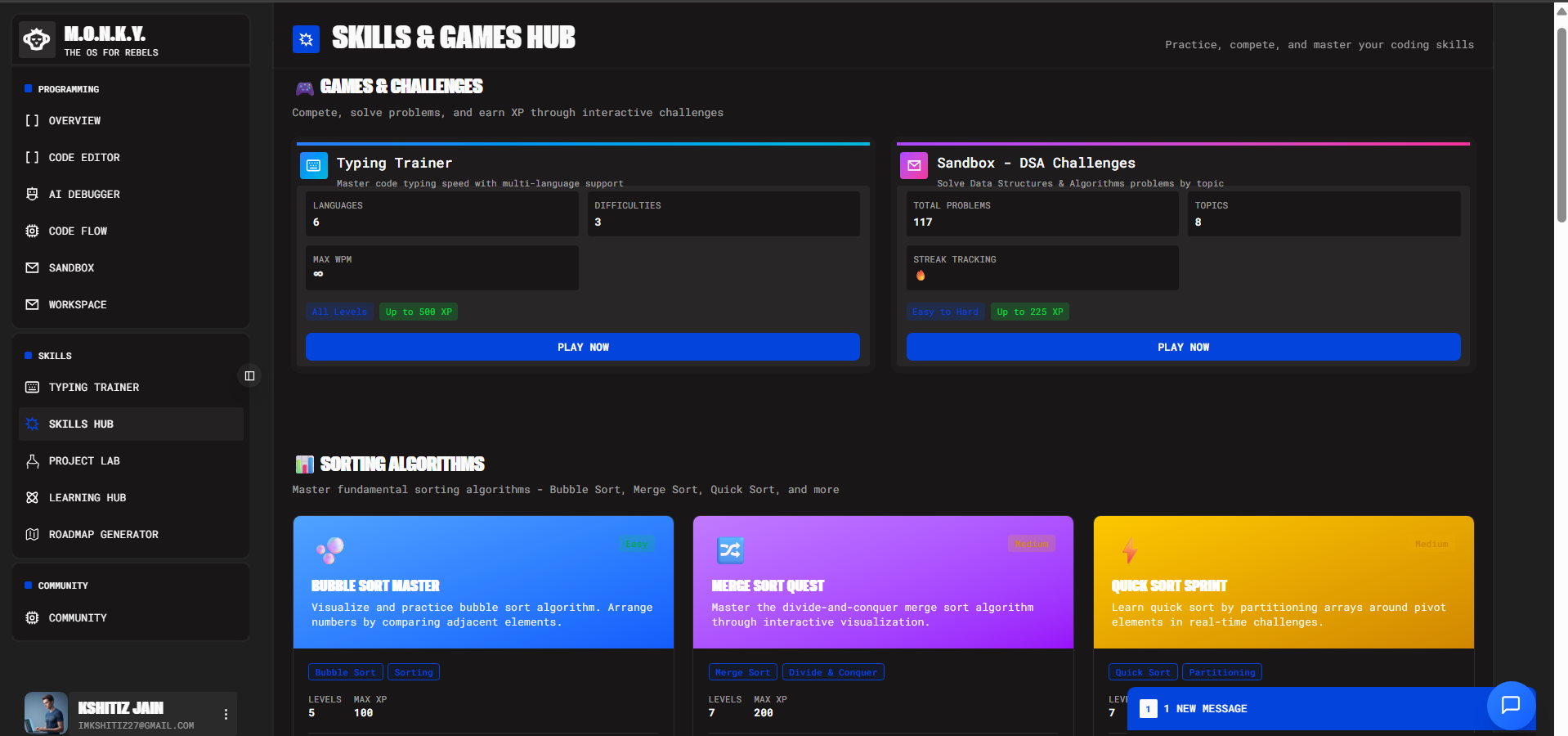
Skills - Games and Visualization
-
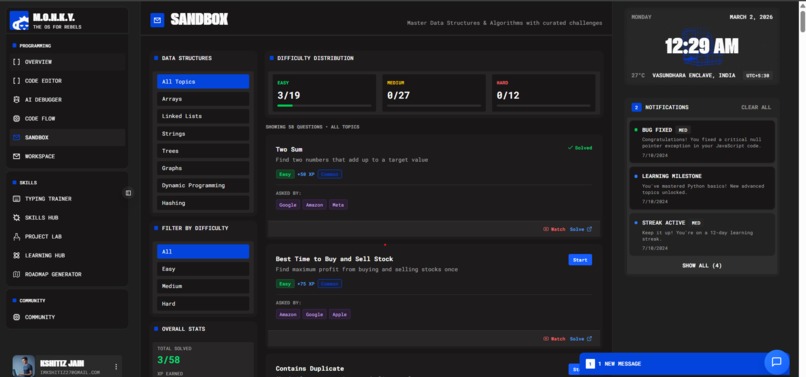
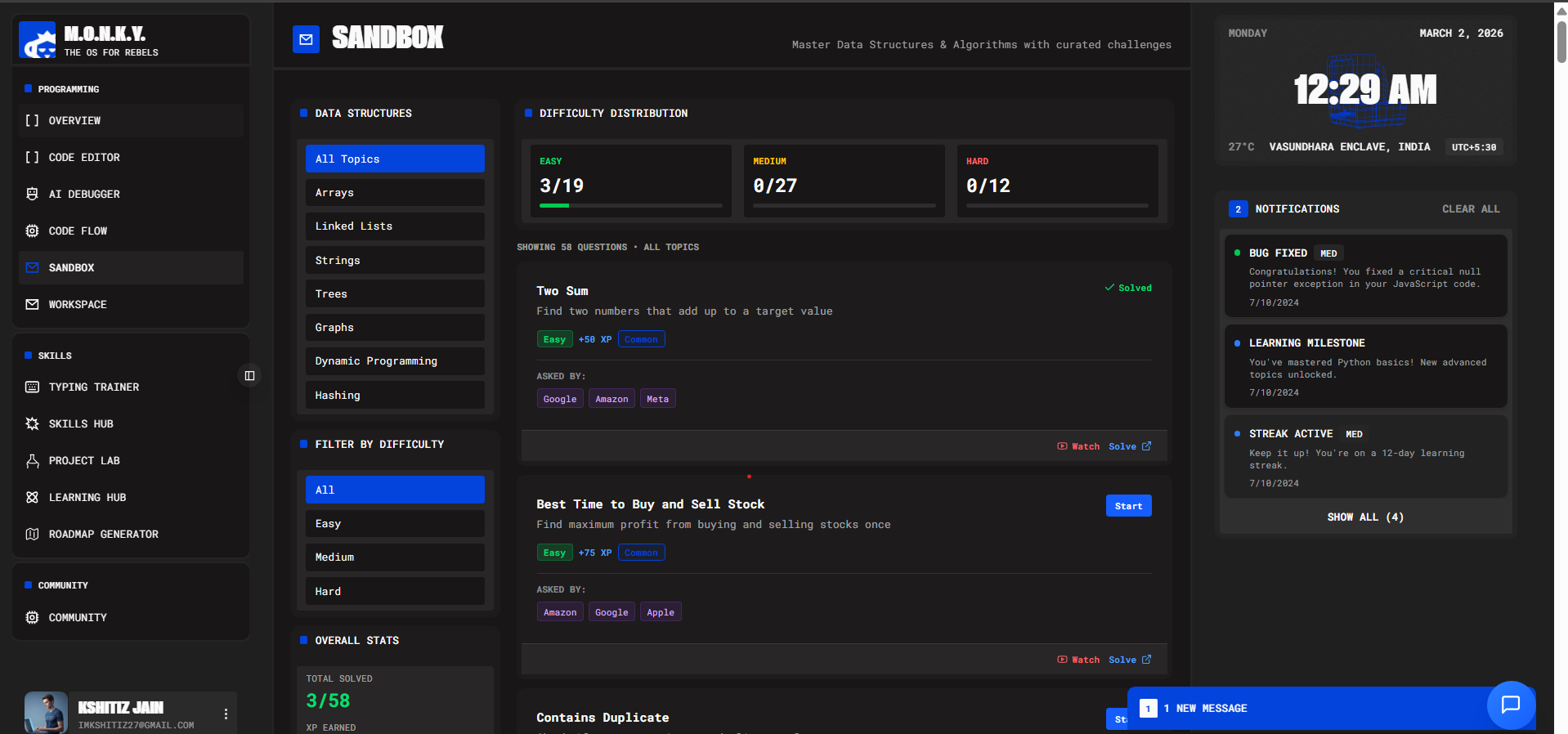
Sandbox - Tried to give touch of sheets specifically for DSA
-
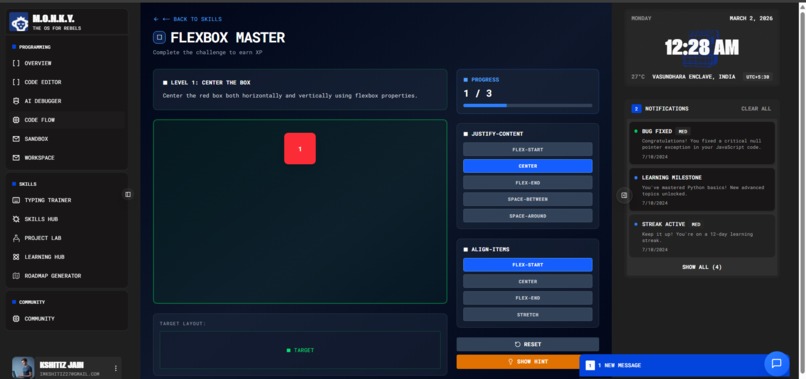
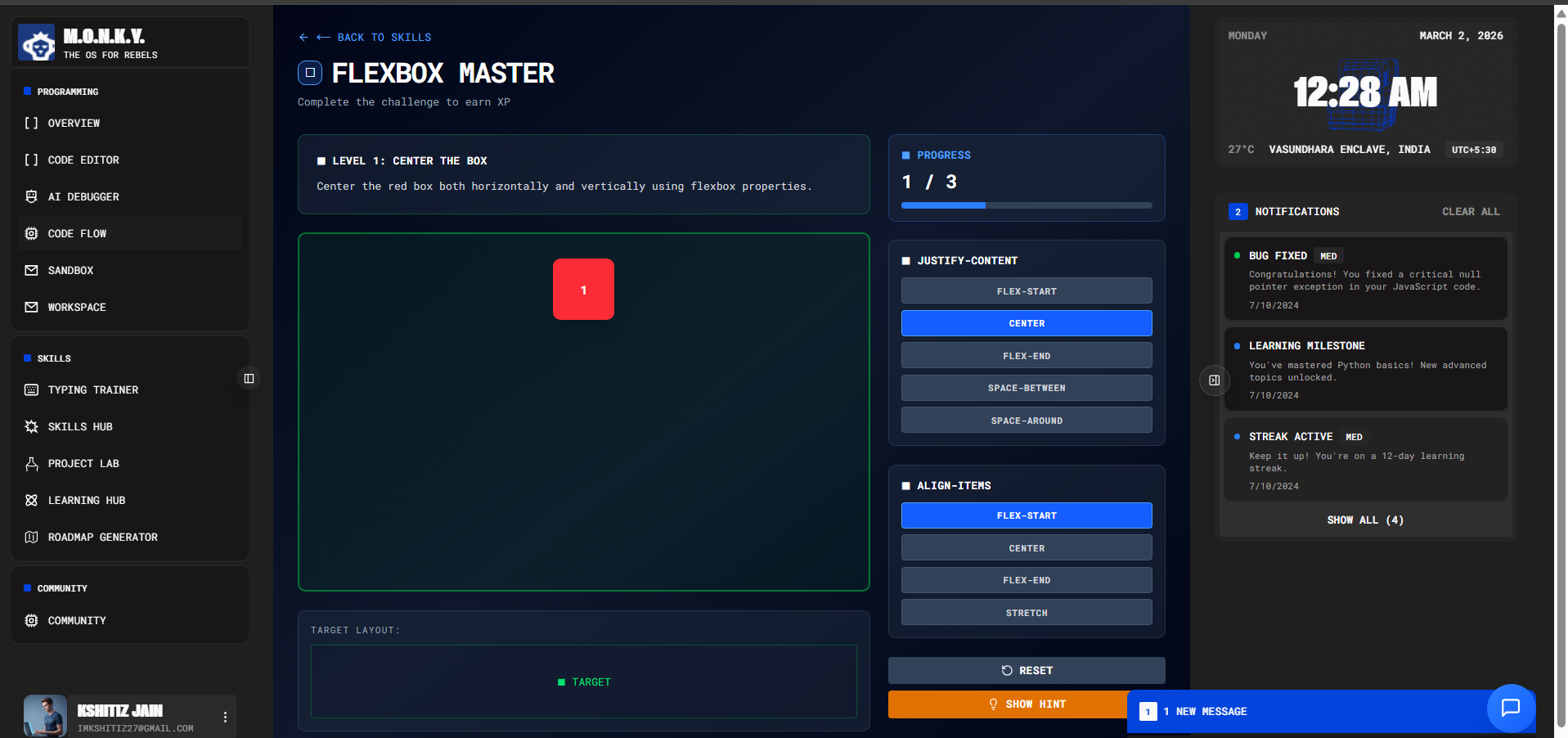
FlexBox Master - Interactive Game
Monky – AI Coding Assistant
Tagline:
Debug smarter. Code faster
Inspiration
Debugging is one of the most frustrating and time-consuming parts of programming. Developers constantly switch between writing code, running it, checking errors, searching online, and repeating the cycle.
We asked ourselves:
- What if debugging wasn’t reactive — but proactive?
- What if AI could think alongside you while you type?
- What if debugging became collaborative instead of isolated?
Monky was inspired by the idea of transforming coding from a “run → fail → fix” cycle into a real-time guided experience — combining debugging, execution, collaboration and visualization in one intelligent assistant.
What it does
Monky is a real-time AI-powered collaborative coding assistant that:
- Analyzes code as you type
- Predicts bugs before execution
- Executes code securely using Judge0
- Generates visual flow diagrams from logic
- Provides structured AI suggestions in real time
- Enables multiple users to debug together in one shared editor
Instead of the traditional debugging loop:
$$ \text{Write Code} \rightarrow \text{Run} \rightarrow \text{Error} \rightarrow \text{Fix} $$
Monky enables:
$$ \text{Type} \rightarrow \text{AI Predicts} \rightarrow \text{Execute} \rightarrow \text{AI Refines} \rightarrow \text{Collaborate} $$
This shifts debugging from reactive correction to proactive intelligence.
How we built it
🔹 Frontend
- Built using v0 for rapid UI development
- Integrated a browser-based code editor
- Live AI suggestion panel
- Flowchart generator for visualizing logic
- Real-time collaborative editor interface
🔹 Backend
- Judge0 API for secure multi-language code execution
- Gemini API for structured, real-time AI analysis
- WebSocket-based architecture for collaborative synchronization
- WebRTC for real-time peer-to-peer audio communication during collaborative debugging sessions
🔹 Real-Time Collaboration Model
We implemented shared editor state synchronization:
$$ \text{User A edits} \rightarrow \text{Server Sync} \rightarrow \text{User B updates} $$
All participants in a session receive:
- Live code changes
- Execution outputs
- AI-generated insights
- Low-latency voice communication
To ensure performance and scalability:
- AI requests are debounced
- Structured JSON responses standardize UI updates
- Execution results are synchronized across clients
- Concurrent edits are handled using controlled state updates
🔹 Interactive Learning & Visualization Module
To make debugging and learning more engaging, we built interactive visual tools and mini-games inside Monky:
📊 Sorting Algorithm Visualizer
- Bubble Sort (step-by-step comparison visualization)
- Quick Sort (recursive partition-based visualization)
- Real-time animation of swaps and comparisons
- Adjustable input size and speed controls
🎮 Flexbox Master
- Interactive game to learn CSS Flexbox concepts
- Drag-and-adjust layout challenges
- Real-time validation of alignment, justify-content, and flex properties
- Practical learning through visual feedback
These modules transform abstract concepts into intuitive visual experiences.
Challenges we ran into
- Managing concurrency in a multi-user editor
- Preventing race conditions during simultaneous edits
- Reducing AI latency for real-time feedback
- Designing precise prompts for actionable debugging
- Balancing performance with continuous AI analysis
Building a system that is both intelligent and collaborative required careful architectural decisions.
Accomplishments that we're proud of
- ✅ Built a fully functional real-time AI debugging assistant
- ✅ Achieved collaborative multi-user coding sessions
- ✅ Integrated execution + AI reasoning in one seamless pipeline
- ✅ Generated dynamic flow diagrams from raw code
We’re especially proud of transforming debugging into a shared intelligent workspace.
What we learned
- Real-time systems require robust state management
- AI effectiveness depends heavily on prompt engineering
- Collaboration introduces exponential complexity
- UX design is critical when embedding AI into coding workflows
We learned that combining:
$$ \text{AI} + \text{Execution Engine} + \text{Collaboration} $$
creates a development experience far more powerful than traditional editors.
What's next for Monky - AI Coding Assistant
🚀 Future roadmap:
- VS Code extension for native IDE integration
- Streaming inline AI suggestions (Copilot-style)
- Personalized learning paths based on mistake patterns
- Smarter bug prediction models
- AI-assisted team code reviews
- Performance analysis & complexity estimation
- Session replay and debugging history
Our long-term vision is to build:
$$ \text{Intelligent} + \text{Collaborative} + \text{Adaptive Development Environment} $$
Monky isn’t just a debugger — it’s the beginning of an AI-powered collaborative coding future.
Built With
- gemini
- javascript
- judge0
- mongodb
- next.js
- node.js

Log in or sign up for Devpost to join the conversation.