-

Seeker Monkey Logo
-

Inspiration
We have all struggled to find something we want in an online document before. Ctrl + F yielded no matches to the words we tried. We were shocked to find that there are currently no tools other than Ctrl + F for searching documents online. Seeing this issue and the lack of quick and easy tools for it, we decided to create Seeker Monkey.
What it does
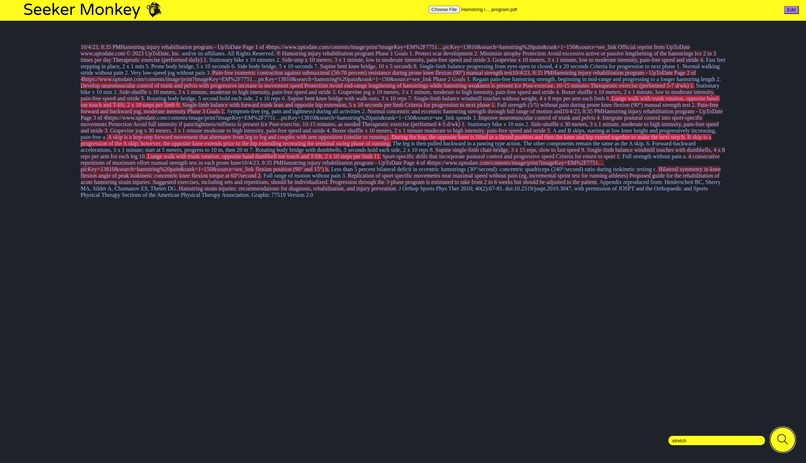
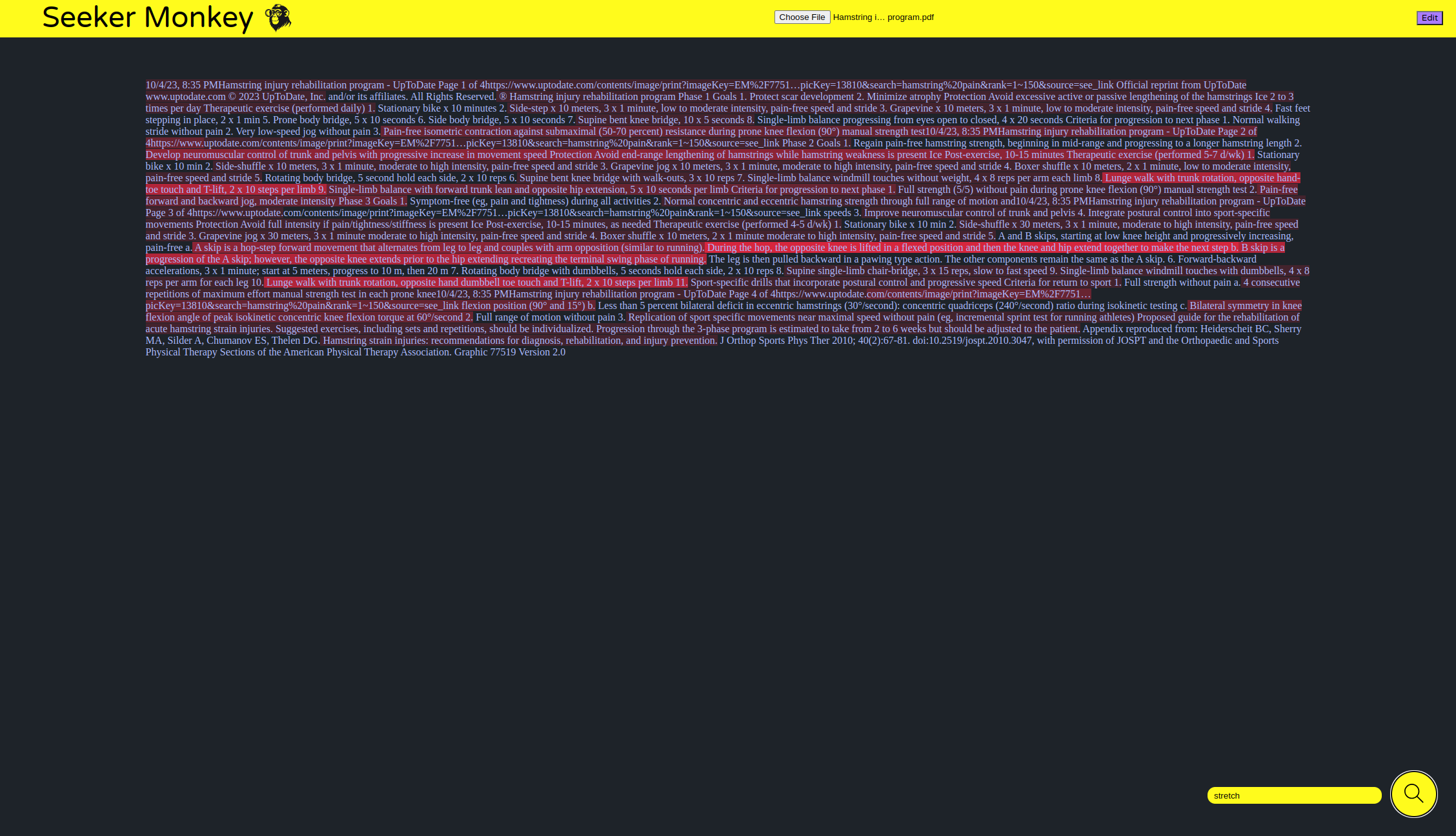
Seeker Monkey allows the user to input a text and a word relating to the idea you would like to find the text, and it will highlight the sentences that are related to the word. The most related sentences have the highest highlighting intensity and the less related sentences have lower intensity highlighting. Seeker Monkey also has a feature for integrating PDFs and searching them.
How we built it
We built Seeker Monkey as a website using HTML and CSS. Then, we used JavaScript to give the website functionality, integrate pdfs into the website, and process our data from the WordNet database.
Challenges we ran into
We encountered a few challenges while developing Seeker Monkey, particularly with reading the raw database files. The raw data was difficult to understand due to the complexity of its format. However, by reading WordNet’s full documentation, understanding how the raw data works with the other files in the dataset, and implementing the scraping of the data to correctly splice and accumulate the data we needed helped us surmount it and finish the data processing stage. In addition, implementing Seeker Monkey’s functionality on PDFs was challenging. PDFs store each line of text as a separate container and do not have characters to describe different lengths of white space, fonts, and more. For this reason, grabbing text from a pdf and searching it was tricky. However, by developing a multi-step procedure for processing the pdf’s text and prompting it with the related words we found, we were able to make Seeker Monkey support pdfs.
Accomplishments that we're proud of
In the 24 hours we had, we were able to make a free, fast, and fully accessible tool for searching the contents of online documents, unlike any tools available online currently. Despite the challenges we already faced with using the raw data from WordNet, we still took on the difficult task of making Seeker Monkey support PDFs and succeeded. Additionally, a scaled version of the current Seeker Monkey would support millions of users with ease.
What we learned
Through developing Seeker Monkey, we learned much in various areas, such as asynchronous functions in JavaScript, how PDFs function, and even lexical relationships in English.
What's next for Seeker Monkey
In the future, we hope to make improvements to Seeker Monkey by allowing the user to input more than one word, supporting multiple file types, and improving the processing speed to support higher usage of the website.

Log in or sign up for Devpost to join the conversation.