-
-
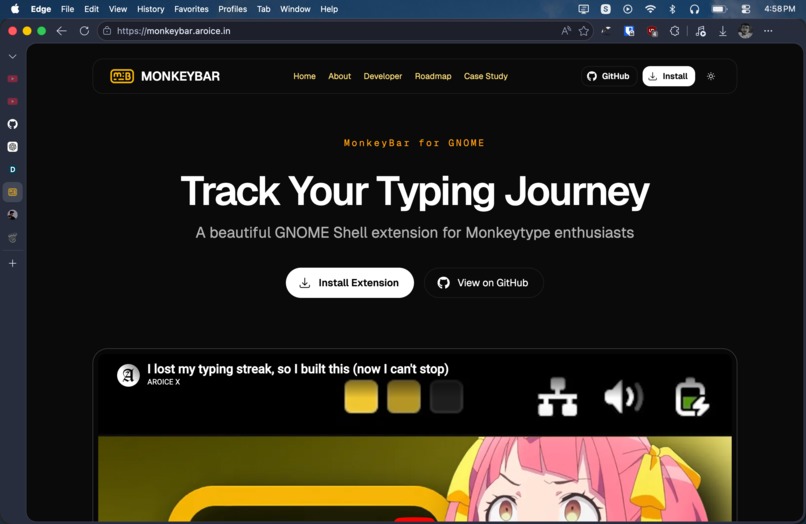
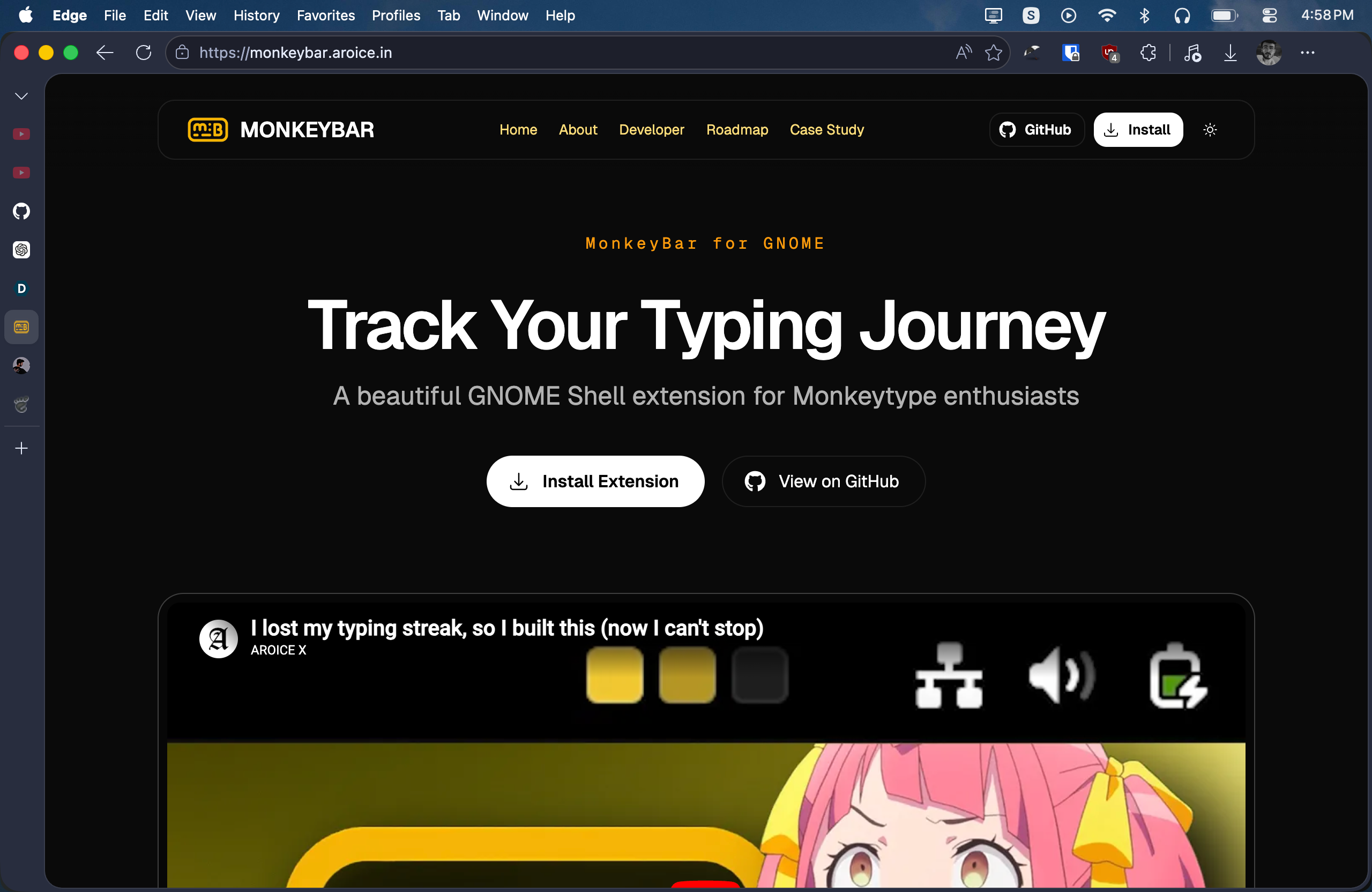
MonkeyBar Website
Inspiration
As a regular Monkeytype user, I found myself constantly opening the website just to check my typing streak and activity. The data was there, but it wasn't visible where I spend most of my time: my desktop.
I wanted a way to make typing consistency feel more tangible and rewarding without interrupting my workflow. The idea was simple: bring Monkeytype activity directly into the GNOME top bar so progress is always visible at a glance.
MonkeyBar was born from the desire to combine productivity, habit tracking, and desktop customization into a seamless experience for Linux users.
What it does
MonkeyBar is a GNOME Shell extension that visualizes Monkeytype typing activity directly in the desktop's top panel.
The extension fetches activity data from the Monkeytype API and displays recent typing activity as a compact visual calendar. Users can instantly see their consistency, streaks, and daily progress without opening a browser.
Key features include:
- Visual activity tracking in the GNOME top bar
- Real-time synchronization with Monkeytype
- Interactive popups with detailed daily statistics
- Customizable themes and color modes
- Keyboard shortcuts for quick actions
- Flexible panel positioning
- Privacy-first local credential storage
- Support for multiple GNOME Shell versions
How we built it
MonkeyBar was built as a GNOME Shell extension using JavaScript and the GNOME extension framework.
The project integrates directly with the Monkeytype API to retrieve both public profile information and authenticated activity data. GNOME's GSettings system was used to manage user preferences, while custom UI components were built for the panel widget, popups, settings pages, and theme system.
The architecture was designed to be lightweight, responsive, and easy to customize while maintaining compatibility across multiple GNOME releases.
Technologies used:
- JavaScript
- GNOME Shell Extension API
- GTK / Libadwaita
- GSettings
- Monkeytype API
Challenges we ran into
One of the biggest challenges was dealing with GNOME Shell compatibility across different versions. Small changes between releases can affect extension behavior, requiring careful testing and adaptation.
Another challenge was creating a visualization that remained informative while occupying very little space in the top bar. Finding the right balance between aesthetics and usability required multiple iterations.
Handling authenticated Monkeytype data securely while keeping the extension lightweight and privacy-friendly also required careful design decisions.
Accomplishments that we're proud of
- Built a complete desktop integration for Monkeytype users
- Created a clean and intuitive visual activity tracker
- Implemented 12 customizable themes
- Added keyboard shortcut support for power users
- Maintained compatibility across multiple GNOME versions
- Designed a privacy-first architecture with local credential storage
- Published an open-source project that can be extended by the community
What we learned
This project deepened our understanding of GNOME Shell internals, desktop extension development, API integration, and UI design for constrained spaces.
We also learned the importance of designing around user habits. Sometimes the most useful productivity tools are not the ones that add more features, but the ones that surface the right information at the right time.
What's next for MonkeyBar
We have several ideas planned for future releases:
- Multiple Monkeytype account support
- Monthly and yearly activity views
- Custom activity thresholds
- Achievement and milestone notifications
- Exportable activity statistics
- Advanced analytics and trends
- Community-requested themes and integrations
Our goal is to make MonkeyBar the best desktop companion for Monkeytype users and continue improving the experience with community feedback.
Built With
- api
- gnome
- gsettings
- gtk
- javascript
- libadwaita
- linux
- monkeytype
- shell


Log in or sign up for Devpost to join the conversation.