MonkeyAI — Devpost project page
Inspiration
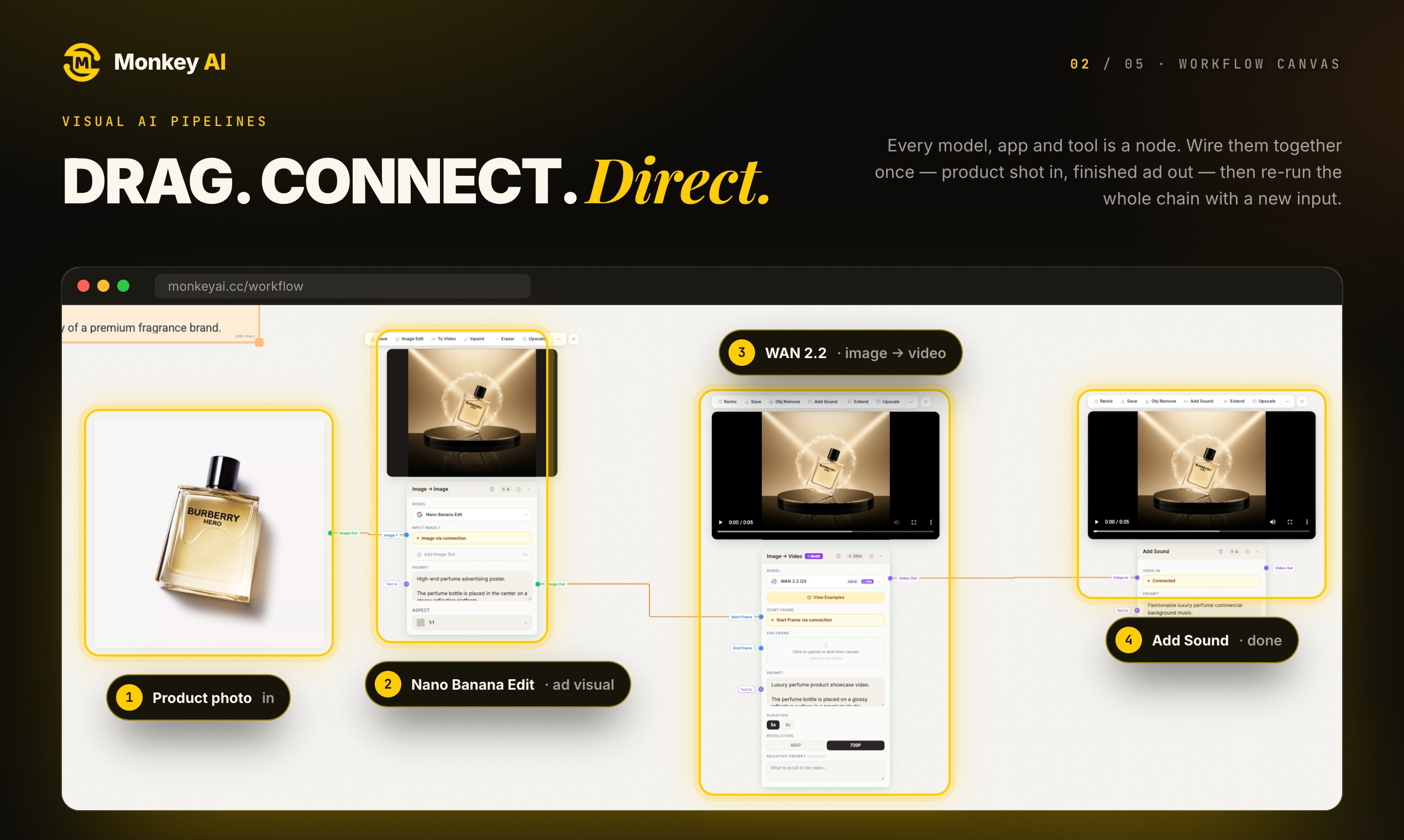
Most AI work is not a single prompt. It is a chain: generate an image, take that image, generate a video from it, extract the audio, and combine the result. The models exist, but the chaining does not — you do it by hand, in order, and every step loses the context of the previous one.
I wanted a canvas where the chain is the artifact. You build a graph, each node is a model or a transformation, and the edges carry the data. Run it once, or run it every day.
What it does
A visual workflow builder for image, video, and audio generation.
- Drag models onto a canvas and connect them
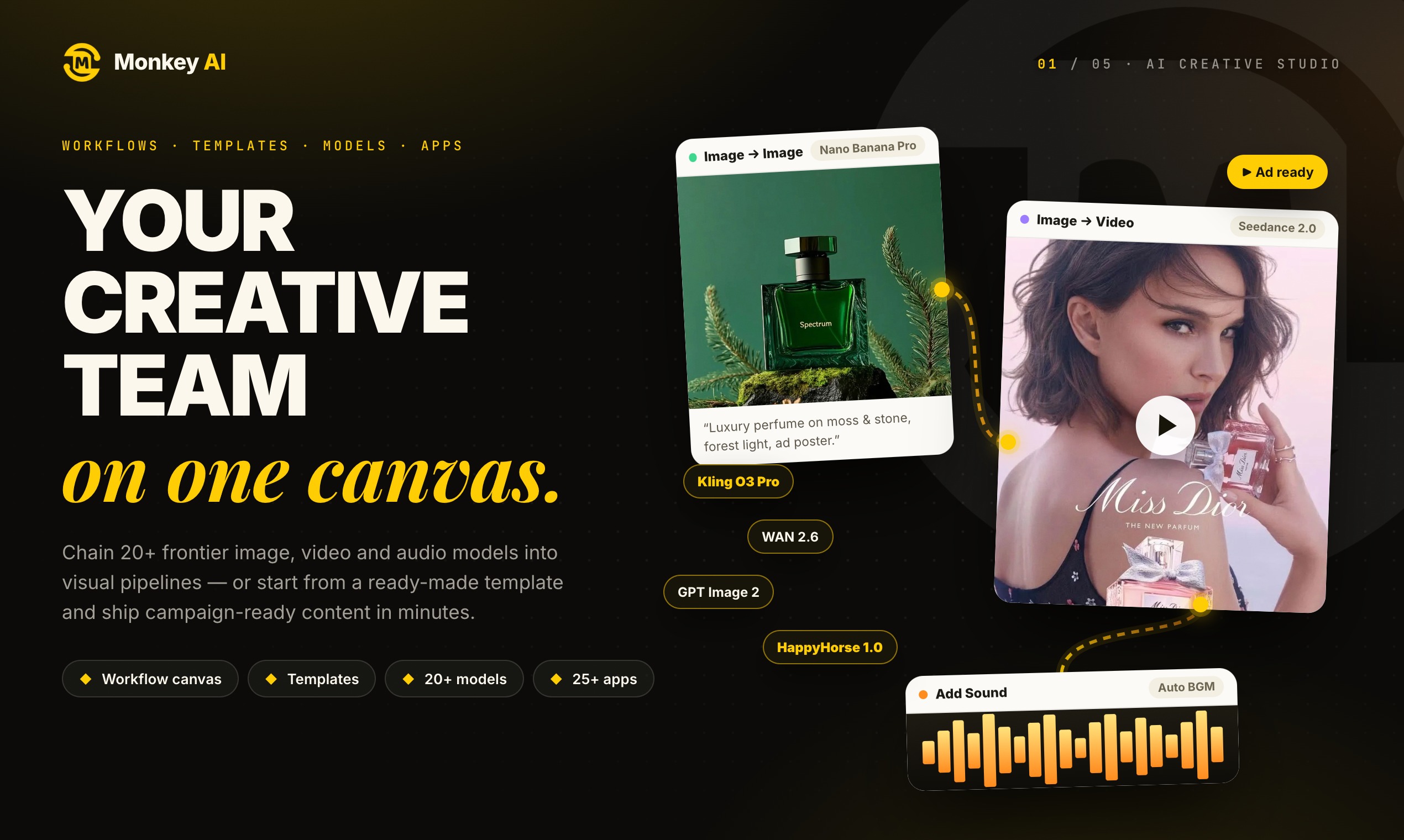
- Chain 20+ models so one node's output feeds the next
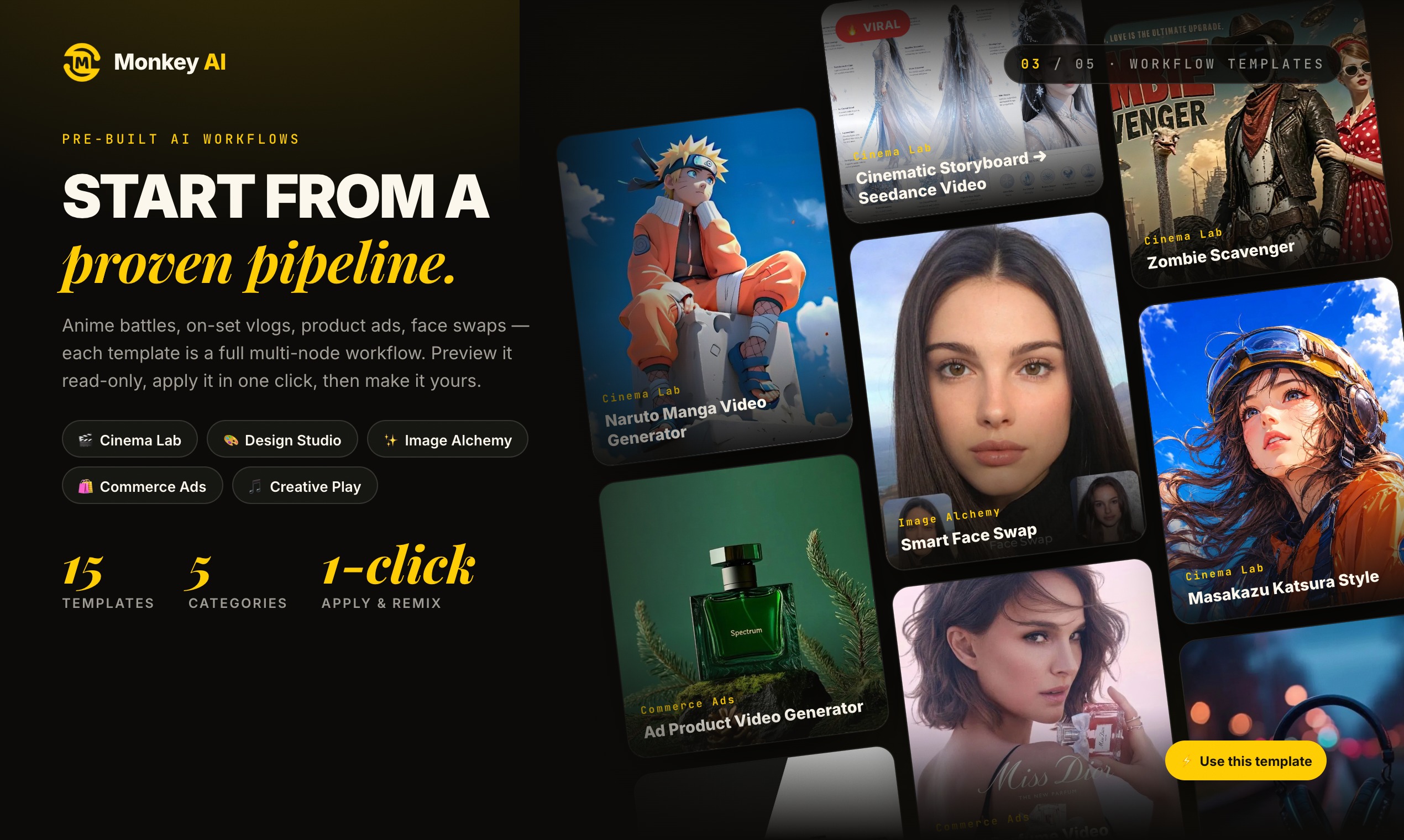
- Start from a template or build from scratch
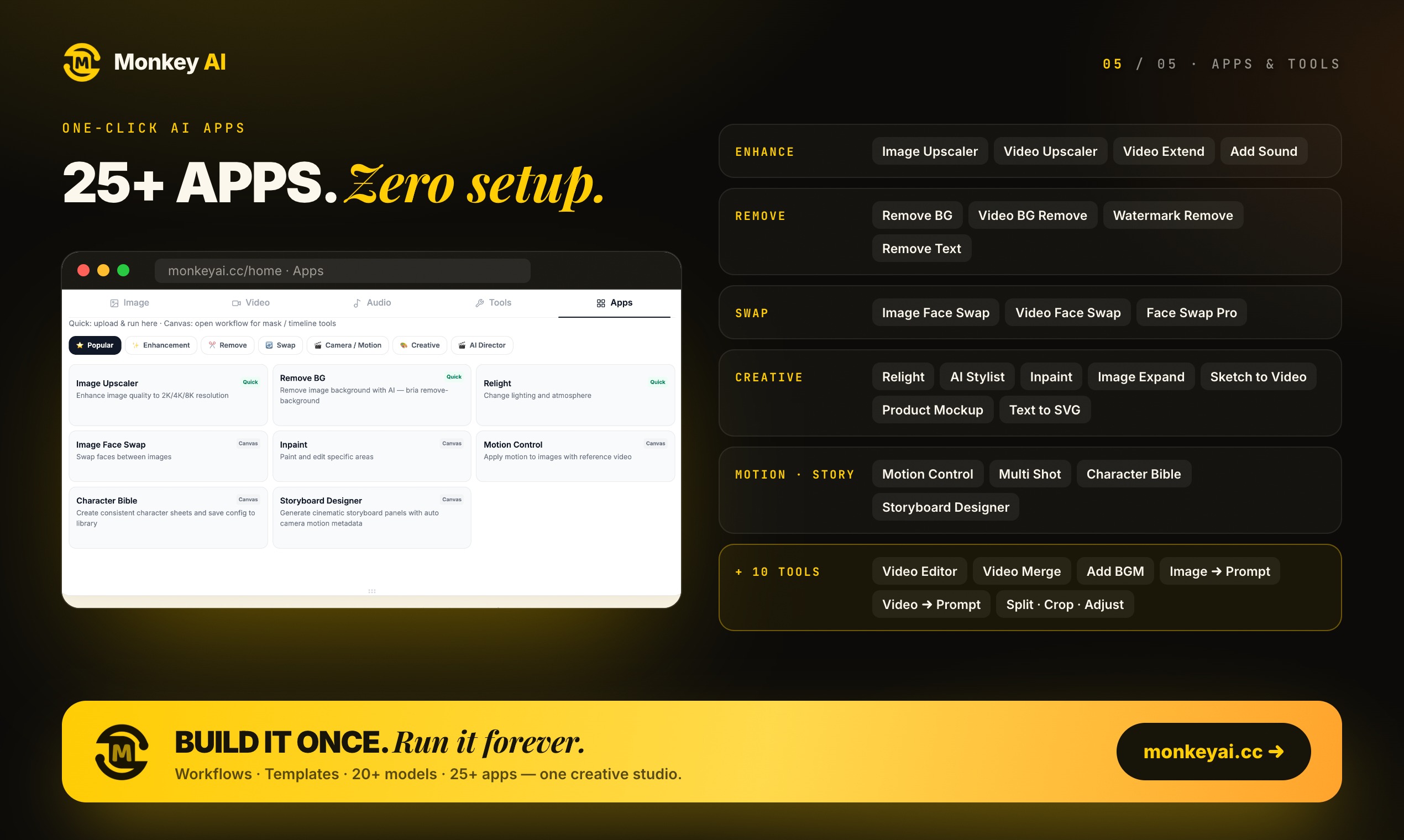
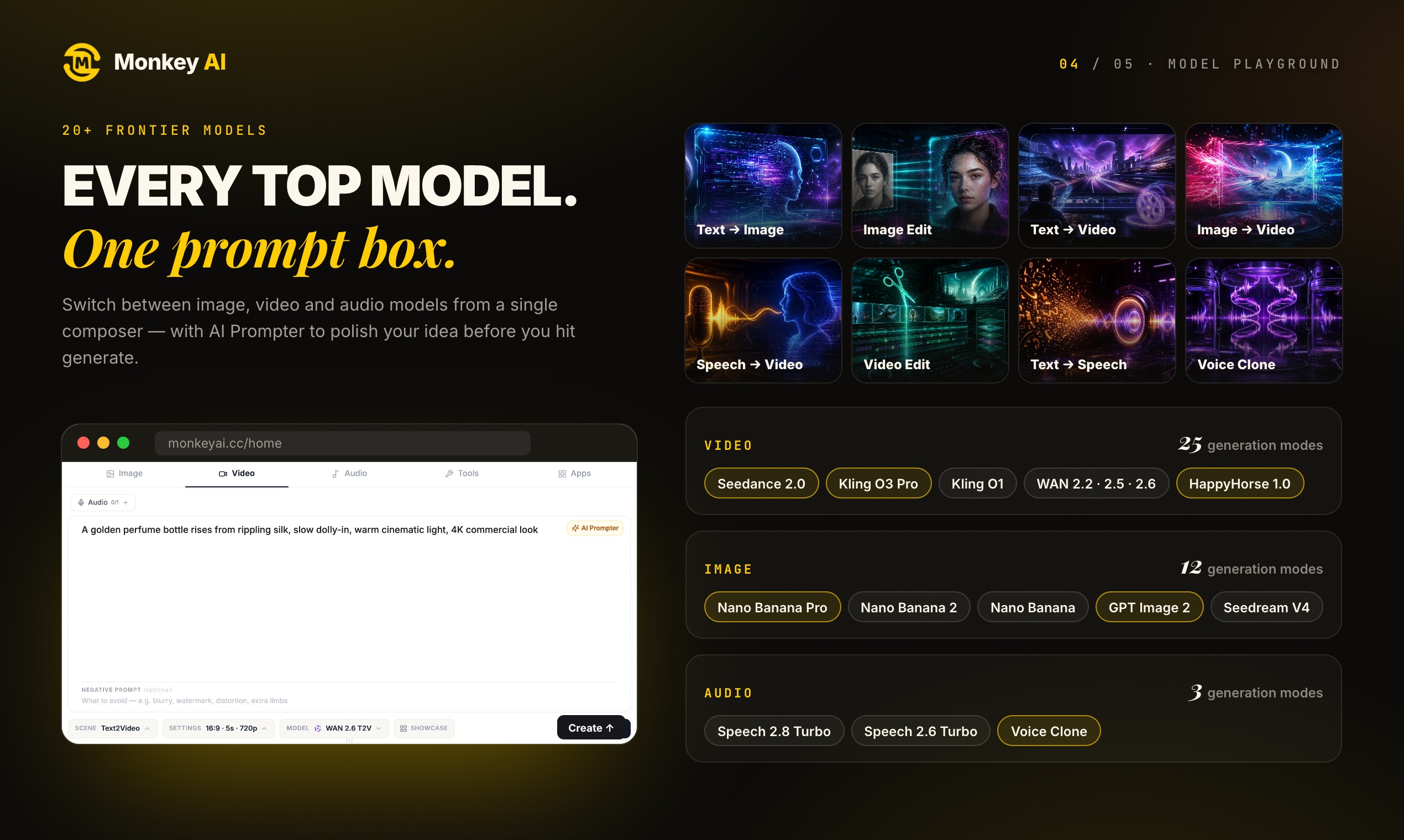
- A playground for one-off generations when you do not need a graph
How I built it
1. Graph as the data model. The workflow is a directed acyclic graph stored as nodes and edges, not as code. Each node declares its input ports and output types, which means the editor can reject an invalid connection before anything runs.
2. Type checking on the canvas. A video-output node cannot connect to a text-input port. Enforcing this visually at edit time is worth far more than catching it at run time — the user finds the mistake while they are still thinking about the design.
3. Execution engine. Running the graph means a topological sort, then executing nodes whose dependencies are satisfied. Independent branches run in parallel, which matters when a workflow branches into several generations and merges them back.
4. Passing state between nodes. Every intermediate result is stored in a canonical asset store and referenced by ID. Nodes never pass raw bytes to each other; they pass references. This is what makes it possible to re-run a single node without re-running the whole graph.
5. Partial re-execution. Change one prompt in a five-node chain and only the affected downstream nodes re-run. Caching by node input hash makes this automatic.
Challenges I ran into
Partial failures are the normal case, not the exception. With eight nodes in a chain, the chance that every model call succeeds is low. My first engine aborted the whole run on any failure, which meant a five-minute workflow died because the third node hit a rate limit. I moved to a model where each node completes or fails independently, successes are cached, and re-running only retries what actually failed.
Parallel execution needs careful state handling. Once independent branches run simultaneously, two nodes can try to write the same cache entry, or a merge node can start before both parents finish. The engine tracks dependency satisfaction explicitly rather than relying on promises resolving in the right order.
The canvas gets unreadable fast. A workflow with twenty nodes looks like a diagram of the problem, not the solution. Grouping nodes into collapsible subgraphs was necessary before the tool was usable for anything real.
[Add here: a workflow you personally built that broke in an interesting way, and what it taught you.]
Accomplishments that I'm proud of
- The type-checked canvas. Being told "these do not connect" while designing is much better than debugging it after a run.
- Partial re-execution with cached node results. It turns iteration on a long workflow from minutes into seconds.
- Keeping the playground and the canvas as two views over the same underlying job system, rather than two separate products.
What I learned
The value of a workflow tool is in what it lets you skip re-running. I thought the canvas would be about visual design. The feature people actually rely on is changing one node and only paying for the affected work.
Model chaining fails at the seams. Each model is fine on its own. The problems live in the handoffs: resolution mismatches, aspect ratio changes, formats that one model outputs and another will not accept. A pipeline product is mostly a data normalisation product.
[Add here: what kind of user adopted this — developers, creators, marketers — and whether templates or blank canvas got more use.]
What's next for MonkeyAI
- Scheduled workflows. Run a graph on a schedule and deliver the output somewhere, turning a one-off creation into a content pipeline.
- Version history on the graph. Workflows evolve; being able to diff two versions and see what changed is currently missing.
- Shareable templates with inputs. Publish a workflow so someone else can run it with their own images rather than rebuilding it.
- Cost preview. Show the expected cost of a run before executing, since a long chain with video generation can get expensive.


Log in or sign up for Devpost to join the conversation.