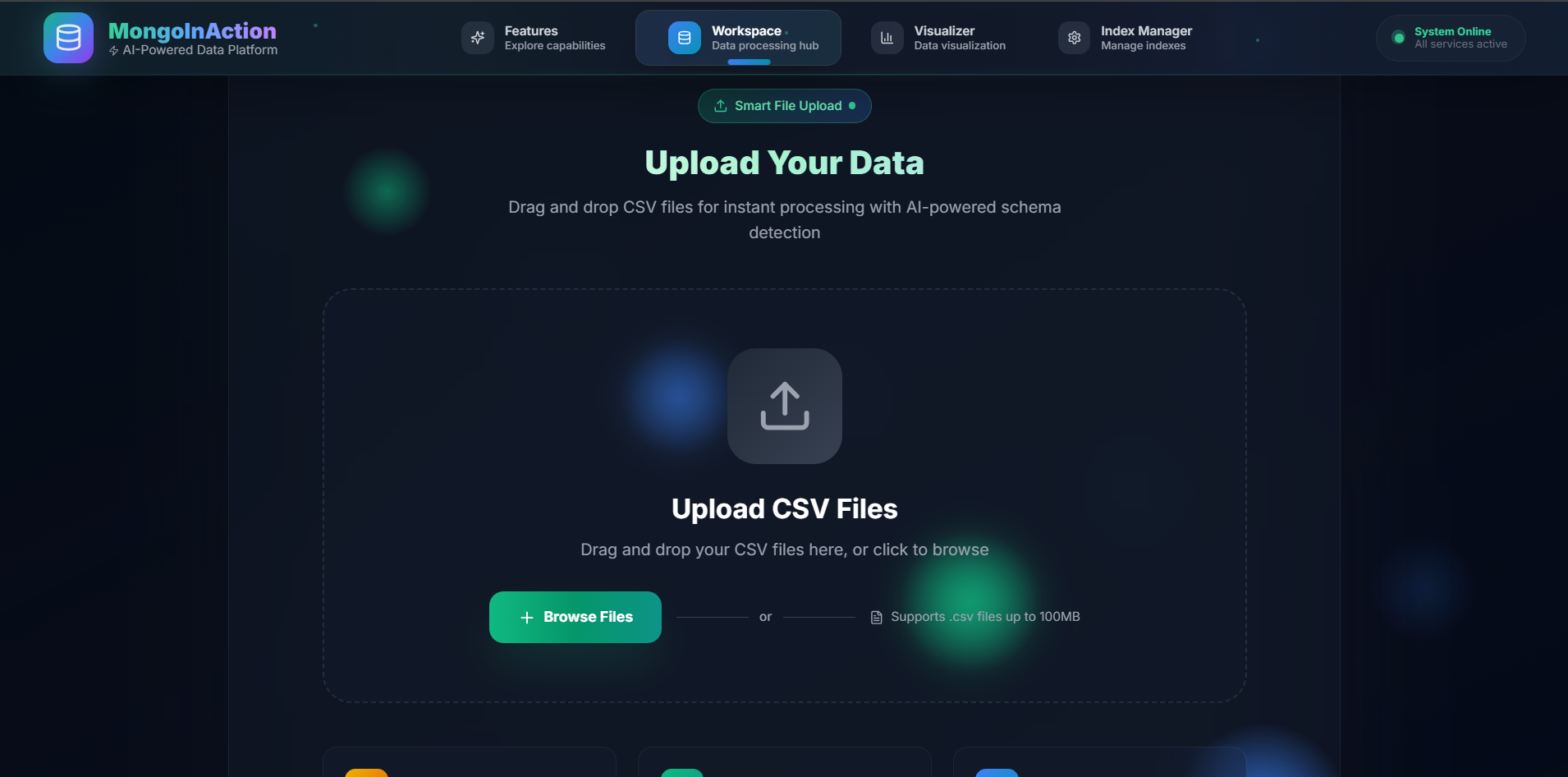
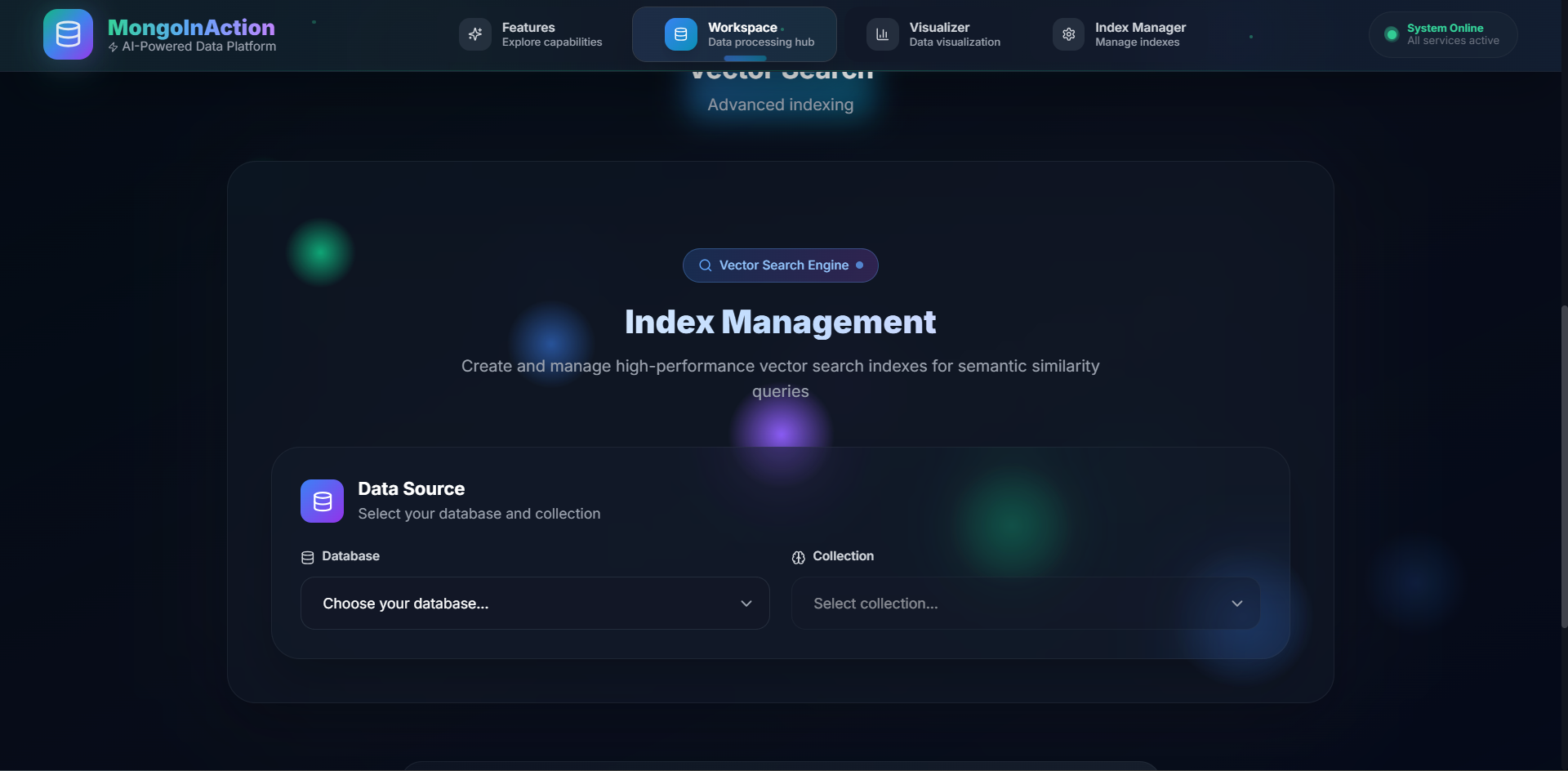
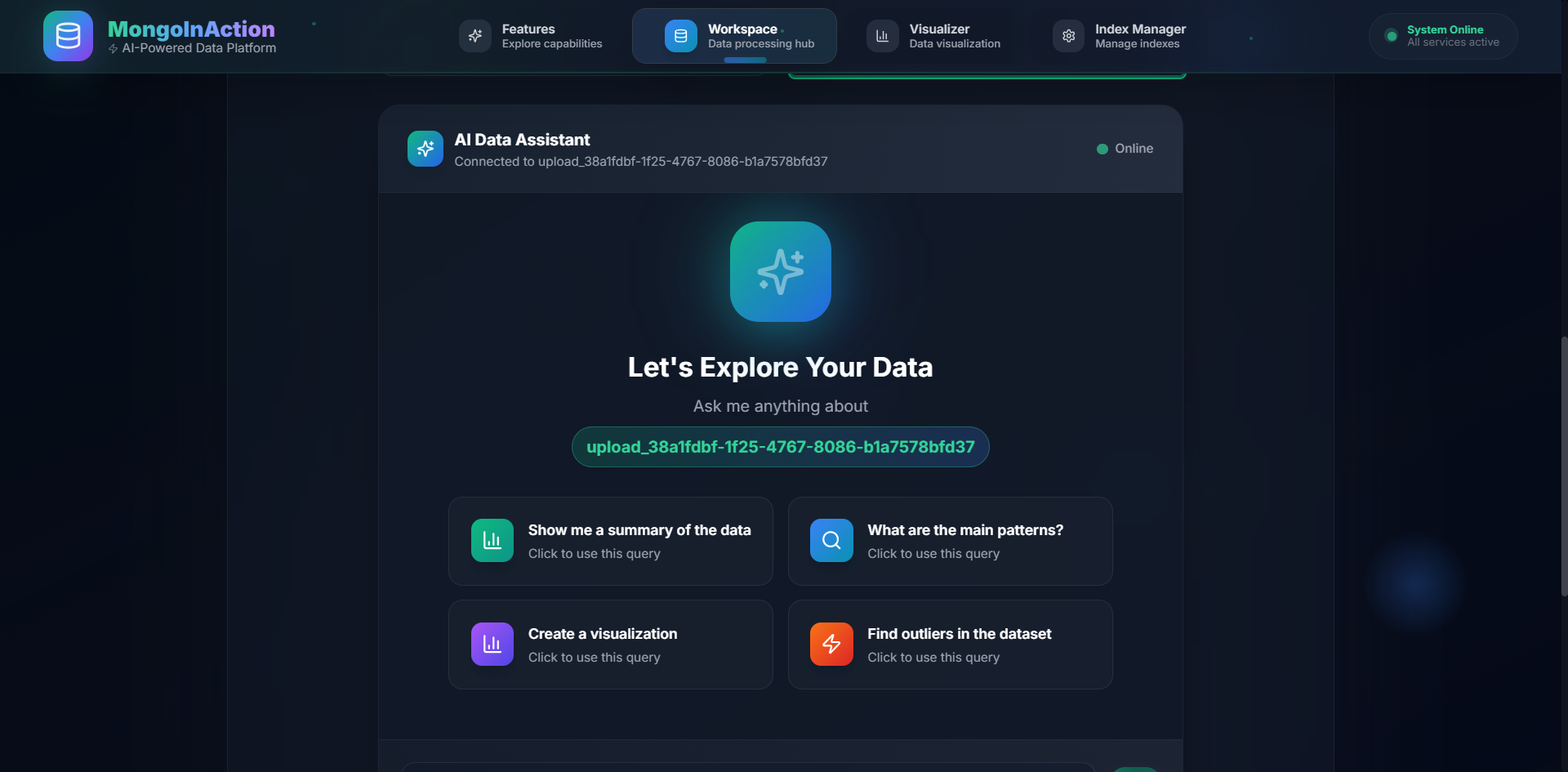
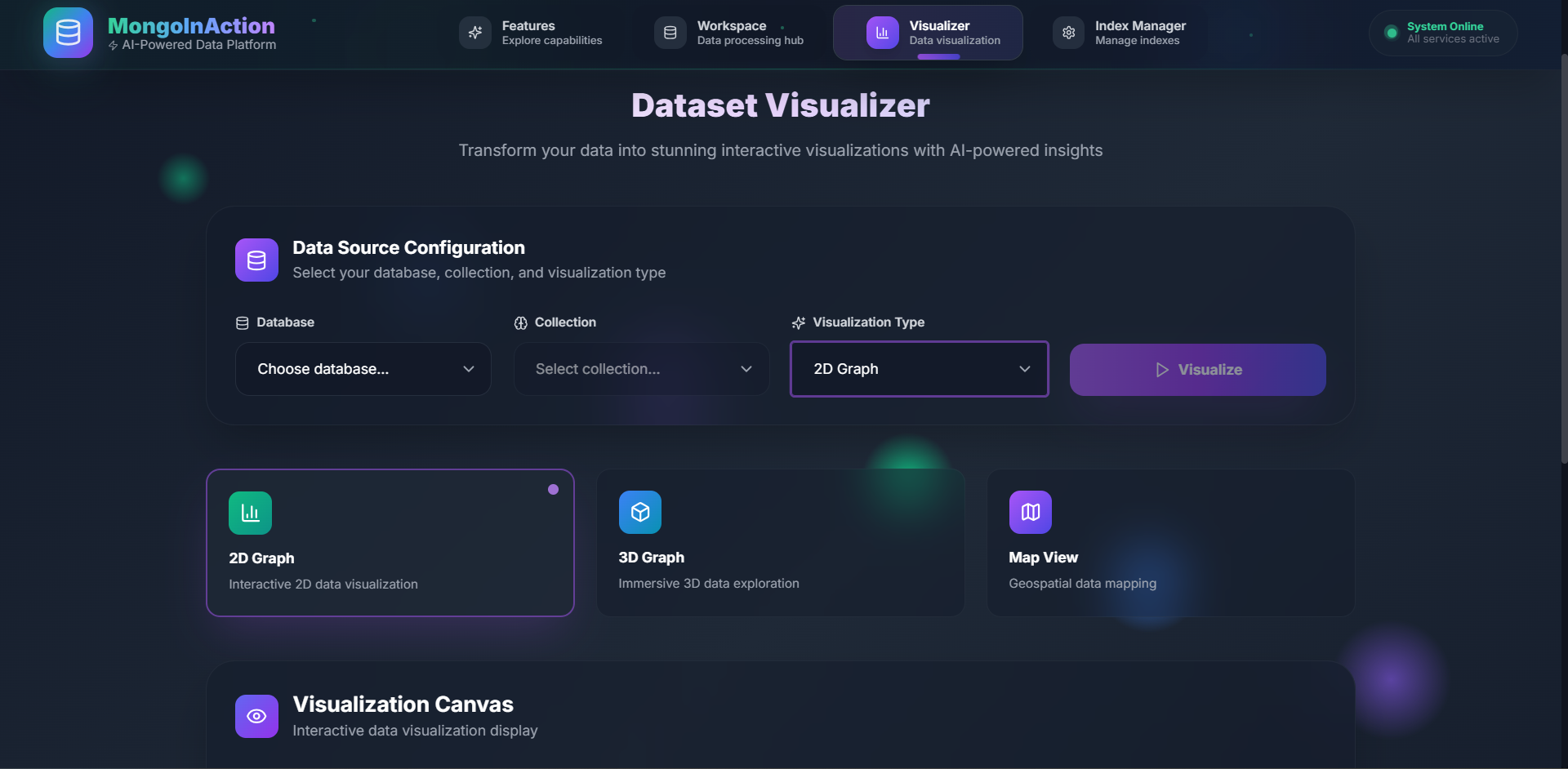
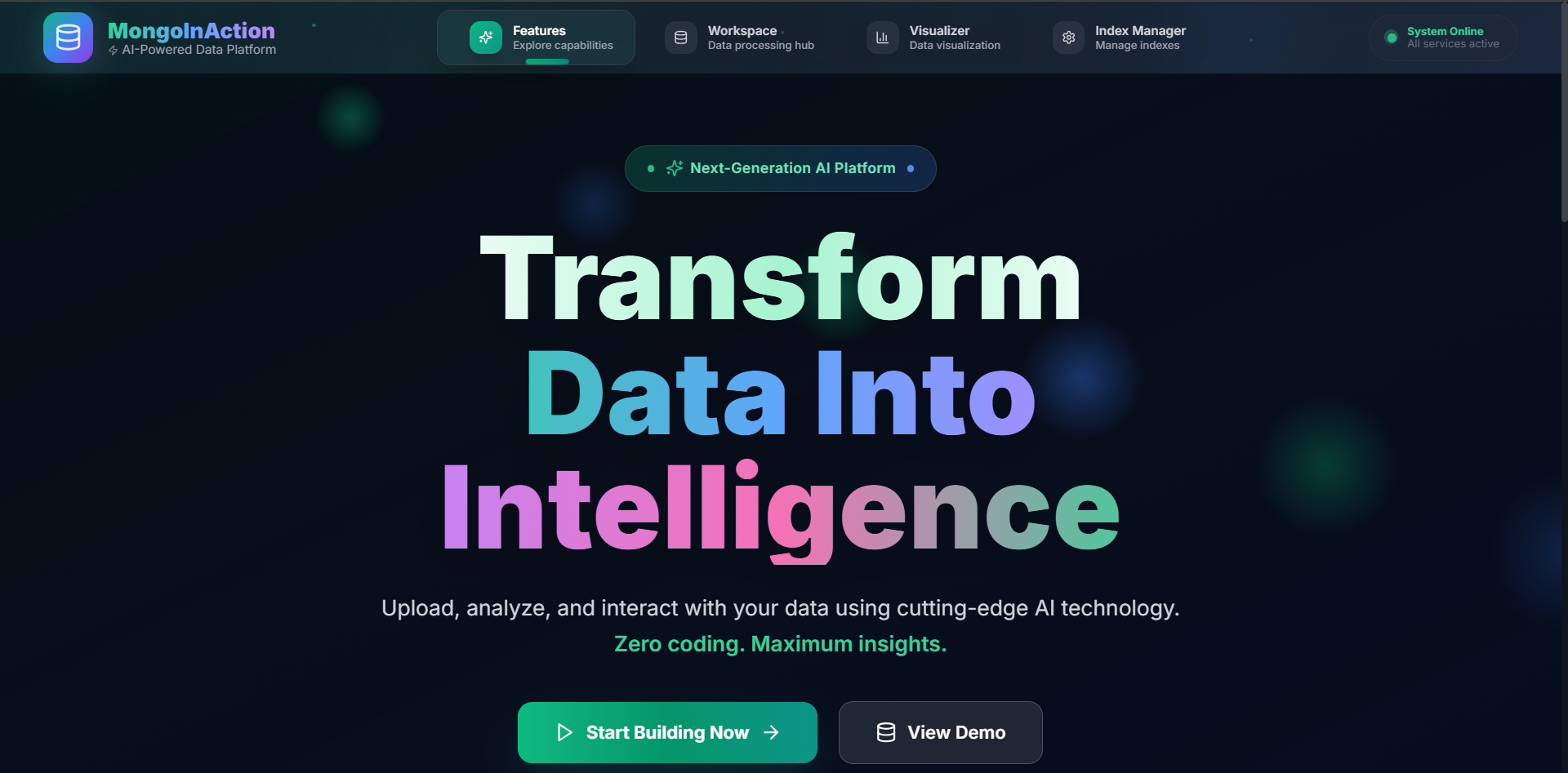
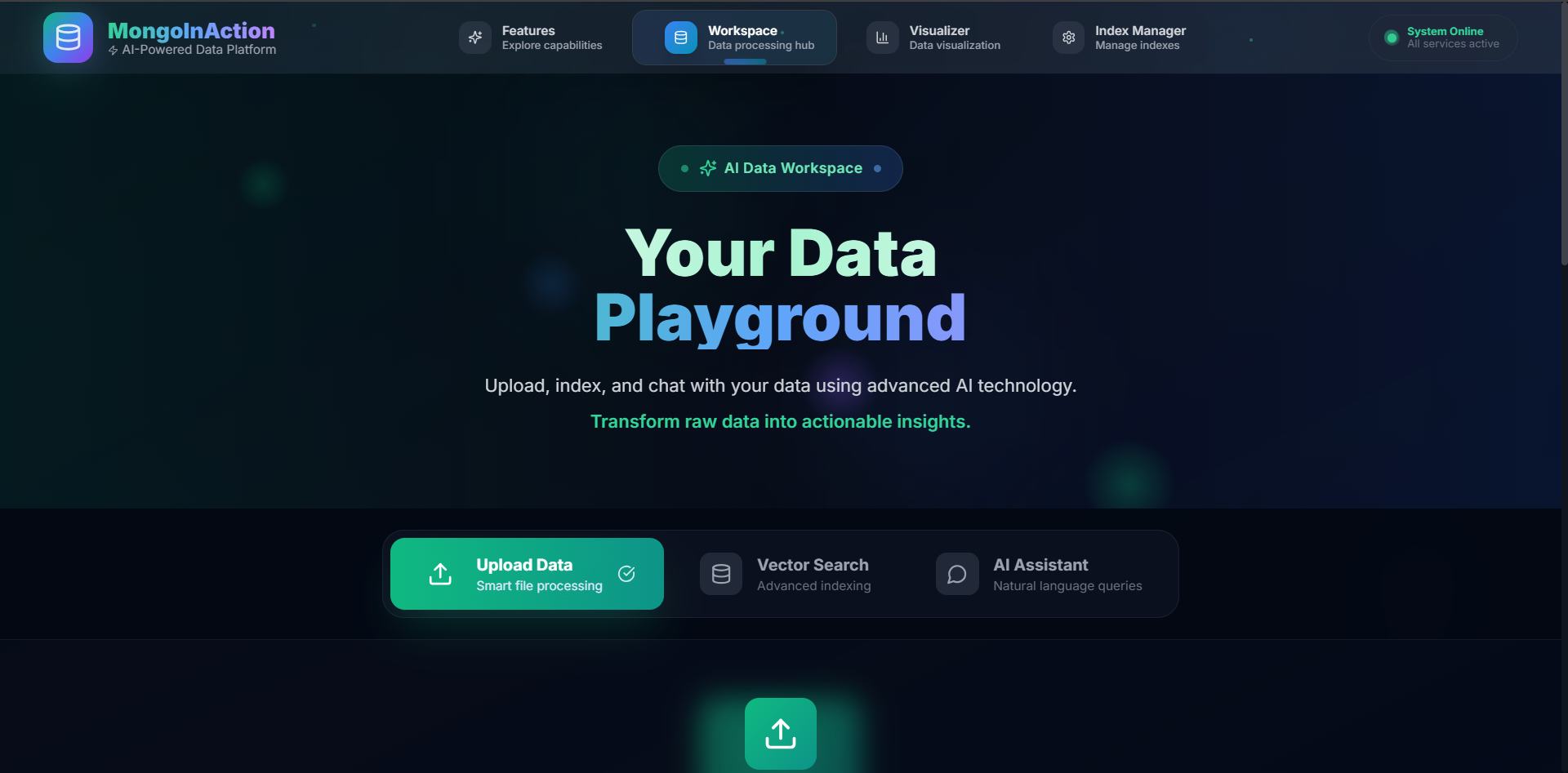
Inspiration In a world saturated with data, the ability to extract meaningful insights remains a significant barrier for most. We were inspired by the gap between raw data and actionable intelligence. The complexity of database management—designing schemas, optimizing indexes, and writing intricate queries—often requires a team of specialized engineers. Our inspiration was to build a tool that completely automates this process, putting the power of an expert data architect and a senior analyst into a single, intuitive application that anyone can use. What it does MonGoogle It is an automated data architect and analyst in a box. It allows a non-technical user to: Upload a raw data file (like a CSV) or connect to their own MongoDB URI. Have the platform automatically analyze, model, and structure the data in an optimized MongoDB collection, even generating vector embeddings for semantic search. Automatically create the necessary database indexes (both standard and vector) to ensure queries are lightning-fast. Ask complex questions about their data in plain English through a simple chat interface. Receive back not just raw data, but AI-generated summaries, key insights, and publication-ready visualizations that explain the story behind the data. How we built it We architected MonGoogle It as a robust, cloud-native, full-stack application. Frontend: A premium, modern user interface built from scratch using React, Vite, and Tailwind CSS. This provides a clean, responsive, and intuitive experience for file uploads and interacting with the AI. Backend: A powerful and scalable backend service built with Python and FastAPI. The core of the backend is our custom "ADK Agent," which orchestrates all the data processing and analysis. Database: We used MongoDB Atlas as our primary data store. We leveraged its most advanced features, including: Flexible Schema to dynamically model the uploaded data. The Atlas API to programmatically create Search and Vector indexes. Atlas Vector Search and complex Aggregation Pipelines to perform advanced, multi-stage queries that combine semantic search with traditional filtering. Cloud & AI Infrastructure: The entire platform is deployed on Google Cloud Platform. Google Cloud Storage securely handles raw file uploads. Google Cloud Run hosts our containerized frontend (Nginx) and backend (FastAPI) services, allowing for massive scalability. Google Vertex AI (Gemini Pro) is the generative engine that interprets user questions, constructs database queries, and summarizes the final results. Docker and Google Artifact Registry were used for our CI/CD pipeline to build and store our application containers. Challenges we ran into Python Dependency Failure: Our initial backend deployment kept crashing. By running the container locally, we found a ModuleNotFoundError in the logs. We solved this by adding the missing pydantic-settings library to our requirements.txt and rebuilding our Docker image. Cloud Port Mismatch: Our frontend container failed to start on Cloud Run because of a port conflict. Cloud Run defaults to port 8080, but our Nginx server was configured for port 80. We diagnosed this by carefully reading the Cloud Run logs and fixed it by adding the --port=80 flag to our deployment command. Local Cloud Authentication: To debug effectively, we needed to pull our cloud-based container images to our local machine. This failed at first due to a lack of permissions. We resolved this by using the gcloud auth configure-docker command to grant our local Docker engine the necessary credentials to access Google Artifact Registry. Accomplishments that we're proud of We successfully built a true, end-to-end Retrieval-Augmented Generation (RAG) pipeline that seamlessly integrates a database, a large language model, and a user interface. We automated highly technical database administration tasks, like data modeling and index creation, making them invisible to the end-user. We created a system that can translate natural language into complex, multi-stage MongoDB Aggregation Pipelines involving vector search, a significant technical achievement. We deployed a multi-service, containerized application to the cloud using modern DevOps practices, resulting in a scalable and robust final product. What we learned This project was an incredible, hands-on learning experience across the entire modern application stack. We solidified our skills in: Full-Stack Development: Connecting a premium React frontend to a sophisticated Python backend. Advanced MongoDB: Moving beyond basic queries to master programmatic control over Atlas Search, Vector Search, and complex Aggregations. Generative AI Implementation: Architecting and implementing a state-of-the-art RAG pipeline from the ground up. Cloud & DevOps: Gaining practical experience in building, containerizing, and deploying a scalable, multi-service application on Google Cloud Platform. What's next for MonGoogle It We are incredibly excited about the future of this platform. Our next steps include: Expanding Data Sources: Adding support for more file types (JSON, Parquet) and direct connections to other databases (like PostgreSQL and BigQuery). Interactive Visualization Dashboards: Allowing users to create, save, and share persistent dashboards based on their conversational queries. Deeper AI Analysis: Implementing proactive features where the agent automatically suggests interesting queries or points out anomalies in the data without being asked. Multi-User & Collaboration Features: Adding user accounts, workspace sharing, and query history to make it a tool for teams.
Built With
- fastapi
- gemini
- google-cloud
- google-cloud-apis
- javascript
- maps-javascript-api
- mongodb
- mongodb-atlas
- python
- react.js
- tailwind-css
- uvicorn
- vertexai
- vite


Log in or sign up for Devpost to join the conversation.