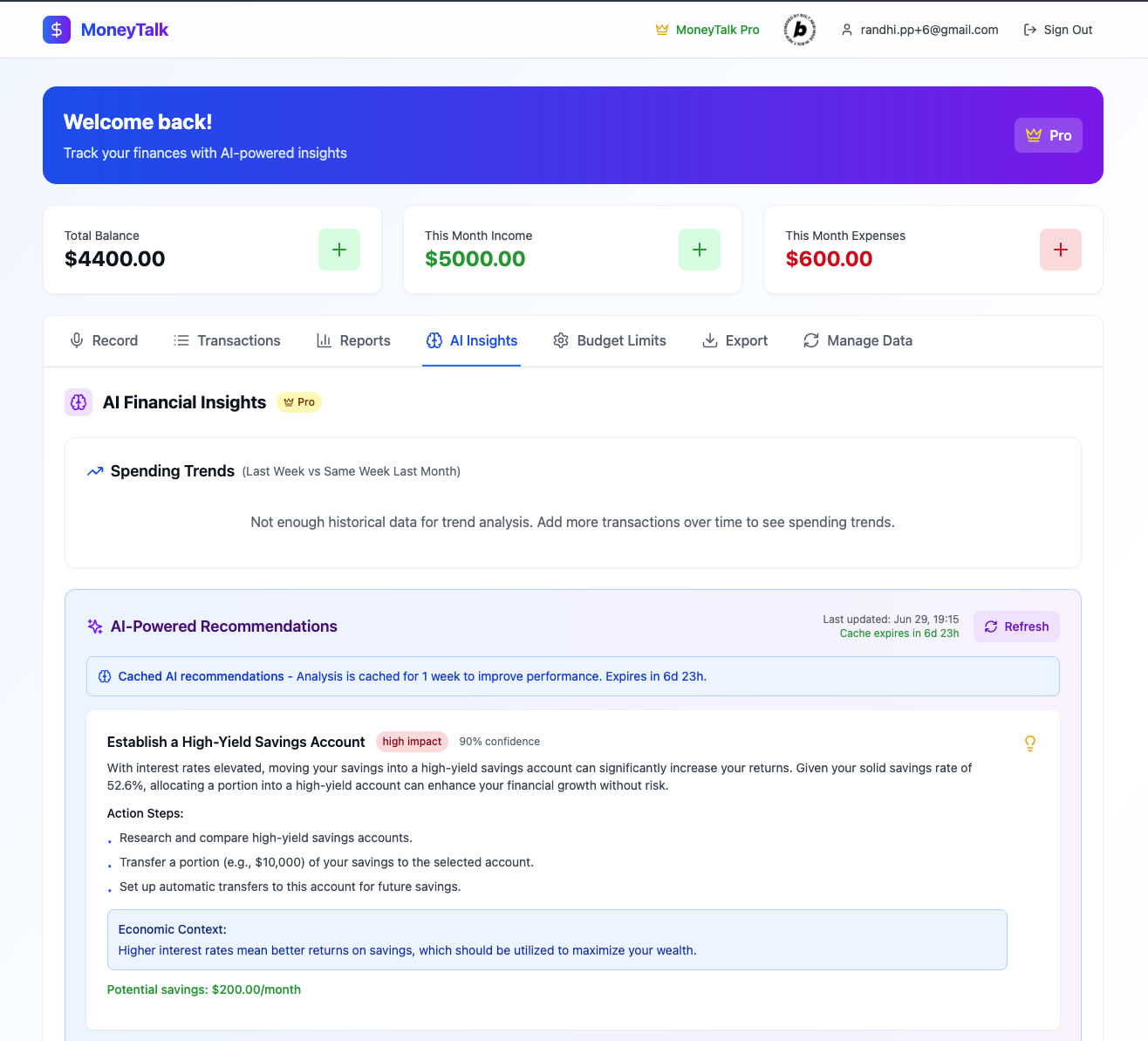
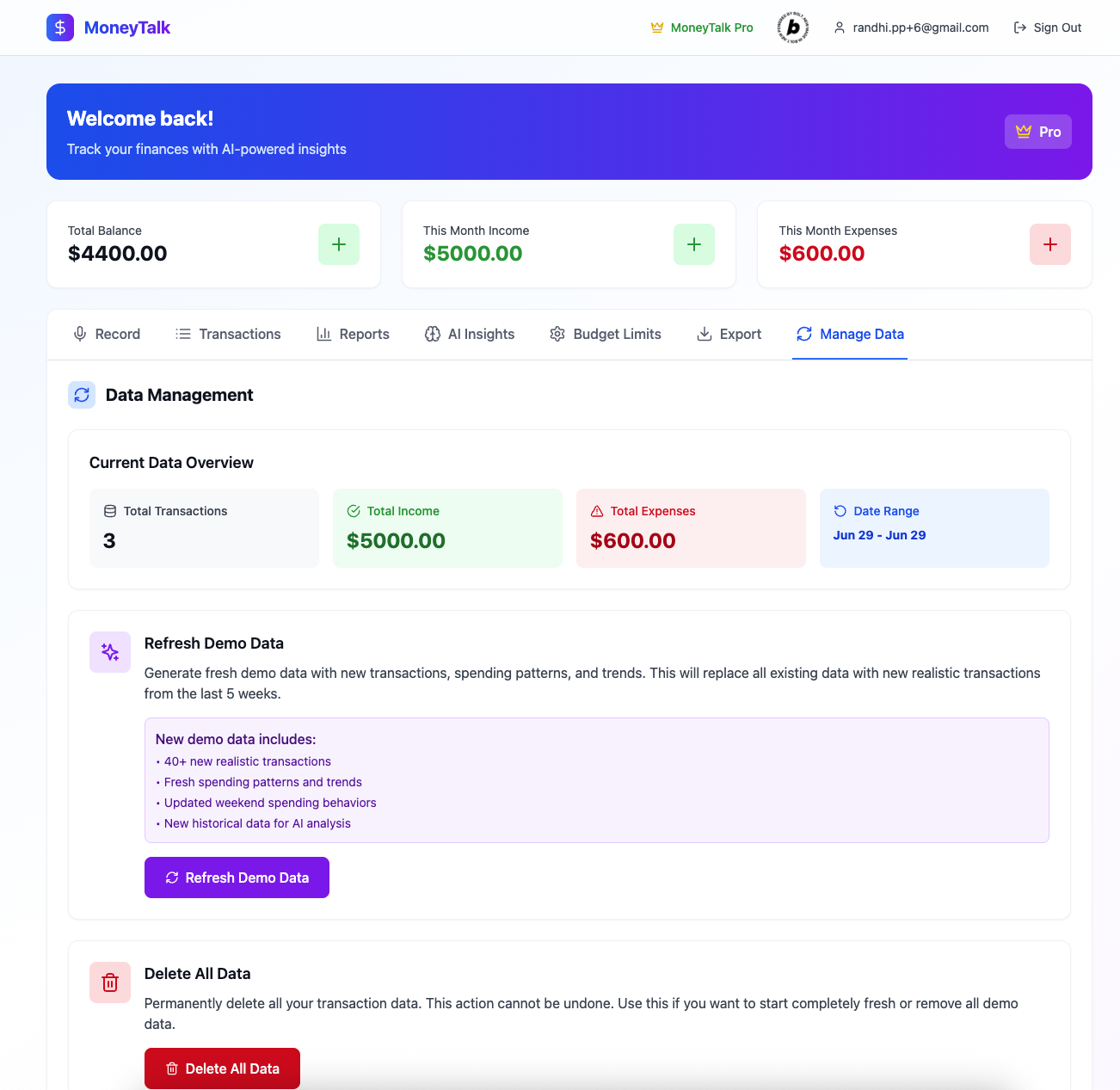
MoneyTalk Web
AI-Powered Voice Finance Tracker
What Inspired Me
I noticed a common pattern — many people want to manage their personal finances, but find it hard to stay consistent. They try apps like Spendee or Excel, but quickly give up because typing every transaction feels like a chore.
At the same time, voice technology and AI were getting better — and people are already comfortable using voice notes on WhatsApp or Instagram. That made me think: Why not build a finance tracker that works the same way — just talk and it’s logged?
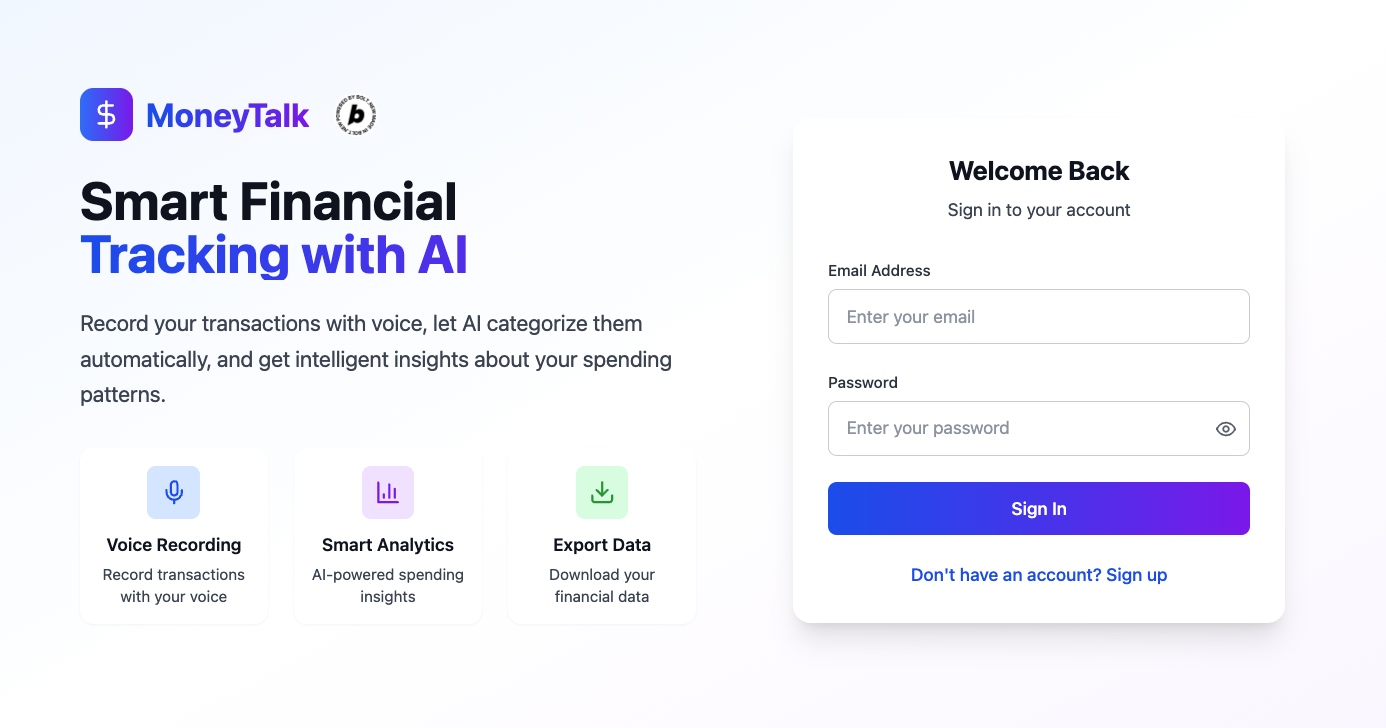
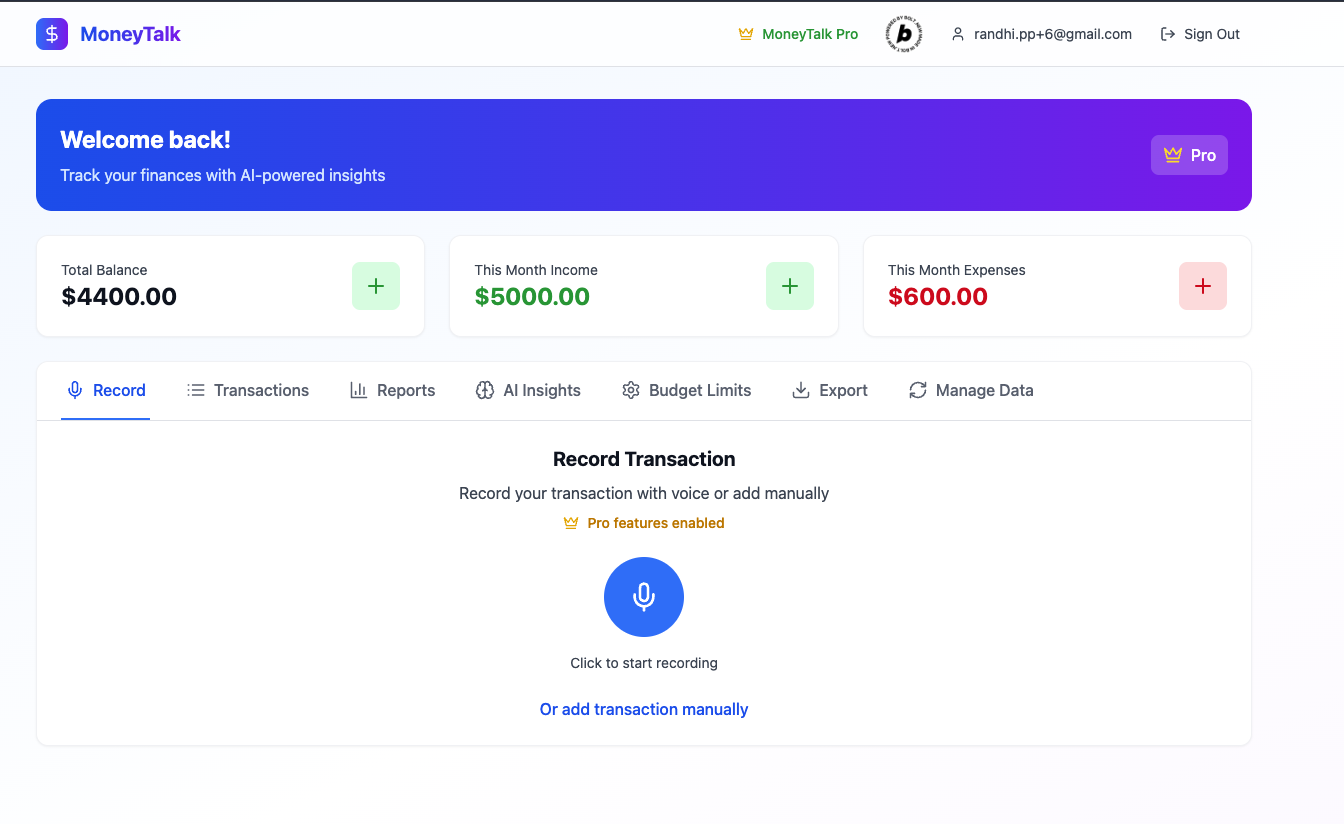
That’s how the idea of MoneyTalk Web was born: a browser-based tool where users can simply speak, and everything gets handled by AI.
What I Learned
Building the web version taught me to focus on: • Speed of input vs. accuracy — how fast a user can record something and still get good results. • Natural language parsing, especially for time expressions in both English and Indonesian (e.g. “3 hari lalu” → exact ISO date). • Minimal UX friction — users open a page, speak, done. No app store, no download. • The importance of fallback flows when AI confidence is low.
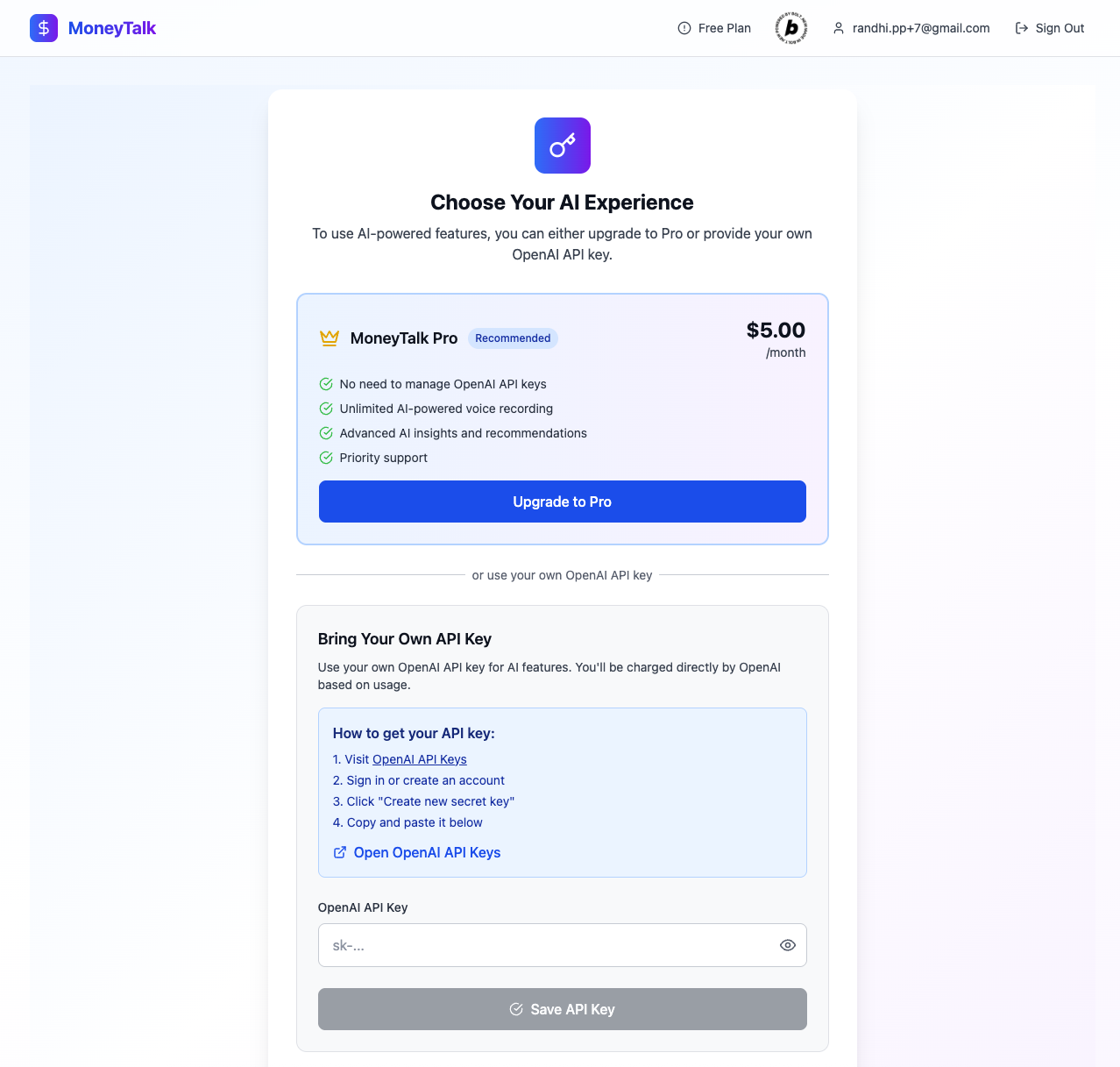
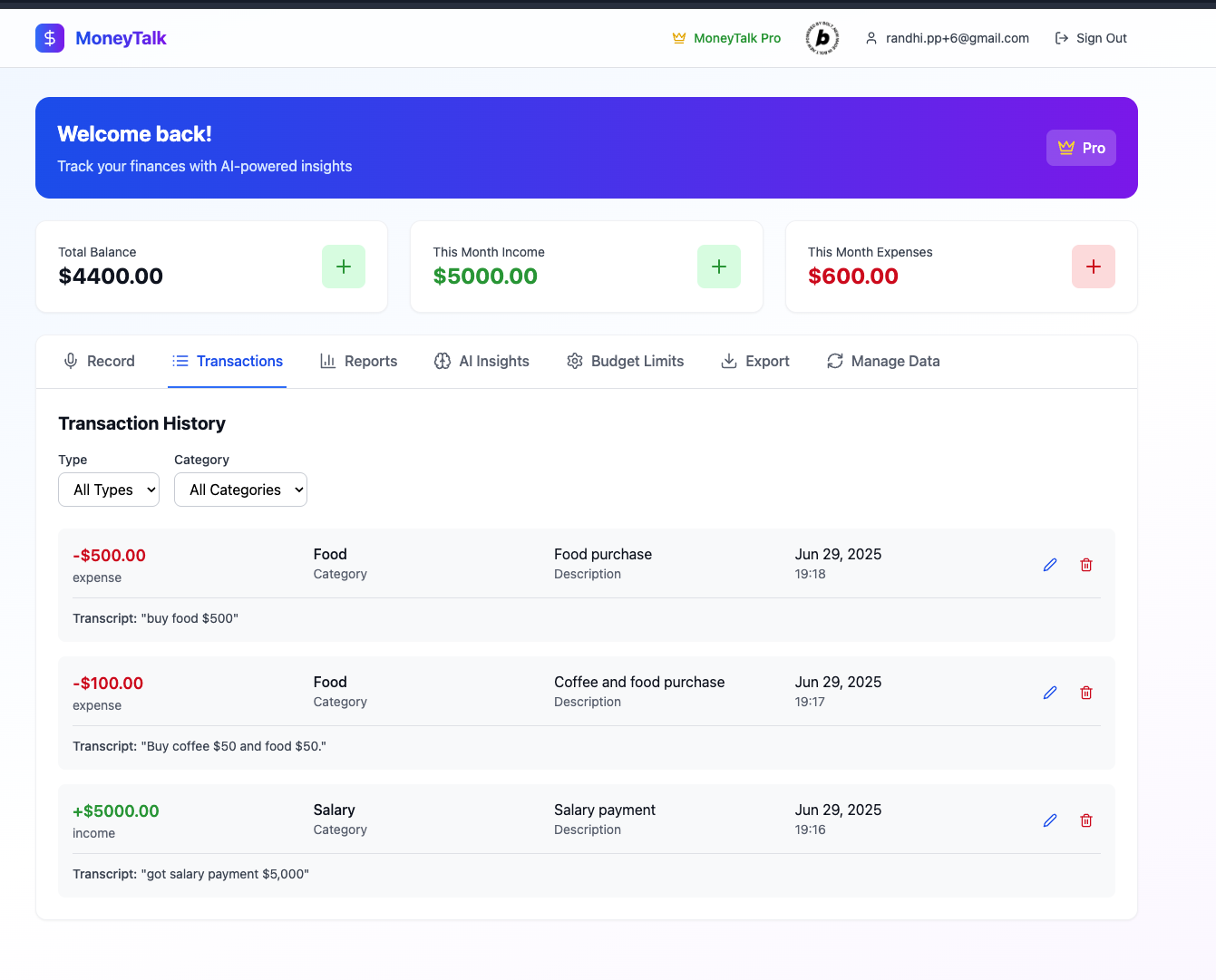
How I Built It • Frontend: Built with React, styled using Tailwind CSS. • Speech Recognition: Used the Web Speech API for voice-to-text in the browser. • AI Parsing: Prompts sent to OpenAI via API, to extract amount, type, category, and date from user speech. • Output: Parsed data is displayed immediately, with user option to edit or confirm before saving. • Storage: Supabase
Challenges I Faced
• Parsing “vague” phrases like “yesterday, 2 days ago” into precise datetimes.
• Making the AI flexible but still predictable — avoiding hallucinated categories or amounts.
• Ensuring performance on mobile browsers (many users access the web via phones).
• Keeping it privacy-first while still leveraging AI processing in the cloud.
What’s Next
• Social login and cloud sync
• Add budgeting & monthly summaries


Log in or sign up for Devpost to join the conversation.