-
-
landing
-
demo1
-
demo2
-
architecture
Inspiration
Every generation of developer tools has made software creation more accessible — but the input has always been text. We type code, type prompts, type descriptions. Meanwhile, the most natural way humans communicate ideas is by talking and drawing.
We asked: what if building software felt like explaining an idea on a whiteboard to a brilliant colleague who could actually build it on the spot?
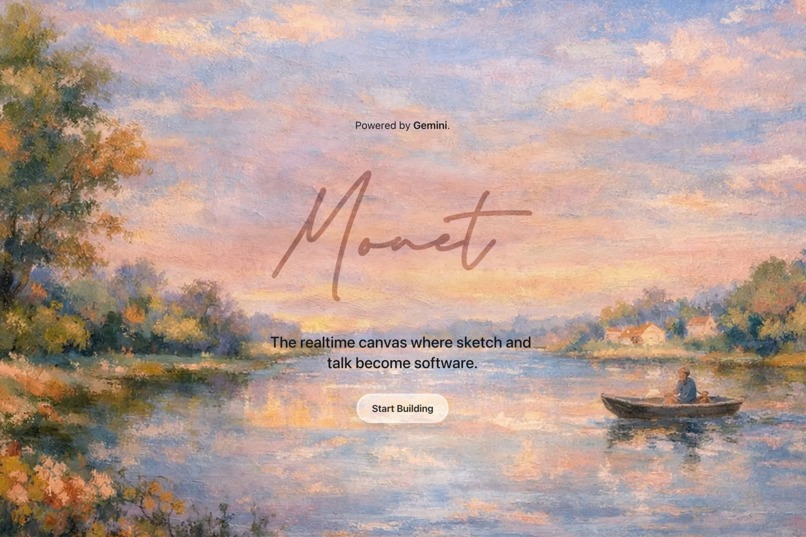
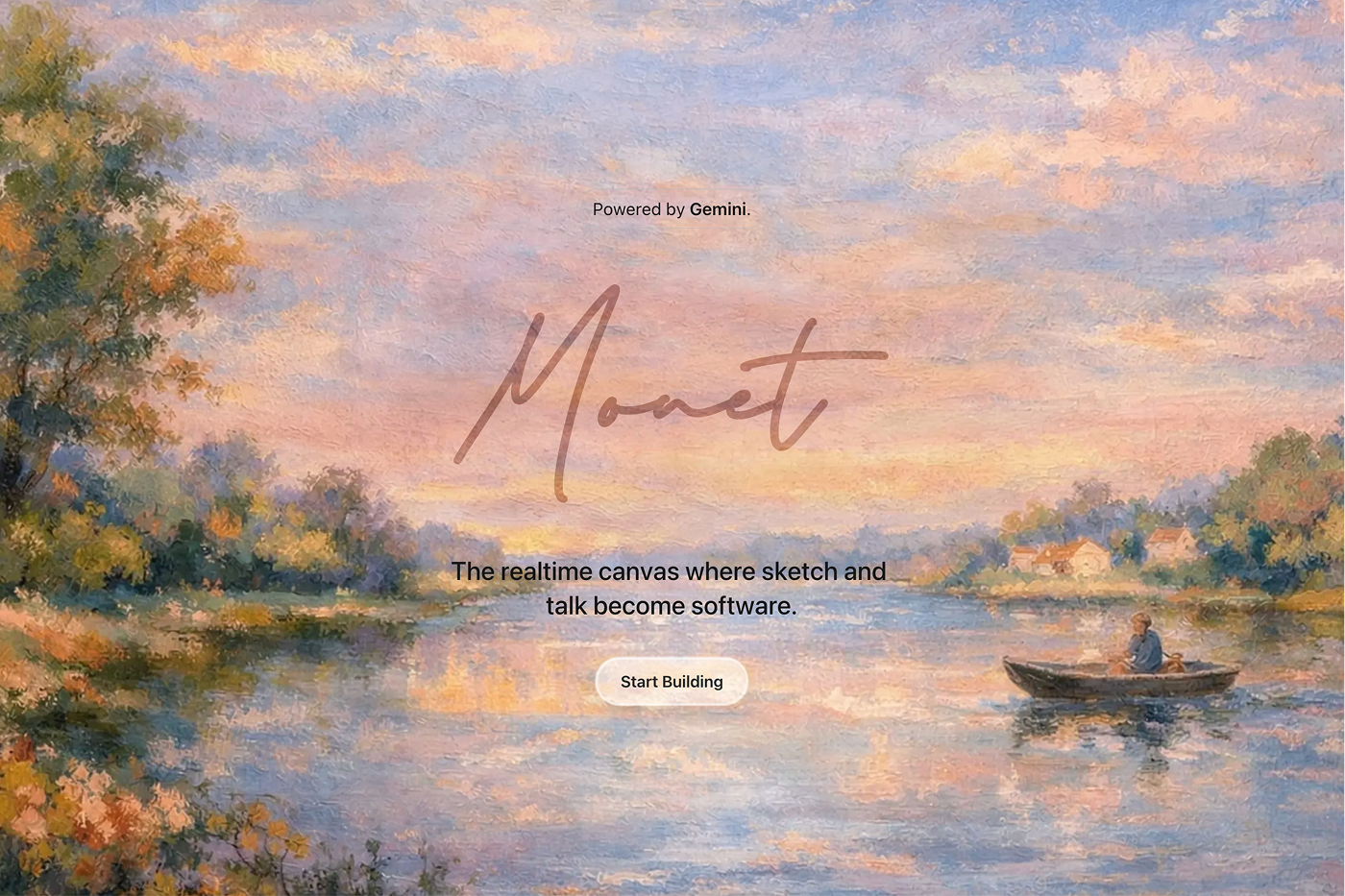
That question became Monet — named after the painter who turned fleeting impressions into art. Monet turns your impressions into software.
What it does
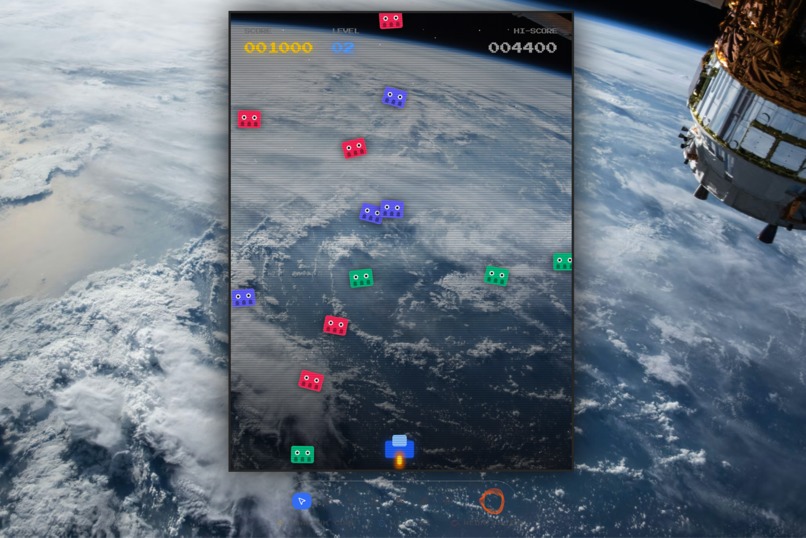
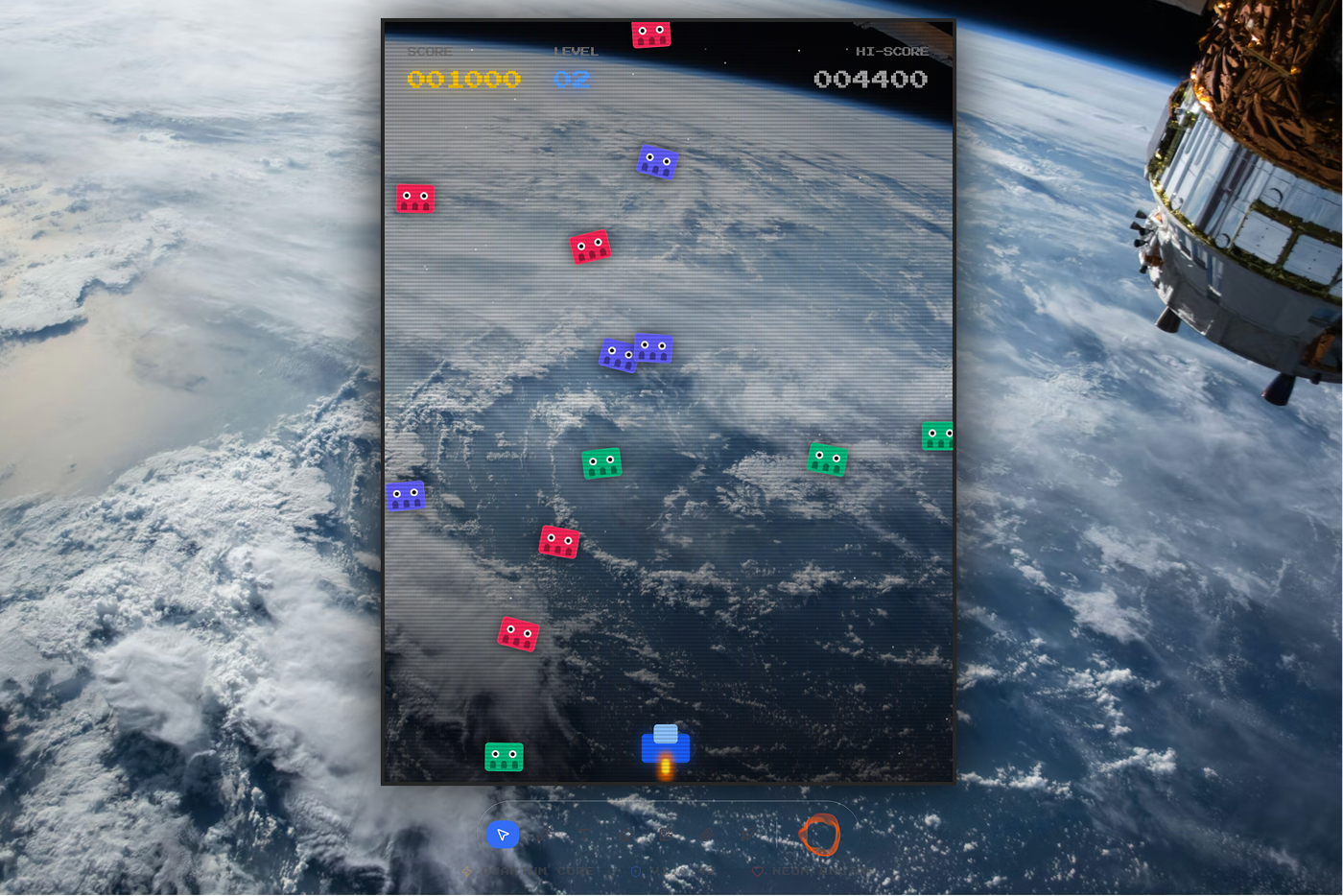
Monet is a real-time canvas where voice and sketch become working softwares. You speak naturally to an AI assistant while drawing on a freehand canvas, and it builds your app live.
- Voice-first interaction: Speak naturally using bidirectional streaming with the Gemini Live API. Monet listens, responds with voice, handles interruptions seamlessly, and never requires you to type.
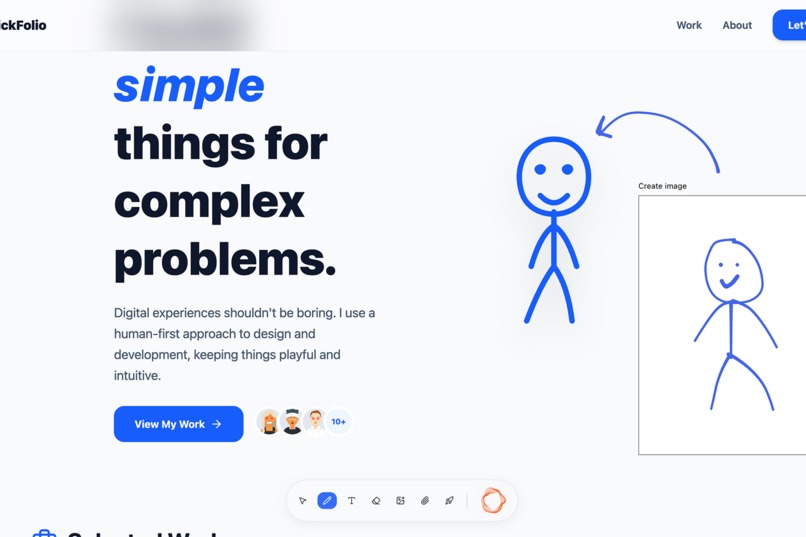
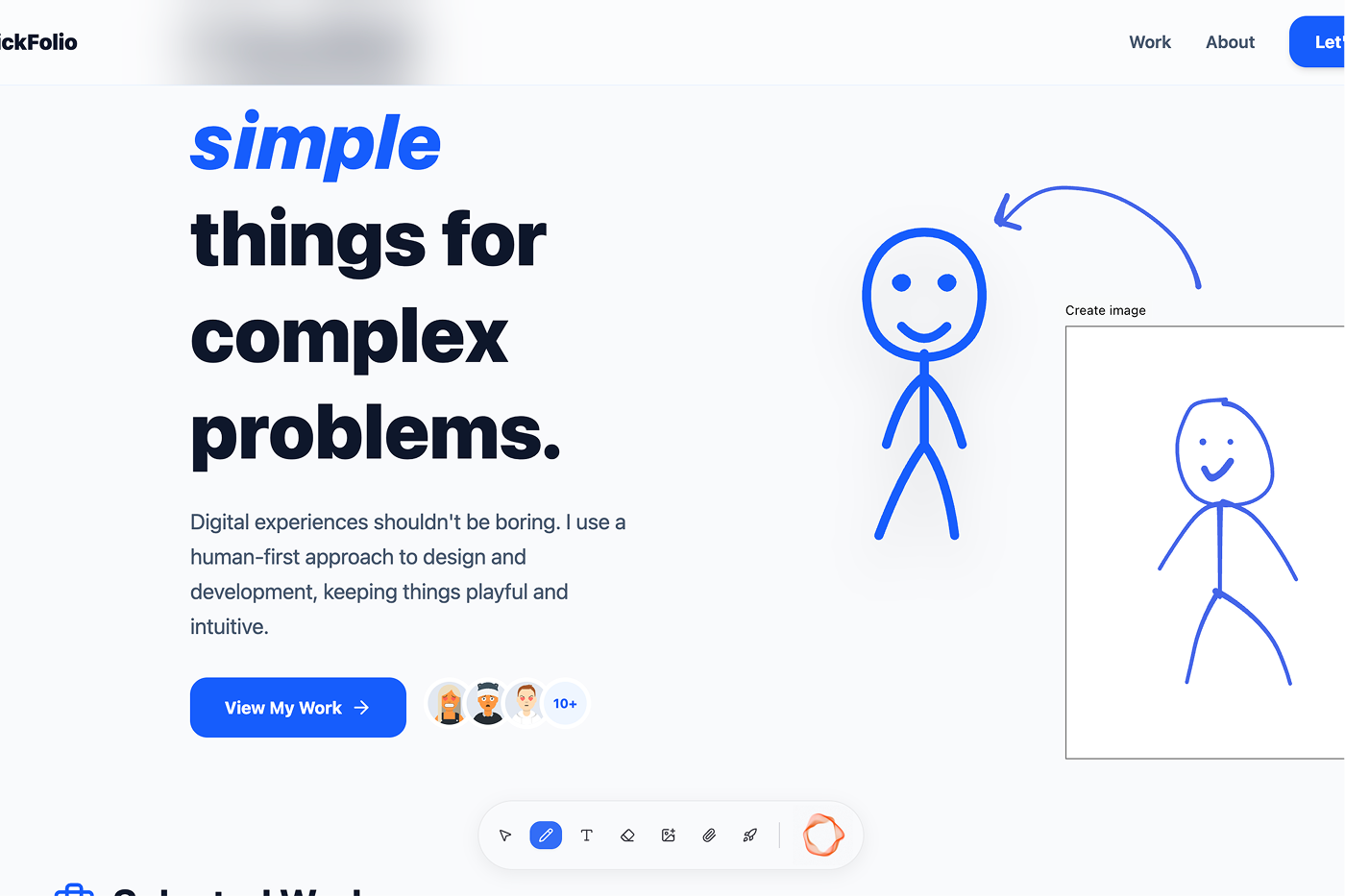
- Sketch-to-code: Draw rough layouts with a blue pen on the canvas. Circle an element and say "make this bigger" — Monet interprets your annotations as visual instructions.
- Live preview: Watch your app update in real time as code is generated — actual code running in the browser, not a static mockup.
- Image generation: Draw a rough composition, describe what you want, and Monet generates a polished image and integrates it directly into your app.
- Reference uploads: Drop in screenshots, design mockups, or photos and Monet uses them as context for generation.
- One-click deploy: Share your creation with a unique URL, accessible to anyone.
How we built it
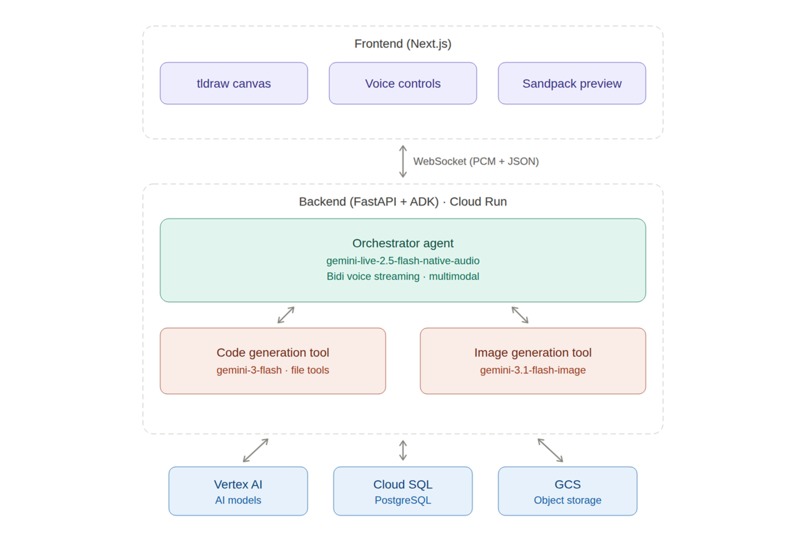
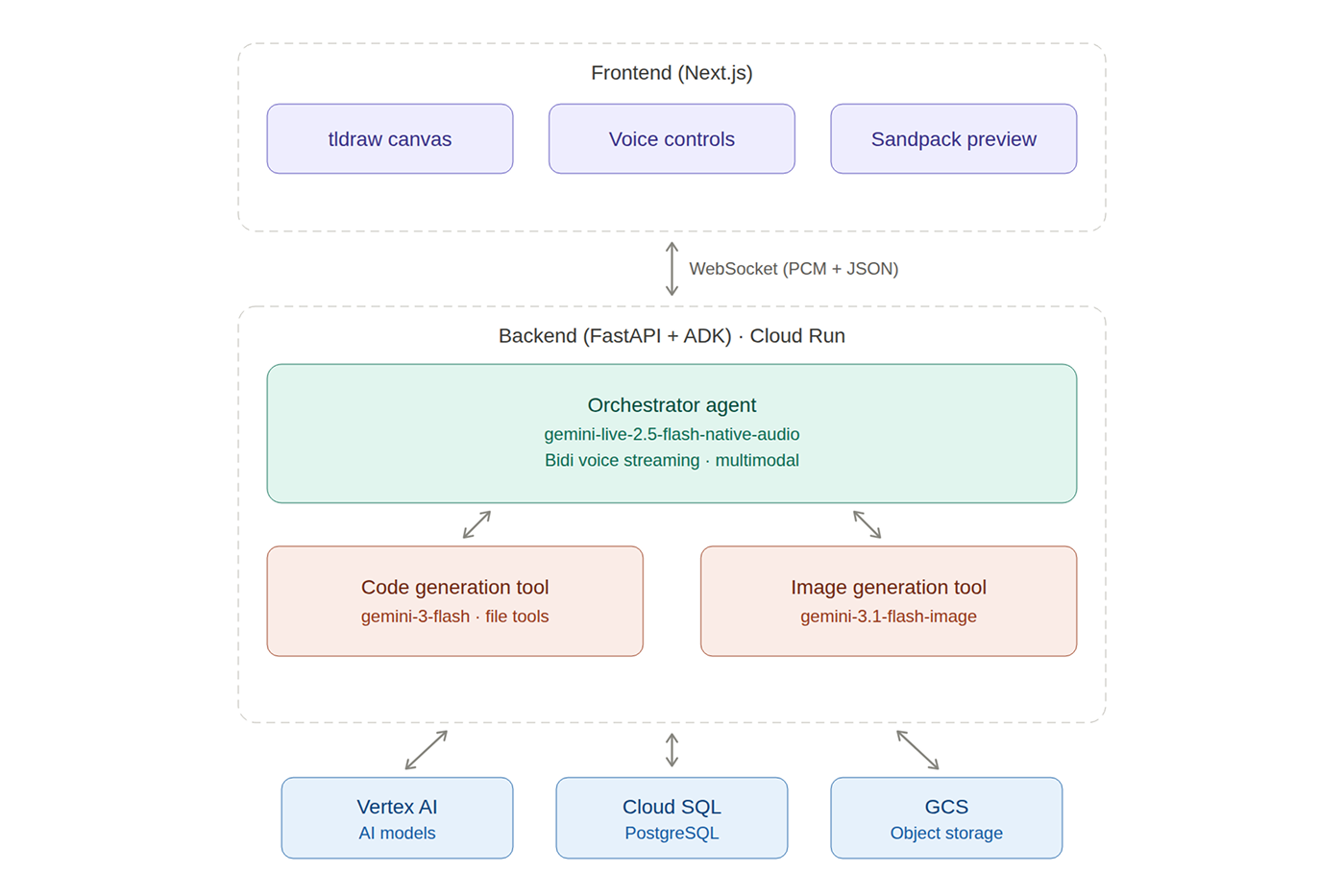
Monet is a full-stack application with a clear separation between a Nextjs frontend and a FastAPI backend orchestrated through the Agent Development Kit (ADK).
Backend — Agent Architecture (FastAPI + ADK on Cloud Run):
The backend runs three specialized agents:
Orchestrator Agent (
gemini-live-2.5-flash-native-audio): The conversational core. It uses Gemini Live's BIDI streaming mode for real-time voice I/O with native audio, affective dialog, and barge-in support. It receives multimodal input — voice, canvas screenshots, and uploaded images — and decides when to delegate to sub-agents.Code Agent (
gemini-3-flash/gemini-3.1-flash-lite): Generates and edits React + TypeScript + Tailwind files using tool calls (list_files,read_file,write_file,edit_file,delete_file).Image Agent (
gemini-3.1-flash-image): Takes the canvas reference frame as a compositional guide, generates a polished image, and uploads it to Google Cloud Storage.
Communication between frontend and backend uses a WebSocket connection carrying both binary PCM audio frames and JSON control messages — keeping latency low enough for natural conversation.
Frontend — Next.js + tldraw + Sandpack:
The frontend combines tldraw for freehand canvas drawing, Sandpack for in-browser React rendering, and Web Audio API with AudioWorklet for real-time PCM capture and playback. File changes stream from the backend and are applied to the Sandpack preview incrementally, so the user sees the app evolve in realtime.
Infrastructure — Google Cloud:
- Cloud Run serves the FastAPI backend with auto-scaling and managed TLS
- Vertex AI hosts all Gemini model endpoints
- Cloud SQL persists deployment metadata
- Cloud Storage stores uploaded images, generated images, and app thumbnails
- GitHub Actions with Workload Identity Federation handles CI/CD
Challenges we ran into
Keeping conversation alive during tool execution. In a typical agent setup, tool calls block the conversation — the user sits in silence while code or images are being generated. This felt unnatural for a voice-first experience. We solved this by using streaming tools, which allow the orchestrator to continue speaking with the user while tools (code and image generation) run in the background. This means Monet can narrate what it's doing, answer follow-up questions, or acknowledge the user's input — all while tools are actively executing. The result is a fluid, uninterrupted dialogue that feels like working with a real collaborator, not waiting on a loading spinner.
Voice UX is unforgiving. Unlike text prompts, voice is continuous and ambiguous. Early versions of Monet would start generating code from half-finished sentences. We solved this with the plan-then-approve workflow — the orchestrator always proposes a plan and explicitly waits for approval before calling any tool.
Accomplishments that we're proud of
- The multimodal loop actually works. Speaking, drawing, and seeing a live app update in real time feels like a genuine step forward in human-computer interaction. The combination of modalities provides far richer context than any single input alone.
- Conversation feels natural. Barge-in support, affective dialog, and proactive audio responses make Monet feel like a responsive collaborator, not a voice command terminal.
- Sketching bridges intention and instruction. Users find it far more natural to circle an element and say "change this" than to describe it purely in words. The canvas turns vague instructions into precise spatial context.
What we learned
- Voice UX requires guardrails. Without explicit approval gates, the agent would eagerly start generating code from partial sentences. The plan-then-approve workflow was essential for usability.
- Multimodal context is more than the sum of its parts. Combining voice, canvas annotations, and live preview screenshots gave the agent far richer understanding than any single modality alone.
- Streaming architecture matters. The BIDI streaming mode of Gemini Live, combined with WebSocket binary frames for audio, keeps latency low enough for natural conversation. Buffering or polling would break the experience.
- ADK simplifies agent orchestration. The Google Agent Development Kit's Runner and LiveRequestQueue abstractions handled the complexity of managing concurrent tool calls, session state, and streaming — letting us focus on the product.
- Sketching is an underrated input modality. Users find it far more natural to circle an element and say "change this" than to describe it in words. The canvas bridges the gap between intention and instruction.
What's next for Monet
- Version history and branching: Let users say "go back to the version before you changed the header" and fork from any point in the generation history.
- Mobile support: Adapting the canvas and voice interaction for tablet and phone form factors where sketch input is even more natural.
- Beyond Reactjs: Extending code generation to support backend and native mobile app output.
Built With
- fastapi
- gemini-2.5-flash
- gemini-3-flash
- gemini-3.1-flash
- gemini-live-api
- github-actions
- google-agent-development-kit-(adk)
- google-cloud
- google-cloud-run
- google-cloud-sql-(postgresql)
- next.js
- python
- react
- tailwind-css
- typescript
- vertex-ai
- web-audio-api
- websockets


Log in or sign up for Devpost to join the conversation.