Inspiration
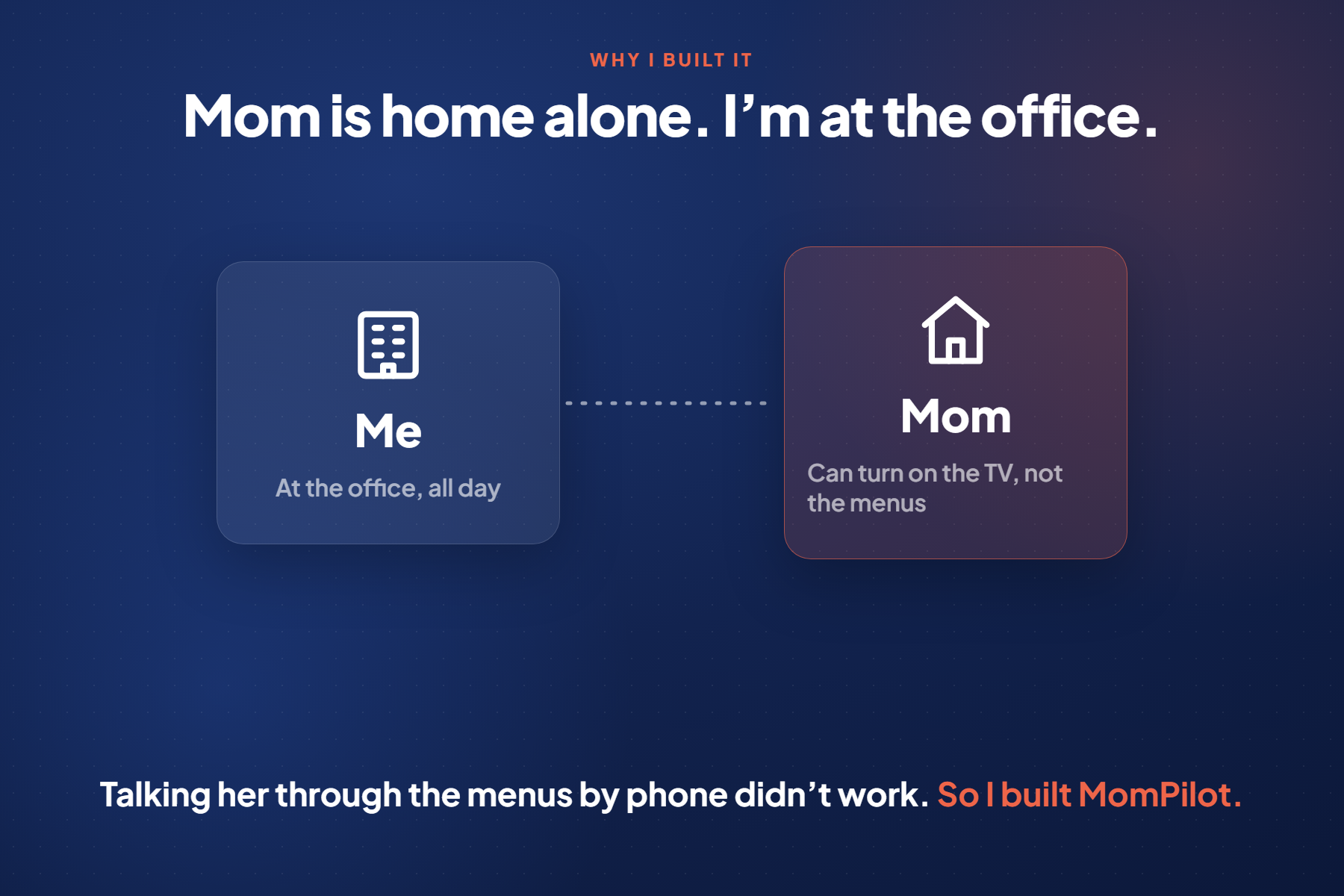
My mom is staying with me for a short medical treatment. I'm at the office most of the day, so she's alone at home, and the days are long with nobody around. Had a TV at home but she can't put shows on it herself, app rows and profile pickers are too much for her. When she wanted to watch something, she'd call me and I'd try to talk her through it, button by button, over the phone. That doesn't work. I wanted to just put her show on for her, from my office.
What it does
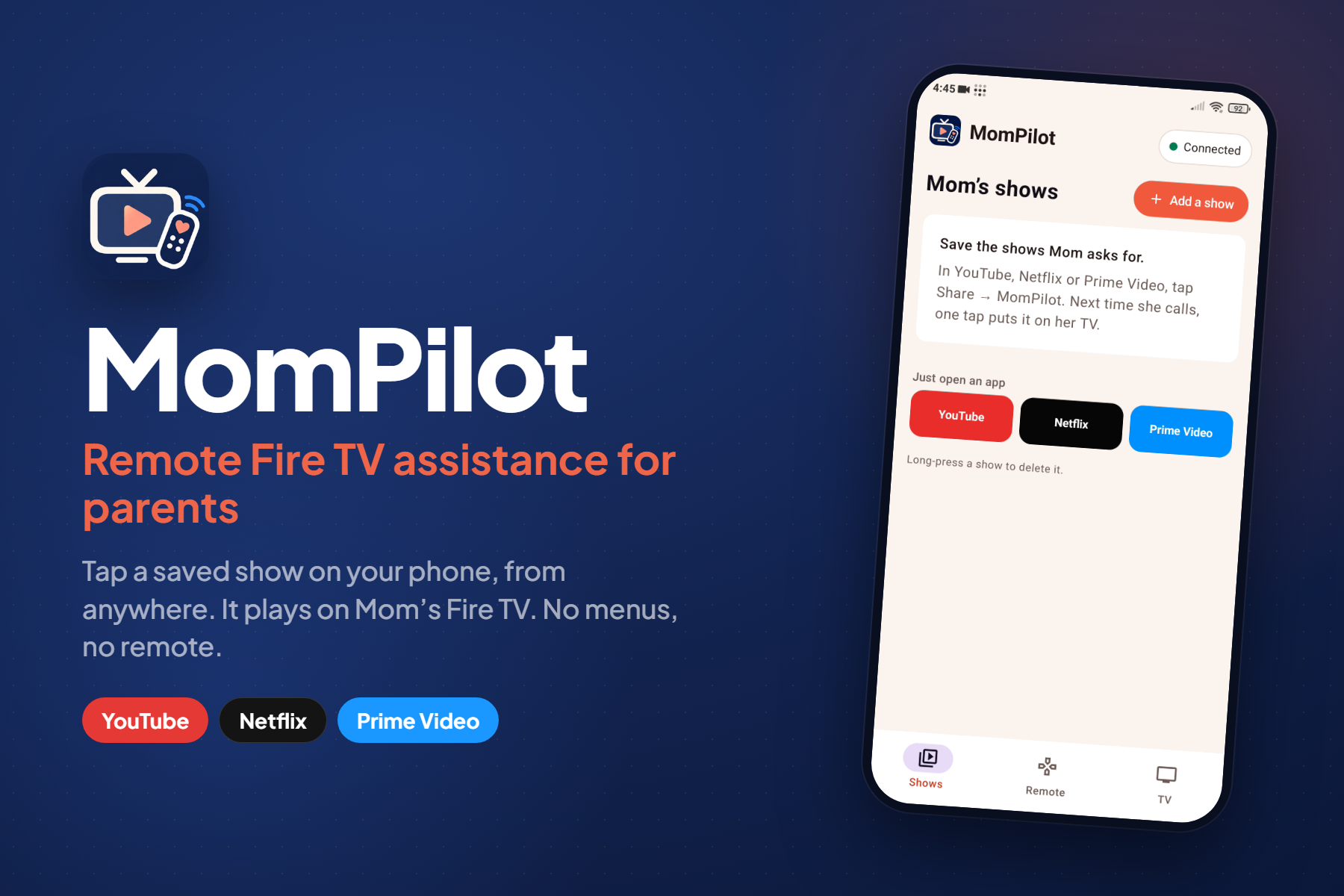
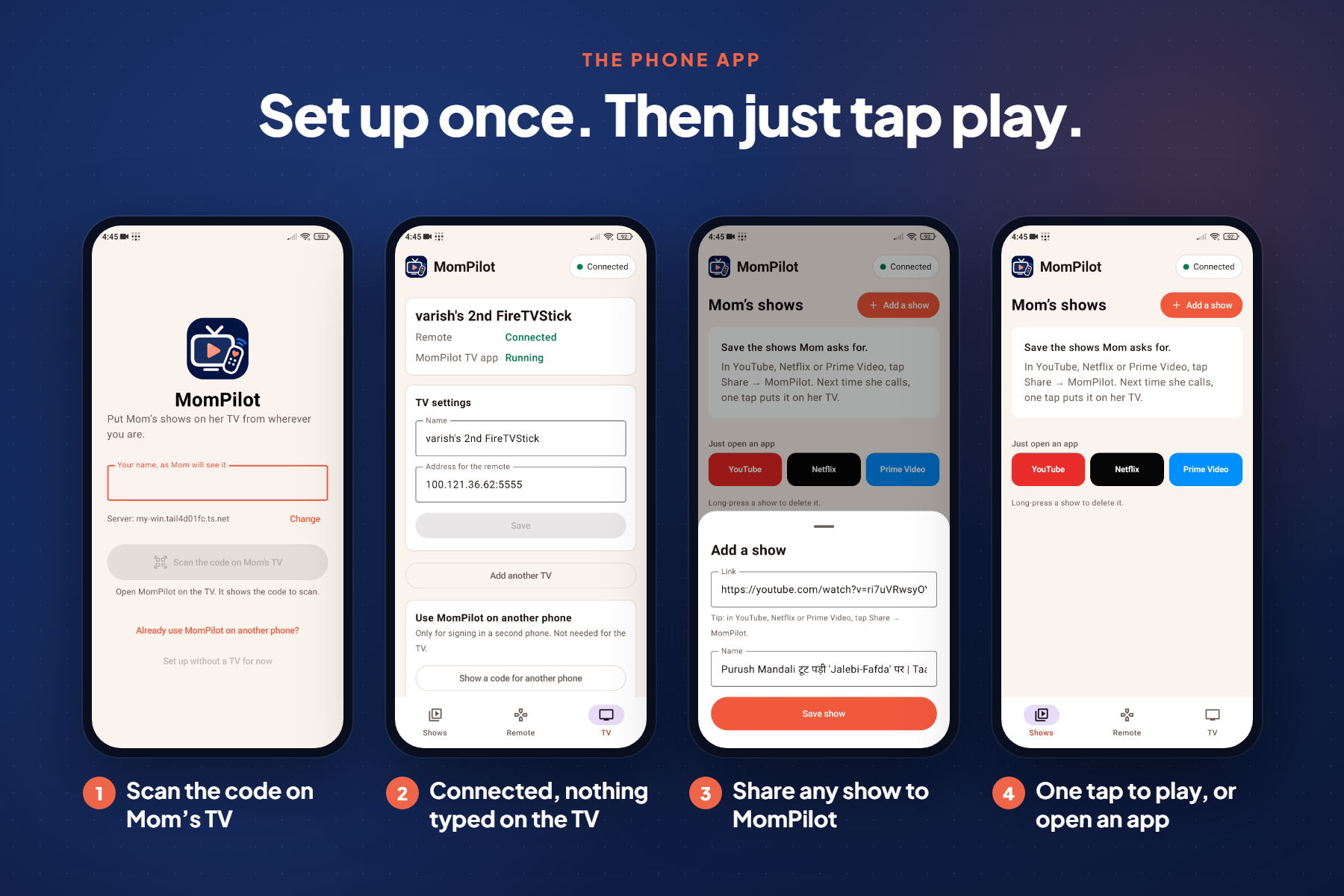
- Saved shows: I keep a list of Mom's shows and films on my phone, like a playlist she can watch one by one. I add them by sharing a link from the YouTube, Netflix or Prime Video app to MomPilot, or by pasting one. Search and app filters keep the list easy to use.
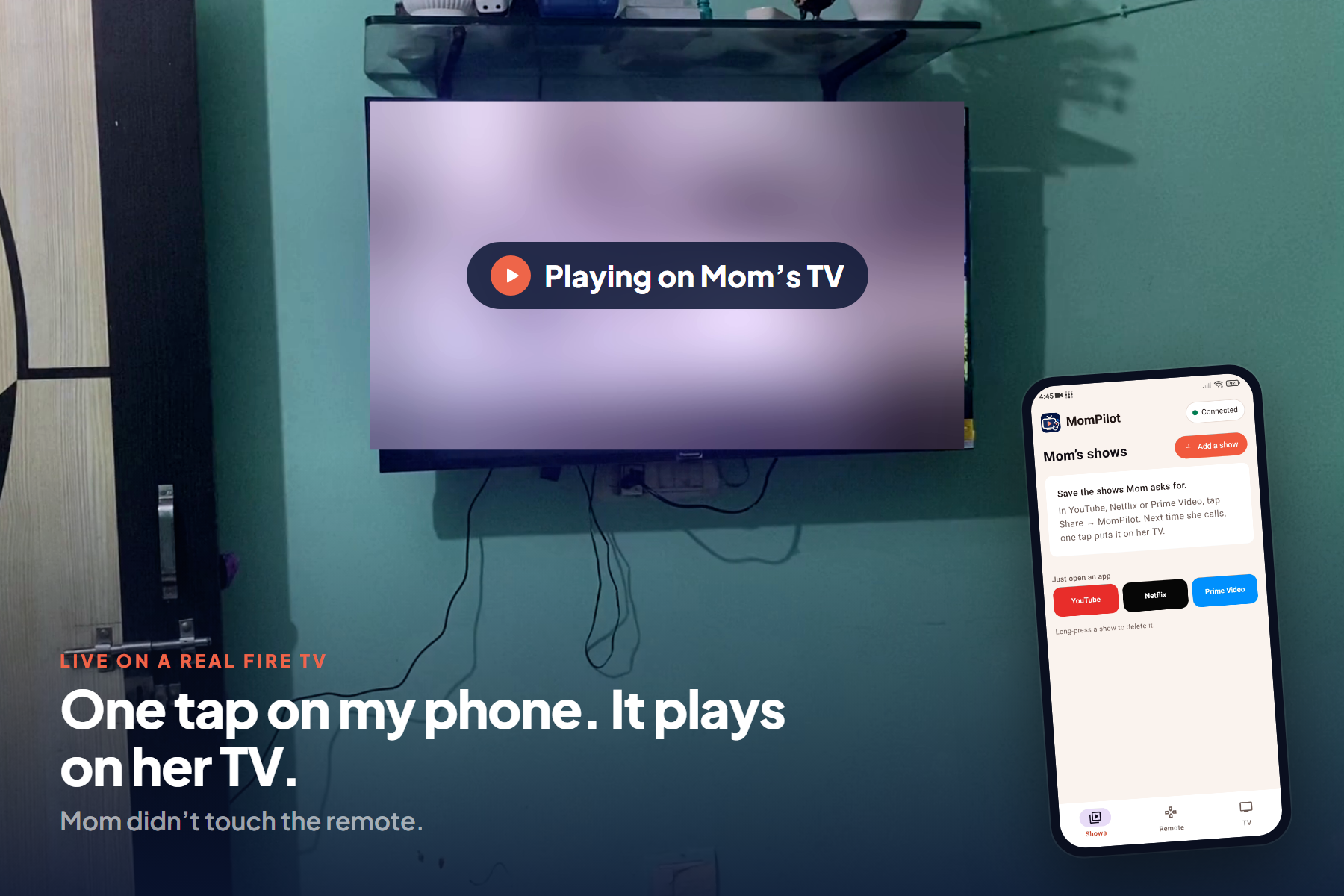
- One tap to play: tapping a show opens it on Mom's Fire TV in the right app and starts playback. YouTube and Prime Video play directly; Netflix opens the title and plays it.
- A remote in my pocket: if something needs a button press, like Netflix's "Who's watching?", I use the remote on my phone: arrows, OK, Back, Home, play/pause, volume, and wake. See TV screen shows me a snapshot of what's on her TV.
- Status: the phone shows whether the TV is reachable and which app is open.
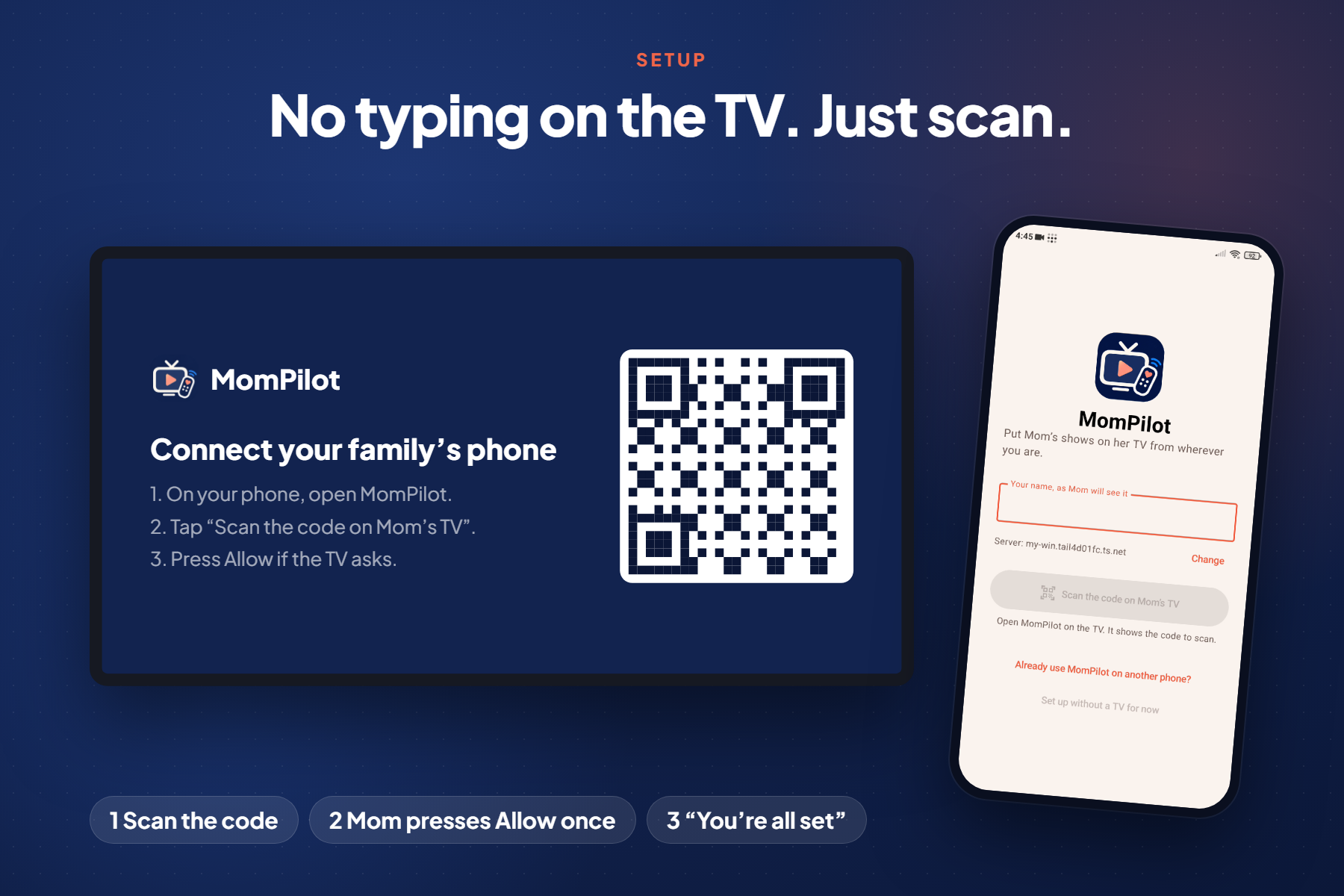
- Setup with no typing on the TV: the MomPilot TV app shows a QR code. I scan it with my phone, Mom presses Allow once, and the TV says "You're all set". Another phone joins the same account by scanning a code from mine.
Mom doesn't have to do anything except turn on the TV.
How I built it
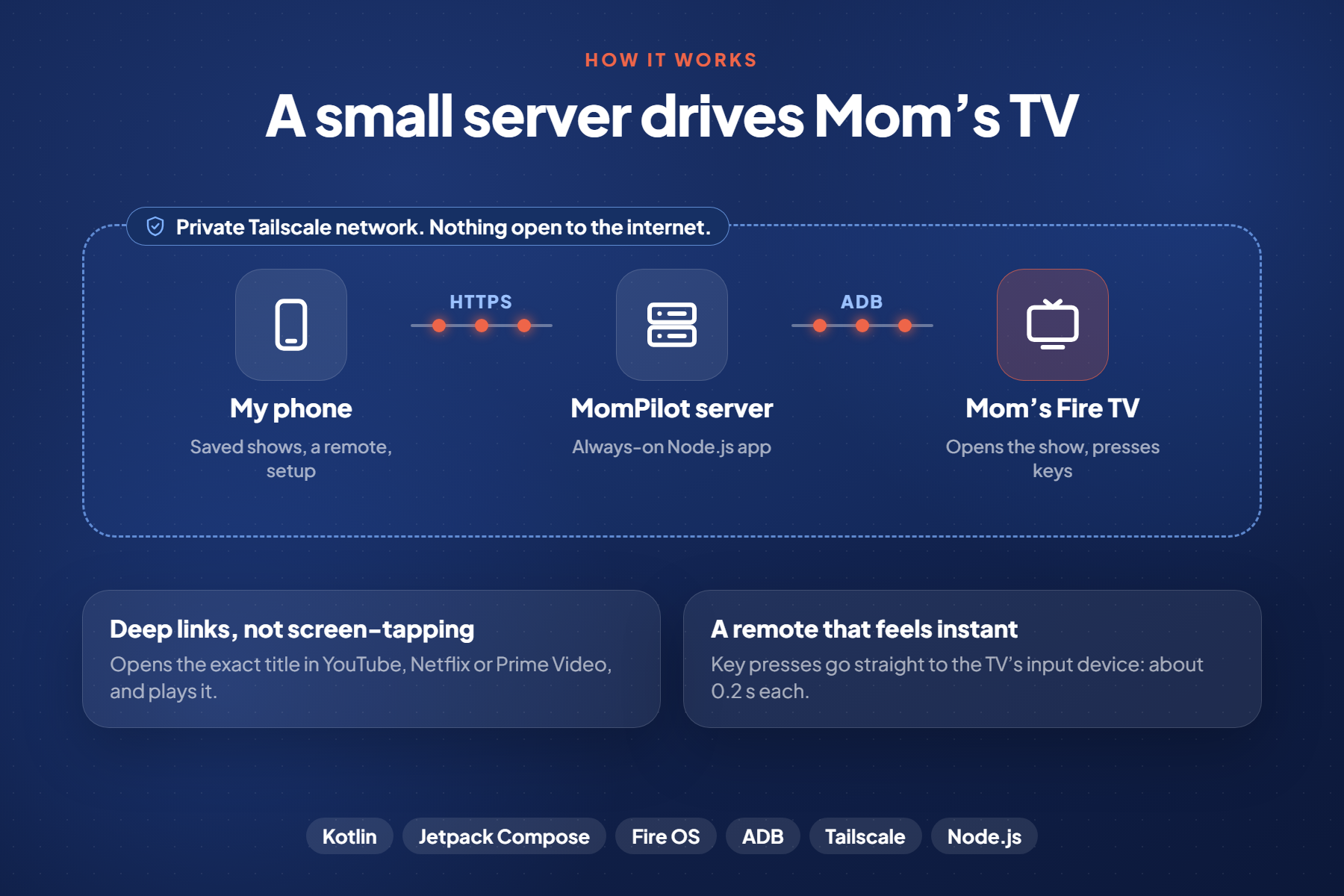
- Mom's Fire TV Stick (Fire OS) runs Tailscale and has ADB debugging on.
- A small Node.js server (no runtime dependencies) runs on an always-on cloud machine on the same Tailscale network. It keeps the saved shows and talks to the stick over ADB across Tailscale:
- it opens shows with deep links into the YouTube, Netflix and Prime Video apps;
- it sends remote keys by writing input events straight to the stick's input device, which takes about 0.2 s per key instead of about 1 s with
input keyevent.
- A native Android phone app (Kotlin, Jetpack Compose) for the saved list, remote and setup. QR codes are scanned with Google's code scanner, so no camera permission is needed. A web app (React, TypeScript, Vite) covers iPhones.
- The MomPilot TV app (Kotlin, on the stick) shows the setup QR code and runs a small background service. It is a fallback: if ADB isn't available, it opens the show itself. The server installs and configures it over ADB during setup, through a broadcast receiver that only ADB is allowed to send to. That's why nothing is typed on the TV.
- Tailscale connects everything privately, with an HTTPS address from
tailscale serve. Nothing is exposed to the public internet. The server finds the TV on the tailnet by itself, so setup is "scan, Allow, done".
Challenges I ran into
- Prime Video deep links aren't documented. The web link opens the title page; the TV app rejects the ID in share links (error 5004). I worked out that the server has to look up the title's
gtiID and openamzn://avod/watch?gti=…to start playback directly. - Fire OS blocks ADB connections from the stick itself, on
127.0.0.1, the LAN address and the Tailscale address. I'd hoped to put everything into one TV app with Tailscale built in. Instead, a small server sends the commands from outside. - Remote keys were slow.
input keyeventtakes about a second per press on the stick, which feels broken. Writing events to/dev/inputwithsendeventmade the remote feel instant. - Setup without typing. Typing a server address with a TV remote is too hard for a parent. The QR code plus ADB-based setup took several attempts to get right.
Accomplishments that I'm proud of
- It really works from my office, over mobile data: tap a show, and it plays on Mom's TV.
- The whole TV setup is: scan a code, press Allow once, done. About ten seconds, including installing the TV app.
- The remote is fast enough to use like a real one.
What I learned
- A lot about how Fire OS launches apps: activities, deep-link formats, and which ones each streaming app accepts.
- That for people like my mom, the best interface is none at all: she shouldn't need to learn anything new.
What's next for MomPilot
- Tailscale built into MomPilot, so there's nothing else to install and it's faster and more reliable: install MomPilot, and it works end to end.
- More apps beyond YouTube, Netflix and Prime Video.
- A Vega OS version for the newer sticks, if Vega allows the same kind of control.
Built With
- jetpack
- kotlin
- react
- typescript
