🚀 Inspiration
I was inspired by my own productivity journey. I used to watch a lot of productivity videos on YouTube and relied on Chrome Pomodoro extensions. They helped, but I couldn't customize them to my specific timing needs. Later, when I started working out with YouTube tutorials, I noticed those sessions also used timed sets, like Pomodoro cycles for fitness. I wished I had an app that could notify me with sounds for each segment without needing to watch the whole video.
Then, during competitions and public speaking events, I needed to manage exact times for each part of a speech, for example, 2 minutes for the intro, 3 for development, etc. That’s when I realized I needed flexible sequential timers. So I decided to build an app that allows both cyclical Pomodoro timers and custom sequential timers.
🧭 What it does
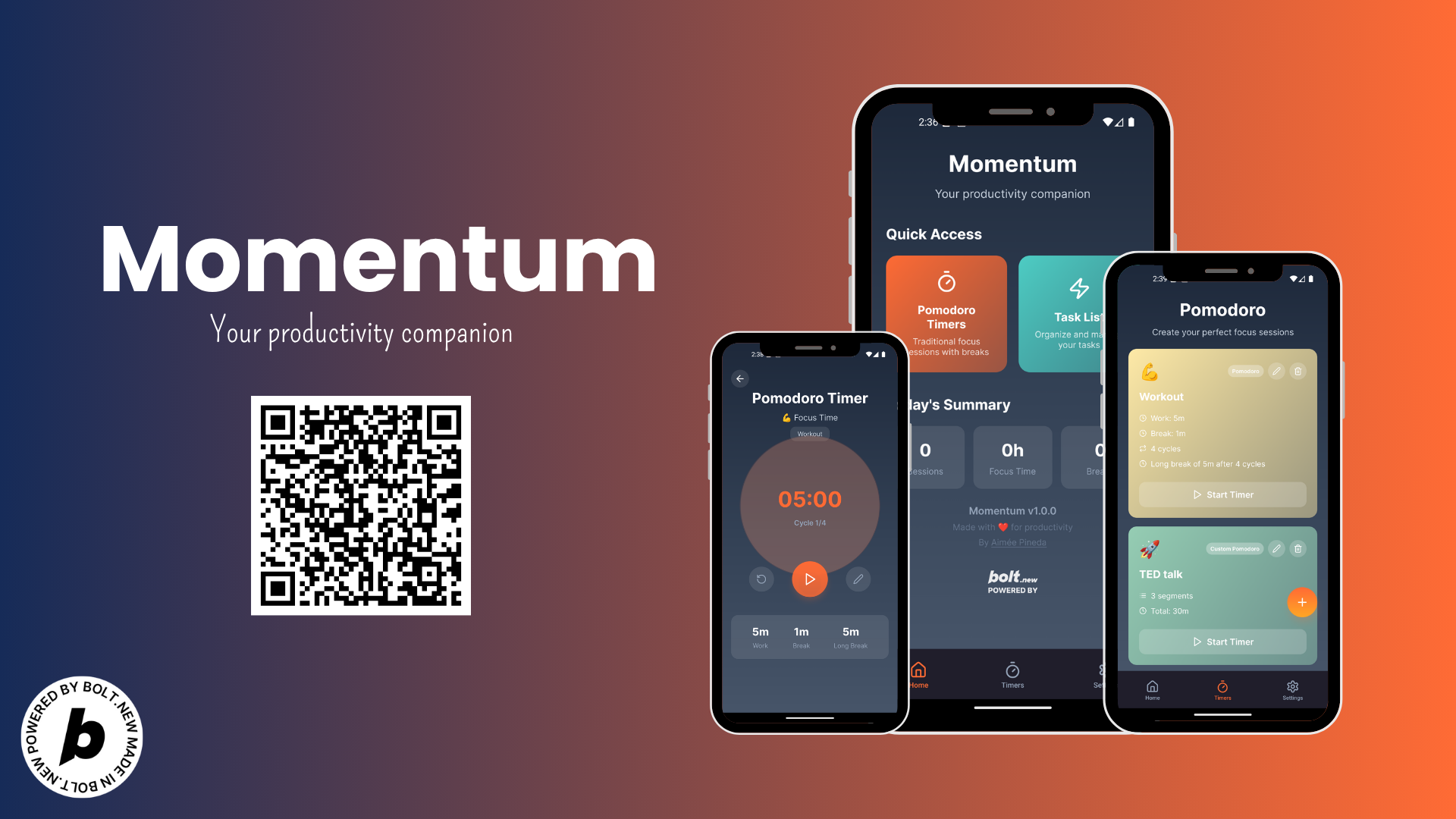
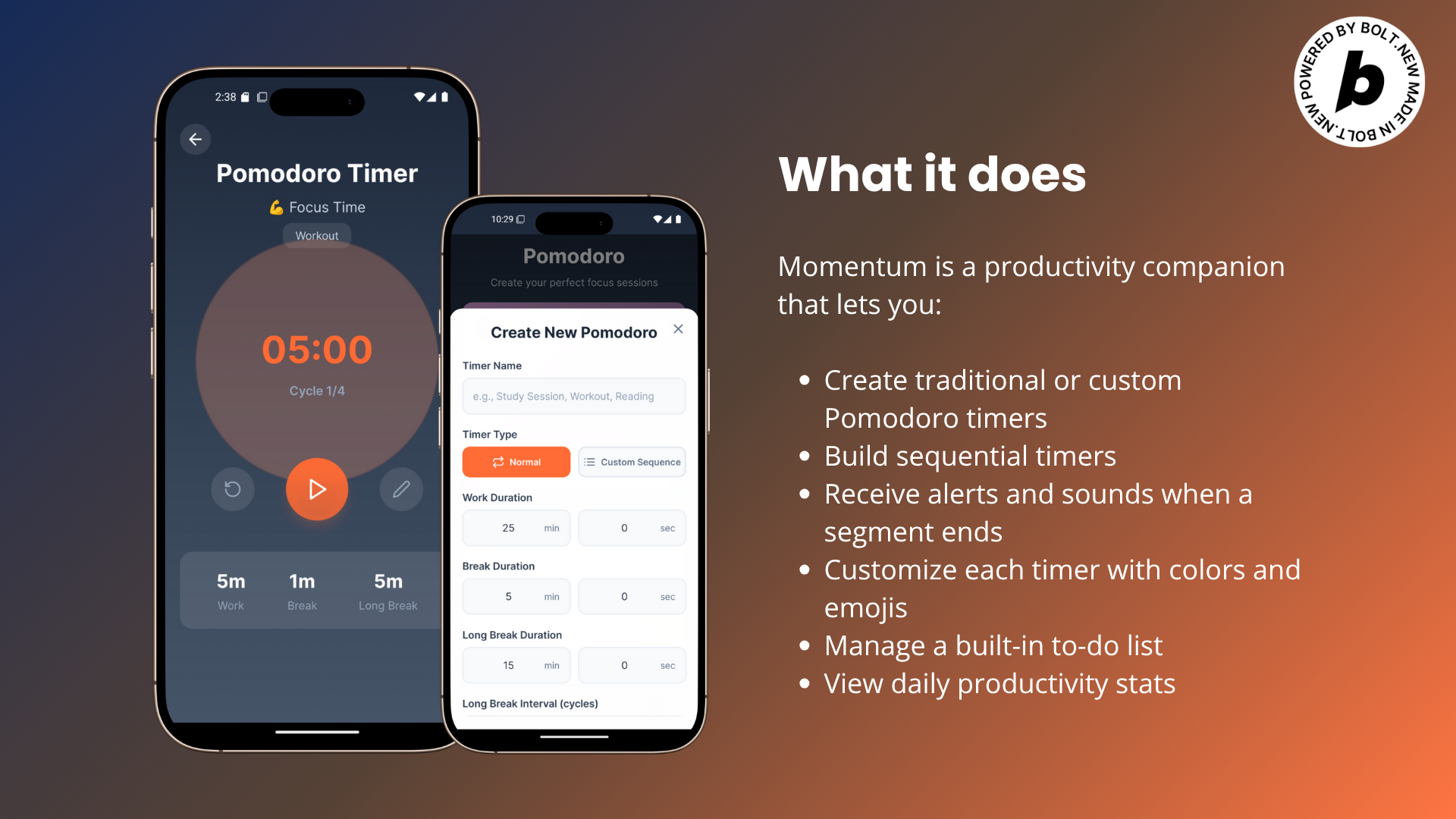
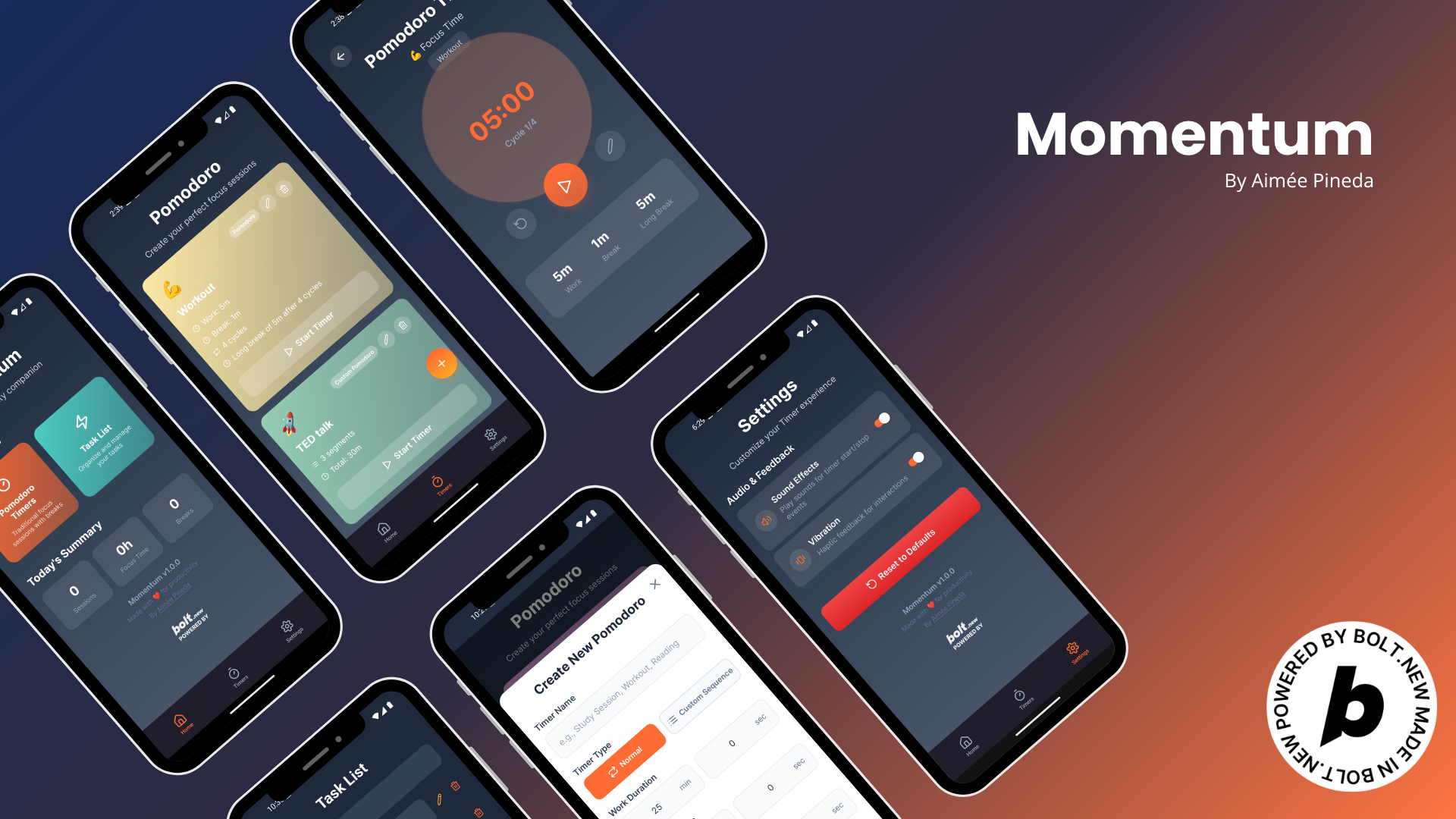
Momentum is a productivity companion that lets you:
- Create traditional or custom Pomodoro timers
- Build sequential timers
- Get alerts and sounds when a segment ends
- Customize each timer with colors and emojis
- Manage a built-in to-do list
- View daily productivity stats
- Enjoy simple navigation with a bottom tab bar
🛠️ How I built it
I used:
- React Native with TypeScript
- Expo Go for mobile and web compatibility
- Expo Router for navigation
- AsyncStorage for persistent local data
- Expo Audio for sound alerts
- Figma and Canva for UI/UX design
- Bolt.New to speed up component building
🧗♀️ Challenges I ran into
- Making sure timers could support both cyclical and sequential modes
- Handling responsive design for mobile and web
- Persisting data locally for timers, tasks, and stats
- Designing a simple UX for flexible yet powerful timer creation
🏆 Accomplishments I'm proud of
- Building a customizable timer ecosystem that works for productivity, fitness, and so much more
- Creating an app that adapts to different workflows and feels intuitive
- Managing segment labels, sounds, and timing logic smoothly
- Making a useful tool that everyone can use every day
📚 What I learned
- How to implement Expo Router for advanced navigation
- Using AsyncStorage to persist user local data
- Designing a fully responsive layout
- Building modals, custom alerts, and timer logic
- Creating real-world tools that solve my own problems
⏩ What's next for Momentum
- Daily habit tracking with AI suggestions
- A smart dashboard with detailed analytics
- A bot assistant to help plan your schedule
- Making Momentum a truly intelligent time management ecosystem
Built With
- bolt
- eas
- expo.io
- figma
- git
- github
- react-native
- typescript

Log in or sign up for Devpost to join the conversation.