Moji empowers people in VR to express their full range of emotions and reactions.😍😊
Moji visualizes the future medium to redefine your spatial language for connection, expression, and play✨
Inspiration
We were inspired by the unique culture we share among our groups.
And the unique ways we communicate among our groups' shared culture - cultivated through expression and interpersonal bonds.
People share a fabric of social connection and a shared way of expression.
1. Digital human expression is nuanced.
- Messenger apps: emoji's, stickers, GIFs
- In Games: dances, gestures
2. Limited Reactions in VR
- In most VR experiences users have comparatively limited reaction options.
3. Inconsistent Reactions in VR
- There are no common reactions library or service for all developers to build upon, and for users to experience consistency across different experiences.
The Problem
A) VR avatar reactions are not fully natural
- Face tracking is limited
- Avatar facial expressions are limited
B) Gen Z and Millennials are familiar using emoji’s in messaging and reactions.
Emoji’s in VR are limited in
- Expression (really basic static and/or only initially explored)
- Consistency (custom emoji’s found in VRchat not found elsewhere)
Solution: Moji
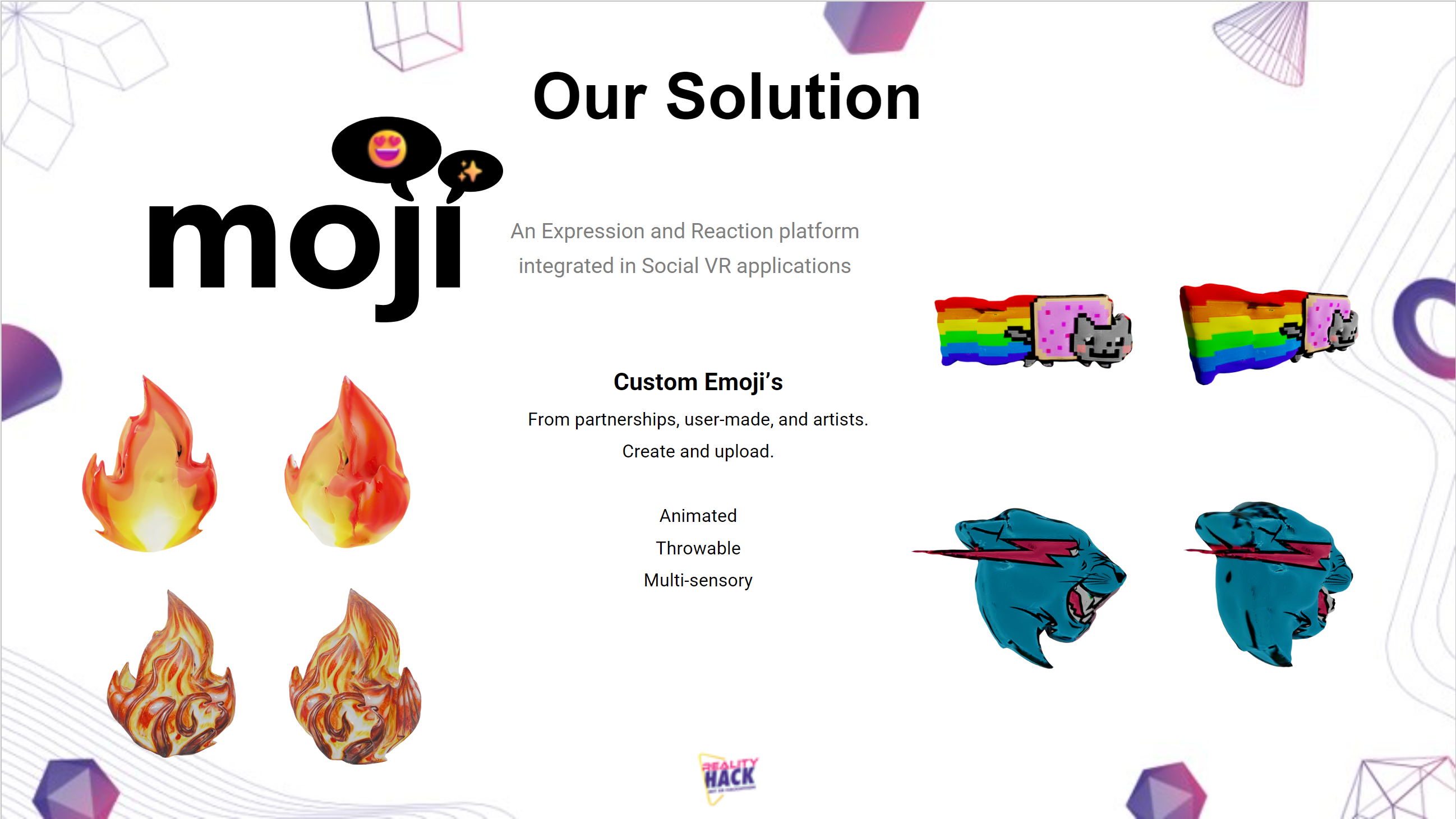
Custom Emoji’s for VR.
Just like how Discord servers has custom emoji's showing their communities unique culture and expression. We want to empower users in VR similar as well.
Empowering users, content creators and more to create their own custom VR emoji's and express themselves.
Taking advantage of the full potential of VR to be Animated, Throwable, Multi-sensory.
What it does
- 3D animated VR emoji's
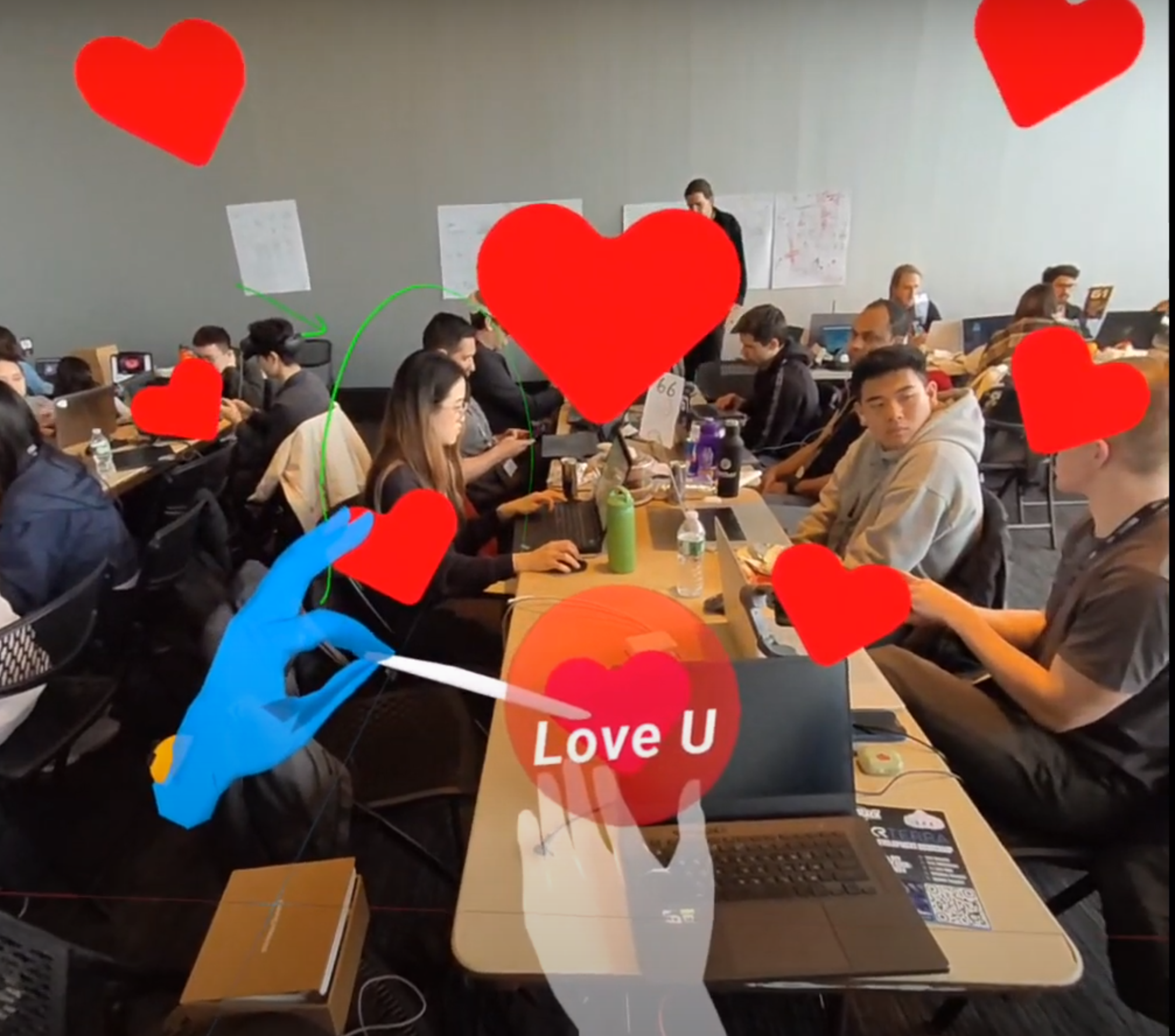
- User can select emoji's from hand menu
- to spawn emoji's to float and throw them like reacts to others
- Auto reactions: Sentiment analysis on user's voice and detection of key words trigger appropriate emoji's.
- This makes the user's emotion really clear and also comes from a place of authenticity.
Design Process
We used ShapesXR for interaction design and Bezi for 3D XR interface design.
ShapesXR
- Experience design
Bezi
- 4 iterations of the spatial UI design for Moji hand menu
- interaction design exploring collisions and triggers
How we built it
Development
- Unity: XR development platform
- Meta Presence Platform: Audio SDK, Gestures SDK, Emoji interactions in VR/MR
- Photon: Local(MR) and online(VR) multiplayer
Design
- Meshy: AI generated 3D emojis
- ShapesXR: Interaction prototyping
- Bezi: 3D/XR user interface design
Collaboration
- Miro: Facilitating & project management
- Google Suite: Documentation & ideation
Challenges we ran into
- Slow and inconsistant internet
- Unity dependancies & navigating newest SDKs
- Meta Voice SDK Event Handlers
- ShapeXR interaction animations
Accomplishments that we're proud of
- Meta Voice integration
- Design
- Learning experiences
- Use of AI integrations such as Meshy and Wit.ai
What we learned
- Meta Presence Platform, Voice, and Gestures
- Startup business persectives


Log in or sign up for Devpost to join the conversation.