-
-
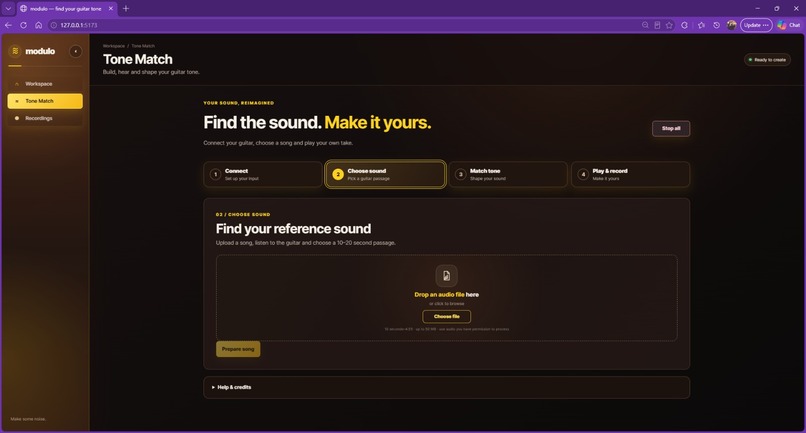
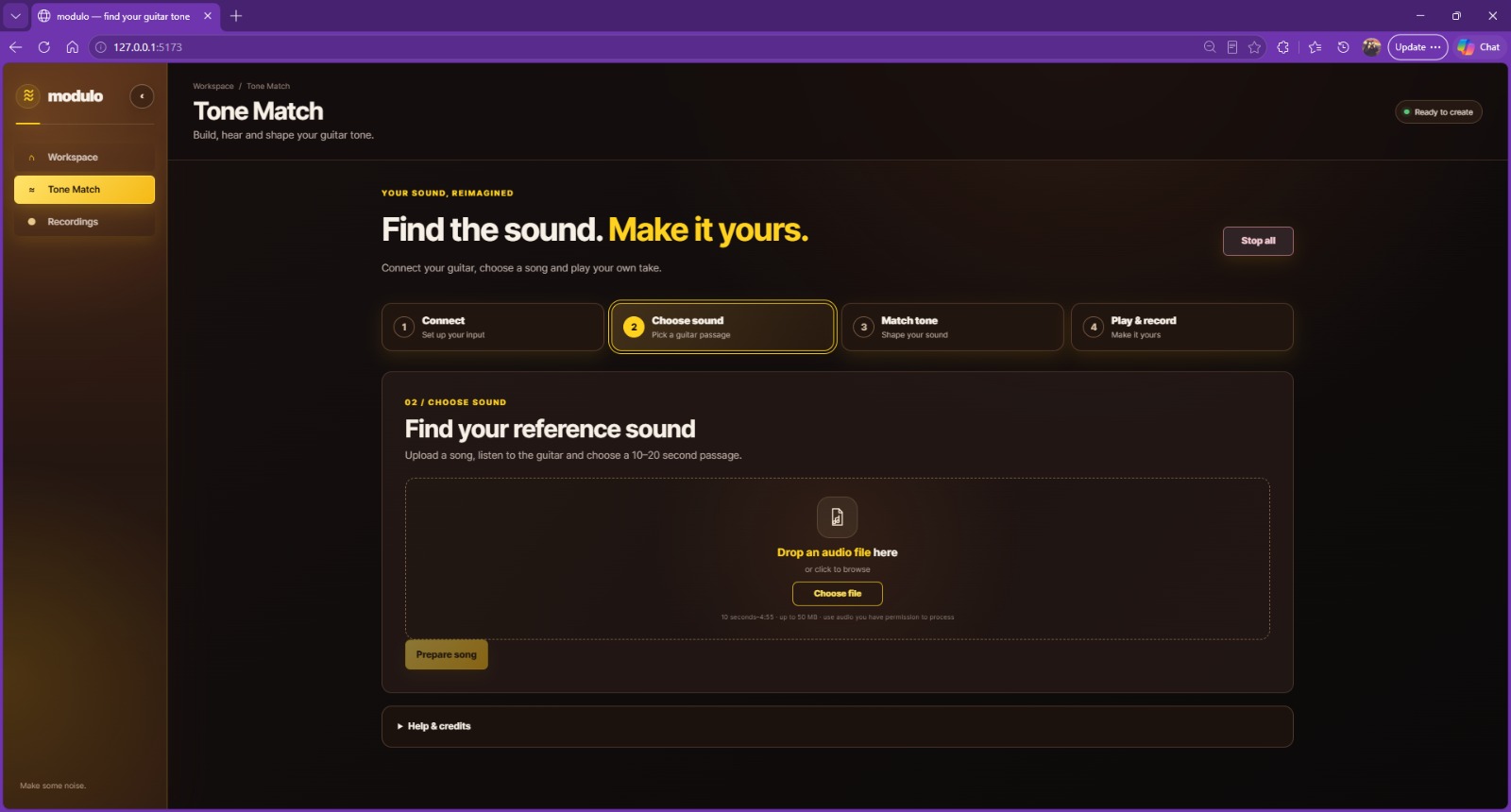
Choose sound: upload a permitted song to prepare the guitar and backing reference.
-
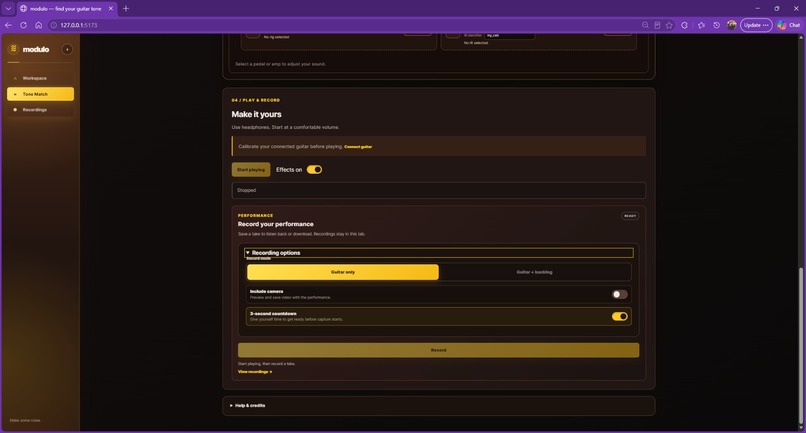
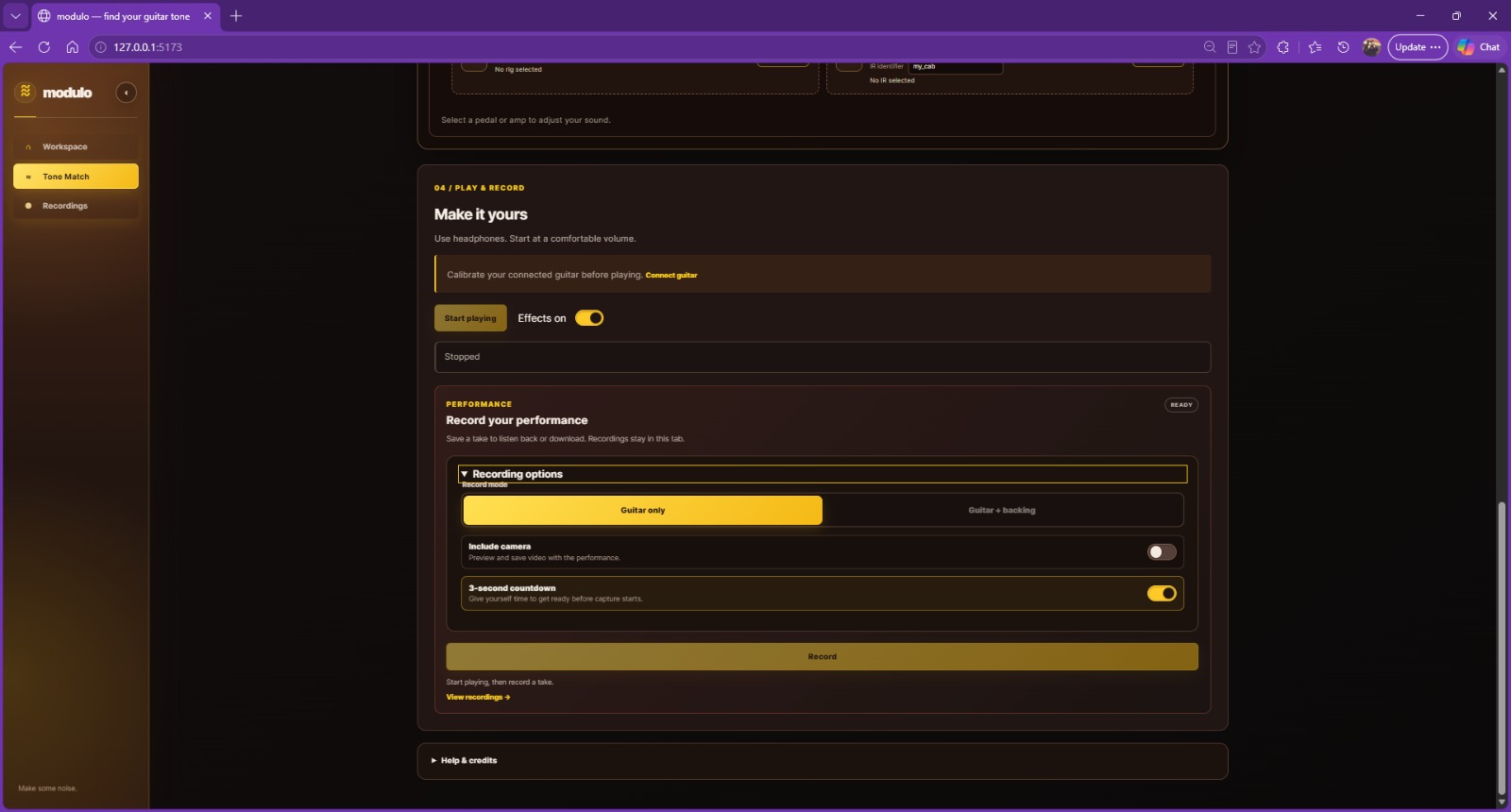
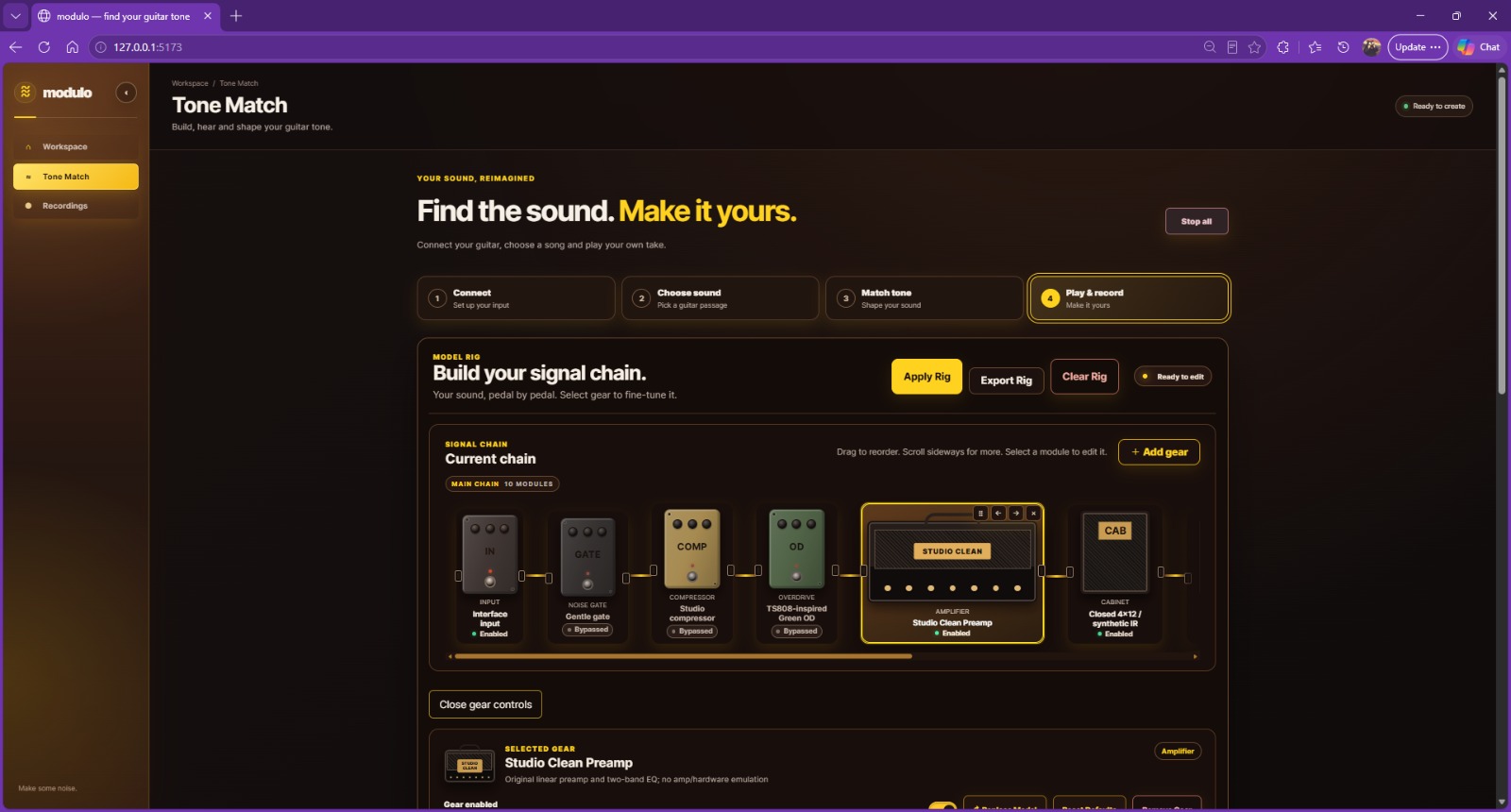
Play and record: live guitar monitoring with backing, camera and countdown options.
-
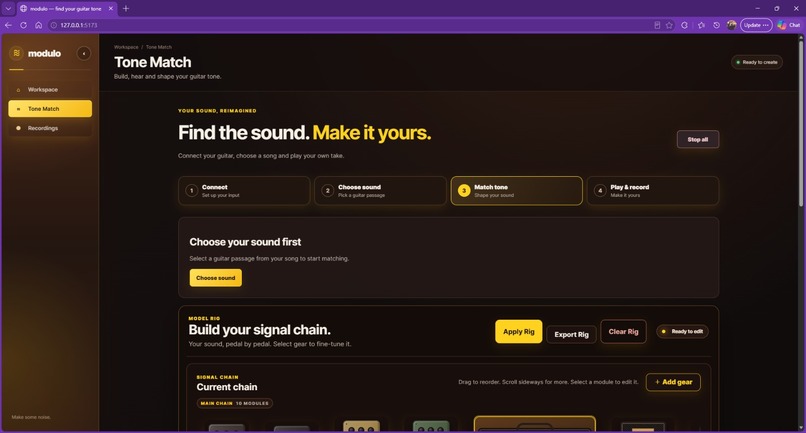
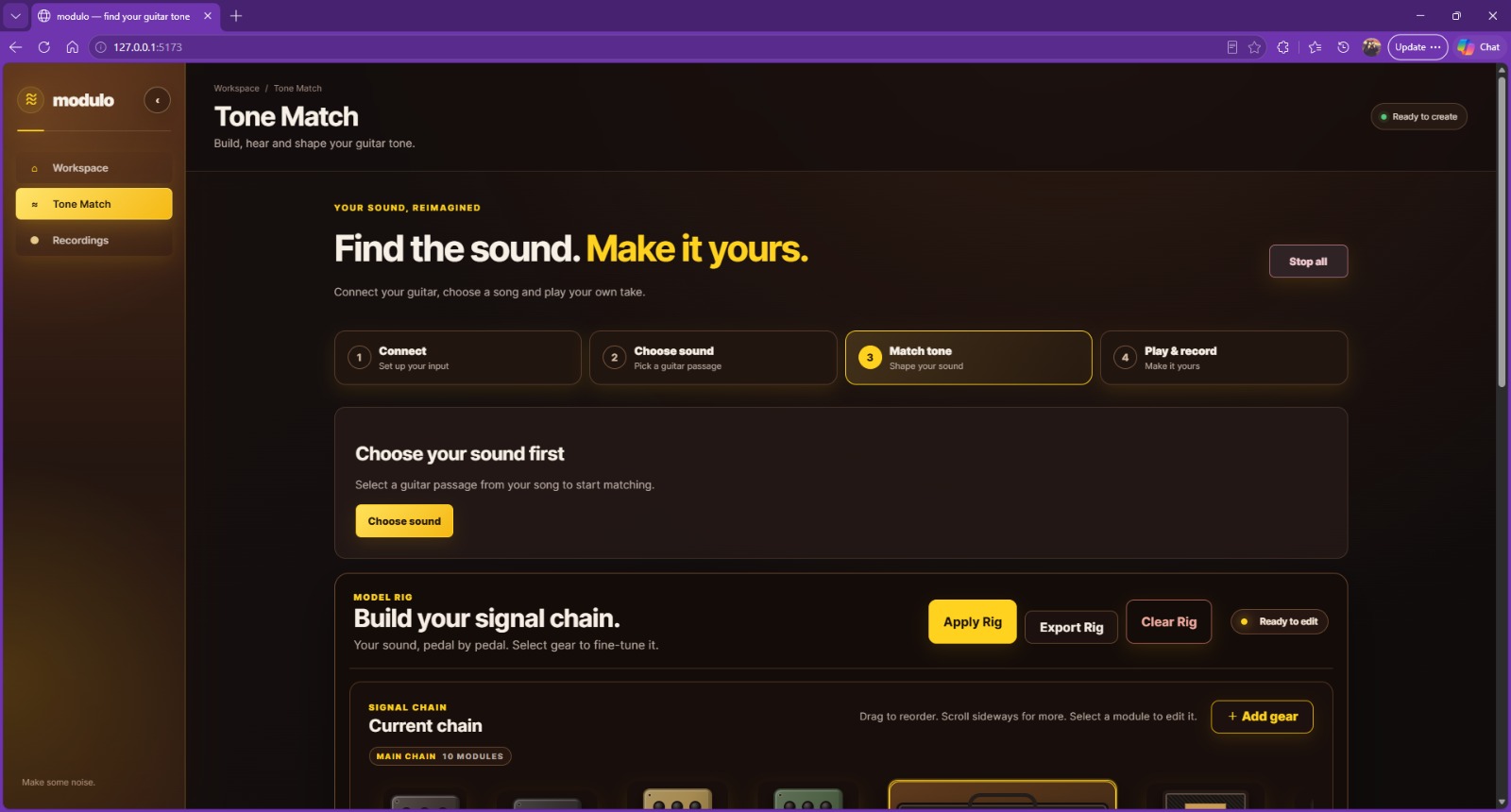
Match tone: choose a reference sound before generating an editable rig.
-
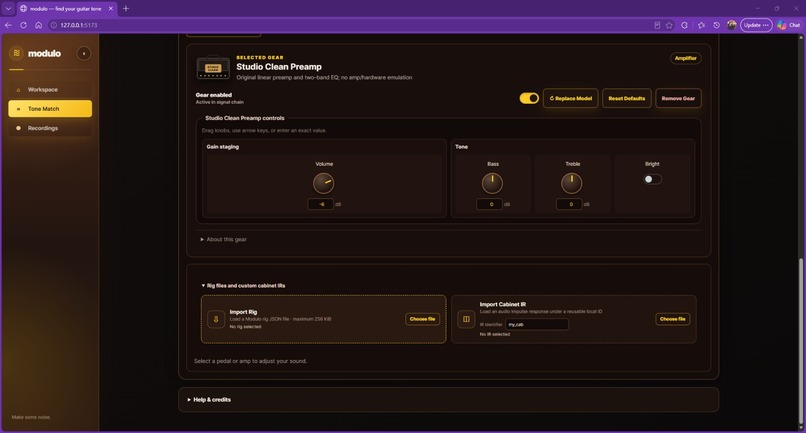
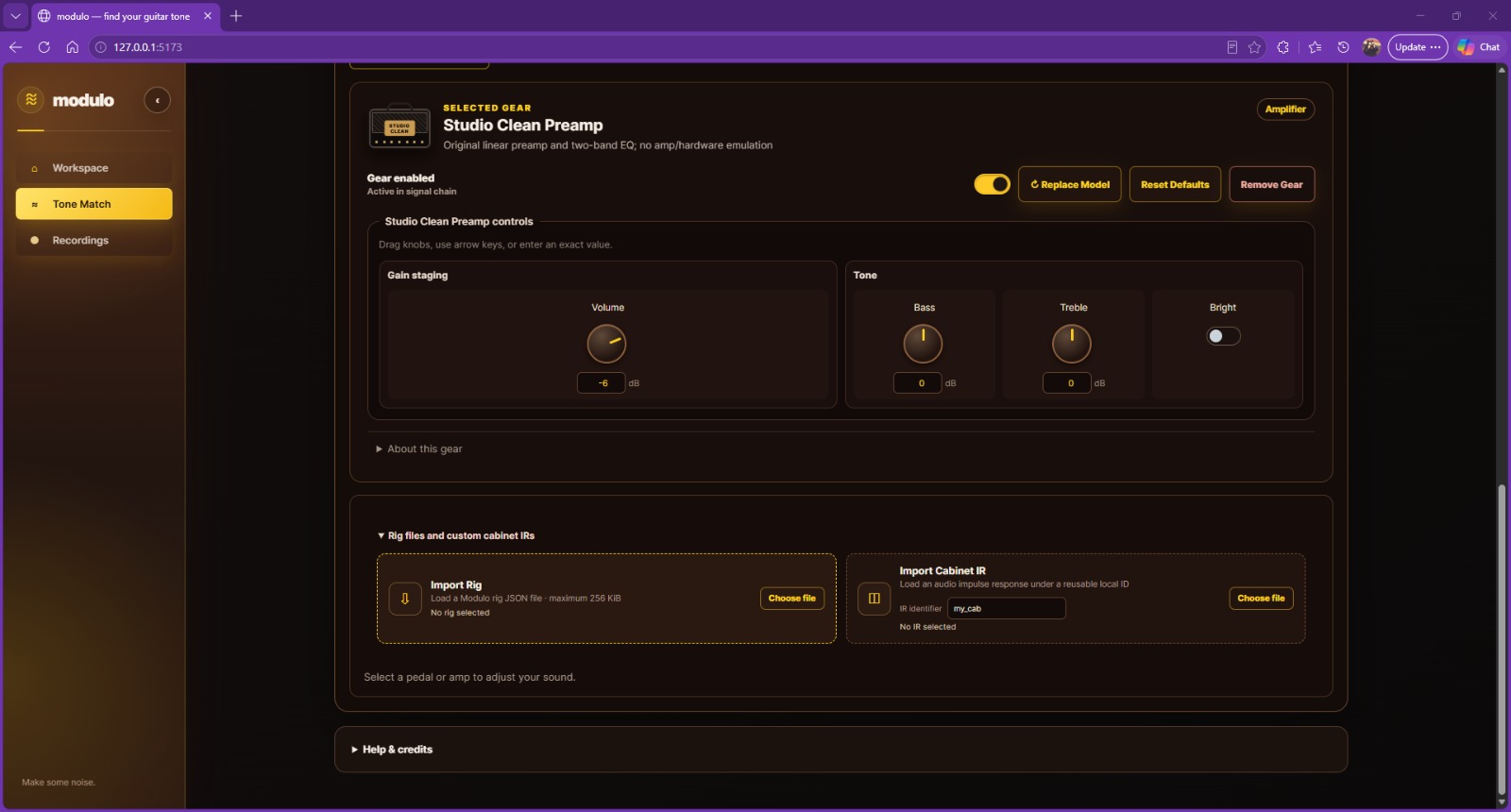
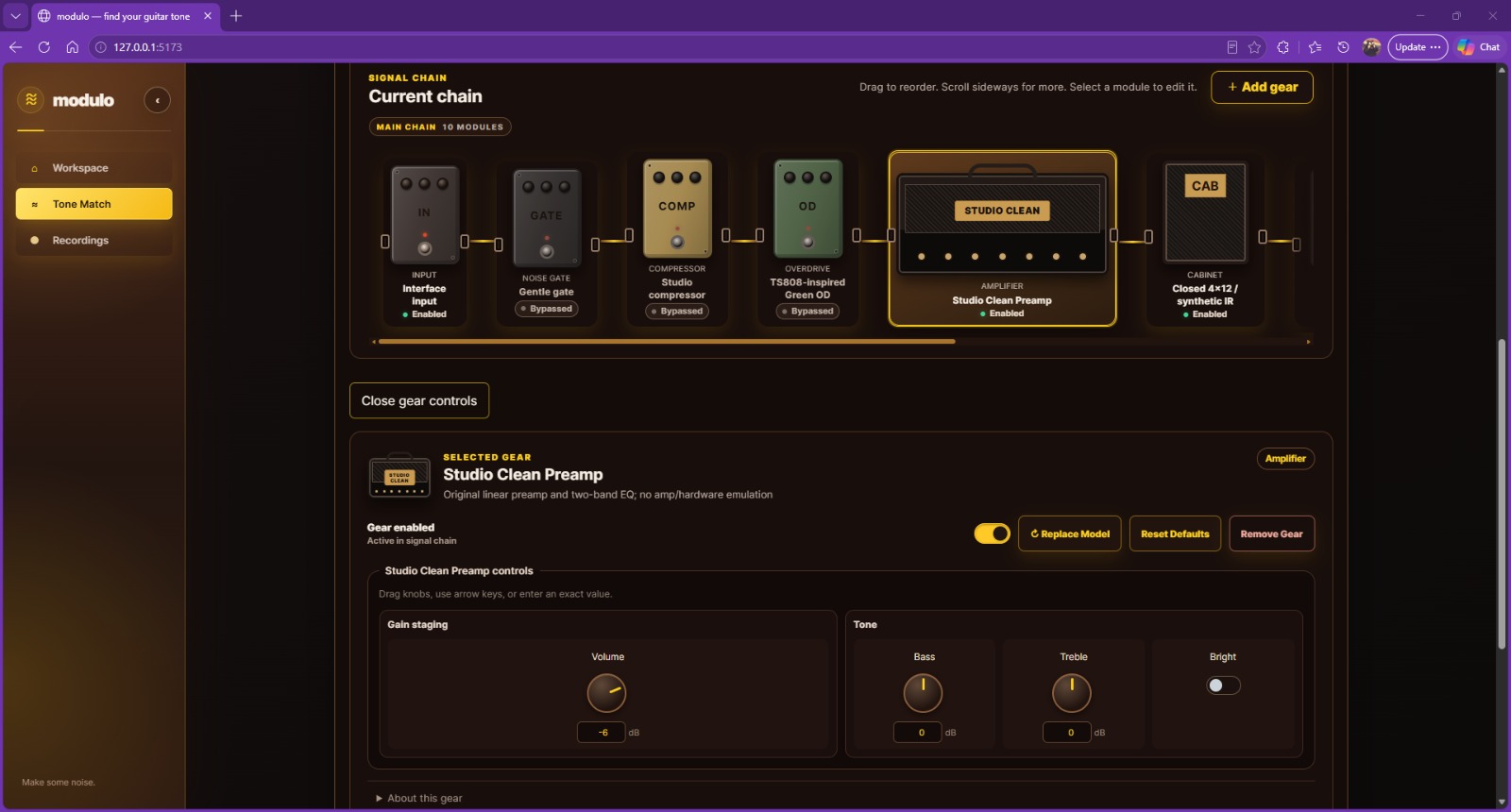
Selected gear: adjust preamp controls and import rig files or cabinet impulse responses.
-
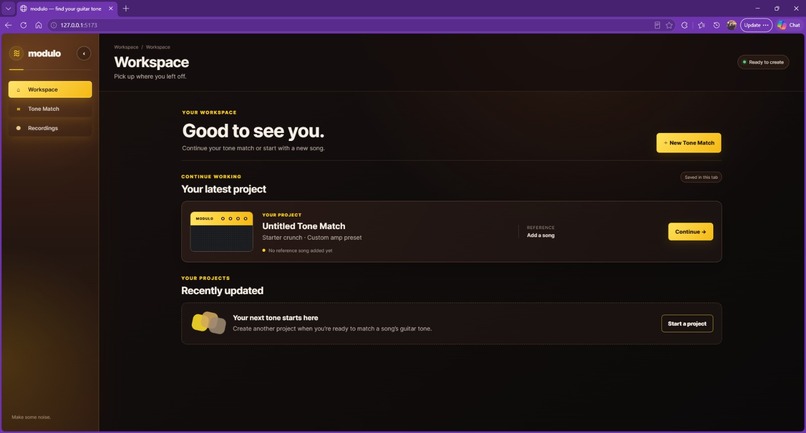
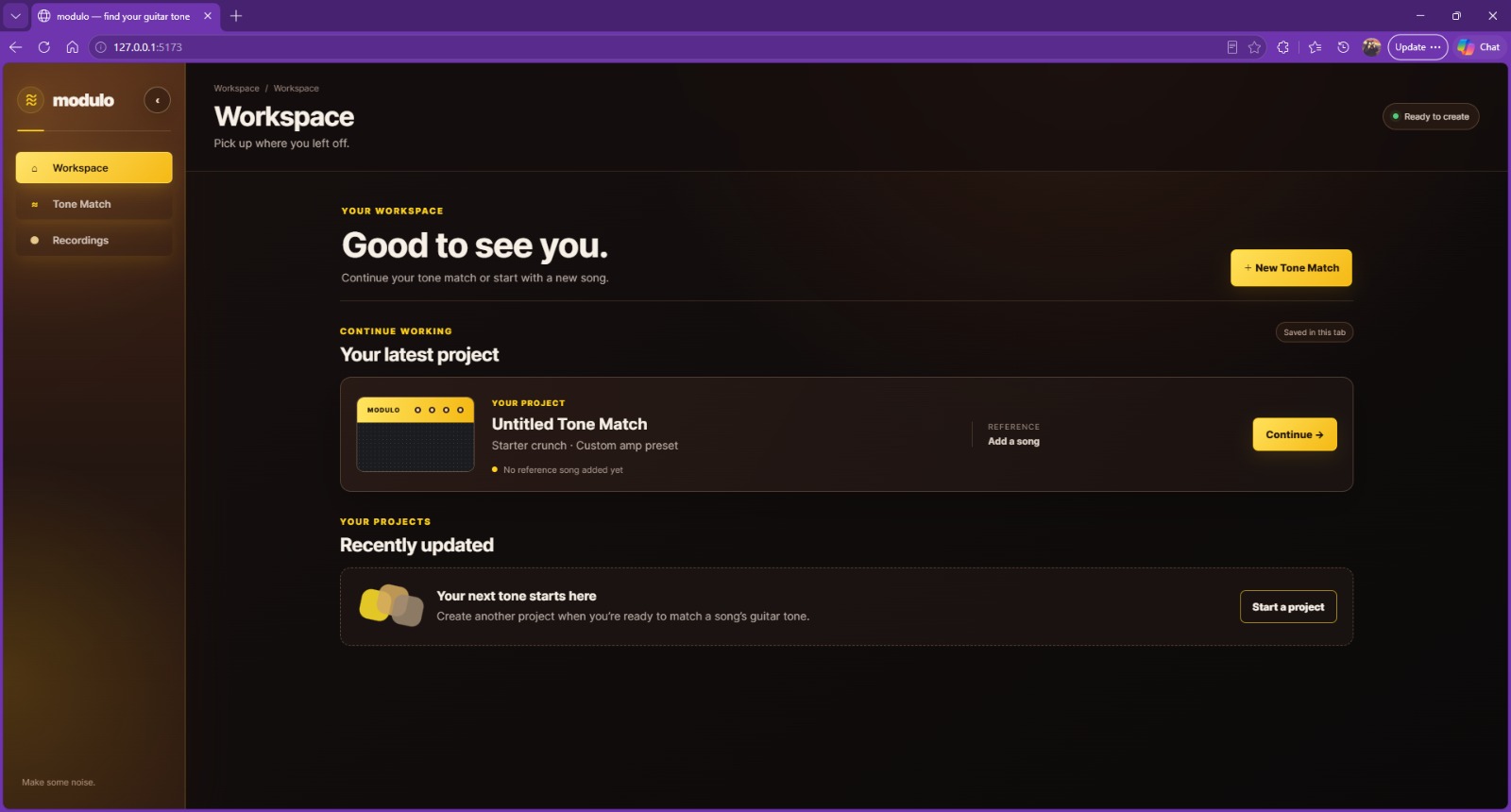
Workspace: start a new tone match or resume a project saved in this tab.
-
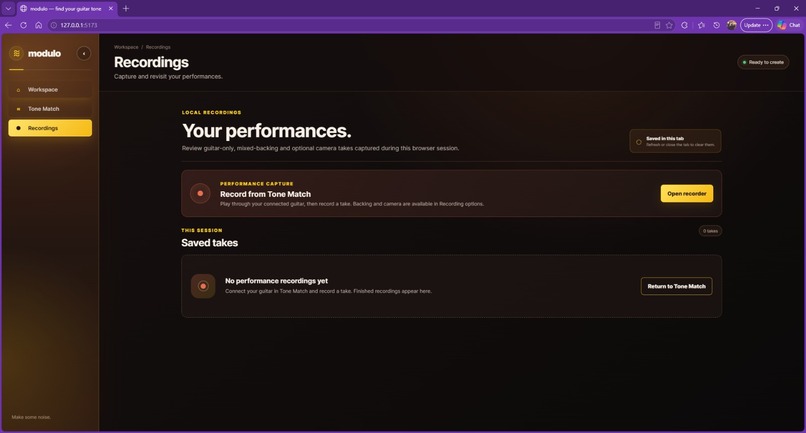
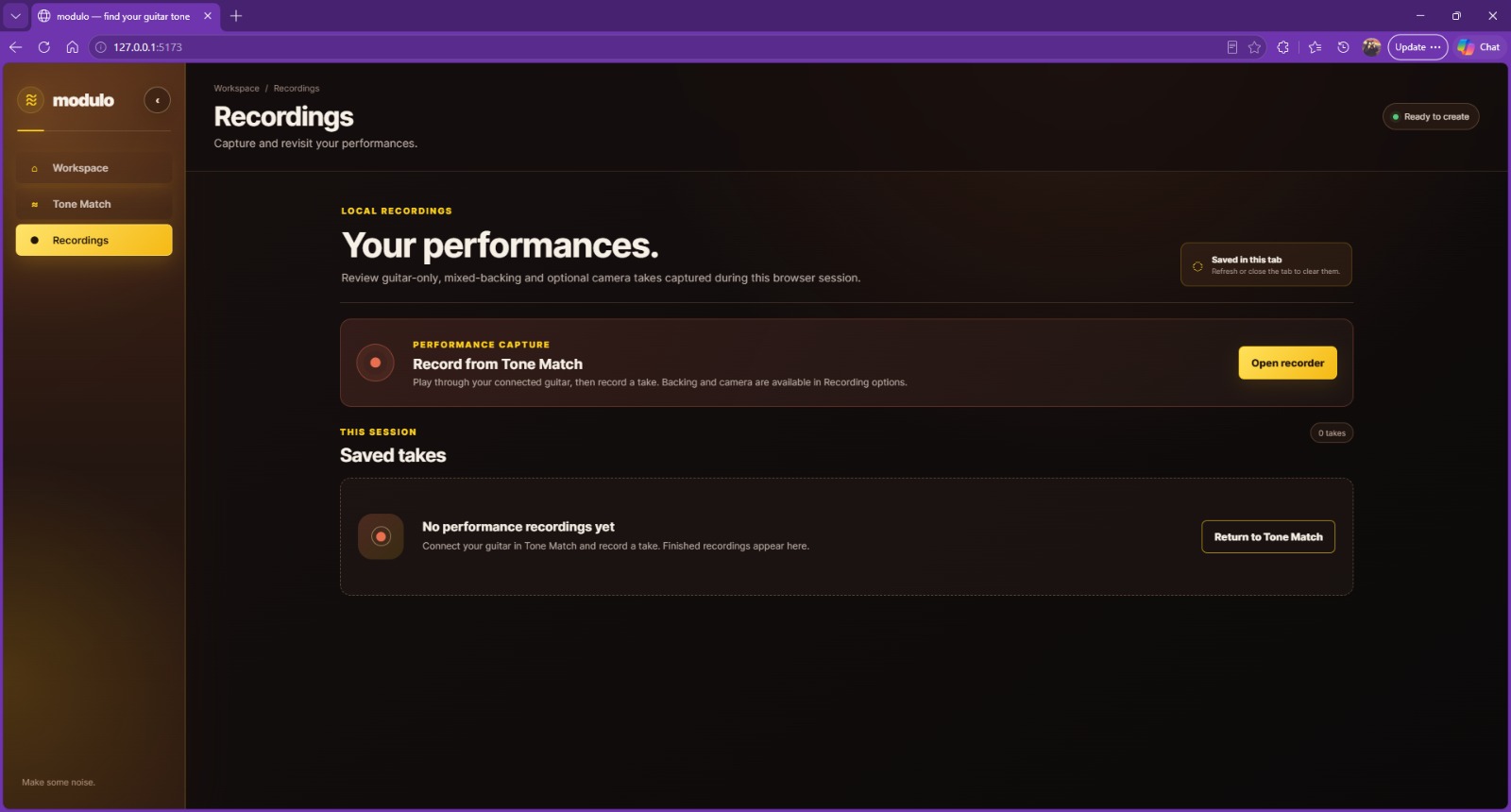
Recordings library: collect, review and download performances captured in the browser.
-
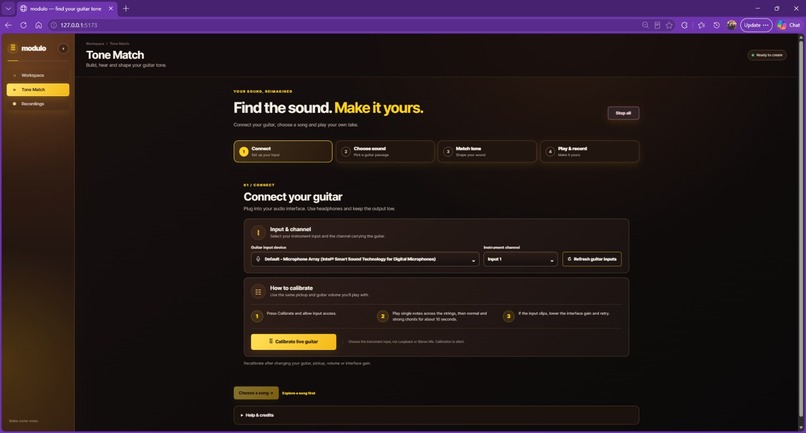
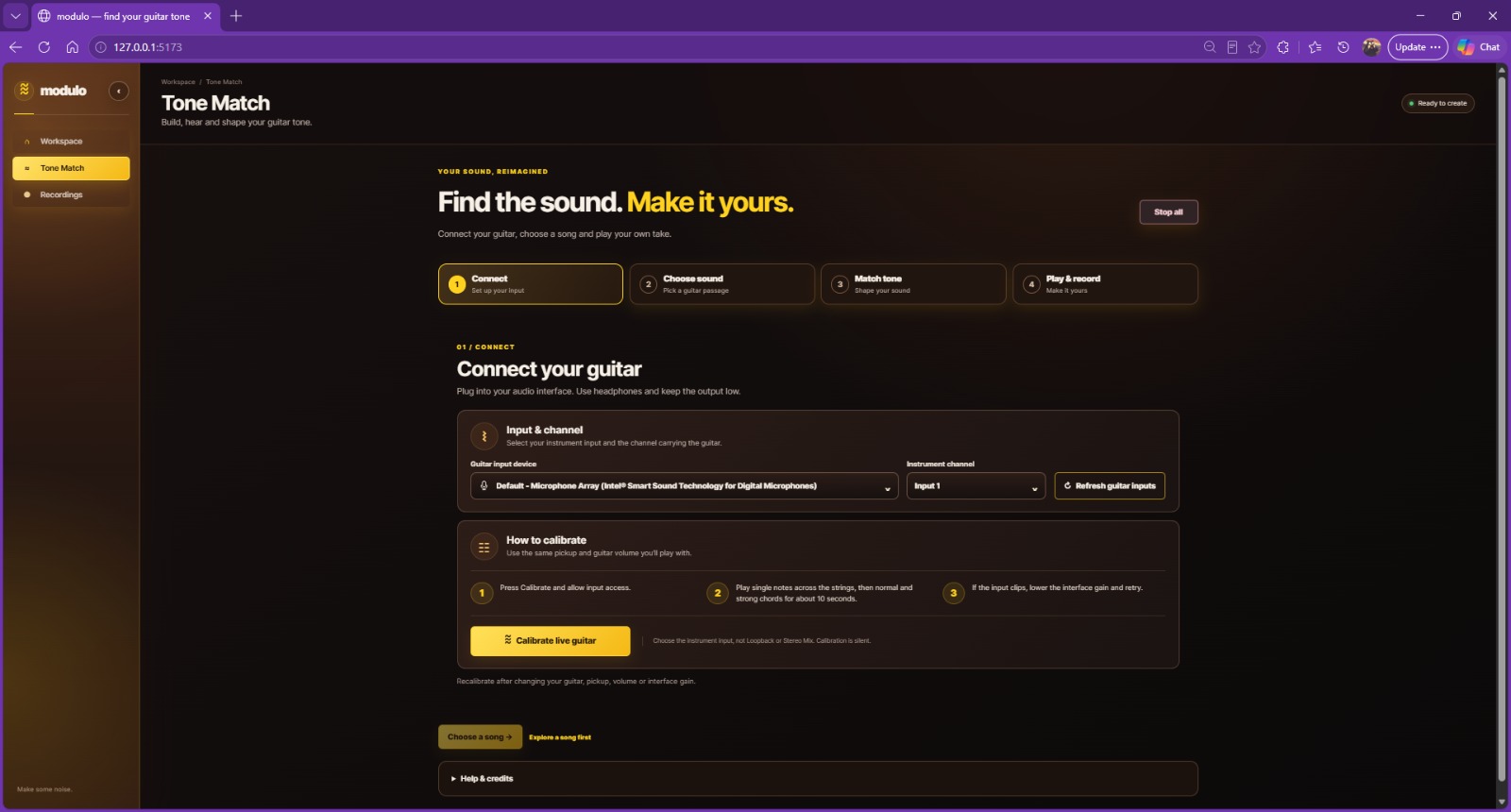
Connect: choose an audio-interface input and calibrate a clean live guitar signal.
-
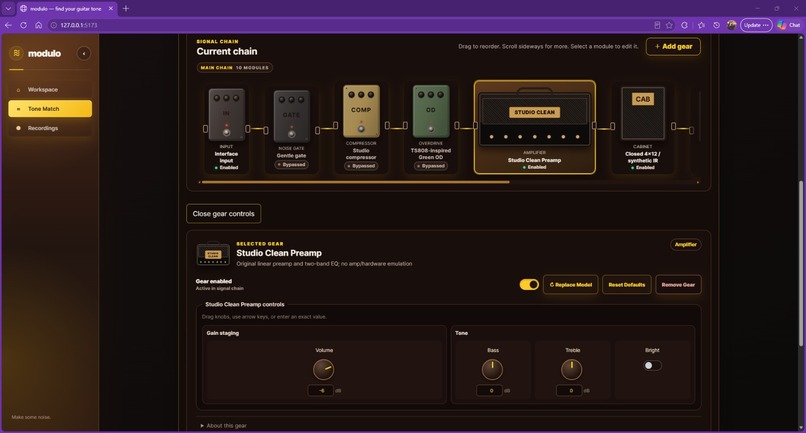
Signal-chain editing: select a pedal or amplifier and adjust its implemented controls.
-
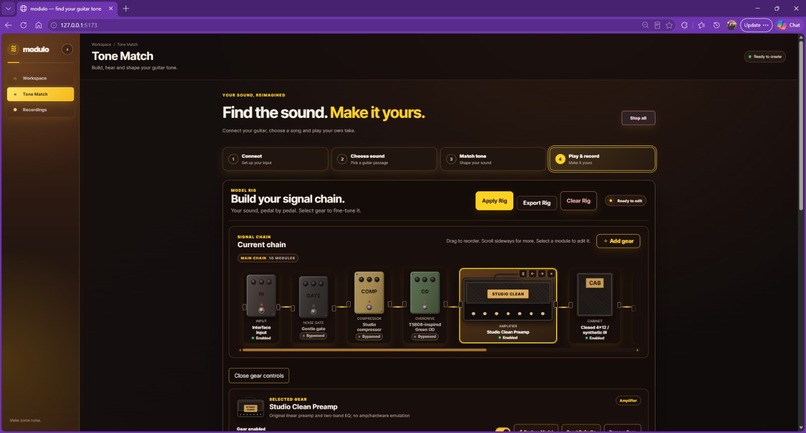
Play and record: a visual pedal, amplifier and cabinet chain with editable gear settings.
Inspiration
A guitar sound is more than a list of pedals. It comes from how the player, amplifier, cabinet and effects interact.
When you hear a tone you love in a song, recreating it usually means searching for equipment lists, watching tutorials and adjusting settings by trial and error. Even finding the original equipment does not tell you how to set it for your own guitar.
We built modulo around a question: could you choose a guitar passage from a song and turn it into a practical, editable starting rig that you can play through in your browser?
What it does
modulo connects reference listening, AI-assisted rig creation and live guitar processing in one workflow:
- Connect your guitar. Choose an audio-interface input and capture a short, clean calibration.
- Choose your sound. Upload a song you have permission to process, separate its guitar and backing tracks, and confirm a reference passage.
- Match the tone. Generate a chain of supported gear models with individual parameter values. Local rendering then refines the proposal against measured audio features.
- Play and record. Review and apply the rig, adjust its controls, play alongside the backing track and record your performance.
The rig editor supports adding, replacing, bypassing and reordering gear. Each model exposes its own implemented controls: a simple distortion pedal can have two knobs, while a high-gain amplifier offers a different set of adjustments.
We also added experimental full-song guitar tablature with tuning and capo options, downloadable outputs and backing-track practice playback.
How we built it
The frontend uses React, TypeScript and Vite, with a Python/FastAPI backend coordinating uploads, separation jobs, reference selection and model requests.
Demucs runs on Modal GPUs to separate the song into guitar and backing audio, allowing the application to work on laptops without a dedicated GPU.
For rig generation, NVIDIA Nemotron through Nebius Token Factory receives measured source and reference descriptors alongside a catalog of supported gear and parameters. The model proposes explicit settings rather than selecting a named factory preset. Both the backend and browser validate the result before it can reach the audio engine.
The browser engine uses Web Audio and AudioWorklet processing. Bounded local refinement renders candidate settings, compares audio features and checks a separate development excerpt before retaining a change. This stage runs on the laptop CPU and makes no additional AI requests.
For experimental tablature, a separate Modal worker runs Spotify Basic Pitch with ONNX Runtime CUDA, followed by bounded string-and-fret assignment.
Challenges we faced
One major challenge was connecting AI suggestions to processing that actually exists. A convincing description or realistic-looking knob is not enough: every exposed parameter needs a working DSP mapping.
Another was evaluating sound fairly. Louder output can seem better, and different notes, pickups, playing techniques and separation bleed can distort comparisons. We introduced level-aware comparisons, separate validation excerpts, original-proposal recovery and output protection.
Real-time audio also brought lifecycle challenges: input permissions, channel routing, cancellation, switching projects, recording cleanup and keeping live guitar and backing playback active together.
Shared cloud resources required durable attempt counters, bounded requests and clear failure states. During testing, an exhausted separation allowance reinforced the importance of treating cost controls as part of the product.
What we learned
We learned that AI rig generation and convincing tone matching are separate problems. Structured model output can provide a useful starting point, but audible quality still depends on DSP, calibration, validation and human listening.
We also learned that model-specific controls should describe real capabilities, and that browser audio needs careful state management beyond simply connecting processing nodes.
What’s next
Our priorities are physical-interface testing, resolving feedback and latency issues, improving clean-tone consistency and evaluating more varied recordings.
modulo currently offers an editable approximation—not exact equipment identification or a guarantee of identical tone. We want to make the path from “I like that sound” to “I can play through a useful version of it” more accessible.

Log in or sign up for Devpost to join the conversation.