Inspiration
The modern browser is built for access, not intention. A student opens their laptop to study and ends up switching between class materials, messages, shopping tabs, and random videos. A professional sits down to work, but their browser offers the same unlimited environment for deep work, social checking, and distraction. Existing website blockers try to solve this by blacklisting “bad” websites, but that approach is rigid, reactive, and often disconnected from how people actually work.
We wanted to build something more personal and more flexible: a system where users define their own internet rules. Instead of deciding what should be blocked for everyone, we wanted to let each user build a focused online environment around their specific goal. That idea became ModeLock.
What ModeLock does
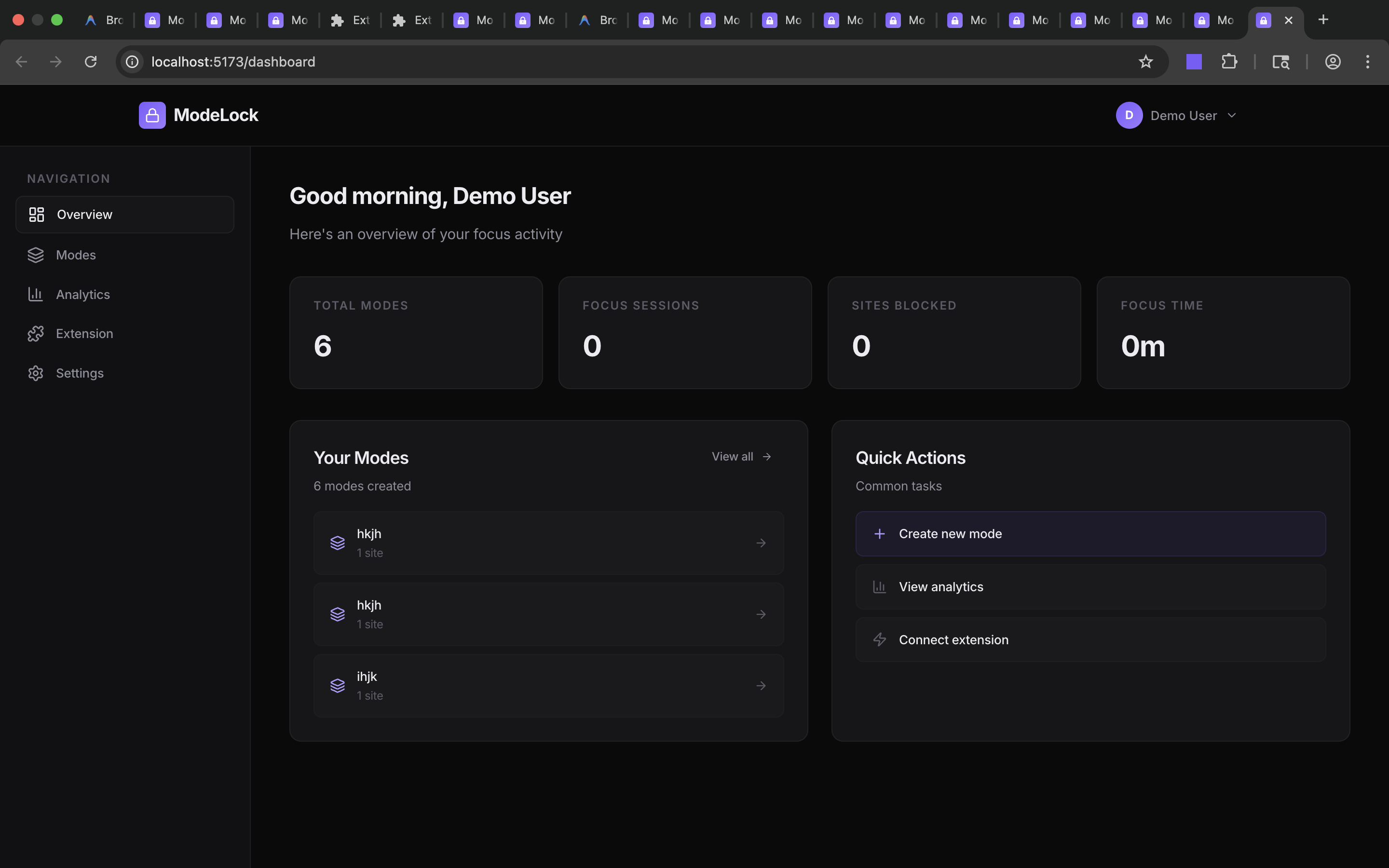
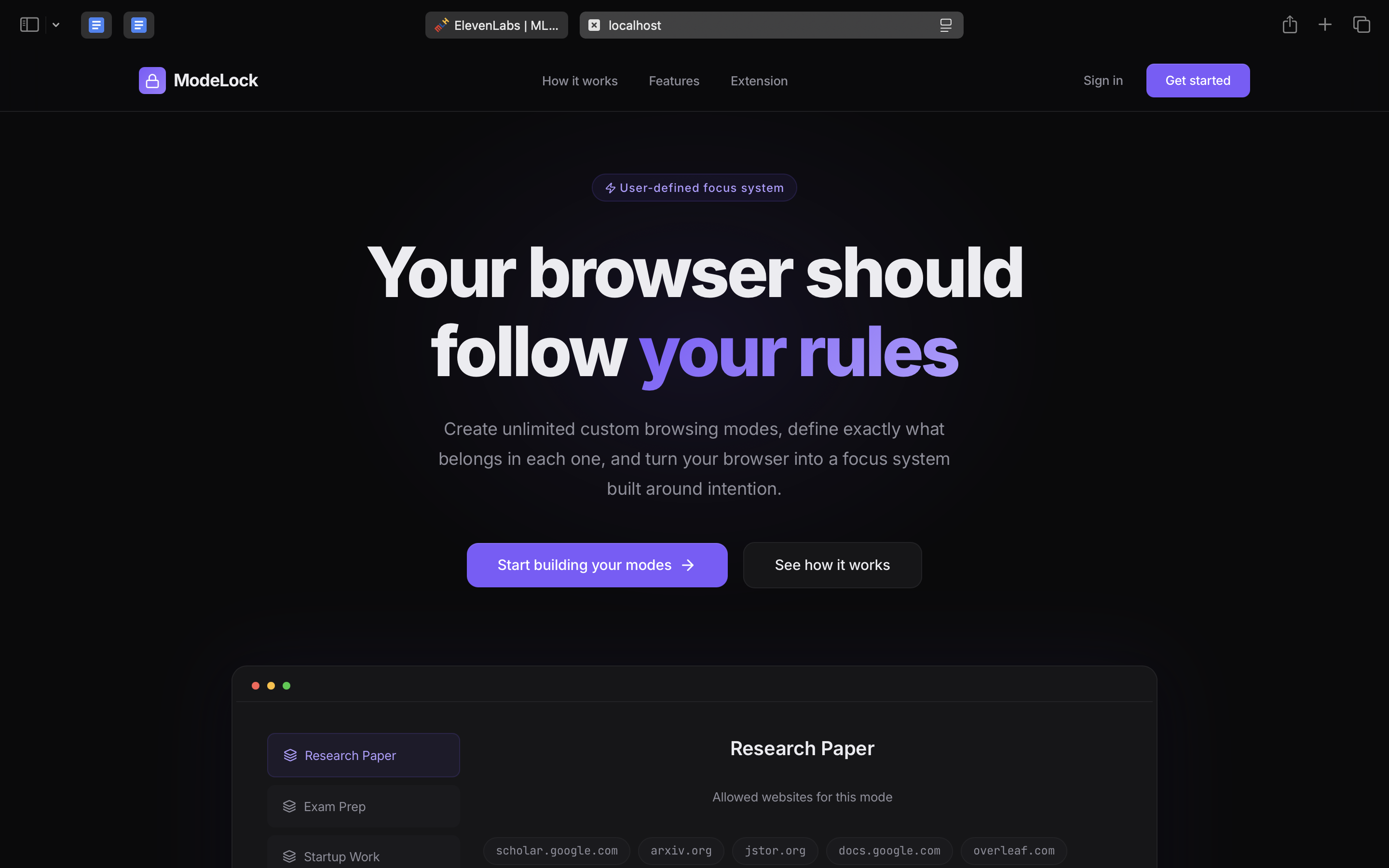
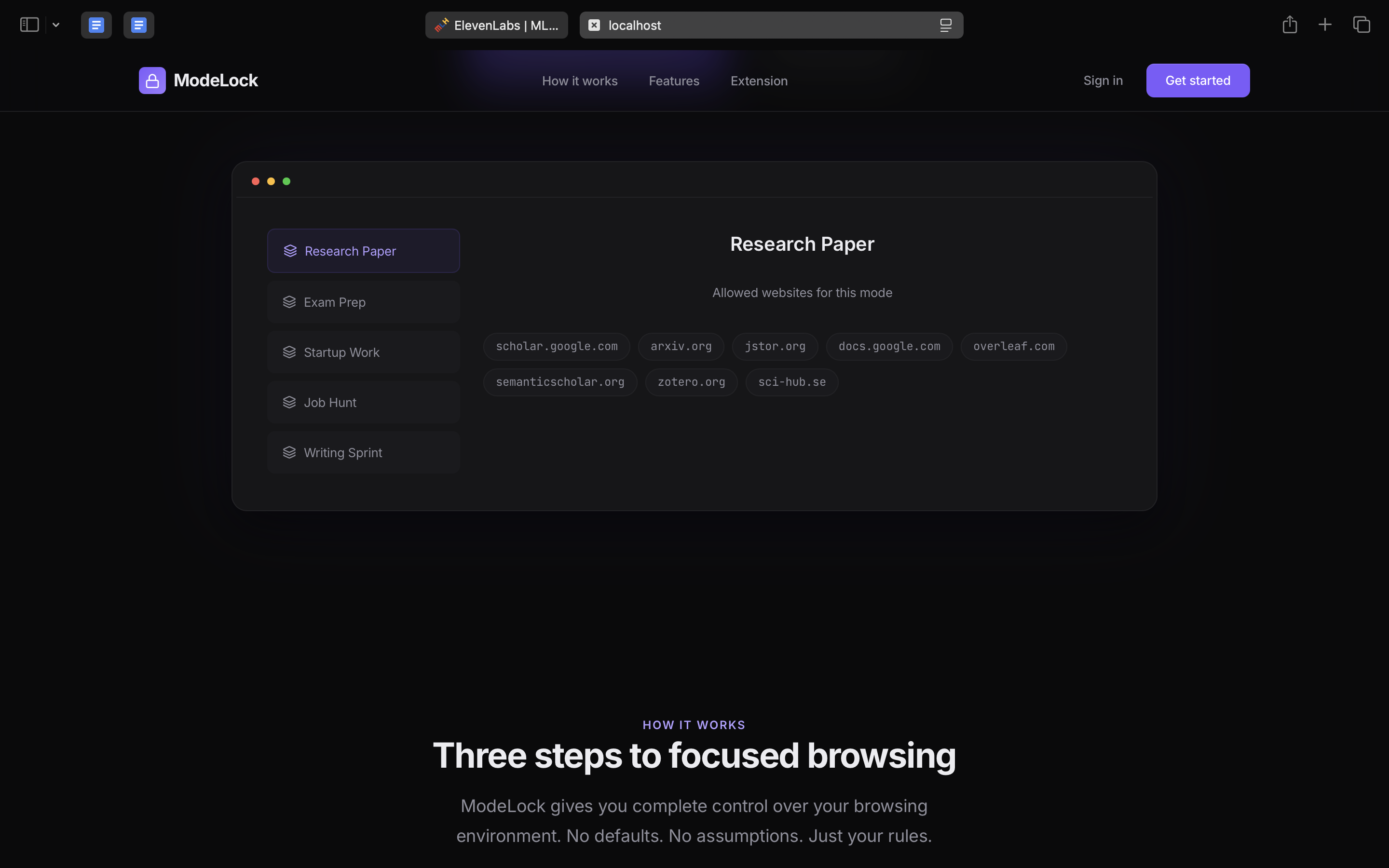
ModeLock is a focus platform built as a web app connected to a browser extension. It allows users to create unlimited custom modes based on the task they want to complete, such as writing, studying, research, job applications, or deep work.
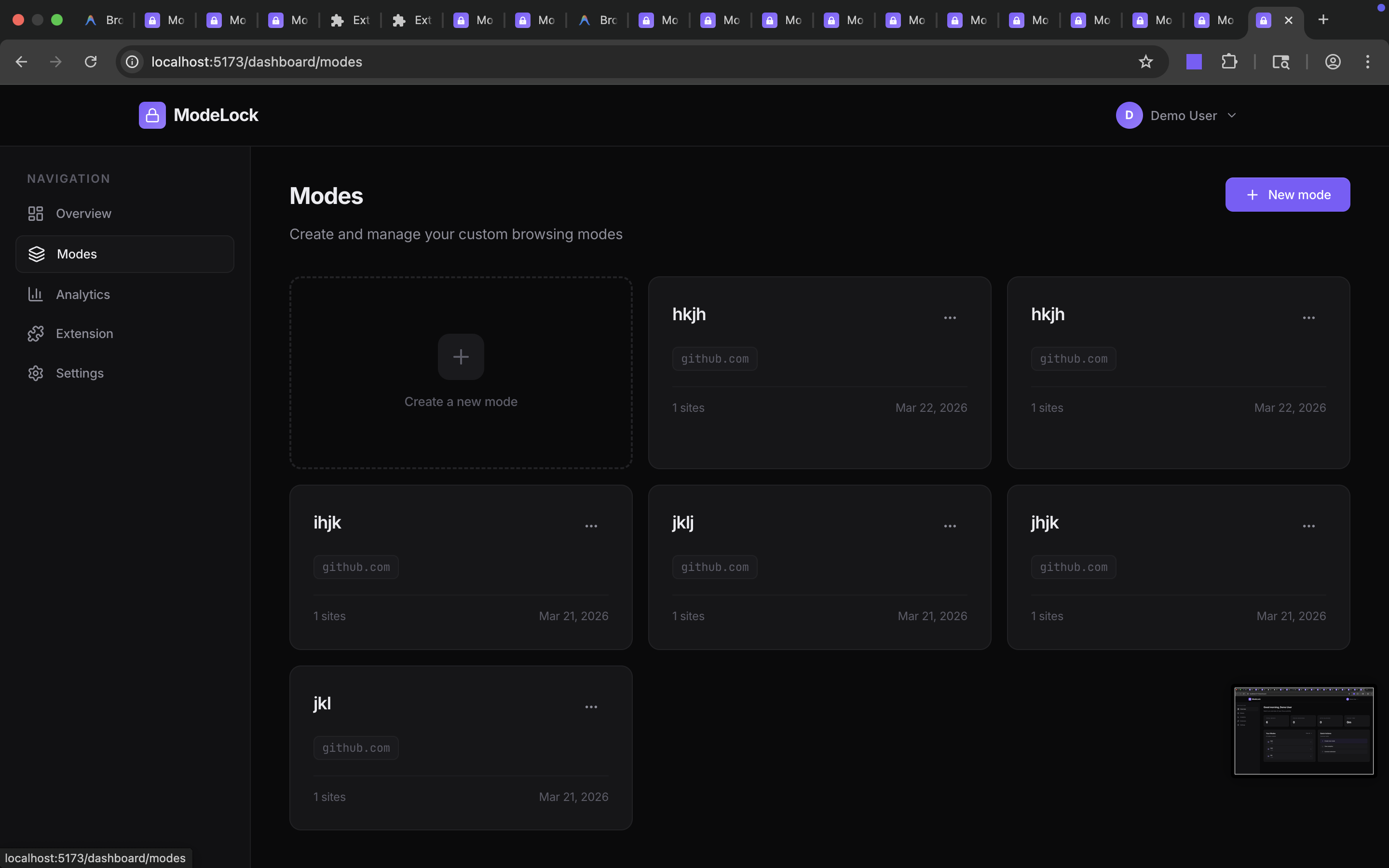
Each mode is fully user-defined. The user chooses the mode name, purpose, and the exact websites or links that should remain accessible during that session. There are no default blocked websites, no preset modes, and no assumptions about what counts as productive or distracting. When a mode is activated, the browser extension monitors the user’s current tab and allows access only to the websites included in that selected mode. All other websites are blocked until the session ends.
Instead of fighting distraction one website at a time, ModeLock turns the browser into a controlled environment aligned with the user’s original intention.
How we built it
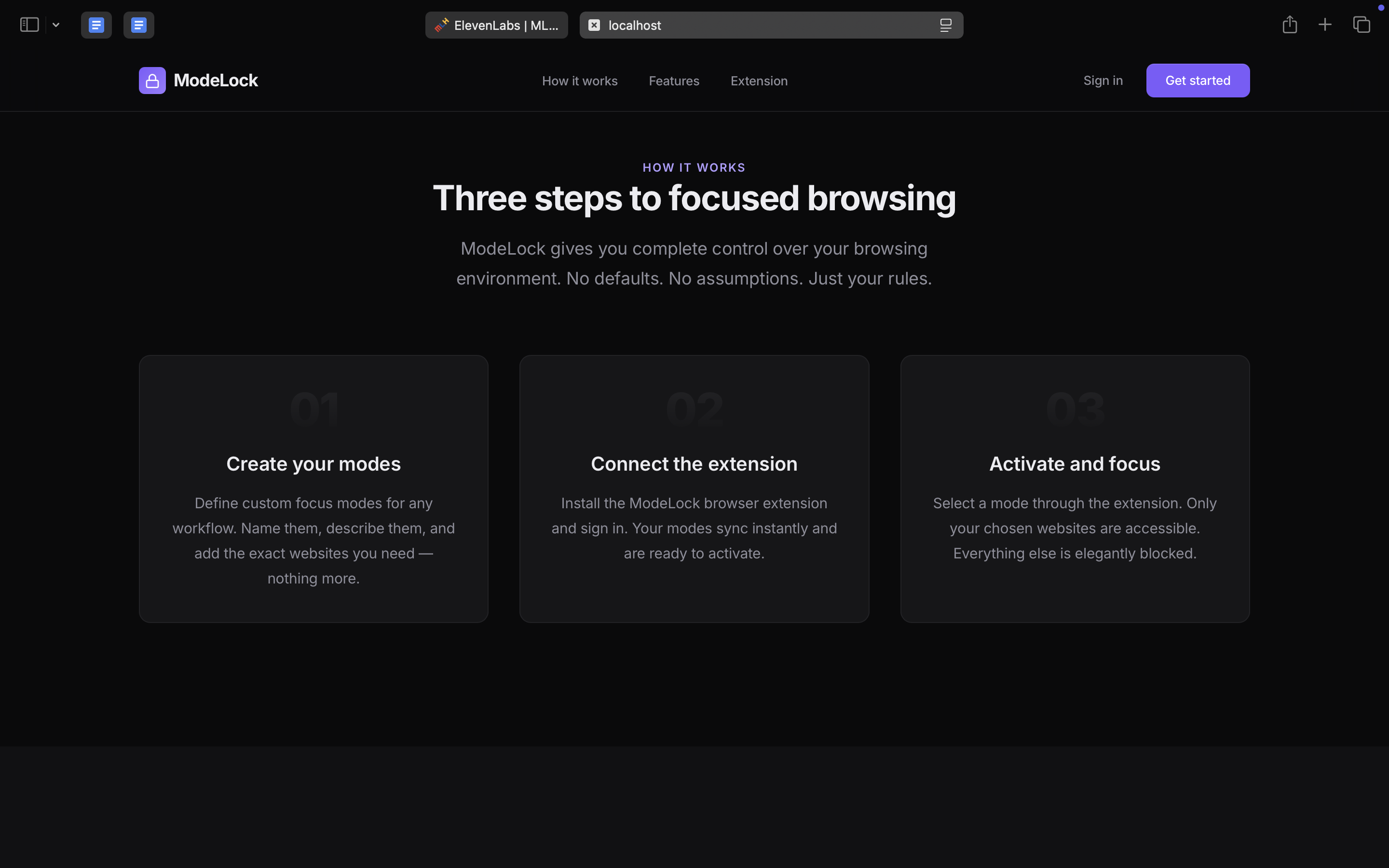
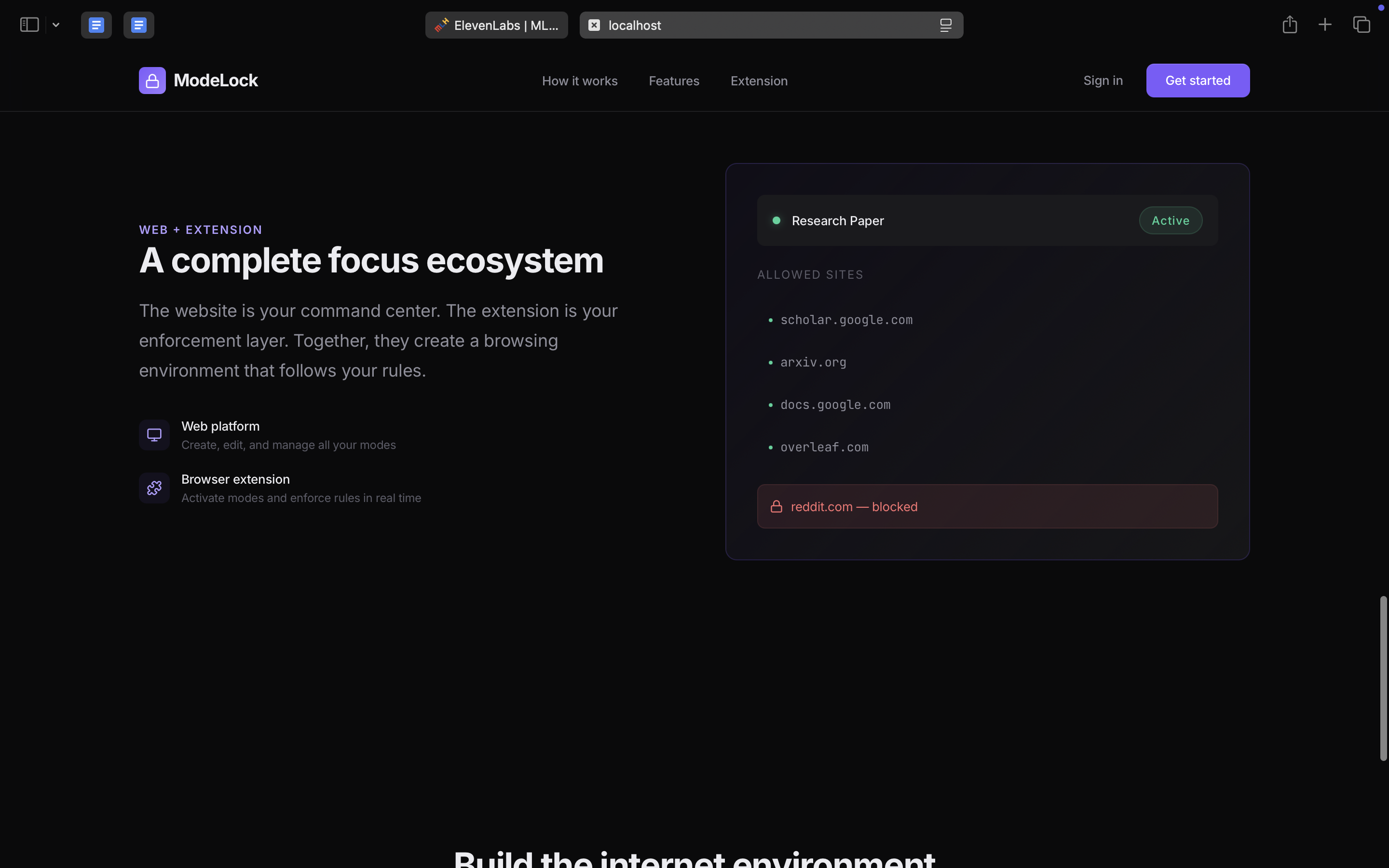
We designed ModeLock as a two-part system: a premium web platform for setup and account management, and a browser extension for real-time enforcement.
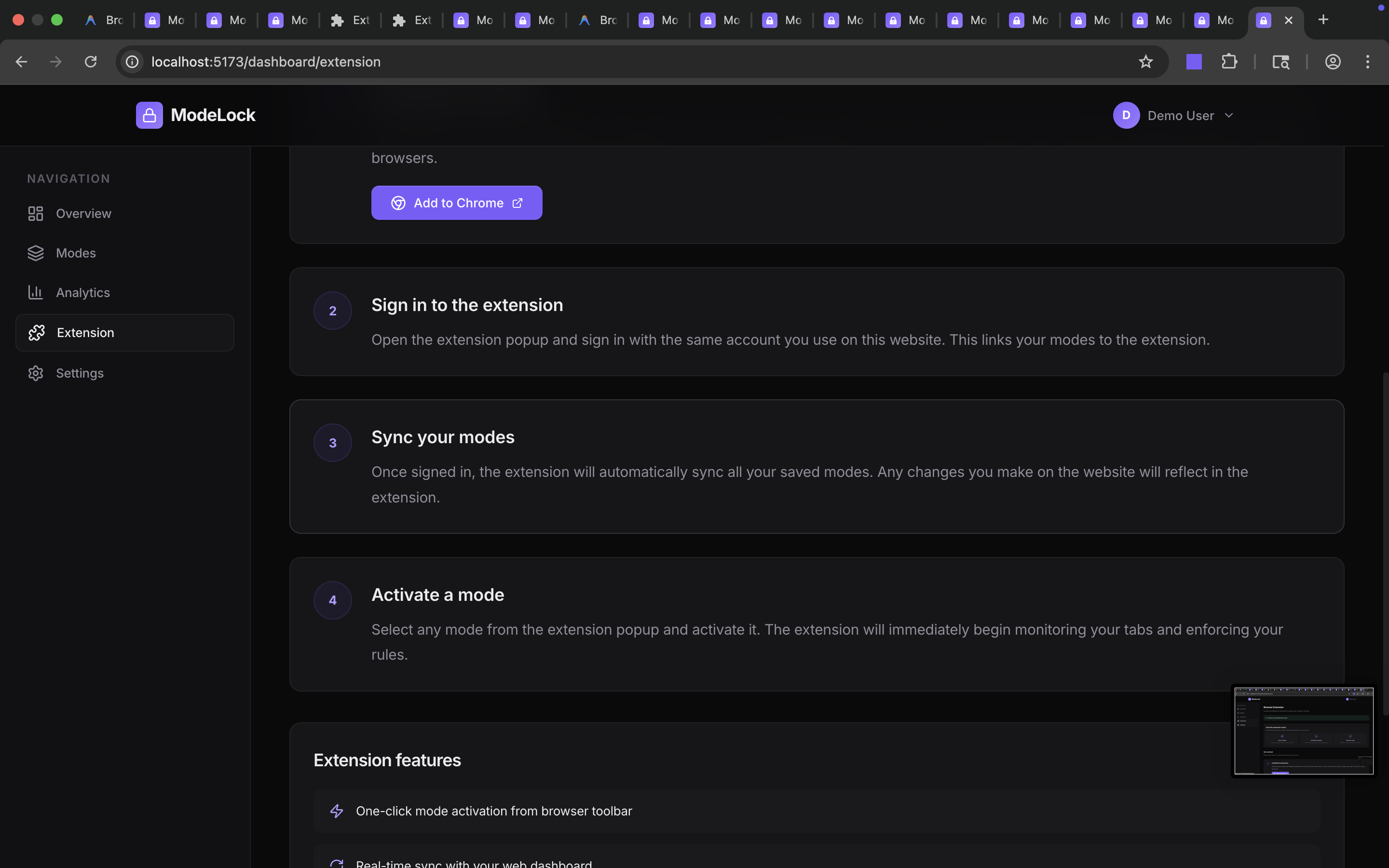
Mode Management Web App: We built a clean dashboard where users can sign in, create unlimited custom modes, edit them, and manage the exact domains or URLs allowed in each one.
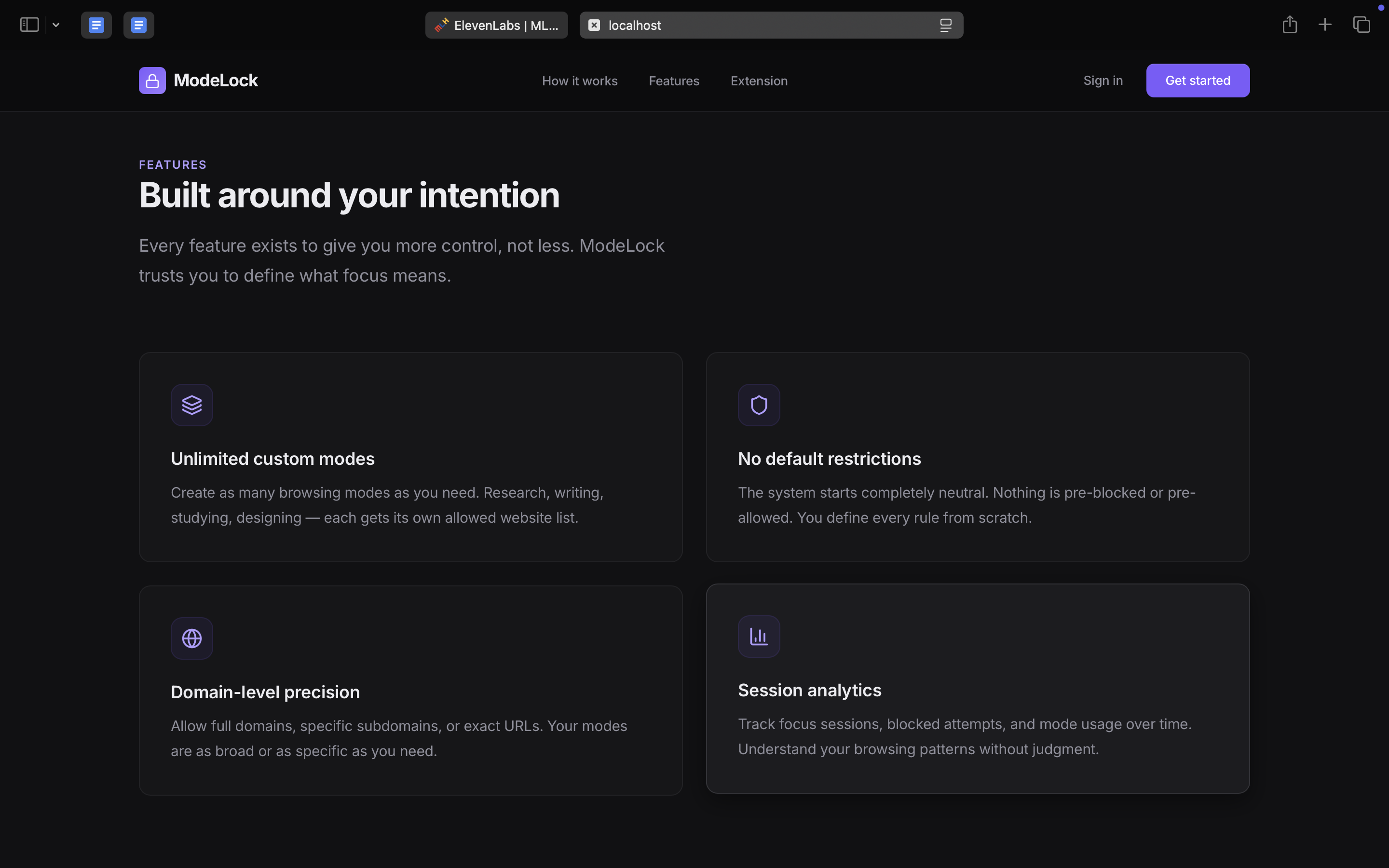
Custom Mode Architecture: We designed the product to be fully neutral by default. Rather than shipping preset study/work templates or built-in blacklists, every mode is created manually by the user, making the system flexible across very different workflows.
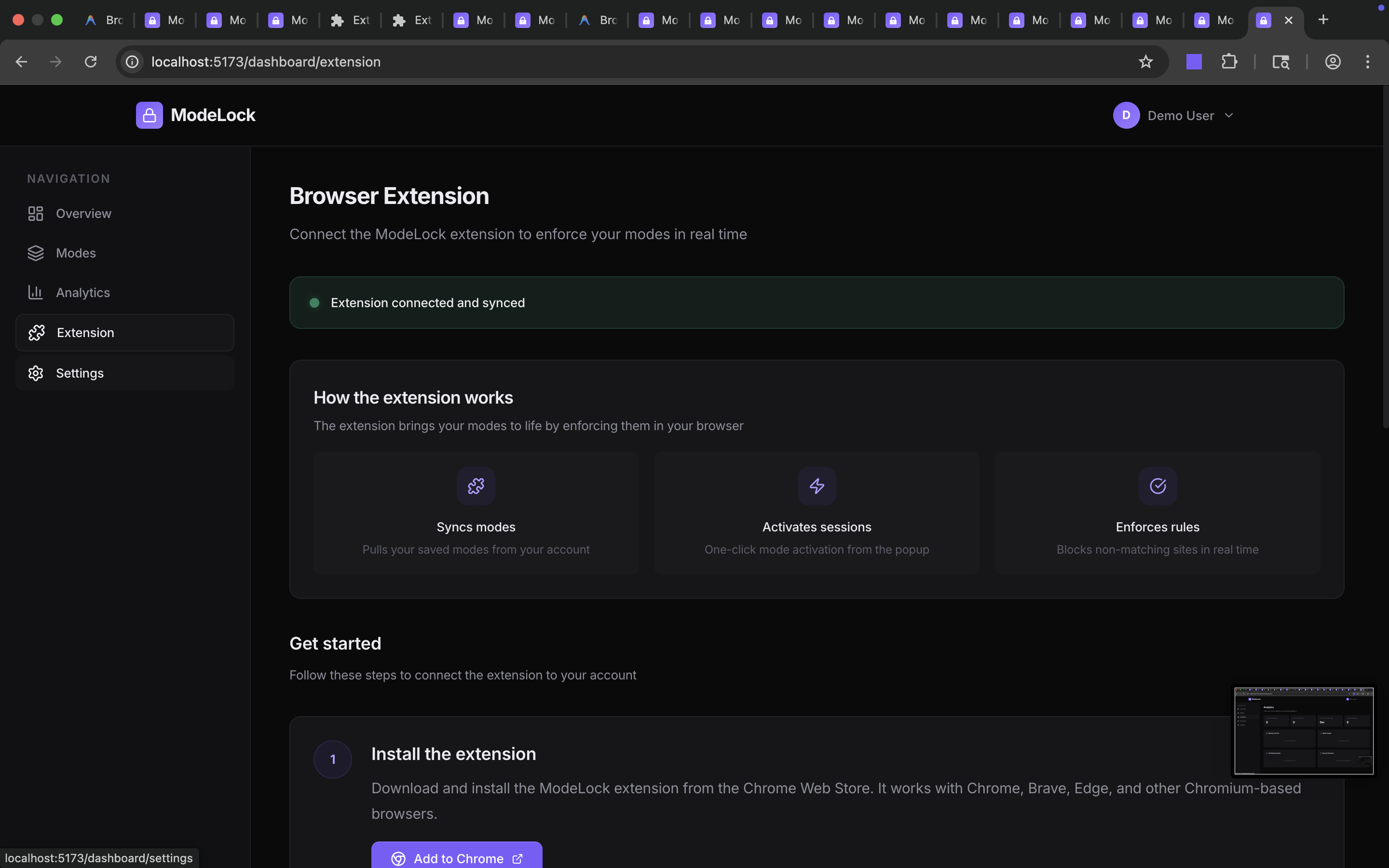
Browser Extension Enforcement Layer: We built the extension to activate one selected mode at a time, monitor browser navigation, read the active tab URL, compare it against the active mode’s allowed websites, and block any non-matching destination in real time.
URL Matching and Session Logic: We implemented logic for storing user-defined allowed links, synchronizing the active mode state, and enforcing browsing rules throughout the session.
Blocked Page Experience: Instead of a harsh error page, we designed a clean interruption screen that reminds the user which mode is active and why a website is unavailable.
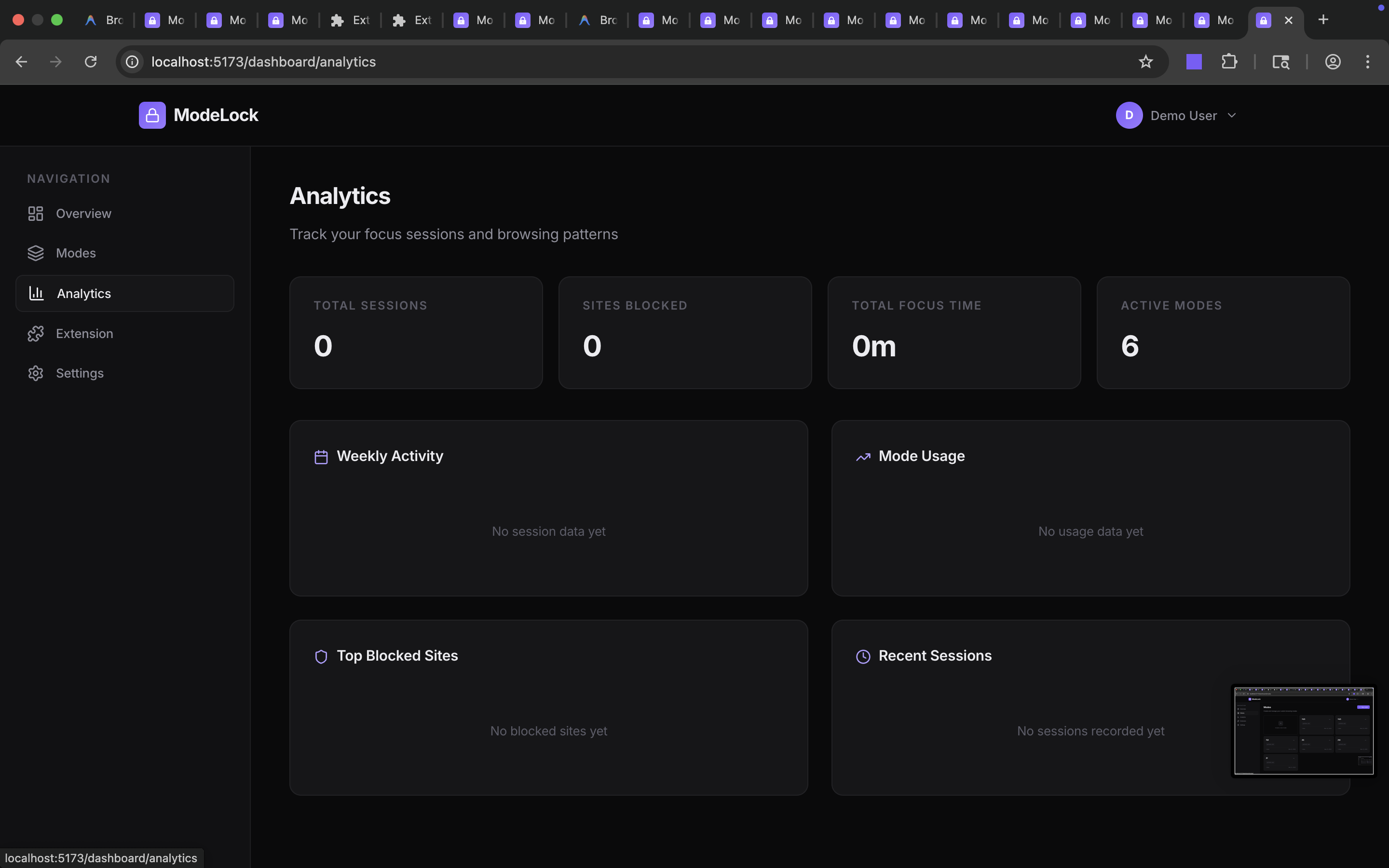
Analytics and Session Tracking: We also structured the product to track focus sessions, blocked attempts, and mode usage patterns so users can better understand how they work online.
Challenges We Ran Into
Our biggest challenge was designing a system that felt strict enough to be useful without becoming rigid or frustrating. The product had to give users real control over their browsing while still staying simple and elegant to use.
We also had to think carefully about the line between the web app and the extension. The website is where the user creates and manages modes, but the extension is the part that actually enforces those rules in real time. That meant we needed a clean architecture for syncing user-defined modes, preserving active session state, and making the enforcement feel seamless.
Another challenge was product philosophy. Many focus tools immediately assume that certain websites are always distracting, but that breaks down quickly in real life. A site like YouTube may be essential in one session and disruptive in another. Building ModeLock as a fully neutral system with zero default assumptions made the product much more powerful, but it also required more careful UX design.
Accomplishments that we're proud of
We’re proud that we built ModeLock around a stronger idea than a simple website blocker. Instead of creating another blacklist-based productivity extension, we created a system where users define their own focus environments from scratch.
We’re also proud of the product direction itself: a web app plus extension architecture that feels like a real startup product instead of a one-page hackathon prototype. The experience is user-controlled, clean, minimal, and intentional. We especially like that the product does not try to tell users what their goals should be. It simply gives them the tools to structure the browser around those goals.
What we learned
We learned that the hardest part of productivity software is not just technical enforcement; it is designing around human behavior. A product like this has to balance freedom, structure, flexibility, and friction all at once.
We also learned how important product boundaries are. A normal website cannot control browsing behavior across tabs on its own, which made the extension architecture essential. That pushed us to think more seriously about browser APIs, state synchronization, and what a complete system looks like when the product spans both a web dashboard and a real-time extension layer.
What's next for ModeLock
Next, we want to make ModeLock more powerful without losing its simplicity. We plan to improve URL matching, support more precise rules for domains and specific links, and expand the analytics experience so users can better understand their browsing habits over time.
We also want to improve the connection between the dashboard and the extension, making activation smoother and session management more seamless. Longer term, we see ModeLock becoming a full “operating system for browser intention” — a tool that helps people shape the internet around the work they actually want to do, instead of constantly reacting to distraction.
Built With
- api
- chrome
- css
- elevenlabs-api
- firebase
- firebase-hosting
- firestore-database
- google-web-authentication
- javascript
- manifest-v3
- manifestv3
- node.js
- react
- tailwind

Log in or sign up for Devpost to join the conversation.