-
-
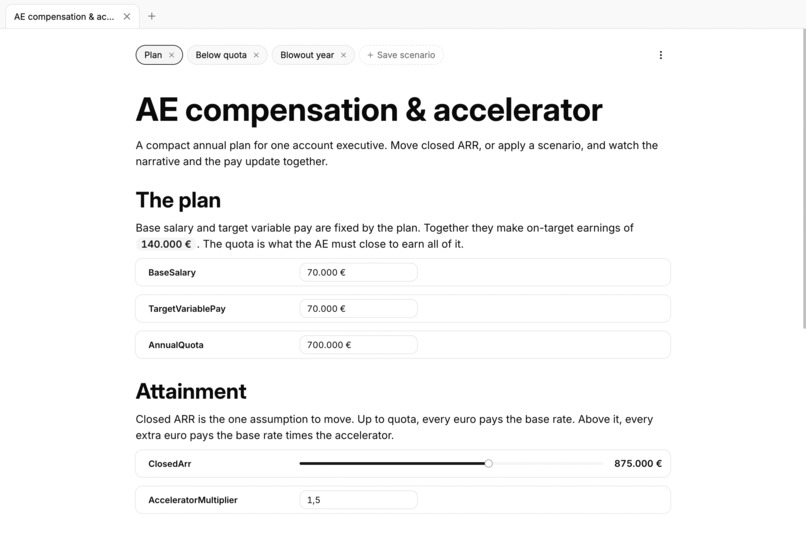
Notebook Page
-
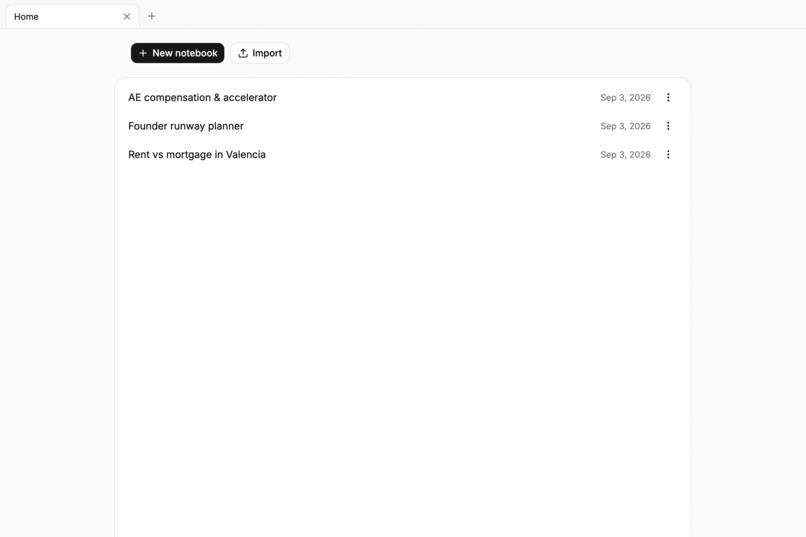
Homepage
Inspiration
Modelo is directly inspired by Decipad, a product I worked on in the past. At the time, LLMs were far less advanced, and few products had useful AI features. The project did not work out, but I always believed it was a great idea that needed agentic collaboration to feel complete. For this challenge, I rebuilt a minimal version of it.
What it does
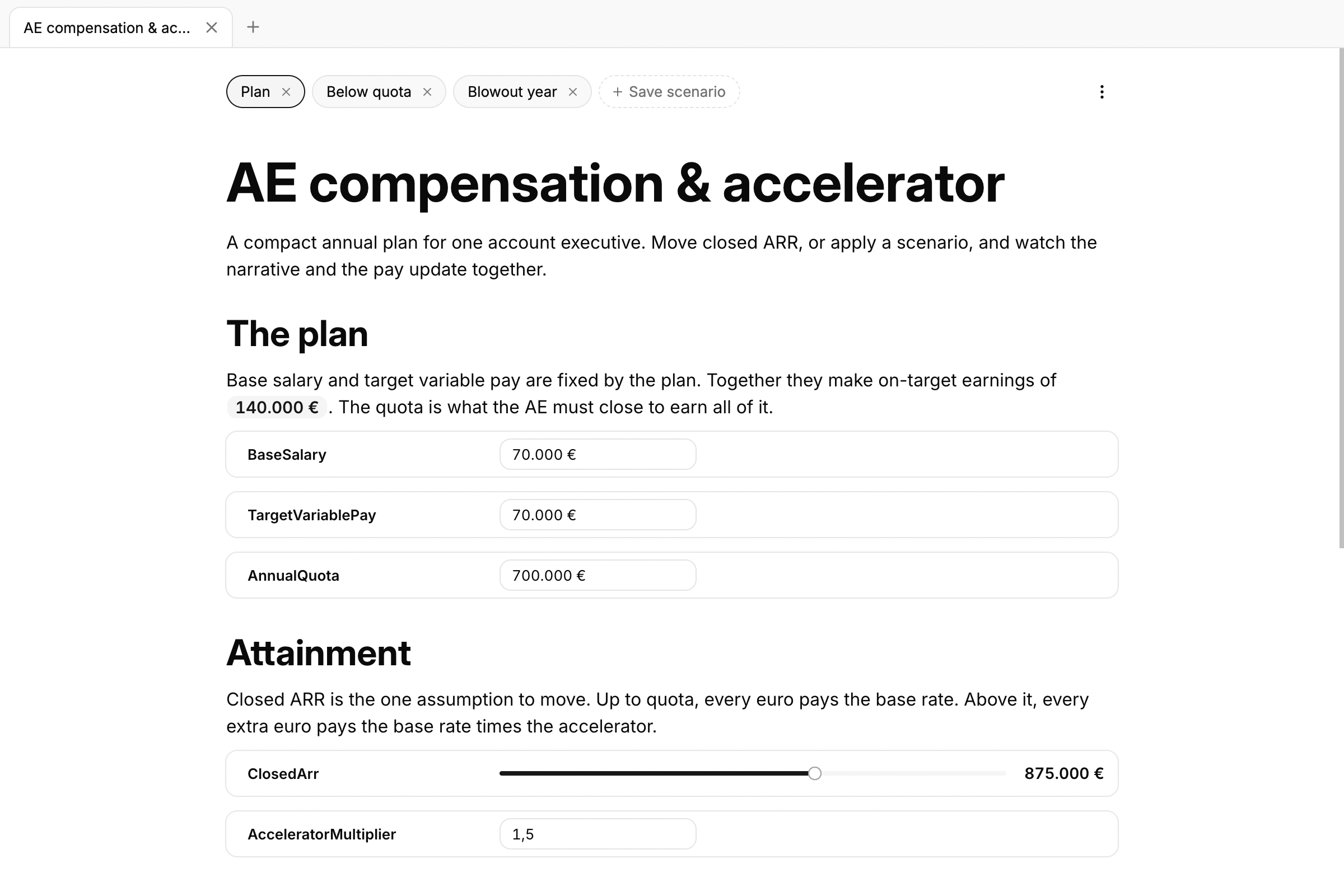
Modelo is a local-first notebook. You can write prose with headings, paragraphs, and lists, as in any other rich-text editor. Between paragraphs, you can add model blocks: a number, slider, select, toggle, or formula. Each block declares a named variable.
Typing @ in a paragraph inserts the value as an inline chip that reacts to model changes. This lets you build deterministic, interactive models and add a narrative around them. You can also create and save scenarios with predefined values to compare different outcomes.
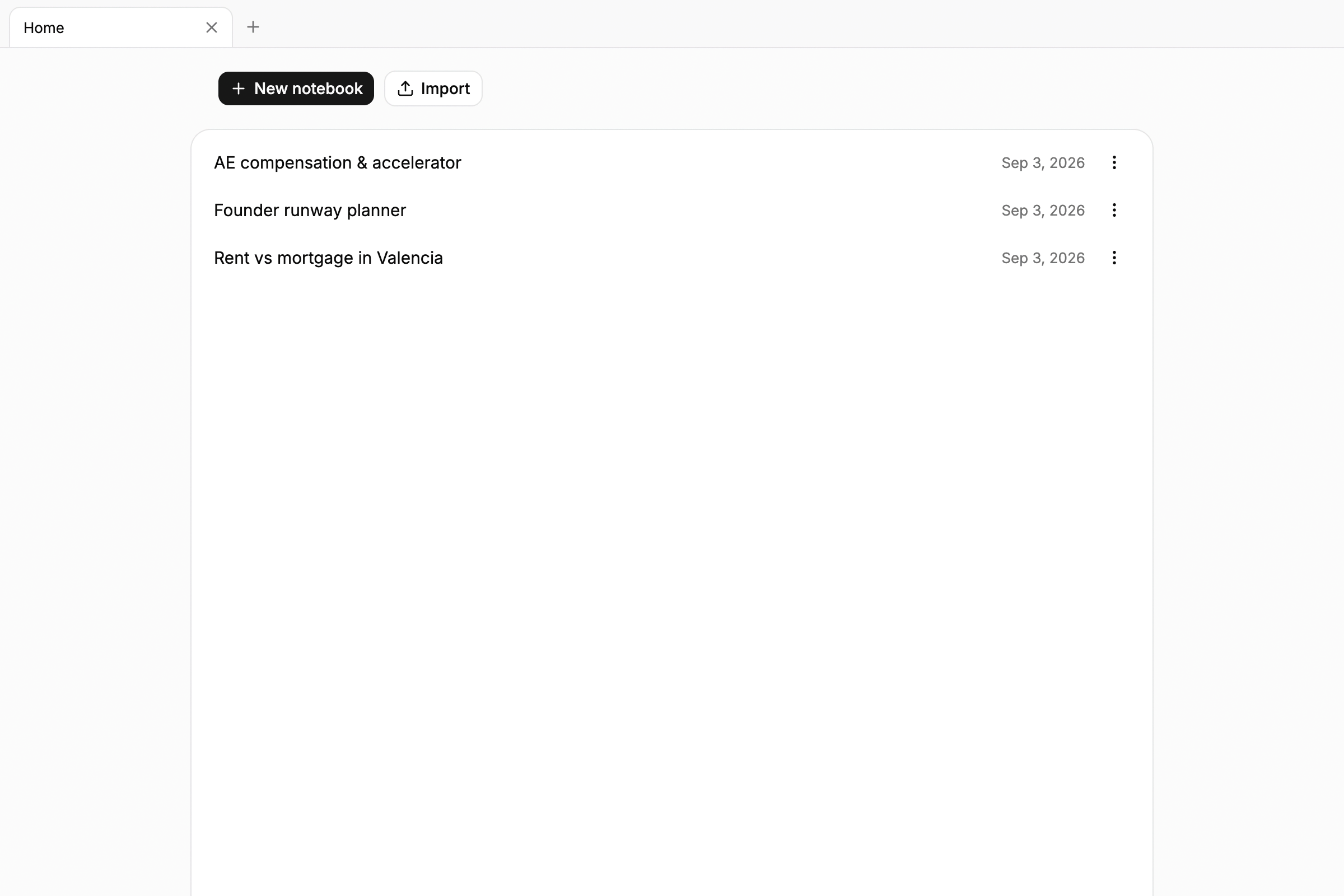
Everything you can do manually is also available through WebMCP tools. An agent can list notebooks, open them, read a model, set an input by name, or rename a variable and update every formula that uses it. Each writing tool reports what changed, what remains broken, and how well the page reads.
How we built it
Modelo uses React 19 and Vite, with no backend. BlockNote provides the editor and acts as the only source of truth. The document you see is the same document that the tools edit. MathJS evaluates the formula graph based on its dependencies, while Zod validates every argument at the boundary.
WebMCP registration uses Chrome’s use-webmcp-tool hook. A single table in src/webmcp/tools.ts defines all 23 tools: their names, scopes, Zod schemas, descriptions, and run functions. The React layer loops through the table and registers each tool with document.modelContext.registerTool. The interface buttons call the same runTool function that the agent uses.
Challenges we ran into
Currency algebra was difficult. Registering each currency as a separate MathJS unit makes mixed-currency formulas return an error. In the future, we would like to add FX rates to support currency conversion. More generally, units require careful handling and many design decisions.
Agent-written prose was another challenge. By default, agents focus on building the model rather than creating a clear and visually appealing narrative. I added sections to the tool calls to improve this. A section is more than a set of blocks: its paragraphs can mention variables that do not exist yet. The section tool resolves @names against variables declared in the same call, so a sentence can reference a formula that appears later.
Accomplishments that we’re proud of
I created one portable format for seeds, storage, exports, and agent payloads. The application is highly testable. Most importantly, a person and an agent can edit the same paragraph without either needing to know who made the previous change.
What we learned
A tool should always report what it changed. Without this feedback, agents make more mistakes than they should. The mutation report became the most useful information an agent receives.
I also learned that tool descriptions are prompts. Two sentences explaining when to use write_section instead of insert_blocks changed agent behavior more than any schema did.
What’s next for Modelo
Next, I want to support sharing notebooks by link, which will require a small backend. I also want to add charts as a block type, so users can see scenario comparisons as well as read them. Other ideas include importing spreadsheet ranges as inputs and building a richer unit system that can convert values instead of only formatting them.
Built With
- blocknote
- react
- tailwind
- typescript
- webmcp
- zod

Log in or sign up for Devpost to join the conversation.